Tidebone Rope & Chain – Procedural Rope and Chain Generator (Geometry Nodes)
 Tidebone Studio
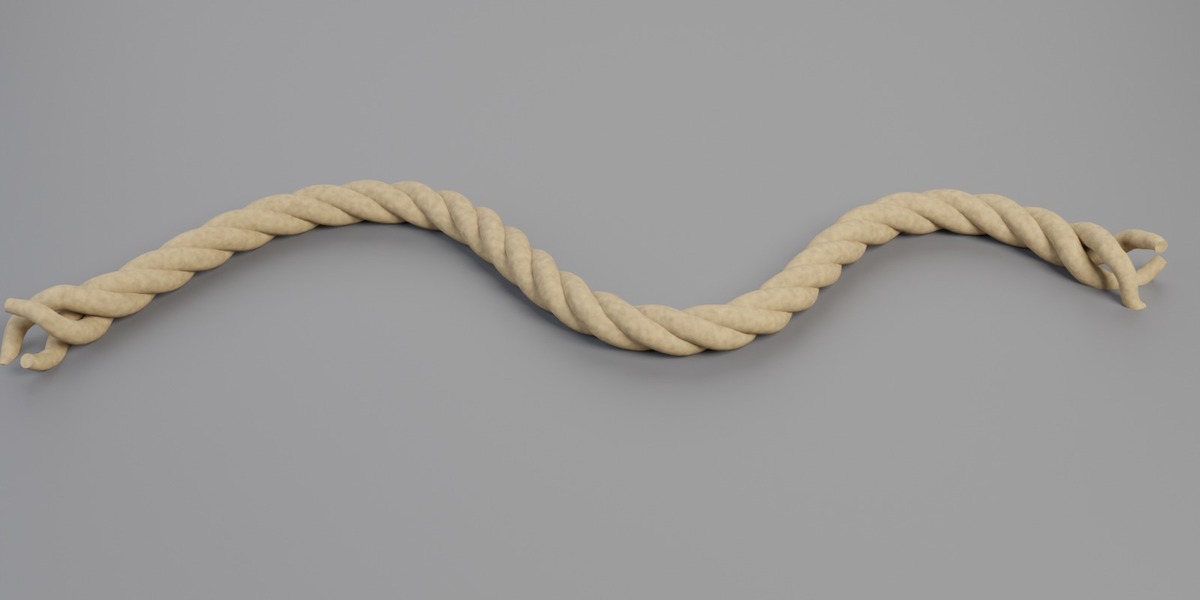
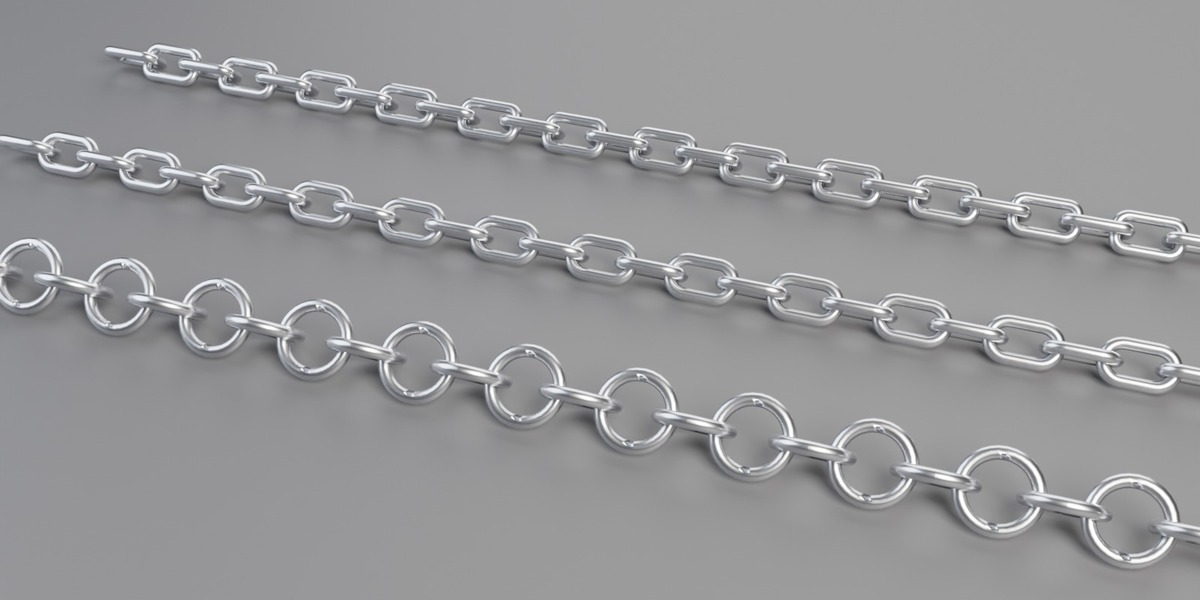
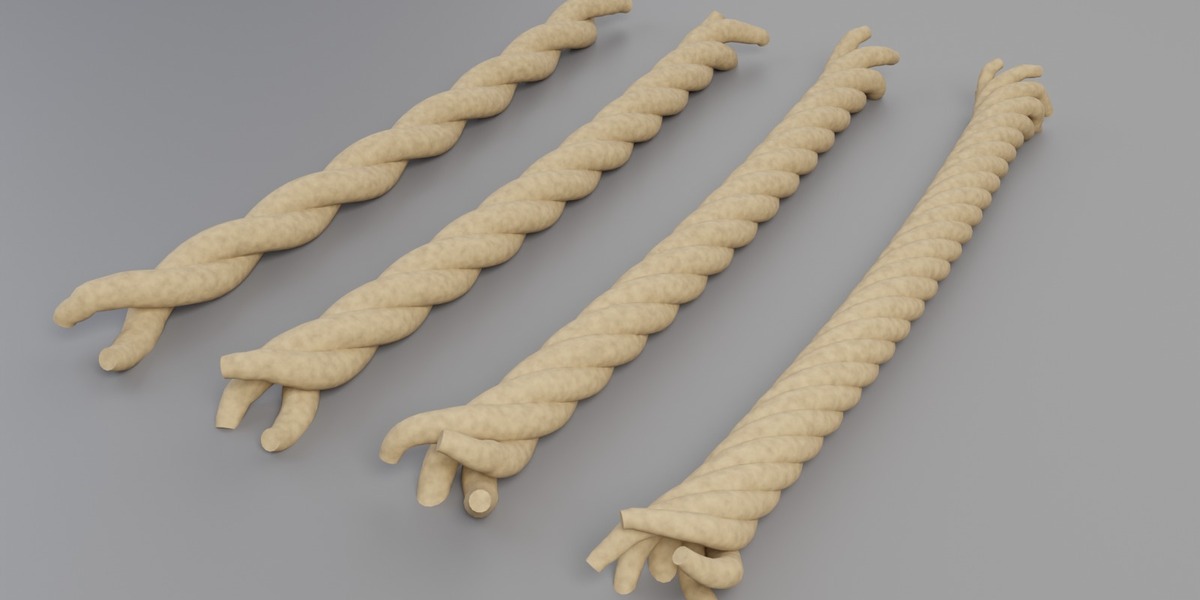
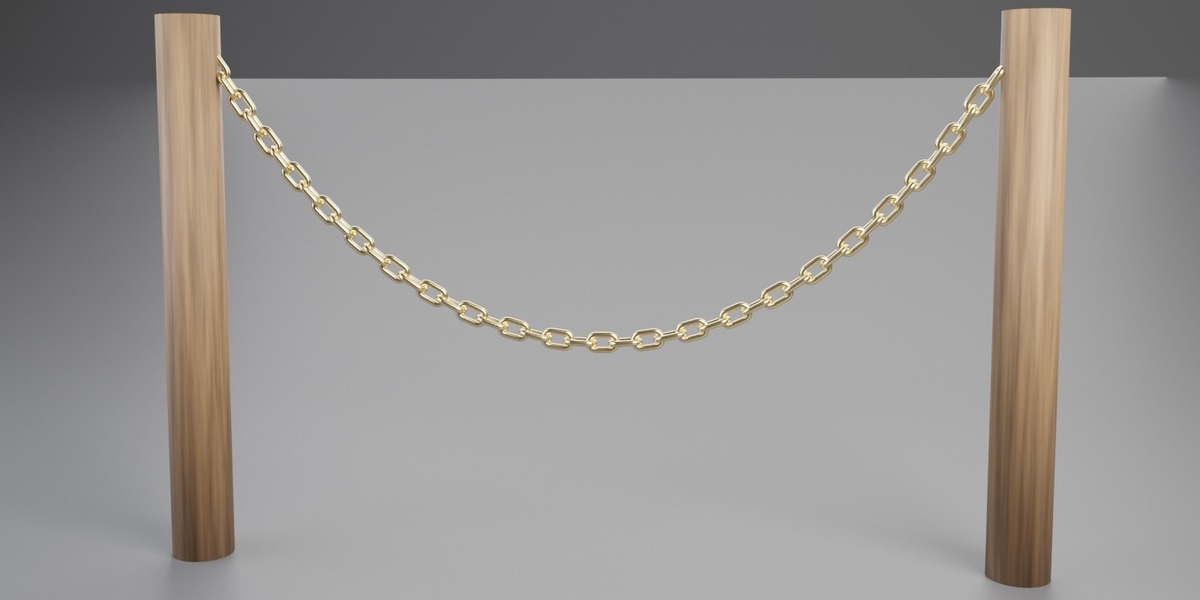
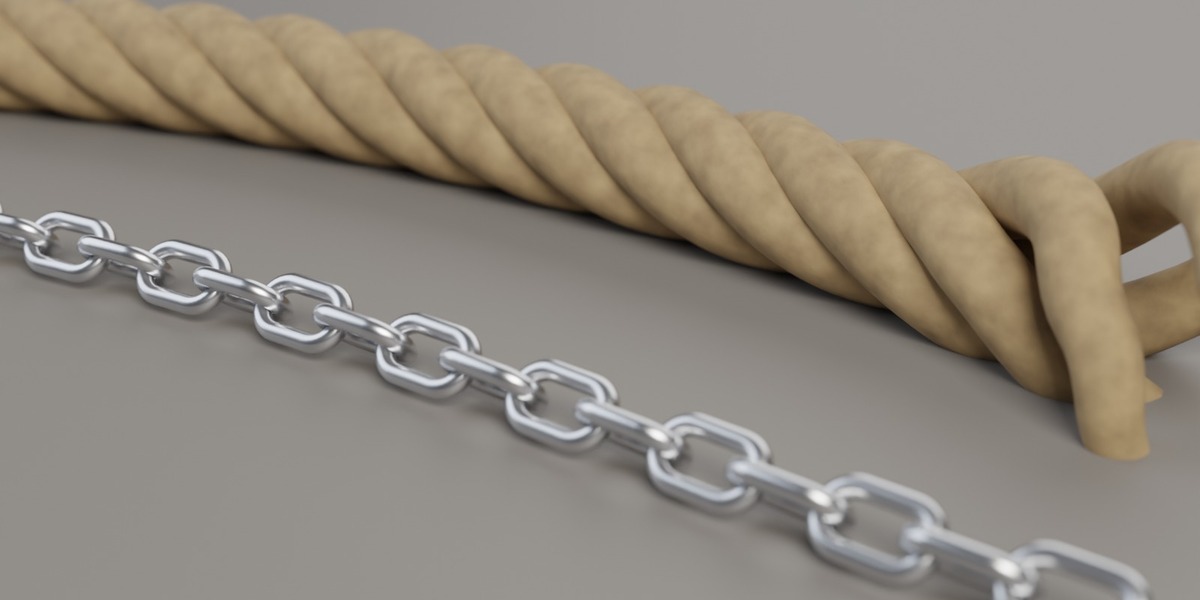


Requirements
- Blender 4.2 LTS or newer. Tested headless with 4.2.23 LTS, 4.5.14 LTS and 5.2.1 LTS (identical vertex/face counts in all three versions).
- No add-ons, no external textures, no Python.
What's in the package
| File | Content |
|---|---|
tidebone_rope_chain.blend |
Node group "Tidebone Rope & Chain" (marked as asset), two materials (Tidebone Rope, Tidebone Chain Metal), one demo curve |
blender_assets.cats.txt |
Asset catalog Tidebone / Curves (keep it next to the .blend) |
tidebone_rope_chain_demo.blend |
Render-ready demo scene (camera, lights, rope wrapped around a post, two chains) – open it and press F12 |
README.md, LICENSE.txt
|
This file, license |
Installation
Option A – Asset Browser (recommended)
-
Edit > Preferences > File Paths > Asset Libraries → + → choose the folder that contains
tidebone_rope_chain.blend. - In any file: open an Asset Browser, select that library, catalog Tidebone / Curves.
- Drag Tidebone Rope & Chain onto a curve object (or add a Geometry Nodes modifier and pick the node group from the list).
Option B – Append
File > Append → tidebone_rope_chain.blend → NodeTree → Tidebone Rope & Chain. Then add a Geometry Nodes modifier to a curve object and select the group.
Usage
Add the modifier to a curve object (Bezier, NURBS or Poly; open or closed; any number of splines). The curve's own shape is the input – edit the curve and the rope/chain follows.
General
| Input | What it does |
|---|---|
| Mode | Rope or Chain |
| Resolution | Rope: samples per unit length along the curve. Raise it for high twist values. |
| Profile Resolution | Vertices around each strand / chain wire. Chain links use half of it per corner. |
Rope panel
| Input | What it does |
|---|---|
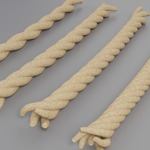
| Strands | 2–12 twisted strands |
| Twist | Full turns per unit length. Negative values flip the lay direction (S/Z lay). |
| Thickness | Overall rope radius |
| Fray Length | Length at each end over which the strands come apart (0 = clean cut) |
| Fray Amount | How far the strands splay at the very end |
| Fray Seed | Different random fray per rope |
| Rope Material | Material slot for the rope |
Closed (cyclic) curves never fray – there is no end.
Chain panel
| Input | What it does |
|---|---|
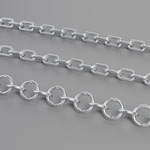
| Link Shape | Round, Oval or Square (rounded corners) |
| Link Size | Outer length of one link |
| Link Width | Outer width relative to Link Size (Oval / Square; Round ignores it) |
| Wire Thickness | Diameter of the link wire |
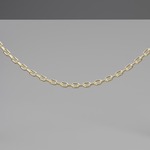
| Alternate 90° | Every second link rotated by 90° – the classic interlocking chain |
| Extra Twist | Extra rotation added per link (spiral chains) |
| Roll | Rotates the whole chain around the curve. 45° lets a chain lie naturally on a floor. |
| Chain Material | Material slot for the chain |
UV panel
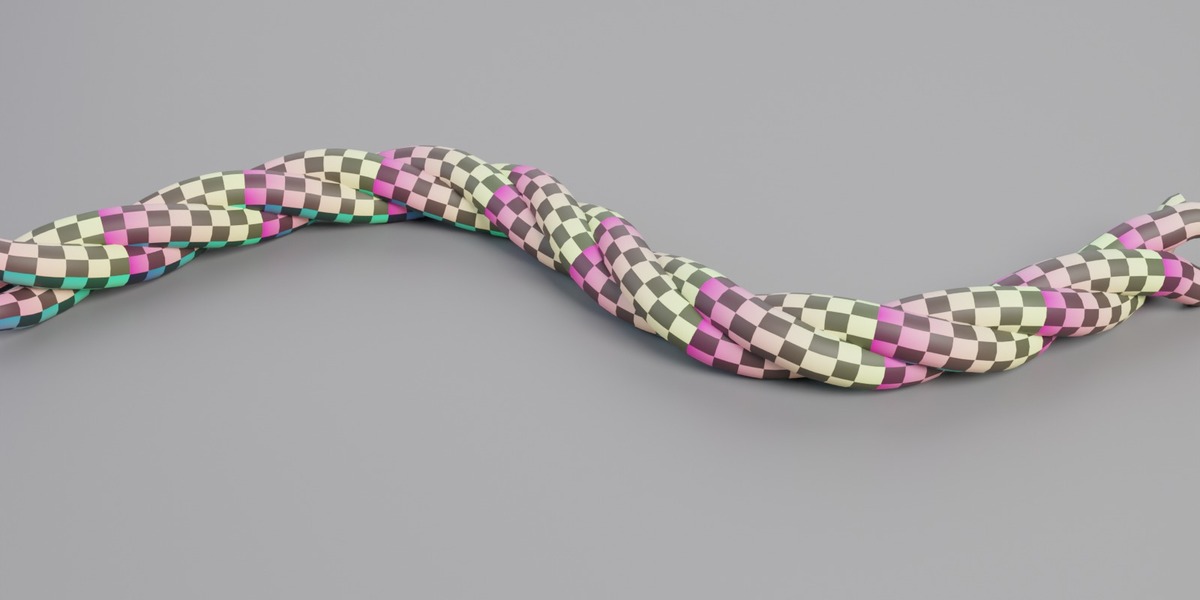
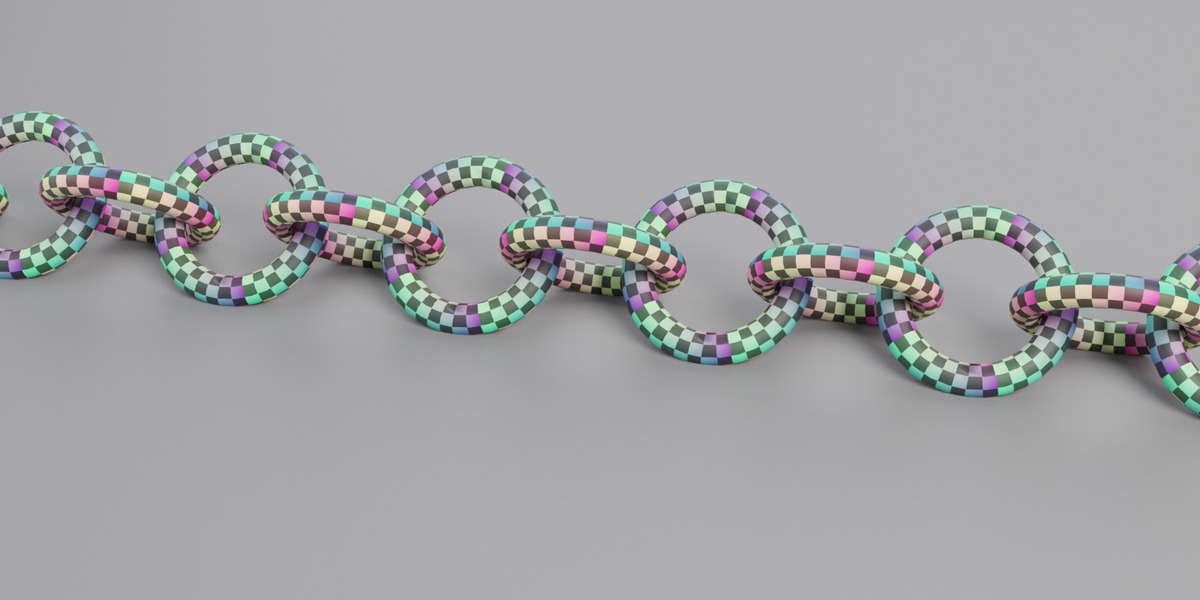
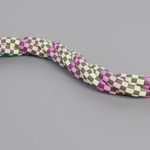
The modifier writes a UV map called UVMap (visible under Object Data > UV Maps, kept when you apply the modifier or export). Image textures work directly; an Image Texture node uses it automatically, or pick it in a UV Map node.
| Input | What it does |
|---|---|
| UV Per Meter | Rope: how often the texture repeats per metre along the curve (V). Default 10. |
| UV Around | How often the texture repeats around each strand / chain wire (U). Default 1. |
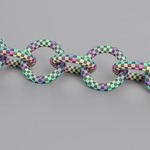
- Rope: U runs once around each strand (0–1, times UV Around), V runs along the curve, measured in metres times UV Per Meter, so the texture keeps its size when the curve gets longer. On closed curves the repeats are rounded to a whole number so the texture meets itself without a seam. The flat end caps get a round UV patch at the same texel density.
- Chain: every link gets the identical layout: U around the wire, V once around the link. V is set automatically so texels are square (same density along and around the wire) and rounded to a whole number of repeats per link, so the closed link has no visible seam. UV Around scales both together; UV Per Meter does not affect chains.
- Tip for the rope: square texels need UV Per Meter ≈ 1 / strand circumference. With the defaults (3 strands, Thickness 0.025) that is about 10–12.
Links are spaced exactly one pitch apart (Link Size − 2 × Wire Thickness), so neighbouring links always interlock. On open curves the chain is trimmed to a whole number of links; on closed curves the link count is rounded to an even number so the alternation closes cleanly.
Polycount guide (measured, 2 m straight curve unless noted)
| Setup | Triangles |
|---|---|
| Rope, 3 strands, Resolution 64, Profile 10 (defaults) | 7,728 |
| Rope, 4 strands, defaults | 10,304 |
| Rope, 12 strands, Resolution 200, Profile 16 | 153,936 |
| Rope, 3 strands, Resolution 4, Profile 3 (game LOD) | 150 |
| Chain, 36 links, Profile 10 (defaults) | 17,280 |
| Chain, 36 links, Profile 32 | 156,672 |
| Chain on a closed circle (r = 1), 112 links, defaults | 53,760 |
Note: rope triangles scale with curve length × Resolution × Strands × Profile Resolution. For real-time use, lower Profile Resolution first – the twist reads well down to 6.
Tips
- Hanging chains / ropes: shape the curve as a sag, or simulate a curve with Blender's hair/cloth tools and use that curve as input.
- Wrapping around objects: draw a spiral curve (e.g. Add > Curve > Spiral in the Extra Objects add-on, or snap a curve to the surface) and use a high Resolution.
- Applying: Object > Apply > Visual Geometry to Mesh (or apply the modifier) gives a normal mesh for export (FBX/glTF/OBJ). Each strand and each link is a separate closed shell.
- Materials: both included materials are procedural (object-space noise) and do not need the UVs; swap in any image-based material and it will use UVMap.
Known limitations (v1.1)
- No built-in physics; the curve defines the shape.
- On chain links the texture compresses slightly on the inner side of tight bends (as on any torus); with Link Shape Square this is strongest at the corners.
Have questions about this product?
Login to message
| Dev Fund Contributor | |
| Published | about 7 hours ago |
| Blender Version | 4.2 - 5.2 |
| Render Engine Used | Cycles |
| License | Royalty Free |

Discover more products like this
uv chain rope procedural Generator curve Cable chain link geometry nodes asset