Tidebone Utility Kit – Procedural Pipes, Scaffolding, Cable Trays & Railings (Geometry Nodes)
 Tidebone Studio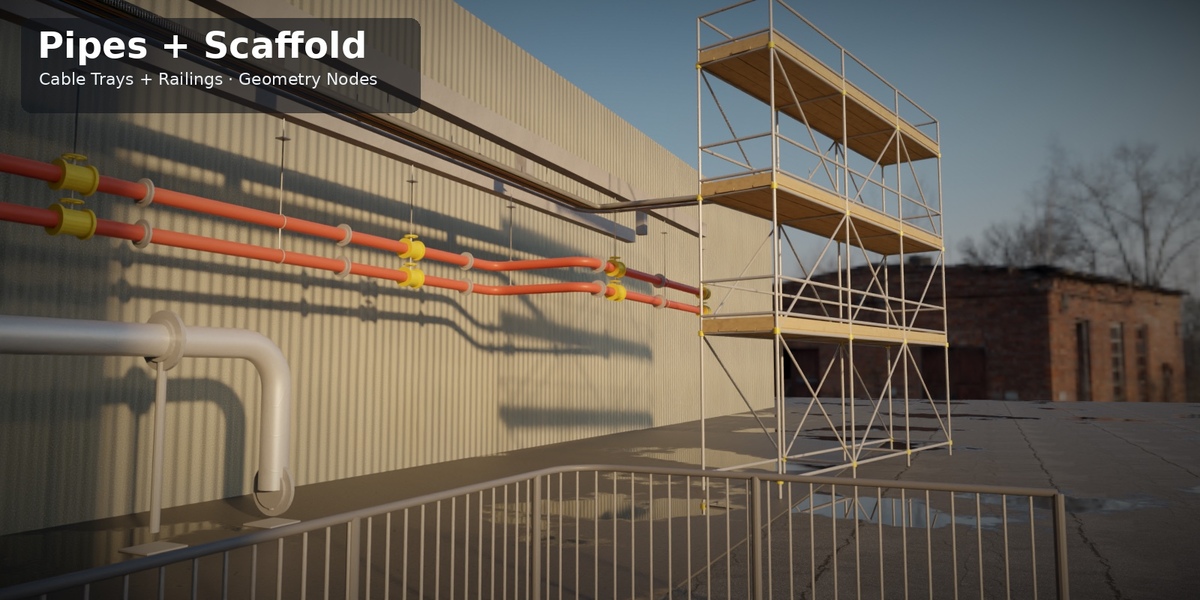
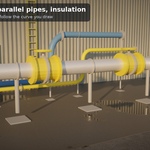
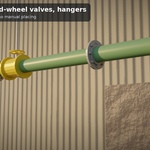
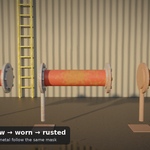
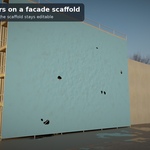
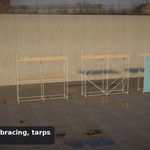
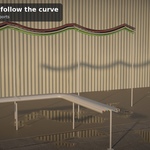
Tidebone Utility Kit – Pipes, Scaffolding, Cable Trays, Railings
Version 1.0
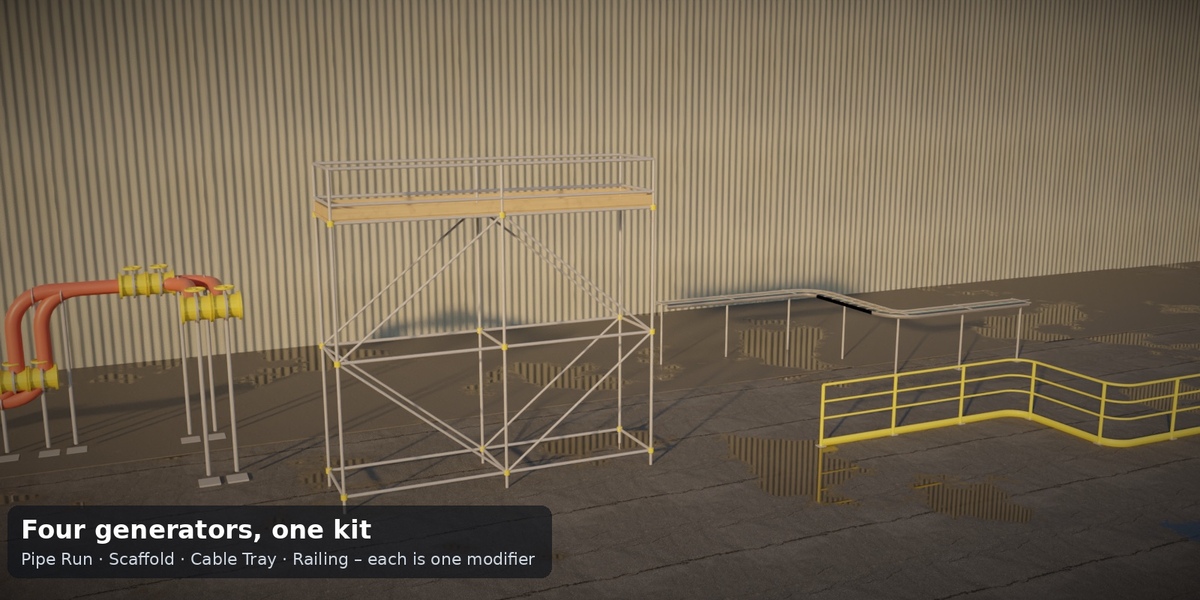
Four Geometry Nodes generators for industrial and construction scenes, built entirely procedurally. Put a modifier on a curve (or any object for the scaffold) and get:
| Generator | What you get |
|---|---|
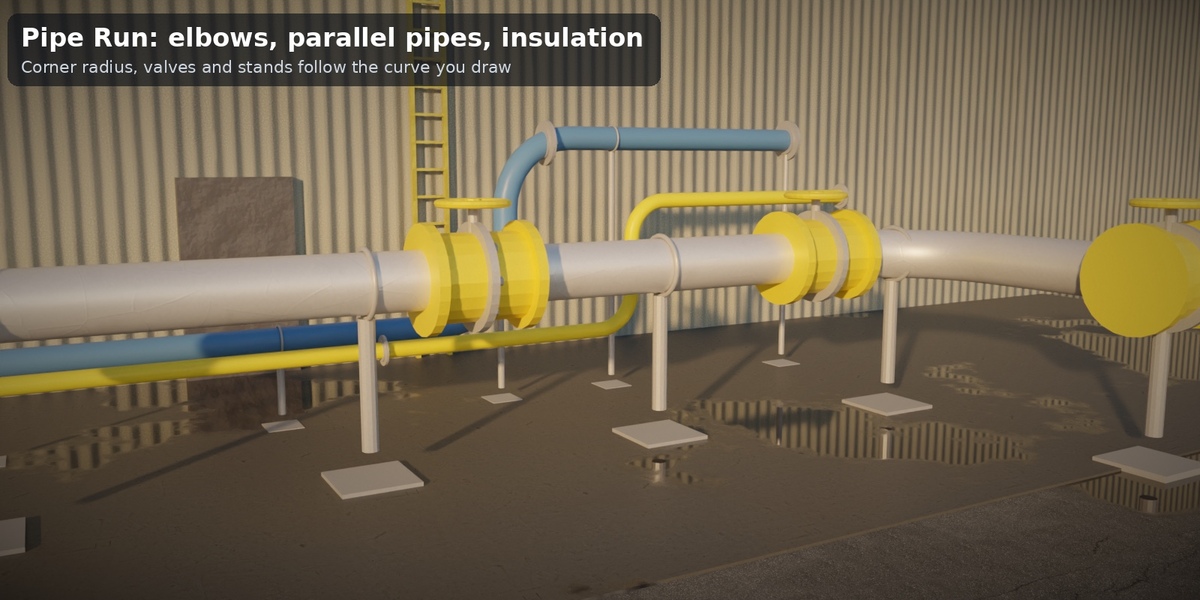
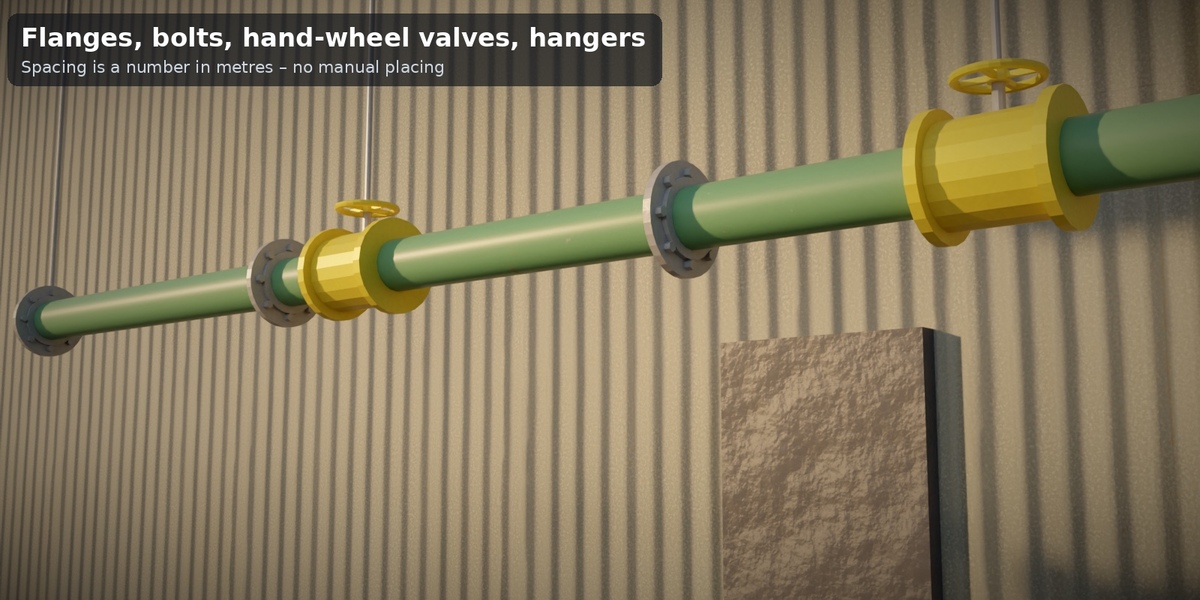
| Tidebone Pipe Run | Pipes along a curve: rounded elbows, flanges with bolts, hangers or stands, gate valves with hand wheels, insulation, 1–6 parallel pipes |
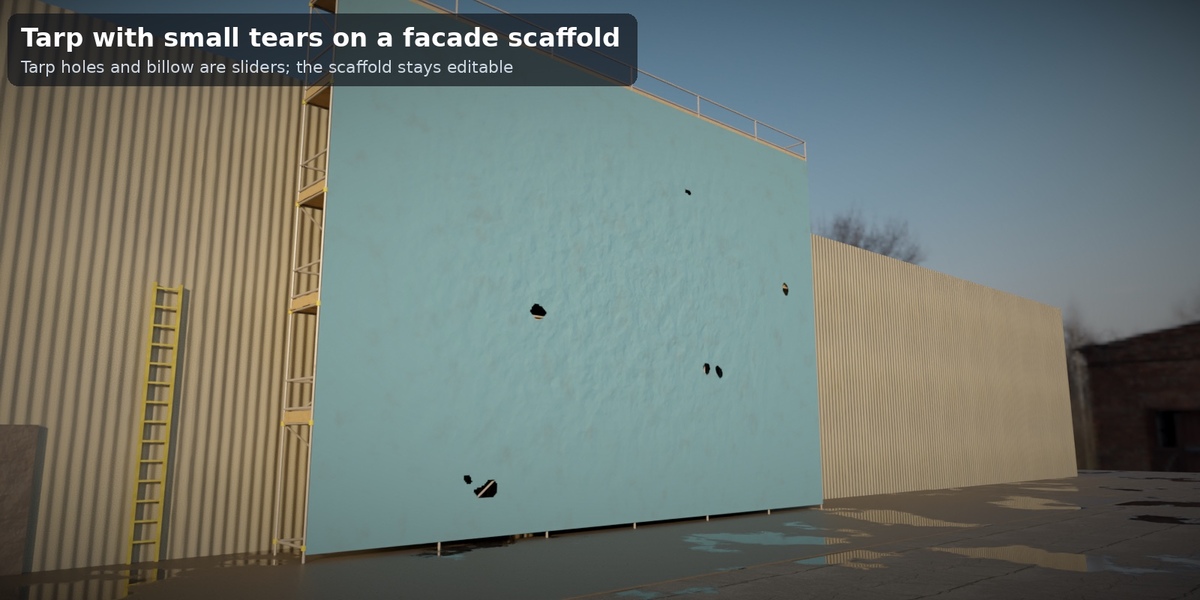
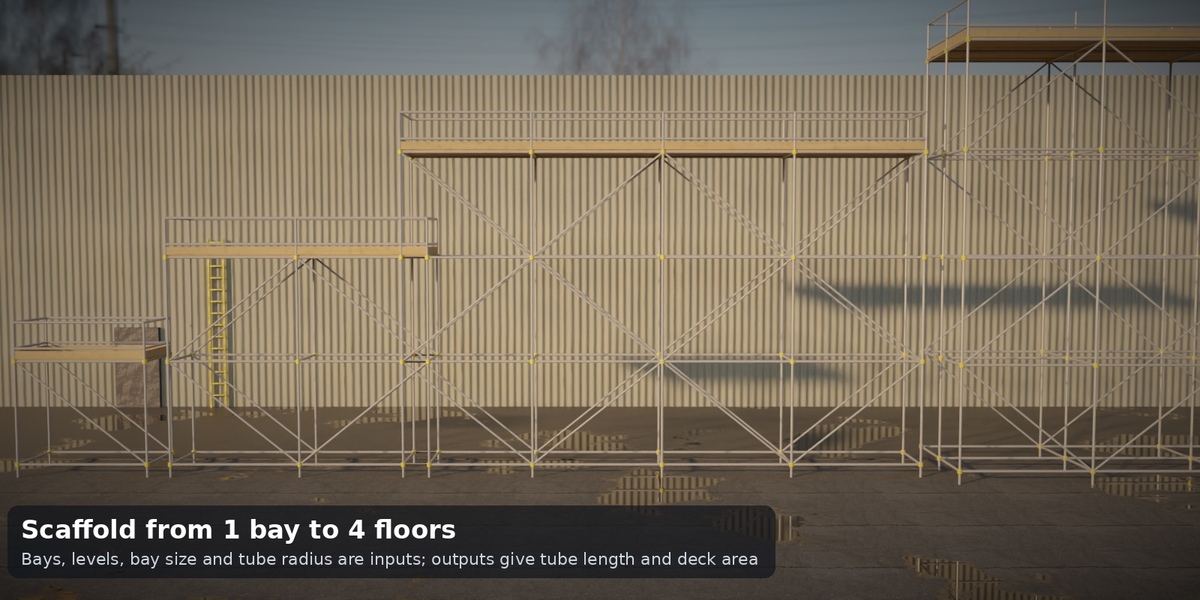
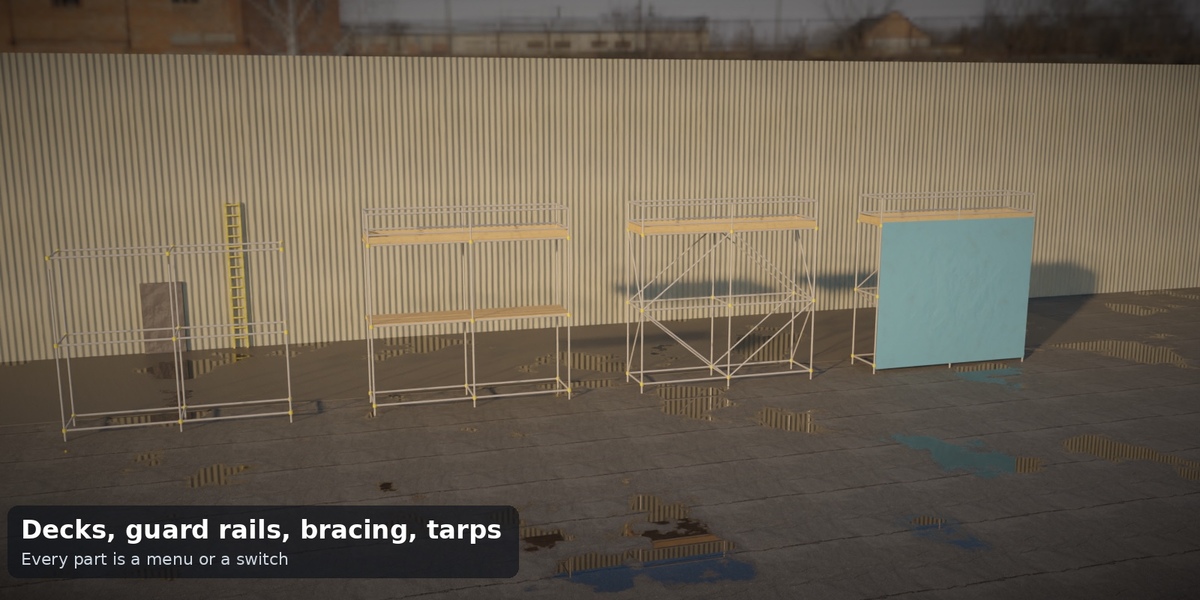
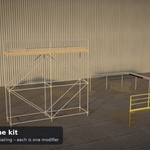
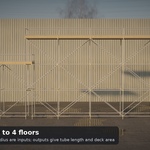
| Tidebone Scaffold | Tube-and-coupler scaffolding: bays, levels, timber decks, guard rails, toe boards, diagonal bracing, couplers, base plates, tarps with holes |
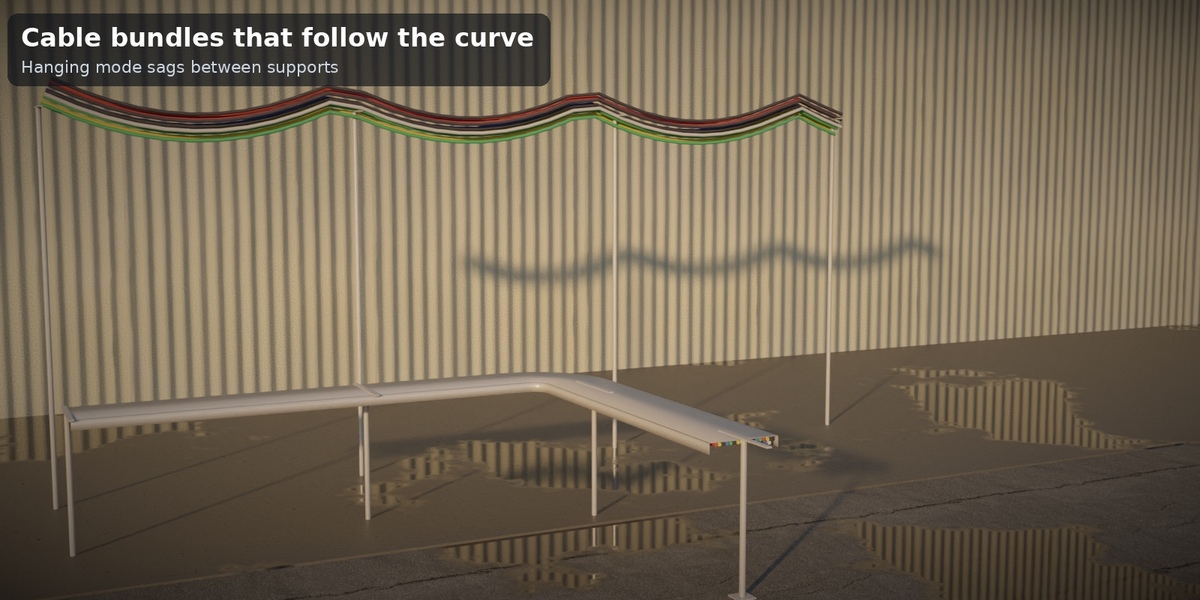
| Tidebone Cable Tray | Ladder or trough tray along a curve with brackets/hangers/stands and up to 48 cables; or hanging cables with sag |
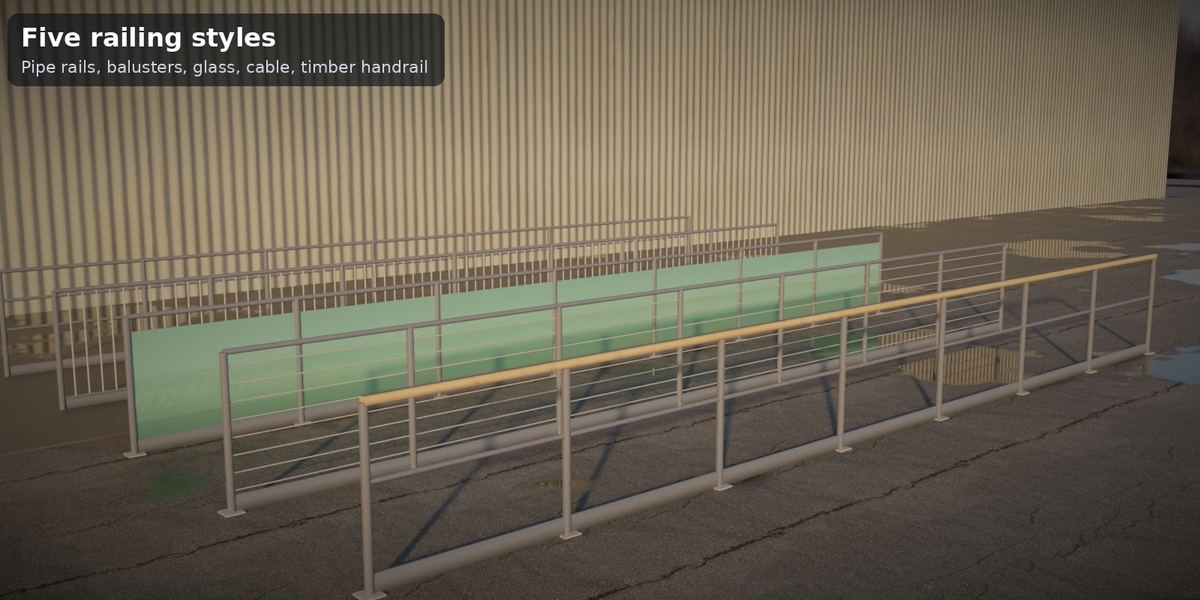
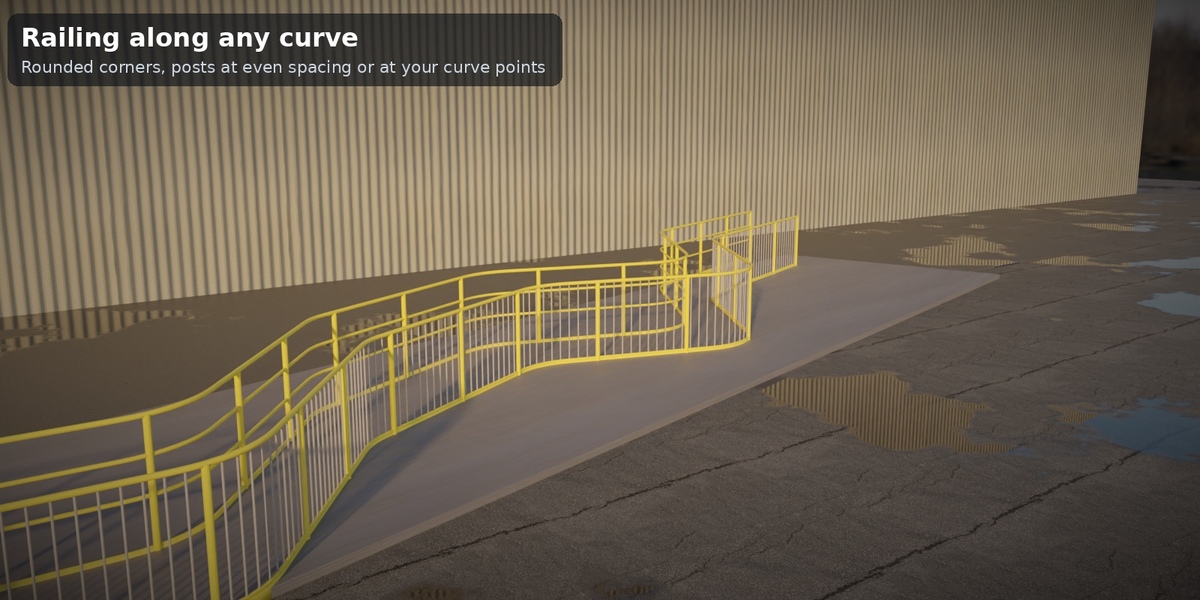
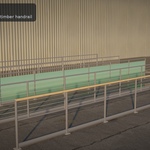
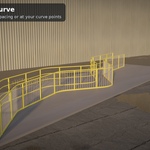
| Tidebone Railing | Guard railing along any curve: pipe rails, balusters, glass, cables; timber handrail, toe board, base plates, posts |
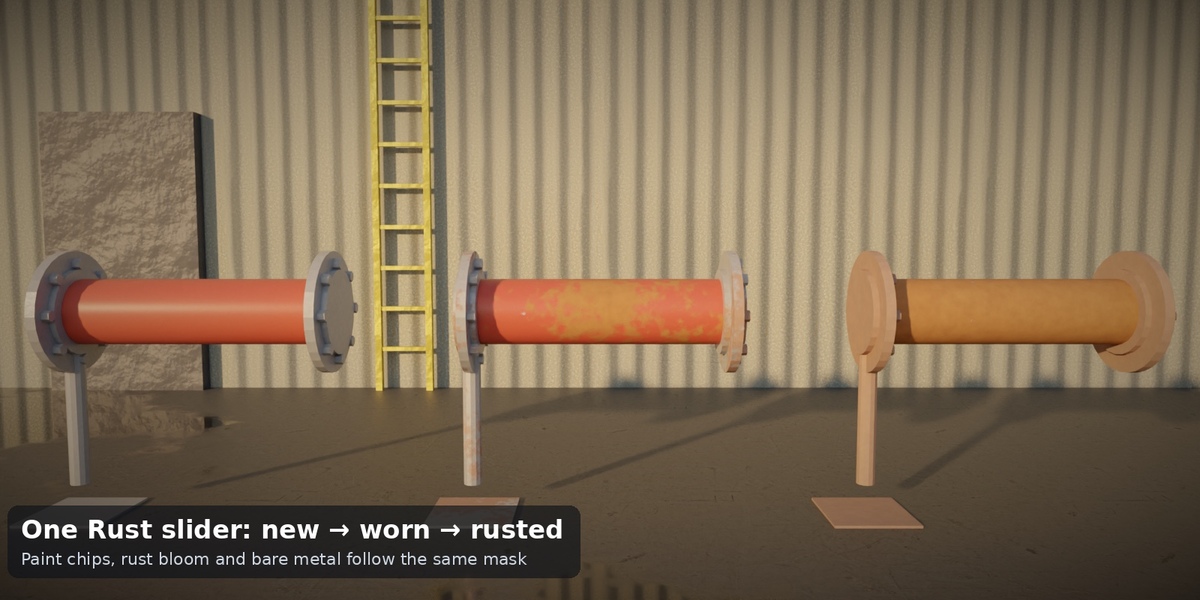
Four procedural materials (painted metal with rust and chipping, steel, insulation, accent, timber, tarp, cable, glass) are included and driven by the same Rust and Color inputs. Nothing is baked, no add-on, no image textures.
Requirements
- Blender 4.2 LTS or newer. Tested headless with 4.2.23 LTS, 4.5.14 LTS and 5.2.1 LTS: 40 parameter cases each, 0 errors, 0 node warnings. Vertex and face counts are identical in all three versions, with one exception: NURBS curves evaluate with a different resolution in 5.2 (see Limitations).
- Units: metres. Rendered and checked in Cycles (CPU); EEVEE and the Blender GUI were not tested.
Files
| File | Content |
|---|---|
tidebone_utility_kit.blend |
The four node groups (marked as assets) + helper groups (TU Flange, TU Valve Body, TU Valve Top, TB Box UV) + 8 materials |
blender_assets.cats.txt |
Asset catalog Tidebone / Industrial (keep next to the .blend) |
tidebone_utility_kit_demo.blend |
Demo scene: a hall with all four generators – open and press F12 |
README.md, LICENSE.txt
|
This file, license |
Installation
Asset Browser (recommended): Edit > Preferences > File Paths > Asset Libraries → + → the folder with the .blend. Drag a group onto an object.
Append: File > Append → tidebone_utility_kit.blend → NodeTree → pick a group, then add a Geometry Nodes modifier to an object and select it.
Quick start
- Pipe Run / Cable Tray / Railing: add a curve (poly spline is best; Add > Curve > Path or draw with the Curve tool, or convert edges with Mesh to Curve), add the modifier, choose the group. Move curve points to route the run. Corner Radius rounds poly corners.
- Scaffold: add any object (a single vertex is enough), add the modifier. Bays X/Y, Levels, Bay Width/Depth/Height set the size; the outputs tell you tube length and deck area.
- Pick menus (Supports, Deck, Guard Rails, Diagonals, Tarp, Style, Mode) and move Rust.
- Turn on Realize before Apply or export.
Inputs (summary)
Pipe Run: Pipe Radius · Pipe Count + Run Offset · Corner Radius + Elbow Segments · Pipe Sides · Flanges (End Flanges, Flange Spacing, Bolts) · Supports (None/Hangers/Stands) + Support Spacing, Hanger Length, Floor Level · Insulation (thickness) · Valve Spacing · Color, Rust, Seed.
Scaffold: Bays X/Y · Levels · Bay Width/Depth · Level Height · Tube Radius · Deck (None/Top/Every Level), Boards per Bay, Board Gap · Guard Rails (None/Top/Every Level), Guard Height, Toe Boards · Diagonals (None/Long Faces/All Faces), Couplers, Base Plates · Tarp (None/Front/Front+Back/All Sides), Tarp Holes, Tarp Billow · Tarp Color, Tube Color, Rust, Seed · Keep Input Mesh.
Cable Tray: Mode (Tray/Hanging Cables) · Tray Style (Ladder/Trough) · Tray Width/Height, Sheet Thickness, Rung Spacing · Corner Radius · Supports (None/Hangers/Stands/Wall Brackets) + Support Spacing, Hanger Length, Floor Level · Cable Count (0–48), Cable Radius, Sag · Cable Color, Tray Color, Rust.
Railing: Style (Pipe Rails/Balusters/Glass Panel/Cable) · Height · Corner Radius · Post Placement (Even Spacing / At Curve Points), Max Post Spacing, Post Radius, Base Plates · Rail Radius, Mid Rails, Timber Handrail, Toe Board · Baluster Spacing/Radius · Cables · Glass Thickness · Color, Rust.
Outputs (for your own node setups)
Pipe Run: Length, Flange Count, Support Count, Valve Count · Scaffold: Height, Length, Depth, Tube Length, Deck Area, Post Count · Cable Tray: Length, Support Count, Cable Length · Railing: Length, Post Count, Baluster Count.
Attributes (for your own shaders)
tu_color (point colour) and tu_rust (0–1) are written on all parts; tb_axis (0 x, 1 y, 2 z) gives the grain/brushing direction of long parts; tu_cable (cable index) is on cables.
Polycount guide (measured, Detail = default, Blender 4.2, realized)
| Setup | Vertices | Triangles |
|---|---|---|
| pipe default poly | 3,193 | 6,112 |
| pipe 3 parallel + insulation | 13,573 | 26,040 |
| pipe closed loop | 3,513 | 6,756 |
| scaffold 1x1x1 minimal | 465 | 832 |
| scaffold default | 2,633 | 4,696 |
| scaffold all options | 44,609 | 82,944 |
| scaffold big 10x3x6 | 178,406 | 343,548 |
| tray ladder default | 7,545 | 14,812 |
| tray hanging cables | 9,929 | 19,724 |
| tray 48 cables wide | 38,833 | 77,460 |
| rail pipe rails | 433 | 776 |
| rail balusters at points | 2,593 | 4,644 |
| rail glass | 369 | 652 |
| rail closed loop | 3,217 | 5,652 |
Instances keep the numbers low while you work; the table is the realized mesh. Cable bundles and dense options (48 cables, 10×3×6 scaffold with tarp) are the heavy cases. Not a game-ready asset: apply, decimate or bake for real-time.
Tips
- Several pieces, one look: same Color, different Seed and Rust.
- Parallel runs: Pipe Count + Run Offset (e.g. (0, 0, -0.42) for stacked pipes).
- Hangers need something to hang from – place a beam or ceiling at Hanger Length above the pipe (see the demo scene).
- The scaffold is not a structural design tool; the dimensions follow common tube-and-coupler sizes (48.3 mm tube) but are not an engineering check. The railing's 12 cm baluster gap is a modelling helper, not a code check.
Known limitations (v1.0)
- Corner rounding and fillets work on poly curves. Bezier and NURBS curves are followed as they are; NURBS curves evaluate with a different resolution in Blender 5.2 than in 4.2/4.5 (so mesh counts differ for NURBS only).
- The pipe elbows are swept tubes, not fitted pipe-fitting standard parts (no T-junctions, reducers or branches).
- The scaffold is a rectangular grid (no stair towers, no L-shapes), tarps are flat sheets with noise billow, not cloth simulation.
- Cable Tray: a cable bundle follows the whole curve with one sag profile; the tray profile's "up" is world Z (no banking).
- Railing posts stand vertically on the curve plane; there is no stair/slope mode (use Altbau Stairs for stairs).
- Cycles only; EEVEE and GUI not tested. No Quest/real-time optimisation.
Changelog
- 1.0 – Pipe Run, Scaffold, Cable Tray, Railing, 8 materials, asset catalog, demo scene.
License
Use it in any personal or commercial project, royalty-free; do not resell or redistribute the asset itself. Personal license = one person; Studio license = one studio (up to 10 seats).
© 2026 Tidebone
Have questions about this product?
Login to message
| Published | about 4 hours ago |
| Blender Version | 4.2 - 5.2 |
| Render Engine Used | Cycles |
| License | Royalty Free |

Discover more products like this
cables industrial factory scaffolding handrail construction railing pipes cable tray geometry nodes procedural modifier