 Salman Naseem
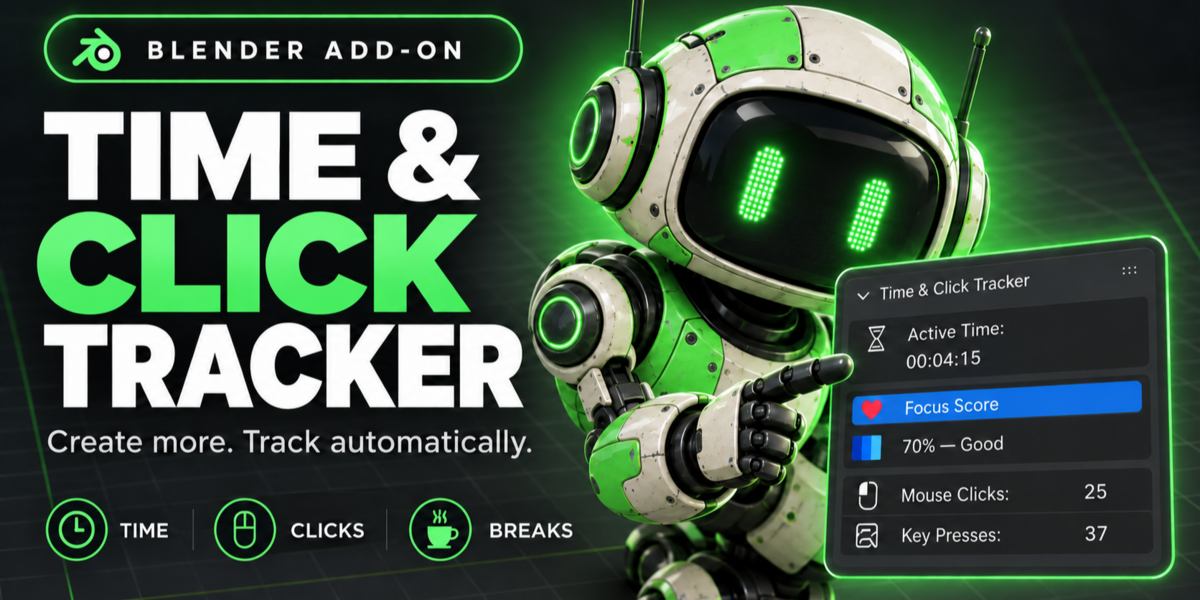
ime & Click Tracker
Know how long you really work in Blender.
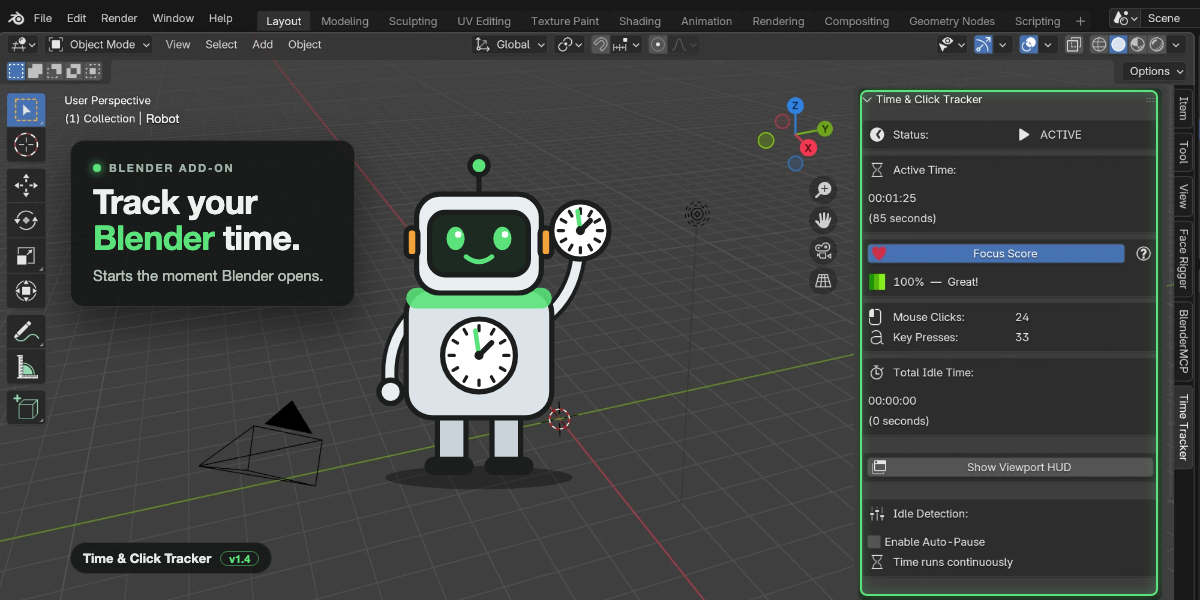
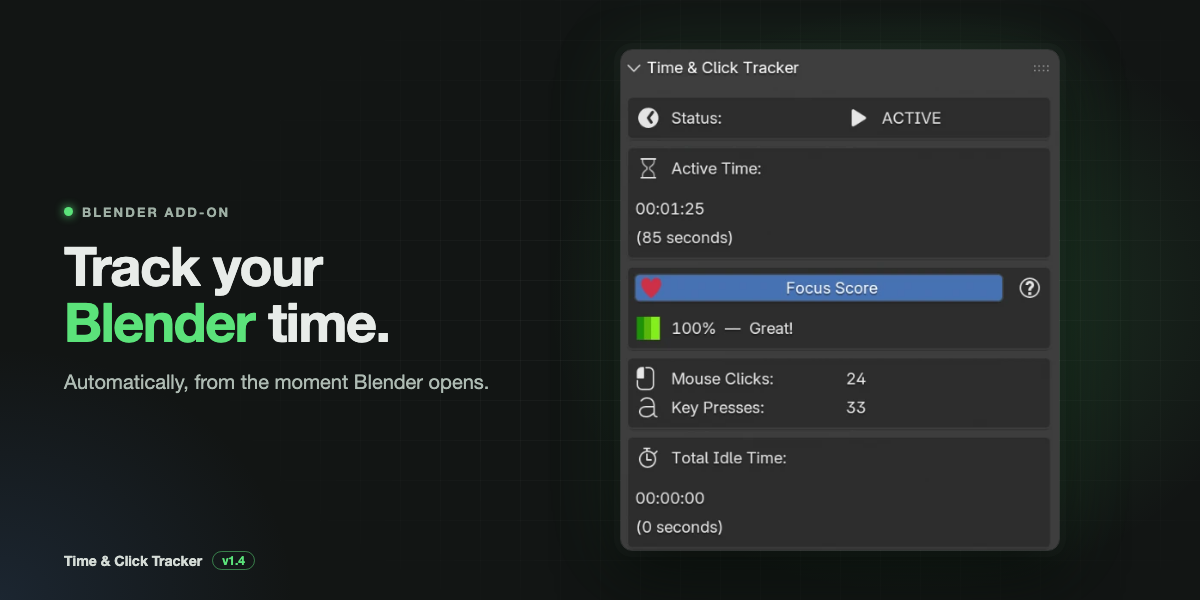
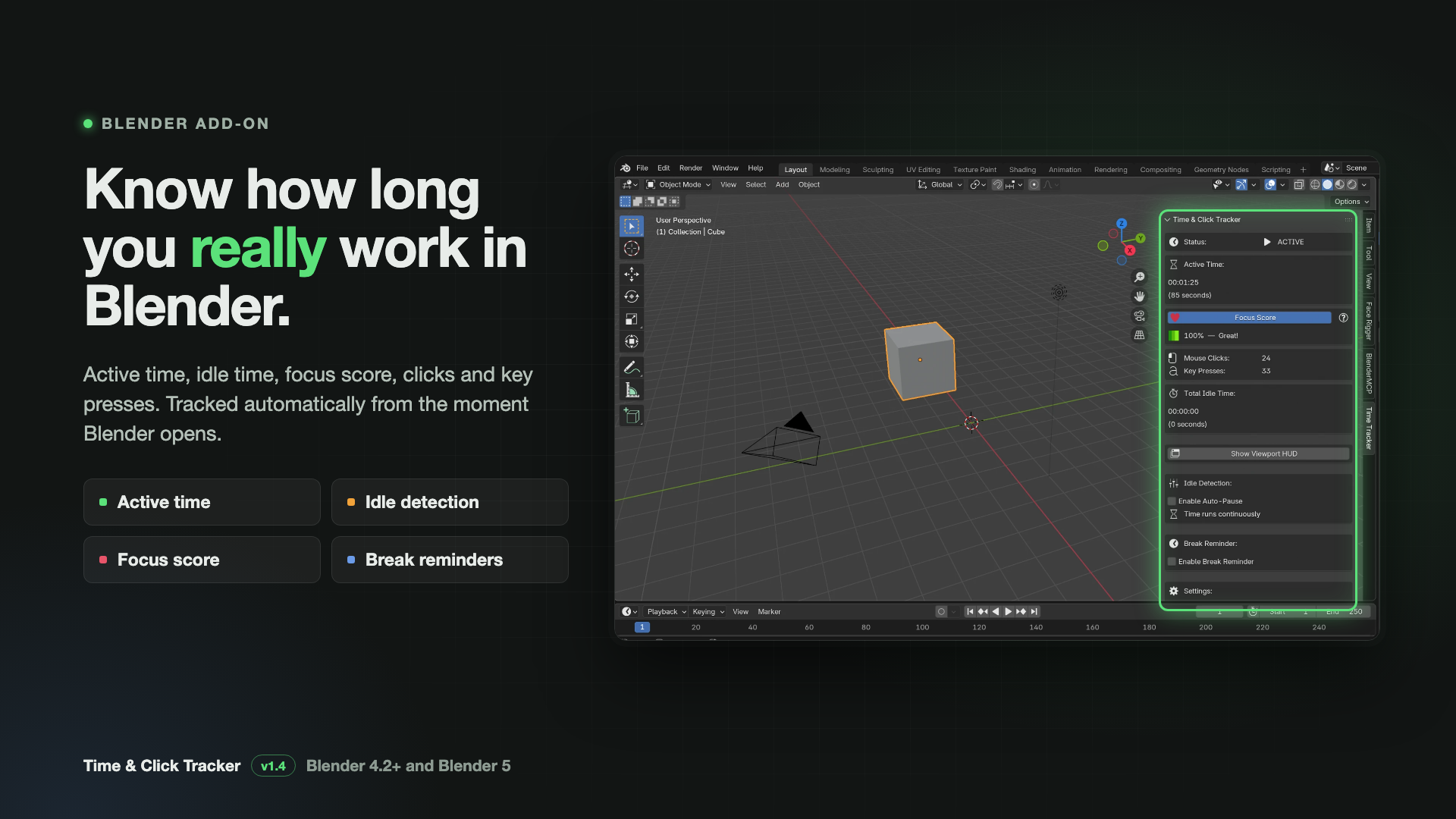
Time & Click Tracker records your active time, idle time, mouse clicks and key presses automatically, right inside Blender. It starts the moment Blender opens. There are no timers to remember and no external apps.
Use it to bill clients for honest hours, to see how long a project really took, or to remind yourself to step away from the screen.
New in 1.4: full support for Blender 5.
Features
Automatic time tracking
- Starts by itself when Blender opens, and again for every file you open
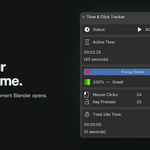
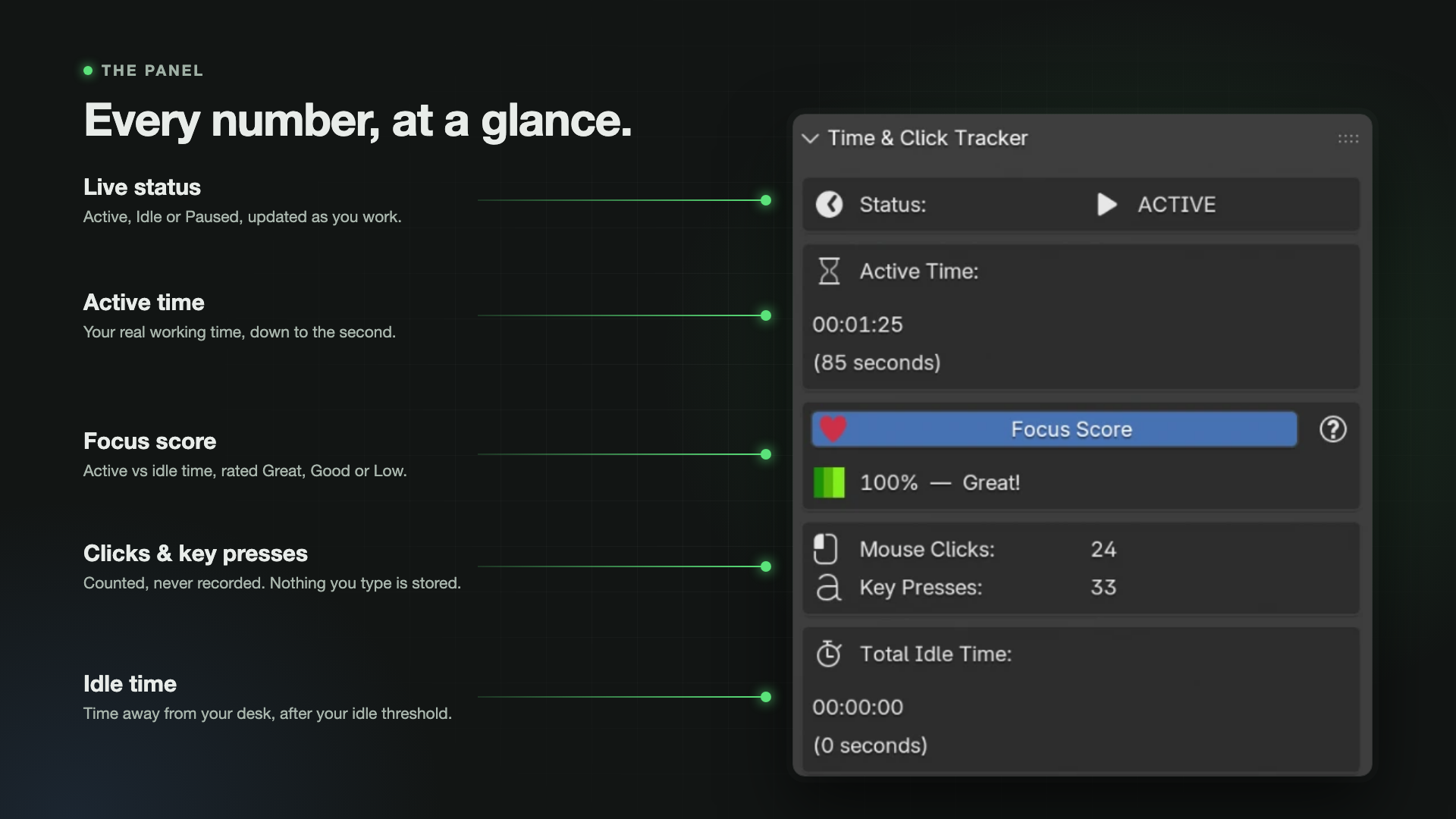
- Shows your active time to the second in the N-panel
- Pause and resume whenever you like
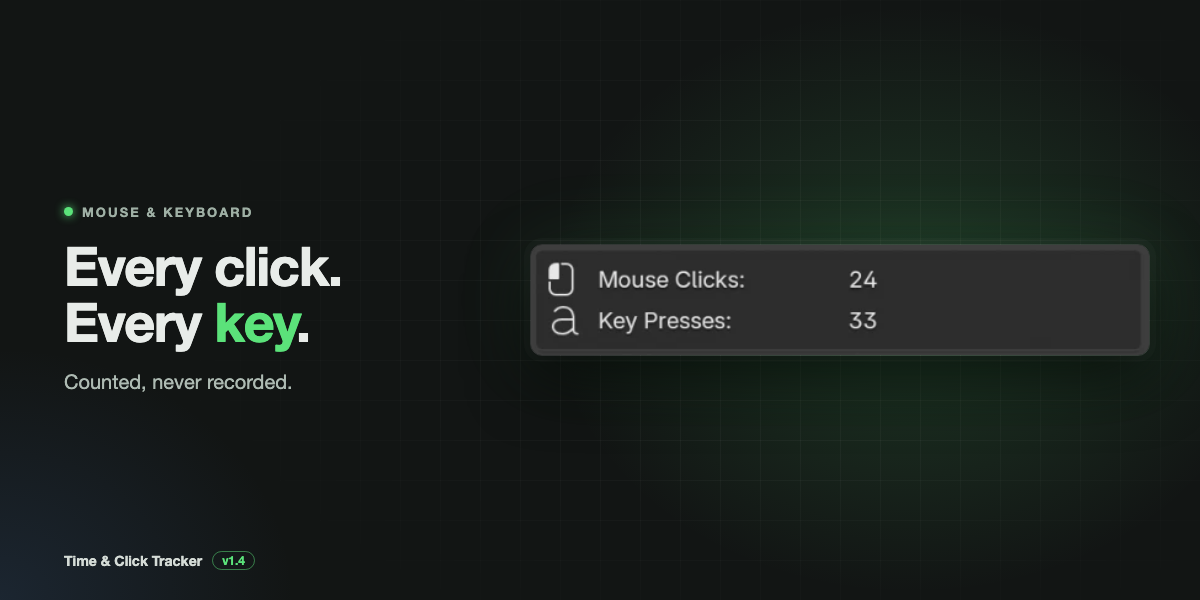
Mouse and keyboard counter
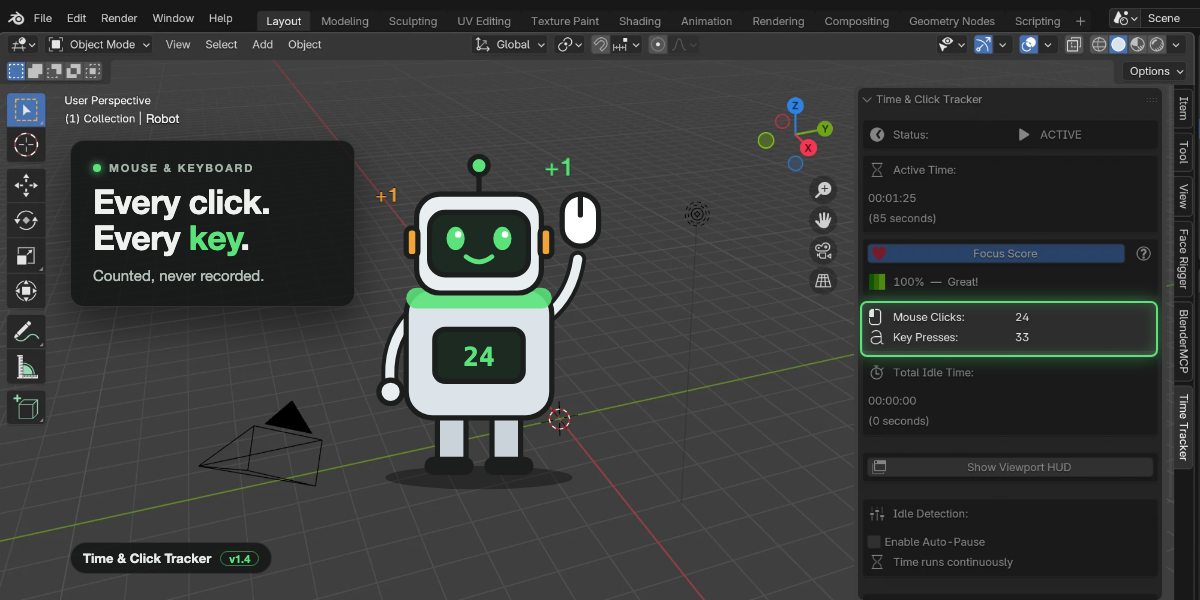
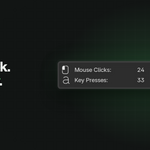
- Counts every mouse click and key press
- Counts only. It never records which keys you press or what you type
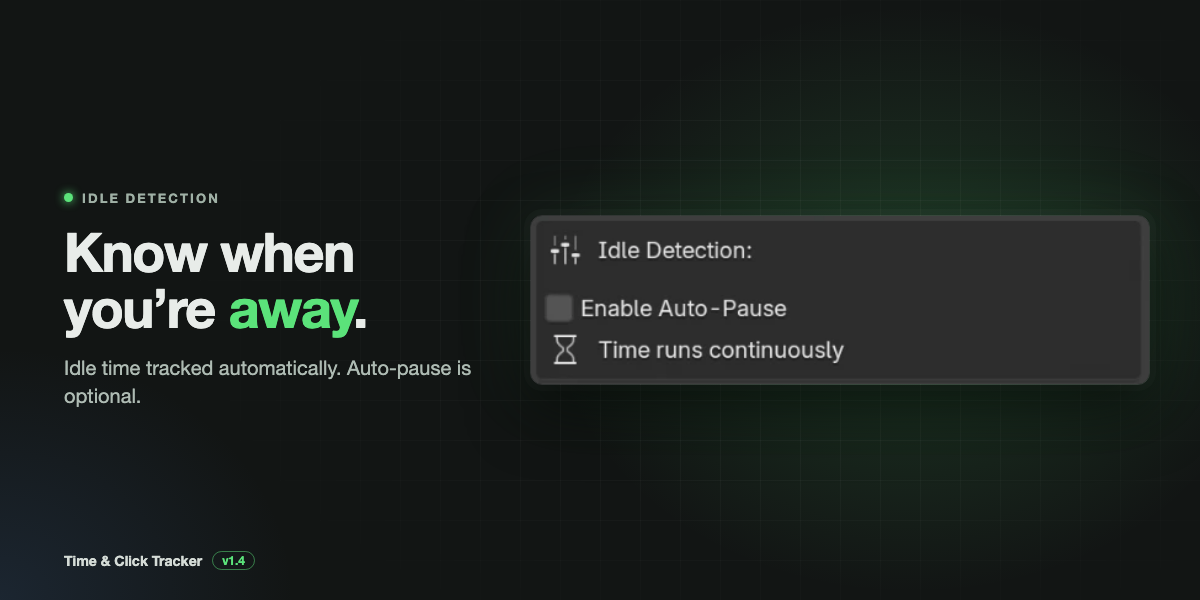
Idle detection
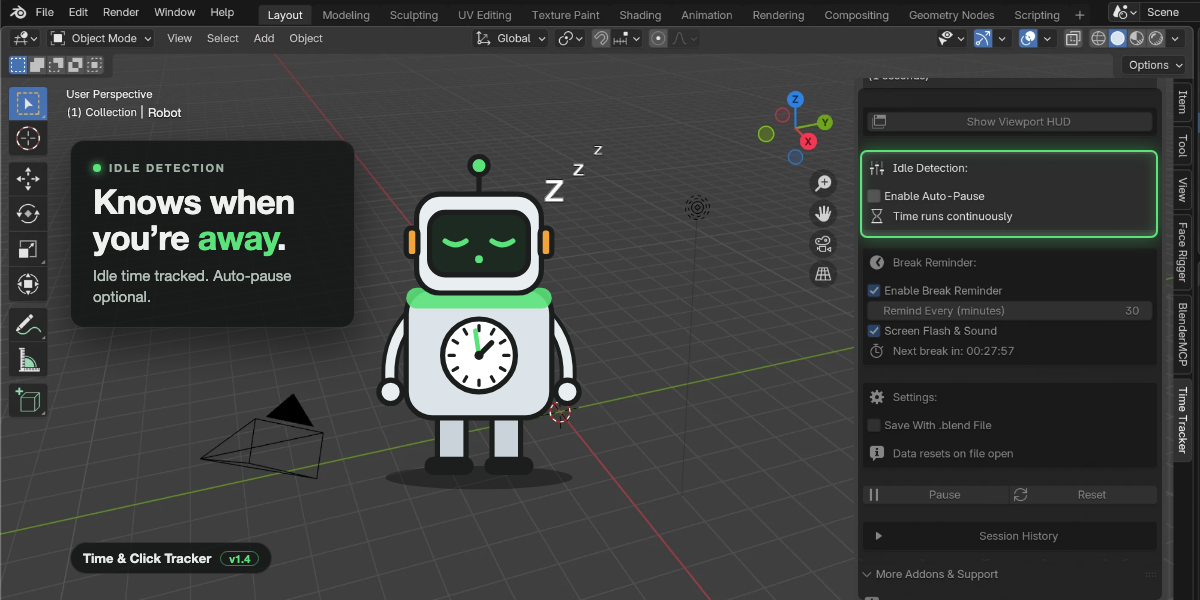
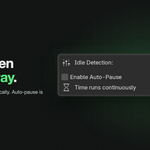
- Notices when you stop working, after a delay you choose (10 seconds by default)
- Tracks idle time separately from active time
- Optional Auto-Pause stops the active timer while you're away, so only real work counts
Focus Score
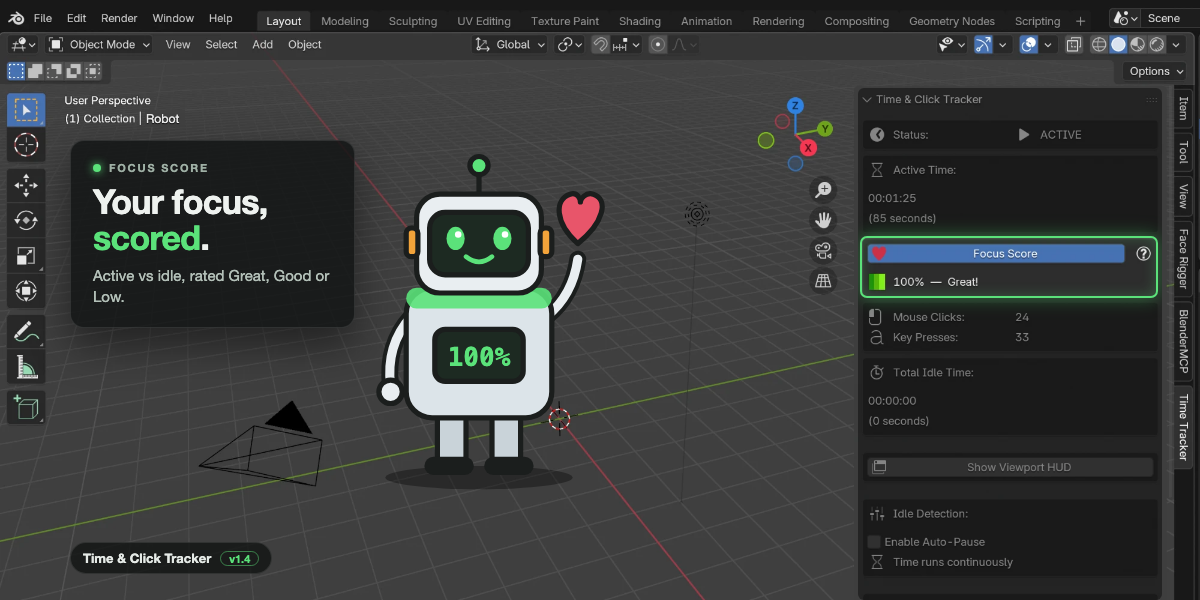
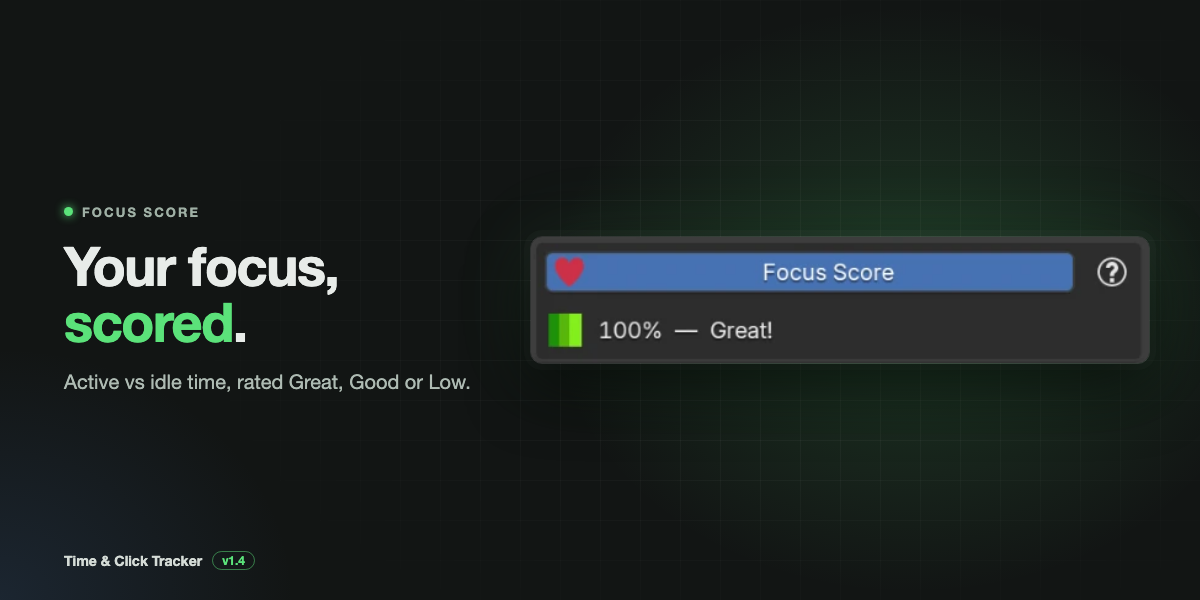
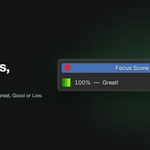
- Your active time as a share of the session: Active ÷ (Active + Idle) × 100
- Rated Great (75% and above), Good (50 to 74%) or Low (below 50%)
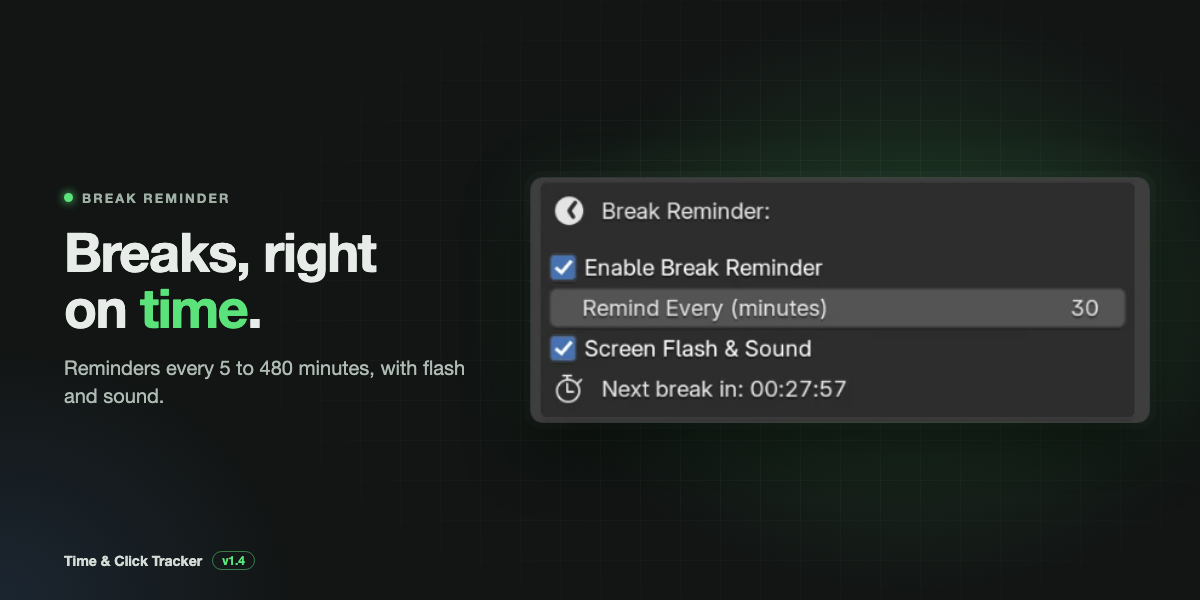
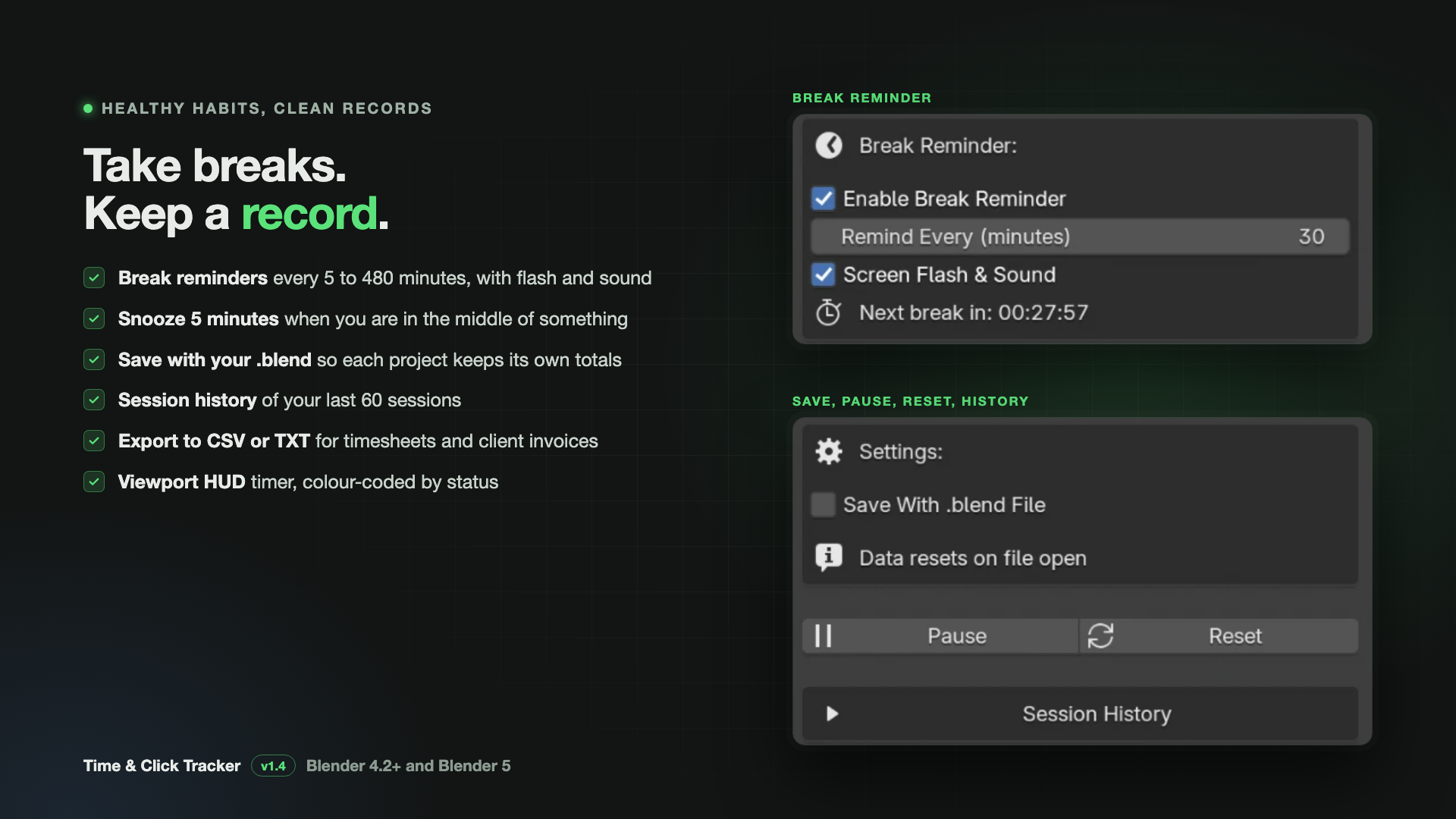
Break reminders
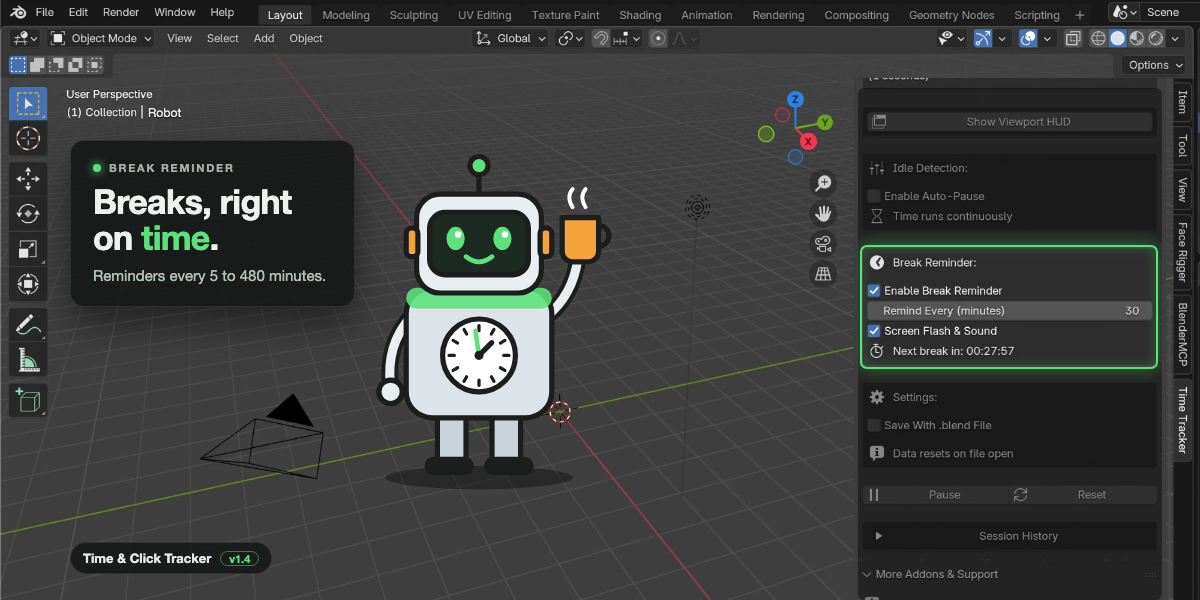
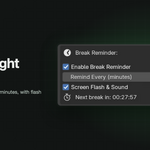
- Choose an interval from 5 minutes to 8 hours
- A popup with quick wellness tips: rest your eyes, stretch, drink water
- Optional sound alert on Windows, macOS and Linux
- Snooze for 5 minutes, plus a live countdown to your next break
Viewport HUD
- Optional timer drawn right in the 3D Viewport
- Its colour shows your status: green for active, orange for idle, grey for paused
- Adjustable font size
Session history and export
- Keeps your last 60 sessions and shows up to 30 in the panel
- Each session lists the date, active time, idle time, focus score, clicks and key presses
- Export to CSV for Excel or Google Sheets, or to TXT for a readable report
Save with your .blend file
- Turn on Save With .blend File to keep running totals inside each project
- Reopen the file and tracking continues from where you left off
Your own defaults
- Set default Auto-Pause, idle delay, break reminder and HUD settings in Preferences
Use it for
- Freelance billing: turn on Auto-Pause and invoice only the time you actually worked.
- Better quotes: save totals with each .blend file and see what similar jobs really took.
- Healthier sessions: let break reminders pull you away from the screen.
- Understanding your habits: compare focus scores across sessions in the history or in a spreadsheet.
Private and lightweight
- Everything stays on your computer. The add-on makes no internet connections.
- Only counts are stored, never what you type.
- Under 50 KB, with no effect on your scene or your renders.
Installation
- Download the zip. Don't unzip it.
- In Blender, open Edit > Preferences > Get Extensions.
- Click the arrow in the top right, choose Install from Disk, and select the zip.
- In the 3D Viewport, press N and open the Time Tracker tab. Tracking has already started.
Requirements
| Blender | 4.2 or newer, including Blender 5 |
| Systems | Windows, macOS and Linux |
| License | GPL-3.0 |
Support
Questions or problems? Email . Please include your Blender version and any error text.
Created by Salman Naseem · YouTube: BeingAnimator
