Time & Click Tracker - Break Time Reminder and Monitor Blender Activity in Real-Time
 Salman Naseem

Does the add-on record what I type?
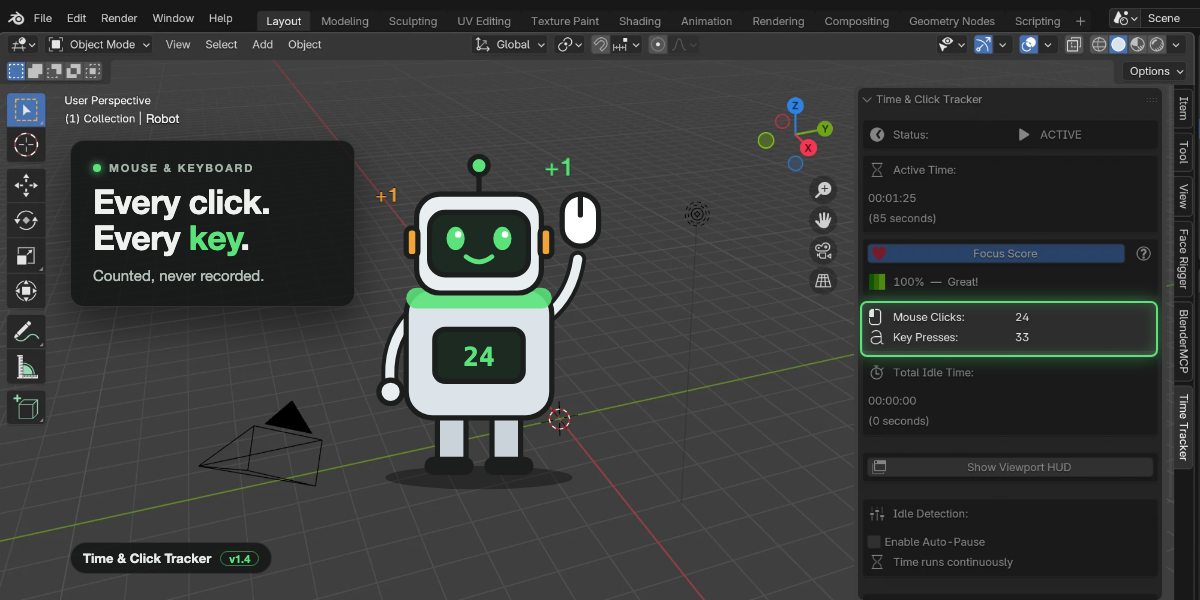
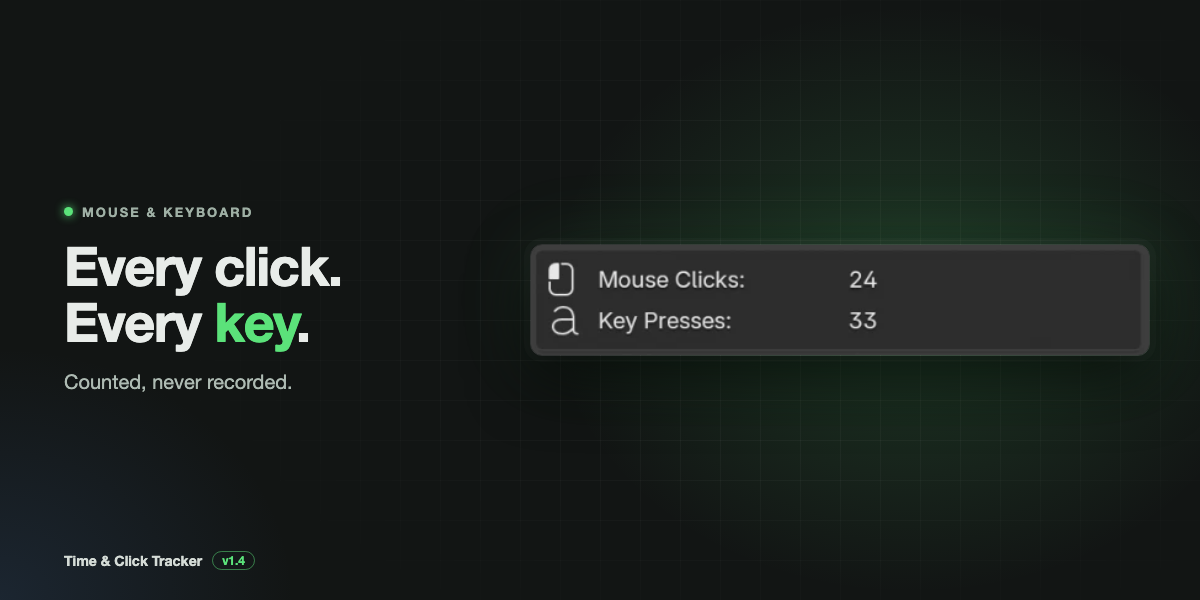
No. It only counts presses. It never stores which keys you pressed or what you typed.
Does it send my data anywhere?
No. The add-on makes no internet connections. Your history stays in a file on your computer, and exports go only where you save them.
Why did my numbers reset when I opened my file? Save With .blend File
is off by default, so each file opens with fresh counters. Turn it on and save the file to keep the numbers. Your finished sessions are still in Session History either way.
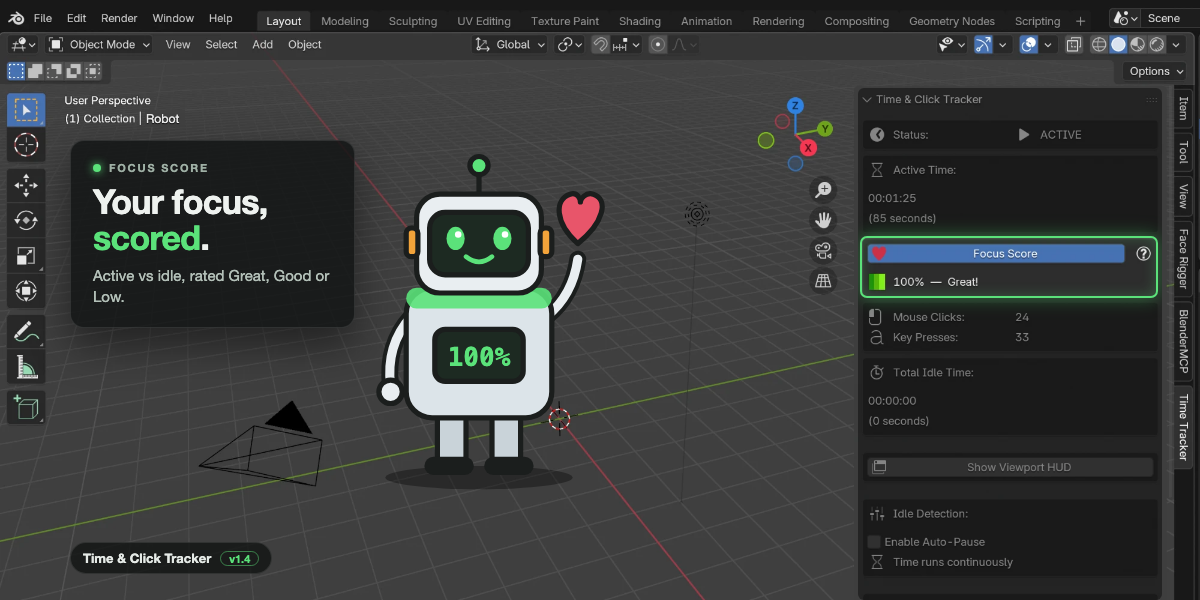
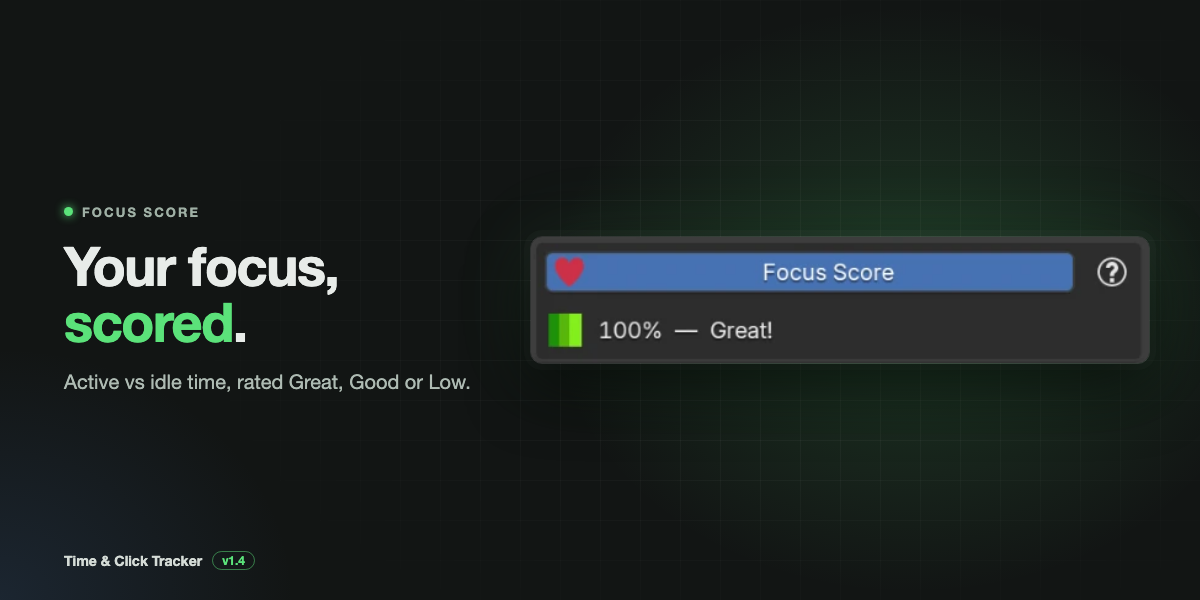
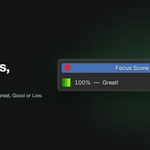
Why is my Focus Score high even though I left my desk?
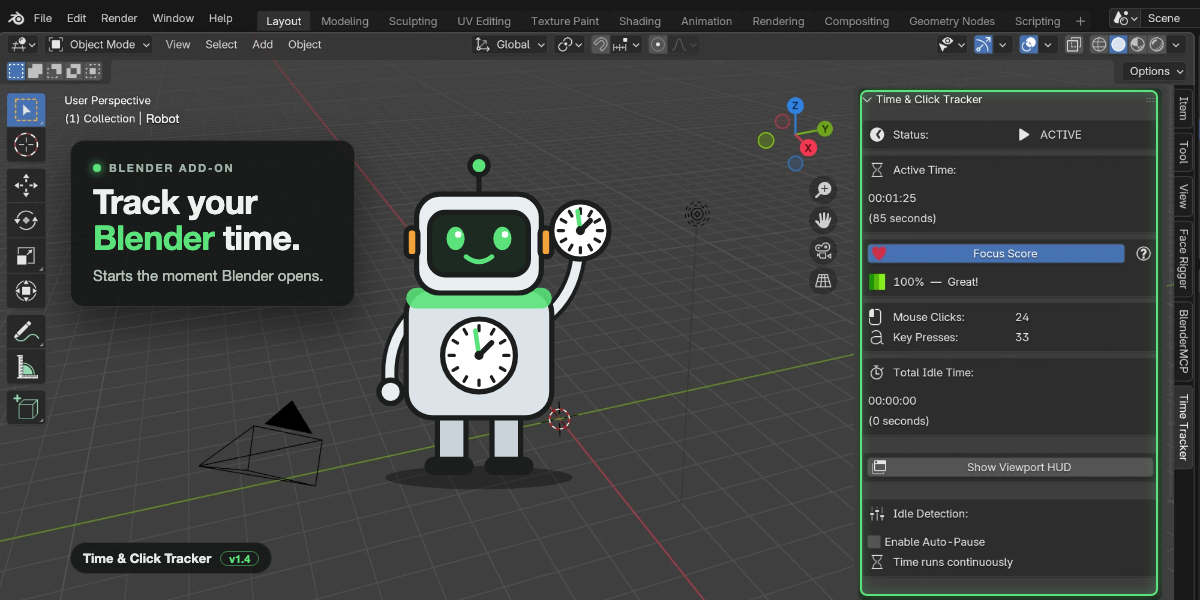
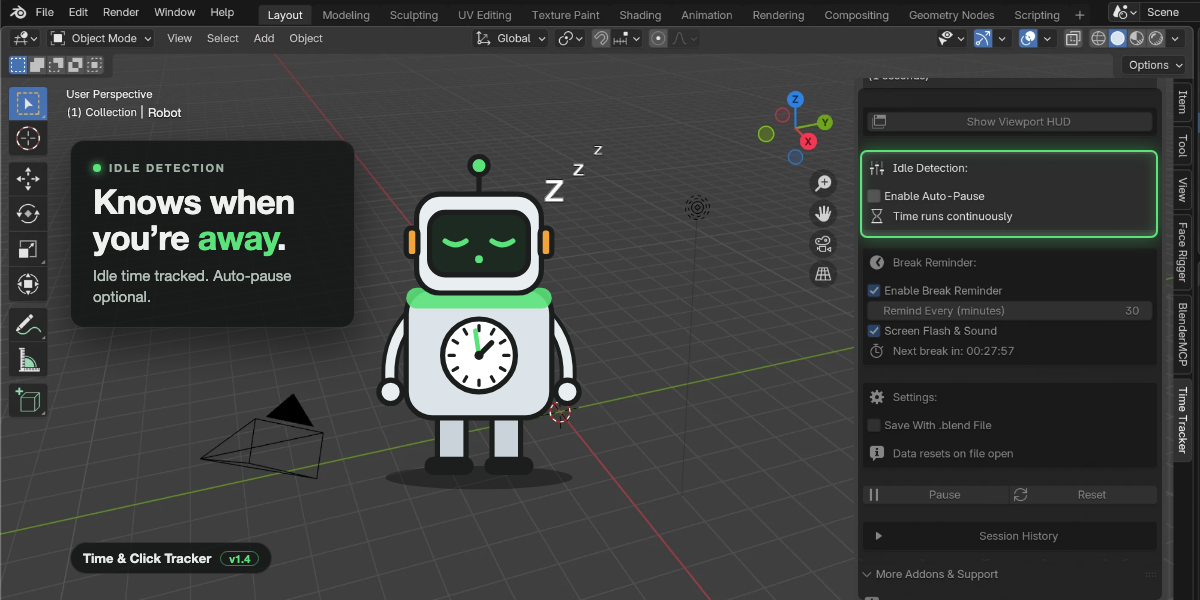
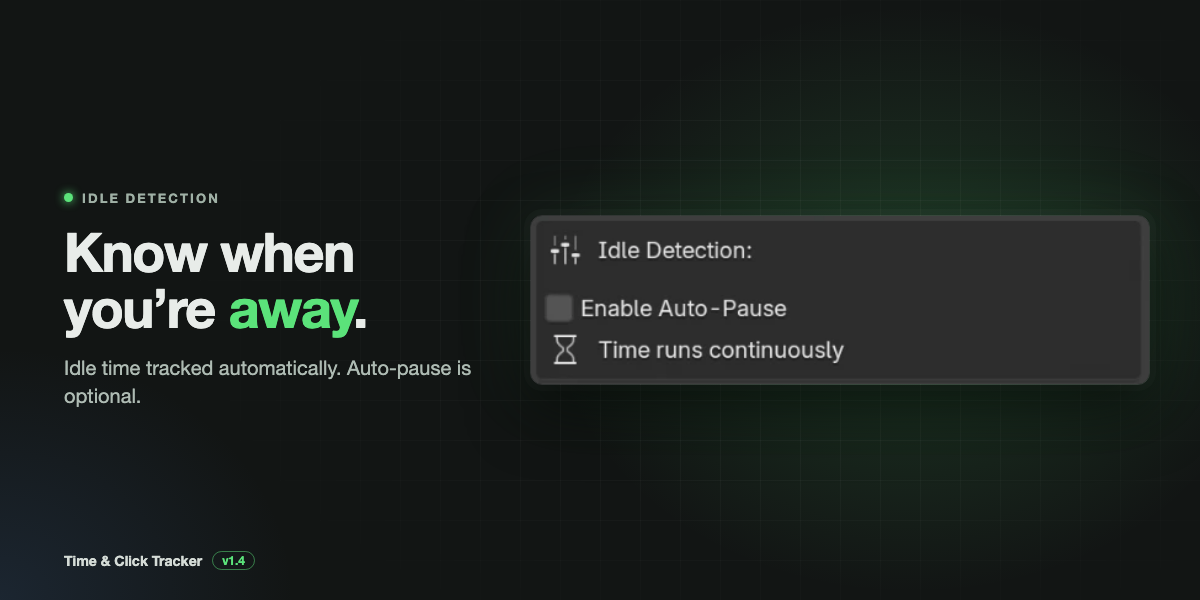
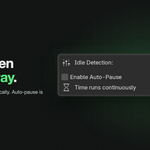
Auto-Pause is off, so Active Time kept running while you were away. Turn on Enable Auto-Pause to stop Active Time while you are idle.
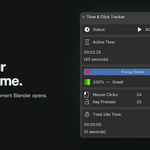
Why does Idle Time go up while Active Time also goes up?
The same reason: with Auto-Pause off, both run while you are idle. This is expected.
Does orbiting or scrolling count as clicks?
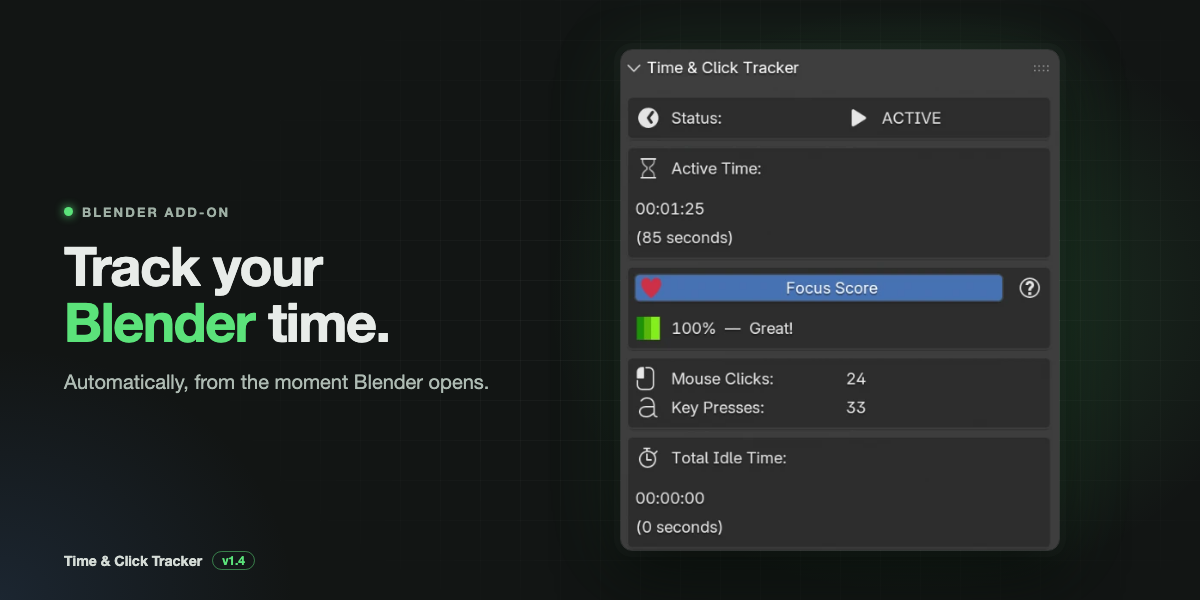
No. Mouse movement, scrolling and trackpad gestures keep you active, but only button presses count as clicks.
Why is a session missing from my history?
Sessions with less than 10 seconds of active time are skipped. Also, sessions are added when you open or create another file, or press Reset. Press Reset before closing Blender to save your last session.
My HUD disappeared after opening a file.
The HUD turns off on every file load by design. Click Show Viewport HUD again, or turn it on by default in the add-on preferences for new files.
The break reminder did not pop up.
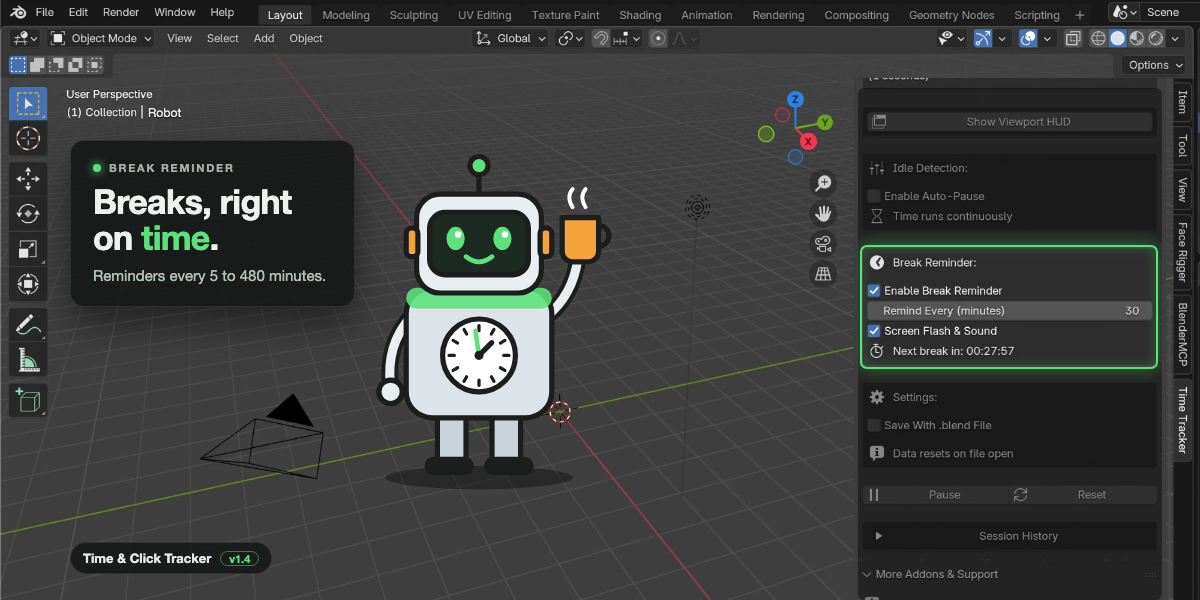
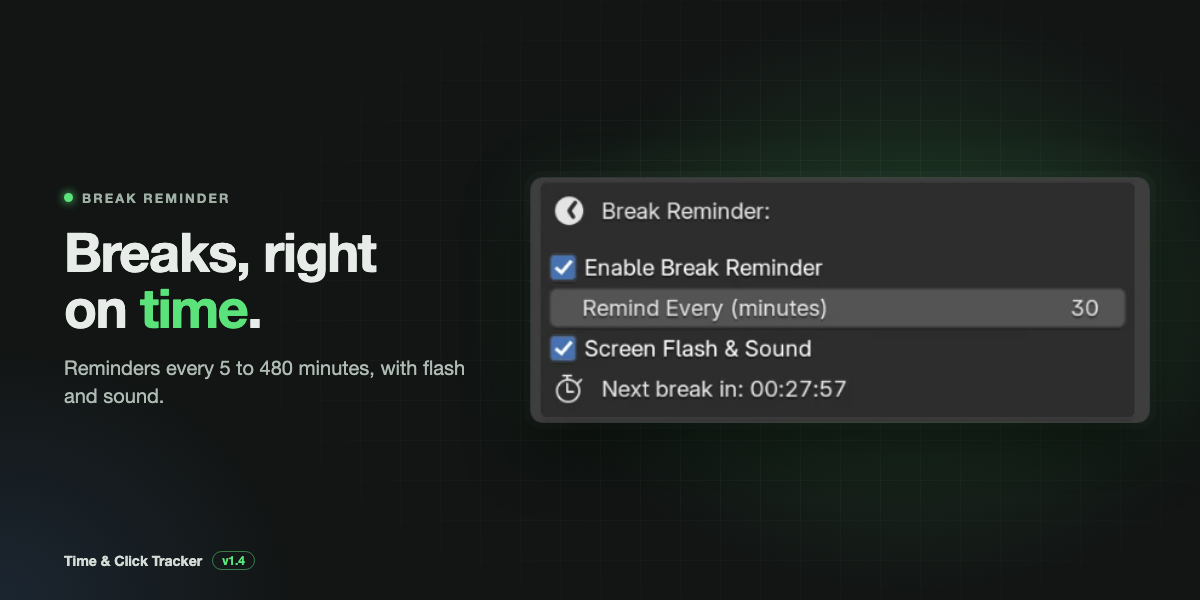
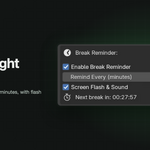
It only appears while you are active. If you were idle or had tracking paused, it appears as soon as you are back at work. Also check that Enable Break Reminder is ticked.
Can I track time per project or per client?
Turn on Save With .blend File so each file keeps its own totals, and export history to CSV to add up hours in a spreadsheet.
I use two versions of Blender. Why is the history different?
Each Blender version has its own config folder, so each keeps its own history.
Will it slow Blender down?
No. It checks the timer ten times a second, which is a tiny amount of work, and it does not touch your scene data.
Does it track time when Blender is in the background?
Time keeps counting while Blender is open. If there is no input, that time is counted as idle once the threshold passes.

Discover more products like this
studio productivity monitoring in blender track blender work hours automatically productivity tracker for blender artists time management tool for blender users project time tracking for blender monitor blender activity automatically automatic time tracker for blender mouse click counter blender addon efficiency tracker for blender artists blender time tracking addon