 one99addons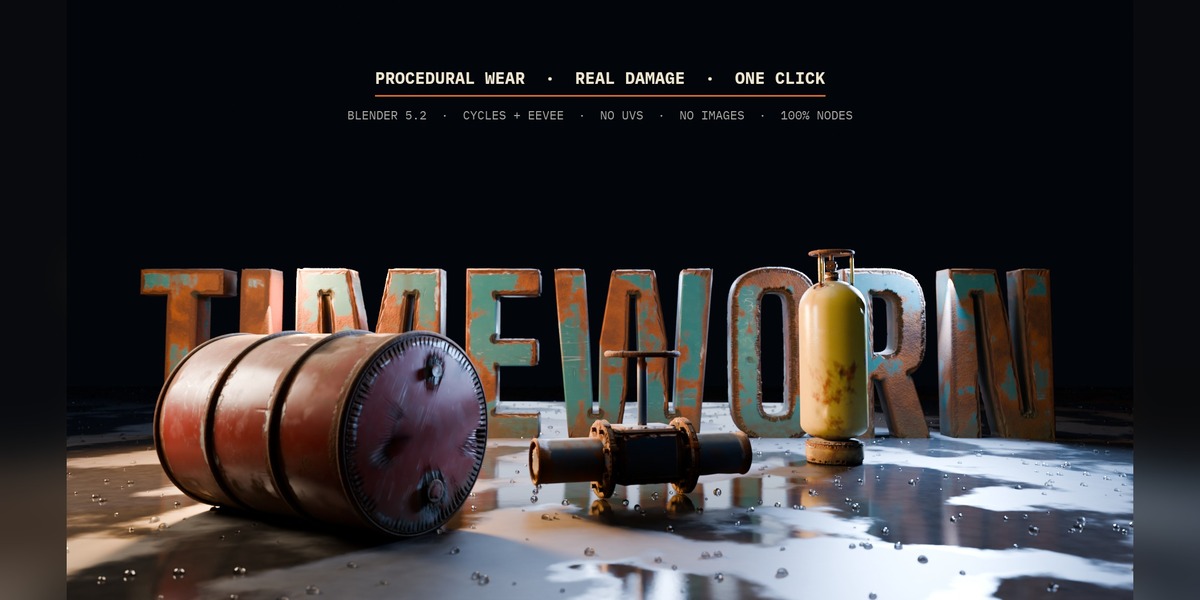
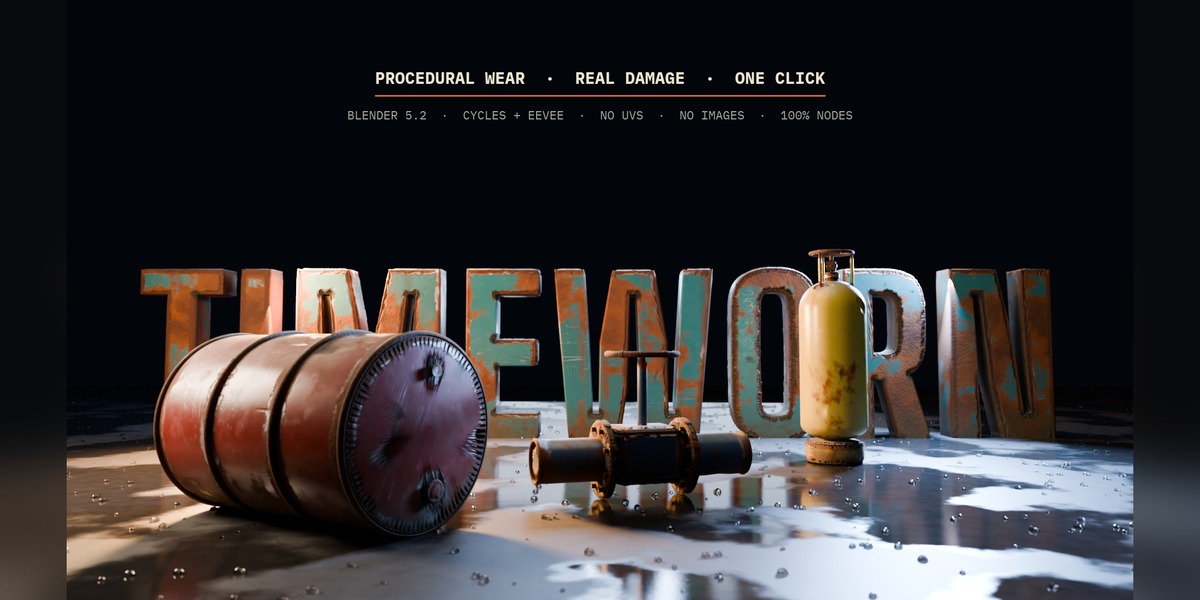
PROCEDURAL WEAR · REAL DAMAGE · ONE CLICK
Make any Blender object look like it has lived for years. In one click.
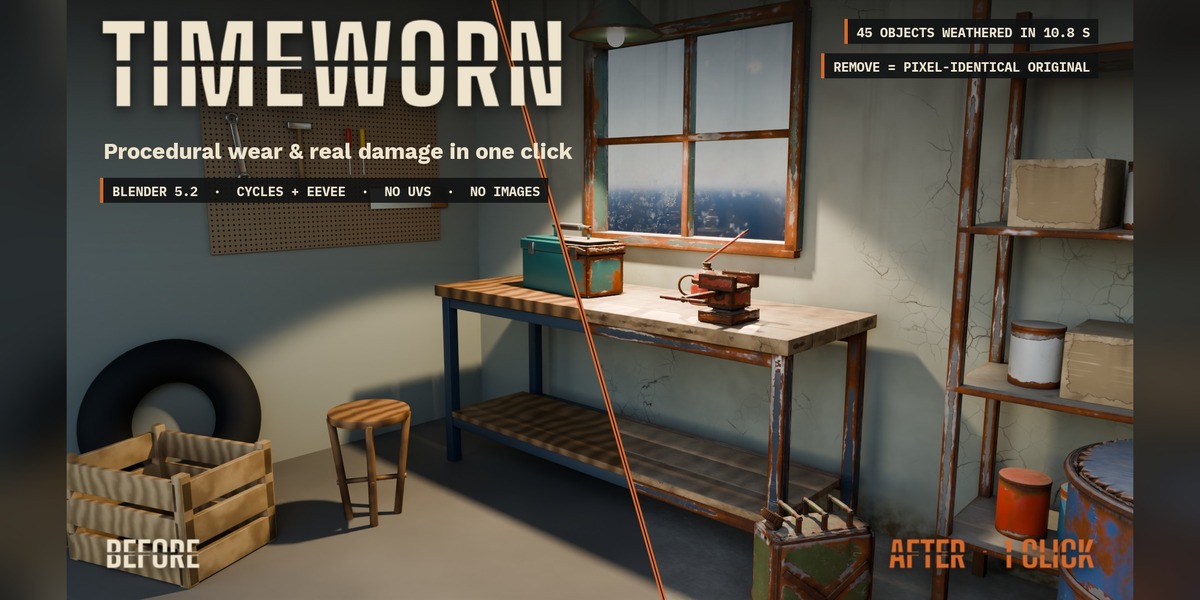
Select your objects, click an age, done: chipped paint over red primer and bare steel, rust that spreads and runs, real dents, cracks, dirt in the creases, dust on top. On top of your materials, in Cycles and EEVEE, with no UVs and no images. And one click takes it all back off.
Blender 5.2Cycles + EEVEENo UVs100% nodes2 demo scenes
Clean 3D looks fake
Real objects get chipped, scratched, rusty, dusty and dirty in the corners. Doing that by hand means painting masks object by object, unwrapping UVs first, and rebuilding the same huge node tree again and again. Most wear tools also stop at Cycles, need UVs, or replace your material.
How it works
1 |
Select your objects. Any mesh, any material (Principled, emission, glass, image textures, procedural). No UVs needed. |
2 |
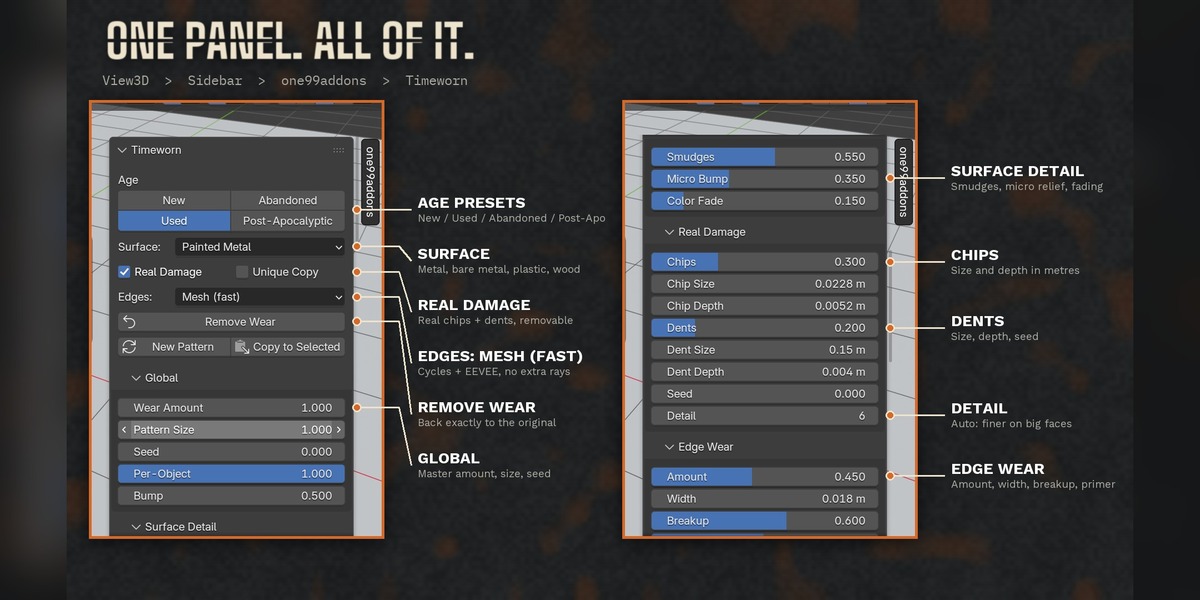
Click an age: New, Used, Abandoned or Post-Apocalyptic. Pick what the surface is made of: painted metal, bare metal, plastic or wood. |
3 |
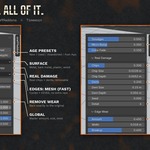
Tweak if you want. Every effect has its own sliders in the sidebar, and every effect is a clean, named node group you can open. |
What you get
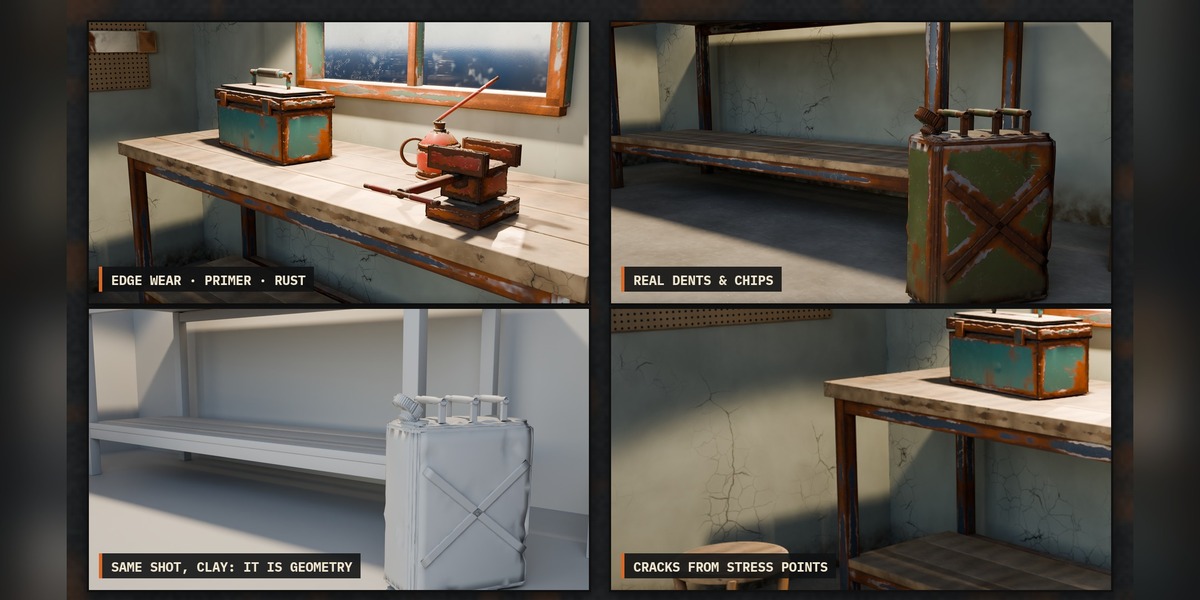
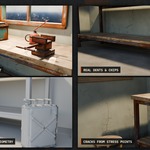
| Edge wear | Chipped paint with a primer band and bare metal underneath, crisp chip outlines, width in real metres. Thin parts are never worn all over. |
| Real damage (geometry) | Real chips bitten out of the edges and real dents, through a removable modifier. Never deeper than 12% of the local thickness, never makes the object bigger. |
| Rust | Starts on edges and in creases, then spreads as you raise it. Three tones, loose speckles, and rust running down under the patches. |
| Cracks | Start at edges and stressed areas, long main cracks with short branches, about 1 mm wide and thinner at the tips. Small for paint, large for walls and concrete. |
| Scratches | Straight scratches with a direction you choose, plus fine micro-scratches. |
| Dirt, dust, streaks | Dirt that hugs the creases, a light grime film, dust on top faces, vertical streaks, stains, and mud splashed up from the ground. |
| Surface detail | Your own paint is no longer perfect: smudges and wipe marks in the shine, fine relief, colour fading on top. |
| Remove Wear | One click puts nodes, links, slots and modifiers back exactly as they were. |
MEASURED, NOT PROMISED
| Demo workshop: 45 objects weathered | 10.8 s |
| Remove Wear vs the original render | pixel-identical |
| Cycles vs EEVEE, worn area along the edges | 0.5 pt apart |
| "Used" preset: edge band worn vs face centre | 48% vs 7% |
| Weathered file opened without the add-on | renders the same |
| Automatic tests in Blender 5.2.2 | 17 / 17 pass |
Safe with your scenes
- Your material stays: the wear is mixed on top, your shader is not replaced.
- Objects without material, empty or multiple slots, shape keys, linked duplicates, shared materials, materials linked from another file, curves and text: all handled.
- Unique Copy weathers only the selected objects even when a material is shared.
- Works with unapplied scale, keeps smooth shading, full undo and redo.
Included
- Timeworn add-on (single file, install from disk).
- Workshop demo scene: 45 objects, workbench, tools, shelving, drum, weathered with Timeworn.
- Hero demo scene: 3D title letters, oil drum, gas bottle and valve on a wet floor.
Where to find it
3D View > Sidebar (N) > one99addons tab > Timeworn, and in the Object menu.
Good to know
- Procedural layers cost render time. On our test scene: Cycles GPU 0.73 s → 1.91 s, EEVEE 0.15 s → 0.97 s.
- Real Damage subdivides the evaluated mesh (your mesh data is never changed). Lower "Detail" or untick Real Damage if your viewport gets slow.
- Cracks of a few millimetres are in the material; chips and dents are real geometry.
- The wear lives in Blender nodes: bake textures if you need it in a game engine.
- Curves and text get every effect; their edge wear needs the "Bevel Node" edge mode (Cycles).
Install
Edit > Preferences > Add-ons > Install from Disk > pick Timeworn_v1.0.0.zip > tick the checkbox. Press N in the 3D View and open the one99addons tab. Requires Blender 5.2 or newer.
Made by one99addons - Blender add-ons & asset packs, made to be easy.