Timeworn - Procedural Wear & Real Damage
 one99addons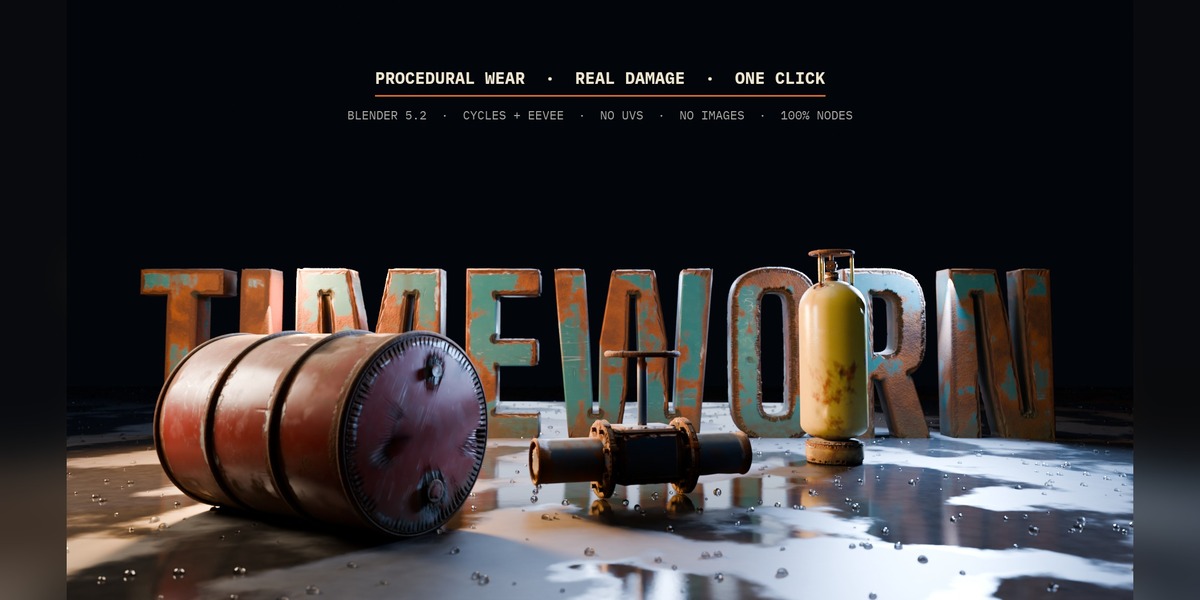
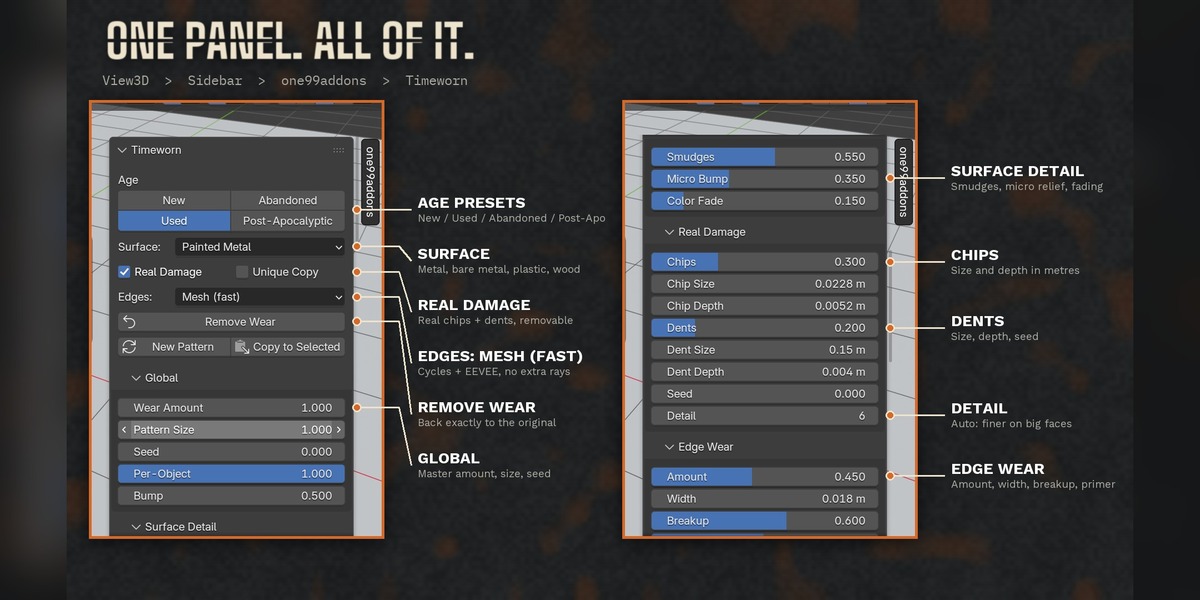



Do I need UV maps?
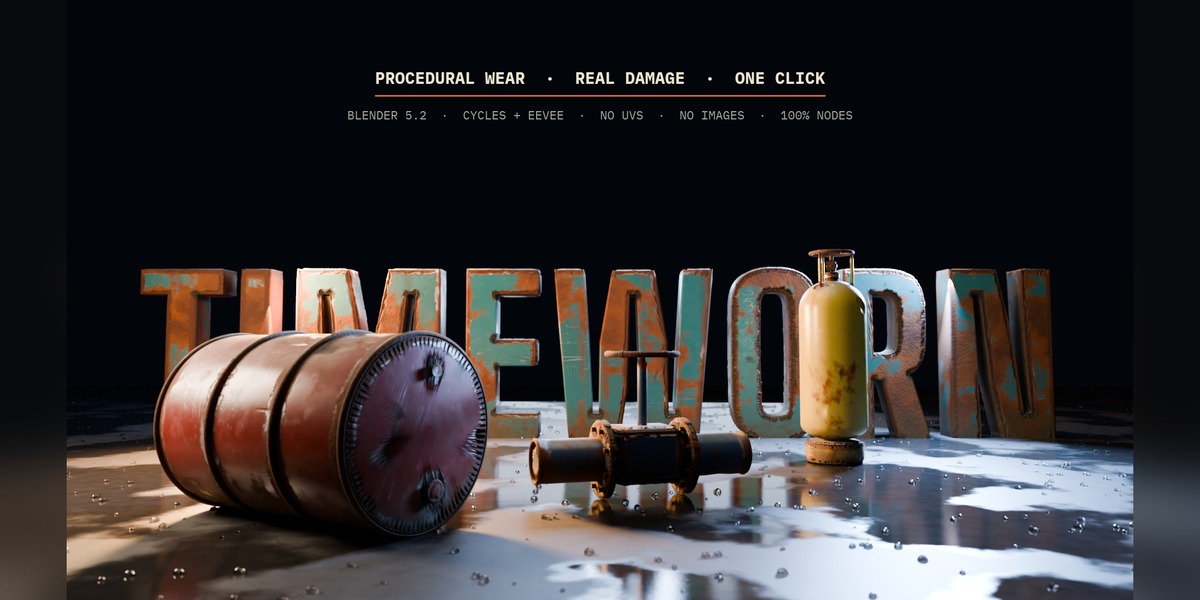
No. Every effect is 3D procedural (object space), so it works on any mesh without UVs, without images and without seams. It also ignores unapplied object scale.
Does it work in EEVEE?
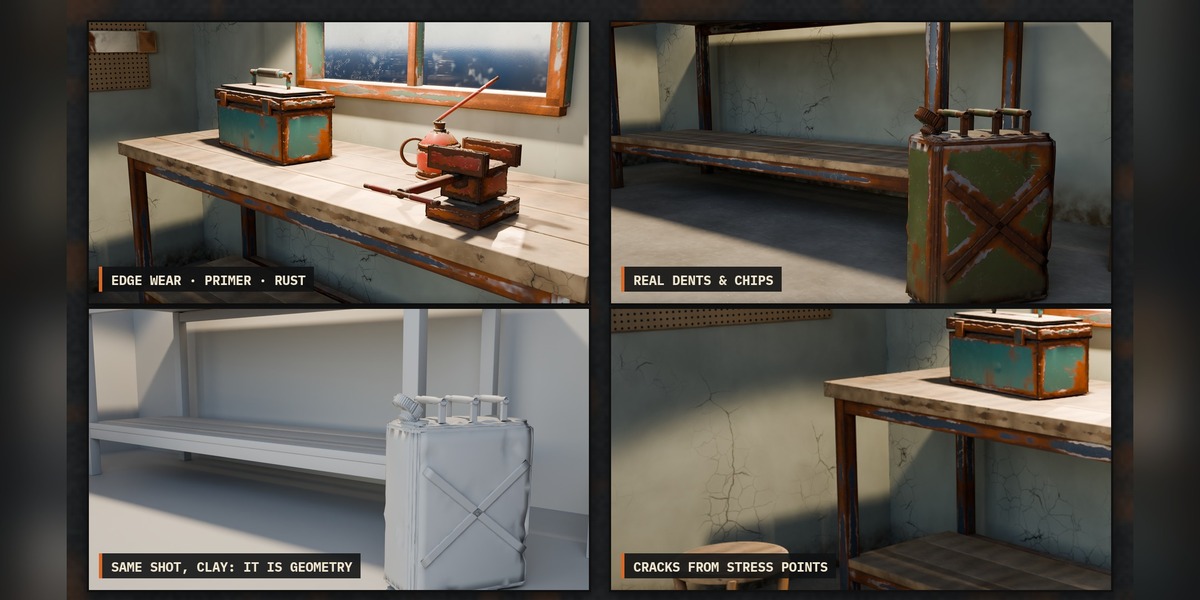
Yes. Edges are found on the mesh by a small Geometry Nodes modifier, so edge wear works in Cycles and EEVEE (in our tests the worn edge area differs by 0.5 percentage points between the two). Only the optional "Bevel Node" edge mode is Cycles only.
Will it replace or break my materials?
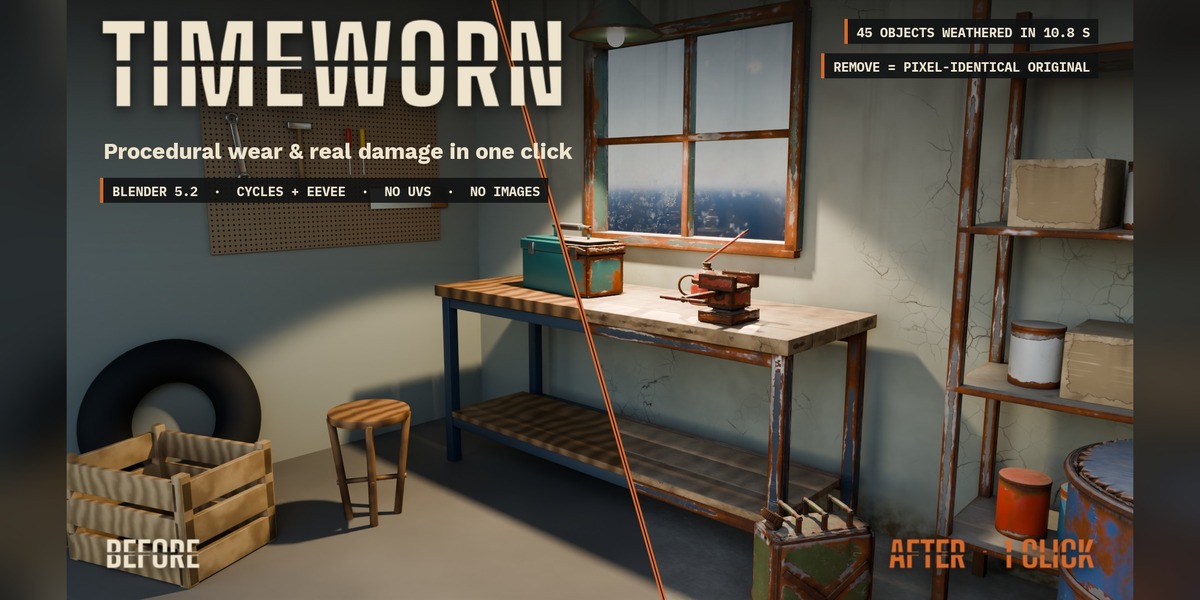
No. Your shader stays in place and the wear is mixed on top. Remove Wear restores nodes, links, material slots and modifiers exactly: in our tests the render after removing is identical to the original, pixel for pixel.
Can I export the wear to a game engine?
The wear lives in Blender nodes, so FBX/GLB exports don't carry it automatically. Bake the textures (for example with a baking add-on) if you need it outside Blender.
My viewport got slow, what can I do?
Real Damage subdivides the evaluated mesh to sculpt chips and dents. Lower "Detail" in the Real Damage panel, or untick Real Damage on background objects. Your original mesh data is never changed.
What about shared materials?
If several objects share one material, all of them get the wear. Tick "Unique Copy" to weather only the selected objects: they get their own copy of the material.
$6
Have questions about this product?
Login to message
| Published | about 14 hours ago |
| Blender Version | 5.2 |
| Extension Type | N/A |
| Render Engine Used | Cycles, Eevee |
| License | GPL |
Discover more products like this
weathering cracks Rust scratches grunge procedural dirt edge wear wear and tear aging no uv Damage