Timeworn - Procedural Wear & Real Damage
 one99addons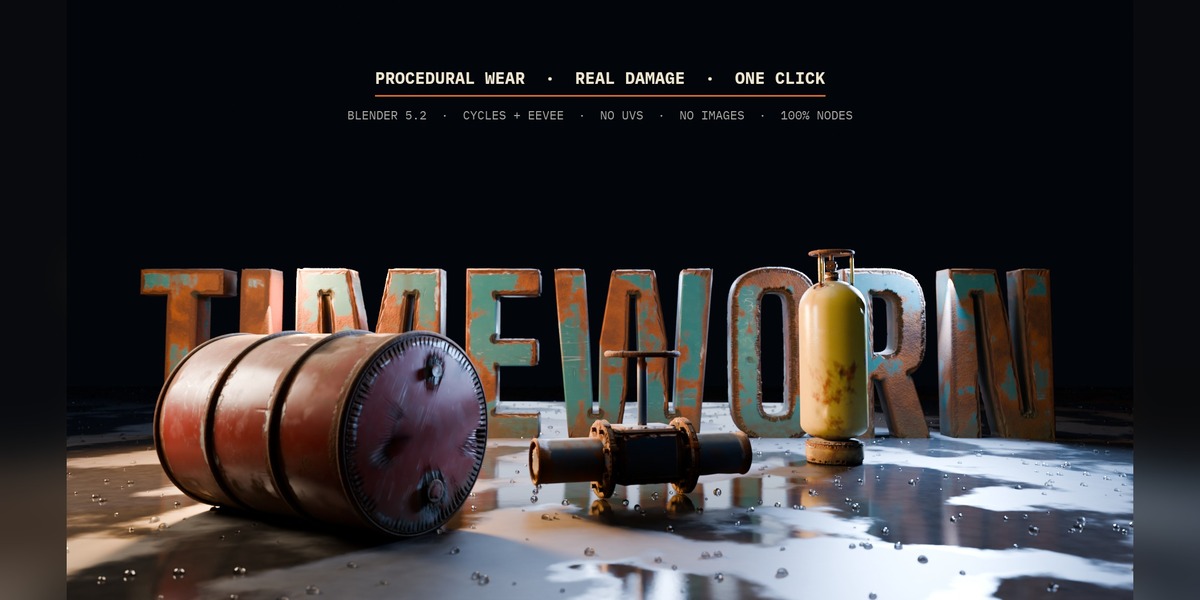




Quick start
- Edit > Preferences > Add-ons > Install from Disk > pick Timeworn_v1.0.0.zip > tick the checkbox.
- In the 3D View press N and open the one99addons tab > Timeworn (also in the Object menu).
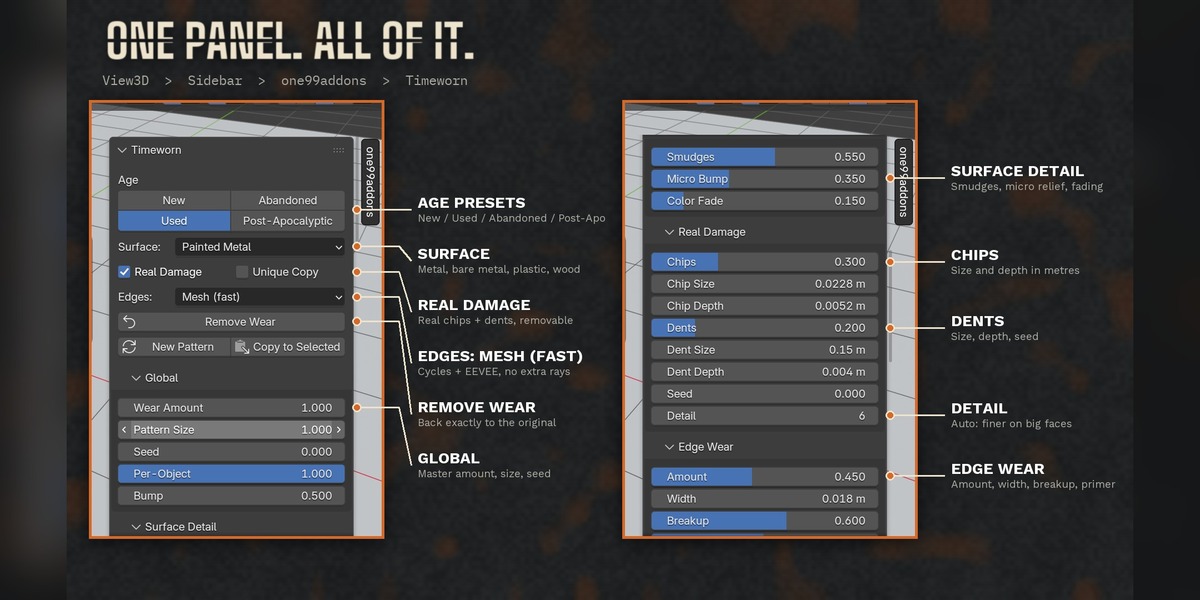
- Select one or more objects, choose the Surface (Painted Metal, Bare Metal, Plastic, Wood) and click an Age: New, Used, Abandoned or Post-Apocalyptic.
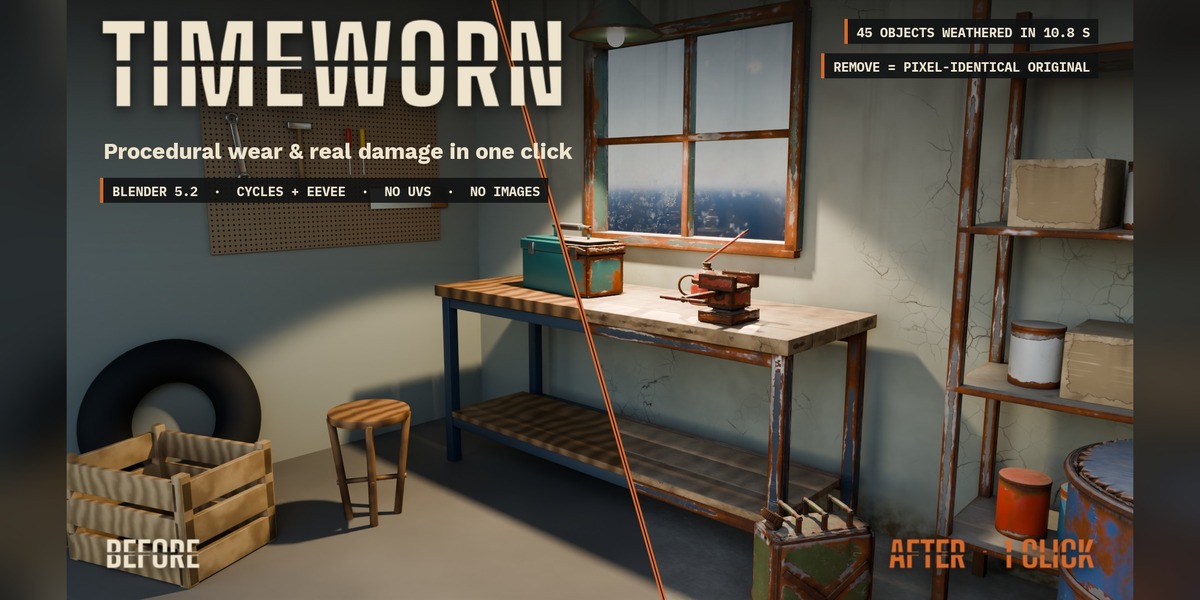
- Tweak the sliders in the sub-panels if you want. Remove Wear puts everything back exactly as it was.
Panels
- Global: wear amount, pattern size, seed (New Pattern), per-object variation, bump strength, Unique Copy, Edges mode (Mesh = Cycles + EEVEE, Bevel Node = Cycles only).
- Surface Detail: smudges and wipe marks in the shine, fine relief and colour fading on your own material.
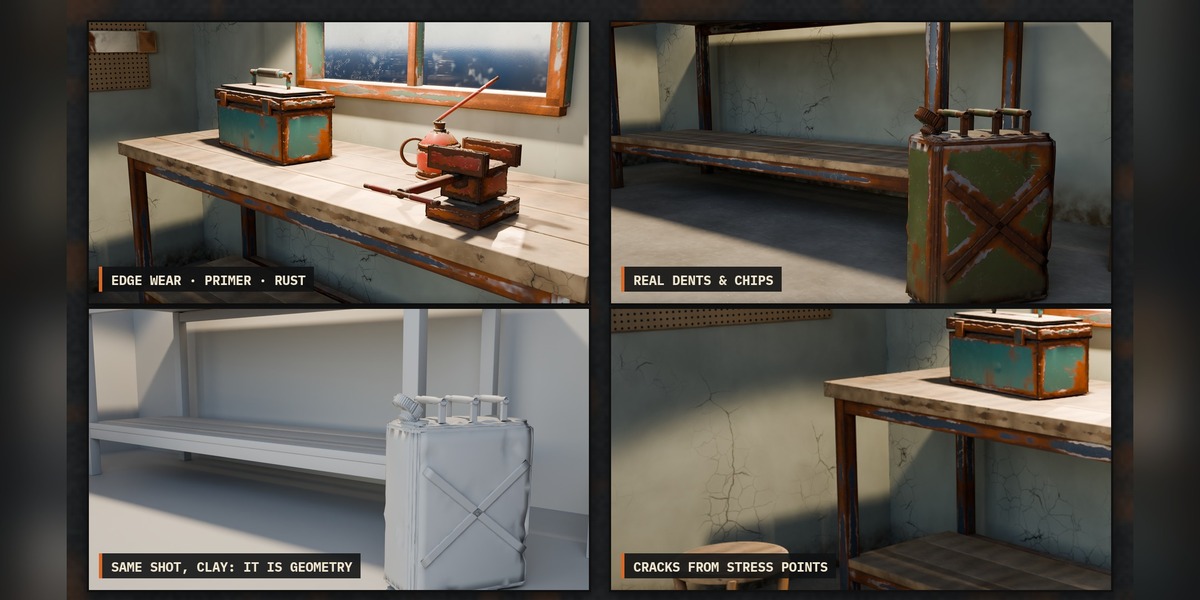
- Real Damage: real chips on the edges and real dents (geometry), amount / size / depth, Detail. Never deeper than 12% of the local thickness.
- Edge Wear: amount, width in metres, breakup, primer band and colour, metal colour, metallic, roughness.
- Cracks: amount and size (small for paint, large for walls and concrete).
- Cavity Dirt, Rust, Scratches, Dust, Streaks & Stains (with Ground Dirt height): each with its own sliders.
Tools
- Copy to Selected: copies the active object's wear settings to the other selected objects.
- New Pattern: new random seed so objects don't look alike.
- Unique Copy: weathers only the selected objects even when their material is shared.
Under the hood
Your shader is kept. A node group "Timeworn · Stack" is inserted between your shader and the Material Output, and every effect is a named node group ("Timeworn · Edge Wear", "Timeworn · Rust"...). Edges and real damage come from a removable Geometry Nodes modifier "Timeworn Geometry". Everything is regular Blender nodes: a weathered file renders the same on a computer without the add-on.
Demo scenes
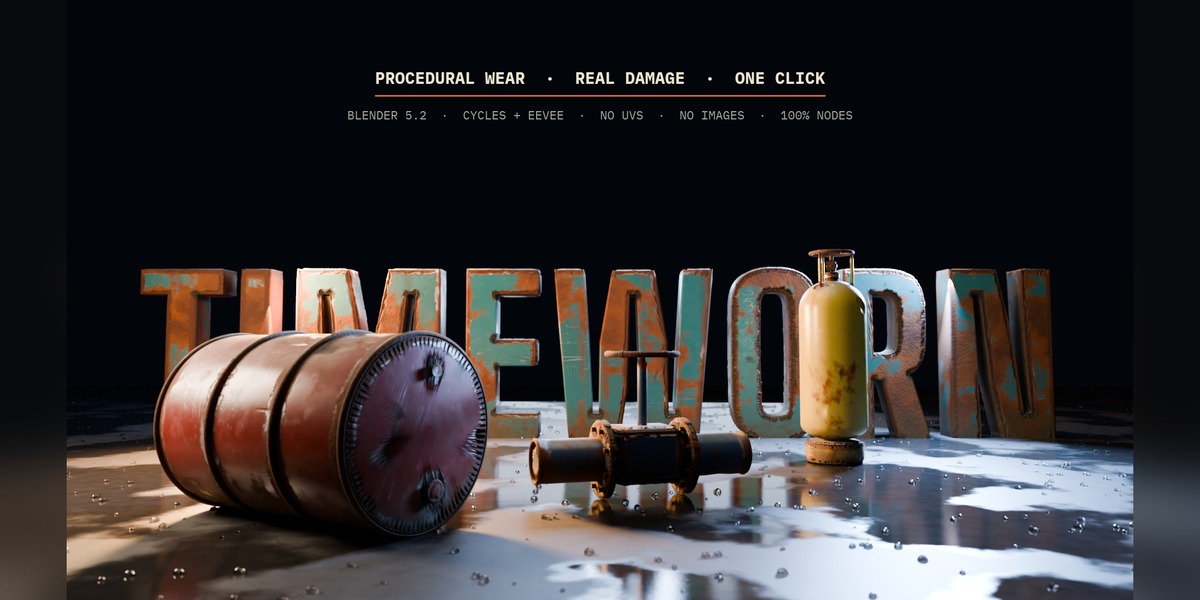
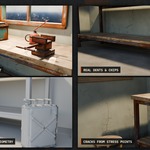
Timeworn_v1.0.0_Demo_Scenes.zip contains the workshop (45 objects) and the hero scene (3D title letters, oil drum, gas bottle, valve on a wet floor), both weathered with Timeworn.
Requirements
Blender 5.2 or newer. Cycles or EEVEE.
Have questions about this product?
Login to message
| Published | about 14 hours ago |
| Blender Version | 5.2 |
| Extension Type | N/A |
| Render Engine Used | Cycles, Eevee |
| License | GPL |
Discover more products like this
Rust wear and tear grunge scratches weathering edge wear no uv Damage dirt procedural aging cracks