 Techqon core


New Version Available — Now with macOS Support
TQ SubstanceLink — Seamless Blender–Substance Painter Integration
Seamless, Organized, and Smart Connection Between Blender and Substance Painter.
Automate your workflow, keep your assets synced, and eliminate the hassle of manual imports and exports.
Organized, Linked, and Efficient
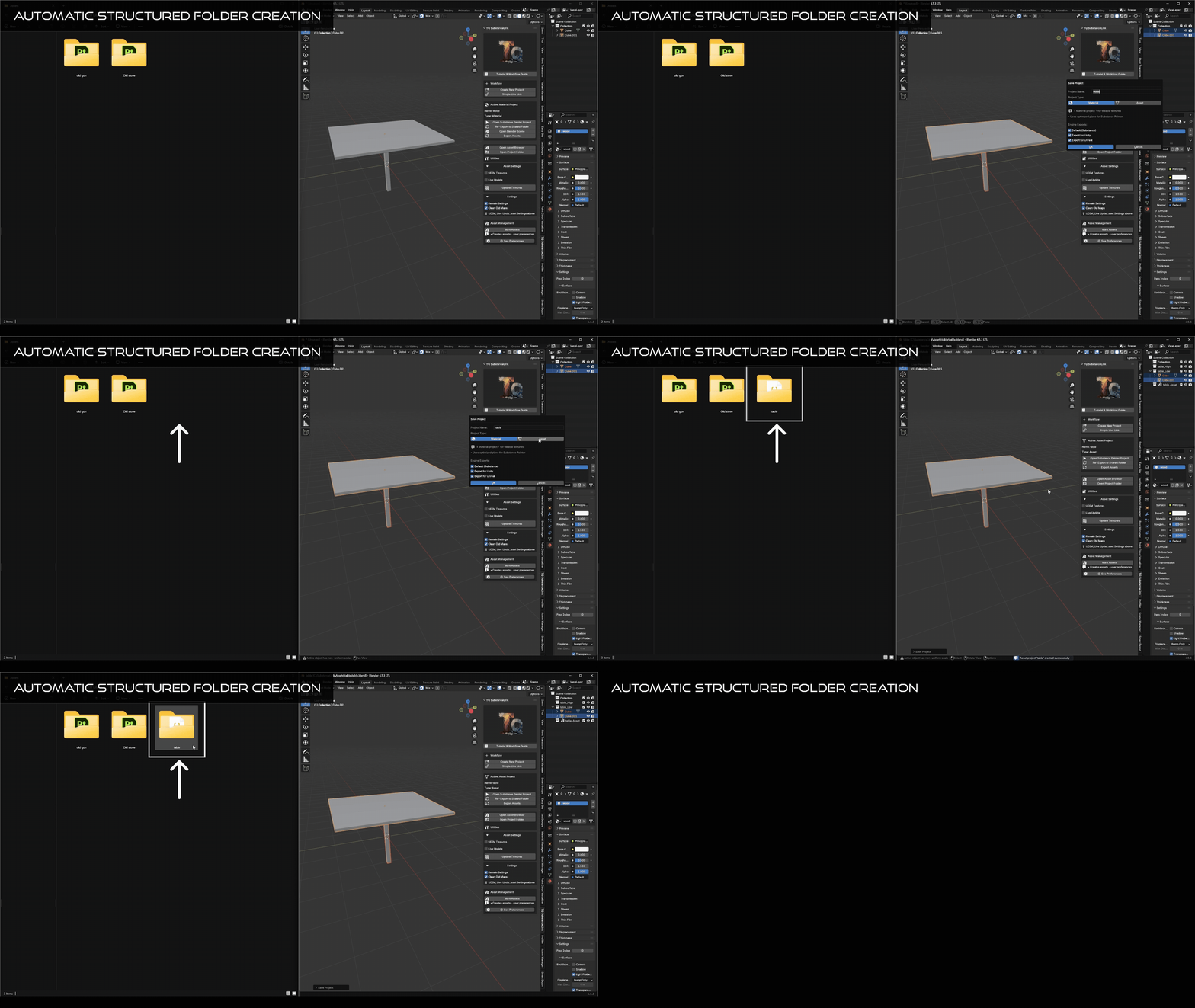
TQ SubstanceLink builds an organized structure for every Blender–Painter project you create. It keeps Blender assets and Substance Painter files permanently linked for full control, easy updates, and smart synchronization — even when Blender is not running.
Key Features
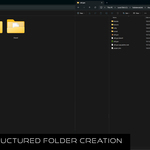
- Automatic folder creation with structured project layout (local or cloud).
- Full linking between Blender assets/materials and Substance Painter projects.
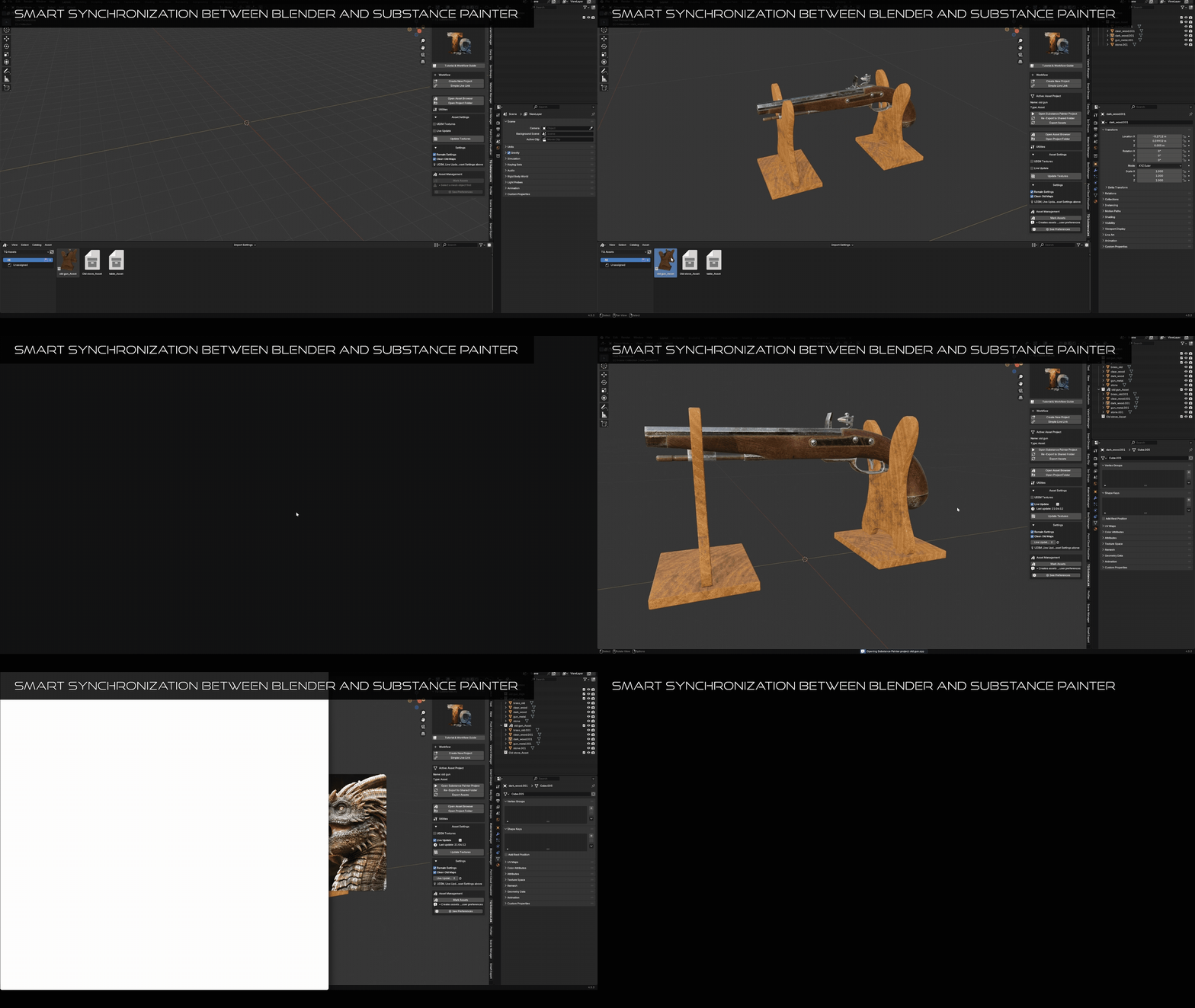
- Sync even when Blender is closed — changes in Painter are reflected later.
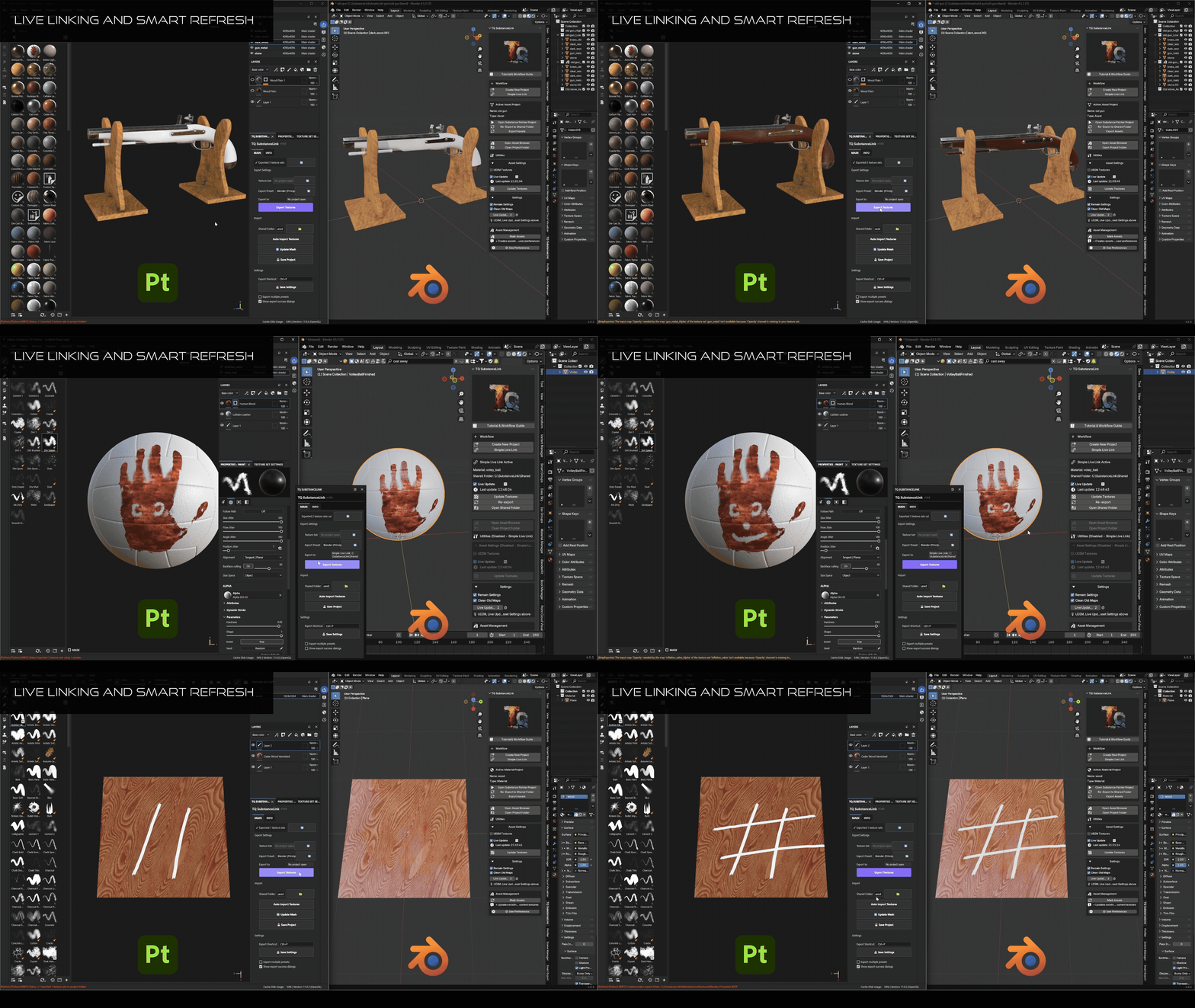
- Live linking for quick testing and prototyping.
- Create reusable materials and auto-send them to Painter for texturing.
- Manage asset libraries with high/low poly structures.
- Smart refresh and manual update options.
- Non-destructive editing and reimport from Painter anytime.
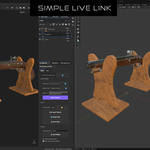
Simple Live Link
Quickly test and texture in real-time:
- Send mesh to Substance Painter with one click.
- Paint and export textures.
- See immediate updates in Blender.
Ideal for fast lookdev and material testing.
Material Projects
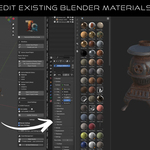
Create and manage reusable materials fully integrated into Blender’s Asset Browser.
- Build materials in Blender, send them to Painter for texturing.
- Live updates or manual refresh for fine control.
- Saved materials appear in the Asset Browser automatically.
Asset Projects
- Manage assets with high/low versions and unified folders.
- Link Substance projects to Blender objects.
- Reopen, edit, and sync automatically.
- Updates apply even if Blender is not open.
Smart Synchronization
- Automatic texture updates.
- Manual refresh with “Update Textures” button.
- Built-in Live Update system.
- Keeps your scenes consistent across changes.
Library Management & Collaboration
- Create categorized libraries (e.g. “Wood”, “Furniture”, “Stone”).
- Support for local and cloud libraries (Dropbox, Google Drive).
- Great for teams and multi-project studios.
Non-Destructive Editing
Reopen your linked Substance Painter project at any time to improve textures — all Blender links and references remain intact.
Updates flow automatically, letting you iterate freely.
Support
Direct support is available to help you set up your pipeline, fix sync issues, or maximize your productivity.
Have questions or suggestions?
Join our Discord server to get help, report bugs, or share your ideas about TQ SubstanceLink.
Join the Official DiscordWant to see it in action?
Watch the full step-by-step video tutorial to learn how to use TQ SubstanceLink efficiently.
▶ Watch Video TutorialWork Smarter. Stay Organized. Focus on Creativity.
TQ SubstanceLink keeps your Blender and Substance Painter workflows integrated, automated, and effortless.
Explore More Tools by TQ Core