 Paulo Antunes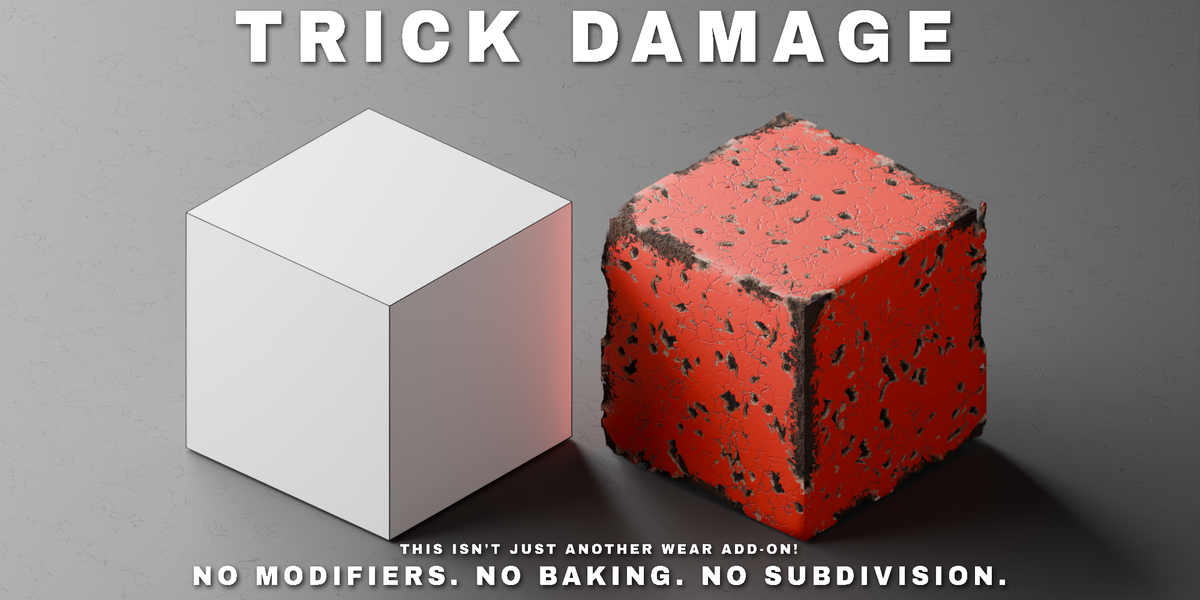



This isn't just another Wear add-on!
Trick Damage: material-only damage for Cycles
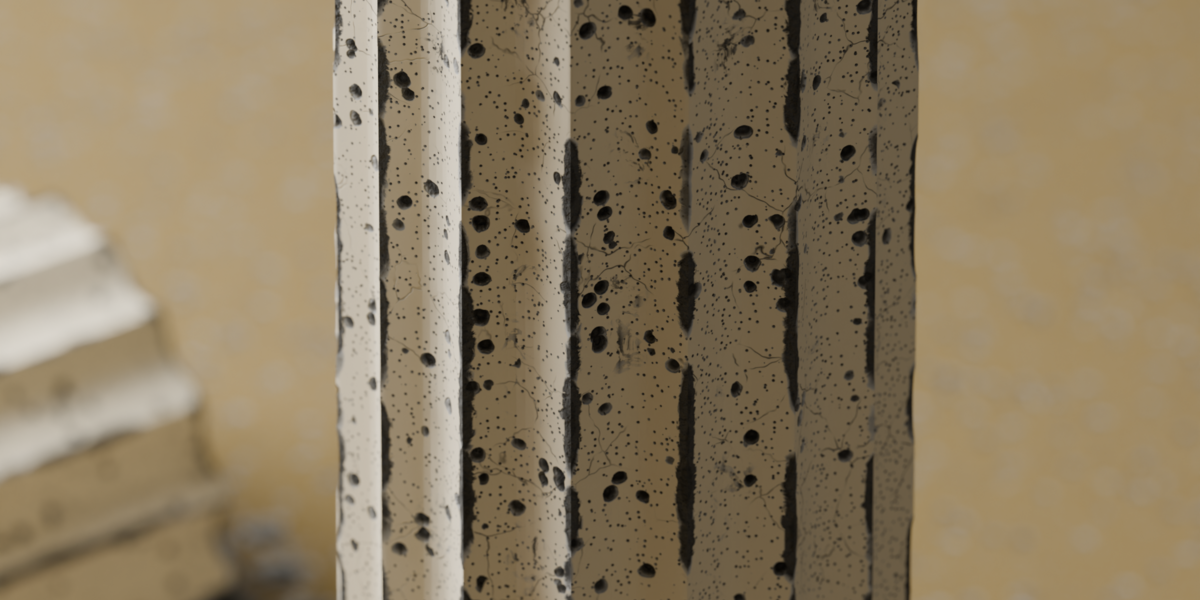
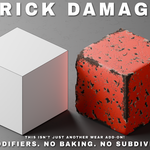
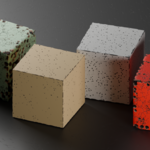
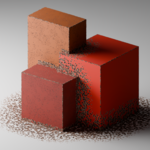
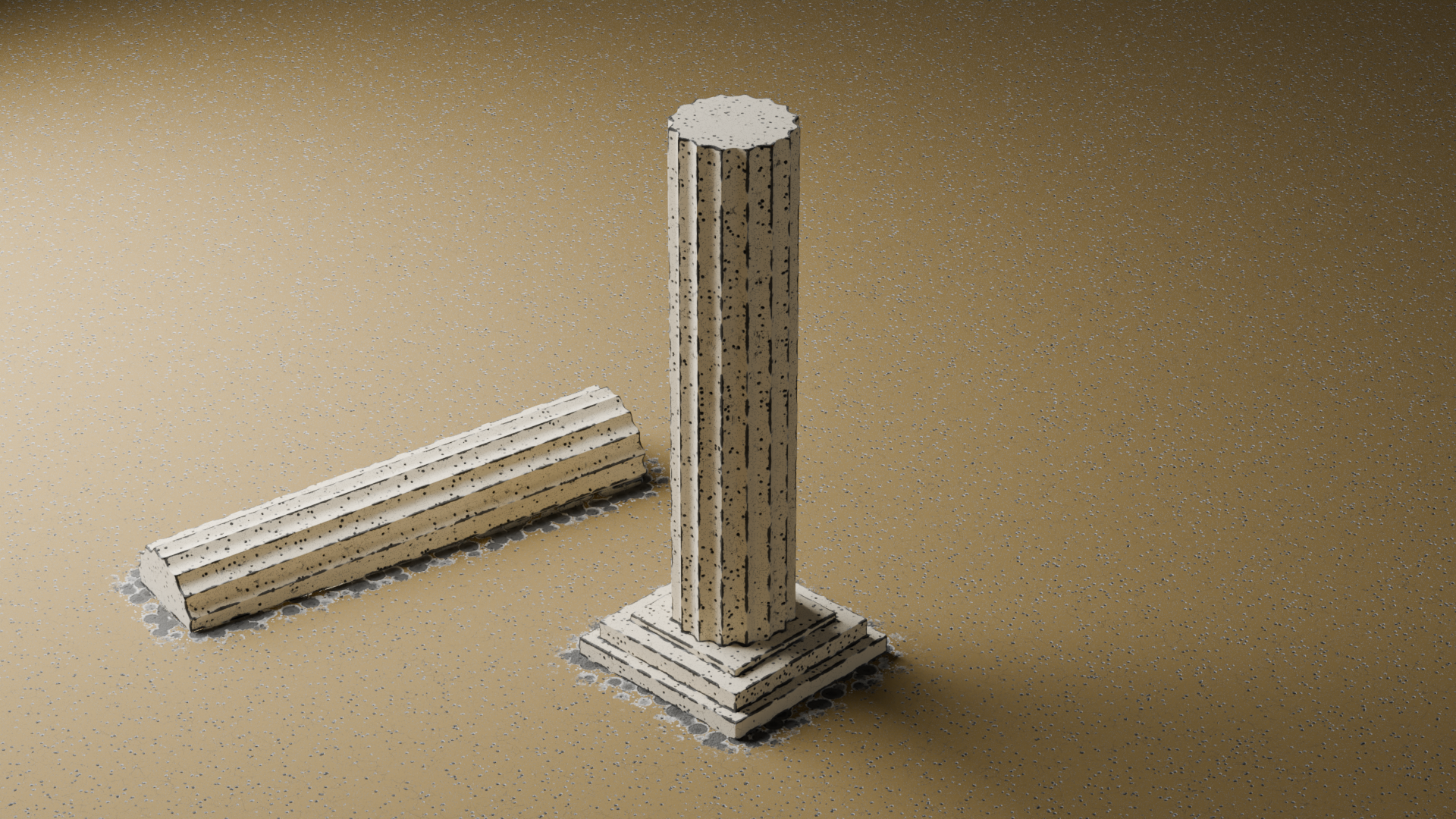
Chip away at edges, create craters, and add damage and wear effects to any mesh without touching a single vertex. Trick Damage works exclusively in Blender’s shader editor: apply it to an object and its original material will be copied; remove it and you’ll get the original back, intact. The add-on uses parallax effects to create the illusion of frayed edges, damage, and surface wear. No modifiers, no subdivision, no baking. Nothing is added to the mesh.
Why Material-Only Matters
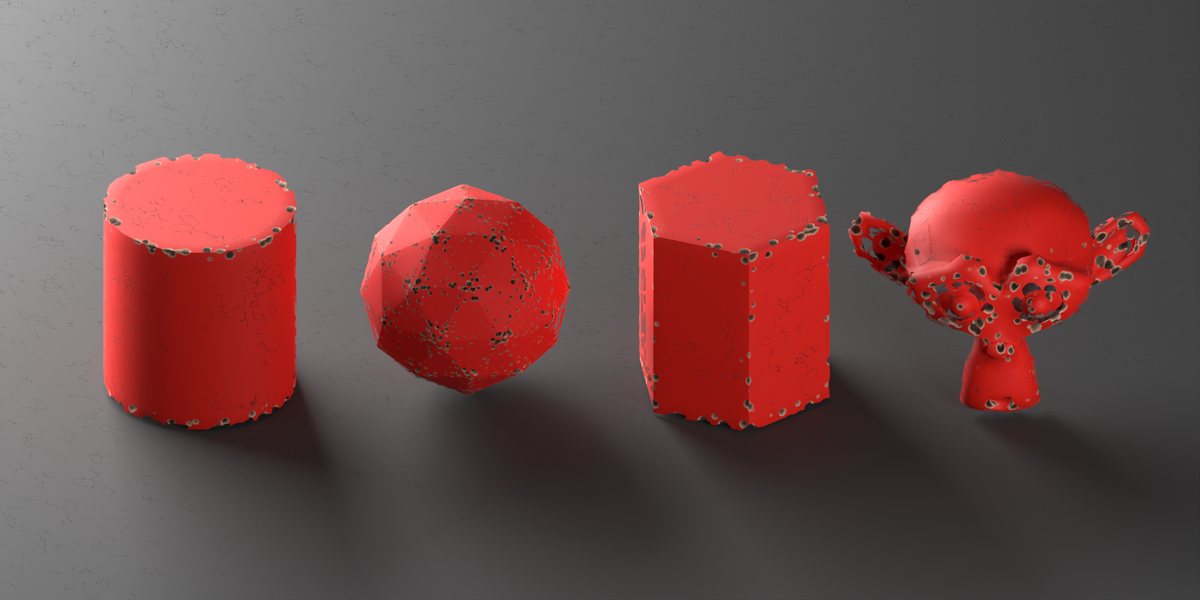
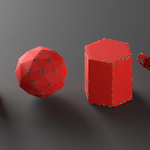
Most edge damage tools work by cutting the geometry or baking a texture. This means extra polygons, UV unwrapping, or a baking step every time you adjust a slider. Trick Damage eliminates all of that: edge detection is real-time and works on any topology (dense or low-poly, open or closed) without ever generating, subdividing, or modifying the geometry. Simply adjust a slider in the plugin menu, click “Update” (or keep the “Live Update” option enabled), and the rendering is updated instantly, saving thousands of polygons in a destruction scene. This makes it the perfect option for objects and background scenes to save VRAM, add even more detail to a scene, or when you don’t need the damage to be baked into the mesh.
What it does
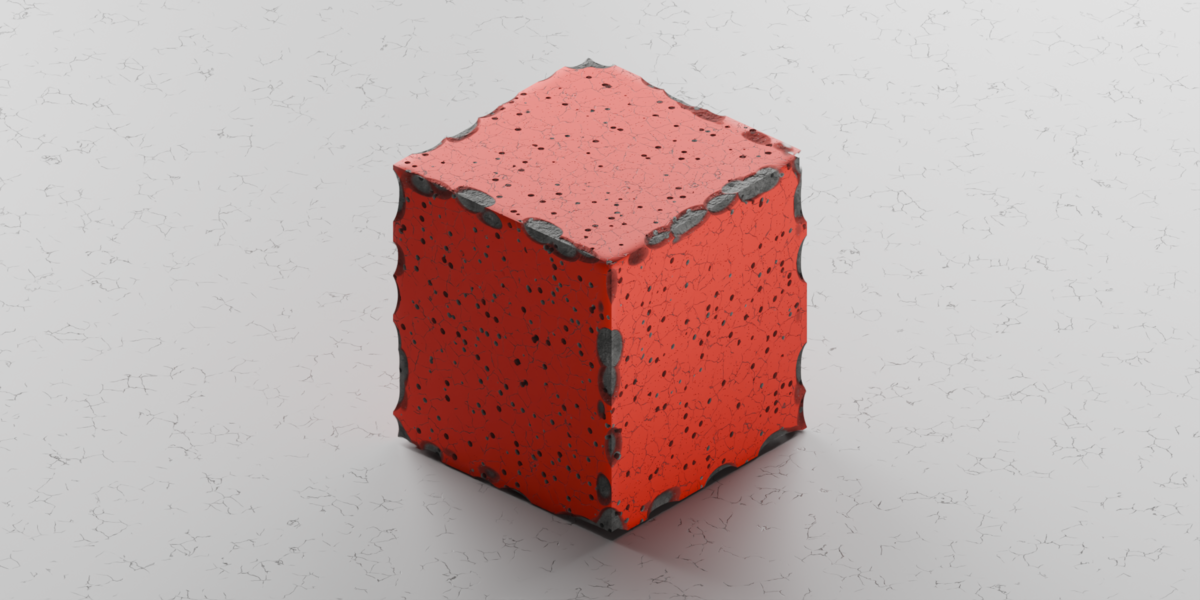
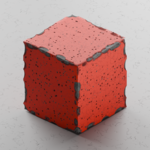
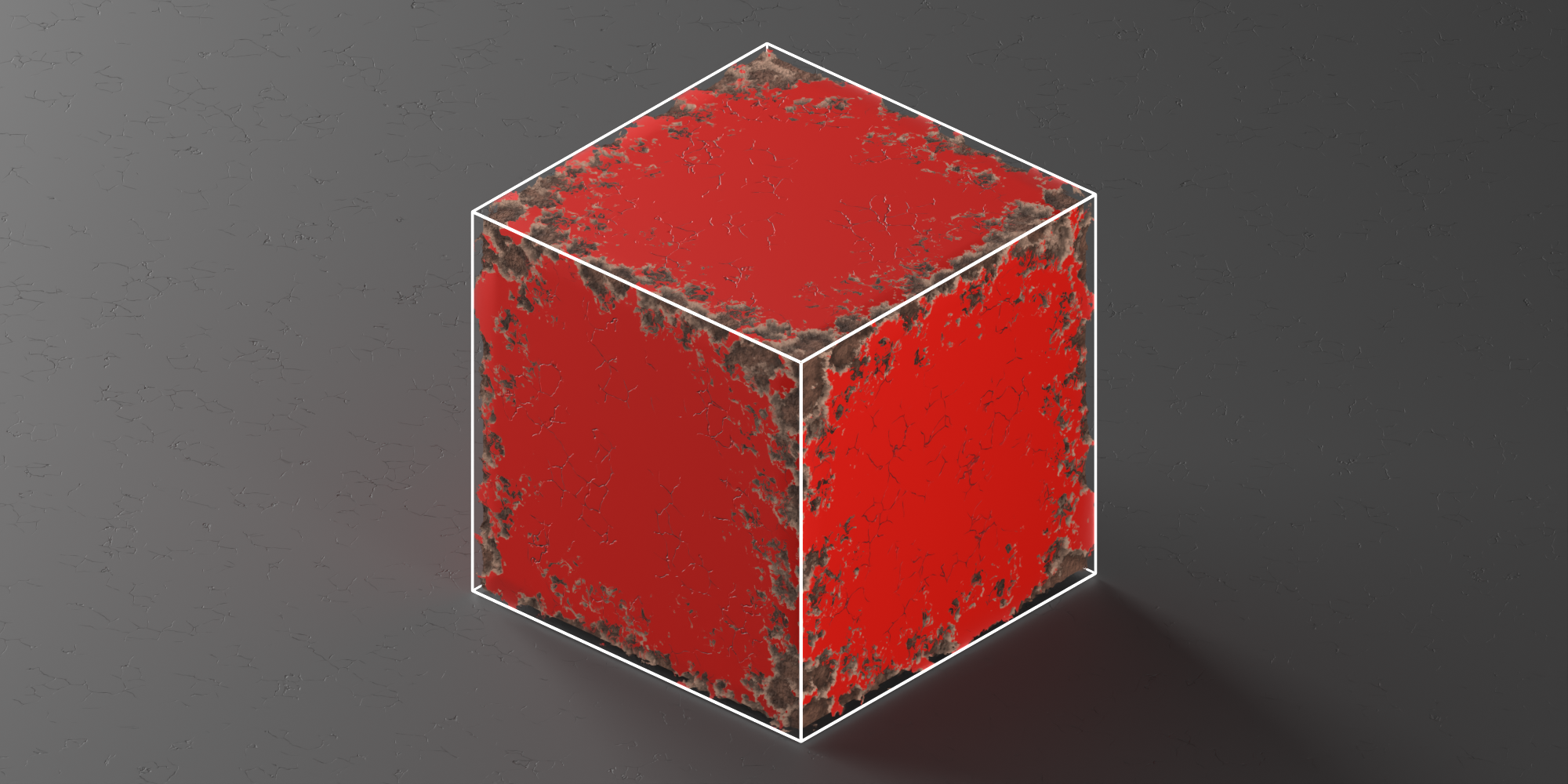
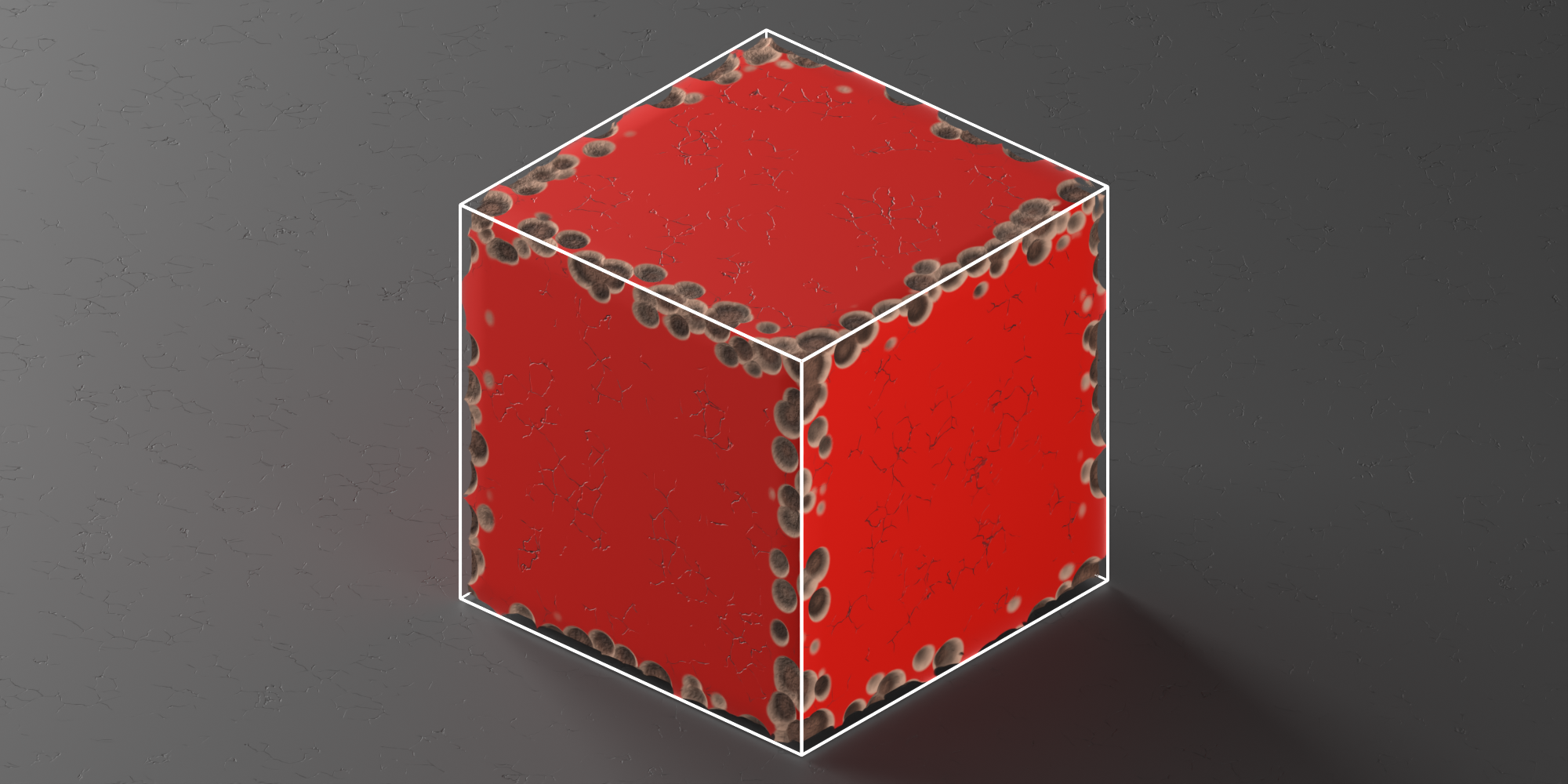
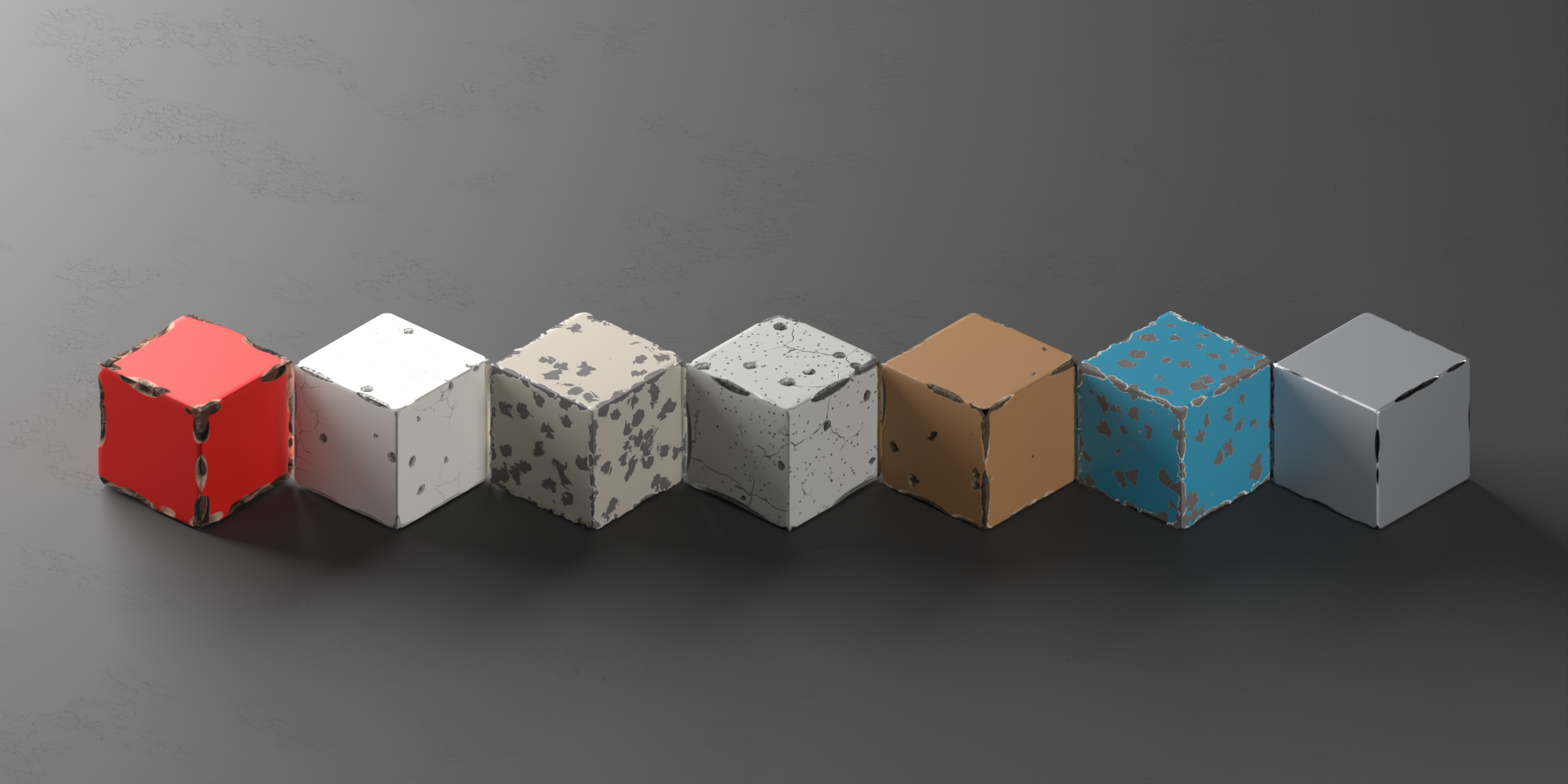
Edge chipping: a Voronoi field/noise masked by the detected edge band, so the chipping follows the silhouette, not a UV map.
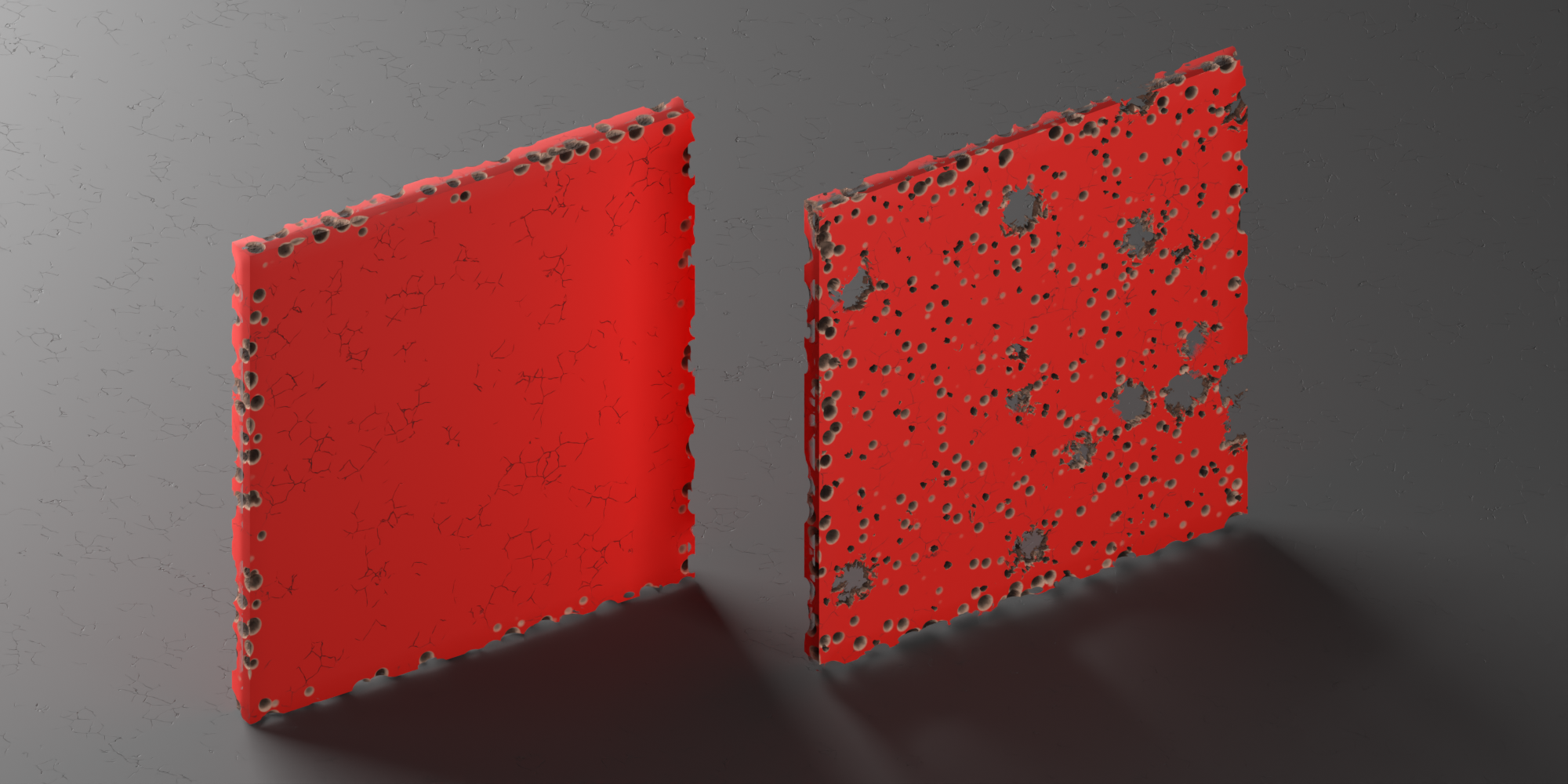
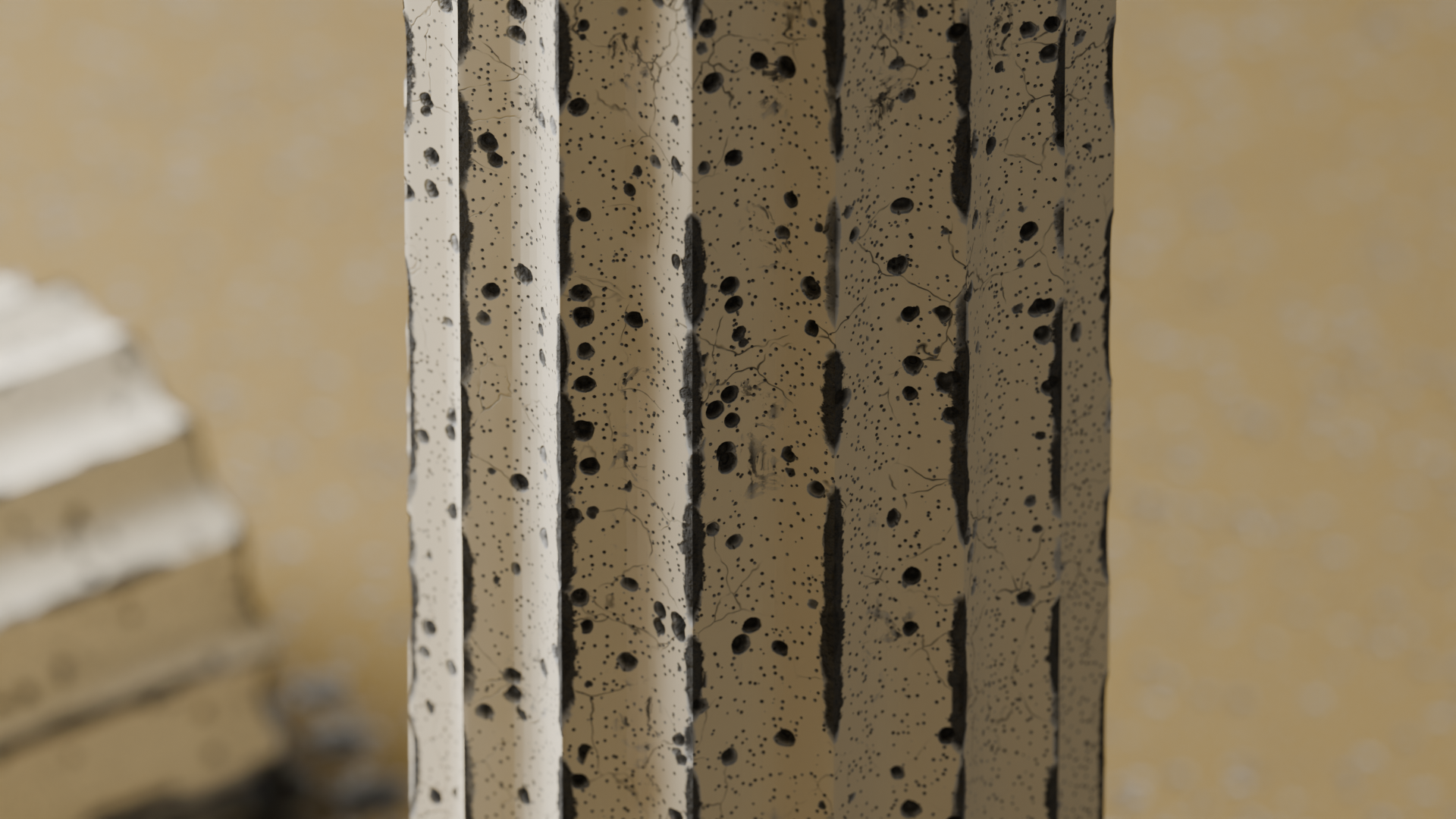
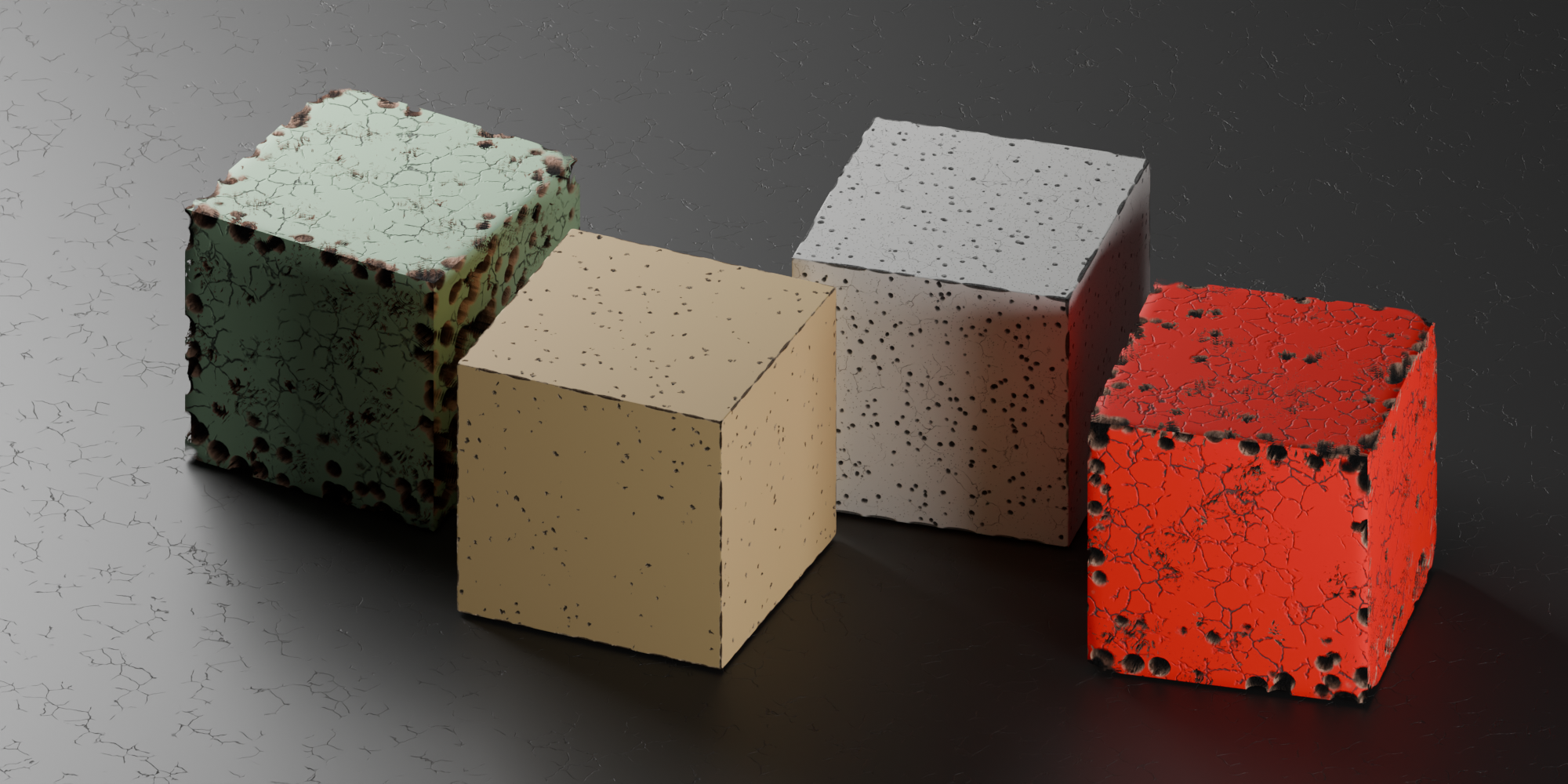
Holes in faces: two independent layers of craters, each with its own scale, depth, and analytical AO; either of them can pierce (actually puncture the mesh).
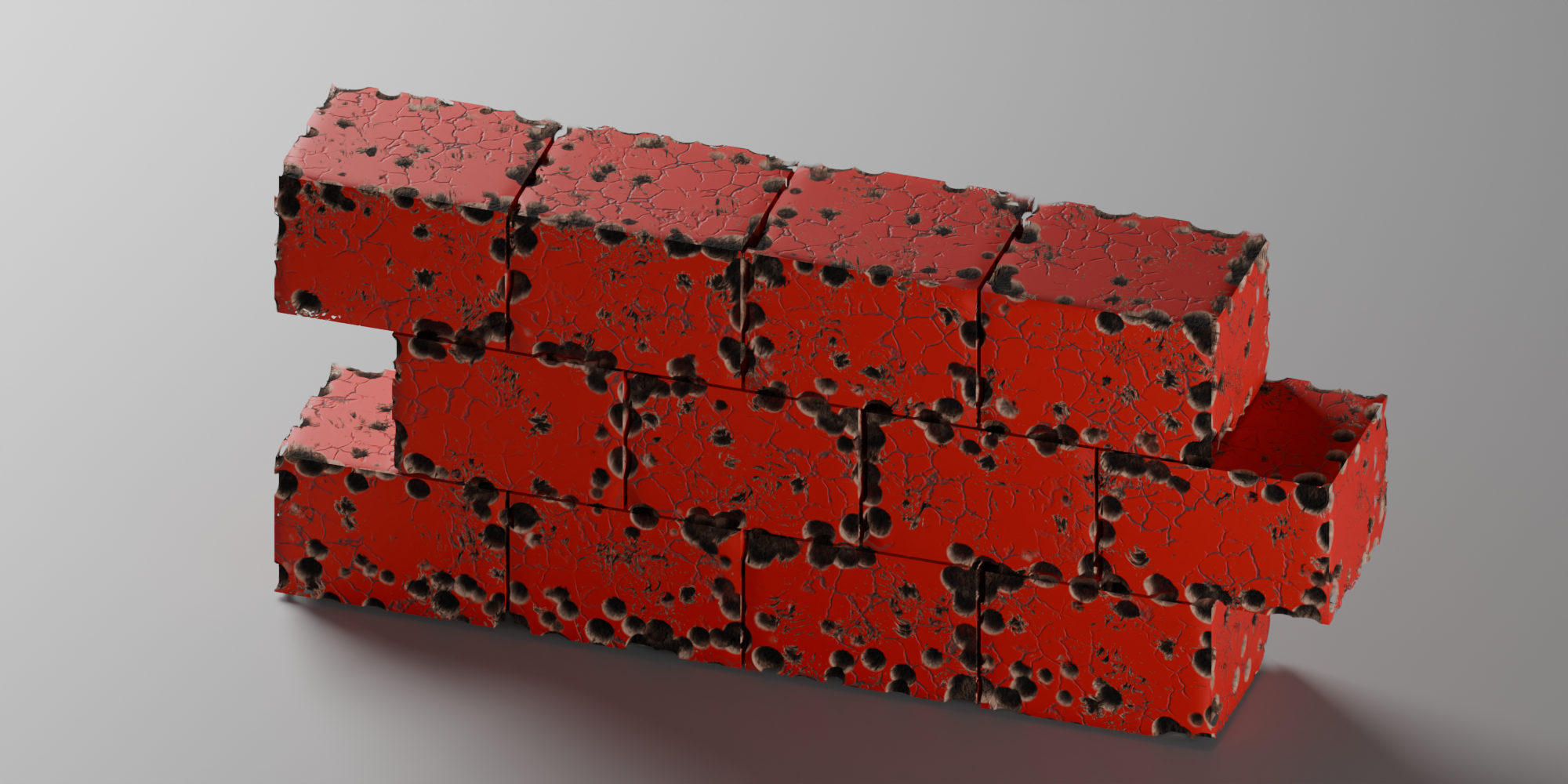
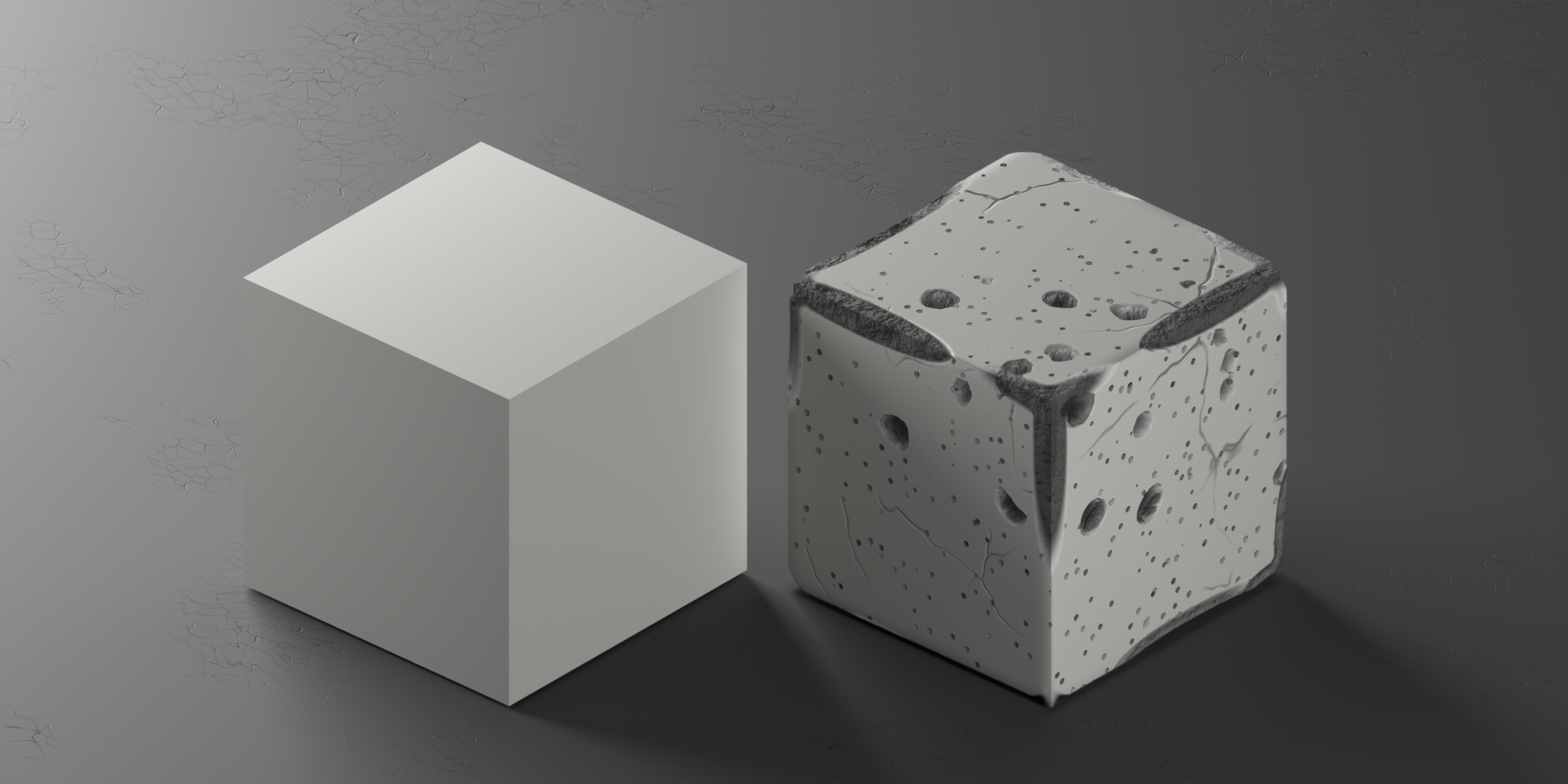
True depth, not a bump map: parallax with ray march, bump, darkening in cavities, and horizon occlusion, with a Draft/Preview/Final dial for working on heavy scenes.
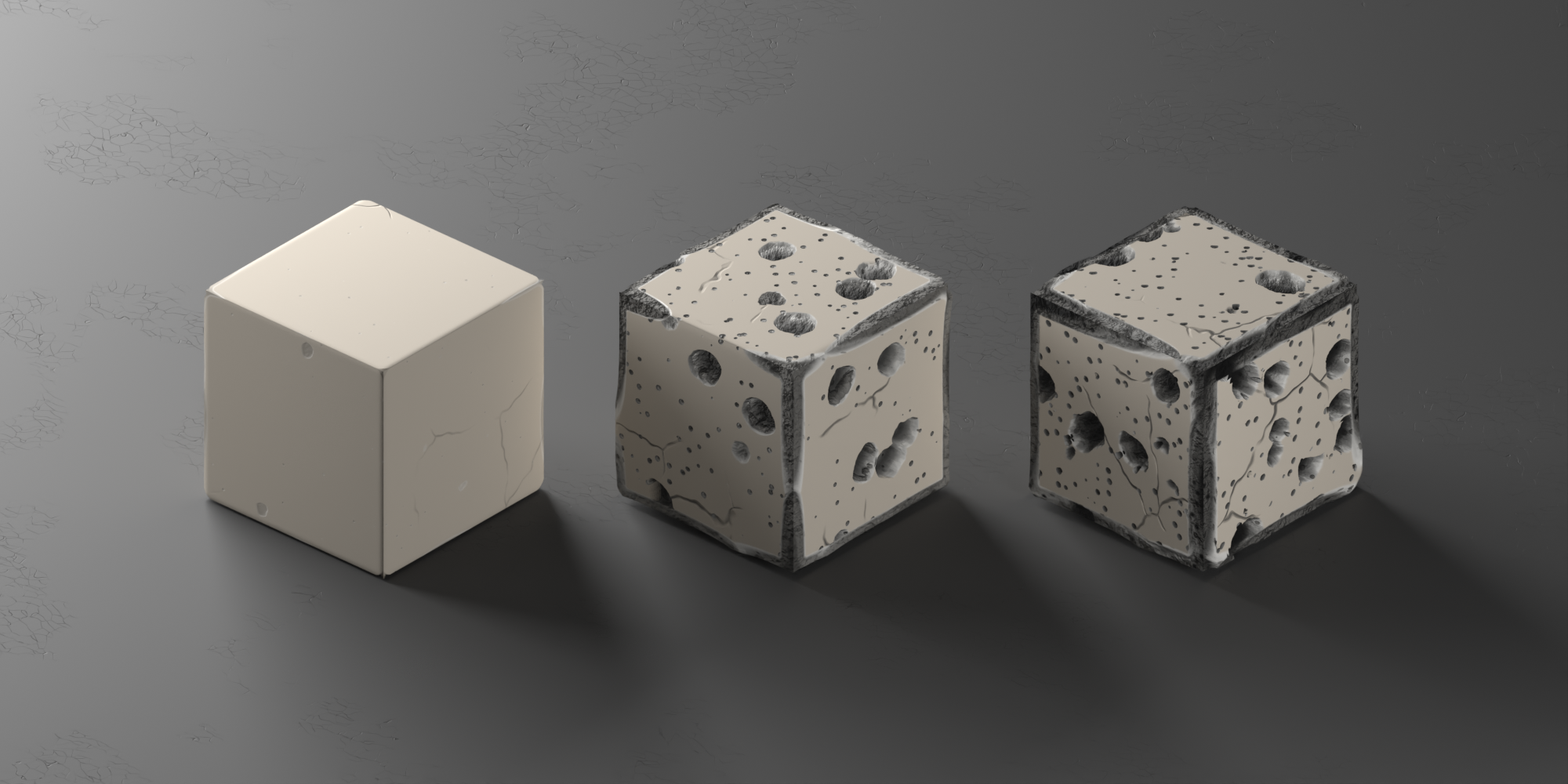
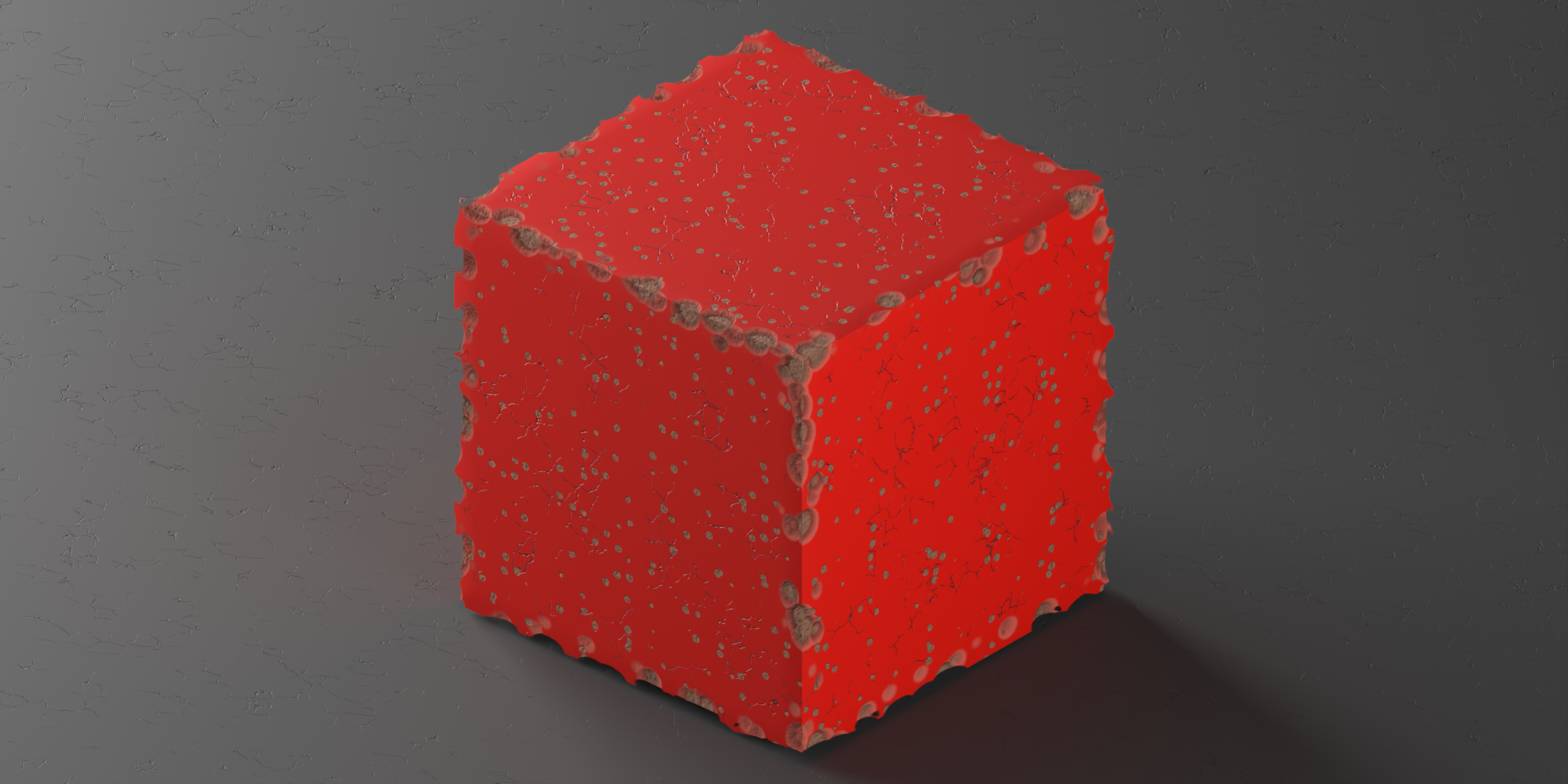
Silhouette damage: rounded edges with true parallax, without extra geometry.
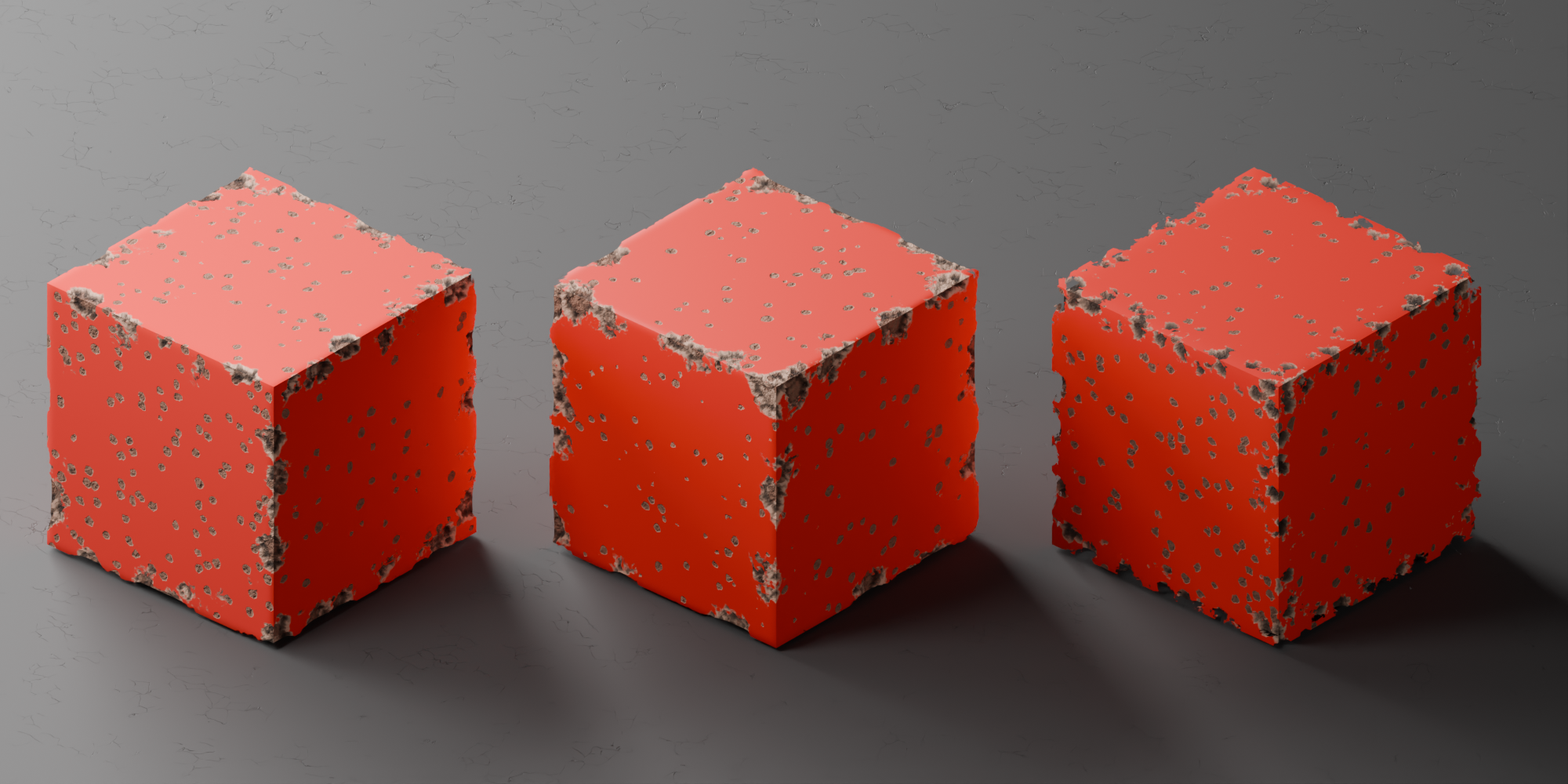
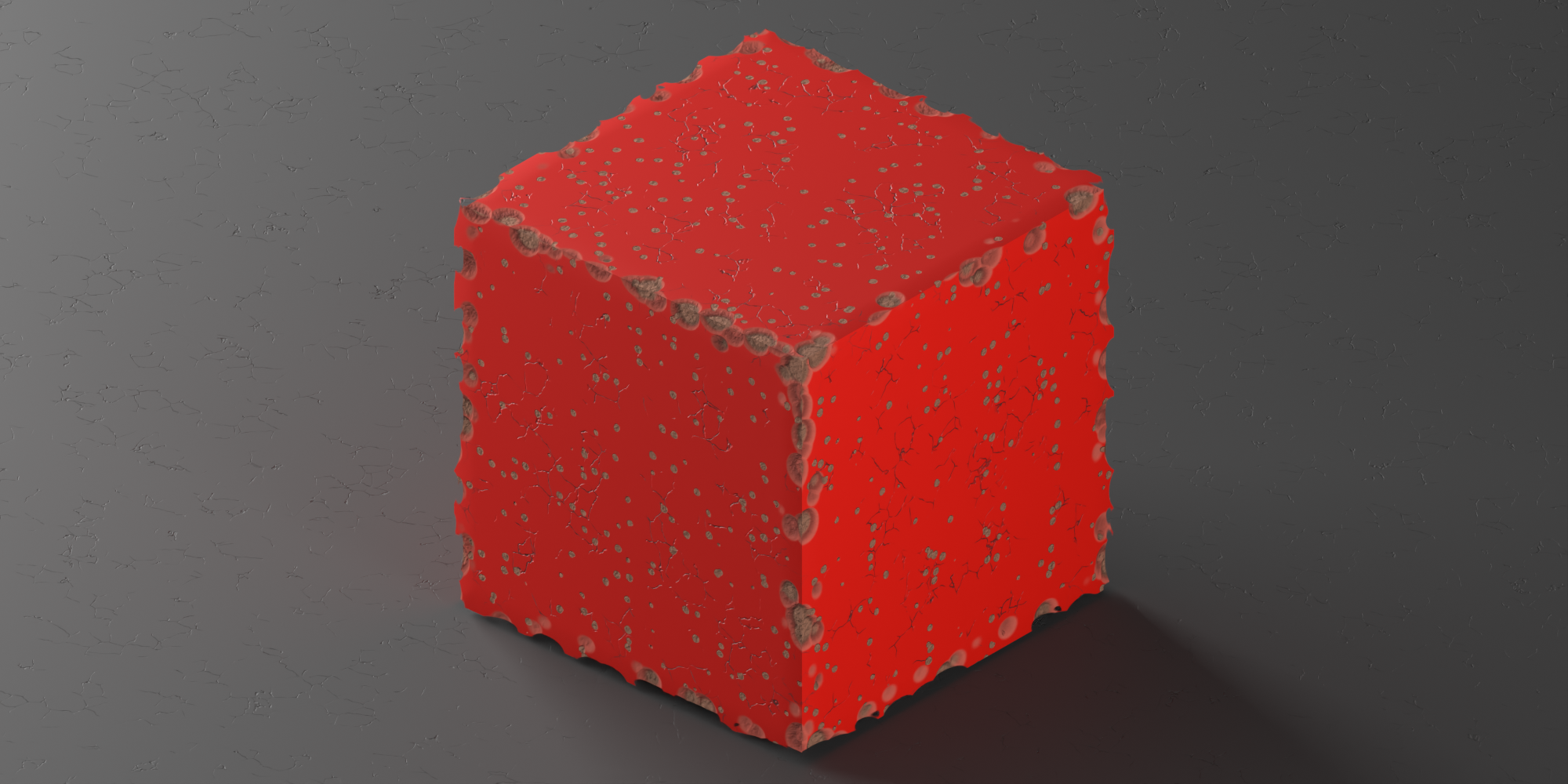
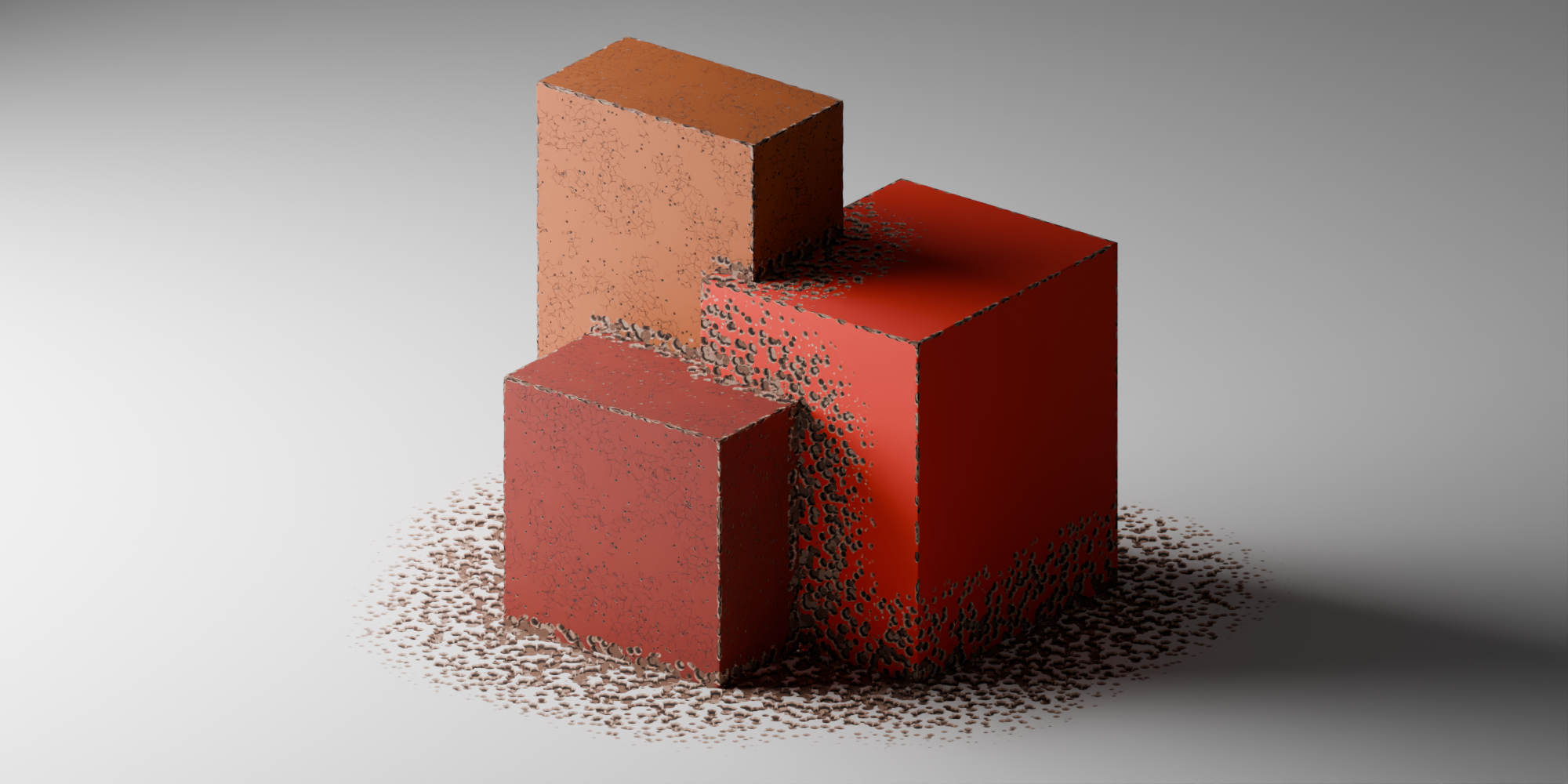
Contact damage: wear where another object’s mesh is close by: the bottom of a box on the floor, the joint between two bricks. It’s a live AO projected outward, so moving or animating either object automatically updates the damage. No baking, no clicking.
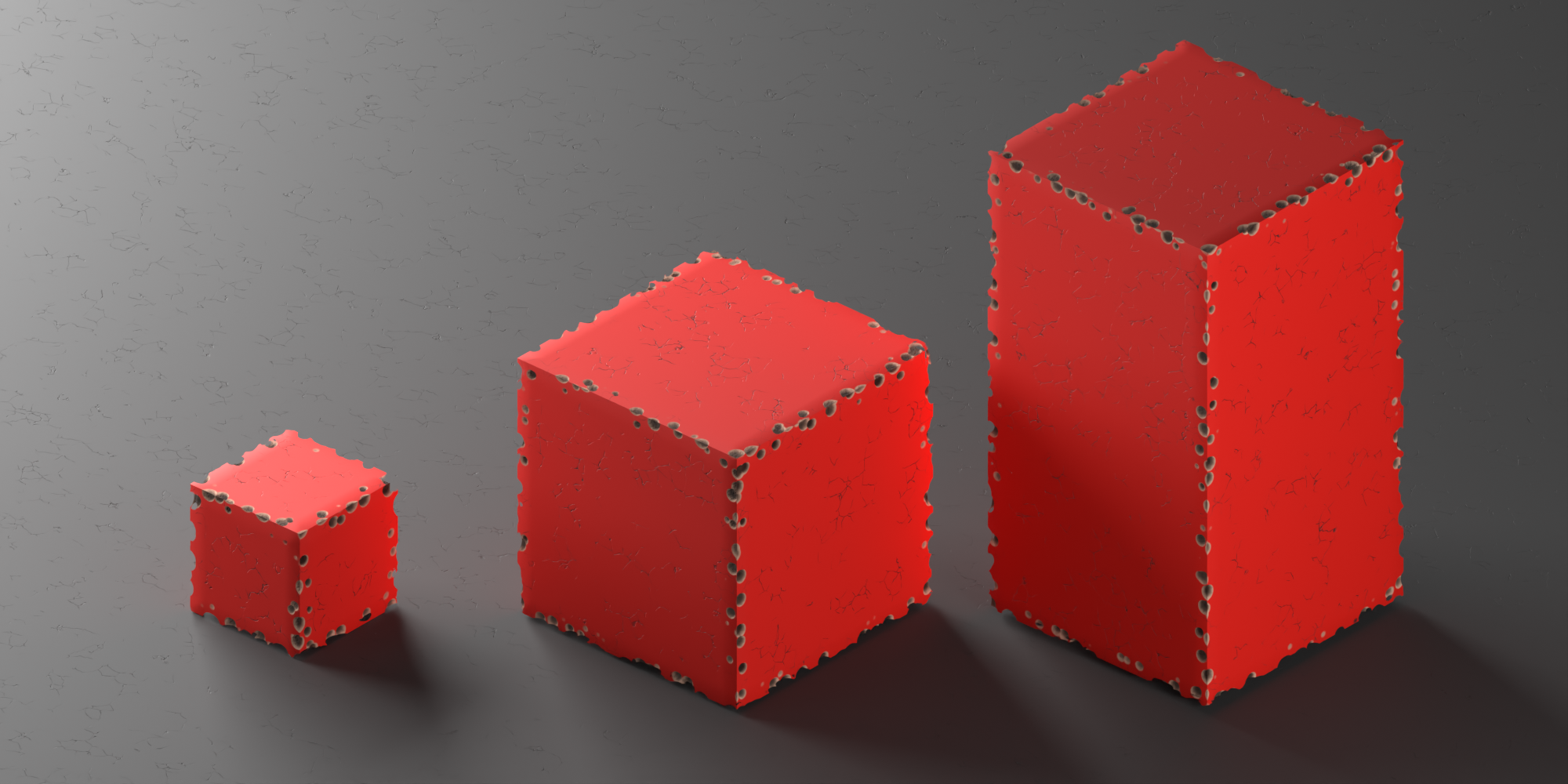
Scale-independent: the shader reads and cancels out the object’s scale, so chips and holes maintain the size specified by the sliders, whether the scale is applied, inherited, animated, or different for each instance.
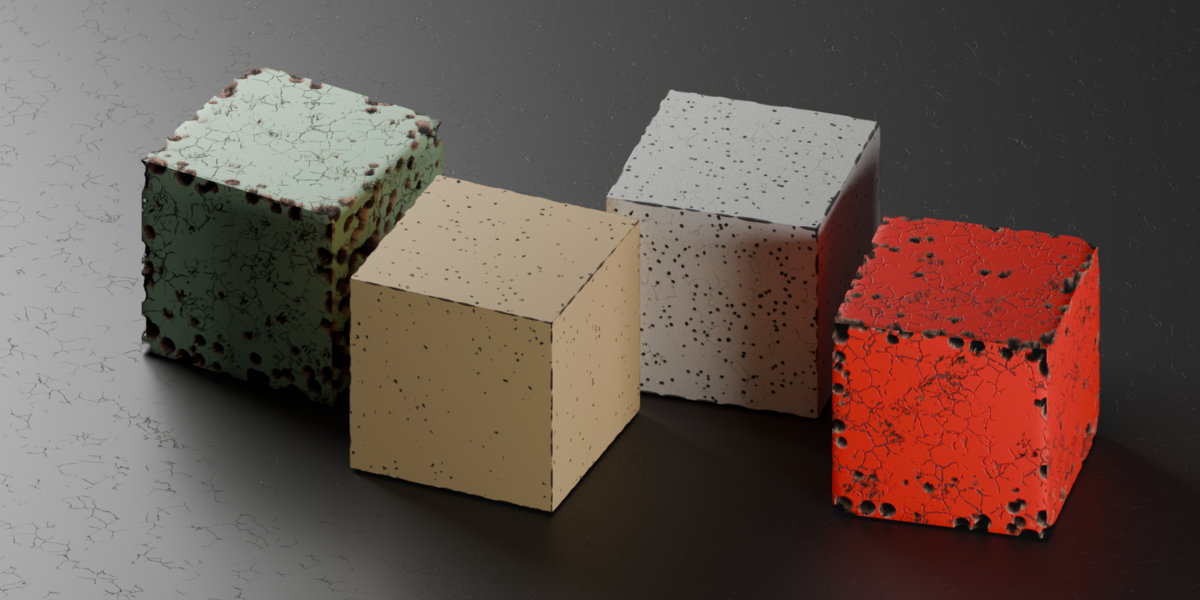
7 ready-made presets: (worn metal, chipped wood, peeling paint, cracked concrete, old stone, cracked plaster, heavy destruction), plus saved user presets.
One-click Randomize: for a fresh, usable variation every time, and Show/Hide to compare the damaged and original look without losing your settings.
ATTENTION!
Cycles only!
In EEVEE, you get the material without the effect, not a weaker version of it. If your pipeline is EEVEE only, this add-on isn't for you. It's better to know this before you buy than after.
Blender Only, Nothing to Export!
The damage exists entirely within the shader’s node tree. None of it survives when you leave Blender. Exporting to another renderer, a game engine, or baking to a texture map does not carry any of this over. If you need the damage in Unreal, Unity, Godot, or another DCC, this add-on isn’t the right tool: you’d need actual geometry, which is exactly what Trick Damage was designed to avoid adding.
A message for those who purchased
The Trick Damage is currently in its first version. If you notice any bug or error, please report them to the creator; your feedback is very important for improving this tool.
The next version of the add-on, featuring improvements, new functions, and new wear patterns, is already in the testing phase and is scheduled for release soon.
If you have purchased the Trick Damage and have suggestions for improvements, additions, or any features you feel are missing and would like to see in the add-on, please send me a message.
Many thanks to everyone who has purchased this add-on!
