Trick Damage
 Paulo Antunes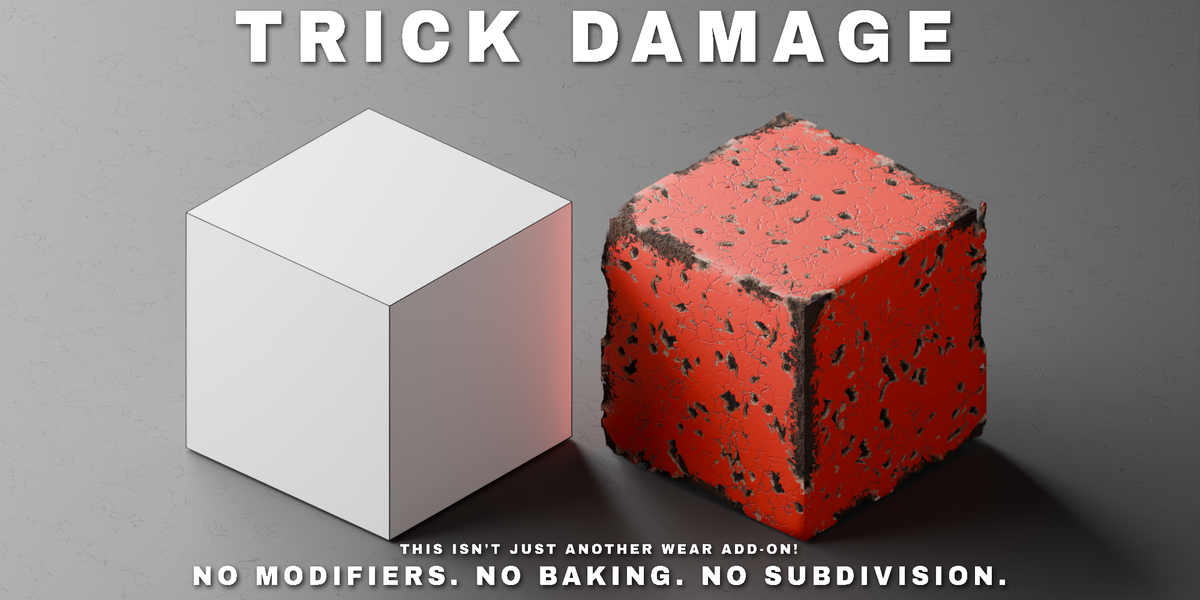
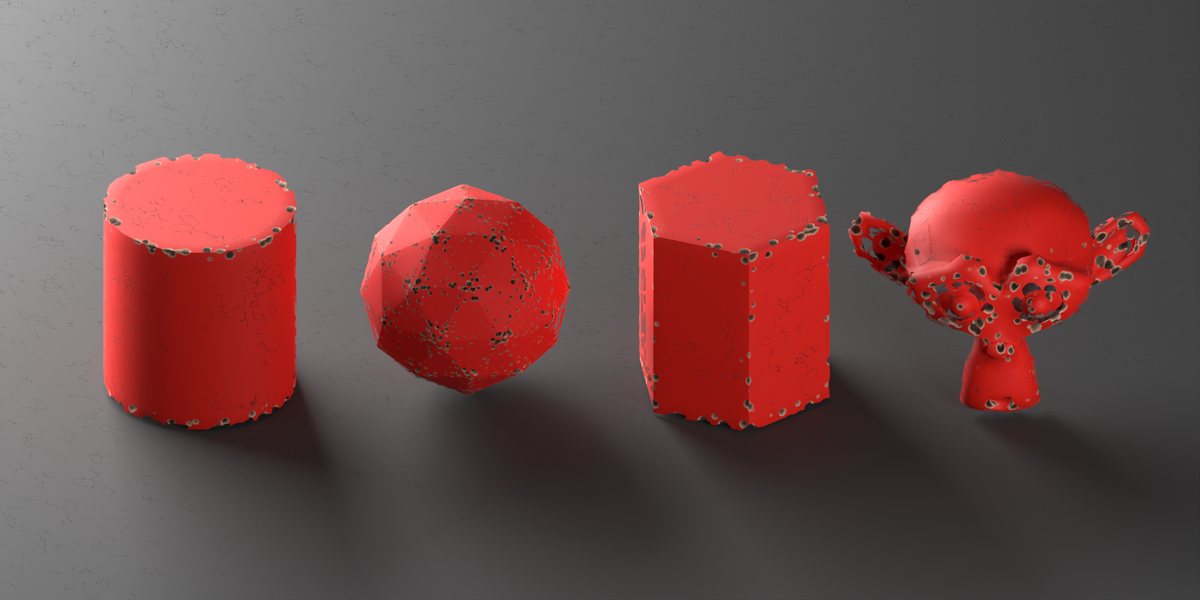
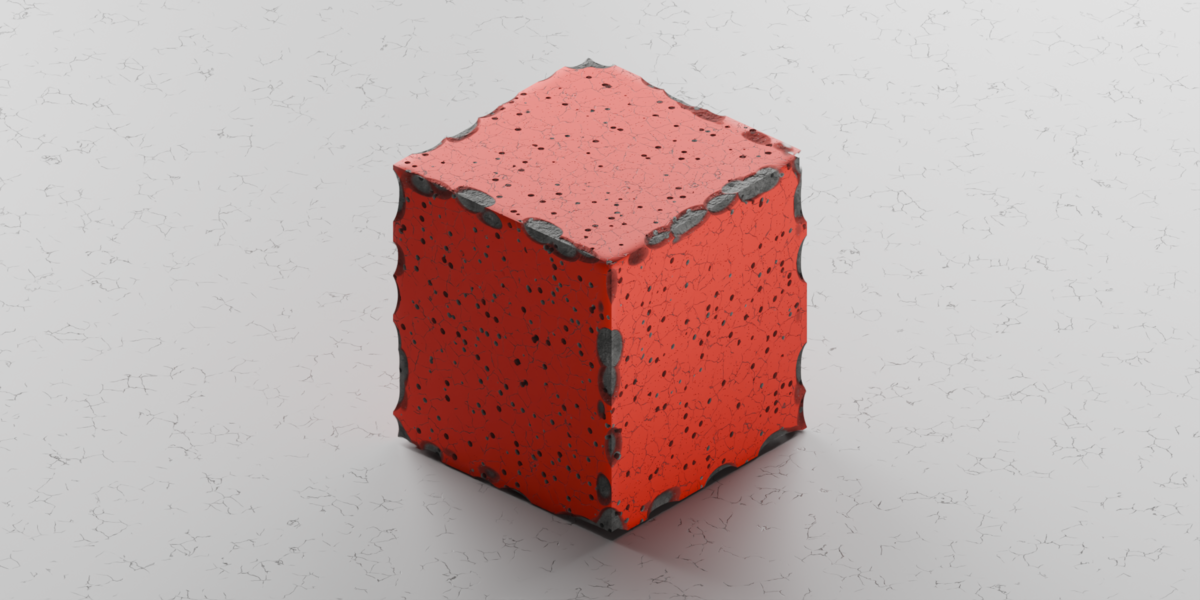



Does Contact Damage need baking or a simulation step?
No. It's a live AO cast toward the other object's mesh, evaluated at render/viewport time — moving, rotating, scaling or animating either object updates the damage with nothing to click. It does cost extra render time (see the render-cost FAQ above), and the occluding object needs shadow-ray visibility on to be detected.
I see small dark marks at the corners of the damaged silhouette — is that a bug?
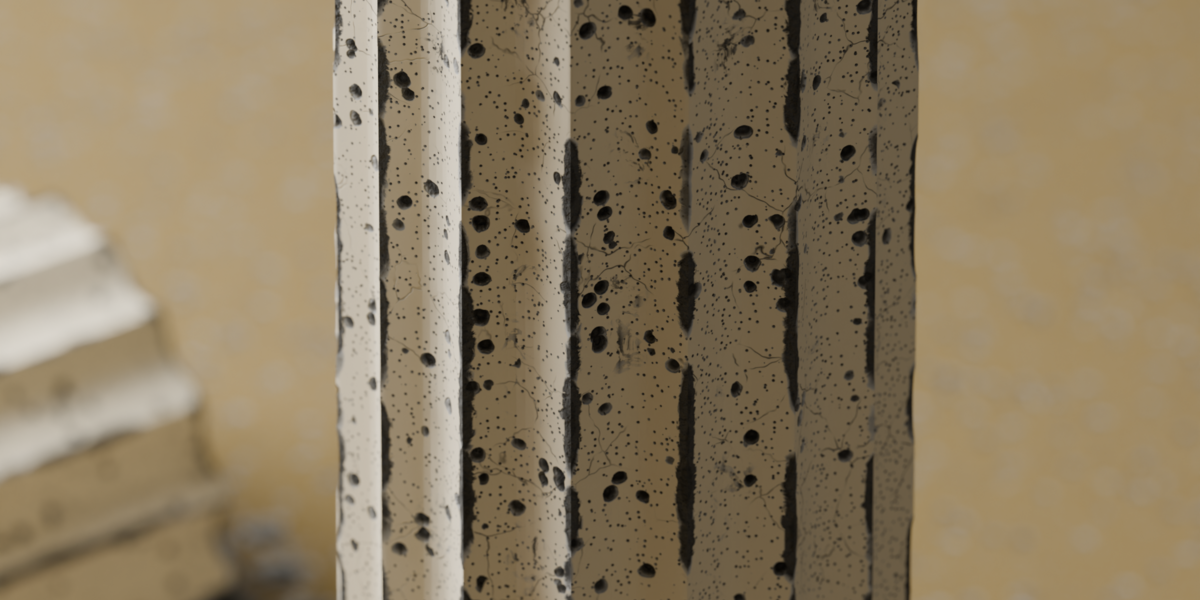
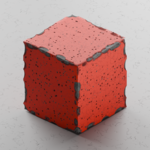
No — that's the world background showing through. At a straight edge, the cutout's Ray Portal routes the ray out through the neighbouring face; at a vertex where three edges meet, that trick doesn't hold and the ray escapes to the world. A dark world shows as dark marks; a lit world or HDRI hides them into the environment. Turning off Transparency Cutout removes them, at the cost of a silhouette that no longer breaks.
Why does my material show the damage's colour but no relief/bump?
You likely have more than one Normal Map node feeding different BSDFs in the same material. The addon can only build damage relief on top of one normal map; the panel flags exactly how many BSDFs are in that state. Point them all at a single Normal Map node and press Update to clear the warning.
Can I use my own materials, or only the built-in presets?
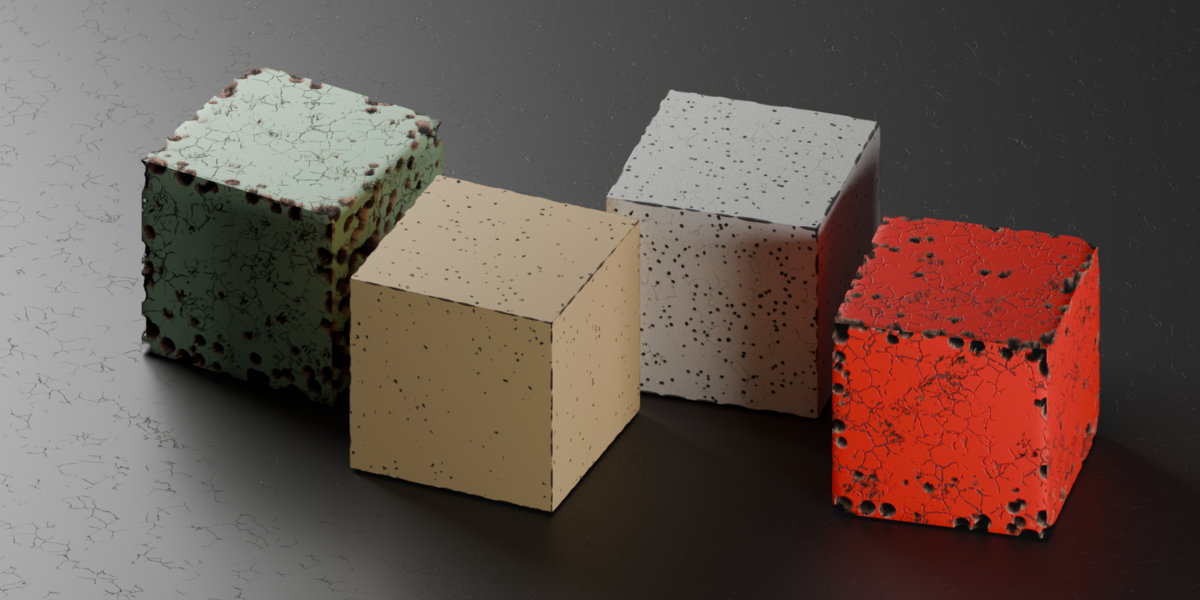
Any material. Presets just set the addon's sliders to a known-good combination — Apply works on whatever material the object already has. You can also save your own combinations as shareable .json presets.
Does it care about the object's scale?
No, by default. Ignore Object Scale reads the object's scale inside the shader and cancels it out, so chips and holes stay the size the sliders say whether the scale is applied, non-uniform, inherited from a parent, or animated. Turn it off if you want the damage to grow and stretch with the object instead.
Does it work on non-manifold or open meshes?
Yes. The Inside AO is computed per shading point and doesn't require a closed, watertight mesh. The one thing to watch: on an open mesh, lower Backface as Interior so the exposed backfaces aren't painted with the inner damage material — there's no real cavity behind them to justify it.
Can I bake this to a texture and use it in EEVEE, another renderer, or a game engine?
Not the part you came for. The depth and silhouette are view-dependent by construction — the parallax needs a camera direction to march along, and the cutout, fake bevel and Ray Portal change the object's actual outline as the camera moves. A baked texture has neither, so what survives a bake is a flat picture of the damage: no relief, no chipped silhouette, no holes you can see through. If you need real geometry for export, this isn't the right tool.
Does this work in EEVEE?
No — Cycles only. The edge detection is a ray-traced Inside AO, and the Bevel node and Ray Portal BSDF the silhouette effects use are Cycles-only features EEVEE has no equivalent for. In EEVEE you get the material without the effect, not a weaker version of it.
$7.98
Have questions about this product?
Login to message
| Blender Extension Compatible | Yes |
| Published | 4 days ago |
| Blender Version | 5.2 |
| Extension Type | Add-on |
| Render Engine Used | Cycles |
| License | GPL |

Discover more products like this
aging edge wear procedural non-destructive battle damage Damage weathering Shader Cycles chipped edge bevel Material