TriProfile 3D
 DONGHYUN KIM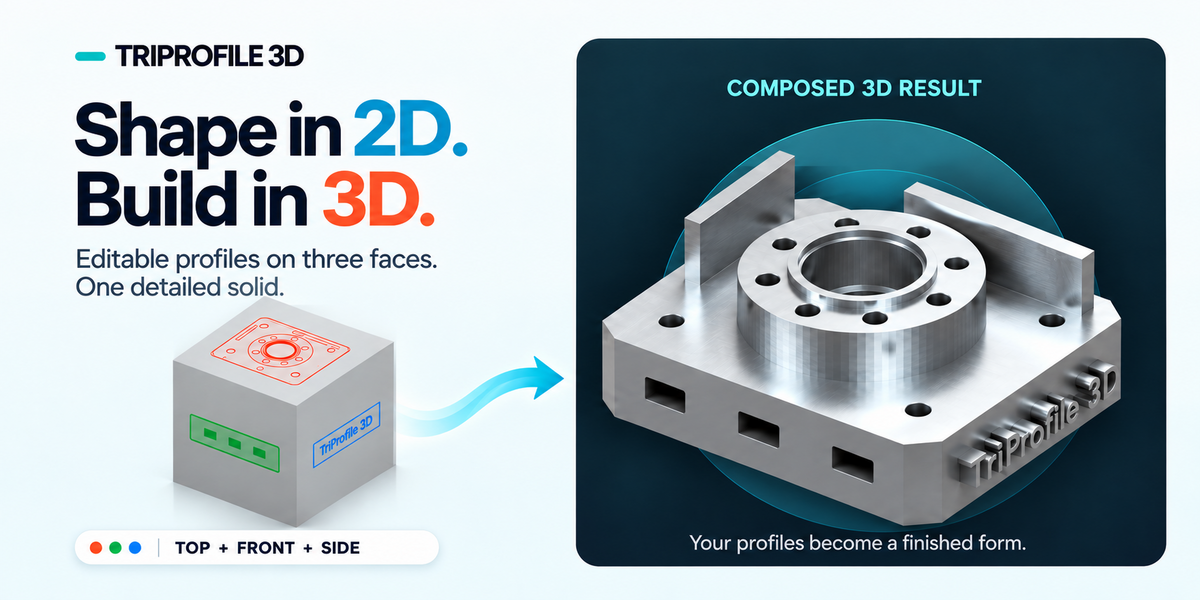
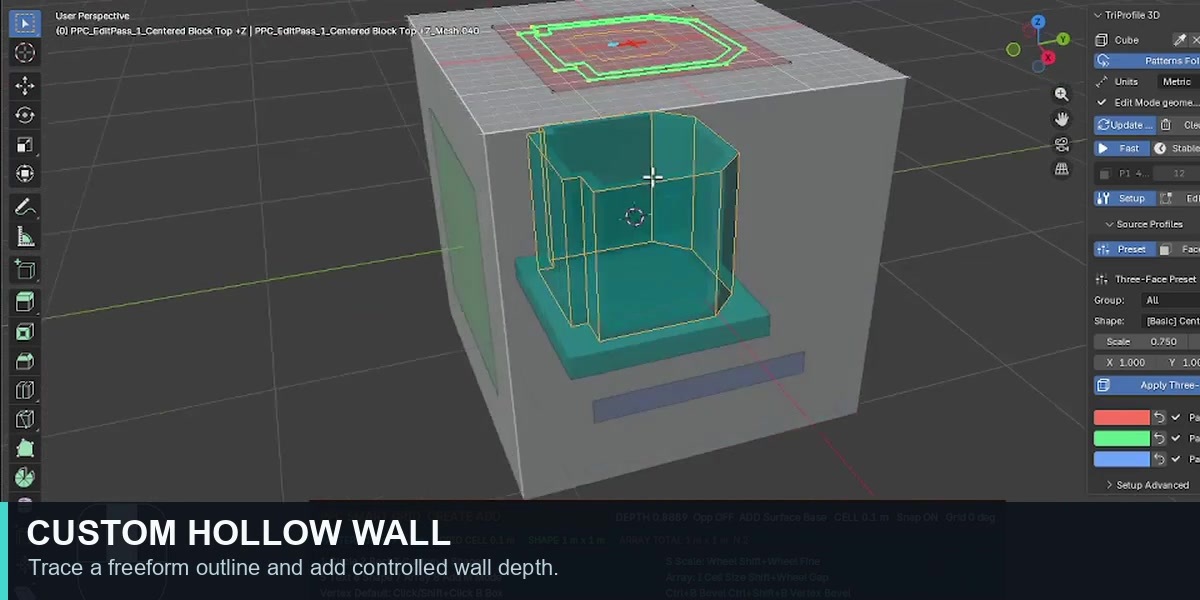
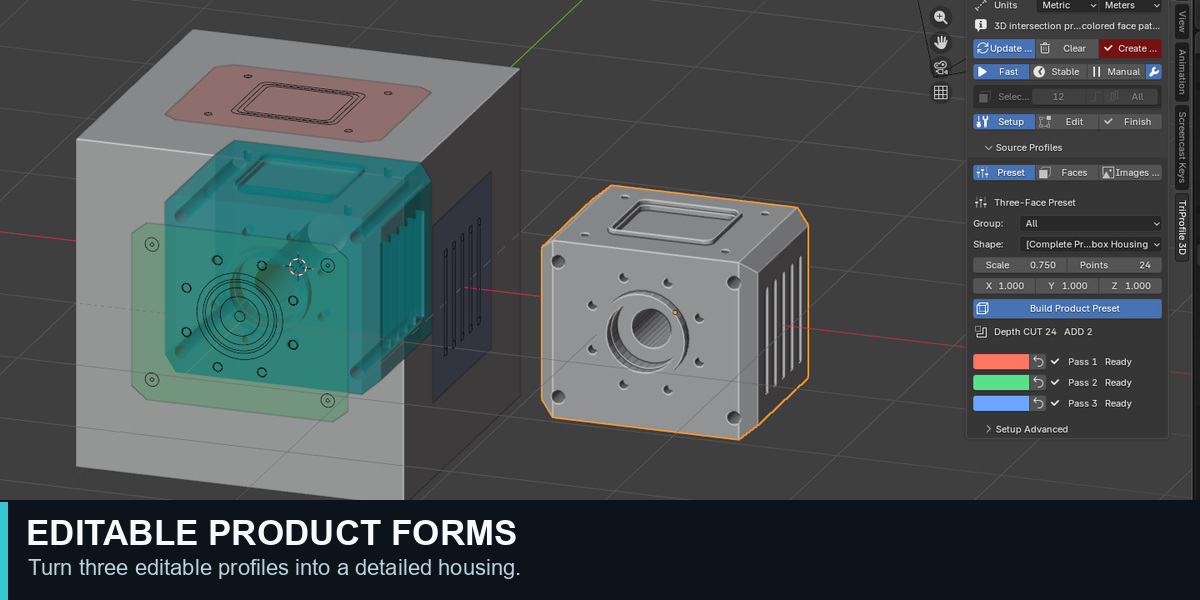
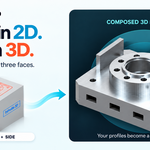
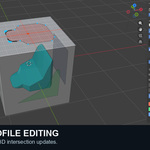
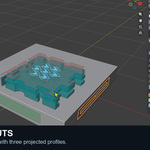
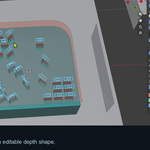
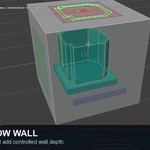
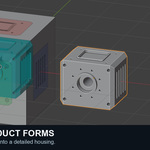
TriProfile 3D — Quick Start

Installation
1. Download the TriProfile 3D Blender Extension ZIP.
2. In Blender 4.4–5.2, go to Edit > Preferences > Get Extensions > Install from Disk and select the ZIP. Do not extract it first.
3. Enable TriProfile 3D if needed, then open the TriProfile 3D tab in the 3D Viewport sidebar.

Create your first three-profile intersection
1. Start with Blender's default Cube selected in Object Mode. If the top row of the TriProfile 3D panel already shows Cube, it is the target. Otherwise, click Set Target Object.
2. Open Setup > Source Profiles > Preset. Choose a Group and Shape, then click Apply Three-Face Preset. For a Product Form, the button is named Build Product Preset.
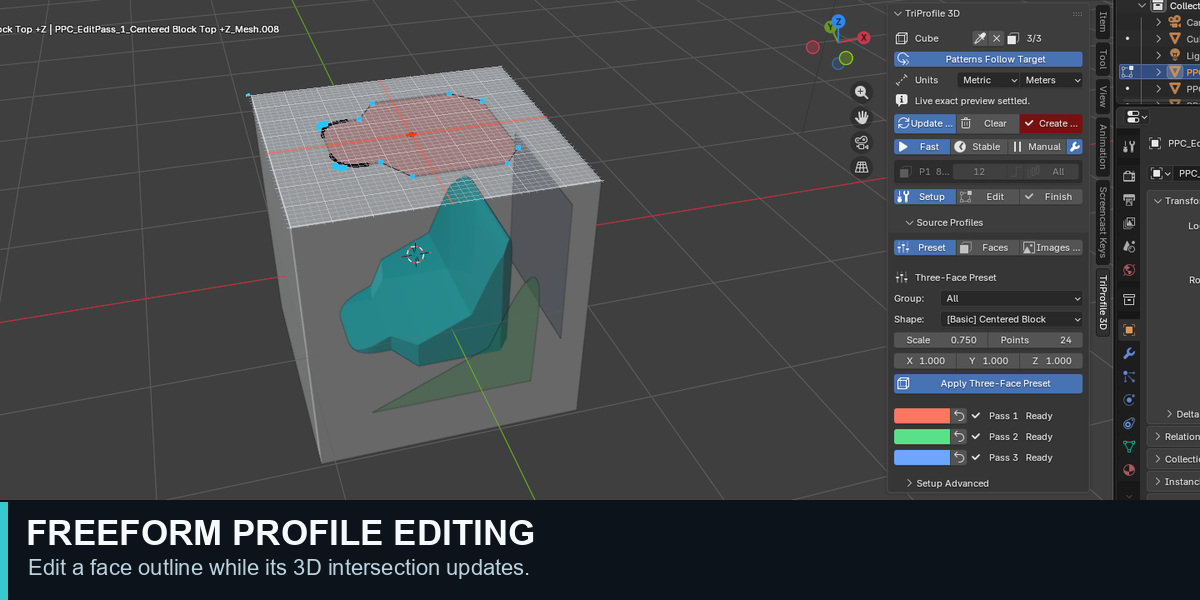
3. The preset creates three editable passes and updates the 3D intersection preview. Check that Pass 1, Pass 2 and Pass 3 show Ready.
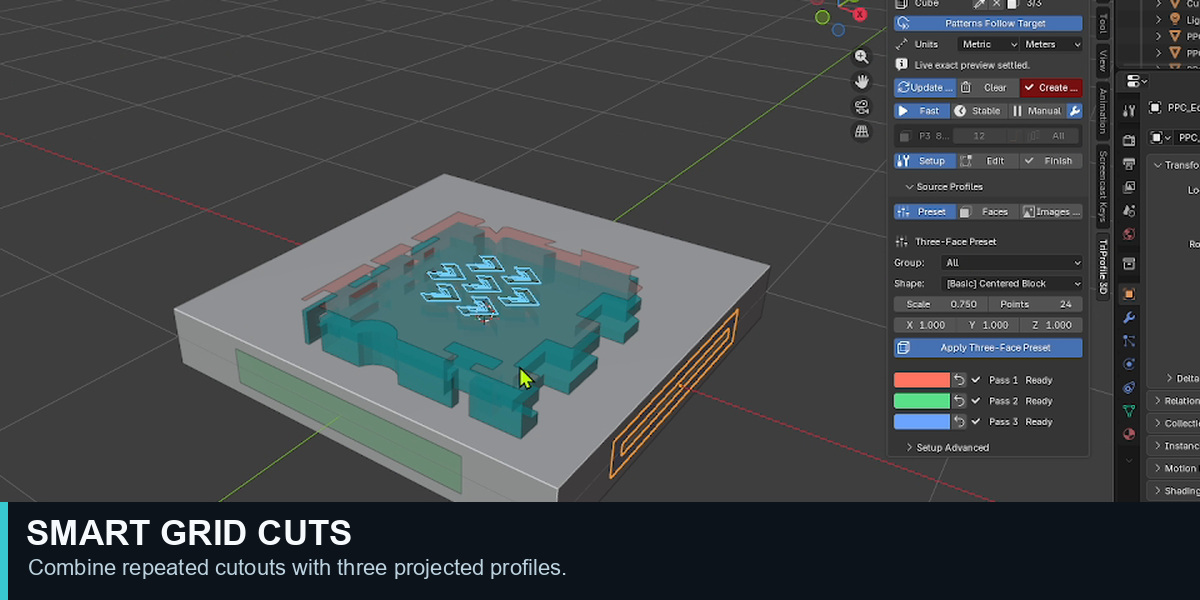
4. Select an EditPass in the viewport or Outliner. Use normal Edit Mode to move its vertices. With the mouse pointer over the 3D Viewport, press Alt+G to open Smart Grid and its on-screen shortcut helper. Press H if the helper is hidden.
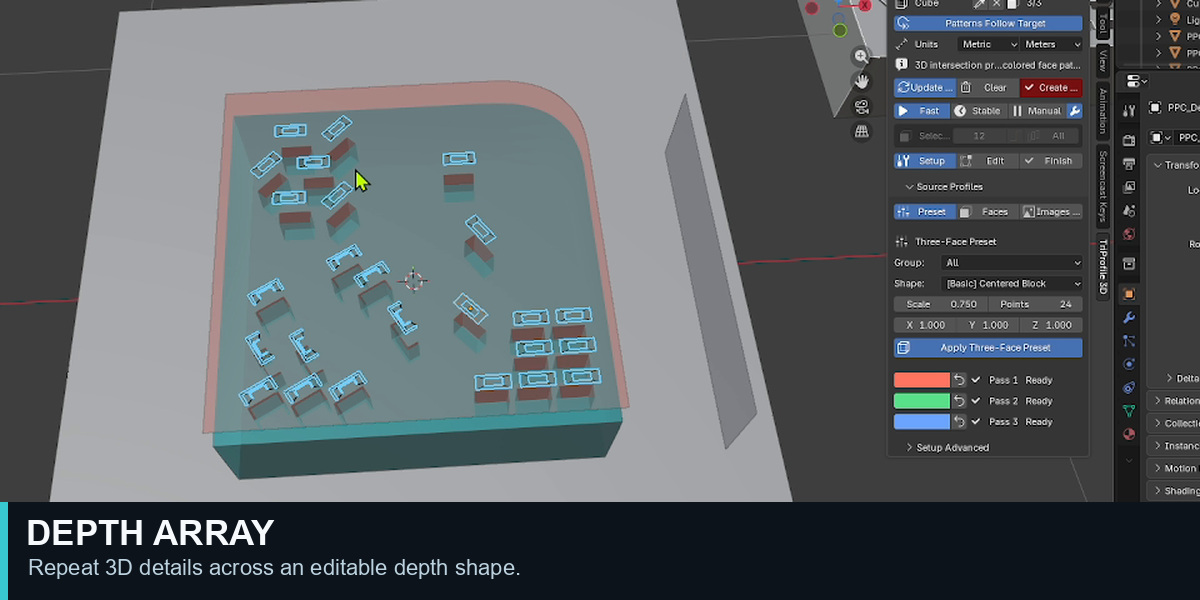
5. In Smart Grid, draw a CUT or ADD shape and press Enter or Space to apply it. Click Update 3D after editing to rebuild and inspect the intersection from several angles.
6. Save the .blend file with its editable pass and Depth objects. Click Create Final when you need a separate result mesh.

Without a preset
In the target mesh's Edit Mode, select two or three faces. Open Setup > Source Profiles > Faces and click Apply Selected Faces. The FAQ below explains this method in more detail.

Useful controls
G moves selected profile vertices in their editing plane. L changes the current CUT or ADD surface/level behavior. H hides or shows the Smart Grid helper, which displays controls for the active editing mode.

The download includes a detailed English user guide with the complete workflow and shortcuts.
 Included
Includes 12 months of
- Support from DONGHYUN KIM
- Product updates
Extend this product’s Support Period +12 months: 50% of product price
Have questions before purchasing?
Login to message
| Blender Extension Compatible | Yes |
| Published | 4 days ago |
| Blender Version | 4.4 - 5.2 |
| Extension Type | Add-on |
| Render Engine Used | Blender-Internal, Cycles, Eevee |
| License | GPL |

Discover more products like this
boolean product Design array 3dprint profile modeling depth array modeling addon 3d modeling cutouts mesh editing hard surface custom walls