TriProfile 3D
 DONGHYUN KIM
Where can I find the shortcuts?
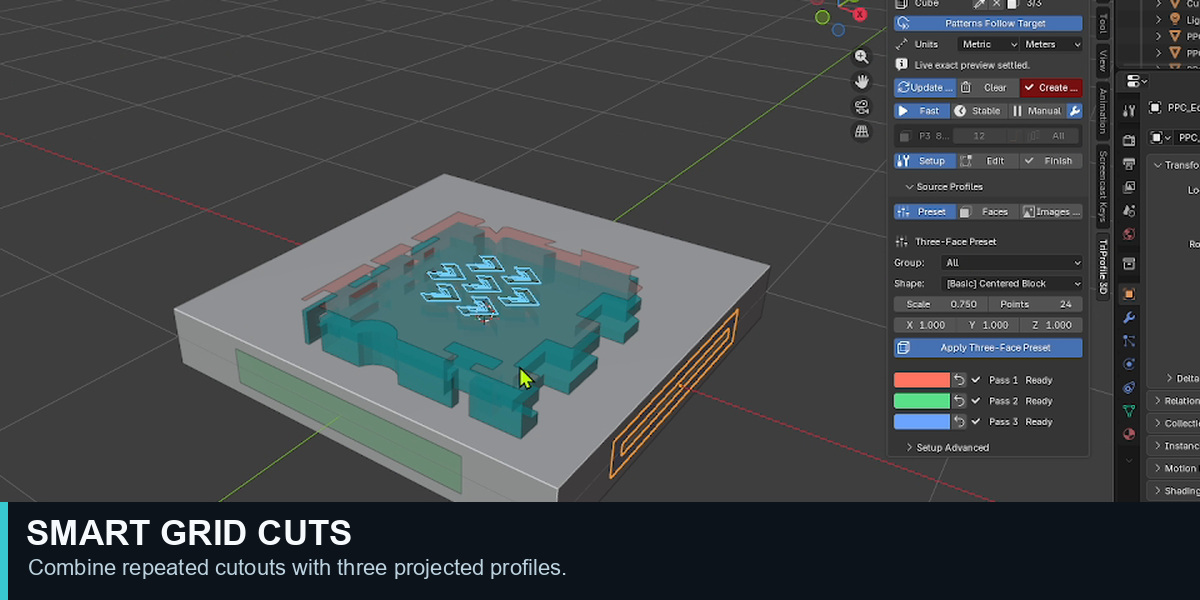
Select an EditPass and press Alt+G to open Smart Grid. Its on-screen helper shows the controls for the active mode. Press H to hide or show the helper. The included English user guide contains the full shortcut reference.
Why does Create Final sometimes hold the result?
A complex Boolean combination may produce a non-manifold mesh. Check overlapping or self-intersecting profiles, thin walls and Loft outlines. Adjust the geometry, click Update 3D, and try Create Final again.
What is the difference between Surface Follow and Level?
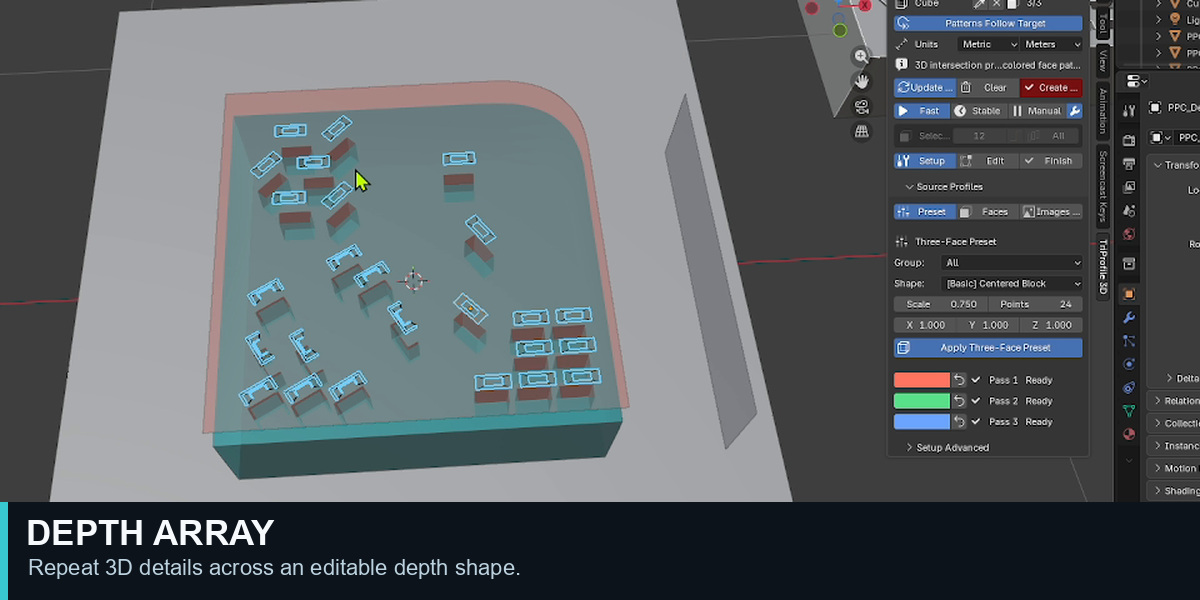
For a Depth CUT, Surface Follow removes a controlled thickness below the composed surface, while Level uses a fixed planar floor. For a Depth ADD, Surface Follow follows the contact surface, while Level aligns the added top to a common plane.
Can I create profiles without using a preset?
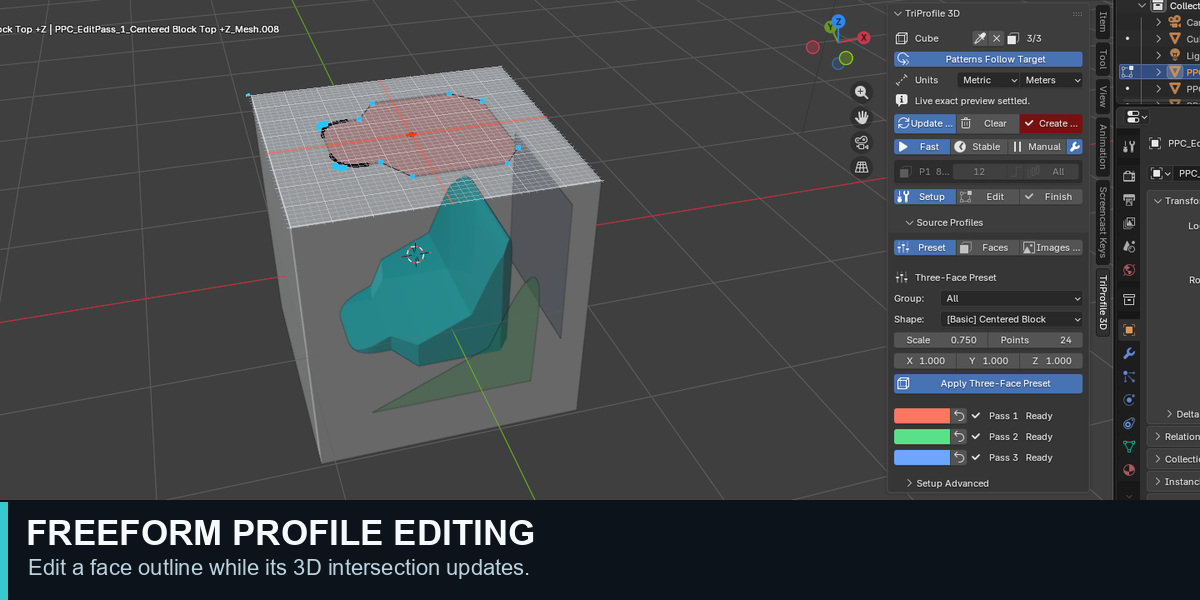
Yes. Select a mesh in Object Mode. If its name is not already shown at the top of the TriProfile 3D panel, click Set Target Object. Enter Edit Mode, switch to Face Select, and select two or three faces on that mesh. In TriProfile 3D → Setup → Source Profiles, choose Faces, then click Apply Selected Faces. If you select two faces, TriProfile 3D adds a full-face third pass automatically. You can then edit the generated EditPass profiles.
 Included
Includes 12 months of
- Support from DONGHYUN KIM
- Product updates
Extend this product’s Support Period +12 months: 50% of product price
Have questions before purchasing?
Login to message
| Blender Extension Compatible | Yes |
| Published | 4 days ago |
| Blender Version | 4.4 - 5.2 |
| Extension Type | Add-on |
| Render Engine Used | Blender-Internal, Cycles, Eevee |
| License | GPL |

Discover more products like this
product Design depth array array 3d modeling boolean mesh editing cutouts profile modeling custom walls 3dprint modeling addon hard surface