 CGJackB


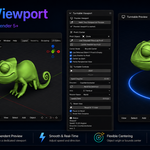
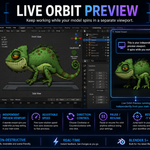
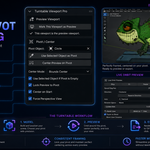
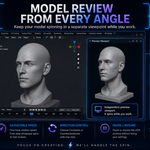
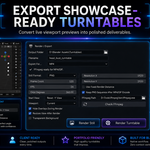
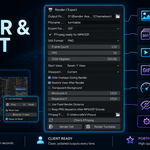
Turntable Viewport is a lightweight Blender add-on that lets you keep a live spinning preview of your model in a separate 3D viewport while you continue working normally in another one.
Instead of rotating your object, camera, or scene, Turntable Viewport rotates only the marked preview viewport. That means you can keep modeling, sculpting, shading, or reviewing your asset from another angle without changing your actual scene data.
This is especially useful for character work, product models, props, hard surface assets, and any workflow where you want a constant live preview while you work.
Features
- Independent live orbit in a separate viewport
- Does not rotate the object, camera, or scene
- Adjustable orbit speed
- Clockwise or counterclockwise direction
- Pause and resume controls
- Reset view to your preferred front-facing orientation
- Center on a chosen pivot object
- Center using object origin or bounds center
- Works great as a modeling, sculpting, and review aid
Why use it?
Turntable Viewport gives you a simple way to monitor your asset from a showcase angle while staying focused on your main working viewport. It is fast, clean, and designed to fit naturally into everyday Blender workflows.
Requirements
- Blender 5.0 or newer
