 KacaDev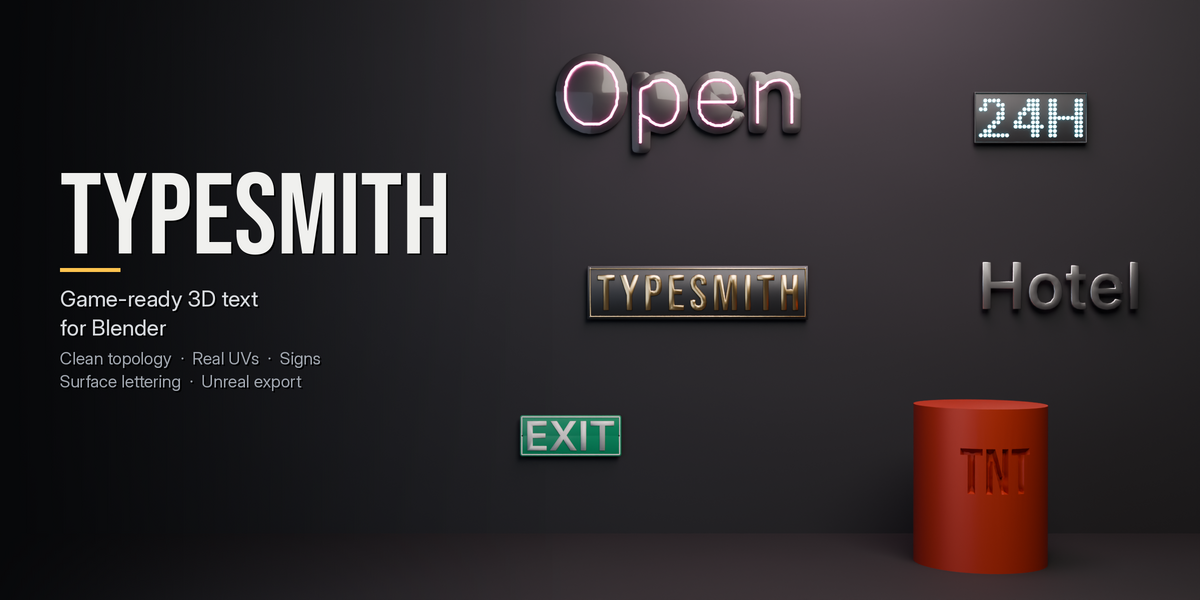
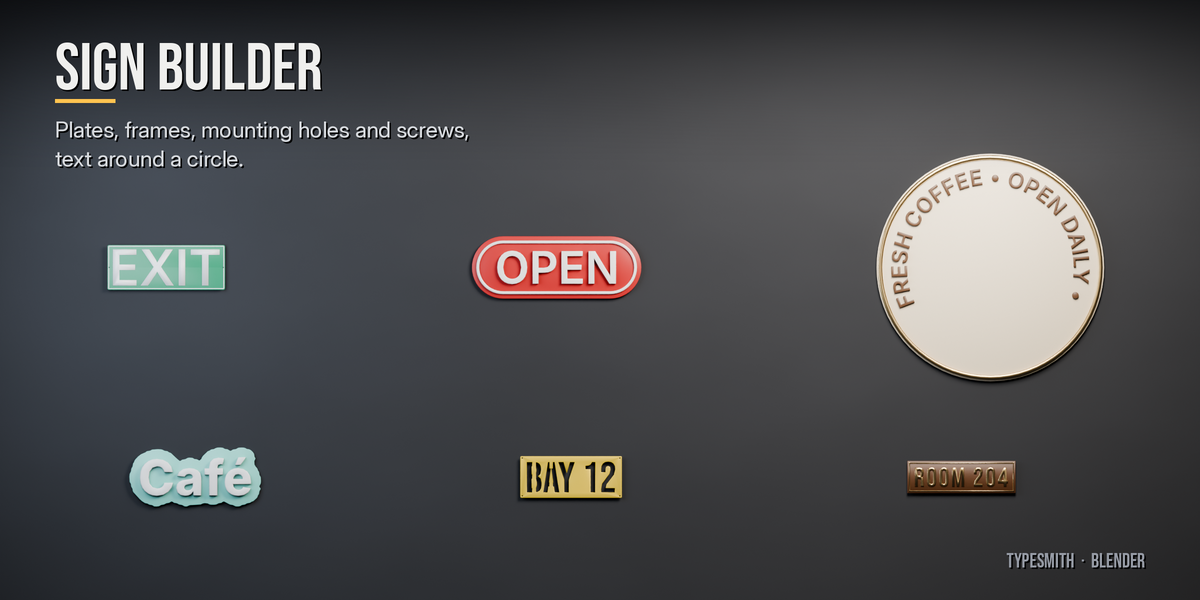
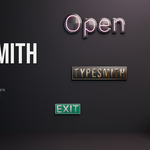
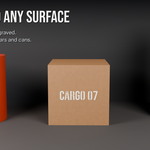
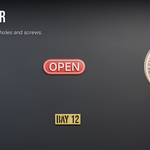
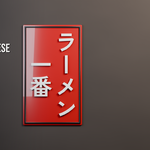
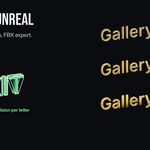
Live, editable text meshes with clean topology, real UVs and material slots. Stamp text onto any surface, build whole signs, and export to Unreal with collision and LODs.
Find it: 3D Viewport › Sidebar (N) › TypeSmith tab, or Add › TypeSmith Text. Blender 4.2 or newer.
Quick start
- Click Add Text. A live text mesh appears at the 3D cursor.
- Type in the text field. Type
\nfor a new line, or click the page icon to edit long text in the Text Editor (updates live). - Pick a font in the Font field (start typing to search installed fonts), or point Font File at any .ttf / .otf / .ttc.
- Open Geometry for depth, bevel, detail and fill type.
- When you are done, keep it live, or click Bake to Mesh to make it an ordinary mesh.
Size means cap height (the height of a capital letter), so a 30 cm sign letter is Size = 30 cm. Switch Size Means to Em for Blender-style sizing. TypeSmith follows your scene units.
Panels
Text (top)
Text, font, size, horizontal / vertical direction, alignment. The box shows the live triangle count and build time.
Layout
Line, letter and word spacing · kerning (Font pairs, Optical by shape, or Off) · width stretch · slant · fit to a box (wrap words, fit, shrink only, stretch) · vertical-writing options.
Font Features
Ligatures · extra OpenType features (e.g. ss01, smcp, tnum) · Japanese fallback · face index for .ttc collections · sliders for every axis of a variable font (weight, width, optical size…).
Path & Letters
Text on a circle / arc (top or bottom reading, rotated or upright letters) or along a curve object. Random offset / rotation / scale for hand-placed or worn signage, plus per-letter adjustments (offset, rotation, scale of letter #n).
Geometry
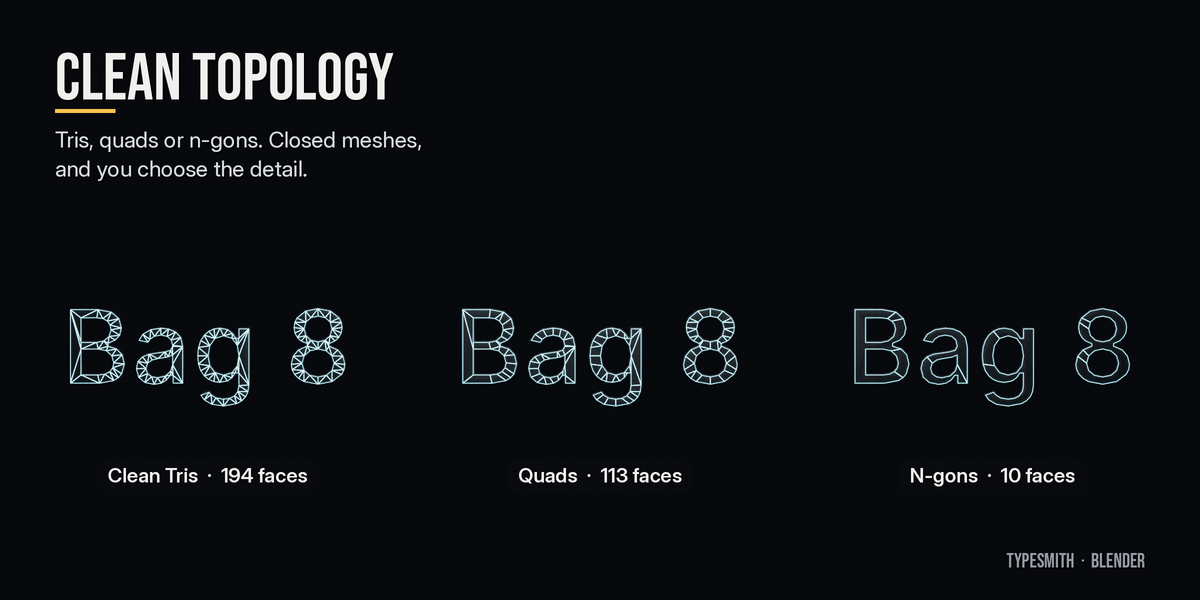
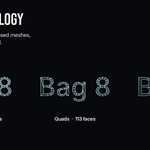
Depth · bevel width / depth / profile (Chamfer, Round, Cove, Step) / segments · bevel back · back face on/off · Detail (curve resolution) · Fill:
| Fill | Use |
|---|---|
| Clean Tris | Even, well-shaped triangles (default) |
| Quads | Quad-dominant faces |
| N-gons | Fewest faces: one per flat region where possible |
The bevel limits itself on thin strokes, so letters never collapse or self-intersect. Orientation (Upright facing −Y, or Flat) and pivot (bottom centre, centre, bottom left, top left, baseline).
Style
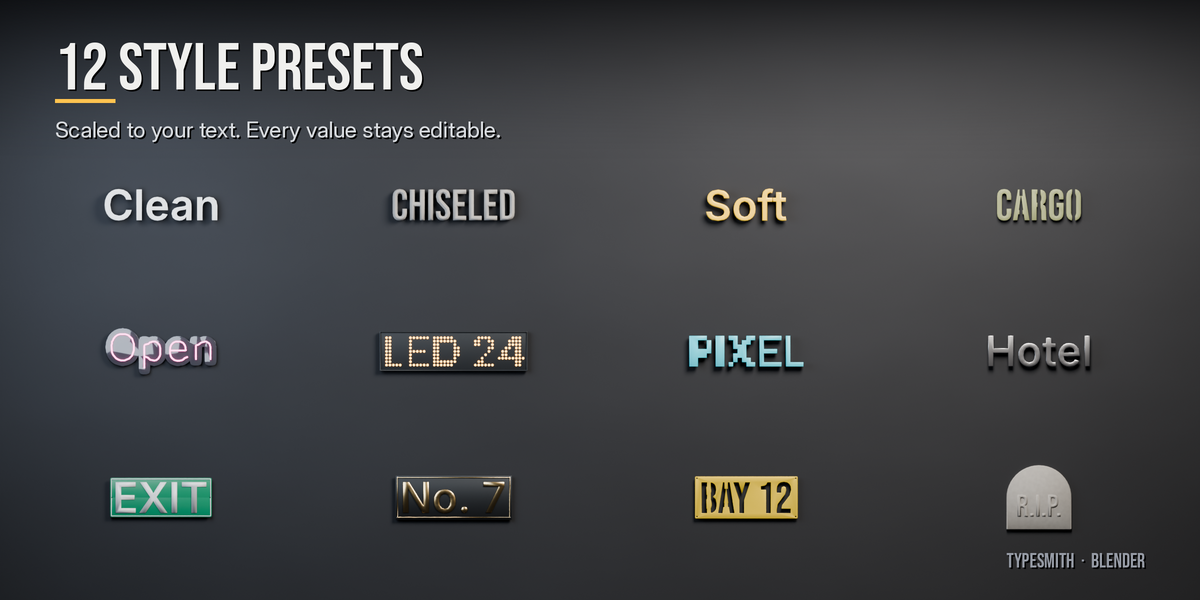
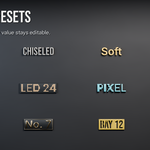
Apply Preset: Clean Extrude, Chiseled Stone, Rounded Plastic, Stencil, Stencil Plate, Neon Sign, LED Board, Pixel Blocks, Cast Metal Letters, Street Sign, Brass Plaque, Tombstone. Presets scale with your text size, and every value stays editable.
Styles: Solid, Neon Tube (centre-line or outline tubes), LED Dots (dome, disc or square), Pixel Blocks. Options: Stencil Bridges (keep the middle of O, A, B attached), Standoffs (pins behind each letter).
Sign
Backplate: Rectangle, Pill, Ellipse, Circle, Arch, or Outline (follows the letters like a sticker). Letters can be Raised, Cut Through the plate (stencil sign), or hidden (plate only). Padding, corner radius, thickness, edge bevel. Frame: raised border with width, height and inset. Mounting: 2 or 4 holes or screws.
Surface
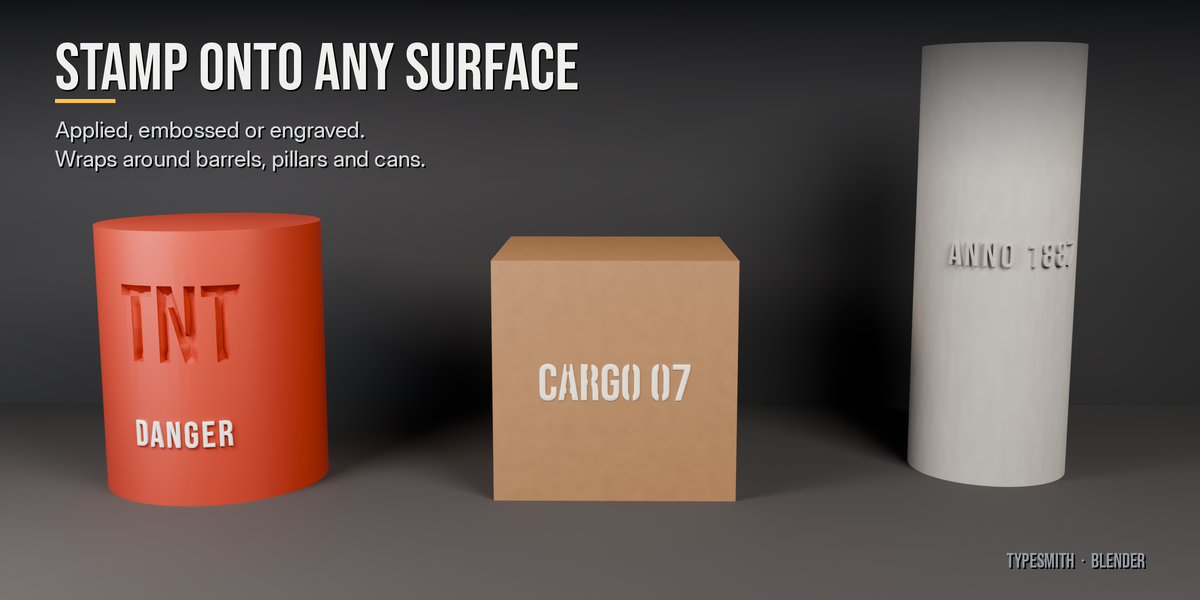
Place on Surface: move the mouse over any mesh and click. The text snaps to the surface and follows its curvature.
- Mouse wheel rotates (Shift = fine), Ctrl + wheel resizes.
- E cycles the mode, Esc cancels.
- Applied: a separate mesh hugging the surface (game-ready, no boolean).
- Emboss / Engrave: a live boolean on the surface. Edit the text and the cut updates. Apply to Surface makes it permanent.
- Wrap: Cylinder bends the letters around barrels, pillars and cans (pick the surface's axis).
- The text is parented to the surface, so move it and it re-conforms.
- Auto Smooth Surface adds Smooth by Angle after the boolean on smooth-shaded surfaces so the cut does not streak the shading.
UVs & Materials
Face UVs at real scale (texel density + texture size) or fit 0–1. Side UVs at real scale, or as a Trim Strip (bevel + side span 0–1 vertically, made for trim sheets). Every part gets its own material slot (Front, Side, Bevel, Back, Plate, Frame, Glow, Hardware), or use a single slot. Leave a slot empty to use the shared default material, or assign your own.
Export
-
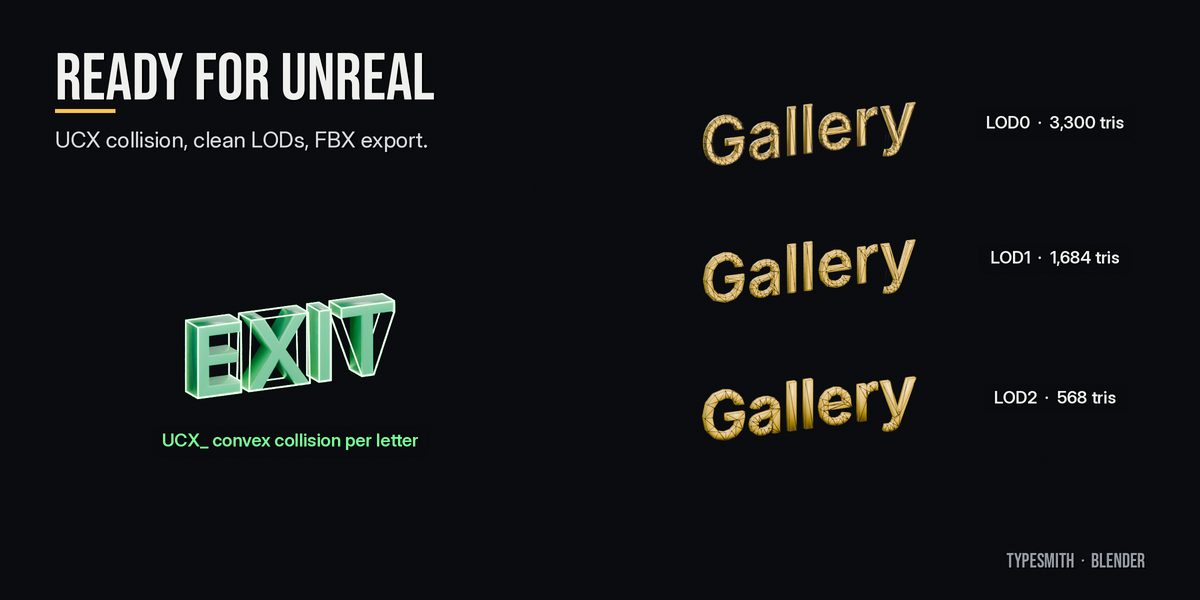
Make Collision:
UCX_boxes or convex hulls per whole / line / word / letter. - Make LODs: each LOD is rebuilt at lower detail with simpler bevels (not decimated), so LODs stay clean.
-
Name for Unreal: renames to prefix + text (e.g.
SM_Exit) and keeps the collision names matching. - Export FBX: the text with its collision, plus one file per LOD.
Bake & Batch
-
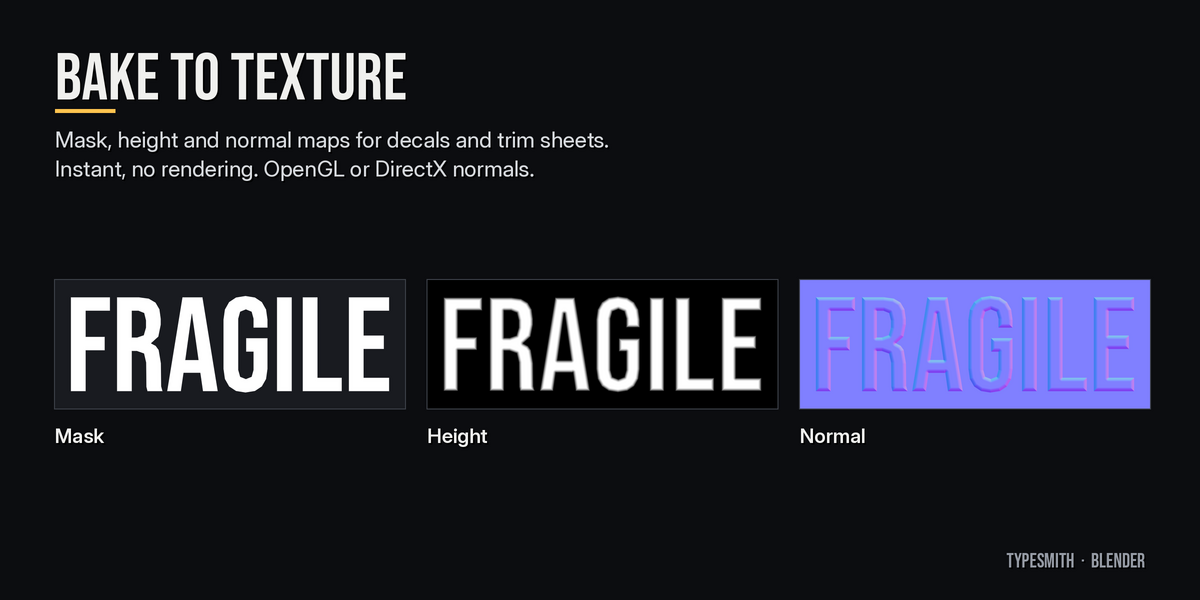
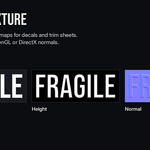
Bake to Texture: mask, height and normal maps of the text (OpenGL or
DirectX normals), made instantly without rendering, plus an optional decal
plane. PNGs are saved to
//textures/once the .blend is saved. -
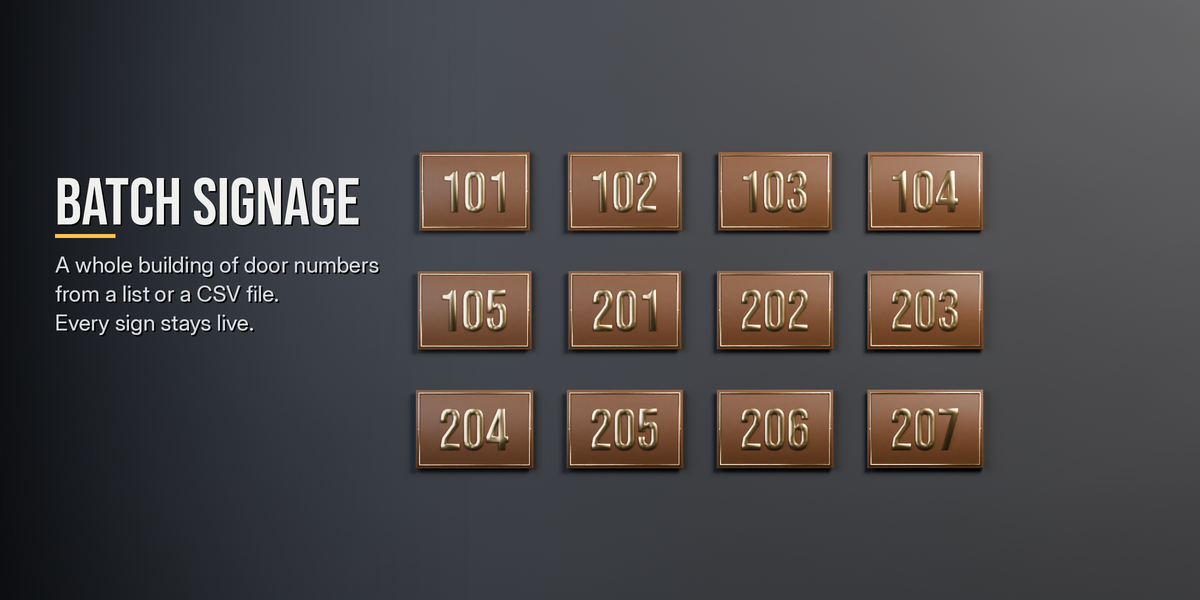
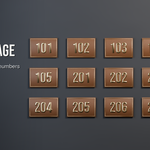
Batch Signage: one live text per entry (room numbers, street names,
labels) in this text's style, laid out in a grid. Entries come from a
;-separated list, a Text block, or a CSV column.
Lessons
Interactive lessons in three levels: Basics, Advanced, Master. Each step ticks itself off when you do it.
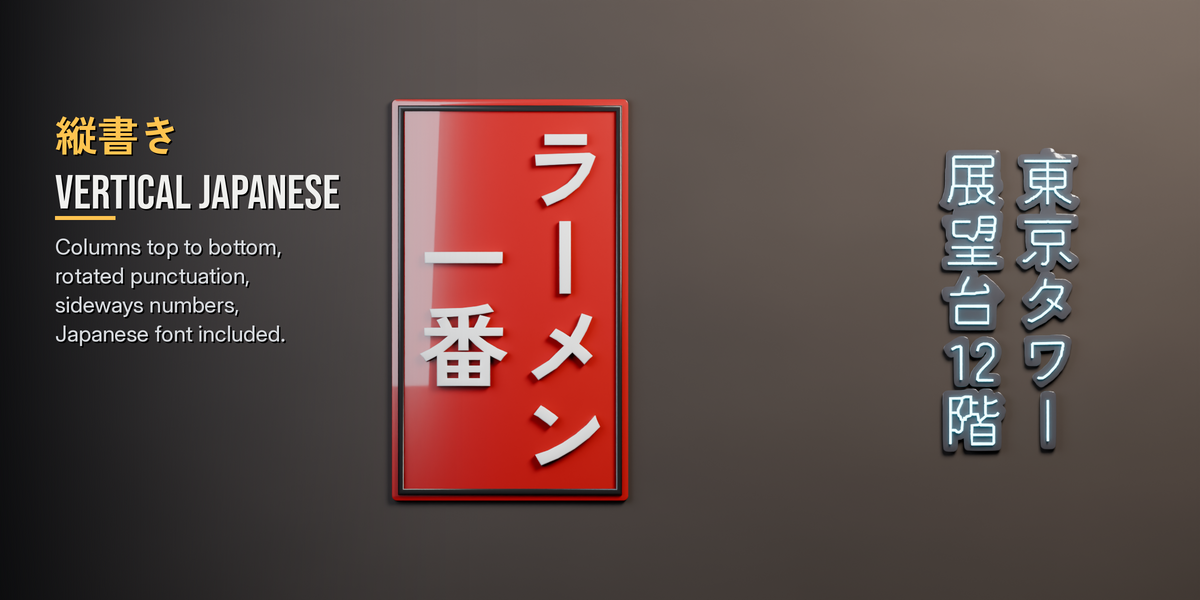
Vertical Japanese (縦書き)
Set Direction to Vertical.
- Columns run top to bottom, right to left.
- Punctuation and long vowel marks (、。「」ー) switch to their vertical forms automatically.
- Short numbers sit sideways in one cell (tate-chu-yoko).
- Latin words run rotated, or upright if you prefer.
The bundled Zen Kaku Gothic New covers Japanese out of the box. Characters missing from your chosen font fall back to it automatically.
Notes
- Fonts are read from their files. If a .blend is opened on a machine without the font, the existing mesh stays as it is; it only rebuilds (with the bundled font and a warning) when you change a setting.
- Bitmap or colour emoji fonts have no outlines, so TypeSmith uses the bundled font instead and tells you.
- Text shaping covers ligatures, alternates and kerning. Scripts that need complex shaping (Arabic, Indic) are not supported.
- Linked duplicates (Alt+D) share one mesh. Use Shift+D for separate texts.
- Emboss / Engrave conform to the surface's own mesh. Other modifiers on the surface (e.g. Subdivision) are not taken into account while placing.
- Batch entries without Latin letters or digits are named by number
(e.g.
SM_Sign_03).
Bundled fonts: Inter, Bebas Neue and Zen Kaku Gothic New, all under the SIL
Open Font License (licence files in fonts/). Text is parsed with fontTools (MIT).
Have questions about this product?
Login to message
| Blender Extension Compatible | Yes |
| Published | 1 day ago |
| Blender Version | 4.2 - 5.2 |
| Extension Type | Add-on |
| License | GPL |
Discover more products like this
game assets low poly 3D text decals signage typography japanese neon Unreal Engine text