 Oxicid

Blender Addon for UV Editor which aims to cover all sorts of operators for working with UV
Constraints System — assign horizontal or vertical constraints to the edges, and then unwrap the islands to create straight UV islands.
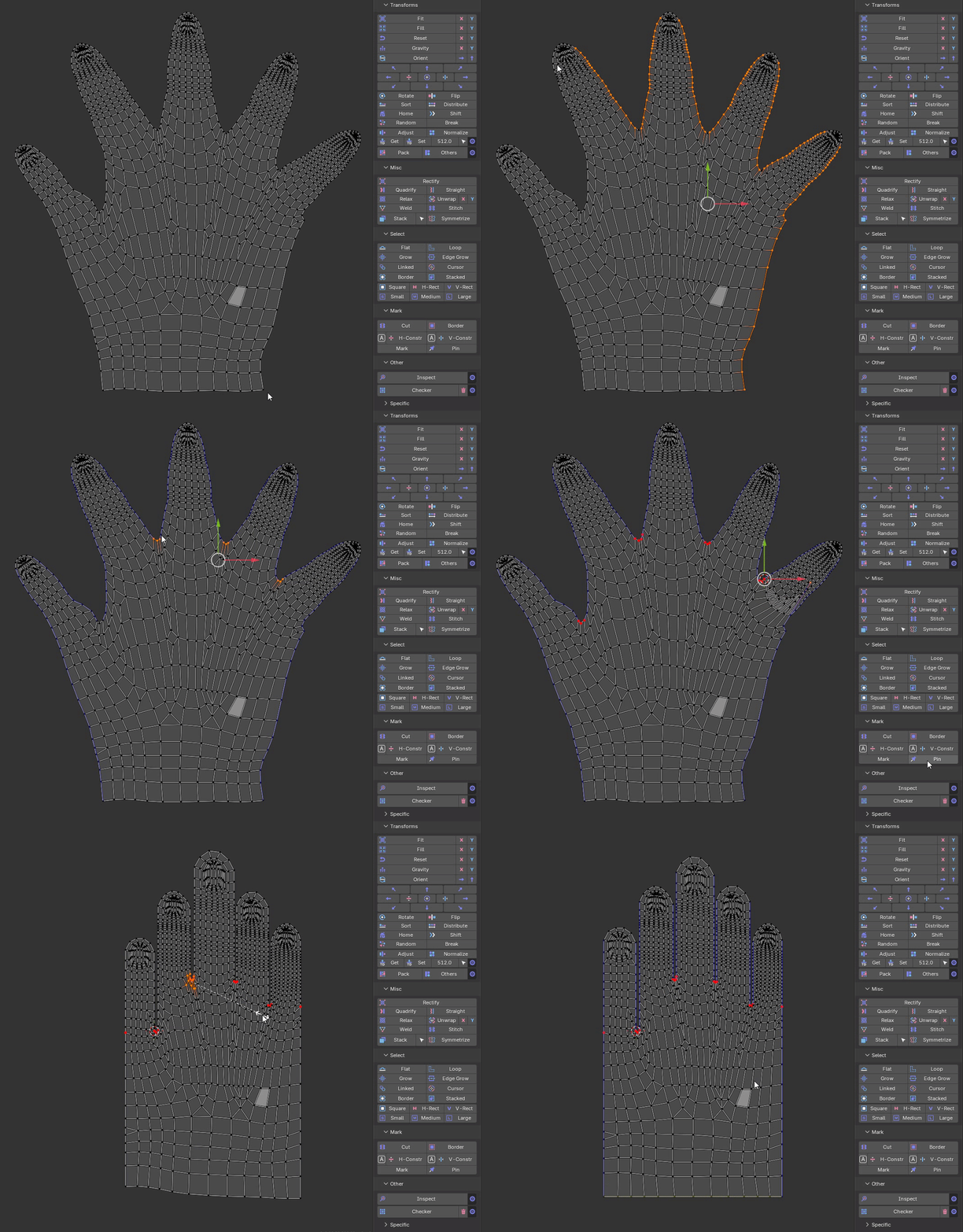
Align Edge by Angle - align edges by angle in Island mode.

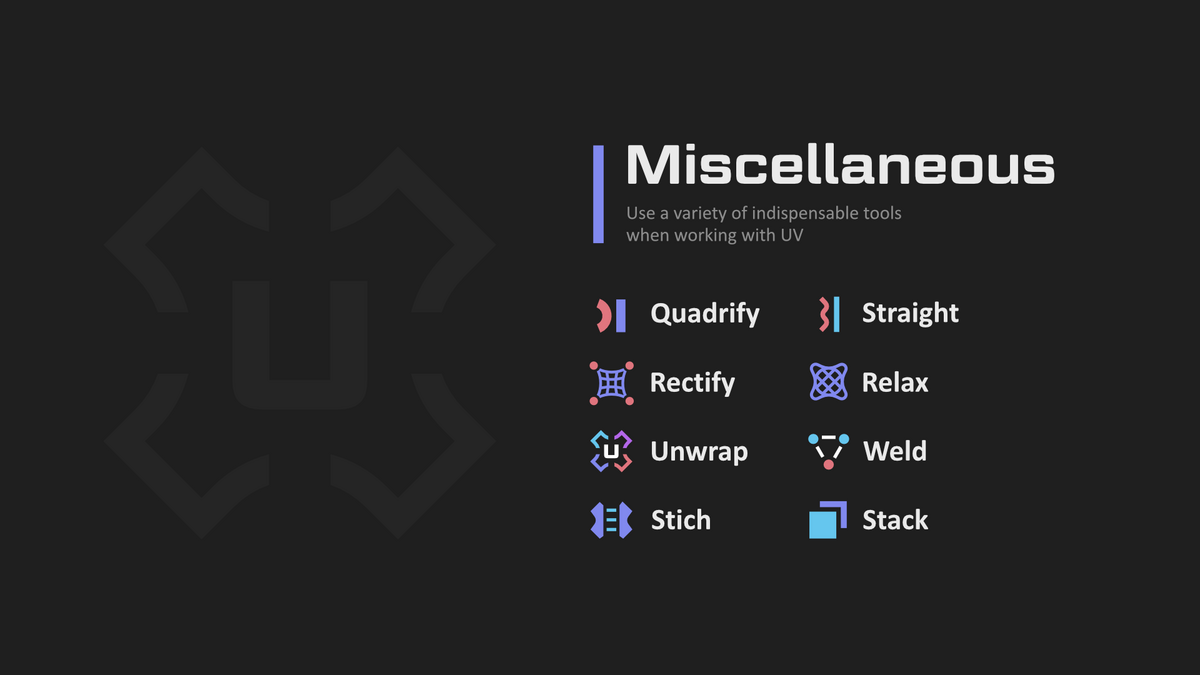
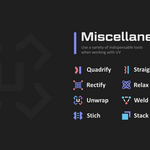
Rectify - Align selected UV 4 or 2 point to rectangular distribution


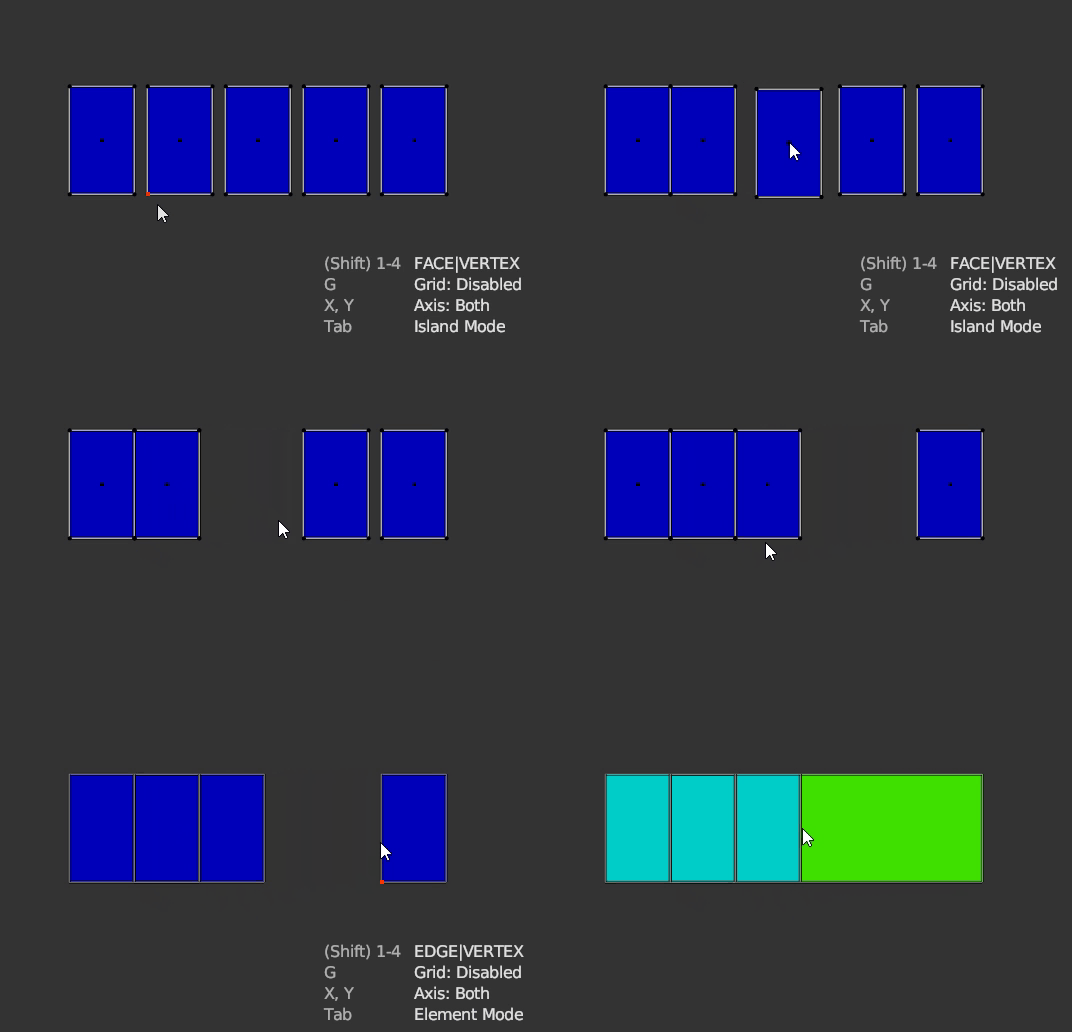
Quick Snap - allows you to transform an island or geometry elements by Vertex, Edge Center and Face Center. There are two methods of calling the operator via the keys:
- V - quick start, the nearest transformation element is selected immediately
- Alt+V - here you can safely select the necessary element and change the modes to Island or Element mode
Stack - overlap islands with similar geometry
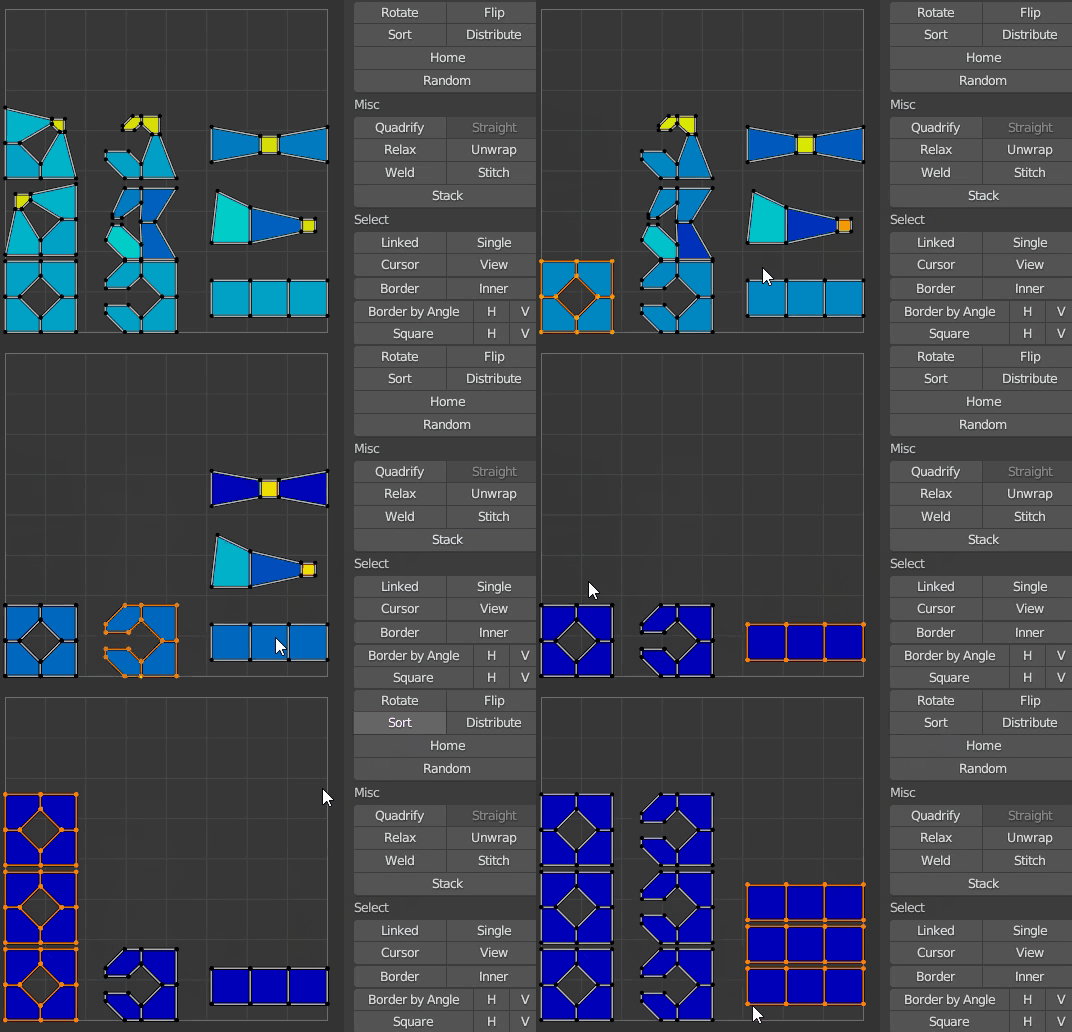
Select Similar

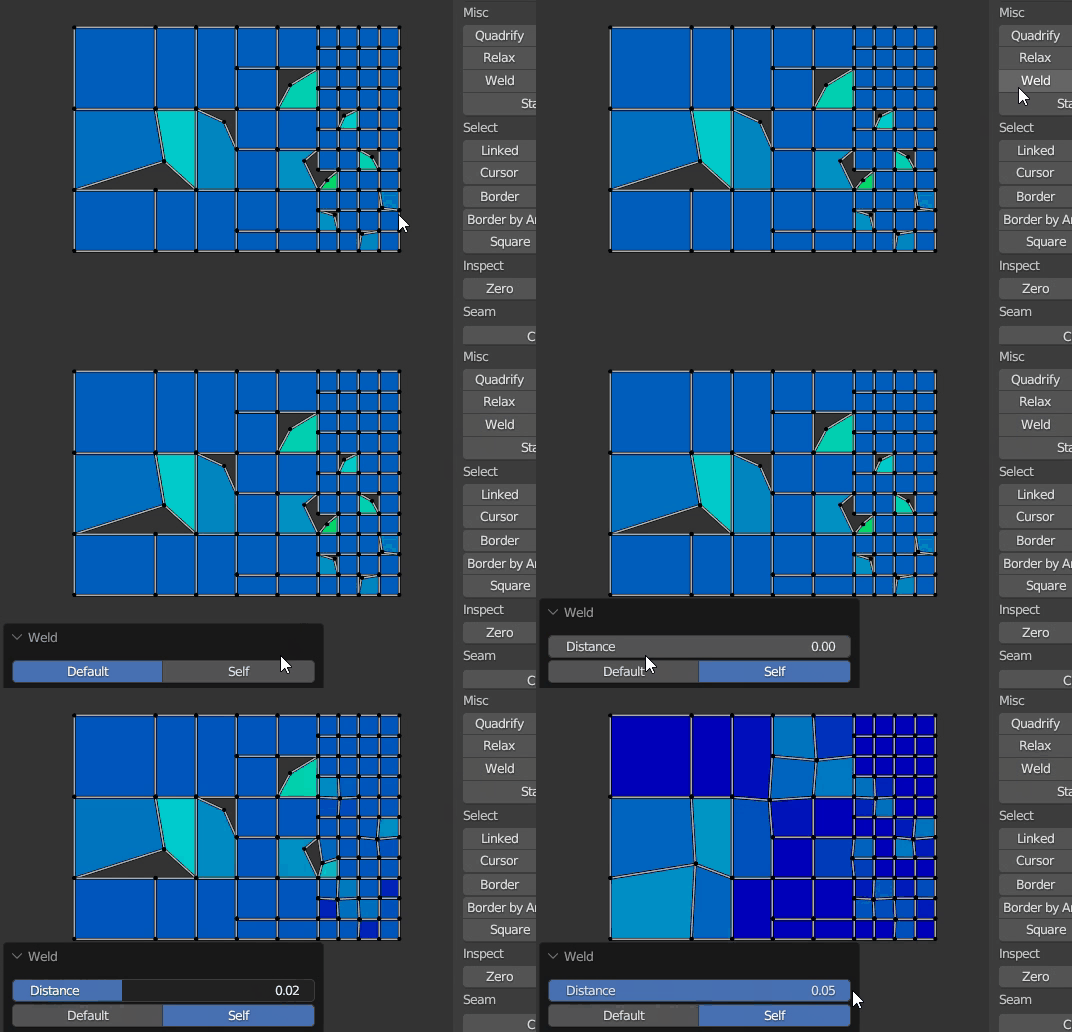
Weld - [W] connects selected vertices by common vertexes, if there is nothing to connect, it works as Stitch
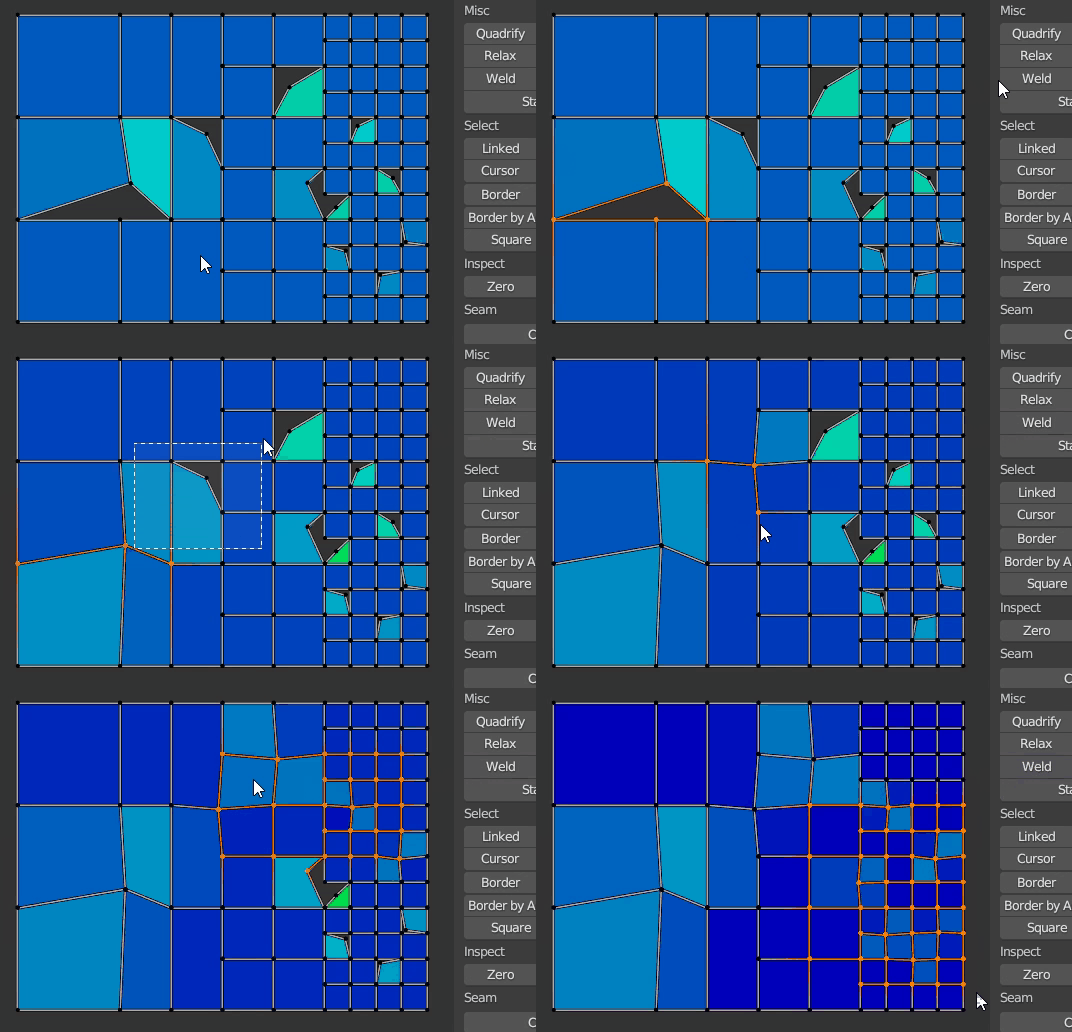
- Alt+Weld Button - connect by distance
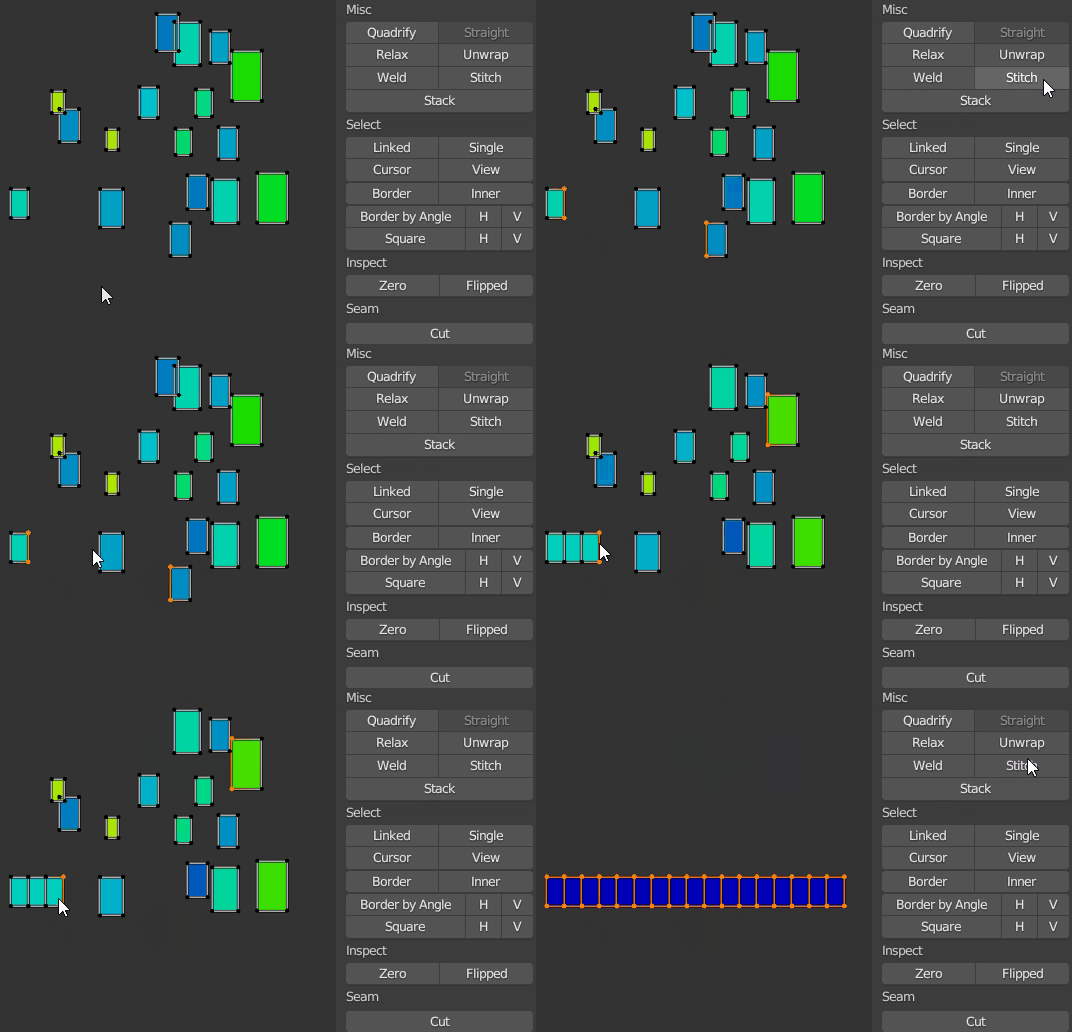
Stitch - [Shift+W] connects islands to each other, preserving the islands' proportions. When called via keymap with sync enabled, the target island becomes the closest.
- Alt - finds all common island edges that have at least one face selected, and connects through them.
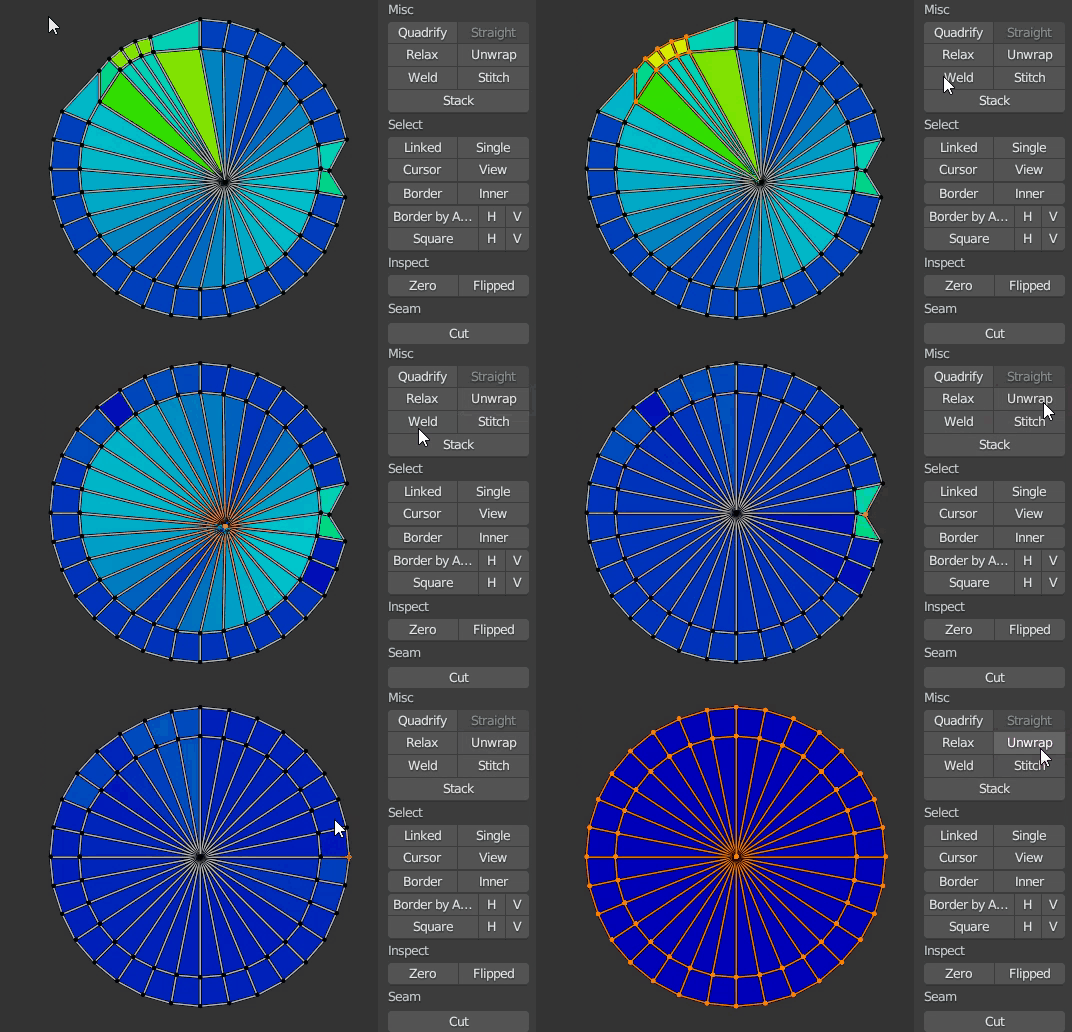
Unwrap - differs from the built-in operator in that it unwrap inplace.
Relax - combination of minimize stretch and unwrap borders.
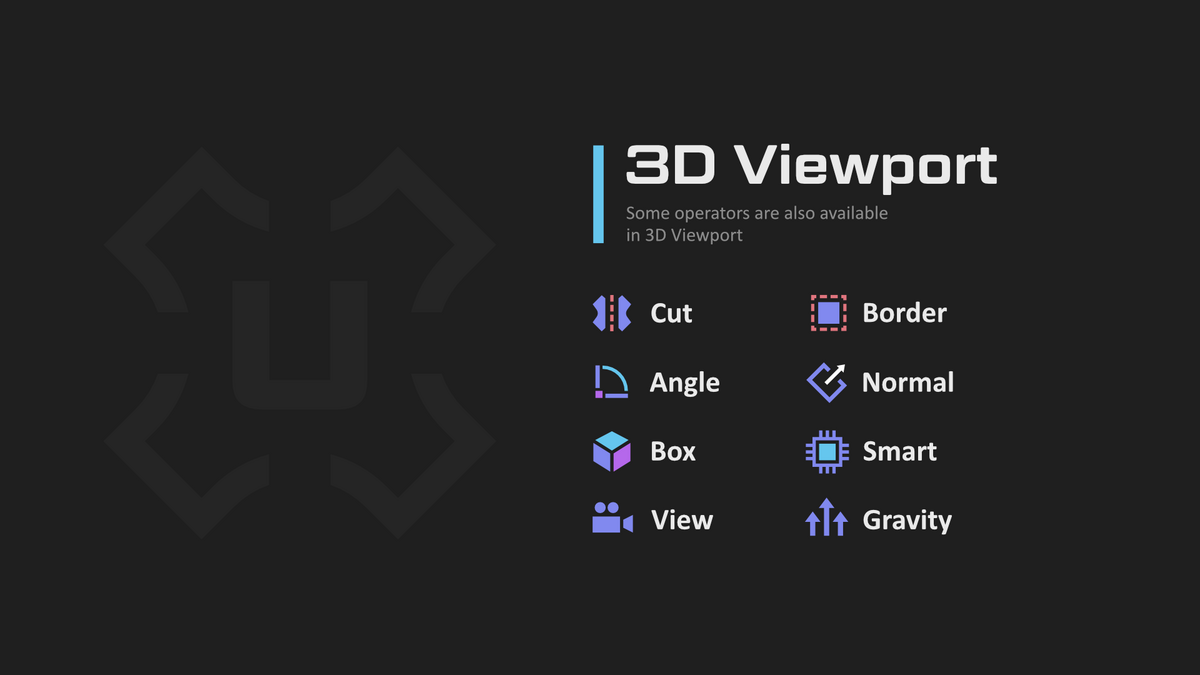
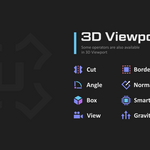
Cut - [C] - sets mark seams by border selection and at the same time expands the island
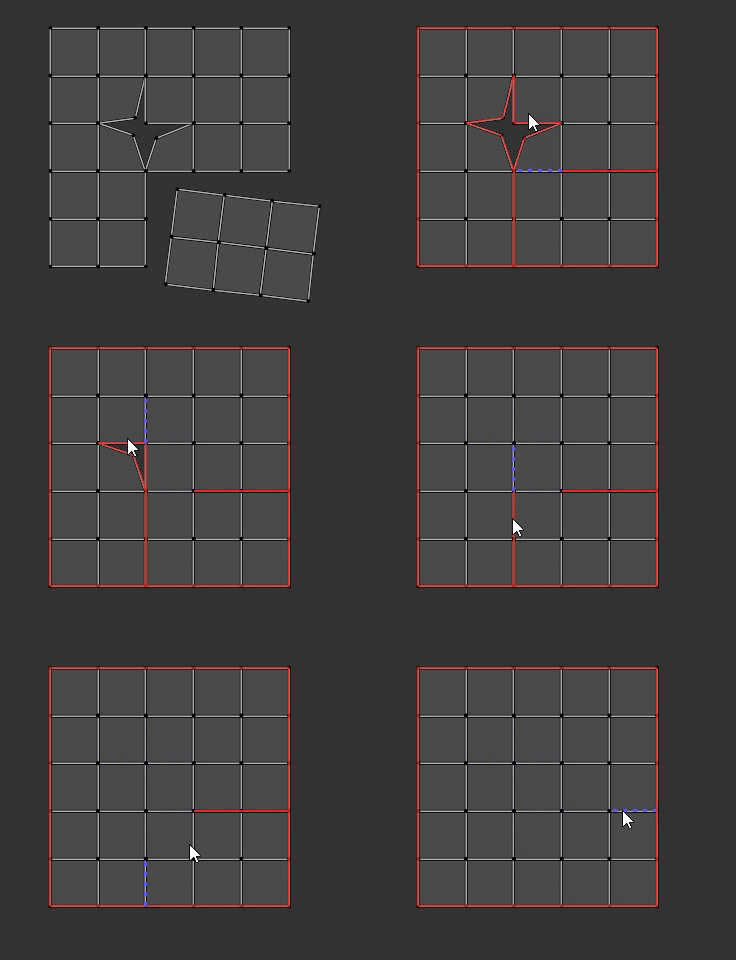

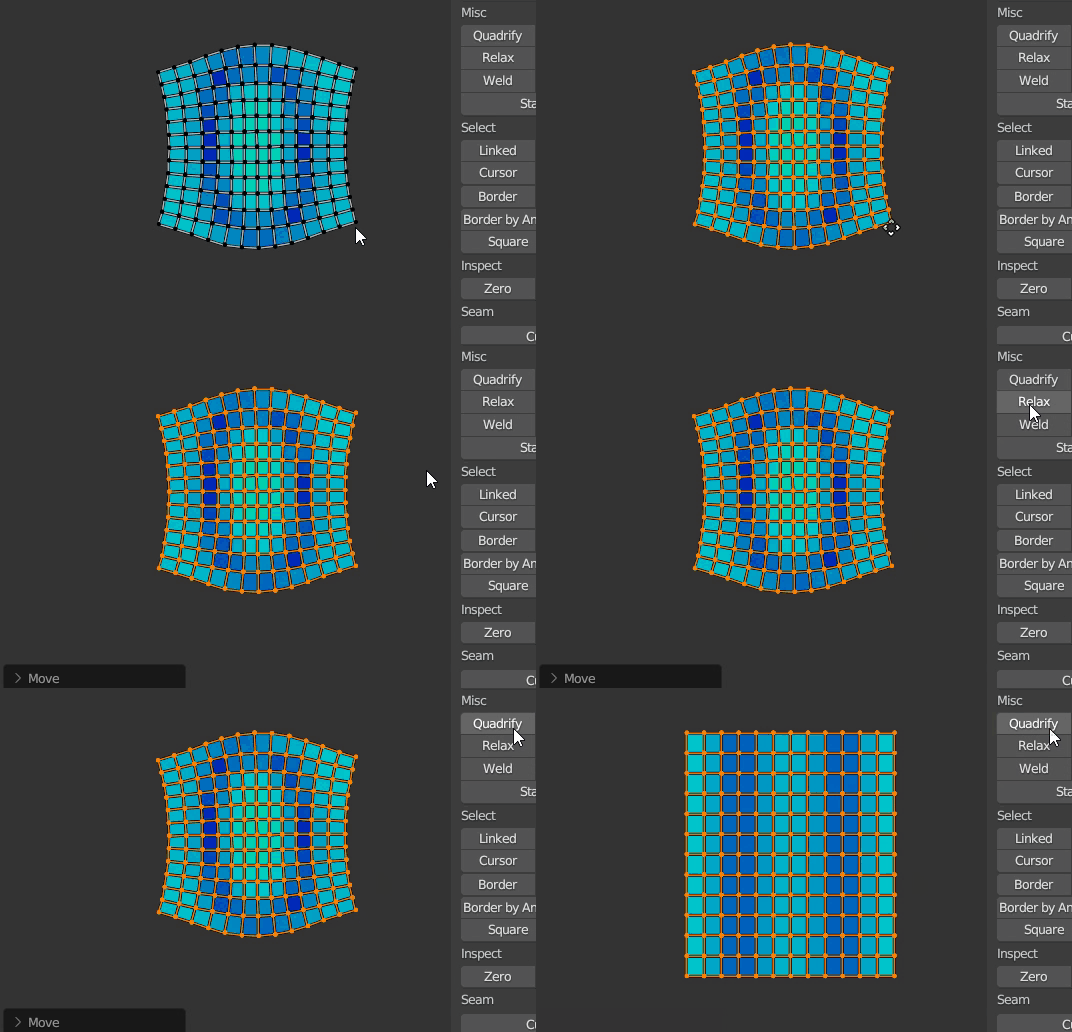
Quadrify - [E] align selected UV to rectangular distribution
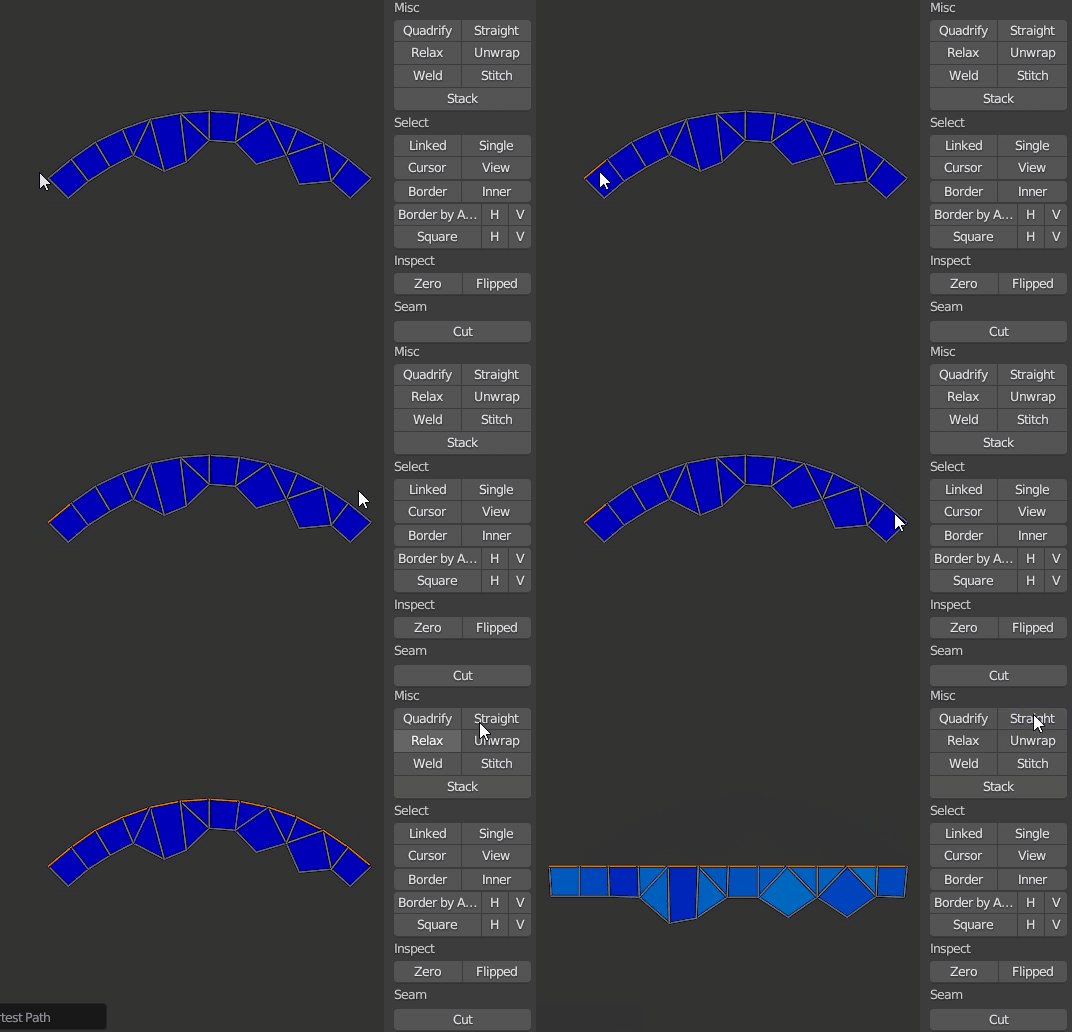
Straight - [Shift+E] straighten selected edge-chain and relax the rest of the UV Island
Adjust & Normalize - sets a uniform texel.

Sort - sorts islands, also aligns for more compactness.
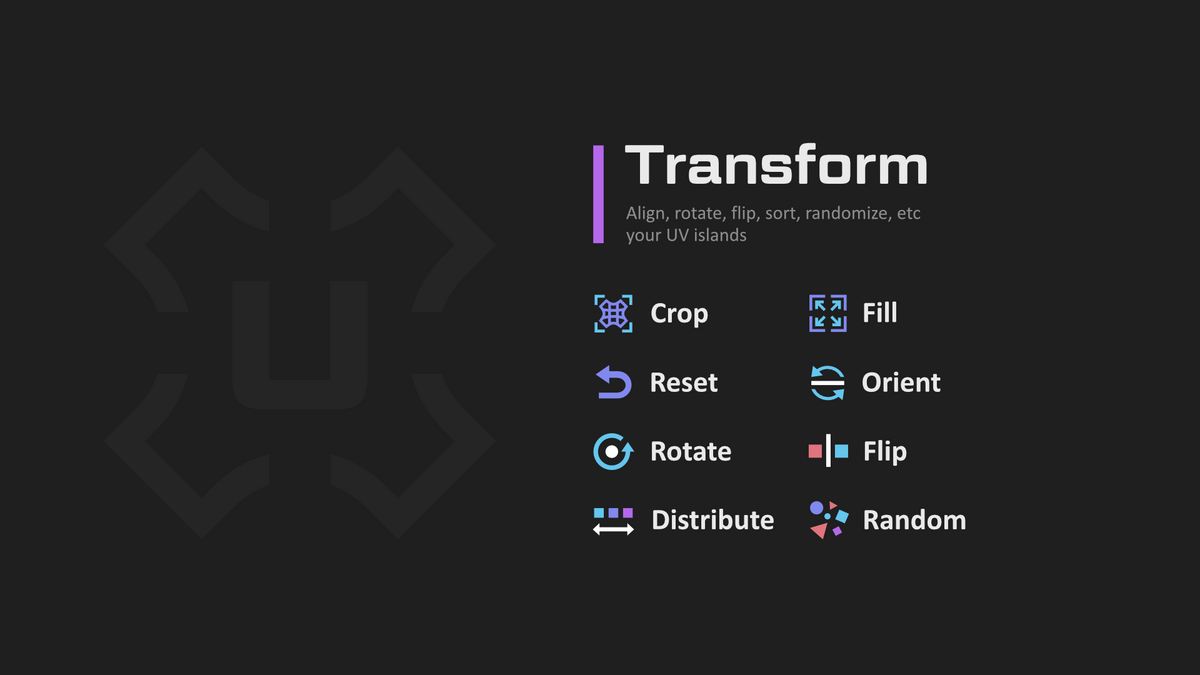
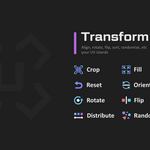
Distribute - similar to Sort, but the goal is to arrange the islands evenly according to the original position
Crop - proportional tile filling
Fill - it is similar in everything with Crop, but without preserving the proportions
Orient - orients islands along the axes, maximally filling the area according to the boundbox. In a 3D viewport, it .
Orient3D - orients islands according to world coordinates.
Align - straightens, moves islands or vertices, places a 2D cursor on bound boxes, etc.
Random - randomly transforms islands to break down repetitive patterns.
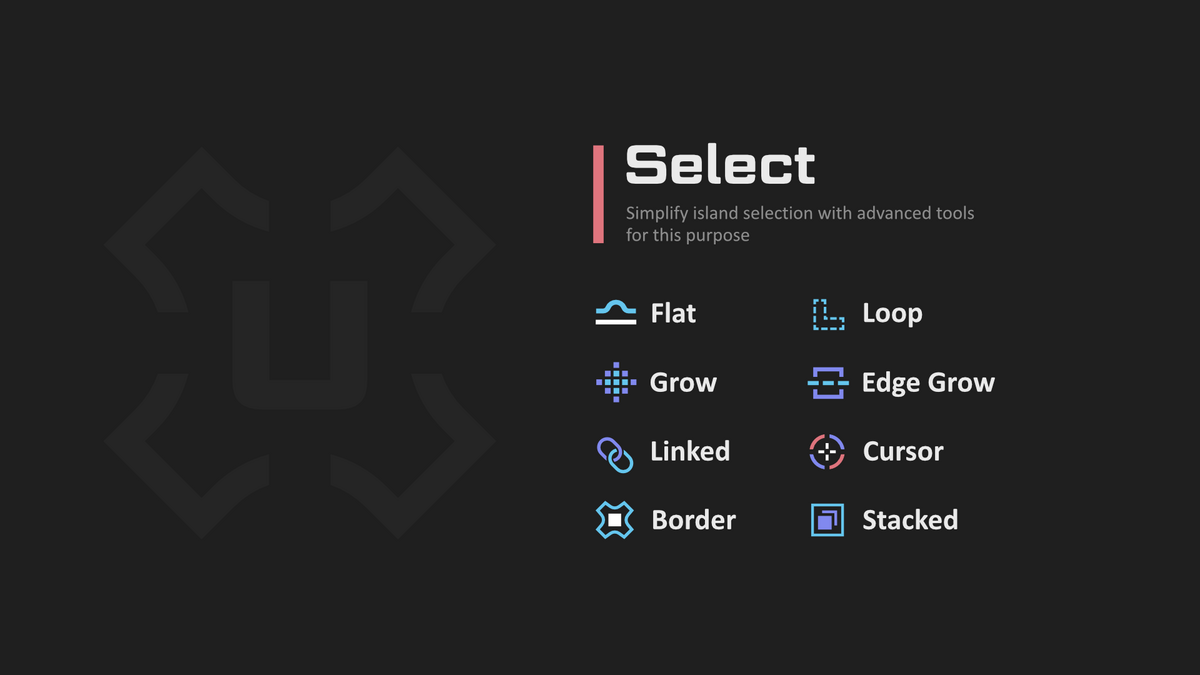
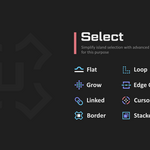
Linked - [Ctrl+Shift+Mouse Scroll] - Select Linked
Cursor - Select by Cursor
Border - Select border edges
Border by Angle - Select border edges by angle from 2D
Inner - Select inner edges by mark sharps, angle
Square - Select square, horizontal or vertical island
SyncUVToggle - [~] toggle sync mode with element selection preserve
SplitUVToggle - [Shift+T] open, close, toggle UV or 3D View area
