 Oxicid
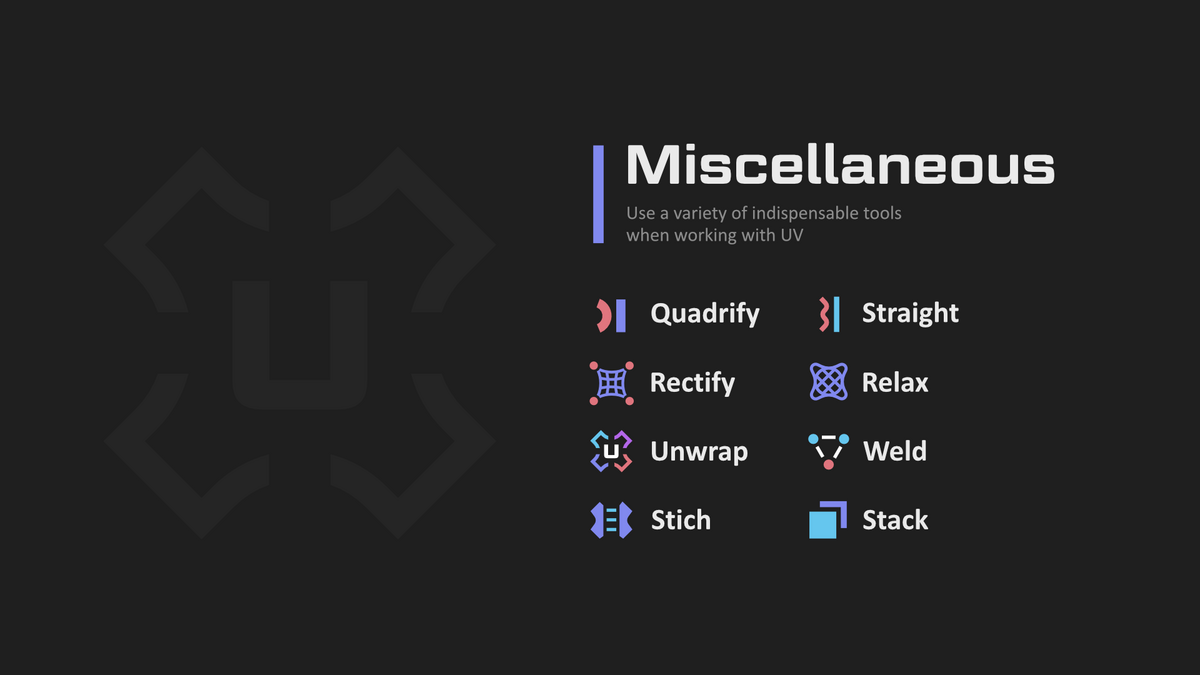
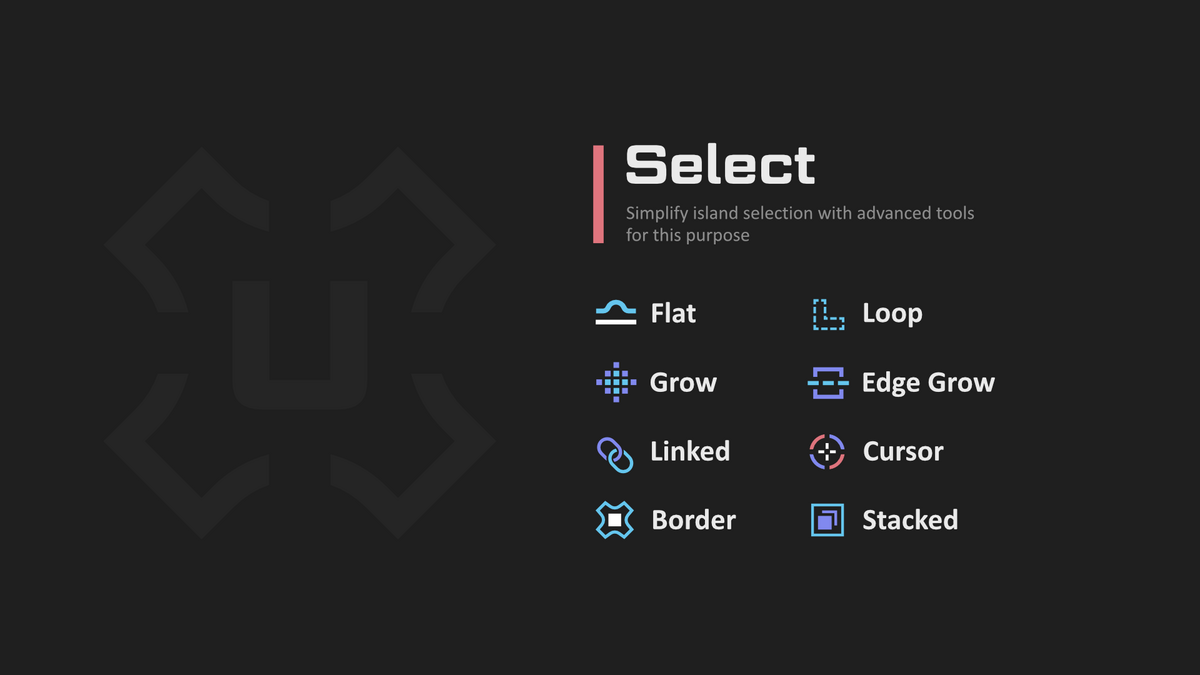
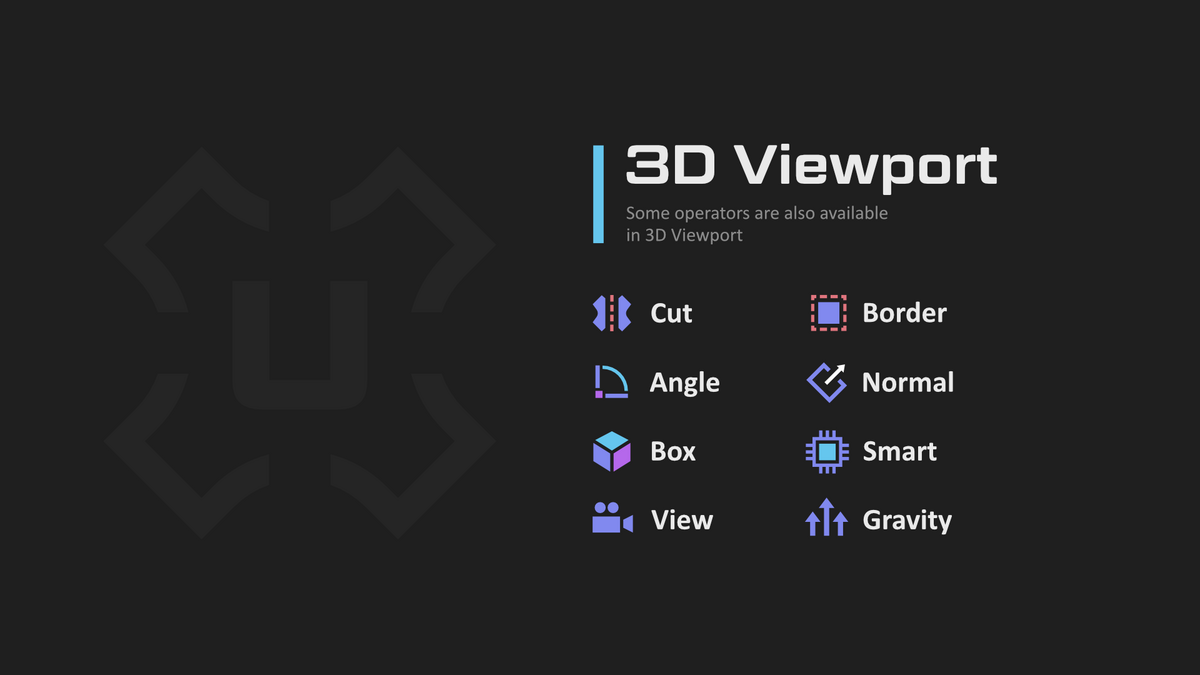
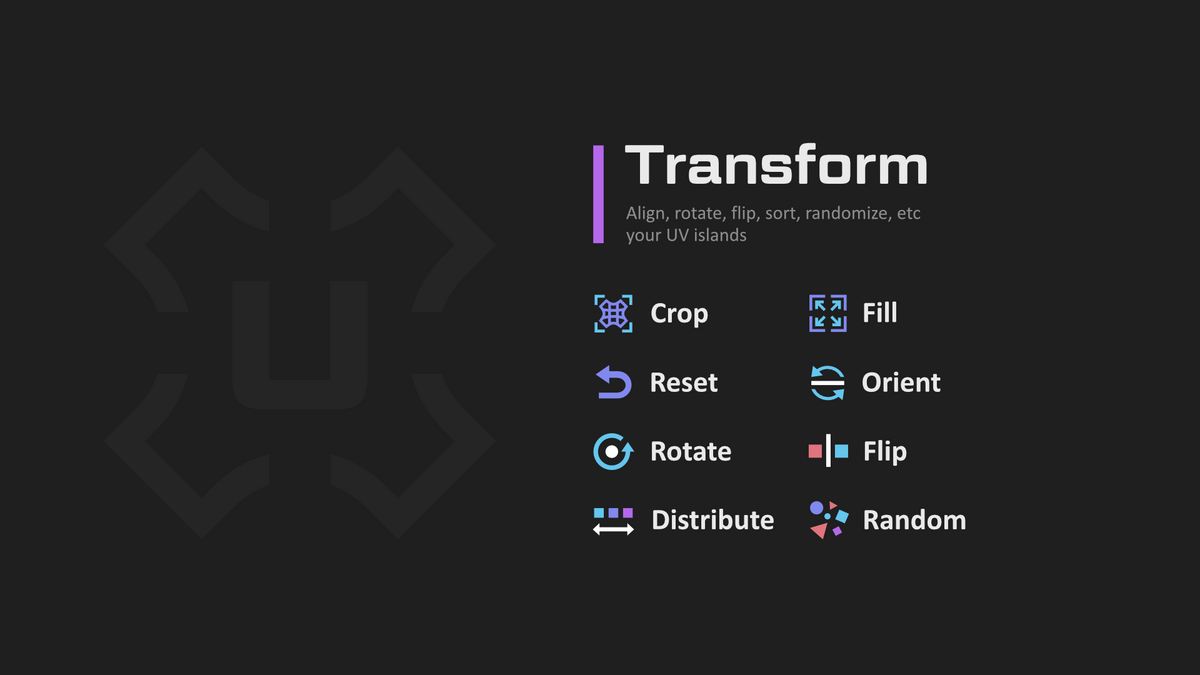

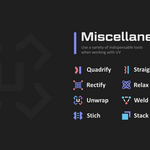
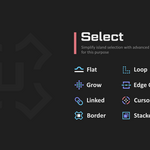
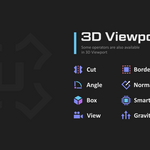
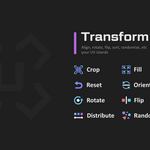
The add-on includes over 100 operators, but among them there are favorites such as: Drag, QuickSnap, Stack, Rectify, Quadrify, Straight, Align by Edge Angle, Weld, Stitch, Cut, Unwrap, Relax, Normalize, Select Similar, Loop Select, Flat, Transfer, and Inspect (a group of operators).
Drag [Alt+Mouse Move] – moves the nearest island while selecting it and deselecting the others. In Sync mode under Vert & Edge, it doesn’t affect vertices of other islands. Features advanced snapping to vertices, edge centers, and face centers, contextually dependent on the current Element Mode. It can also extract a flipped overlapping island.
QuickSnap [V, Alt+V] – works with multiple islands as well as with vertices and edges, with a stronger focus on snapping. The quick call via [V] tries to immediately snap to the nearest island. Using [Alt+V], besides more deliberate snapping, you can also switch between snapping modes (Vert | Edge Center | Face Center | All). Additionally, you can toggle snapping by islands or by elements.
Stack – stacks islands with similar topology. The Pro version can also handle mirrored topology and stack Mesh Islands (groups of connected faces that may consist of multiple islands, allowing you to avoid duplicating already unwrapped groups of islands). A common confusion: unselected islands are stacked onto the selected island. To stack specific islands with each other, enable the Between Selected option in the Redo Panel.
Rectify – allows straightening islands with complex topology (Tris and N-Gons). To straighten an island, select 4 boundary vertices, or 2 boundary vertices for Ring islands (those with both an outer and inner boundary loop).
Quadrify [E] – straightens faces with 4 vertices into rectangles, tris and n-gons are ignored.
Straight [Shift+E] – straightens the selected edge chain while unwrapping the rest.
Align by Edge Angle – invoked in island mode by holding Shift and pressing the H or V buttons in the Align operator. It has a complex internal logic for straightening islands according to a specified direction.
Weld [W] – merges shared edges within an island, otherwise, it works like Stitch with limited functionality. It can also safely weld islands based on distance. Operator execution is accompanied by drawing dashed lines for welded edges and highlighting the marked edges. For convenience, it is recommended to use the [W] button.
Stitch [Shift+W] – proportionally orients islands with shared edges. Unlike Weld, it doesn’t merge self-island edges. You can also control padding to conveniently position neighboring islands. Use Weld if you don’t need to adjust padding and don’t mind whether self-island edges are merged or not.
Note: For Weld, a self-island edge can be an edge of another island that’s connected by only one vertex and may even have a seam – in this case, the edge gets merged, whereas Stitch proportionally orients such an "island."
Cut [C] – has two modes of operation: marking selected edges or marking boundary edges for unwrapping. For convenience, it is recommended to use the [C] button. Operator execution is accompanied by the drawing of the marked edges.
Unwrap [U] – unwraps islands in place, preserving their original proportions and position. It also works individually with vertices.
Relax [Alt+R] – reduces stretching while preserving the original position and proportions. It has a cumulative effect: repeating the operation on the same island multiplies the iterations.
Normalize – equalizes the texel density of islands. It works correctly with non-default object scaling and can also give islands more natural XY proportions.
Select Similar [Ctrl+G] – selects islands with similar topology, making it a perfect complement to the Stack operator.
ChatGPT сказал:
Flat Select – selects connected faces by angle, which, when combined with the Cut operator, greatly speeds up seam marking.
Transfer – a convenient interactive tool for copying UV coordinates from a Low Poly to a High Poly model, or to a remeshed object that has lost its UV channels.
Inspect [F1] – a group of operators for various UV-related checks.
Many operators support the Pick system. This means that when an operation is triggered via a keymap with no mesh elements selected, it is applied to the nearest vert & edge & island. This greatly improves convenience, letting you avoid the effects Sync (select) mode has on shared edges and vertices.
There is much more to UniV operators than you might think at first glance. Many operators are context-dependent, for example, on Sync state, selection mode (Verts, Edge, Face and Islands), as well as on pressed Ctrl, Shift, Alt (CSA) keys and combinations thereof.
That is, before pressing the LMB button press CSA, then other modes of the operator are called. And these modifications are subject to a certain logic, which in most cases works:
Ctrl - To Cursor for transform or Deselect for select
Alt - Alternative operation that is fundamentally different from the default.
Shift - Individual, Inplace for transform or Extend for select
But you don't have to use the CSA keys, because a panel appears in the lower left corner where you can change the properties
Also, the addon doesn't impose its hotkeys on you, but you can easily enable them in Edit->Preferences->Extensions->UniV->Keymaps. But some operators due to their specificity can be called only through keymaps (QuickSnap, SplitUVToggle, SyncUVToggle).
 Included
Includes 12 months of
- Support from Oxicid
- Product updates
Extend this product’s Support Period +12 months: 25% of product price
Have questions before purchasing?
Login to message