 Oxicid

What’s the difference between the free version and the paid Pro version?
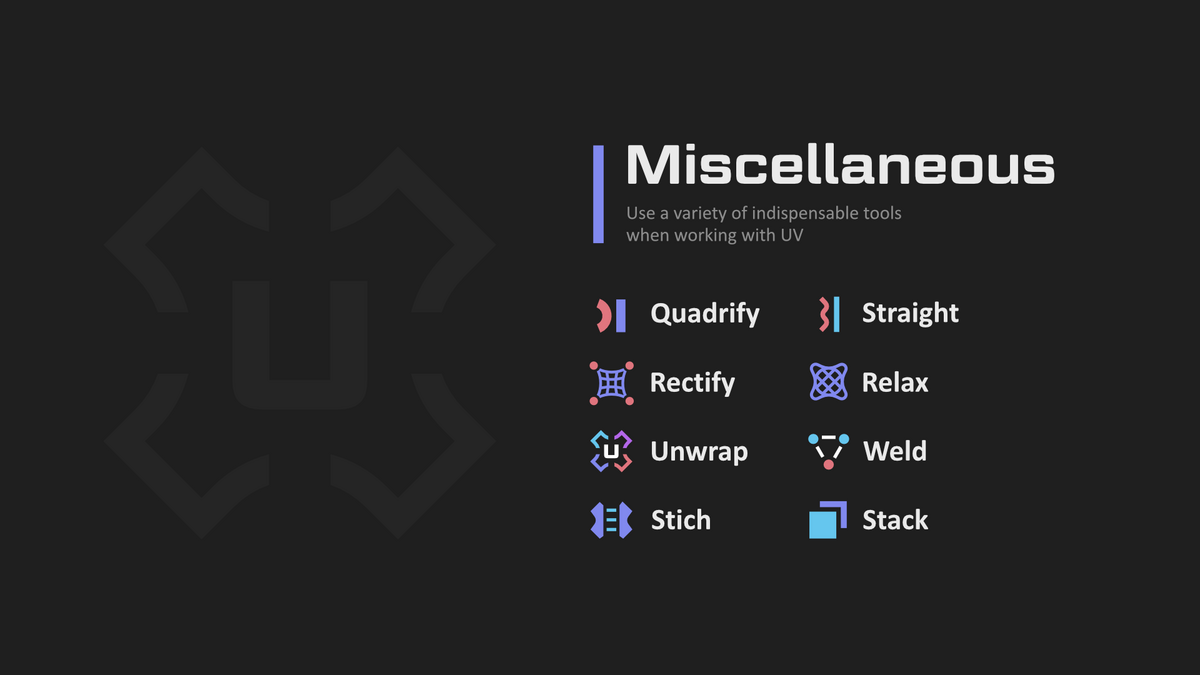
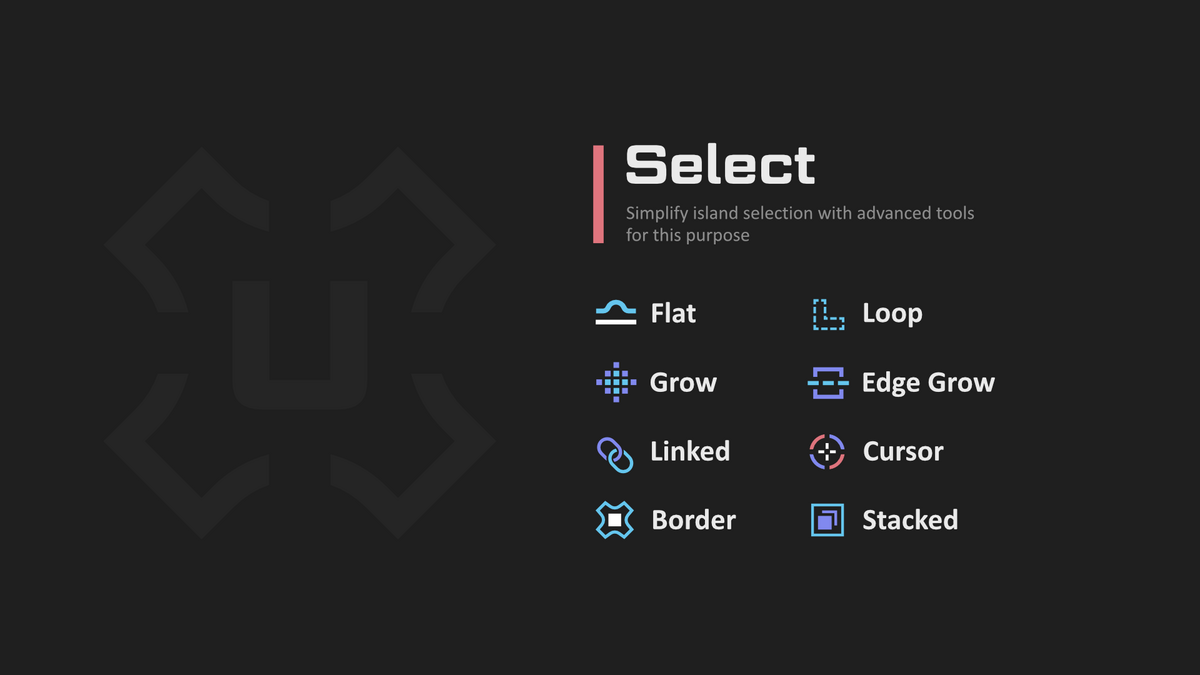
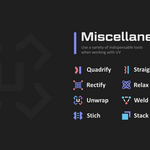
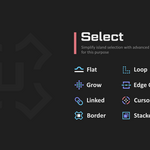
The free version can be downloaded directly from Extensions and already provides many useful operators. However, the Pro version includes key operators that significantly simplify and speed up the workflow, such as Drag, Rectify, Transfer, Select Similar, an improved Stack , Loop Select (works with tris and n-gons and clamps to seams), Loop Select Pick (double click), and Flat Select.
In addition, more advanced operators and new options will be added in the future. It’s also possible that future improvements may go beyond the limits of the Blender Extension rules.
Why don’t the buttons provided in the add-on work?
The add-on provides convenient keymaps, but convenience is subjective. The add-on respects the user and does not enforce its keymaps by default—they are initially turned off.
How to enable the keymaps from the add-on?
Go to Edit → Preferences → Add-ons → UniV → Keymaps and toggle Off/On. Some keymaps may conflict with other operators, to fix this, press Resolve Conflicts. The add-on also offers flexible functionality for customizing keymaps to your preference.
What is the Pick System?
To mark or remove a seam, you need to select the corresponding edge. The Pick System lets you hover the mouse over an edge, and with operators like Cut and Weld, mark the edge or remove a seam. For this system to work, no vertices, edges, or faces should be selected (which element can be selected for Pick Select depends on the operator).
What to do if an error occurs?
Make sure you have the latest version of the add-on installed, and also check the Discord channel for alpha releases.
If the error still persists, save the file with the error (or try to reproduce it in a new project) and report it in the Discord channel.
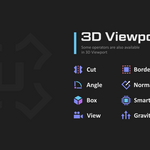
Why are some operators in 3D duplicated from the UV Editor?
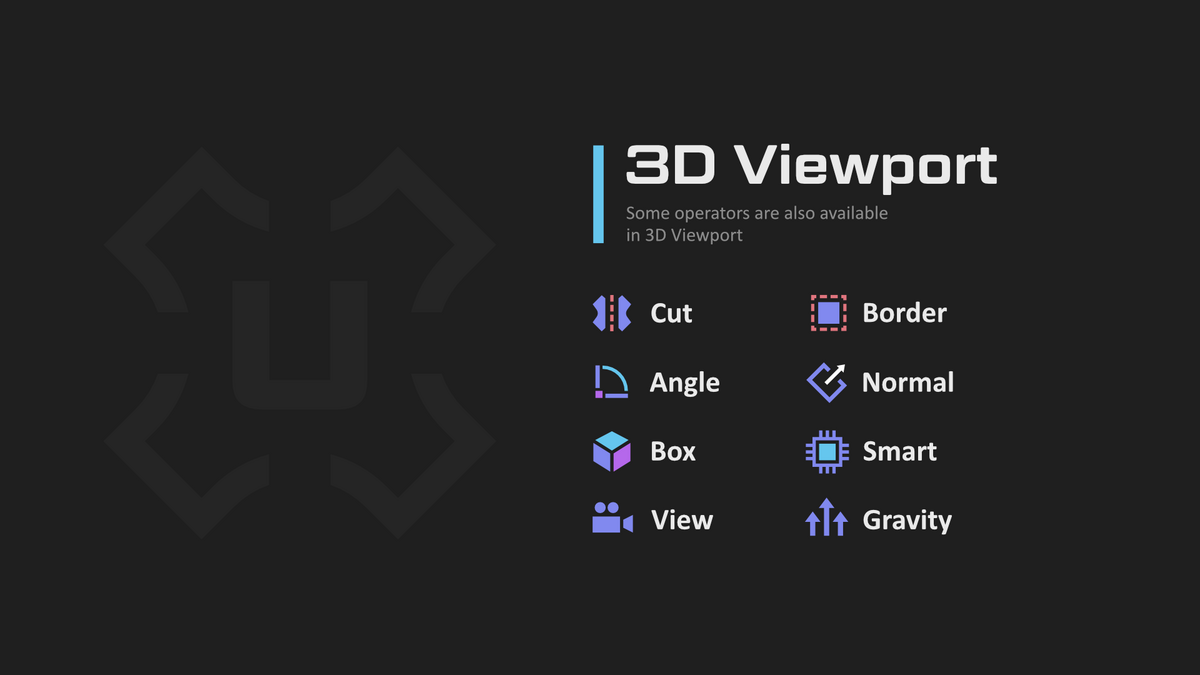
The 3D View and UV Editor have different contexts: the UV Editor can be in Non-Sync mode, while the 3D View is always Sync. Beyond that, they may differ in logic and behavior.
Why are default operators like Hide, Join, and others duplicated?
Even default operators have drawbacks. For example, the vanilla Hide can sometimes hide the wrong elements. Join resolves UV channel name conflicts and also provides more informative error messages. In addition, operators may include extra functionality.
What is the UniV icon in the Tools (3D) for?
In this workspace, keymaps are already set up-many have Pie Menus and operators assigned, and by default, they are all enabled (you can always customize these keymaps). The workspace unlocks new possibilities for operators that use the Pick System.
Why doesn’t Unwrap or another operator work?
There can be several reasons why an operator doesn’t work:
- The Blender Python API may have changed.
- The context may be incorrect. For example, if the active object has no faces or no UV channel, the buttons in the UV Editor won’t work—even if other objects are fine. (Click the Inspect button in the panel to fix this automatically.)
- You may have encountered an add-on bug.
- You might be calling a 3D View operator from the UV Editor.
A common issue here is that you are likely in Non-Sync mode, where elements may not be selected. Another possible cause is the absence of a UV map.
Solution: use the equivalent operators from the 3D View panel-some of them can work with objects that don’t have UV channels and always function in Sync mode.
 Included
Includes 12 months of
- Support from Oxicid
- Product updates
Extend this product’s Support Period +12 months: 25% of product price
Have questions before purchasing?
Login to message