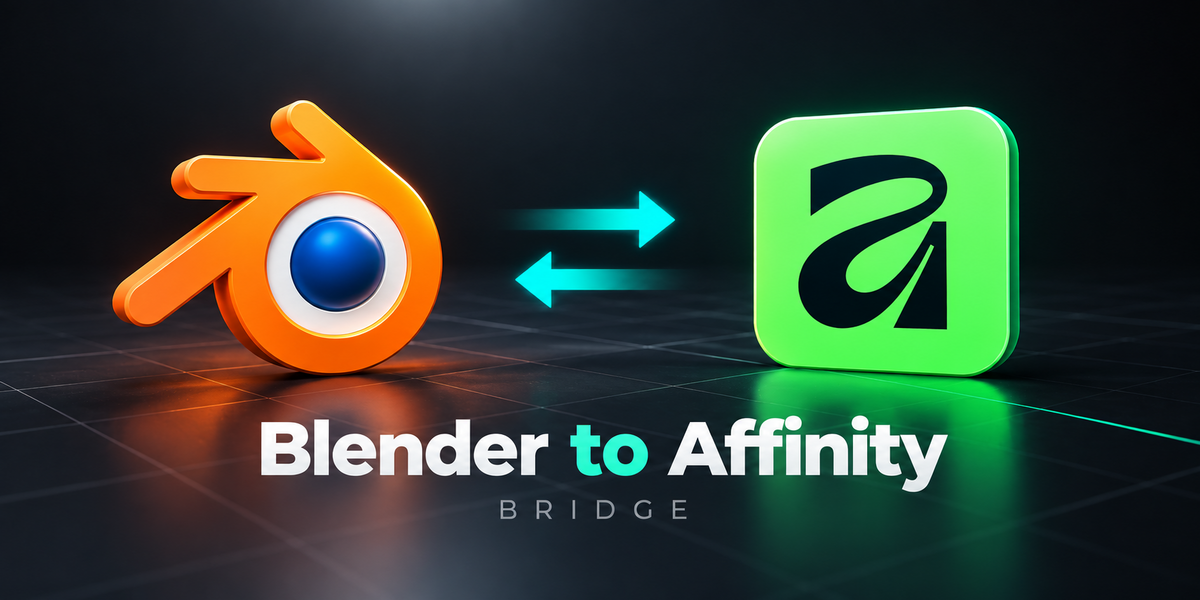
Universal Bridge Bundle
Unreal Bridge
Every release, newest first
Every release of the add-on, newest first. One package covers Blender 3.3 – 5.2: a modern extension on 4.2+, a classic add-on on 3.3 – 4.1.
Current version: 1.1.0
Released: 23 September 2026
Blender: 3.3 – 5.2
Unreal Engine: 5.2 – 5.8
Platform: Windows
Licence: GPL-3.0-or-later
1.1.0 — 23 September 2026
Collision and LODs you make yourself are now tracked exactly like ones made by Collision Maker and LOD Maker, and nothing gets lost on the way to Unreal without you being told.
Added
Your own collision and LODs, one click each. Select the meshes you modelled and the asset, with the asset active. In Mark as Asset, Collision parents the others to the asset and names them UBX_ / UCX_ / USP_ / UCP__NN, the way Unreal matches collision to its mesh. LODs parents them and renames them _LOD1, _LOD2 and so on. Both stamp the same properties the companion add-ons use, so from then on Collision Maker and LOD Maker list them as their own, and the bridge counts, checks and exports them like generated ones.
- A prefix you already typed is kept. Otherwise a plain box becomes
UBX_and anything elseUCX_; the redo panel lets you pick sphere or capsule. - A number already in a LOD's name is kept. The rest are numbered by triangle count, most detailed first.
- Everything keeps its place in the viewport, and one Ctrl+Z undoes it.

Collision shapes are listed in Mark as Asset, next to the LOD levels, with the kind of each shape. The collision badge on an asset's row now counts the shapes actually parented under it, so shapes you parented by hand show up too.
Changed
Push stops before Unreal drops anything. Unreal silently ignores collision it cannot match to a mesh, and some mistakes are worse than ignored: a shape that lost its prefix is merged into the mesh itself. Before exporting, Push now lists every collision shape and LOD level that would not arrive as it should, and asks: Fix them, then push, or Push as they are. It catches:
- a shape named for a mesh that is not in the asset, or for an Empty root, which has no mesh for Unreal to attach it to
- a name missing its
_NNnumber, or a Blender.001copy - a shape tagged as collision whose prefix was lost
- a shape set to Never Export, or not parented to the asset at all
- a
UBX_that is not a plain eight-vertex box, is triangulated, or has its faces pointing inward - collision on a skeletal mesh, which Unreal ignores in favour of a Physics Asset (reported, not changed)
- a mesh named
_LOD1that nobody assigned, which would be merged into LOD0 - a LOD level still pointing at the asset's old name after a rename
- LOD levels numbered with a gap or twice
The same problems show in red under the asset in Mark as Asset, with a Fix Names button, and the badge on the asset's row turns red. Validate Setup reports the same list.

Fixing only renames, re-parents and re-tags objects in your scene, and one Ctrl+Z undoes it. Nothing is deleted.
1.0.0 — First release
Send meshes from Blender into a running Unreal Editor with one button.
What it does
- Link a
.uprojectand browse its real Content Browser folders from disk, with Unreal closed. - Mark objects as assets, map them to folders per collection or per object, and push FBX into the running editor over Epic's own Python Remote Execution. With the editor closed, everything is staged and imports itself on the next push.
- The one-time Unreal setup is done for you, backing up both files it edits.
- Unchanged assets cost nothing on a re-push: every asset is hashed, and the hash on the Unreal asset is the authority.
- Every asset shows where it stands: In Unreal, Needs update, Not in Unreal, Moved in Blender, Deleted in Unreal, Moved in Unreal.
- Check Unreal reconciles against the live editor, and you decide per asset, or per group, whether Blender follows Unreal or the other way round.
- Smart Live Sync: a geometry edit re-exports the asset, and a material-only edit re-points the slots in the editor without writing an FBX.
- Collision (
UCX_,UBX_,USP_,UCP_),SOCKET_empties and LOD levels with their screen sizes ride inside the push. - Skeletal meshes: mark the armature and one push gives a Skeletal Mesh, its Skeleton, a Physics Asset and one Anim Sequence per clip.
- Shift + E opens a pie menu or a quick window, and every panel section can be reordered, shown or hidden.
Blender side only. Unreal Engine is a free download from Epic Games and is not included. The bridge talks to the editor on this machine only: UDP 6766 to find it, TCP 6776 to send it commands. Windows only.

Unreal Engine is required and is not included. It is a free download from Epic Games.
This add-on is the Blender-side bridge only and is not affiliated with or endorsed by Epic Games.
Unreal Bridge
Every release, newest first
Every release of the add-on, newest first. One package covers Blender 3.3 – 5.2: a modern extension on 4.2+, a classic add-on on 3.3 – 4.1.
Current version: 1.1.0
Released: 23 September 2026
Blender: 3.3 – 5.2
Unreal Engine: 5.2 – 5.8
Platform: Windows
Licence: GPL-3.0-or-later
1.1.0 — 23 September 2026
Collision and LODs you make yourself are now tracked exactly like ones made by Collision Maker and LOD Maker, and nothing gets lost on the way to Unreal without you being told.
Added
Your own collision and LODs, one click each. Select the meshes you modelled and the asset, with the asset active. In Mark as Asset, Collision parents the others to the asset and names them UBX_ / UCX_ / USP_ / UCP_<Asset>_NN, the way Unreal matches collision to its mesh. LODs parents them and renames them <Asset>_LOD1, _LOD2 and so on. Both stamp the same properties the companion add-ons use, so from then on Collision Maker and LOD Maker list them as their own, and the bridge counts, checks and exports them like generated ones.
- A prefix you already typed is kept. Otherwise a plain box becomes
UBX_and anything elseUCX_; the redo panel lets you pick sphere or capsule. - A number already in a LOD's name is kept. The rest are numbered by triangle count, most detailed first.
- Everything keeps its place in the viewport, and one Ctrl+Z undoes it.

Collision shapes are listed in Mark as Asset, next to the LOD levels, with the kind of each shape. The collision badge on an asset's row now counts the shapes actually parented under it, so shapes you parented by hand show up too.
Changed
Push stops before Unreal drops anything. Unreal silently ignores collision it cannot match to a mesh, and some mistakes are worse than ignored: a shape that lost its prefix is merged into the mesh itself. Before exporting, Push now lists every collision shape and LOD level that would not arrive as it should, and asks: Fix them, then push, or Push as they are. It catches:
- a shape named for a mesh that is not in the asset, or for an Empty root, which has no mesh for Unreal to attach it to
- a name missing its
_NNnumber, or a Blender.001copy - a shape tagged as collision whose prefix was lost
- a shape set to Never Export, or not parented to the asset at all
- a
UBX_that is not a plain eight-vertex box, is triangulated, or has its faces pointing inward - collision on a skeletal mesh, which Unreal ignores in favour of a Physics Asset (reported, not changed)
- a mesh named
<Asset>_LOD1that nobody assigned, which would be merged into LOD0 - a LOD level still pointing at the asset's old name after a rename
- LOD levels numbered with a gap or twice
The same problems show in red under the asset in Mark as Asset, with a Fix Names button, and the badge on the asset's row turns red. Validate Setup reports the same list.

Fixing only renames, re-parents and re-tags objects in your scene, and one Ctrl+Z undoes it. Nothing is deleted.
1.0.0 — First release
Send meshes from Blender into a running Unreal Editor with one button.
What it does
- Link a
.uprojectand browse its real Content Browser folders from disk, with Unreal closed. - Mark objects as assets, map them to folders per collection or per object, and push FBX into the running editor over Epic's own Python Remote Execution. With the editor closed, everything is staged and imports itself on the next push.
- The one-time Unreal setup is done for you, backing up both files it edits.
- Unchanged assets cost nothing on a re-push: every asset is hashed, and the hash on the Unreal asset is the authority.
- Every asset shows where it stands: In Unreal, Needs update, Not in Unreal, Moved in Blender, Deleted in Unreal, Moved in Unreal.
- Check Unreal reconciles against the live editor, and you decide per asset, or per group, whether Blender follows Unreal or the other way round.
- Smart Live Sync: a geometry edit re-exports the asset, and a material-only edit re-points the slots in the editor without writing an FBX.
- Collision (
UCX_,UBX_,USP_,UCP_),SOCKET_empties and LOD levels with their screen sizes ride inside the push. - Skeletal meshes: mark the armature and one push gives a Skeletal Mesh, its Skeleton, a Physics Asset and one Anim Sequence per clip.
- Shift + E opens a pie menu or a quick window, and every panel section can be reordered, shown or hidden.
Blender side only. Unreal Engine is a free download from Epic Games and is not included. The bridge talks to the editor on this machine only: UDP 6766 to find it, TCP 6776 to send it commands. Windows only.
Unreal Engine is required and is not included. It is a free download from Epic Games.
This add-on is the Blender-side bridge only and is not affiliated with or endorsed by Epic Games.
-
$44.99 $59.99
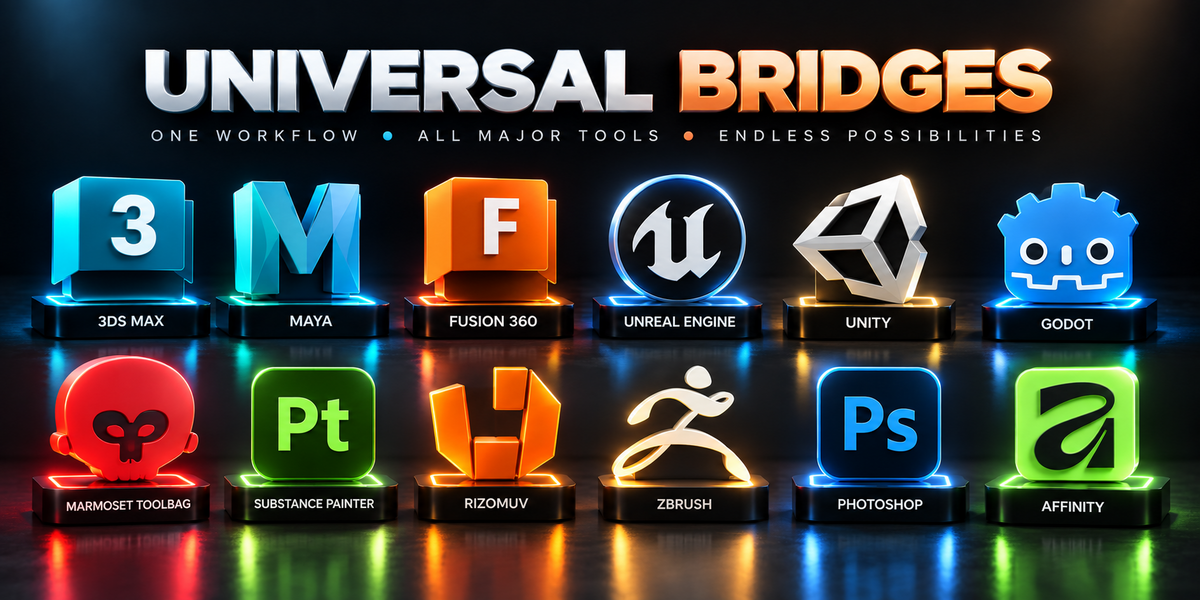
All 12 included bridge add-ons for one person, for hobby and professional work.
-
$89.99 $119.99
All 12 included bridge add-ons with a business license for up to five members of one studio or production team.
Have questions about this product?
Login to message