Unreal Engine Export Pipeline Bundle
 Tachyon Studio
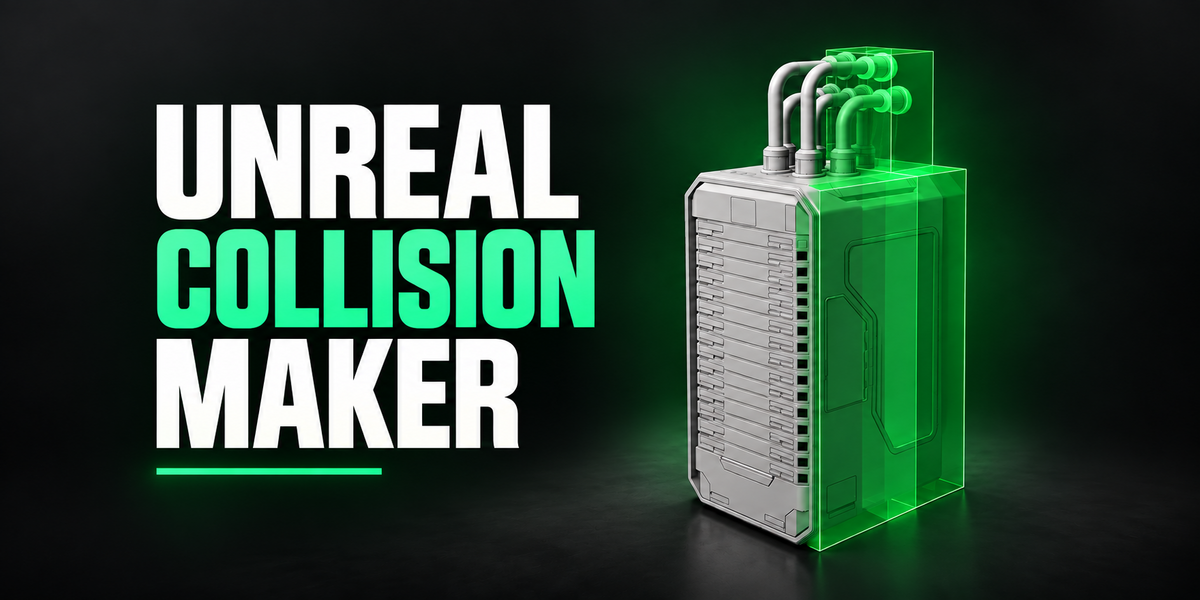
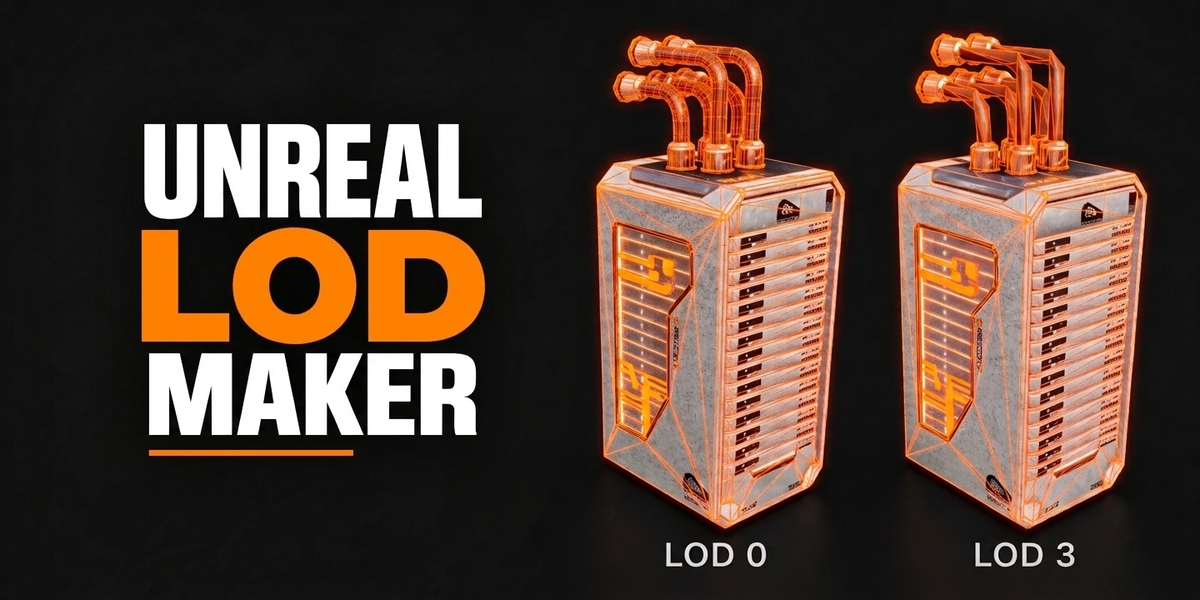
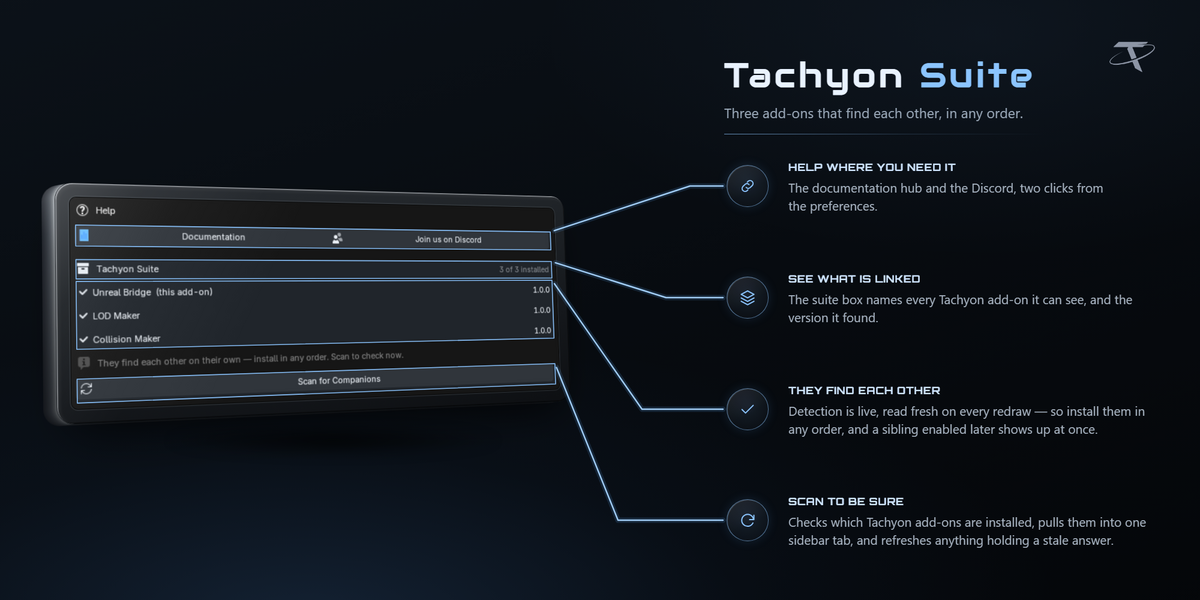

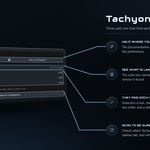
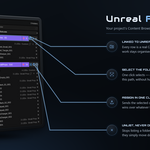
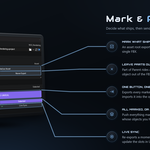
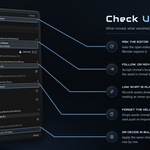
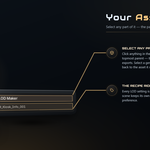
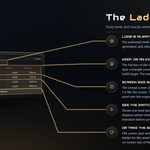
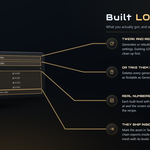
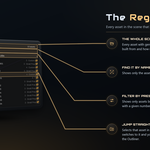
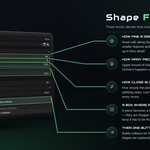
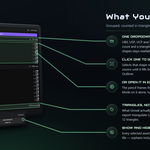
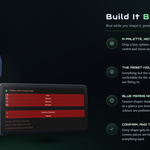
Three separate Blender add-ons that cover the route from a finished mesh to an asset in your Unreal project. Tachyon Collision Maker builds Unreal collision shapes. Tachyon LOD Maker builds LOD chains with Unreal screen sizes worked out. Tachyon Unreal Bridge sends assets into a running Unreal Editor, carrying the collision and the LOD levels with them.
No. Each one is a standalone add-on and installs on its own. Install only the ones you want; the others are simply not there. Nothing in the bundle depends on anything else being installed.
Blender 3.3 through 5.2, from one package per add-on. Each installs as a modern extension on 4.2 and newer, and as a classic add-on on 3.3 – 4.1.
5.2 through 5.8, for Unreal Bridge. It deliberately drives Unreal's legacy FBX importer rather than Interchange, so one import preset behaves identically on every 5.x version. Collision Maker and LOD Maker never talk to an engine at all.
Collision Maker and LOD Maker do — there is nothing platform-specific in them. Unreal Bridge is Windows only: engine discovery, editor launching and the setup repair are all Windows-specific.
3D Viewport sidebar — press N — then the Unreal Tools tab. Each add-on adds its own panel to that one tab. The tab name is a preference: rename it in one add-on and the others follow.
No. Unreal Engine is a free download from Epic Games and must be installed and licensed by you. This bundle is the Blender side only, and is not affiliated with, endorsed by, or sponsored by Epic Games.
Through plain ID properties stamped on your objects and through Unreal's own naming conventions — never by importing each other. That is why a missing add-on can never break the other two, and why a push never requires one.
Collision shapes go inside the asset's FBX with their materials stripped, and Unreal's Auto Generate Collision is left off so your shapes are the ones the engine uses. LOD levels export as one FBX per level and are applied with each level's screen size pinned. SOCKET_ empties get Unreal's +90° X convention applied. The Bridge's asset row then reads what is attached, such as 3 LODs · Small Prop.
Yes, and that is the normal case for anyone with an existing workflow. Collision is matched purely by Unreal's naming convention, so any child mesh named UCX_, UBX_, USP_ or UCP_ is picked up no matter what made it. For LODs, the Bridge's Detect LODs by Name claims <Asset>_LOD1, _LOD2 and similar spellings, and Assign Selected as LODs takes whatever you have selected.
Collision and LODs first, push last — but nothing enforces it. Generate collision, generate the LOD chain, then mark the object as an asset, give it a folder and push. Re-pushing after a change is always safe.
They share the sidebar tab name and each keeps its own presets. Collision Maker and LOD Maker presets are saved and exported as JSON from their own preferences; Unreal Bridge's import presets live in its preferences and follow you across projects.
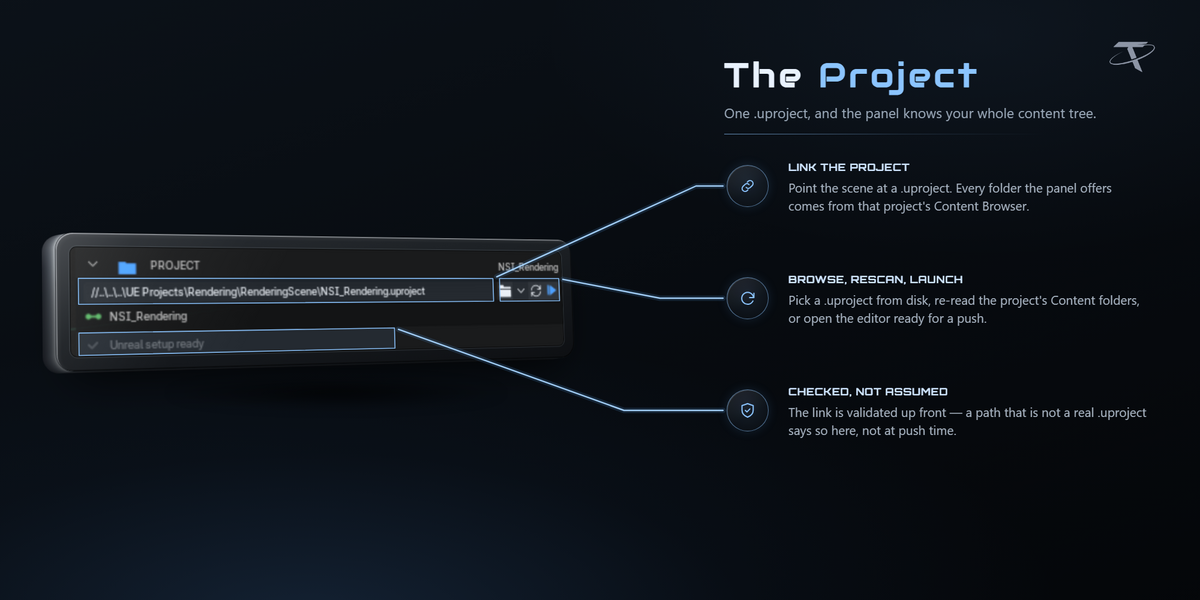
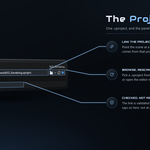
Three things, once: the Python Editor Script Plugin, Editor Scripting Utilities, and Remote Execution under Project Settings ▸ Plugins ▸ Python. Link your .uproject and the panel audits the project and offers a Do It For Me button that switches all three on, backing up both files it edits. Restart the editor once afterwards.
On the first push, Windows asks to allow Blender through the firewall. The traffic is localhost only: UDP 6766 to find the editor, TCP 6776 to talk to it.
To import, yes. But Push works either way: with the editor closed everything is exported to the staging mirror and the panel says Exported N to staging. Open Unreal, push again, and it imports.
No. The folder tree is read from the project on disk, so you can link a project, browse its folders and assign assets with Unreal closed entirely.
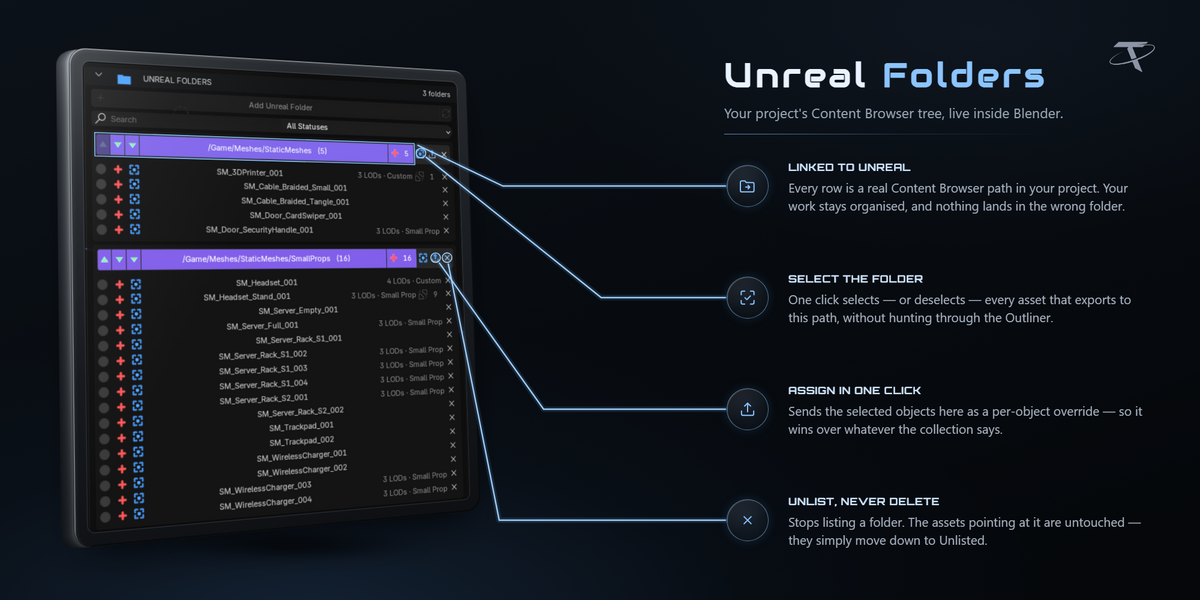
By mapping, not by typing a path each time. An asset lands in its own per-object override if it has one, otherwise in the innermost collection that has an Unreal folder assigned, otherwise in the scene's default folder. Every destination is forced under /Game.
Not unless you ask it to. Names are used as-is — Crate_001 imports as Crate_001 — sanitised only to characters Unreal accepts. Type prefixes like SM_ and SKM_ are opt-in and never applied twice.
A content hash of the exported FBX that ignores the header, file ID and timestamp, so two exports of identical geometry hash identically. Unreal holds that hash as a tag on the imported asset and is the authority: if it matches, the import is skipped. Pushing two hundred assets after editing one costs one import.
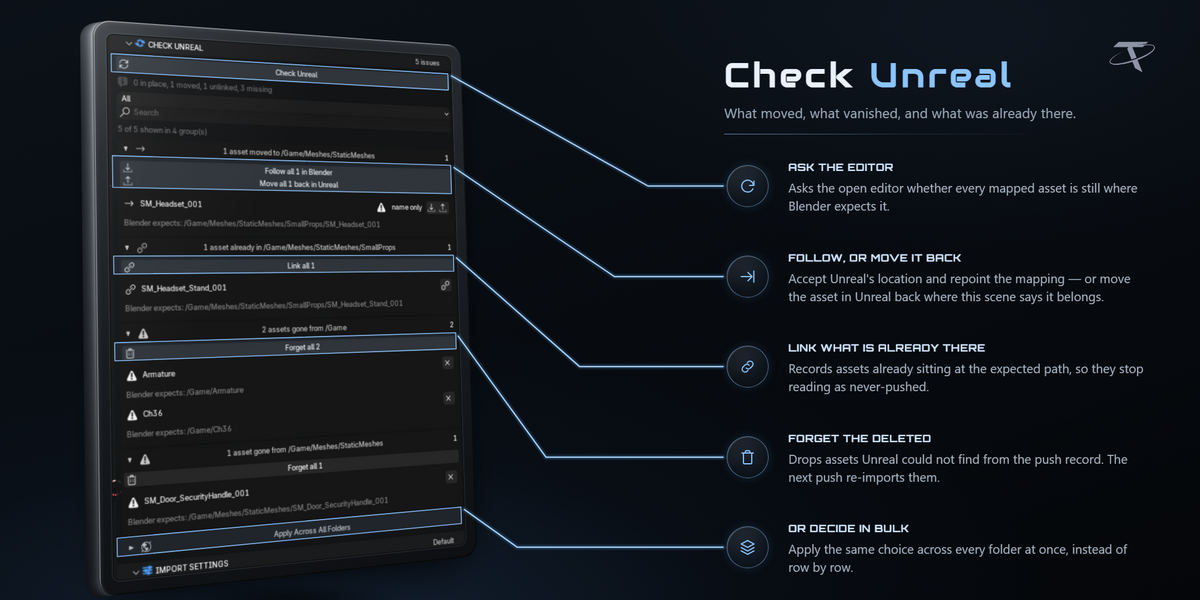
It asks the open editor whether every mapped asset is still where this scene expects it. Moved, deleted, or sitting there with no push record — it finds all three and you decide per asset whether Blender follows Unreal or Unreal follows Blender. Results fold into collapsible groups, one per verdict per folder, and each group header carries the buttons that settle the whole group, so a reorganised project is a handful of decisions rather than hundreds of clicks.
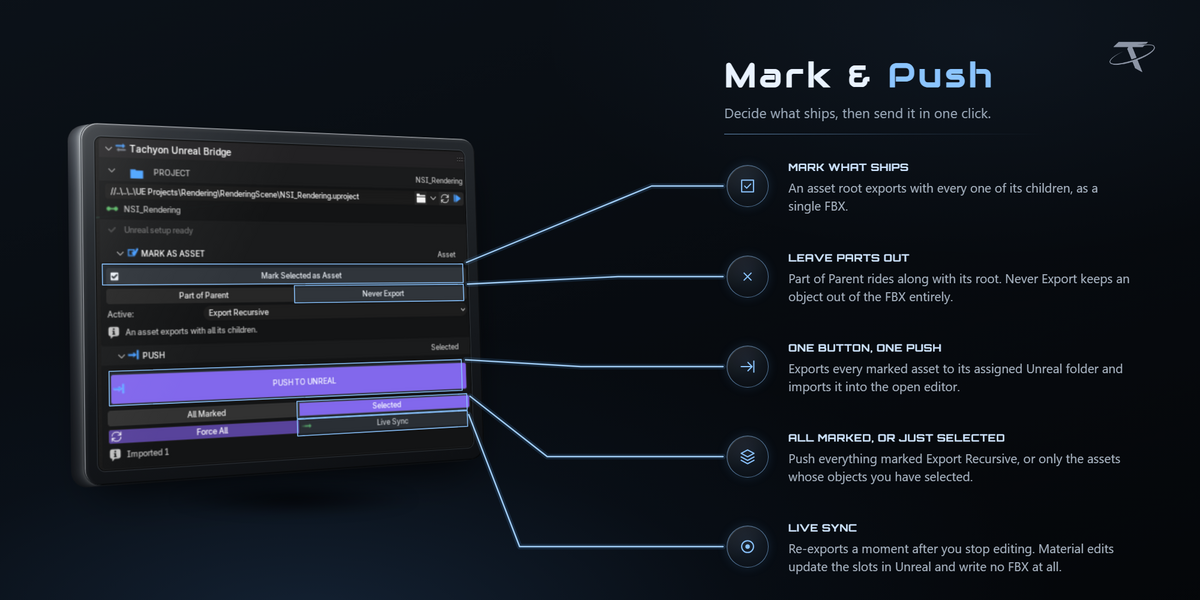
Sends your edits a moment after you make them. Move a vertex and only that asset's geometry goes. Change a material and no FBX is written at all — the slots are re-pointed inside the open editor. A badge in the viewport corner says it is running and flashes what it just sent.
No. Every export happens on temporary duplicates that are thrown away afterwards. The only things it writes to your objects are the mark (Asset / Part of Parent / Never Export) and any folder override you set.
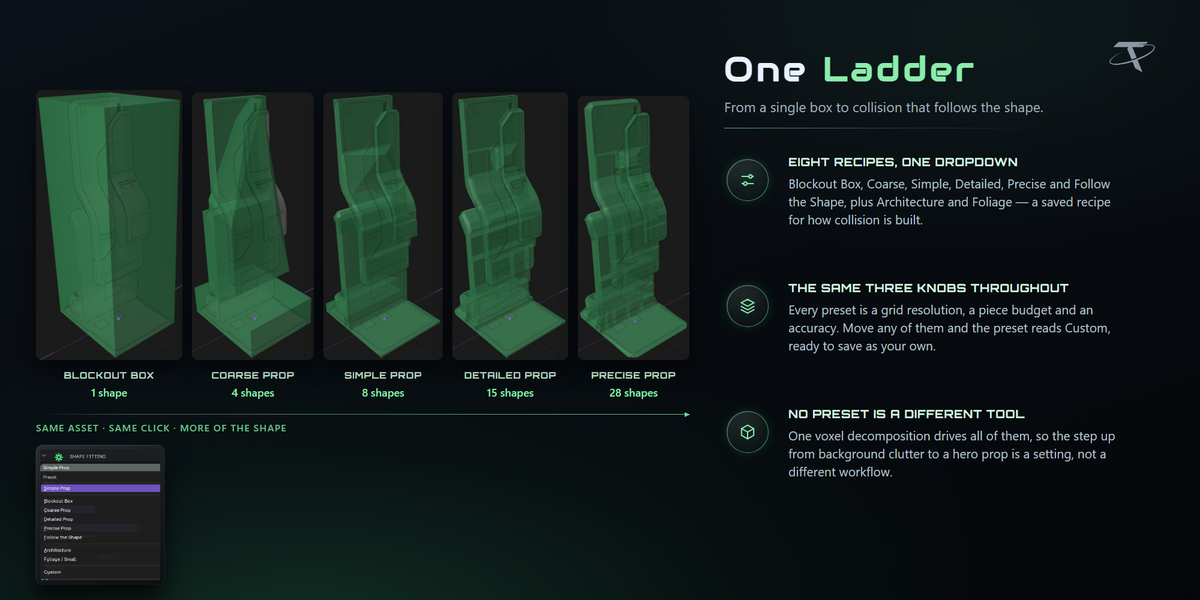
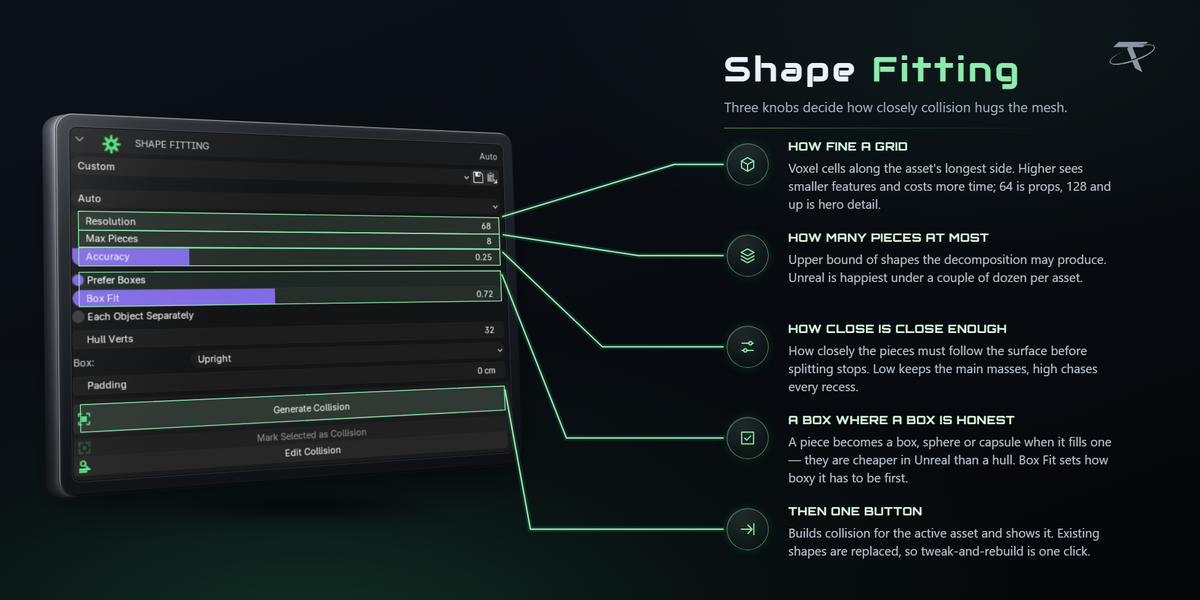
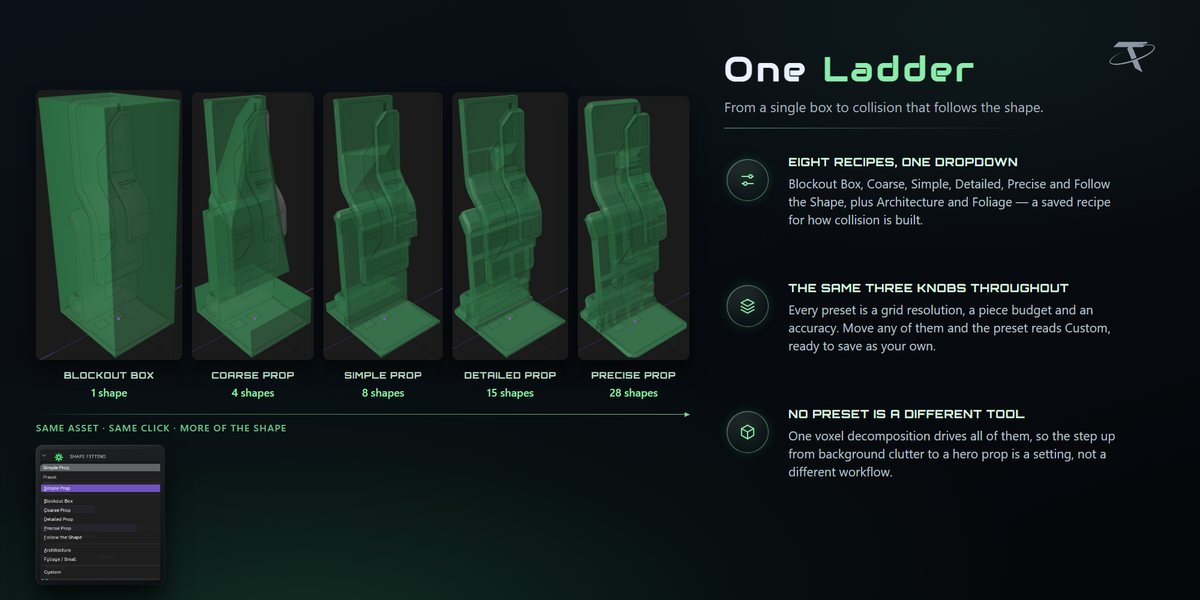
It rasterises the asset into a voxel grid and splits it into convex pieces, best-first, until every piece is as convex as Accuracy asks for or the piece budget is spent — the same kind of algorithm as V-HACD. The grid only decides where to cut: each piece is then hulled from the original vertices it covers, so the collision surface is your mesh's rather than a stair-stepped version of it.
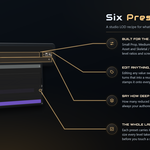
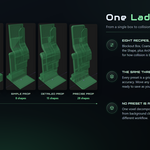
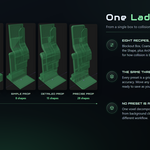
The presets are a ladder, so pick by how much the player interacts with the asset. Blockout Box is one level box, Coarse Prop is background clutter, Simple Prop is the default and suits most props, Detailed Prop follows recesses and curves, Precise Prop gives every major surface its own piece, and Follow the Shape goes as close as convex collision gets. On a fourteen-part kiosk those six rungs give 1, 4, 8, 15, 28 and 53 shapes.
Yes. A voxel grid has a volume whatever the topology, so open shells, thin panels and overlapping parts all decompose normally.
Only if you asked for it. Box alignment defaults to Upright: level with the floor, free to rotate about Z only, and only when the yaw genuinely buys volume. Oriented is the setting that produces tilted boxes, and the panel warns you when it is selected.
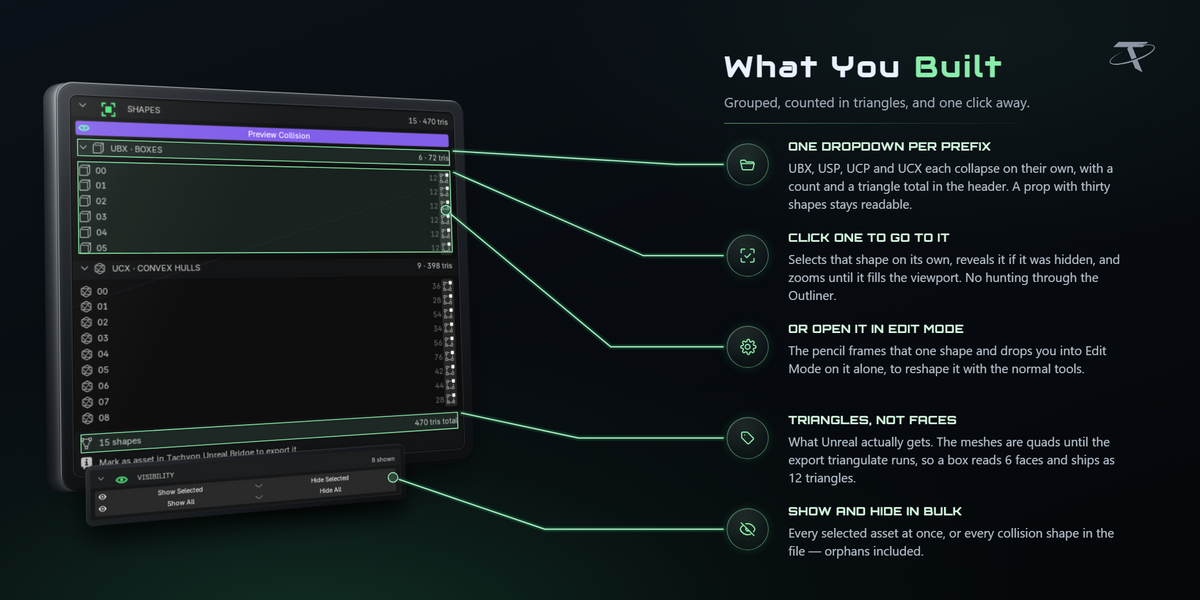
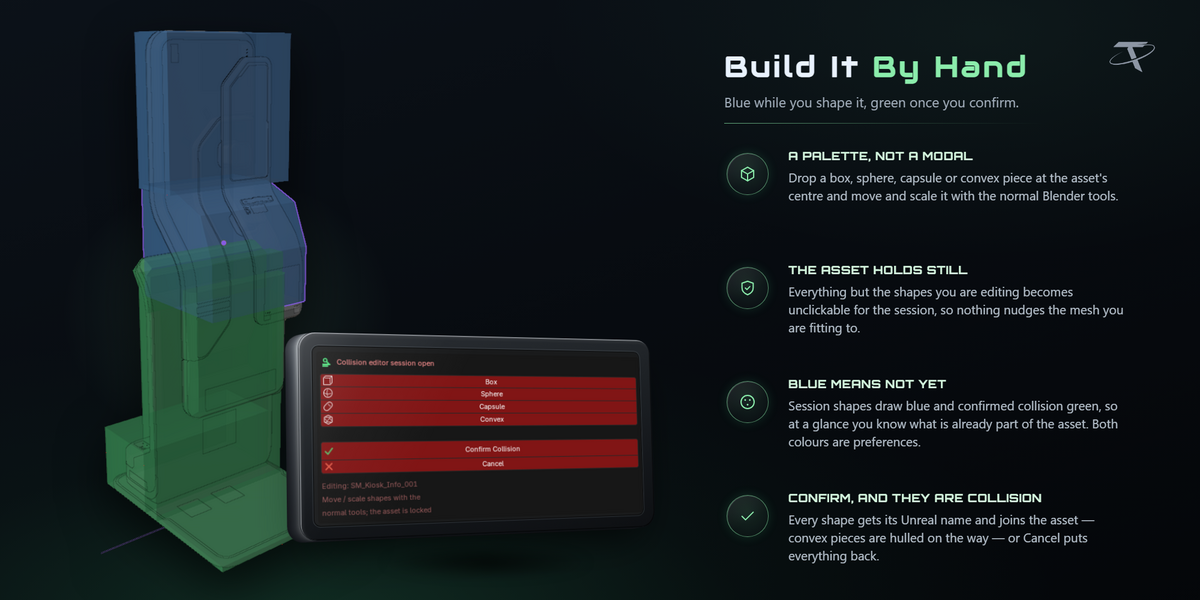
Yes. Mark Selected as Collision adopts shapes you modelled yourself, renaming, parenting and tagging them exactly like generated ones. Edit Collision opens a session where Add Shape drops a box, sphere, capsule or hull that you move and scale with the normal tools while the asset stays locked. Every row in the SHAPES list also has a pencil that opens that one shape in Edit Mode.
Because triangles are what Unreal receives. The shapes are authored as quads and ngons and triangulate on export, so a face count understates the real cost by about half — a box reads 6 faces and arrives as 12 triangles.
Unreal is happiest with a couple of dozen convex elements per asset, which is why Max Pieces exists and why the default preset stops at eight. The SHAPES list shows a running triangle total so you can see the cost before it reaches the engine.
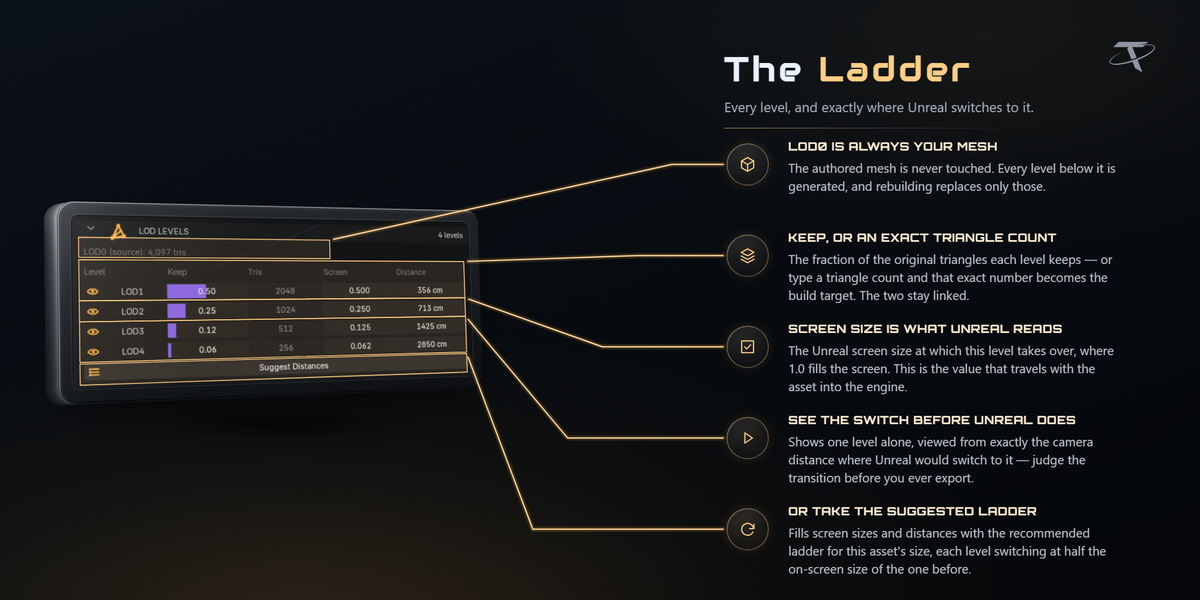
Unreal switches LODs on screen size: the fraction of the view the asset's bounding sphere fills. It is size-invariant — 0.25 means the same thing for a teacup and for a warehouse — which is why a preset built for one asset is meaningful on another. Distance is not.
They are computed per asset from its real bounds, which is why they differ between assets using the same preset. They are there because metres are easier to picture — but the screen size is the number that goes to Unreal. The maths follows Unreal's own ComputeBoundsScreenSize at a 90° horizontal field of view on a 16:9 viewport.
It puts the viewport camera at exactly the distance that level takes over, through an 18 mm lens — the same field of view the screen-size maths assumes. So you are looking at what the engine will show at the moment of the swap, not an approximation of it.
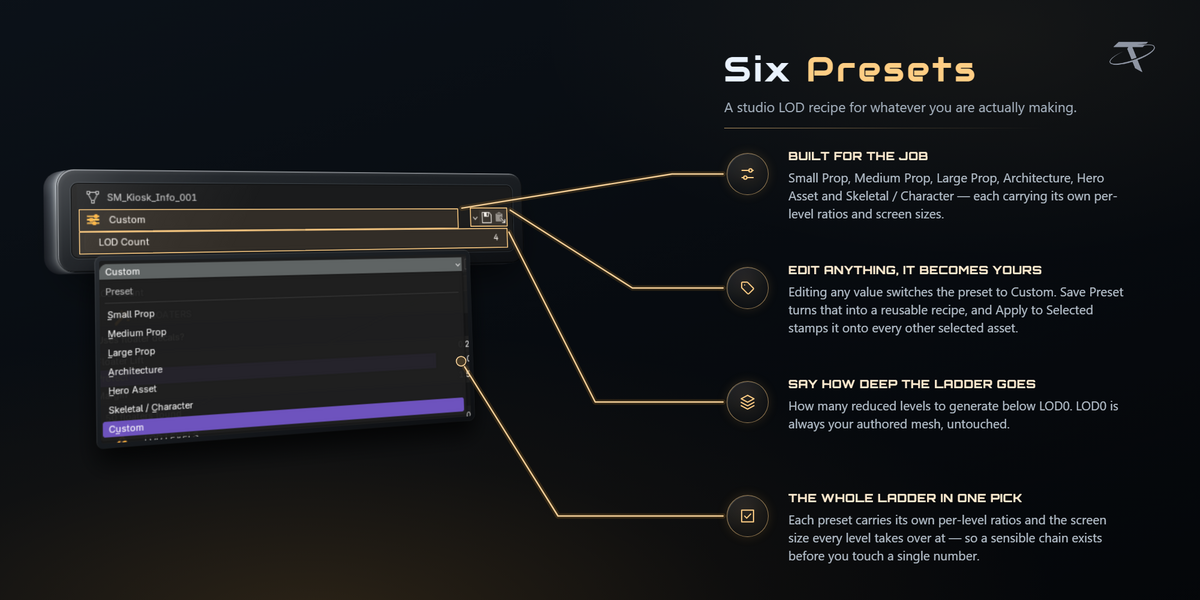
Yes. Any level takes either: ask for 300 triangles and the ratio follows, or set a ratio and the count does. LOD0 is always your authored mesh, untouched.
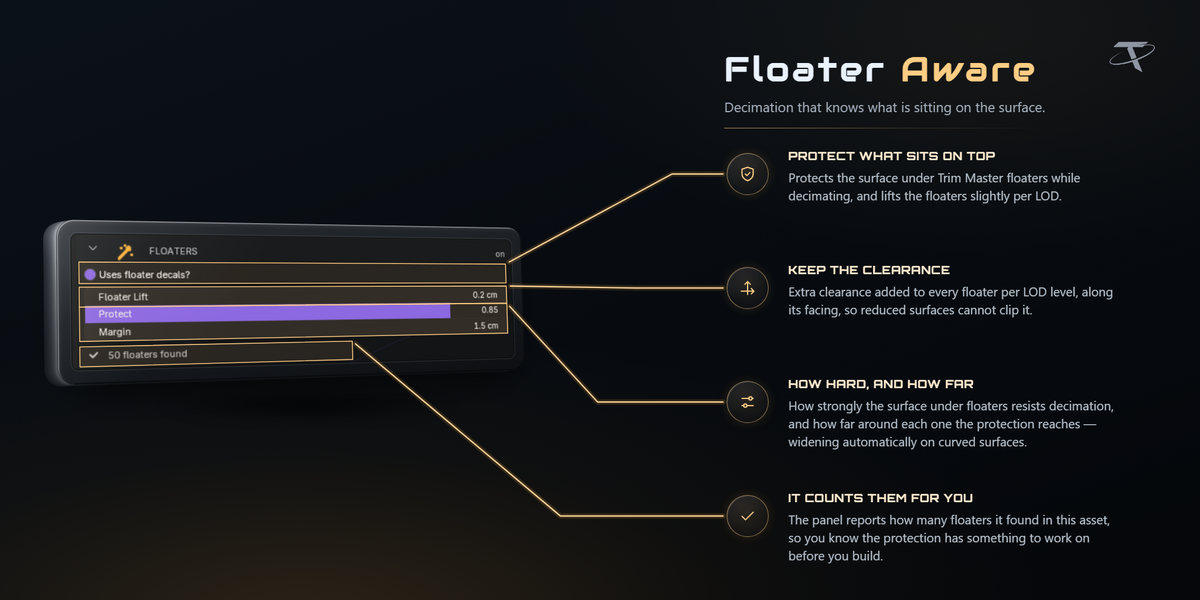
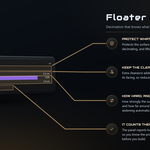
A floater is a small detail mesh sitting just above a surface — a bolt head, a vent, a panel line. A naive decimator welds it into the wall and the detail disappears. LOD Maker recognises floaters and protects them, spending the budget on the surface underneath instead. To protect a region by hand, paint a TLM_Protect vertex group.
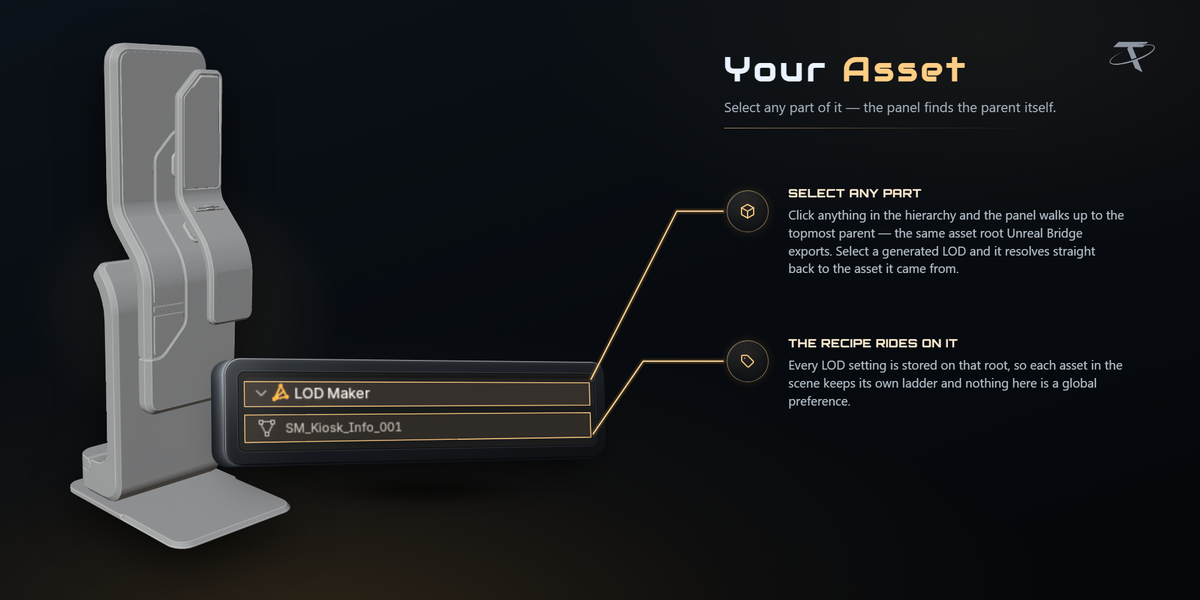
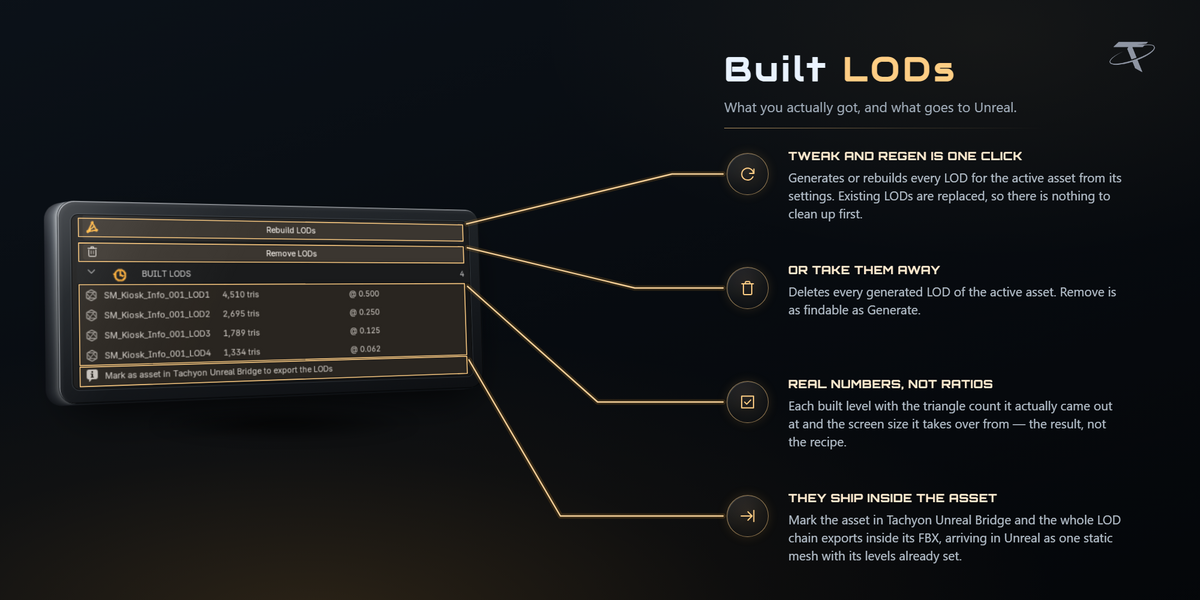
Never. Collision shells and SOCKET_ empties are excluded from every level, and generated levels are parked in an LODs collection kept outside the normal export walk so nothing double-exports.
Yes, on the next push with Unreal Bridge: the imported asset is reduced back to LOD0. Skeletal meshes are reported rather than restructured, because their levels are bound up with the skeleton.
No. Collision shapes and LOD levels are new objects parented or collected beside your asset, and the Bridge exports from temporary duplicates. Your authored mesh is what you made it.
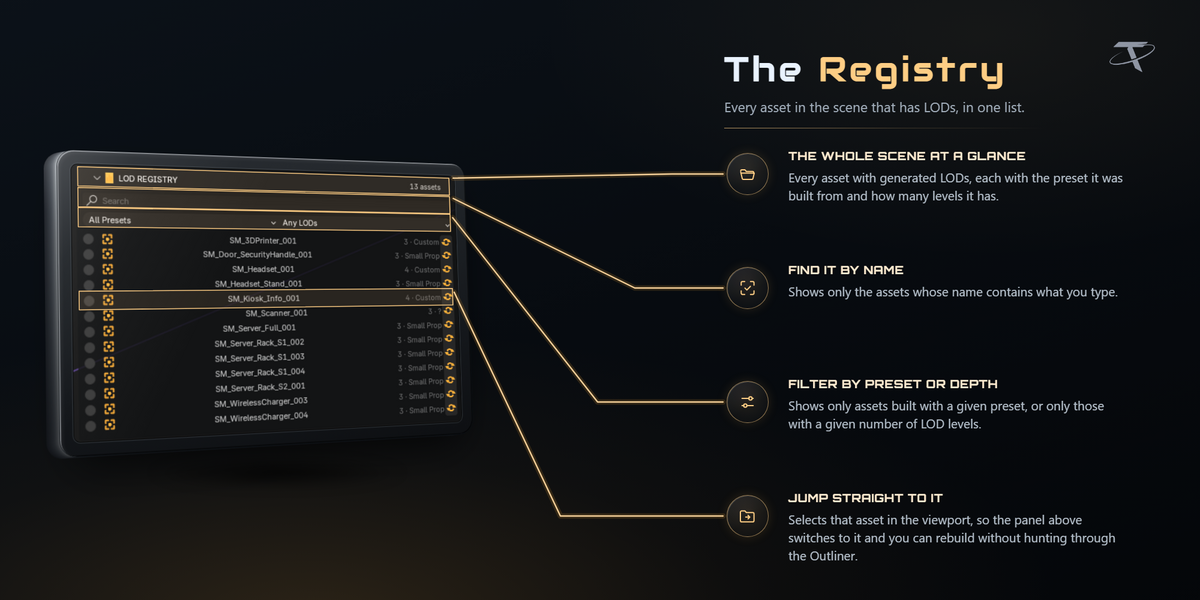
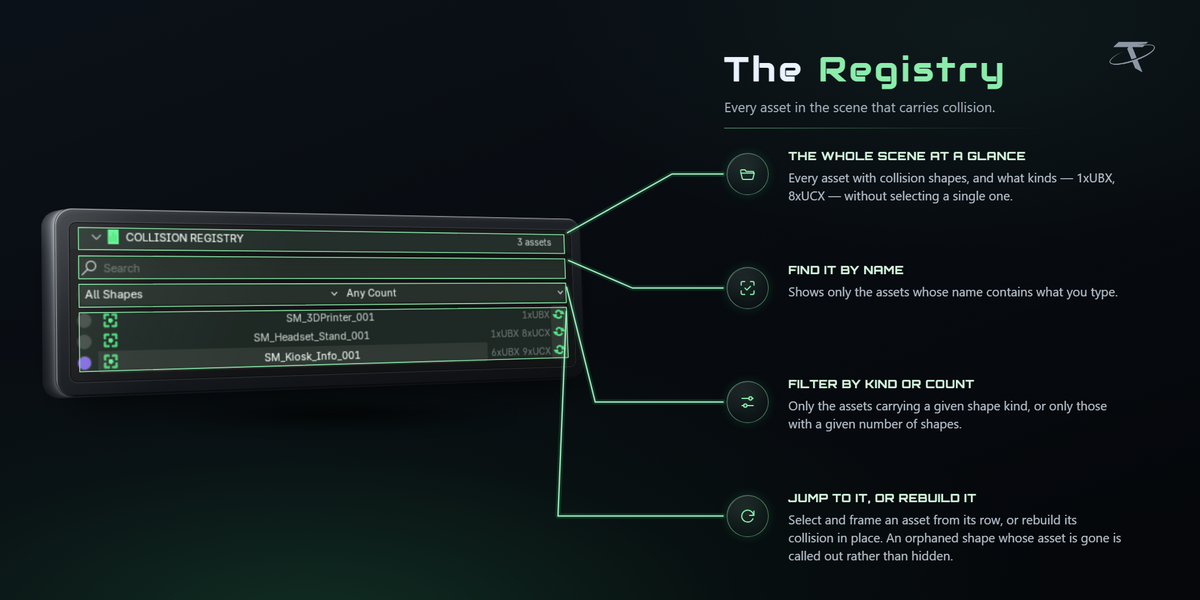
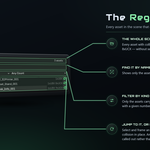
Each add-on has a registry: COLLISION REGISTRY lists every asset in the file that has collision, LOD REGISTRY every asset with generated levels, and the Bridge's folder list shows every asset heading for Unreal with its sync status. All three have search, filters and a jump-to-asset button.
Everything is a normal Blender operator, so Ctrl+Z works — including a whole batch, which is a single undo step. Removing collision or a LOD chain brings it straight back with one undo.
Shift + Alt + C generates collision and Shift + Alt + V toggles the collision preview. Shift + Alt + L generates LODs for the active asset and Shift + Alt + B for every marked asset. Shift + E opens Unreal Bridge's pie menu or quick window. All of them are editable in preferences through Blender's own keymap editor.
Yes. Collision and LOD generation defaults save as named presets and export to JSON; import reports a clashing name rather than overwriting it. Unreal Bridge's import presets live in preferences and follow you across projects.
Collision Maker and LOD Maker open no sockets at all. Unreal Bridge talks to localhost only — UDP 6766 to discover the editor, TCP 6776 to send it commands. None of them send telemetry or check a licence. The Documentation and Discord buttons hand a URL to your default browser.
Each writes its own preferences, preset files only where you choose to export or import them, and a one-line marker in Blender's config folder recording which version last showed its welcome. Unreal Bridge additionally writes the FBX files it exports, its per-project push record, and — only when you press Do It For Me — your .uproject and Config/DefaultEngine.ini, both backed up first.
Yes.
GPL-3.0-or-later. The full text ships in each add-on as LICENSE.
 Included
Includes 12 months of
- Support from Tachyon Studio
- Product updates
Extend this product’s Support Period +12 months: 50% of product price
Have questions before purchasing?
Login to message
| Blender Extension Compatible | Yes |
| Published | about 1 month ago |
| Blender Version | 3.3 - 5.2 |
| Extension Type | Add-on |
| License | GPL |