 Achat
Achat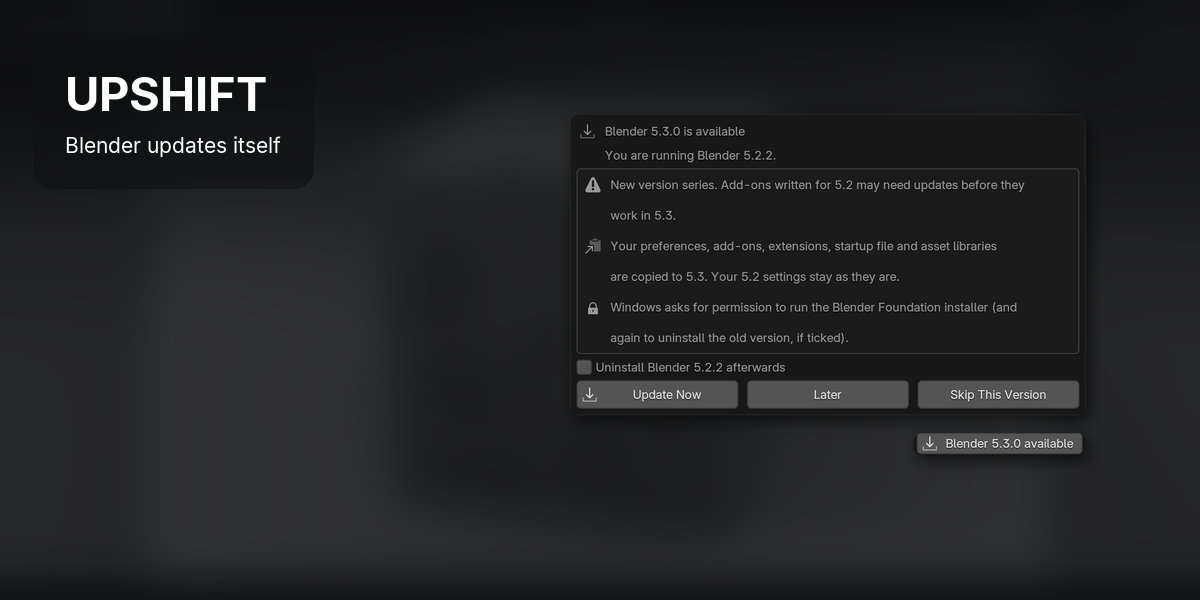






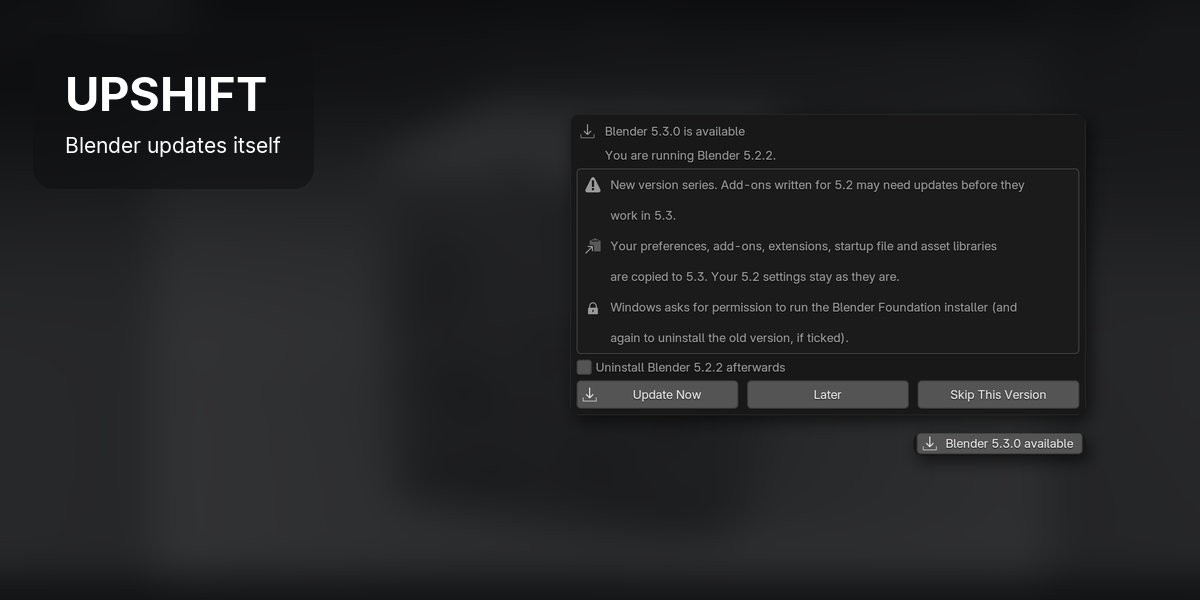
Upshift keeps Blender up to date on Windows. It checks for a new official release when Blender starts, downloads it in the background and installs it, and your preferences, add-ons, extensions, startup file and asset libraries come with it.
Checks when Blender starts·Bug fixes install on close·New versions ask first·Settings and add-ons copied·Windows x64 and ARM64·Blender 4.2 and newer
How it works
Install it once. The next release comes to you.
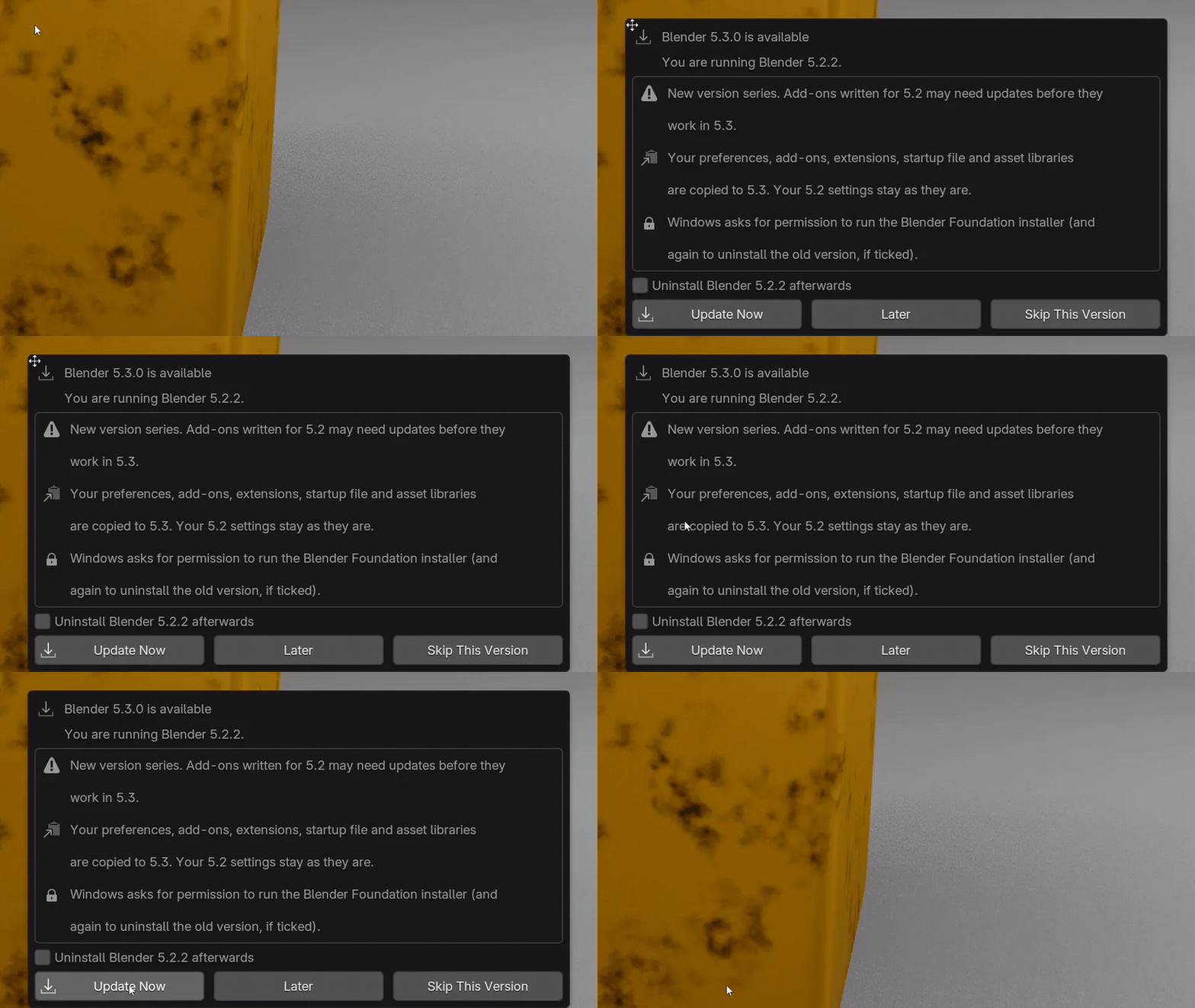 |
Step 1 A new version asks firstWhen 5.3 comes out, a pop-up says what changes: Update Now, Later or Skip This Version. |
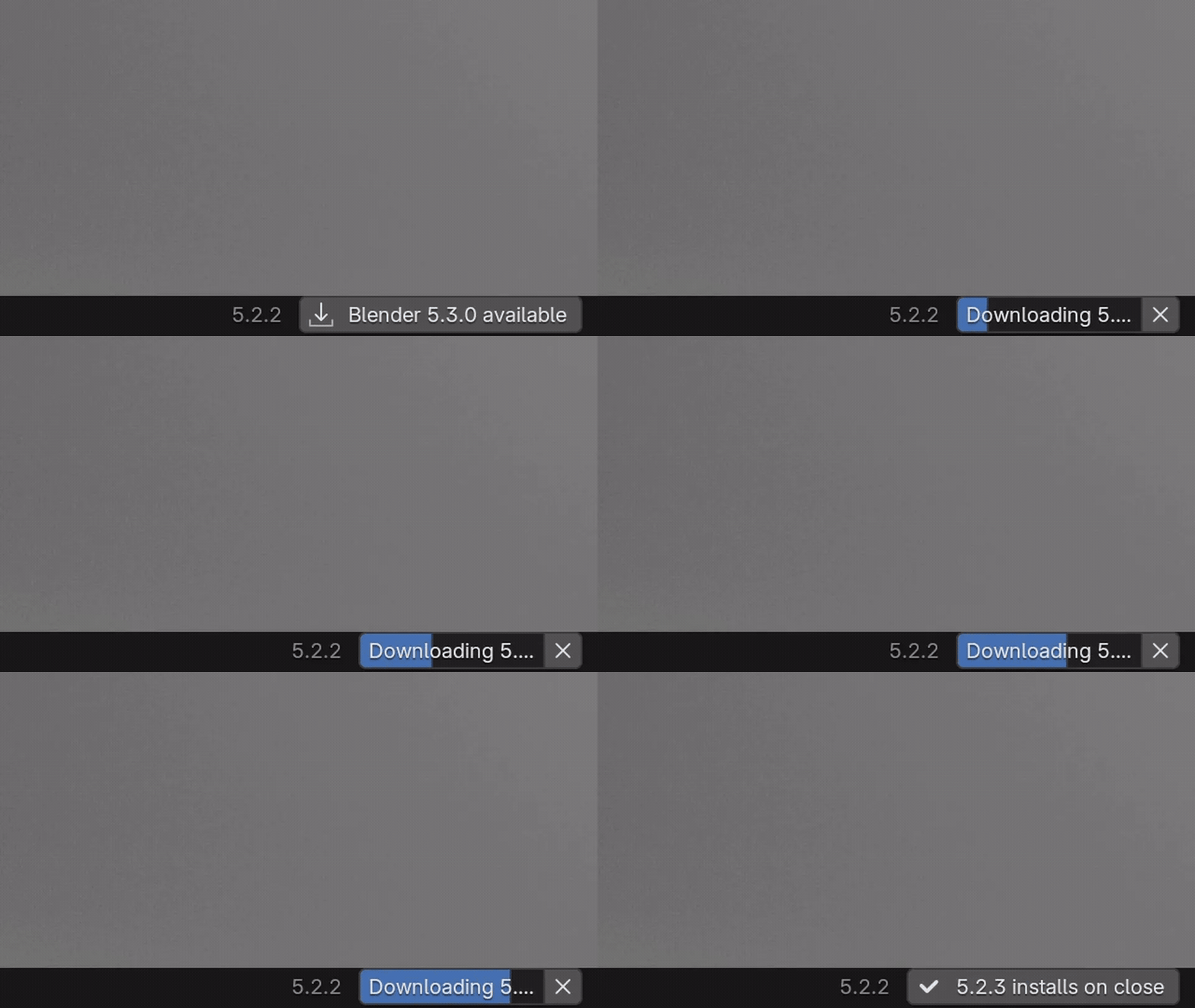 |

Step 2 It downloads in the backgroundThe status bar shows the download while you keep working. Every file is checked against blender.org's checksum. |
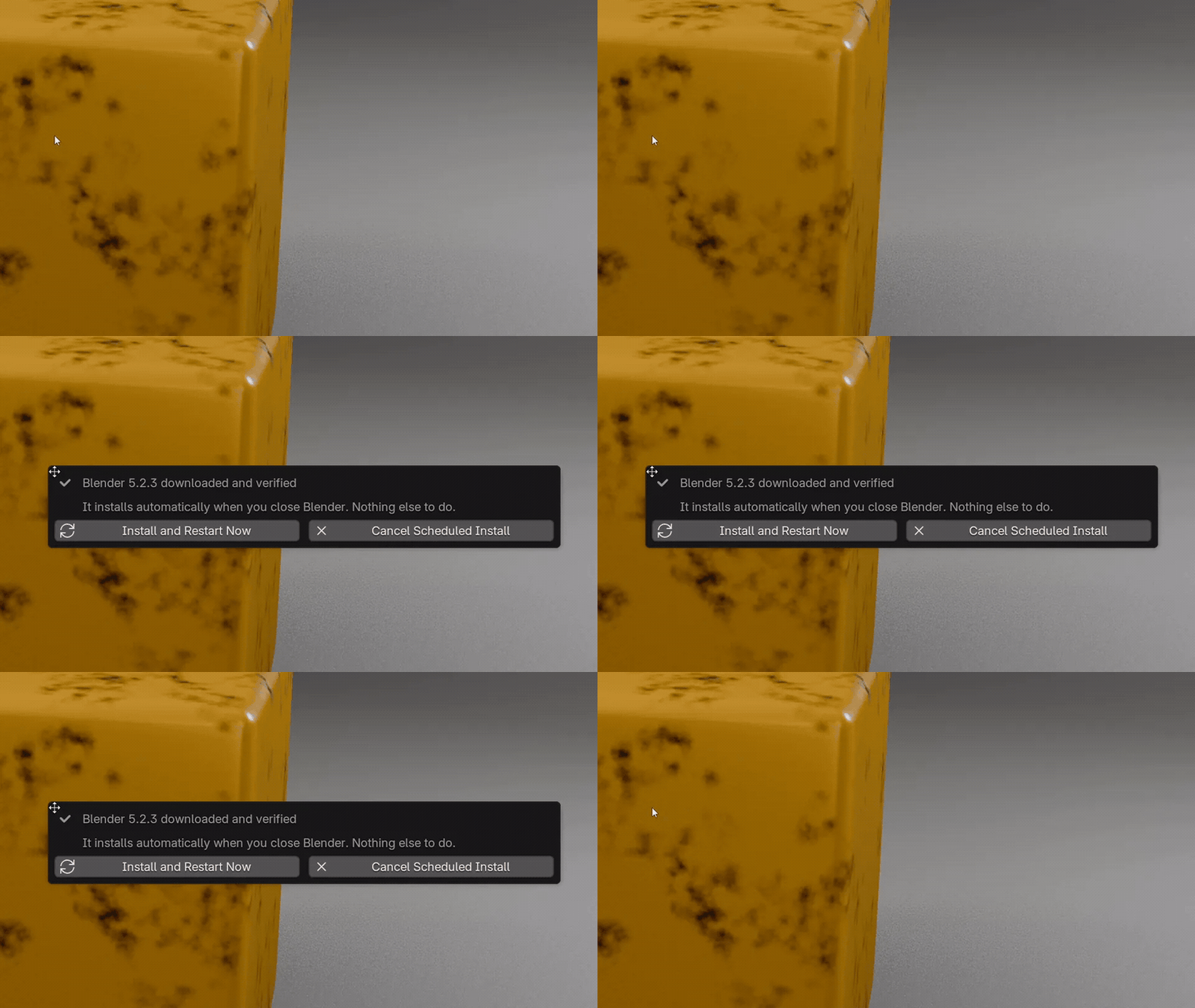 |
Step 3 Bug fixes install when you close BlenderA release like 5.2.2 to 5.2.3 downloads and installs itself when you quit. Nothing else to do. |
 |
Step 4 Your settings come alongPreferences, add-ons, extensions, startup file and asset libraries are copied to the new version, and a pop-up tells you how it went. |
Ready for production
Only from blender.orgEverything comes from download.blender.org and the installer must be signed by the Blender Foundation before it runs. |
Your old version staysYour 5.2 settings folder is copied to 5.3, and 5.2 stays as it was, unless you tick Uninstall afterwards. |
Never admin by itselfWindows asks you to allow the Blender installer, as with any installer. |
Upshift or updating by hand
Upshift doesn't change Blender: it does the download, the install and the settings copy for you.
| Task | Stock Blender | With Upshift |
|---|---|---|
| Notice a new release | Check blender.org now and then | The status bar tells you |
| Install a bug-fix release | Download, run the installer, start the new one | Installs when you close Blender |
| Move to a new version | Install it, then load your previous settings on the splash screen | Update Now: settings, add-ons and startup file are copied first |
| Check the download is genuine | Compare the SHA-256 checksum by hand | Checked against blender.org's checksum and signature |
| macOS, Linux, Steam or the Microsoft Store | Their own updates | Not this: Upshift is for Windows |
Details
| Blender | 4.2 and newer, tested on 5.2 LTS |
| Systems | Windows (x64 and ARM64), installer or ZIP builds |
| Releases | Official releases only, no alpha, beta or daily builds |
| Install | Drag the .zip into Blender (extension) |
| Updates | Every update is free |
| Licence | GPL, source included |
| Support | [email protected] |
Changelog
| 1.0.2 (2026-10-15) | The status bar now shows the download progress while a new version downloads, with the full label. |
| 1.0.1 (2026-10-13) | First public release. |