 ParametrStudio


// OSM → BLENDER
Urban Tools
Urban Tools is a powerful Blender add-on for architects, urban planners, designers, and researchers who want to quickly import, explore, and analyze real-world cityscapes based on OpenStreetMap data. Whether you're working on early-stage massing, urban morphology, conceptual diagrams, or simply visualizing your own city in 3D - Urban Tools turns geographic data into spatial models directly in Blender.
Turn OSM data into useful design material - clean, fast, and fully under your control.
Blender 4.2 LTS - 5.2 OSM / Postpass / Overpass No external GIS tools
// CORE FEATURES
#1Direct OSM Download & Import
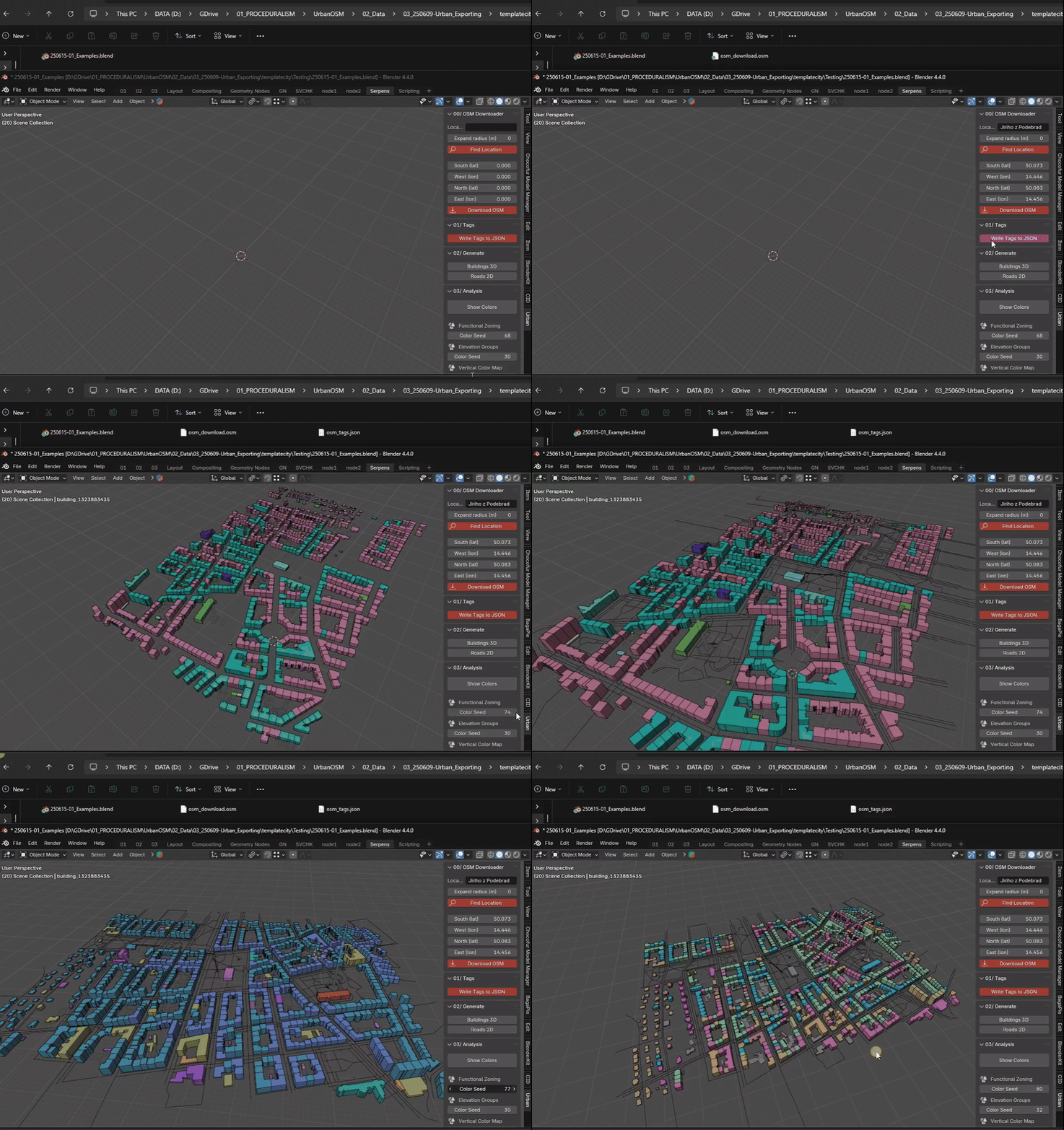
Get OSM data with ease by entering an address and choosing a radius. No third-party tools or external conversion - the add-on handles download, preprocessing, and import into Blender's native format. The download runs in the background, so Blender stays responsive. Automatic mode uses the fast Postpass service by Geofabrik and falls back to Overpass servers when needed. You can also import a local .osm file or try the offline demo.
#2Geolocation & Projection
Coordinates are transformed into Blender space using a local metric projection centered on your site - 1 Blender unit equals 1 meter, providing consistent metric alignment for architectural and urban design workflows. Precise enough for site-specific studies, massing analysis, and layering with your own models or maps.
#3Modular Building Generation with Real Metadata
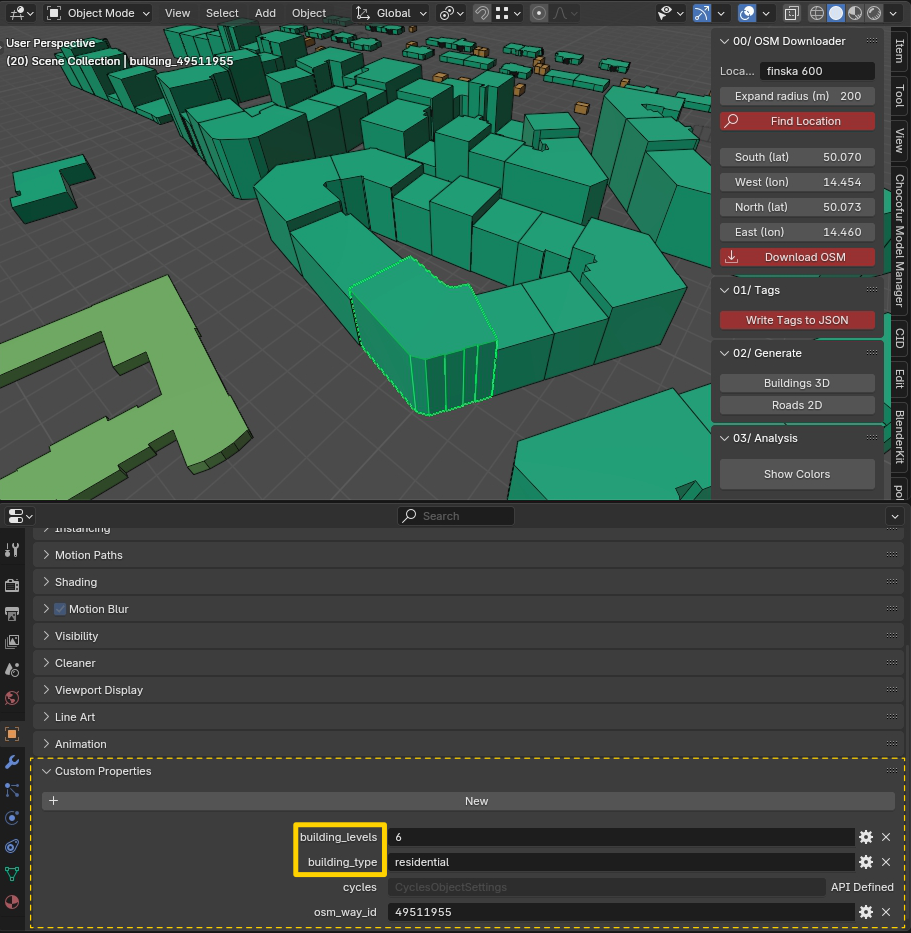
Generate building volumes, and roads as flat ribbons with a realistic width per road type. Buildings are generated as clean 3D masses, including courtyards, based on OSM tags like height and levels. Where data is missing, default values are used - change them anytime and Reload rebuilds the dataset without a new download. Road widths stay editable in a Geometry Nodes modifier. Each object carries metadata accessible via Custom Properties, making further categorization easy.
#4Customizable Analysis Modes
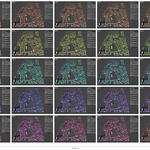
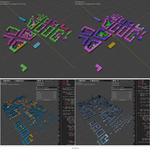
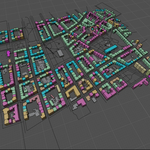
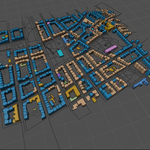
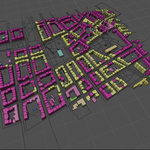
Generate quick urban diagrams based on building height or function. Switch between analysis types with a single click - colors update instantly in the viewport, even on thousands of buildings.
Functional Zoning - color-coded by use (residential, commercial, public…), with your own colors or a random palette
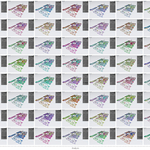
Elevation Groups - grouped by number of floors with random color palettes
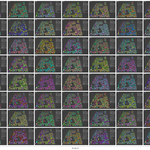
Vertical Color Map - one-color gradient by height with editable hue, every floor count gets its own shade
Height Bands - five fixed height classes, comparable between locations
Elevation Groups - grouped by number of floors with random color palettes
Vertical Color Map - one-color gradient by height with editable hue, every floor count gets its own shade
Height Bands - five fixed height classes, comparable between locations
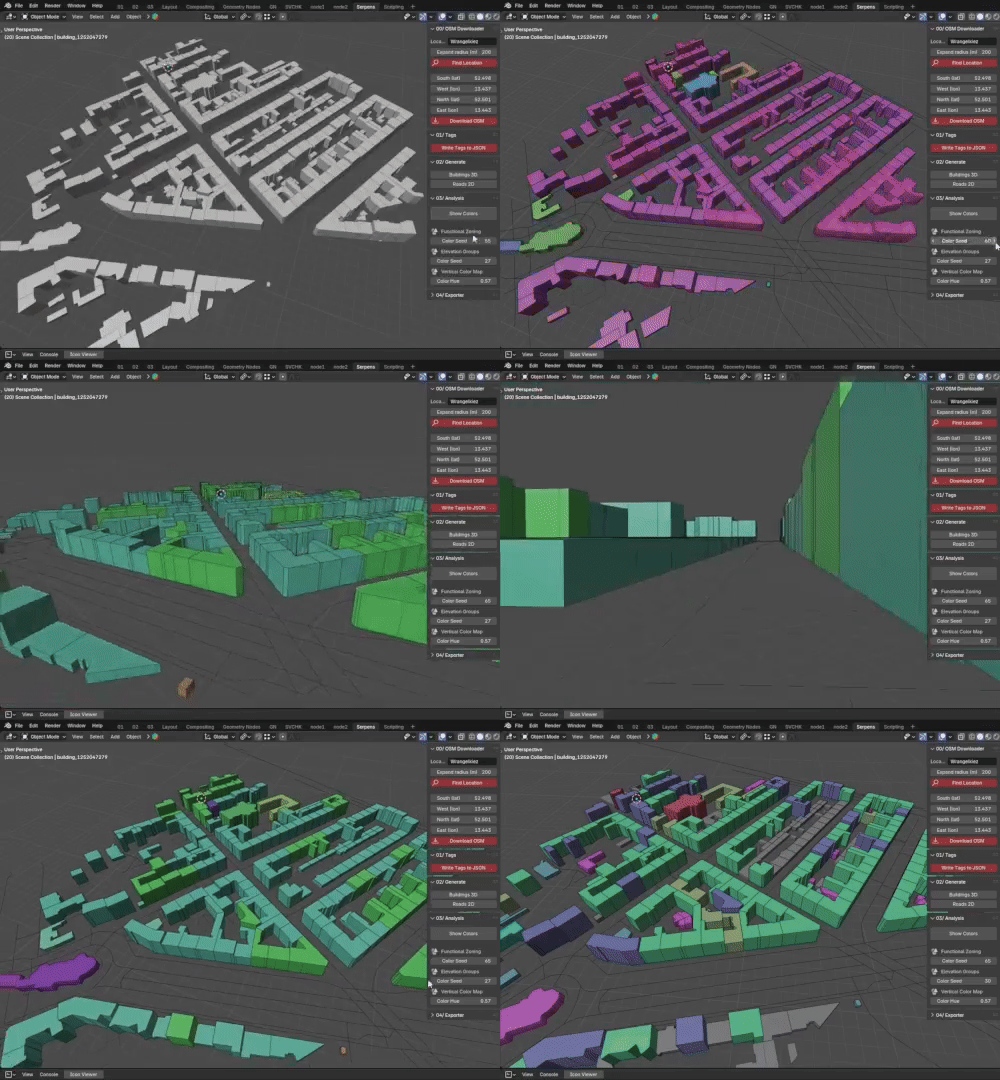
„This is where the true core of Urban Tools begins - laying the groundwork for deeper urban analysis features that could expand in future updates. Still, everything before this point already serves as a powerful, practical toolset for importing, preparing, and testing real OSM data directly in Blender with minimal setup.“ -Parametr-
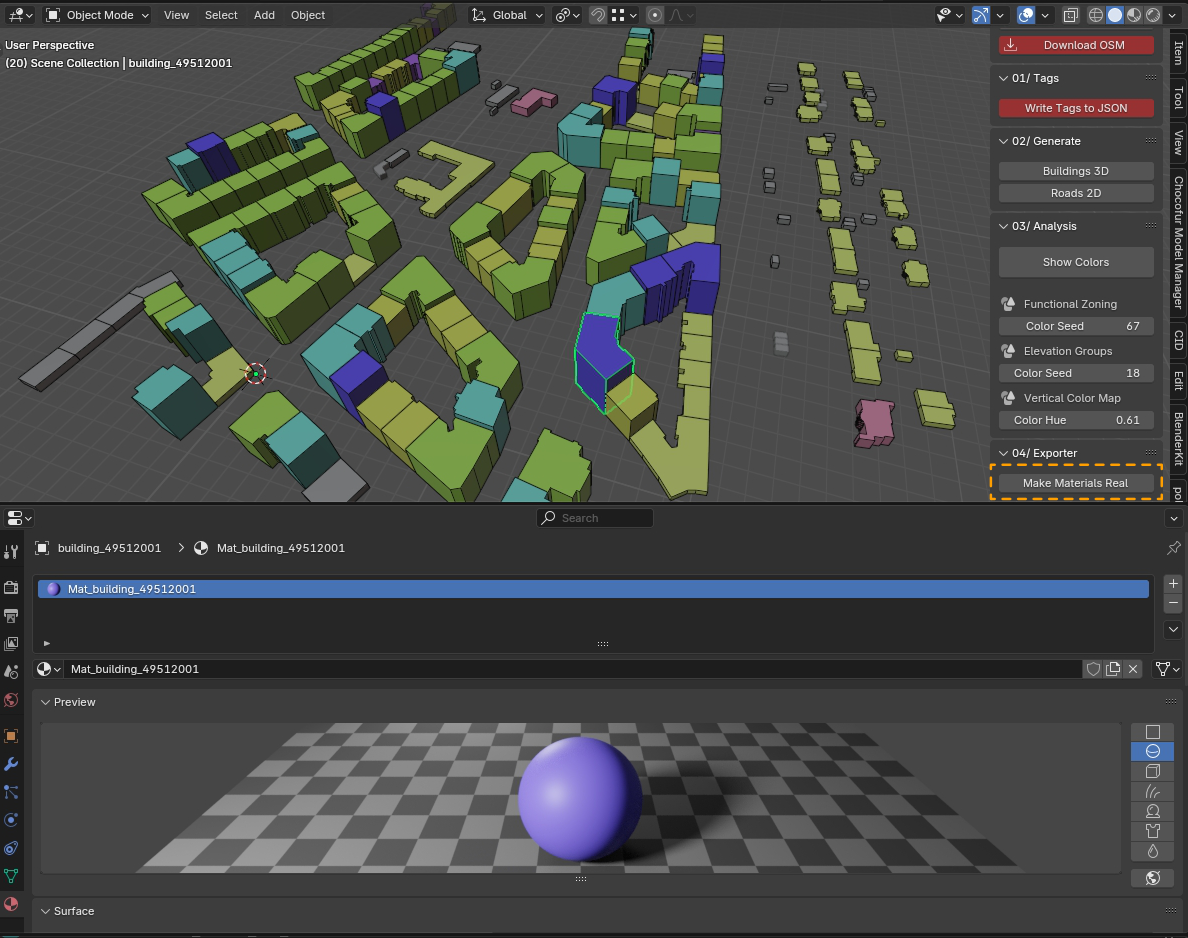
#5Efficient Material Export for Rendering
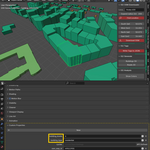
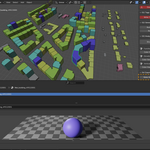
Once your analysis is ready, press Apply Colors to generate real materials - one per color class, updated in place without duplicates. An easy switch from viewport visualization to quality renders in Eevee or Cycles.
#6SVG Plan DiagramsNEW
Export a clean vector plan of your analysis with legend, scale bar, north arrow, statistics, and OSM attribution. The diagram follows your scene: deleted or hidden buildings are left out and edited ones are drawn as they are. Ready for Illustrator, Inkscape, or your presentation boards.
#7Datasets & Project FolderNEW
Every import becomes a named dataset with its own Buildings and Roads collections. Source OSM data, metadata, and SVG exports are saved in an UrbanTools folder next to your .blend file, so the project stays together when you move it. One click opens the folder.
// WHO IS IT FOR
Architects - early-stage studies and context modeling
Urban planners - spatial typology and morphology analysis
Civil engineers & geographers - infrastructure and territorial modeling
Students & researchers - educational tools for urban systems
3D artists & hobbyists - quick scenes with real-world content
Urban planners - spatial typology and morphology analysis
Civil engineers & geographers - infrastructure and territorial modeling
Students & researchers - educational tools for urban systems
3D artists & hobbyists - quick scenes with real-world content
„From small neighborhoods to entire districts, Urban Tools helps you understand and visualize real environments faster than ever before.“
// WHAT MAKES IT DIFFERENT
Unlike complex GIS importers, Urban Tools is designed for clarity and ease of use. You don't need to download data manually or paste coordinates - just type a place name, and everything is generated directly inside Blender. A streamlined tool focused on urban form: quick studies, spatial analysis, and clean visual experimentation without leaving your 3D environment. Everything stays editable - heights, road widths, colors, and diagrams.
// DISCLAIMER
OpenStreetMap data is an open, community-driven resource. While incredibly useful for early-stage studies, the data can be approximate or incomplete depending on the region. Urban Tools is designed for conceptual modeling, analysis, and visualization - not for construction-grade documentation.
Online download uses free public services (Postpass by Geofabrik, Overpass API) operated by third parties. Their availability is not guaranteed and is outside our control. Import of local .osm files works independently.
Online download uses free public services (Postpass by Geofabrik, Overpass API) operated by third parties. Their availability is not guaranteed and is outside our control. Import of local .osm files works independently.
This product uses data from OpenStreetMap, licensed under the Open Database License (ODbL) 1.0.
© OpenStreetMap contributors · openstreetmap.org/copyright
Data access via Postpass by Geofabrik and the Overpass API.
© OpenStreetMap contributors · openstreetmap.org/copyright
Data access via Postpass by Geofabrik and the Overpass API.