UV Edit Pro — For Blender® 4.5+ and 5.0+
 Danilo Caliro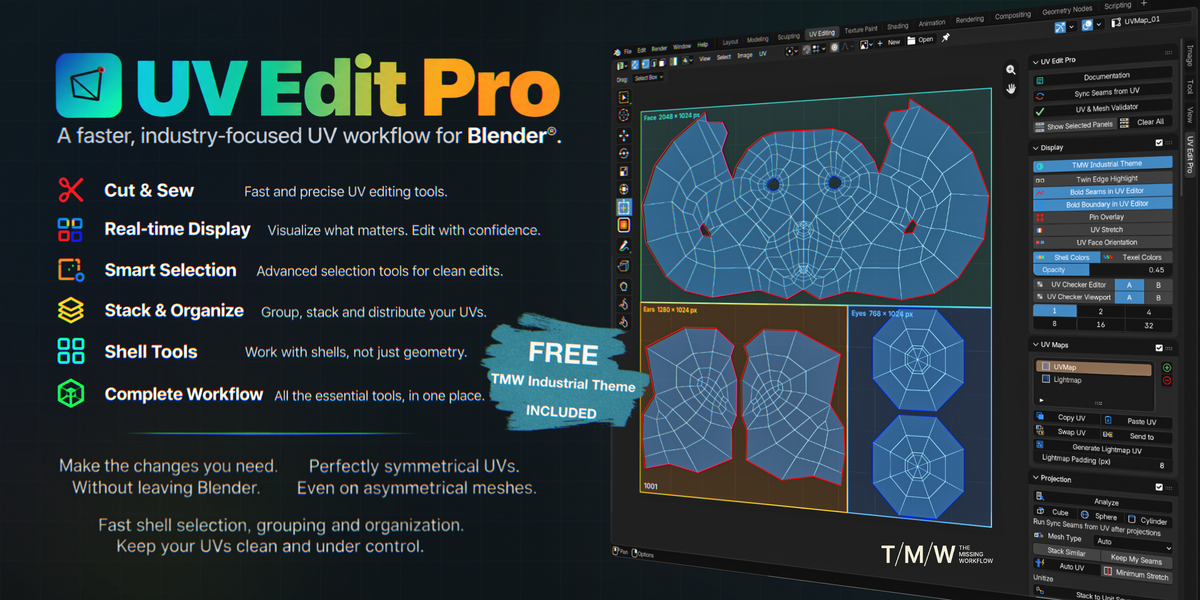
OFFICIAL DOCUMENTATION
UV Edit Pro
UV Edit Pro introduces a professional UV editing workflow to Blender®, bringing together tools and operations inspired by established workflows in industry-standard DCCs and dedicated UV applications, alongside new functionality developed specifically for Blender®.
Projection, UV set management, cut and sew, unfold, transform, straighten, groups, distribution, texel density, and layout are organised into a single N-Panel tab, following a clear and practical sequence from initial projection to final arrangement.
The tools are designed to work together as a continuous workflow rather than as isolated operators. Existing Blender® UV operations can also be accessed through the panel where appropriate, with the surrounding workflow handling selection and editor state consistently.
A core design principle is UV Sync Selection.
UV Edit Pro is designed to operate with Sync Selection enabled throughout the workflow, keeping the 3D Viewport and UV Editor connected without requiring repeated changes to Sync state. This allows operations that would normally require switching between different selection behaviours or working primarily in the 3D Viewport to remain within the same UV editing workflow.
The result is a consistent interaction between mesh selection, UV selection, and the operations performed on them.
Everything runs directly inside Blender®, using the mesh and UV data already present in the scene.
One workspace. One workflow.
Panel order
The panel is one continuous list of collapsible sections, top to bottom, in the order you'd normally touch them — and the same order this documentation follows.
Every section opens by default the first time you use the panel; whatever you then open or close is remembered from that point on.
What's inside
UV Sync
Keeps seams and real UV cuts in agreement — also on its own when the topology changes — and is what makes every shortcut work.
UV & Mesh Validator
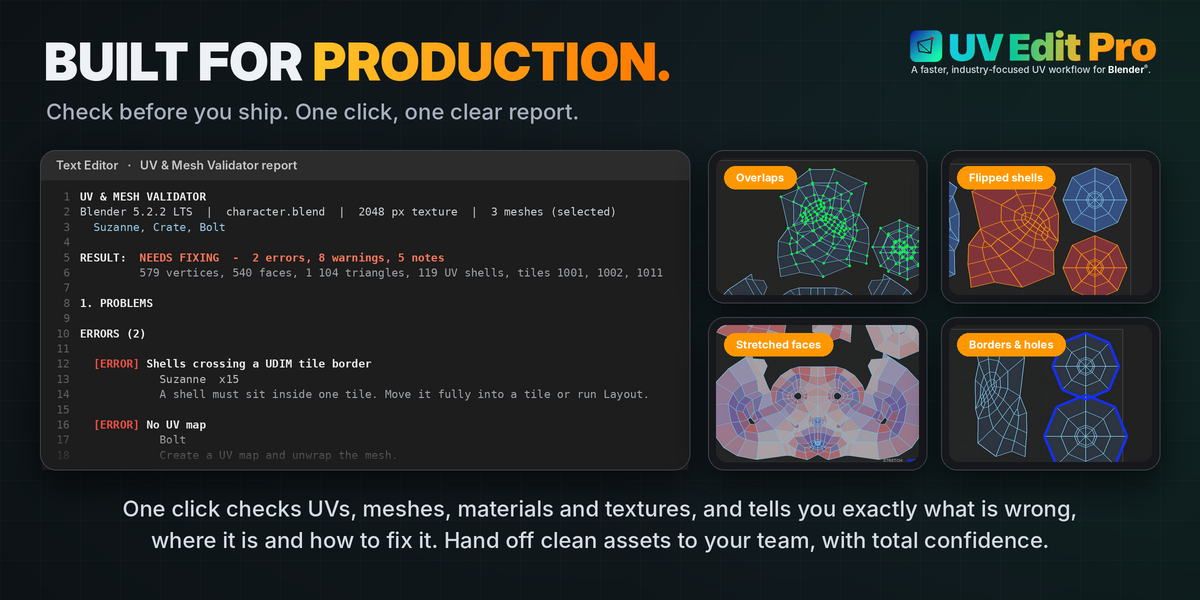
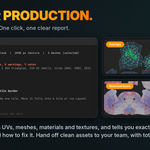
A check-up report of UVs, meshes, materials and textures.
Display
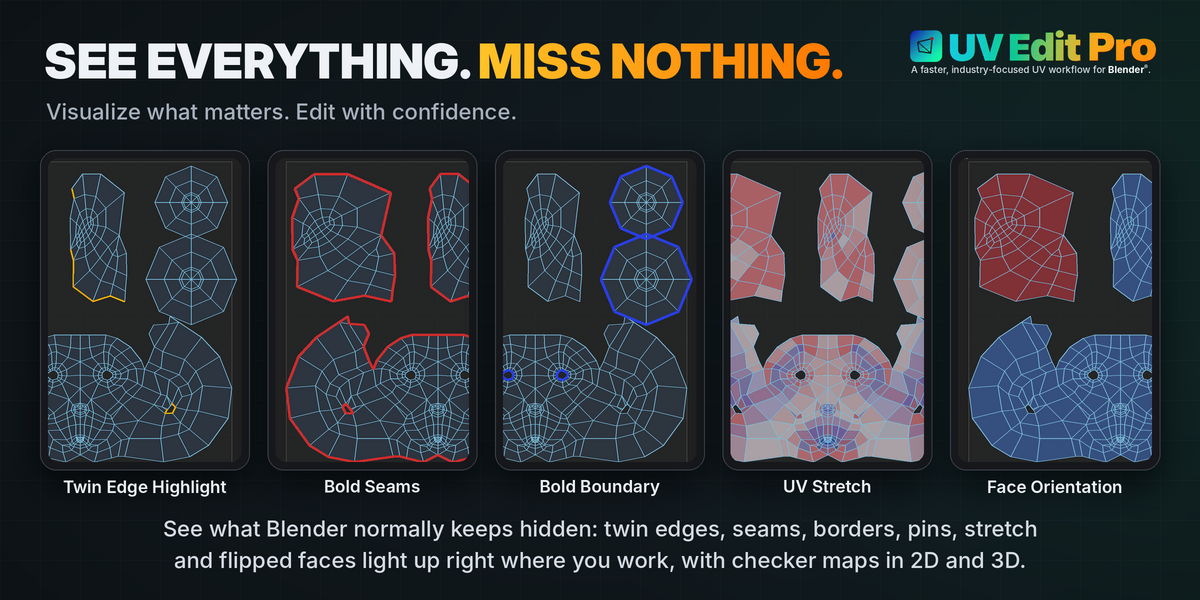
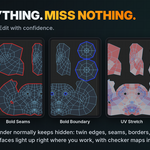
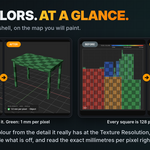
Twin edge highlight, bold seams, UV stretch, face orientation, shell colors, checker texture.
UV Maps
Add, remove and rename UV layers on the active object.
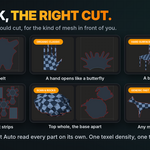
Projection
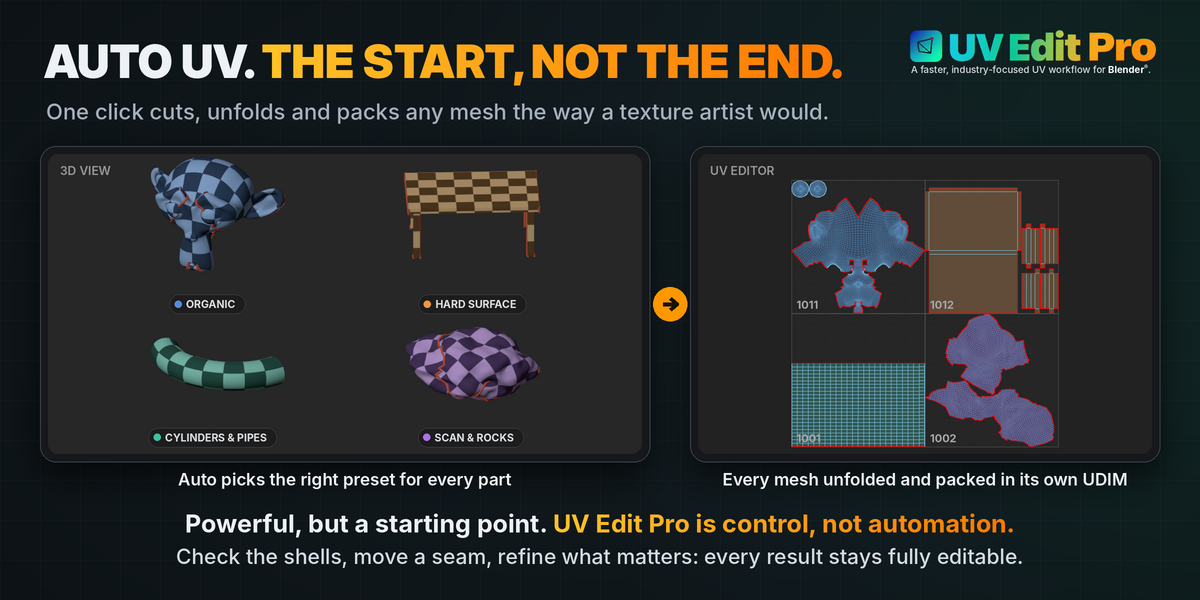
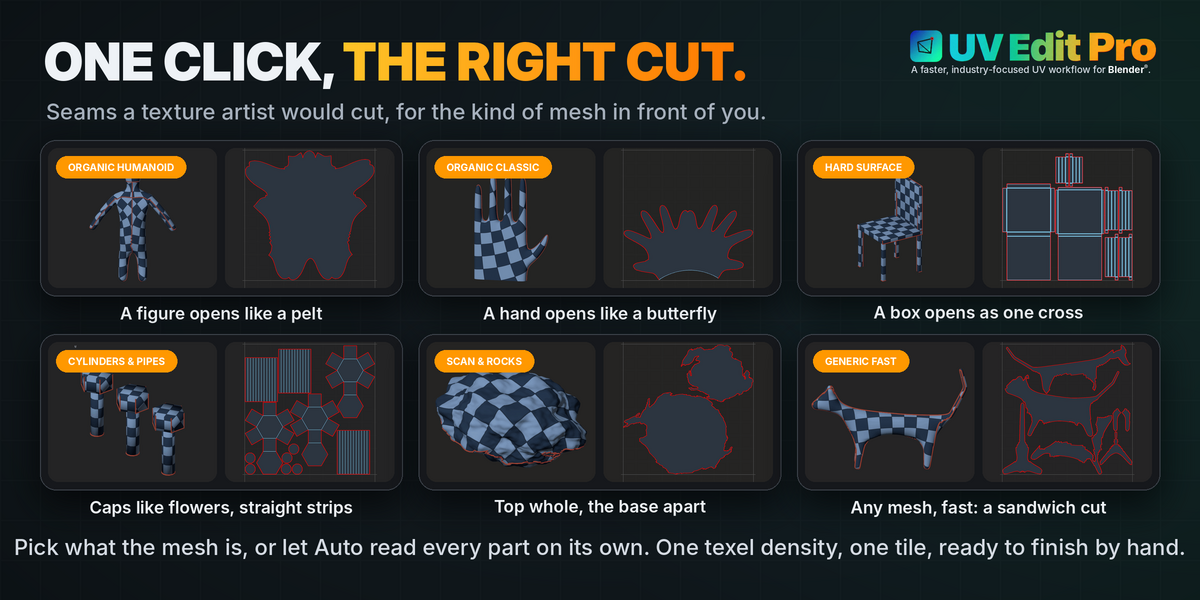
Cube, Sphere, Cylinder, Smart UV Project, Stack to Unit Square.
Selection
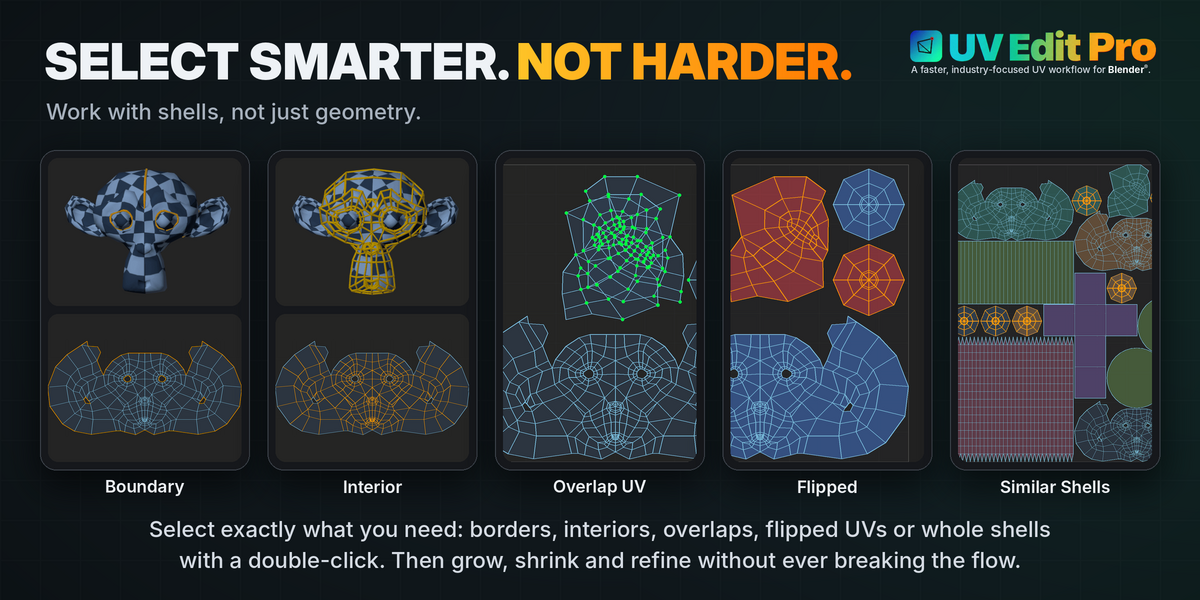
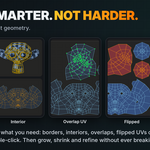
Boundary, interior, overlap, flipped, faces with no UV, UDIM spillover.
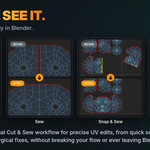
Cut & Sew
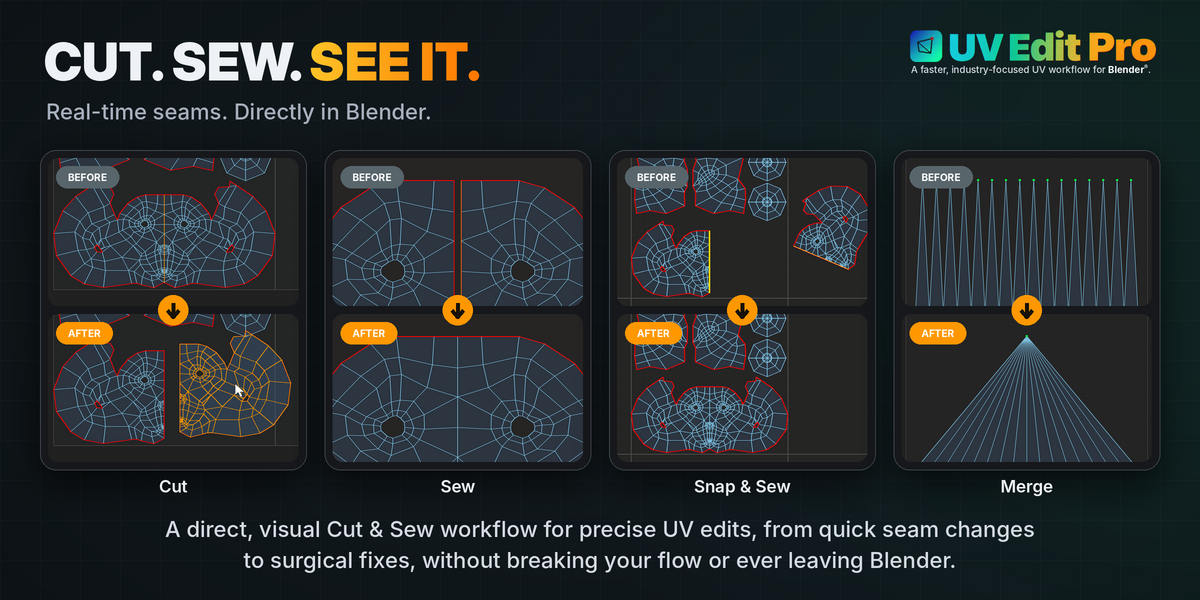
Cut, Sew, Snap & Sew, Merge — with shortcuts baked in.
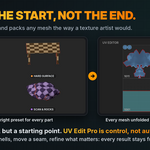
Unfold
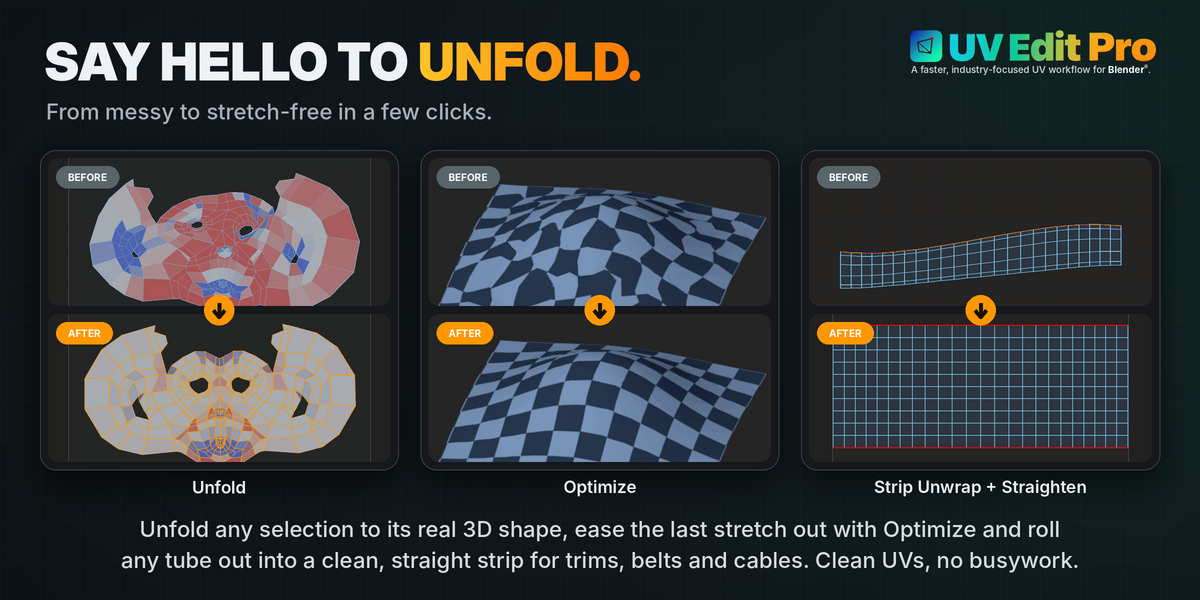
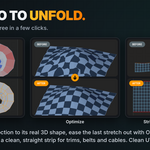
Unfold and Optimize along U, V or both, Strip Unwrap, plus live Grab / Relax / Pinch brushes.
Transform
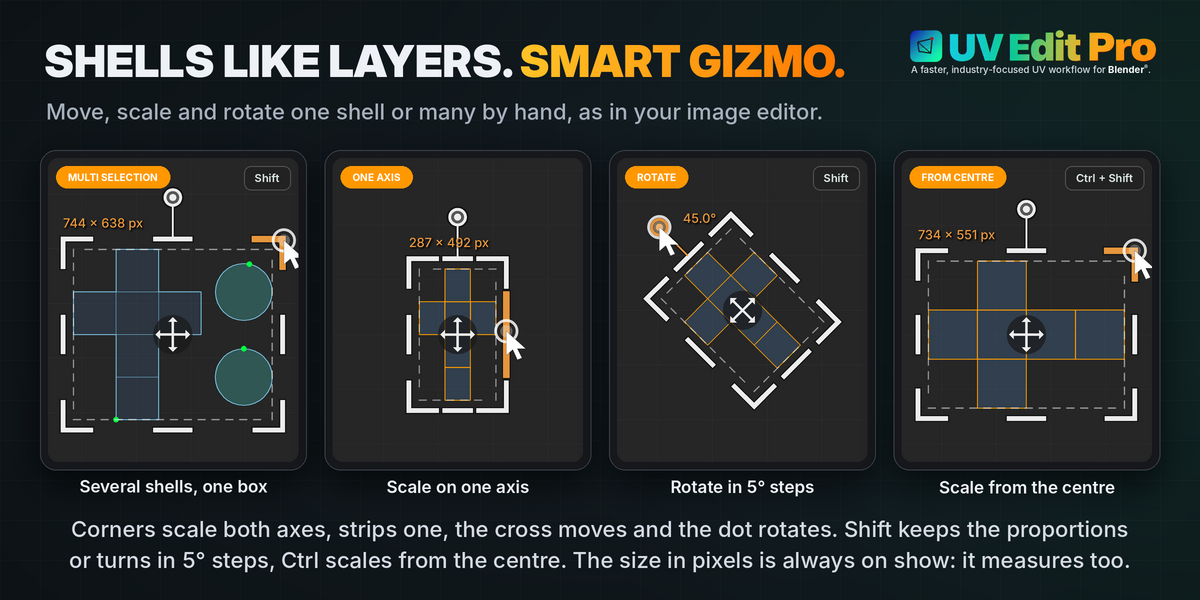
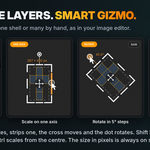
Flip, 3×3 move pad, rotate, orient, scale.
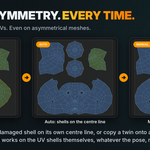
Edit
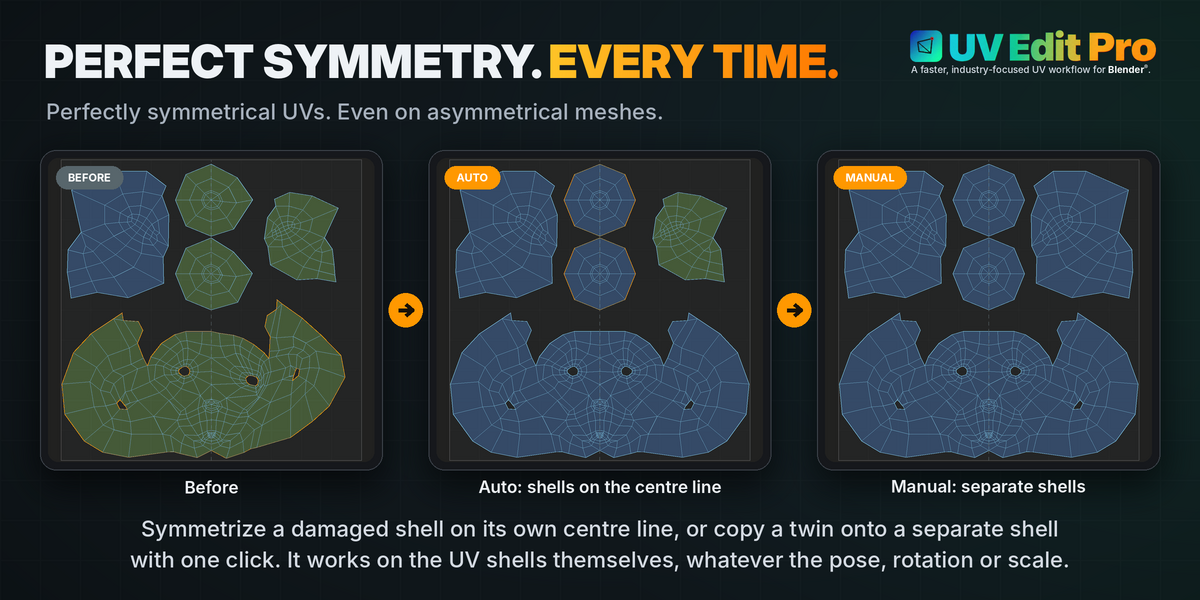
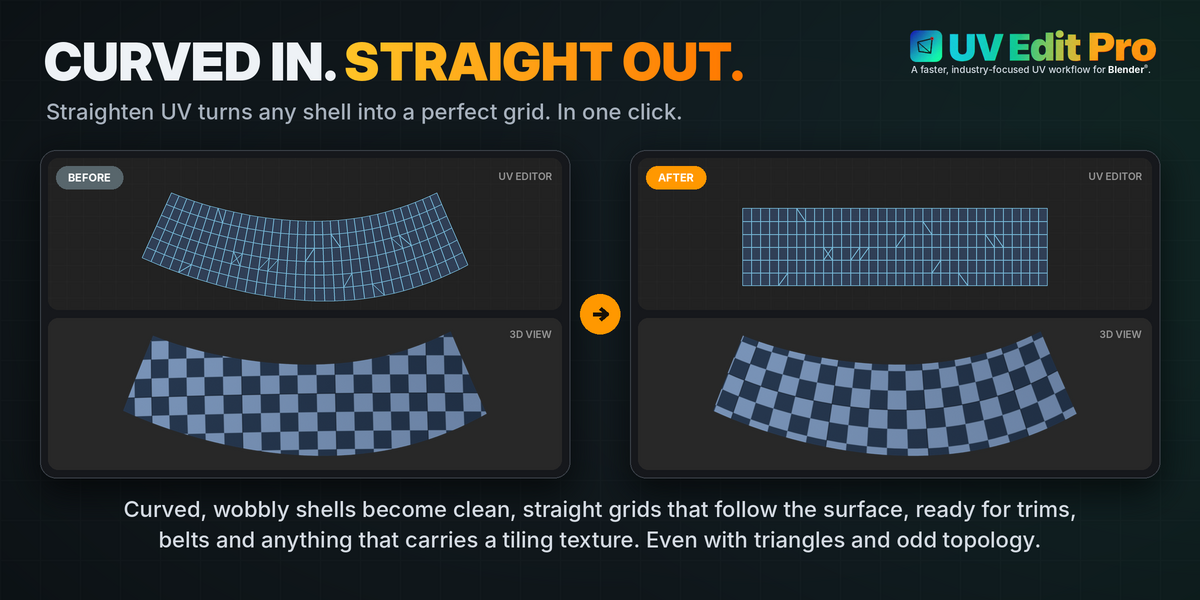
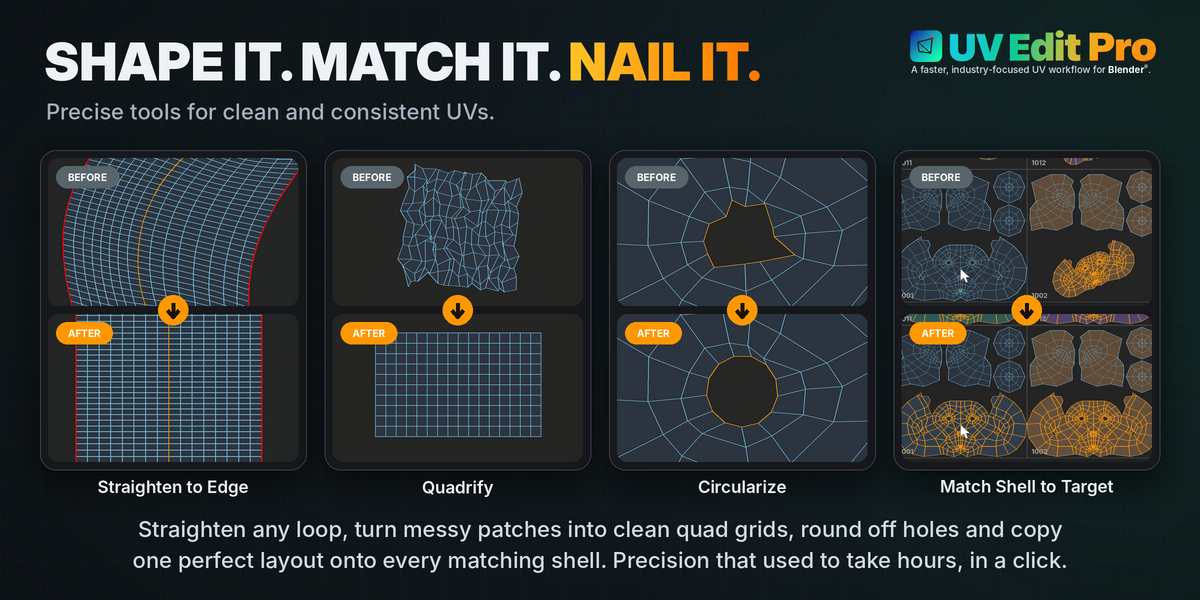
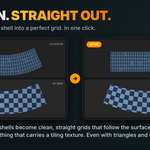
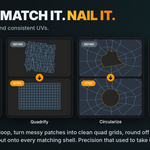
Symmetrize, Match Shell to Target, Match Selection (stack), Straighten UV, Straighten to Edge, Circularize, Align Vertices, UV to Garment Mesh.
Distribution
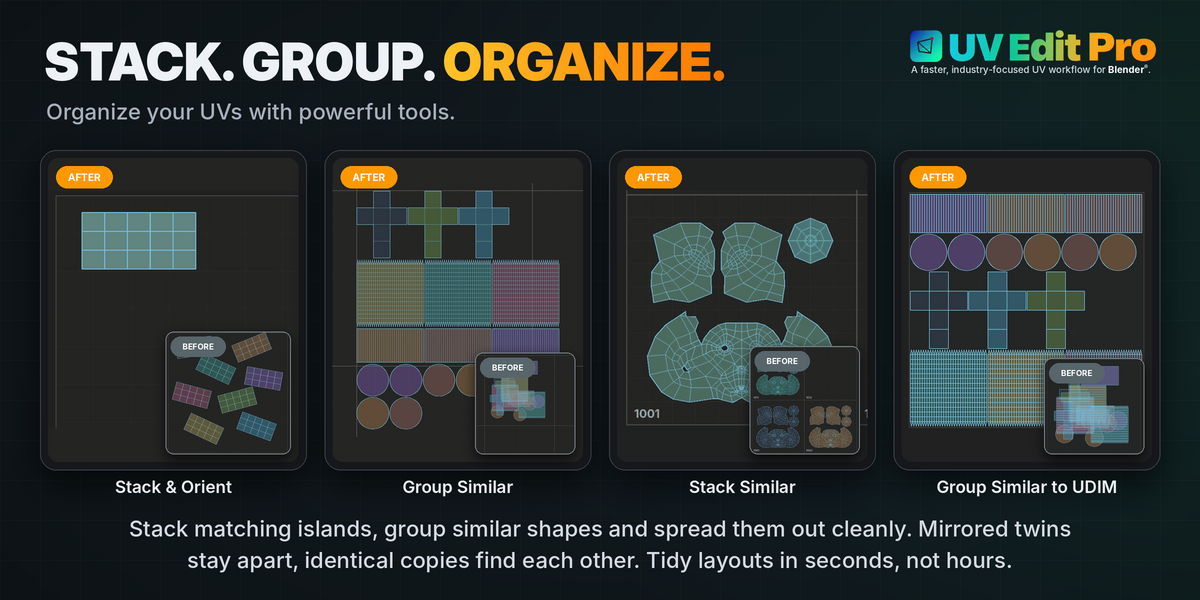
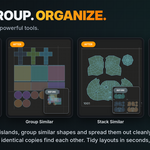
Align, Stack & Group (Stack Shell, Group Similar, Stack Similar, Group Similar to UDIM), Distribute.
Texel Density
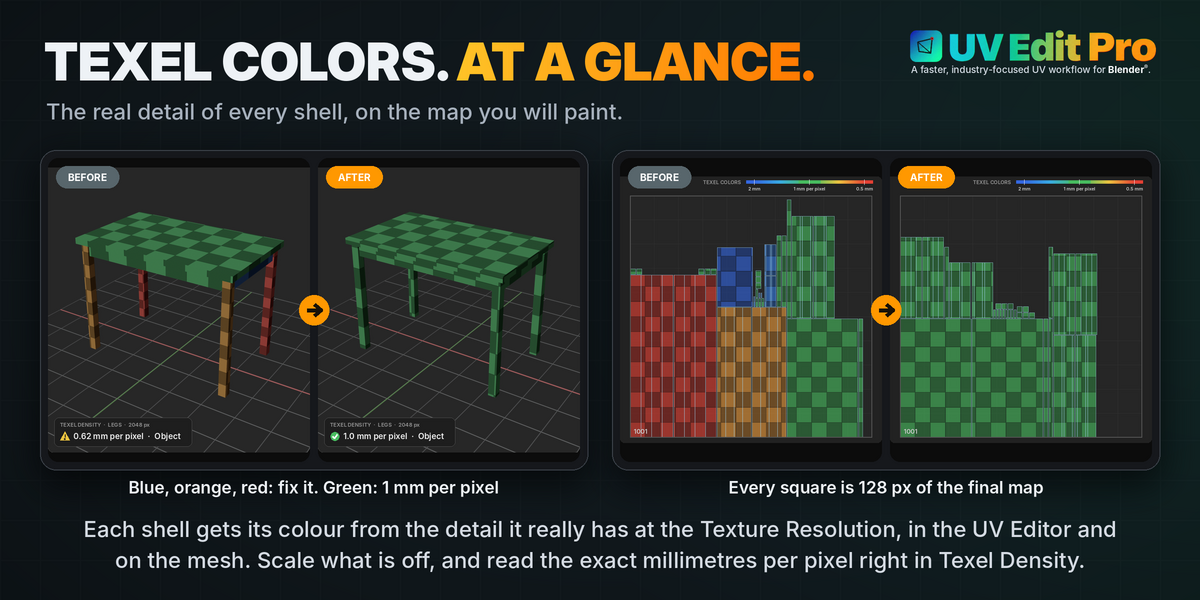
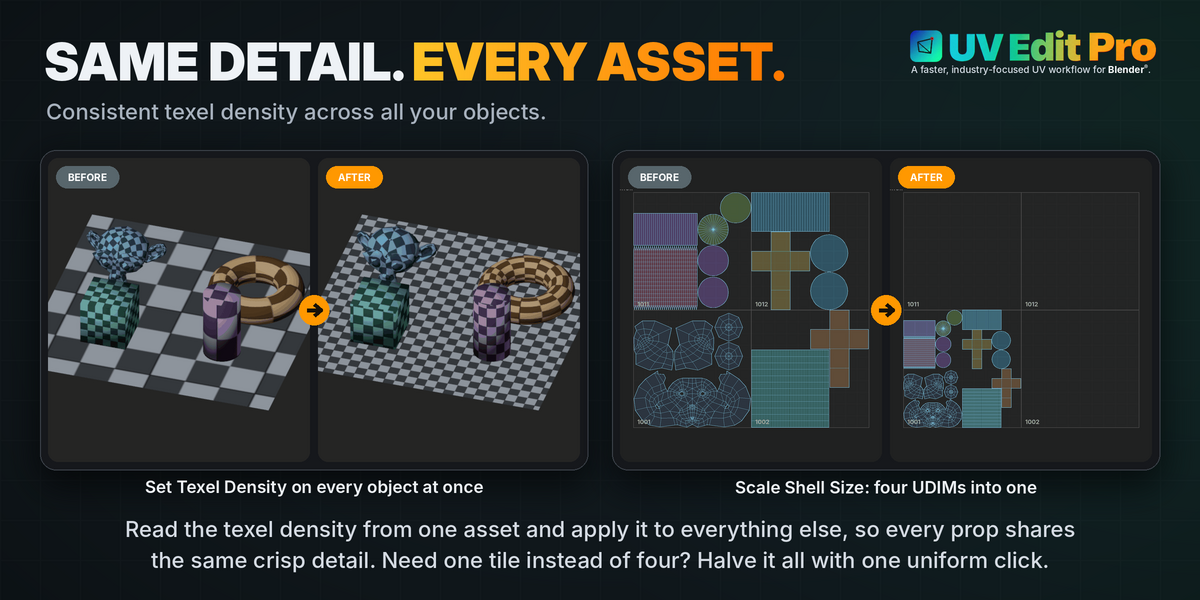
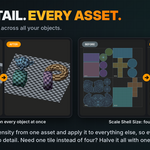
Get / Set texel density at a target resolution, across multiple objects.
Layout
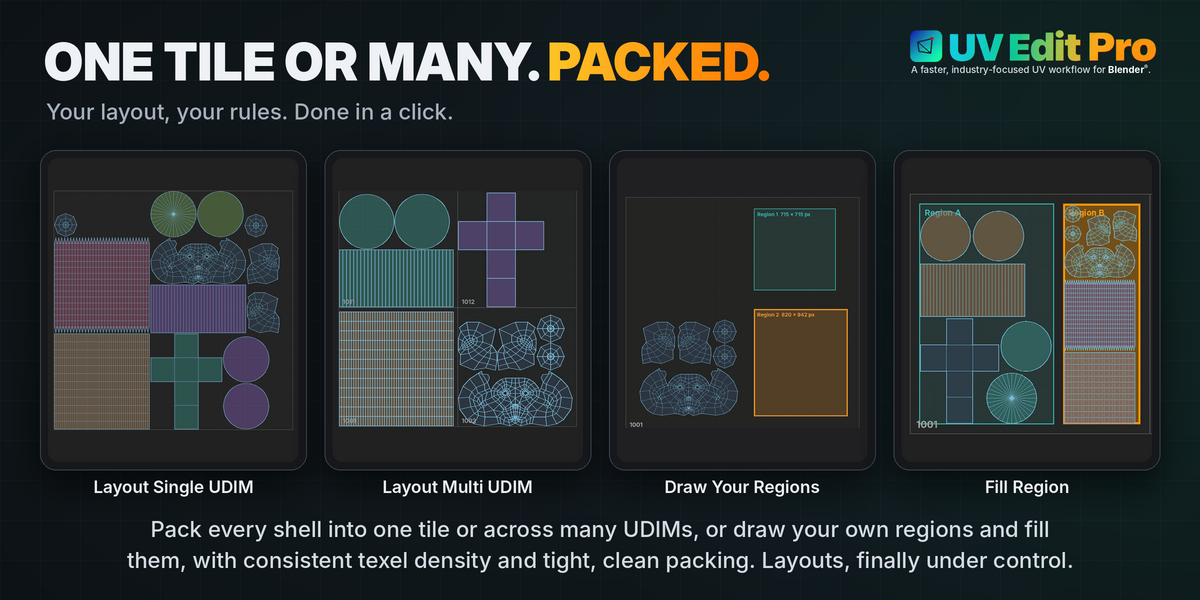
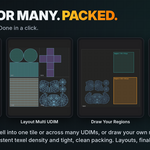
General padding, packing in one tile or over several UDIMs, fit to UDIM.
Fill Region
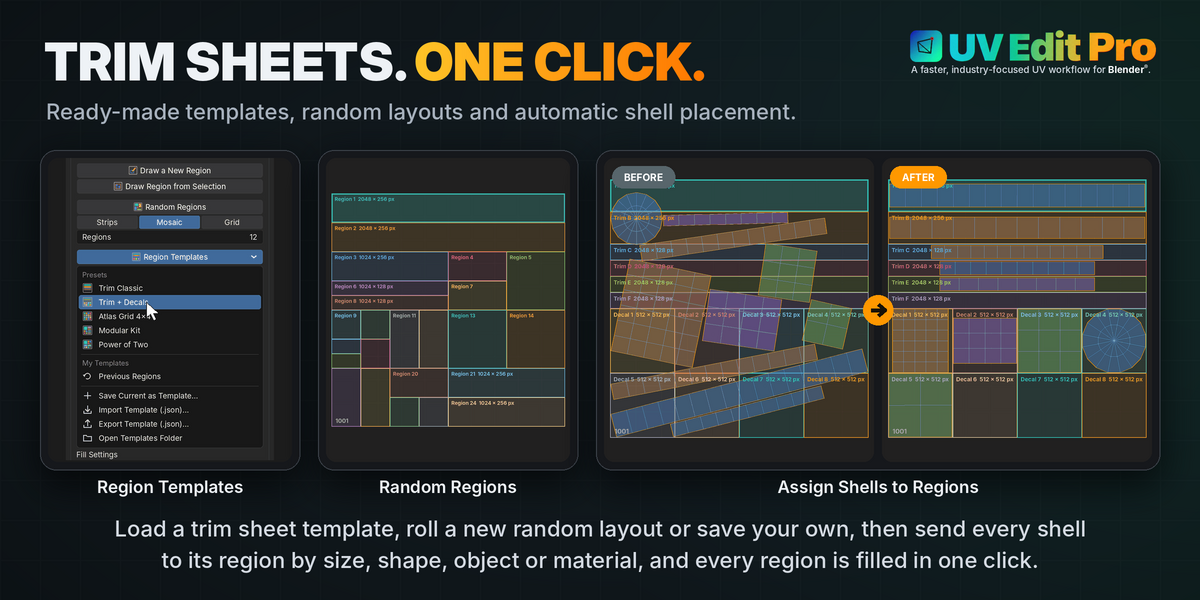
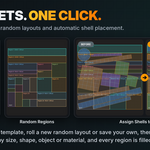
Draw regions on tile 1001 or load a template, then fill them with the selected shells - or send every shell to the region that suits it in one click.
Documentation

Documentation
Opens this documentation in your system's default web browser, straight from inside Blender® — works offline, since the page ships bundled next to the add-on's own files.
Sits at the very top of the panel, above every section.
Requirements
Blender® 5.2 or newer.
UV Edit Pro is a single add-on package with no external dependencies.
Installation
UV Edit Pro installs like any Blender® add-on — no extra steps, no dependencies to fetch.
Install the add-on
- Open Blender® and go to Edit › Preferences › Add-ons.
- Click Install from Disk… (top-right dropdown) and select uv_edit_pro.zip.
- Enable the checkbox next to UV Edit Pro in the add-on list.
Find the panel
Open a UV Editor area, press N to reveal the side panel, and open the UV Edit Pro tab.
A Documentation button sits at the very top of the panel and reopens this page from inside Blender® at any time, offline.
Updating
Install the new version the same way, over the old one — Blender® replaces the previous files automatically.
Nothing in your mesh or UV data is ever touched by installing or updating.
Release notes
What's in this release.
1.0.0 — initial release
The first release of UV Edit Pro, and of its documentation.
License & Credits
What you can do with UV Edit Pro, and what your purchase covers.
Software License
UV Edit Pro’s source code is licensed under the GNU General Public License v3.0 or later (GPL-3.0-or-later), as required for any add-on built on Blender®’s Python API. Under the GPL, anyone who receives the source code may run, study, modify and share it; if they redistribute it, recipients get those same rights.
The original source code, custom tools, workflow systems, interface design, documentation, and other original work created specifically for UV Edit Pro remain the intellectual property of Danilo Caliro - the GPL grants usage and redistribution rights to the code, it does not transfer copyright ownership.
Your purchase covers the packaged add-on, its documentation, its updates and support from the author, under the terms below. These terms describe who each purchase is for: they never limit the rights the GPL gives you over the source code.
UV Edit Pro combines original tools and workflow systems developed specifically for the add-on with functionality provided by Blender® through its Python API.
Where UV Edit Pro invokes or exposes native Blender® functionality, those functions remain part of Blender® and are subject to Blender®’s applicable licensing terms. Calling a Blender® operator or function from the add-on does not transfer ownership of that functionality to UV Edit Pro.
Likewise, custom functionality developed specifically for UV Edit Pro remains the intellectual property of Danilo Caliro.
Commercial Use
UV Edit Pro can be used for:
- Personal projects
- Freelance work
- Studio production
- Commercial production
- Client work
No attribution to UV Edit Pro is required in rendered or exported work.
Buying UV Edit Pro does not transfer the copyright of the software or of its source code.
Personal License
The Personal License is the purchase for one person, using UV Edit Pro on up to two (2) of their own computers.
It is meant for the buyer alone. When more people use UV Edit Pro in a studio or team, buy one Studio seat for each of them.
Studio License
The Studio License is sold per seat.
Each seat is for one person, on their own computers, for any kind of work: personal, freelance, studio and commercial production, including client work.
A studio or team buys one seat for every person who uses UV Edit Pro.
If a team member leaves the studio for good, their seat can go to their replacement.
Redistribution
Because the source code is GPL-licensed, anyone who legitimately receives a copy of it already holds the right to redistribute it under the GPL’s own terms - no purchase agreement can take that right back.
What your purchase covers is the product as sold: the packaged add-on, its documentation, its updates and support from the author. Copies passed on under the GPL must keep its license and the copyright notice.
You may not:
- Present UV Edit Pro, or a modified version of it, as your own work.
- Use the UV Edit Pro name, branding, or documentation to sell or promote a redistributed copy.
Blender® & Third-Party Software
UV Edit Pro is developed for use with Blender® and uses Blender®’s Python API.
Blender®, its source code, and any third-party software or libraries used by or alongside UV Edit Pro remain subject to their respective licenses.
Nothing in this license is intended to restrict rights that you receive directly under those licenses.
Where applicable, third-party copyright and license notices are preserved and identified separately.
UV Edit Pro is an independent third-party add-on and is not affiliated with or endorsed by the Blender® Foundation unless expressly stated otherwise.
Copyright
Copyright © 2026 Danilo Caliro. The source code is released under GPL-3.0-or-later; the UV Edit Pro name, branding and documentation remain all rights reserved.
UV Edit Pro is designed and developed by Danilo Caliro — Senior 3D Artist, Lookdev & Lighting TD, Pipeline TD.
Blender® is a registered trademark of the Blender® Foundation.
Have questions about this product?
Login to message
| Blender Extension Compatible | Yes |
| Dev Fund Contributor | |
| Published | about 3 hours ago |
| Blender Version | 4.5 - 5.2 |
| Extension Type | Add-on |
| Render Engine Used | Cycles |
| License | GPL |
Discover more products like this
Symmetrize unfold seam uv match circularize sew stack Texel cut quadrify straighten