Will UV Edit Pro change my existing seams or seam-based workflow?
Not unless you ask it to.
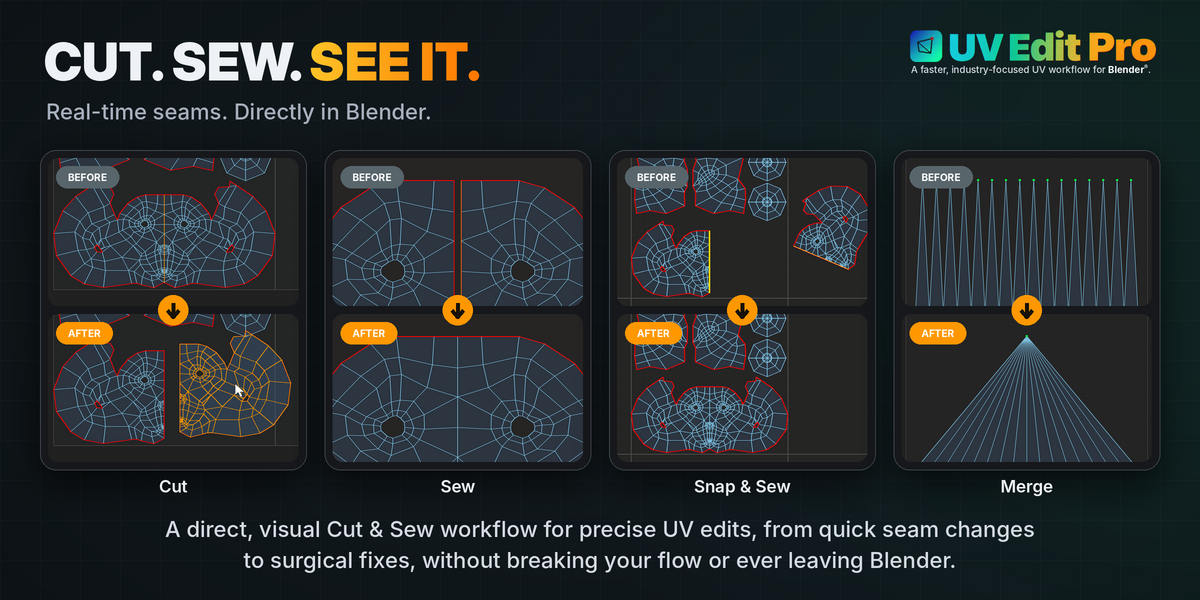
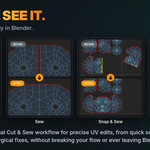
Every cut/sew tool here does exactly what its name says and nothing more - Sync Seams from UV, for example, only ever ADDS seam marks to match real UV cuts that already exist; it never removes a seam or moves a UV point.
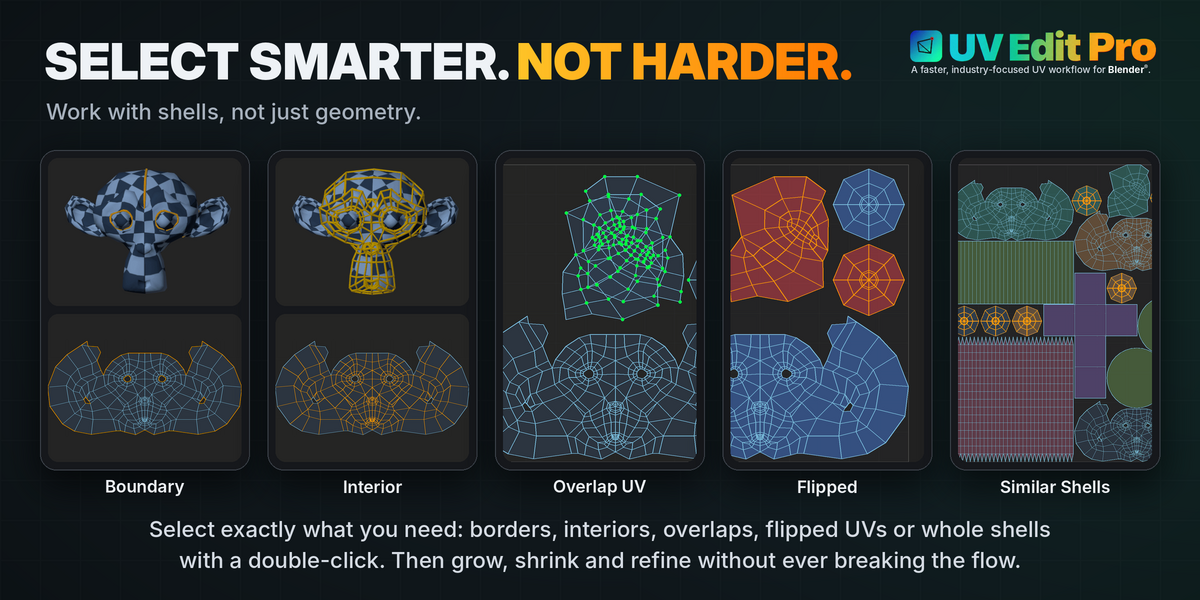
Selection to Shell (or the double-click shortcut) doesn't pick up a shell on an imported mesh - why?
Almost always a seam/UV mismatch from the import process: the real UV cuts exist, but the seam flag on those edges was never set. Run Sync Seams from UV (top of the panel, see the UV Sync page) once on the object and try again.
What do the colours in UV Stretch actually mean?
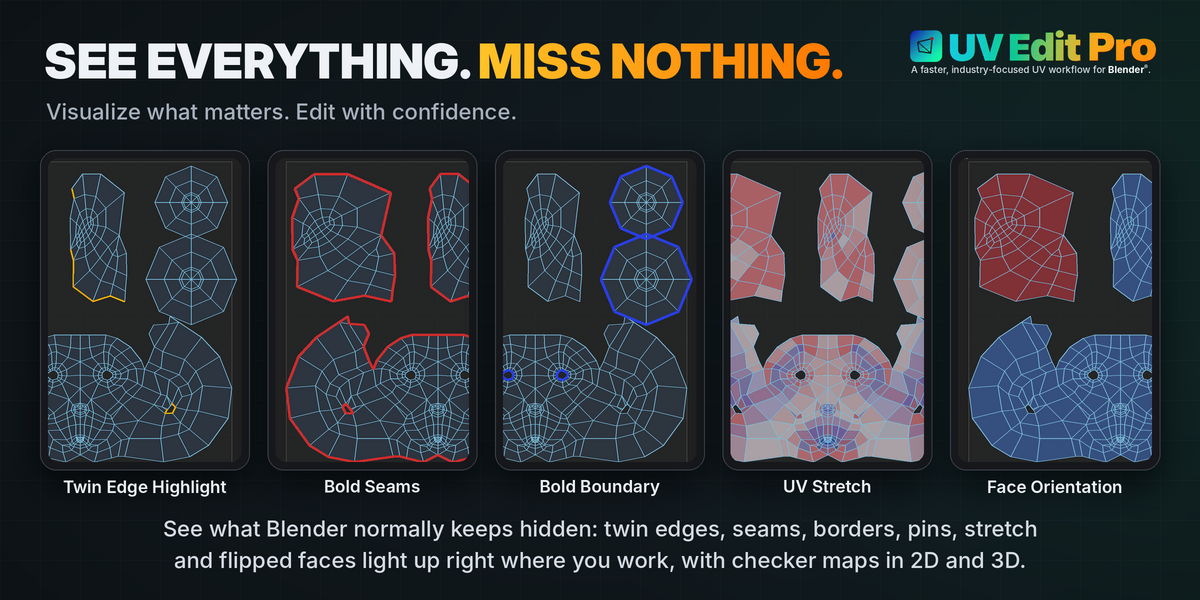
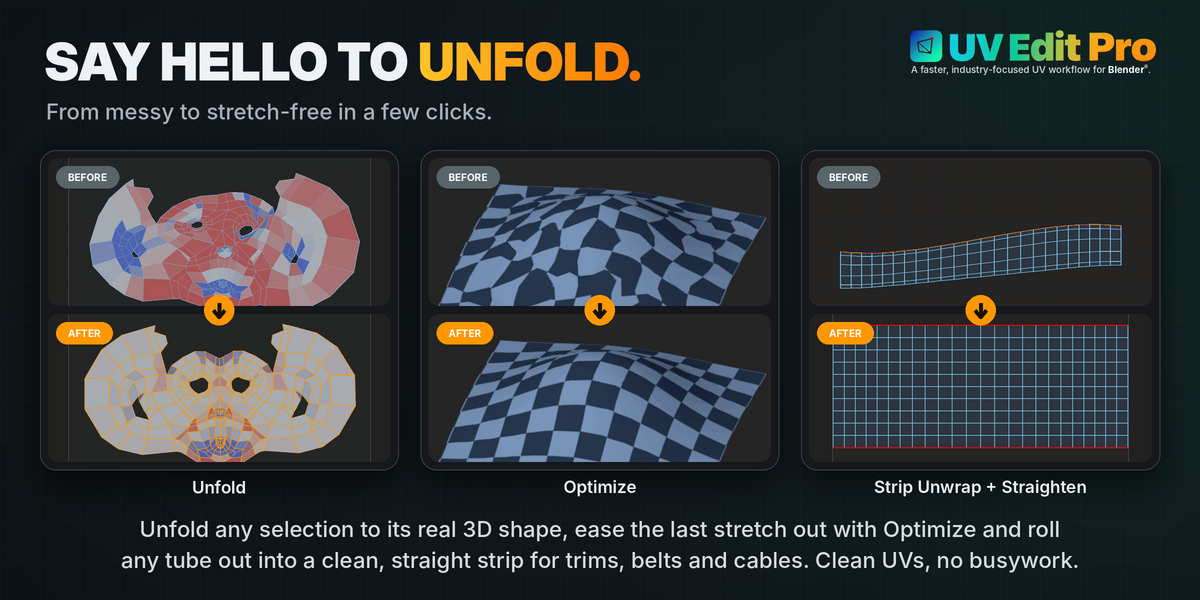
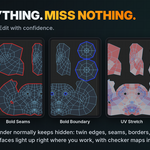
Red is genuine shape distortion, judged purely on that one face's own proportions - completely independent of its absolute UV size, so two identical faces read equally white whether one is unwrapped twice as large as the other or not.
Blue is this face carrying noticeably less UV area for its size than the rest of the SAME mesh, compared against the mesh's own average rather than a fixed reference - a whole shell simply unwrapped at a different scale on purpose still reads white, since it matches the mesh's own mean.
The colour blends smoothly between white, red and blue, and a badly stretched face stays clearly red rather than fading back toward white however extreme the distortion gets.
Does UV Edit Pro work with more than one mesh object in Edit Mode at the same time?
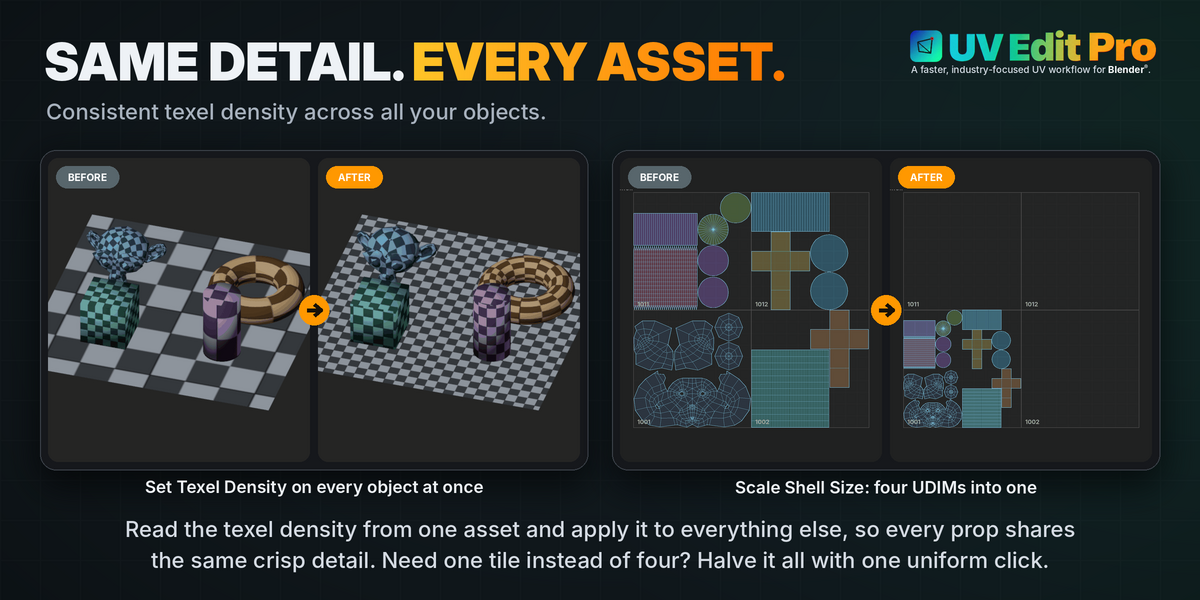
Yes for the operations where it matters - Selection to Shell and Texel Density's Get/Set explicitly gather data across every object currently in Edit Mode together, not just the active one.
Most other tools naturally operate on whatever is selected, which already extends across multiple objects in Blender®'s own multi-object editing.
Something looks wrong out of nowhere - a command doesn't do anything, a vertex seems to jump around, a selection looks broken - and it's hard to reproduce. What's going on?
This isn't specific to UV Edit Pro - it's how Blender®'s own Edit Mode works.
While you're in Edit Mode, the mesh you're editing lives in a separate working copy; it's only written back to the real mesh data when you leave Edit Mode.
Blender®'s own Python documentation names exiting Edit Mode as the standard way to force that write-back when something reads as out of sync.
Concretely: press Tab to leave Edit Mode, then Tab again to re-enter it - this alone resolves the large majority of one-off glitches, since it forces a full, clean resync instead of whatever partial state was left behind.
If the same thing keeps happening on the same file, save and reopen it (or File > Revert) for a more thorough version of the same fix.
If a command still visibly does nothing at all, check Blender®'s own status bar at the very bottom of the window for a red error message first - and if you're comfortable with it, the System Console (Window > Toggle System Console on Windows; launch Blender® from a terminal on macOS/Linux) shows the full underlying error, which is far more useful to report than a description of what seemed to go wrong.
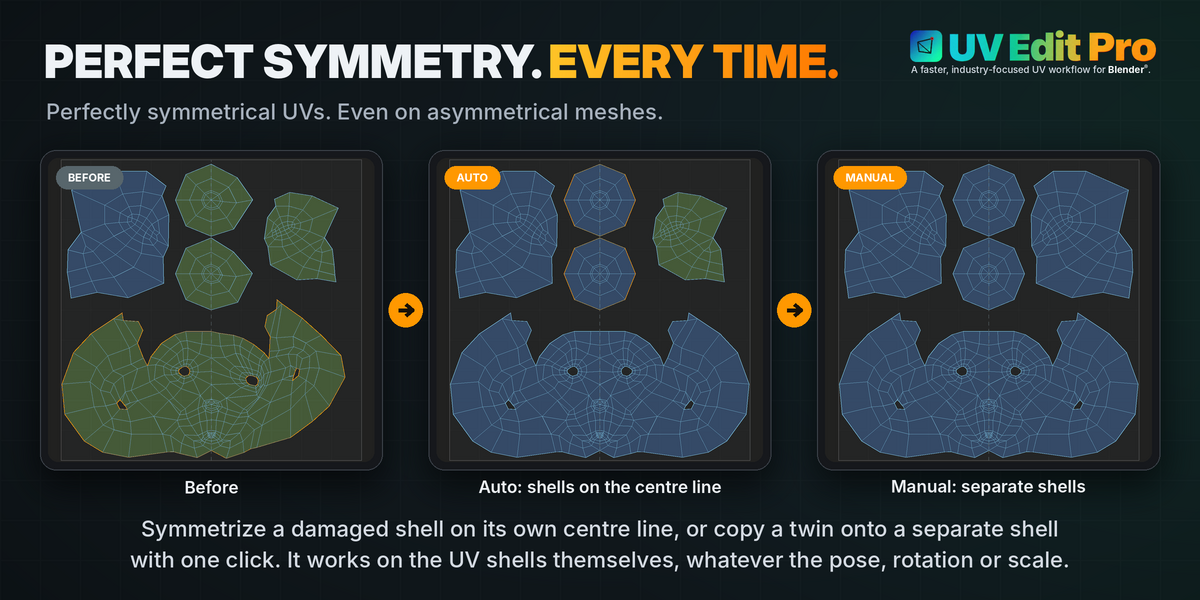
What does Invert actually do on Symmetrize?
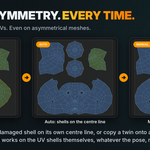
Swaps which side is overwritten and which stays put as the reference, without changing anything else about the result - it reuses the exact same point correspondence either way, not a second, separate calculation, so both directions are equally reliable.
Off: the side you selected gets overwritten with the mirror of the other side. On: the other side gets overwritten with the mirror of your selection instead.
Symmetrize worked automatically on one shell but needed manual clicks on another - is that normal?
Yes. Automatic only ever applies to a single shell that spans the fold line, like a face - it finds a real shared vertex where the two halves meet and expands out from there.
Two genuinely separate shells (a left ear and a right ear, each its own island) have no shared vertex to find, so click-to-pick takes over on its own: 4 clicks, 2 matching point pairs, confirmed by you instead of guessed at.
A single shell with several holes close together and a strong asymmetry between its two halves can also fall back to needing manual confirmation - see the notes on the Symmetrize page in Edit for the exact workaround (cut the centre edge, match with click-to-pick, then Weld Seam by Distance to fuse it back).
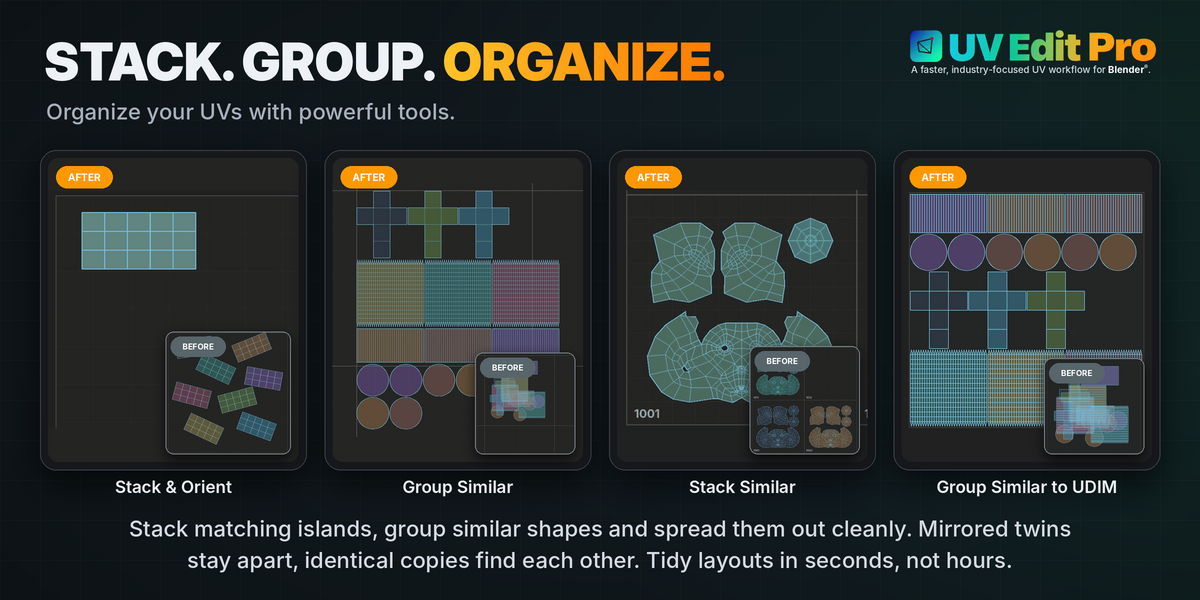
Stack Similar or Group Similar Shell did nothing and warned about needing more shells - why?
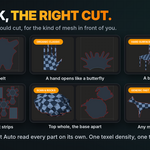
Both compare shells against each other by shape, so there has to be more than one to compare in the first place - selecting a single shell, or running either on a mesh that only has one shell overall, has nothing to group it with.
Select at least two shells, or deselect everything to let it consider every shell in the mesh at once.
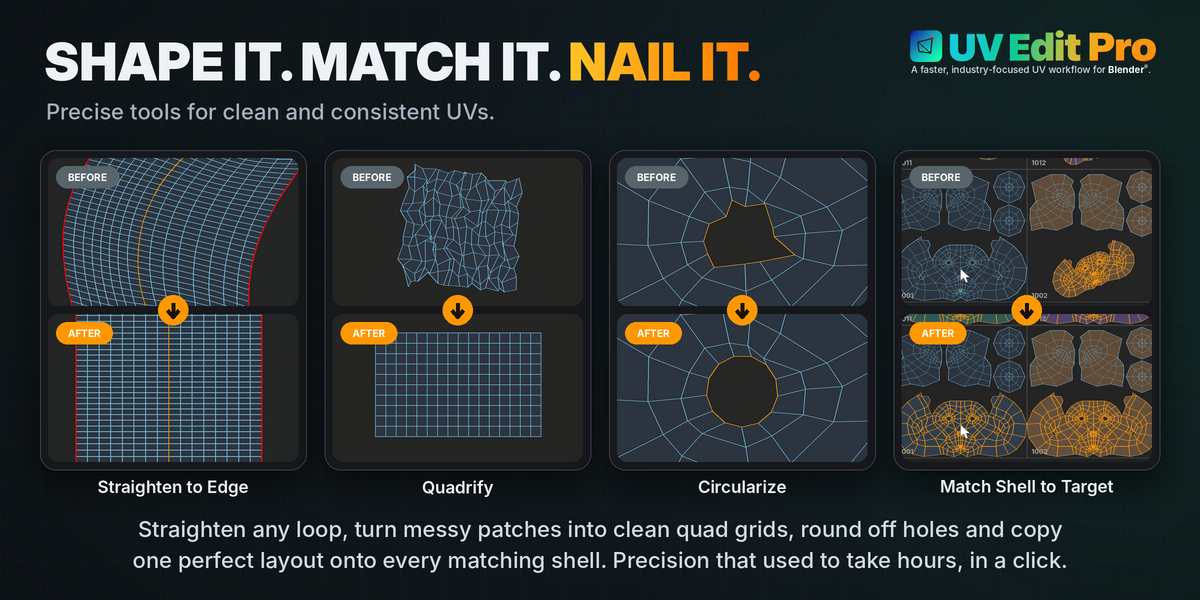
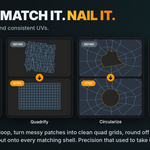
Circularize says my selection "is not a simple loop" - what does that mean?
It means some vertex in your selection touches more than 2 other selected vertices (a branch) or the selection isn't fully connected as one continuous chain.
Circularize deliberately refuses to guess at a branching or disconnected selection rather than silently producing an unpredictable result - trim the selection down to a single clean loop and try again.
Is Match Selection (stack) slow on a dense mesh?
No: every selected vertex looks up its closest target point within Range through a spatial search tree, so even dense shells match quickly.
It only runs when you press the button, so it doesn't affect anything else in the viewport.
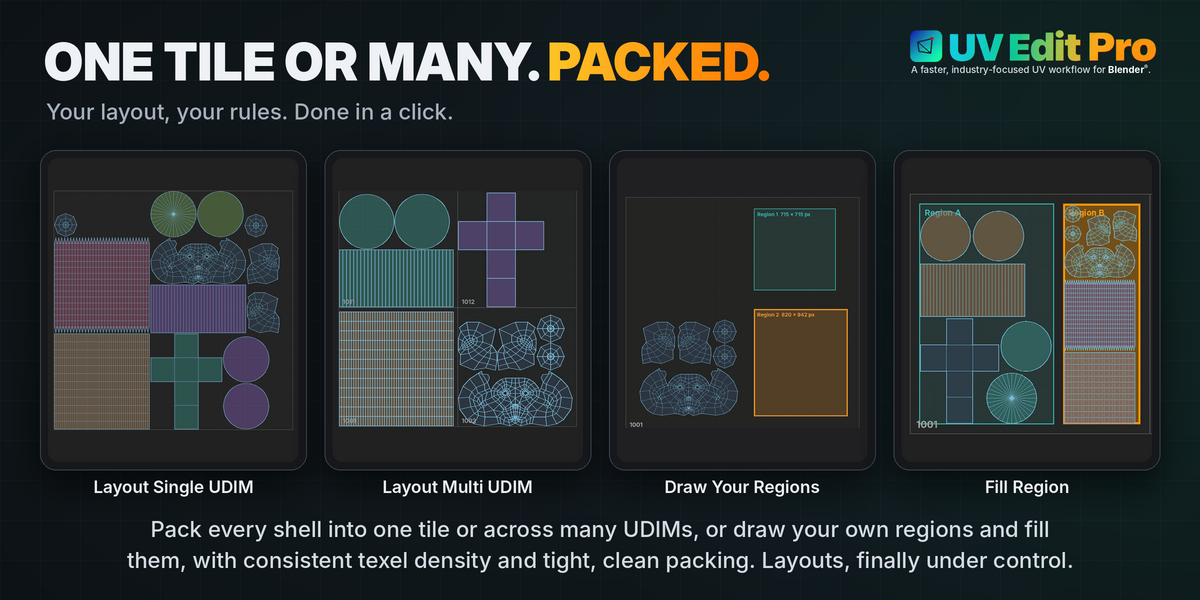
Layout feels slow on a dense mesh with lots of shells - is that expected?
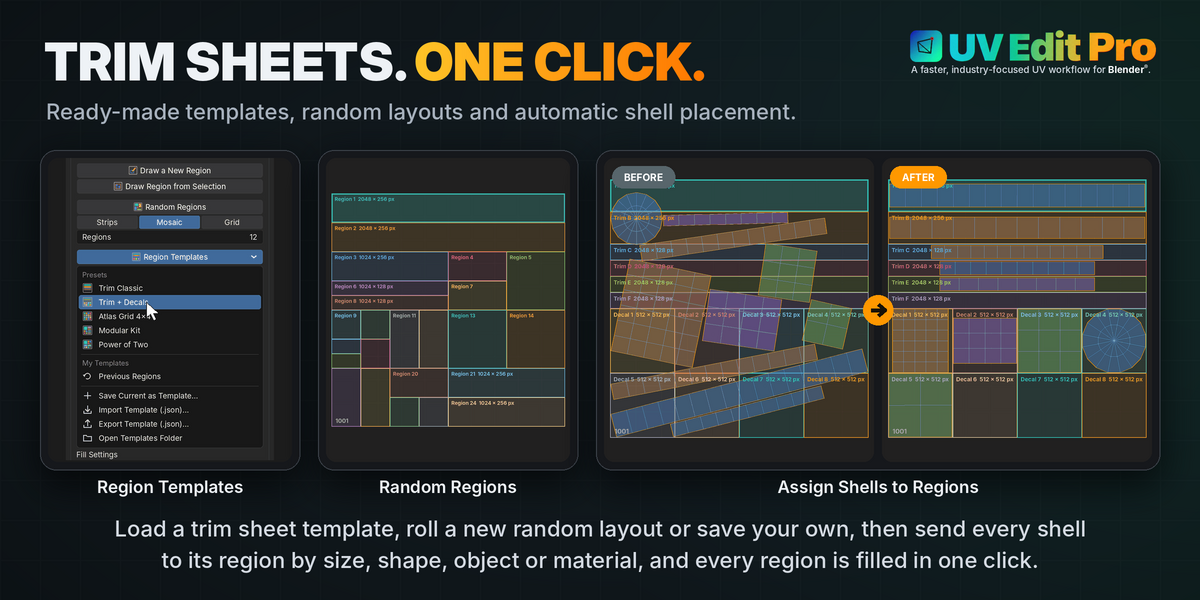
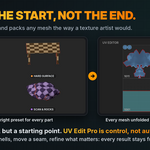
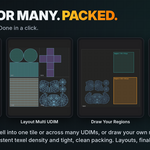
Yes. Layout Single UDIM wraps Blender®'s own native pack-islands operator directly, so its speed on a dense mesh is exactly Blender®'s own behaviour, not something this add-on adds on top. A scene with hundreds of shells genuinely takes real computation to pack well, in Blender® with or without UV Edit Pro.
Layout Multi UDIM, Group Similar to UDIM and Fill Region use this add-on's own packer: they show a progress bar and stop by themselves at their Time Limit; Esc cancels Layout Multi UDIM and Group Similar to UDIM without changing anything. Lower the Quality or the Time Limit for a faster, rougher result.
 Danilo Caliro