 FingShop


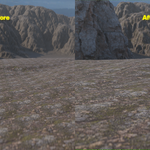
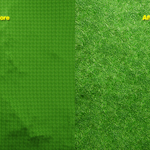
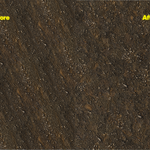
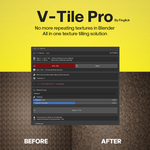
V-Tile Pro — Smart Texture Tiling Breaker + Material Mixer
Stop fighting repeating textures. Start creating believable surfaces instantly.
Built by an environment artist, for environment artists — V-Tile makes texturing fast, clean, and effortless.
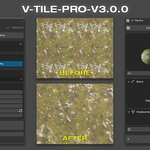
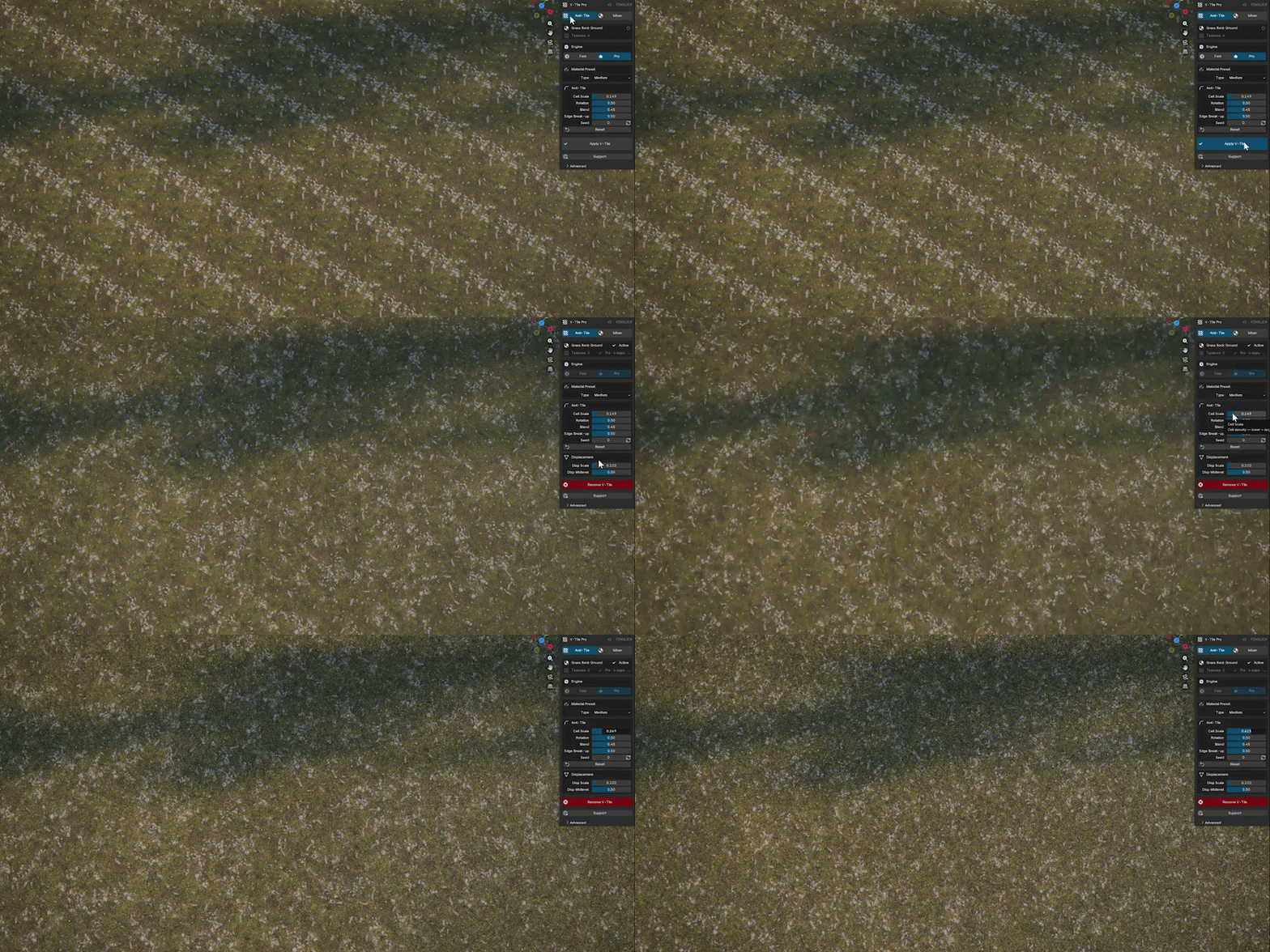
◈ Anti-Tile — Break Repetition
▸ Select material → Choose preset → Click Apply. Done.
Controls
-
Cell Scale — how big each variation zone is
-
Rotation — rotates each patch randomly so nothing lines up
-
Blend — how softly one patch fades into the next
- Edge Break-up — makes the edges between patches wander naturally
Quality Modes
-
◻ FAST — lightweight, great for working in the viewport
-
◼ PRO — higher quality for final renders
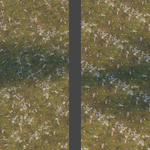
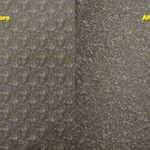
V-Tile intelligently adds variation so the repetition becomes invisible to the eye.
◈ Material Mixer — Blend Two Materials
- Pick Material A and Material B
- Click "Create Mix"
- Adjust sliders to control the blend
V-Tile creates a seamless hybrid material in seconds.
Controls
-
Coverage — how much of Material B spreads across the surface
-
Patch Size — fine scattered speckles, or large sweeping areas
-
Edge Hardness — soft blurry gradient, or a crisp hard line between the two materials
-
Break-up — makes the boundary wander organically so it never looks like a mask
Pattern styles: Smooth · Patchy · Cellular
Everything updates live in the viewport — No waiting. No guesswork.

◈ Water System — NEW in V-Tile 3.0
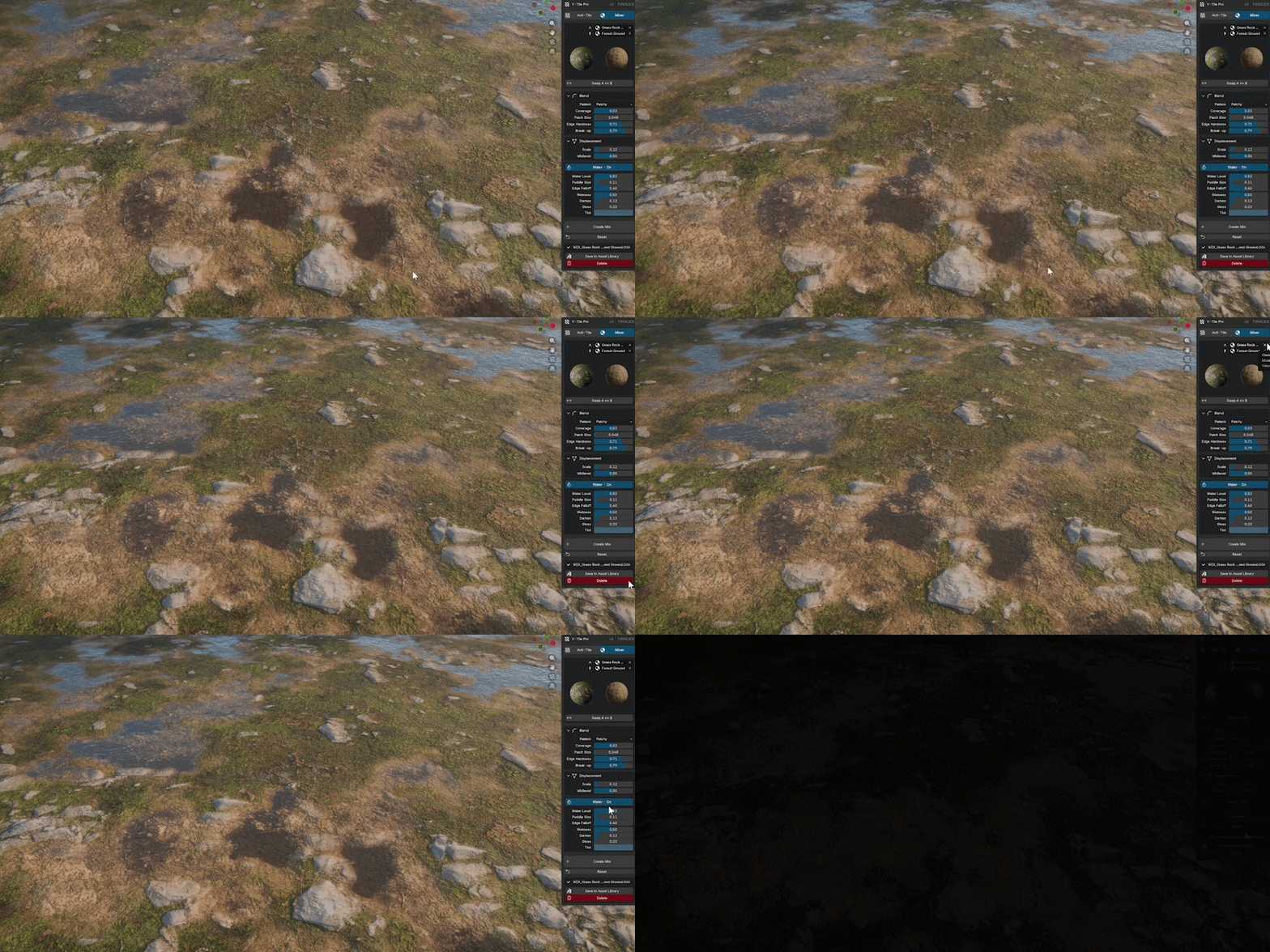
V-Tile 3.0 simulates puddles on any surface, in real time.
Toggle the water on. Puddles appear instantly in your viewport. Move the Water Level slider and watch them fill up or drain. Every control updates live — No waiting. No rebaking.
Controls
-
Water Level — how high the puddles fill up
-
Puddle Size — how wide the puddle coverage extends
-
Wetness — how damp and dark the surface looks above the water line
-
Gloss — how reflective and shiny the wet areas are
-
Tint — the colour of deep standing water
This works with your geometry's displacement.
◈ Works On Any Material
V-Tile reads your existing node tree and wraps around it. Complex setups, nested groups, multi-texture stacks — all supported. Your original material is never changed. Remove V-Tile anytime and everything goes back exactly as it was.
Works in Eevee and Cycles. Blender 4.2 → 5.3.
◈ What You Get
Anti-Tile Mode (v3.0)
- ▸ One-click tiling removal on any material
- ▸ 18 artist-friendly presets (Fabric · Wood · Stone · Metal · Architecture · Organic)
- ▸ Real-time sliders for precise control
- ▸ Works with existing node setups (non-destructive)
- ▸ Remove anytime — your material restores perfectly
Material Mixer Mode (v3.0)
- ▸ Blend any two materials instantly
- ▸ Natural, organic transitions (no harsh edges)
- ▸ Live control over blend amount & scale
- ▸ Height-aware blending
- ▸ Save mixes directly to your Asset Library
◈ Made For Creators Like You
- ◈ Environment Artists — Massive terrains without tiling
- ◈ ArchViz Professionals — Realistic floors, walls, concrete
- ◈ Game Asset Creators — Blend dirt, grass, sand effortlessly
- ◈ Product Designers — Clean fabric, wood, and metal finishes
- ◈ Indie Creators & Students — Pro results, simple workflow
◈ Why You'll Love It
- Clean workflow — no node spaghetti
- Saves hours of manual tweaking
- Fully non-destructive
- Works in Eevee & Cycles
- Lightweight & stable for daily use
- One-time purchase — lifetime use
◈ How to Install
- Download the V-Tile
.zip file
- Blender → Edit → Preferences → Add-ons → Install from Disk
- Select the zip → Enable V-Tile Pro
- In the 3D Viewport → Press N → Find the V-Tile tab in the right panel
.zip fileDone. You're ready to go.
