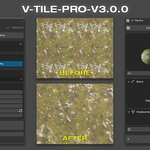
V-Tile Pro V3.0.0
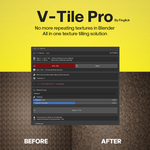 FingShop


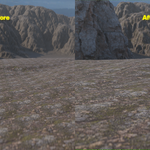

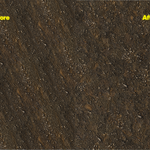
Why You'll Love It
- Clean workflow — no node spaghetti
- Saves hours of manual tweaking
- Fully non-destructive
- Works in Eevee & Cycles
- Lightweight & stable for daily use
- One-time purchase — lifetime use
◈ How to Install
- Download the V-Tile
.zip file
- Blender → Edit → Preferences → Add-ons → Install from Disk
- Select the zip → Enable V-Tile Pro
- In the 3D Viewport → Press N → Find the V-Tile tab in the right panel
.zip file-
$2
Antitile & Material Mixer
-
$1
Antitile Only
 Included
Includes 12 months of
- Support from FingShop
- Product updates
Extend this product’s Support Period +12 months: 75% of product price
Have questions before purchasing?
Login to message
| Blender Extension Compatible | Yes |
| Sales | 60+ |
| Published | 12 months ago |
| Blender Version | 4.2 - 5.2 |
| Extension Type | Add-on |
| Render Engine Used | Cycles, Eevee |
| License | GPL |