 Milad_Kambari


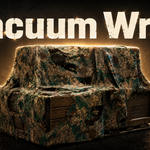
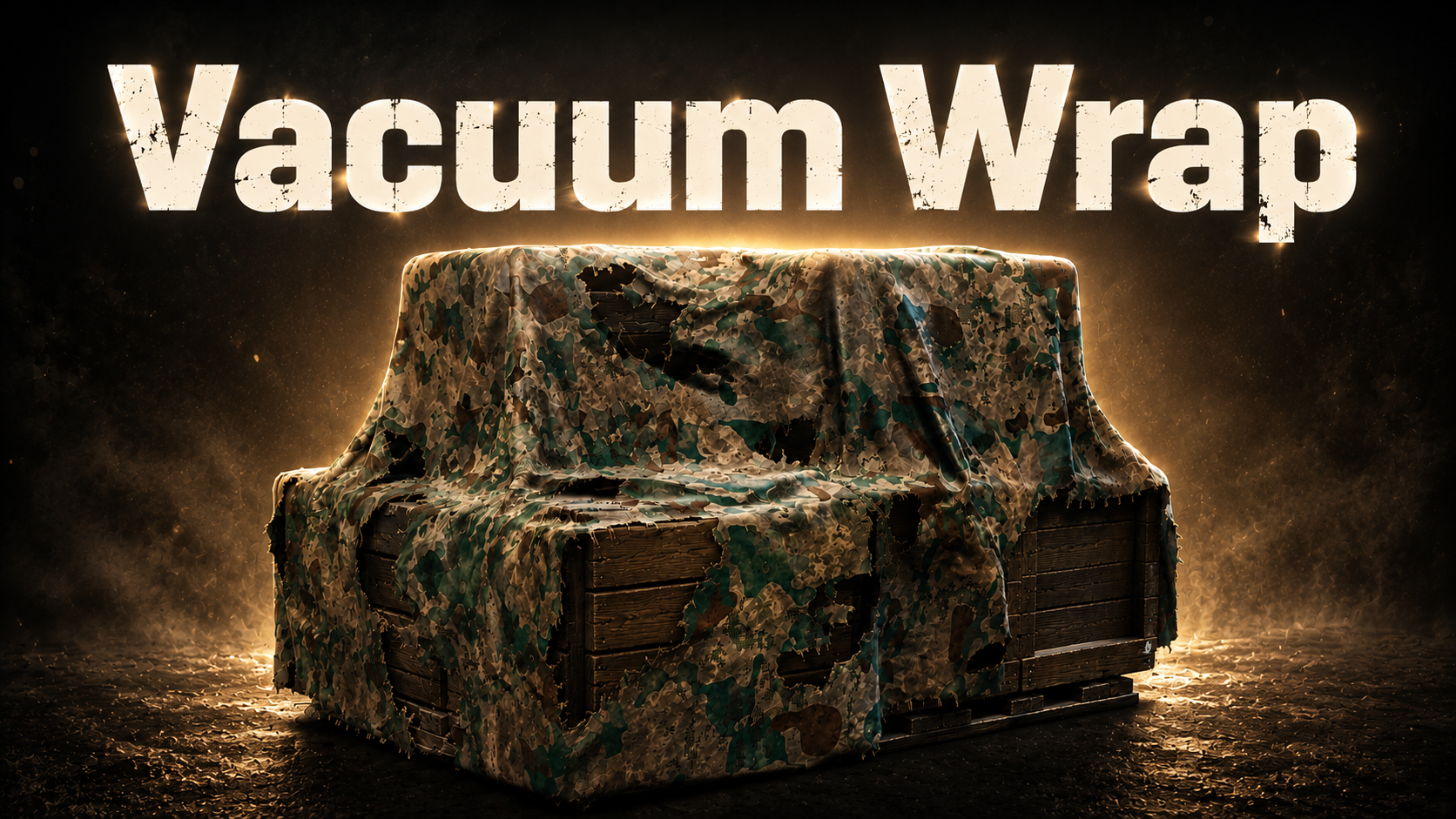
Vacuum-sealed plastic wrap.
One-click realistic effect.
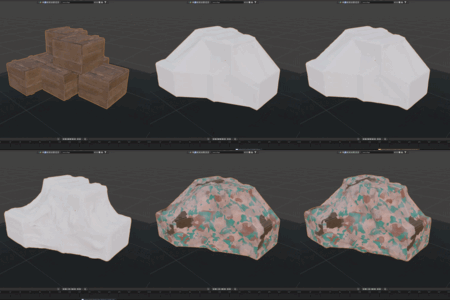
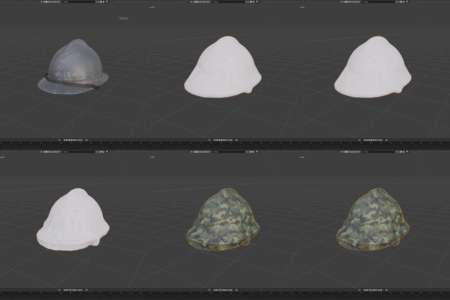
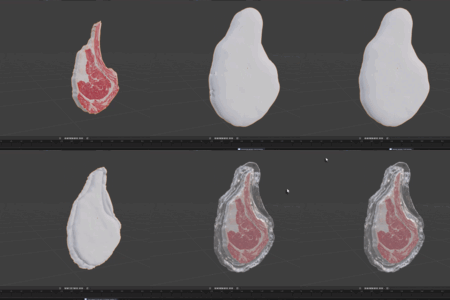
Create photoreal shrink-wrapped surfaces in Blender. Perfect for packaging, food wrapping, industrial covers, and sci-fi assets. The plastic follows your object's shape naturally while ignoring tiny details.
See it in action.
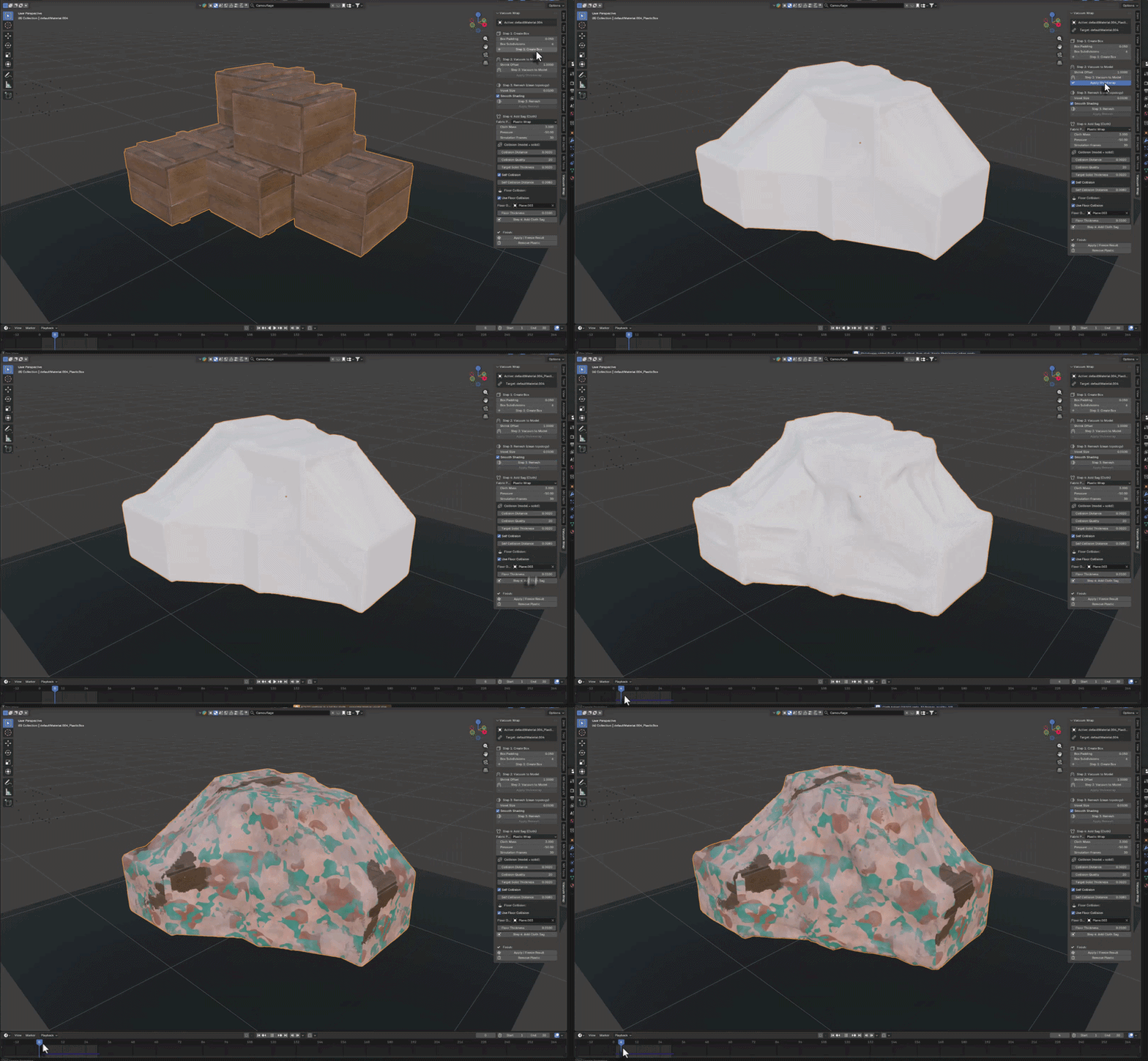
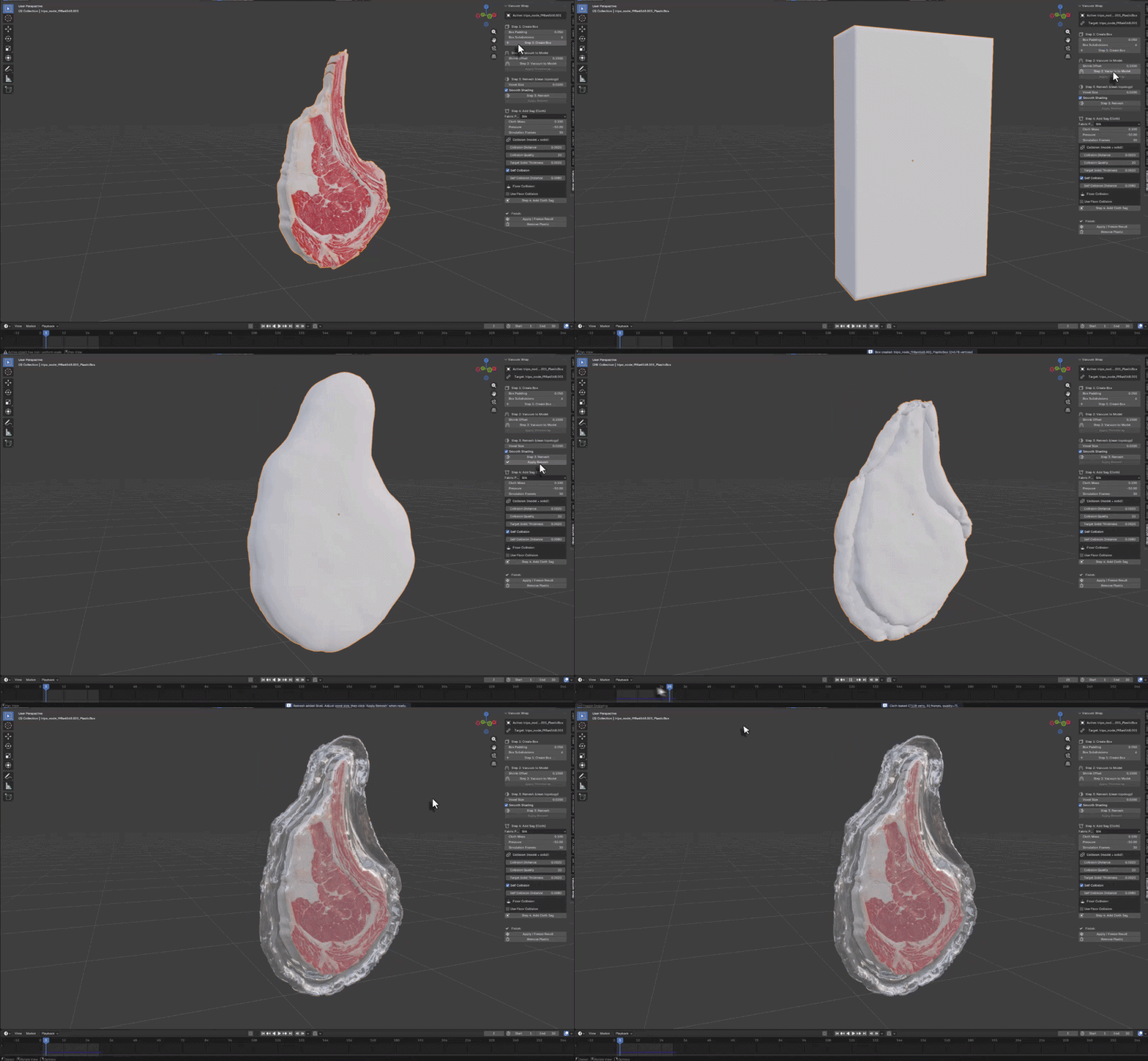
Three steps. Perfect wrap.
Select your object, hit Create Wrap, adjust tightness. The vacuum plastic shrinks to fit perfectly.
| 1 SELECTChoose your object to wrap. Works with any mesh shape or size. | 2 WRAPClick Create Plastic Wrap. The addon builds the vacuum effect automatically. | 3 ADJUSTFine-tune tightness, offset, and wrinkle details for the perfect look. |
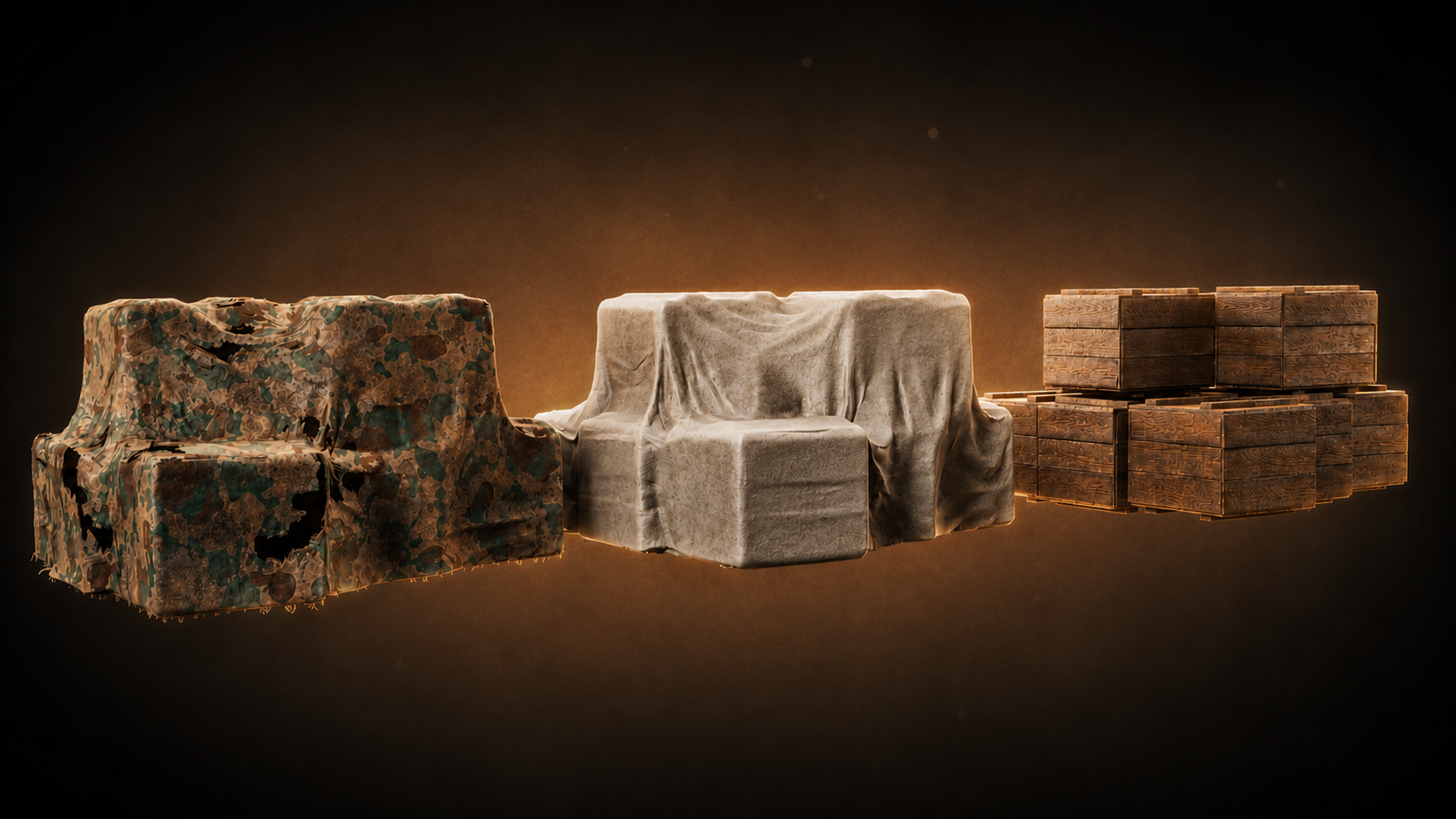
Smart Shape Following
The plastic wraps around your object's overall shape while smoothing out small details. Perfect for realistic packaging where the film follows major contours but doesn't catch on every tiny surface feature.
Intelligent surface smoothing. Realistic tight fit.
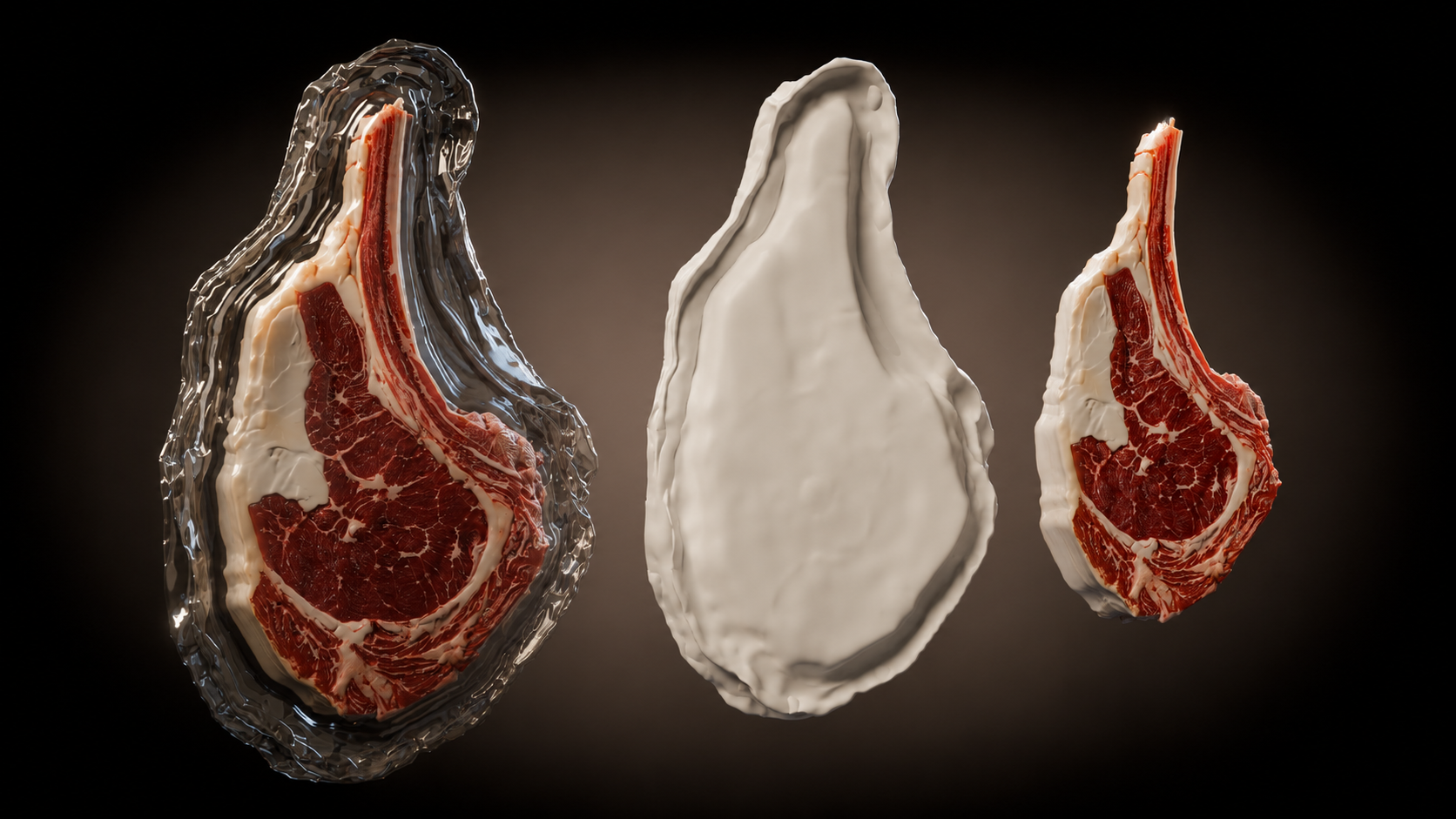
Real-Time Tightness Control
Adjust how tight the vacuum seal is with live preview. From loose covering to skin-tight shrink wrap. Control the plastic offset distance and subdivision quality for the exact look you need.
Live adjustment. Instant preview. Perfect control.
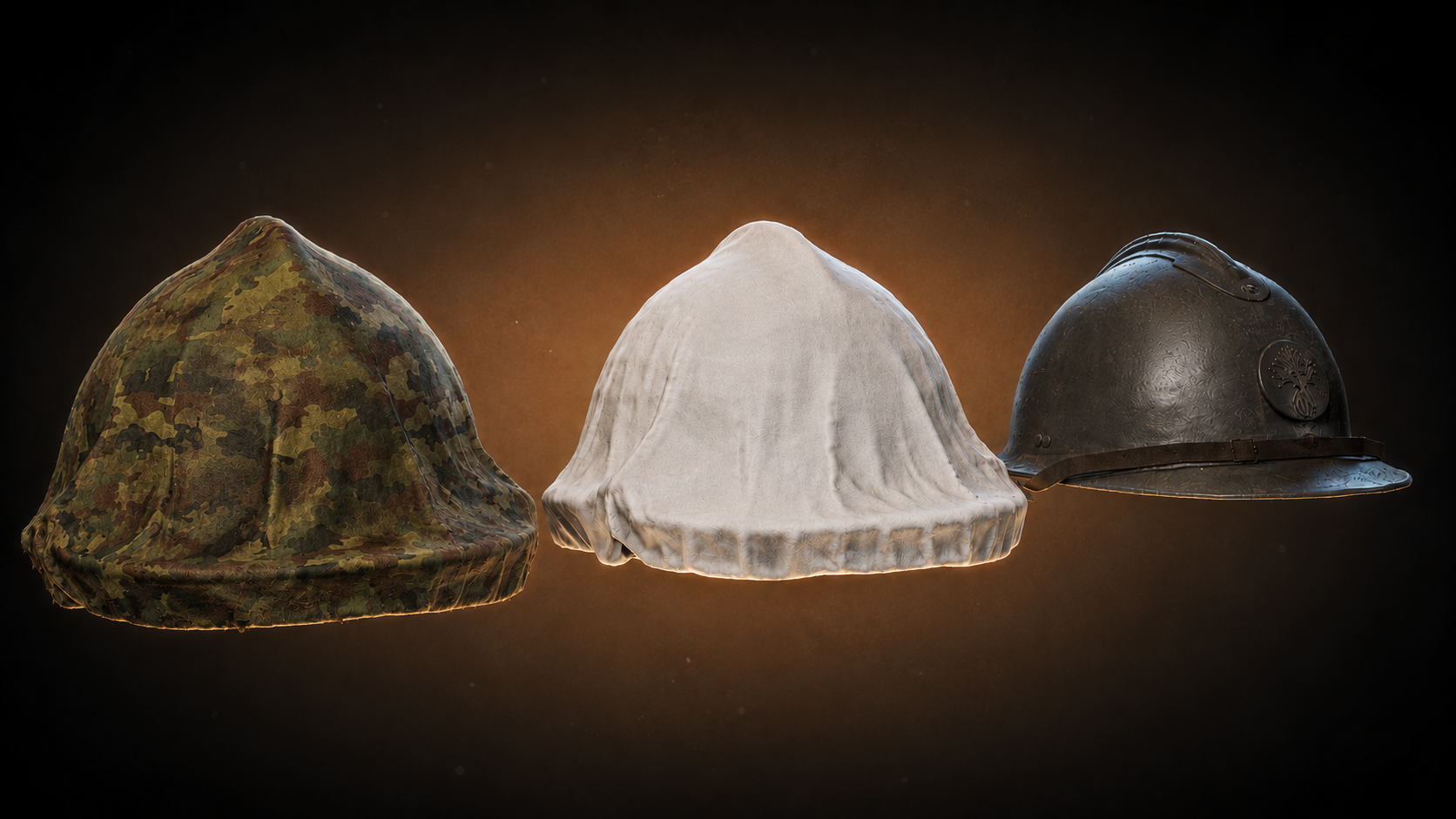
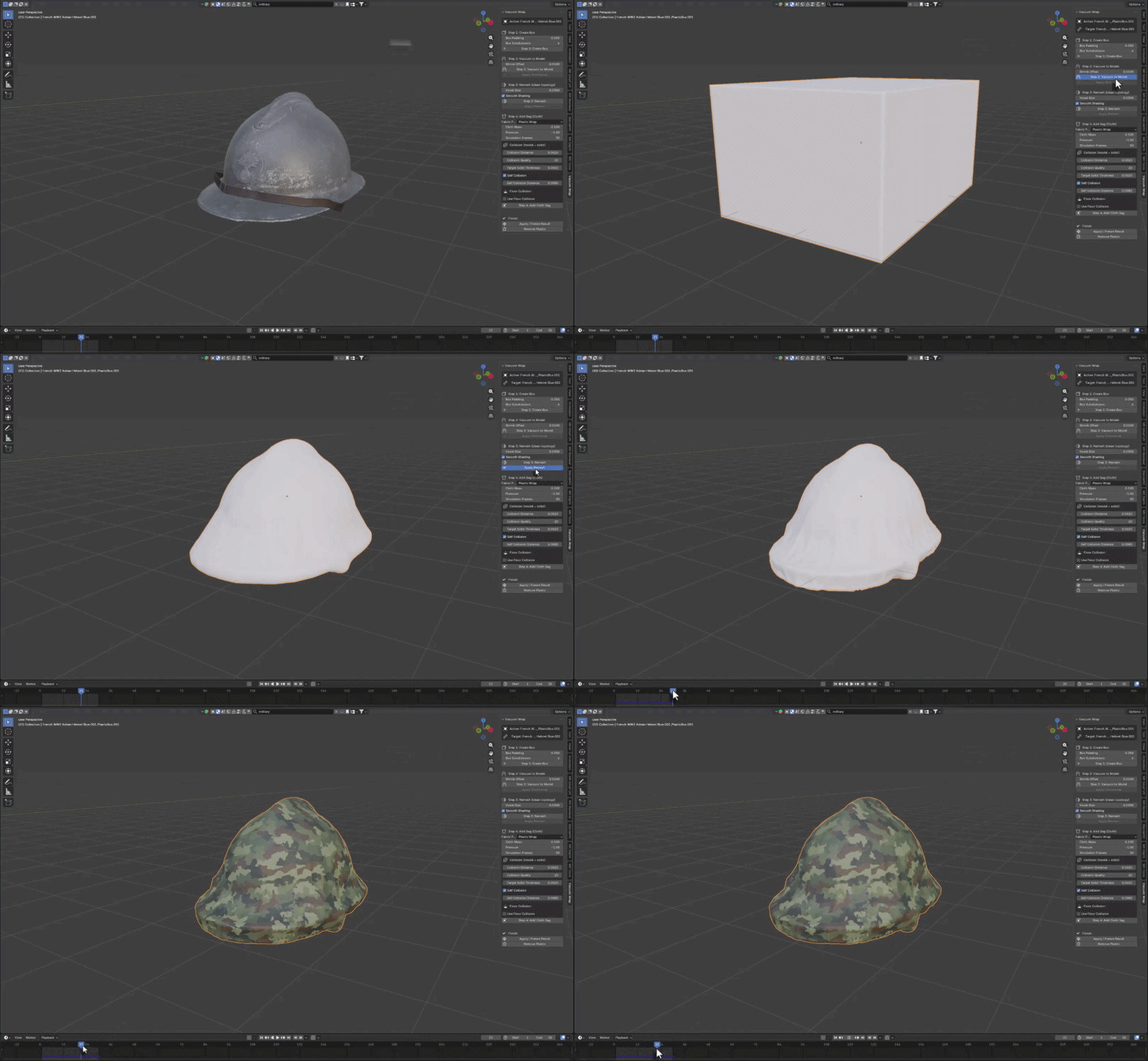
Micro Wrinkle Details
Add realistic surface wrinkles and texture that makes the plastic feel believable. Control wrinkle scale, strength, and randomness. The micro-details bring the vacuum effect to life without breaking the overall smooth form.
Procedural wrinkles. Adjustable scale. Realistic surface detail.
Everything included.
ONE-CLICK VACUUM WRAPSelect any object and create a vacuum-sealed plastic wrap with a single button. The addon automatically generates the shrink-wrap effect using advanced modifier combinations. | SMART DETAIL SMOOTHINGThe plastic follows your object's major shape while intelligently smoothing small surface details. Control how much detail to preserve or ignore for realistic wrapping. |
LIVE TIGHTNESS CONTROLAdjust wrap tightness in real-time with live viewport preview. From loose covering to skin-tight shrink wrap — all controlled by simple sliders. | PROCEDURAL WRINKLESAdd realistic micro-wrinkles and surface texture using procedural displacement. Control scale, strength, and randomness for convincing plastic surface detail. |
CLEAN N-PANEL UISimple, organized controls in Blender's sidebar. Create, adjust, apply, or remove wraps with clear buttons and sliders. No complex setup required. | NON-DESTRUCTIVE WORKFLOWThe original object stays untouched. Apply modifiers when you're happy with the result, or remove the wrap completely. Fully reversible process. |
What you get
| 4.2+ BLENDER | VACUUM WRAP EFFECT |
Install. Select. Wrap.
Works with Blender 4.2+ including Blender 5.0 and 5.1. Perfect for packaging visualization, food wrapping, industrial covers, and sci-fi assets.
More from Milad Kambari
 |  |  |
 |  |  |
Get support, share your creations
Connect with other 3D artists using MK Plastic Wrap. Feature requests, bug reports, and showcase your vacuum-wrapped models.
JOIN DISCORD