Volume Weight Tool
 Blood Pixel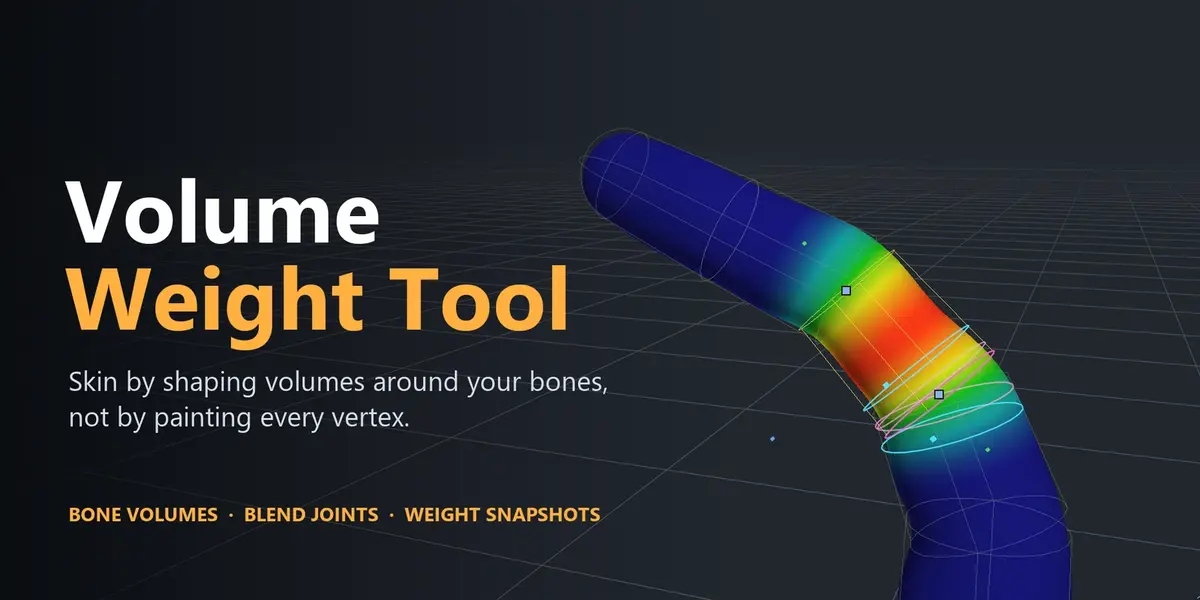
Does it give me finished, production-ready weights?
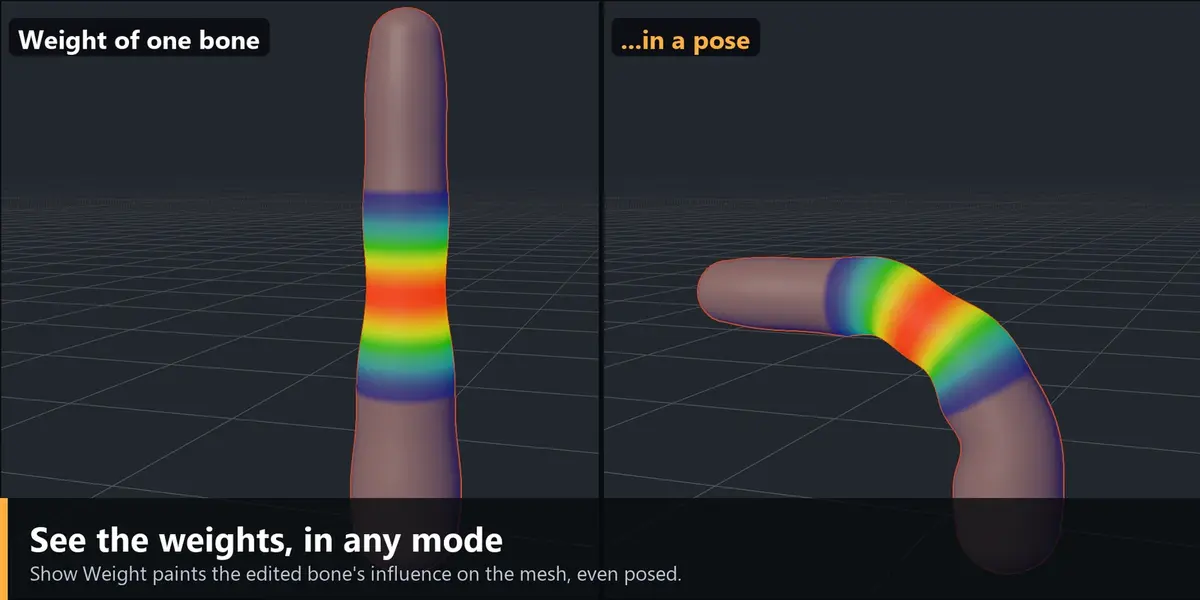
It depends on the part. Simple and regular parts (clothes and fabrics that are not too complex, tubular parts, rigid props, anything a chain or a grid of bones describes) can usually be left exactly as the tool produces them. Complex parts such as realistic shoulders, hips, necks or faces are a very good starting point but will need refinements, normally a bit of Weight Paint afterwards. The tool is built to give you a fast, symmetric, controllable base and to make the refining easy, not to replace it.
What kinds of meshes does it work best on?
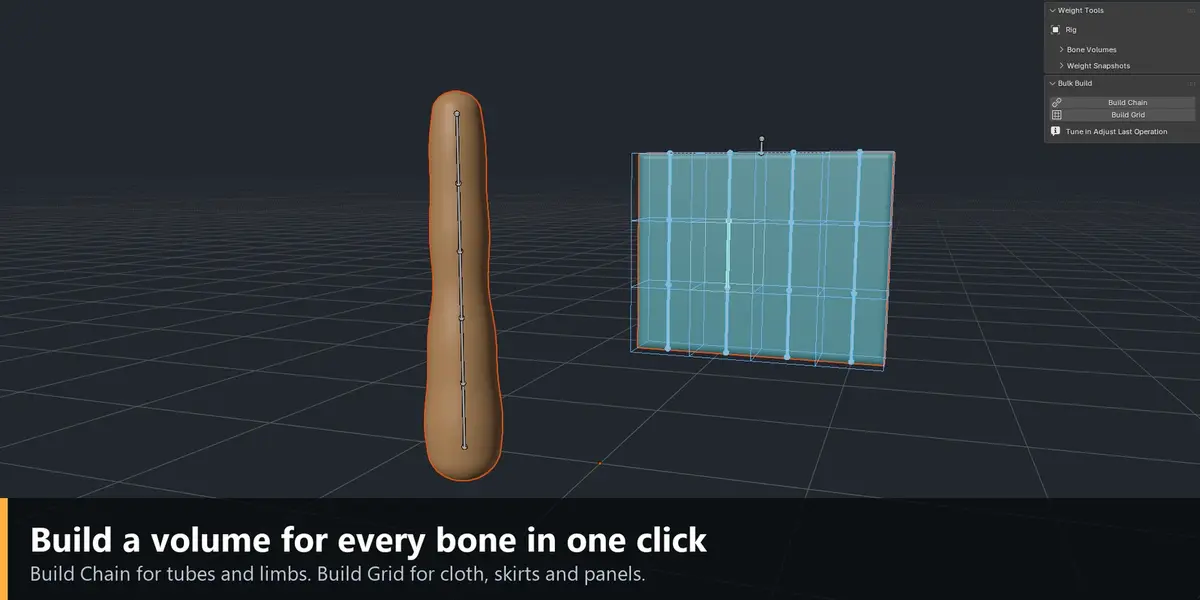
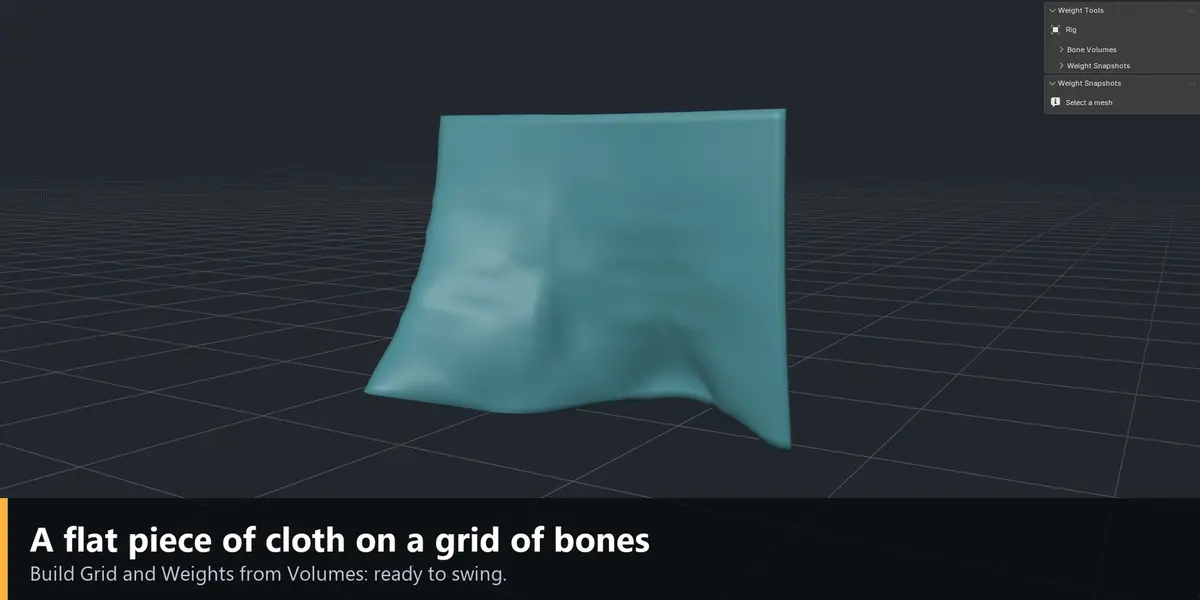
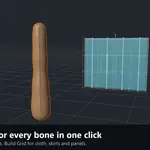
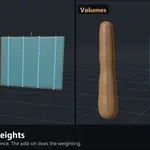
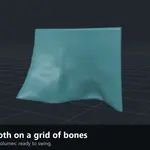
Clothes, tubes and repeated parts: trouser legs, sleeves, belts, straps, skirts, capes, banners, ponytails, tails, cables, robot limbs and rigid props. A tube is what a chain of bones describes, and a flat piece of cloth is what a grid of bones describes; Build Chain and Build Grid create those volumes in one click.
Does it work with Rigify, Auto-Rig Pro or other rigs?
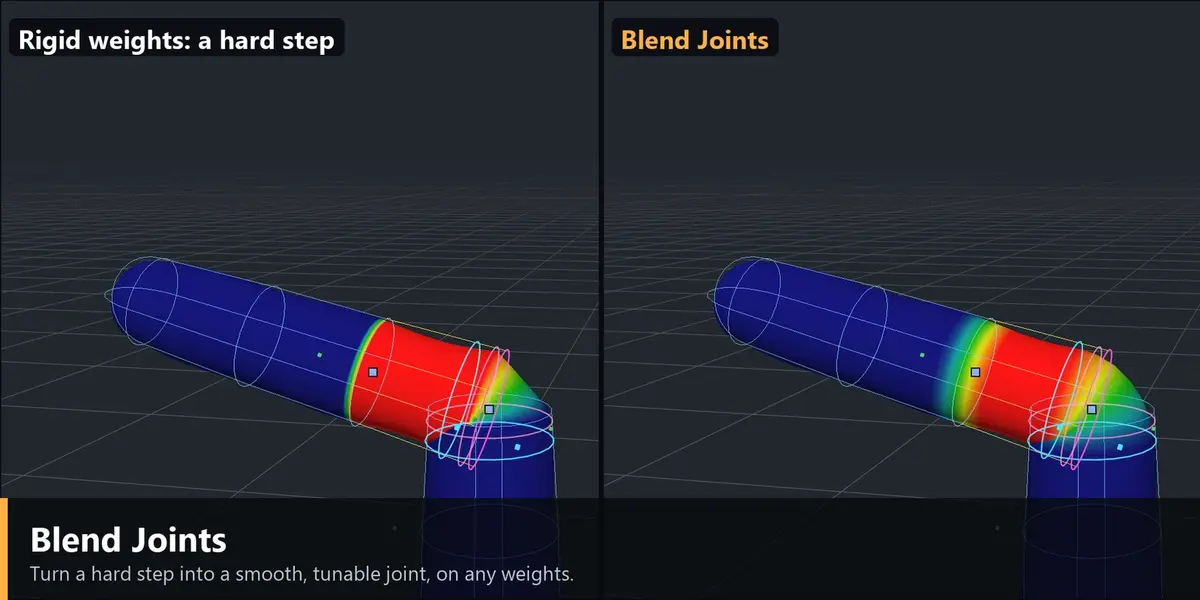
Yes. It works on the deform bones of any armature. For rigs whose deform bones are hidden (Rigify's DEF bones) the Bone panel has an Edit field to choose which deform bone's volume to edit. Blend Joints also works on weights made by those systems, so you can use it only to soften their joints.
Can I use it on a mesh that already has weights?
Yes. Weights from Volumes replaces the deform weights, so save a snapshot first. If you only want to soften the joints of existing weights, use Blend Joints alone: it works on the current weights. With the vertex selection mask in Weight Paint, any tool changes only the selected vertices.
Will it overwrite my masks or other vertex groups?
No. Only deform groups (the vertex groups named after deform bones) are changed. Masks, regions and helper groups are never touched, and locked groups are respected.
Can I weight several meshes (body, clothes) on one rig?
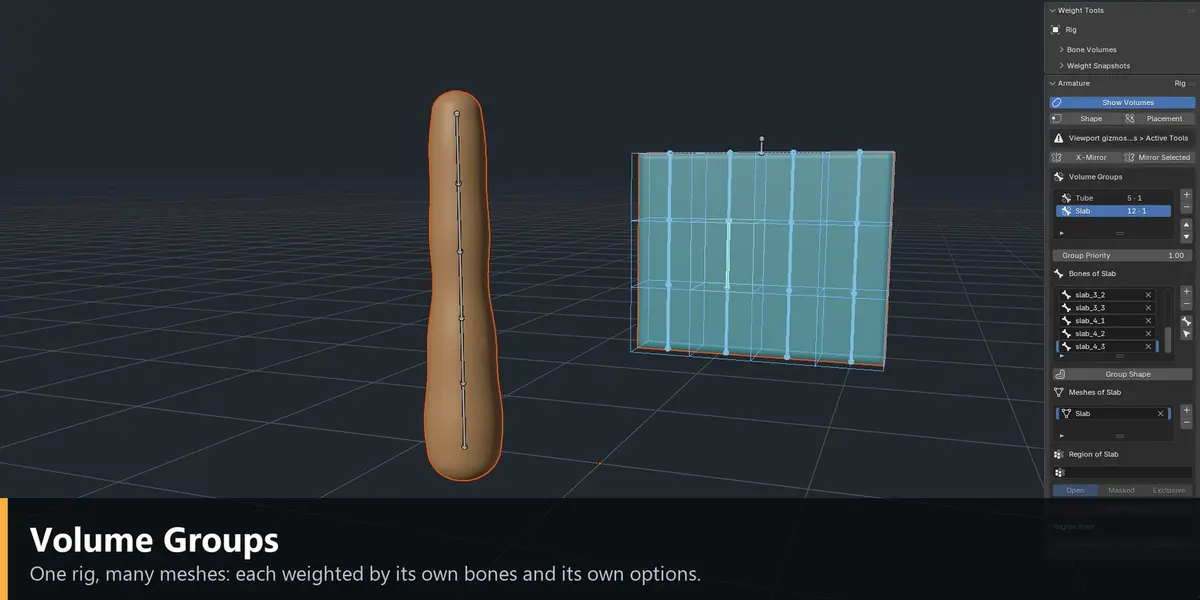
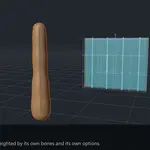
Yes, with Volume Groups. A group says which bones and which meshes belong together, with its own options (for example Smooth for the body, Rigid for a belt). Groups compete vertex by vertex, so you do not have to size every volume exactly.
How do Weight Snapshots work and what are they for?
Snapshots save versions of a mesh's weights inside the .blend file, so you can try a change, compare two versions with a difference heatmap, restore the old one, or copy only some groups from one version to another. They survive closing the file, which undo does not. They are the safety net for every tool that rewrites weights.
What is Snapshot Blend?
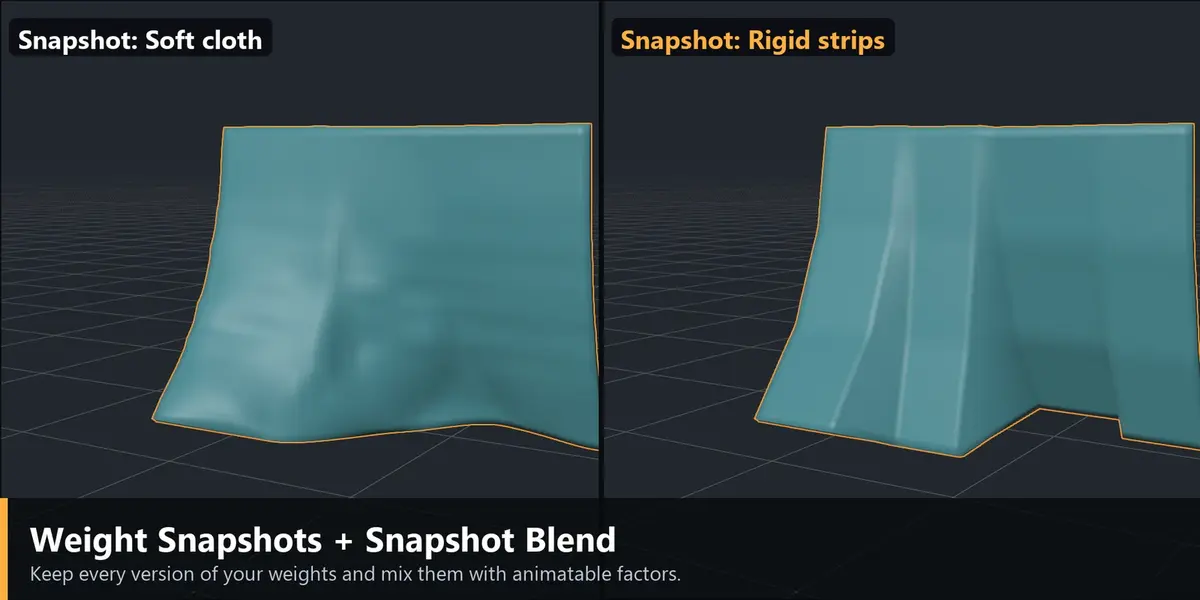
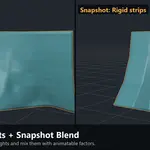
A Geometry Nodes modifier that deforms the mesh with a weighted mix of your snapshots, with a factor per snapshot that you can keyframe or drive. You can use it for corrective weights (softer shoulders when the arm is raised), cloth that is stiffer in one pose and softer in another, or stages of a transformation (Single Alpha). The saved weights never change; Bake Blend writes the result into the weights when you need to export.
Does Snapshot Blend work in game engines?
Engines do not know the modifier. Use Bake Blend with the factors at the value you want and export the baked weights. Check the number of influences after a bake: mixing slots can give a vertex more influences than any single slot had.
Is Live Weights safe on dense meshes?
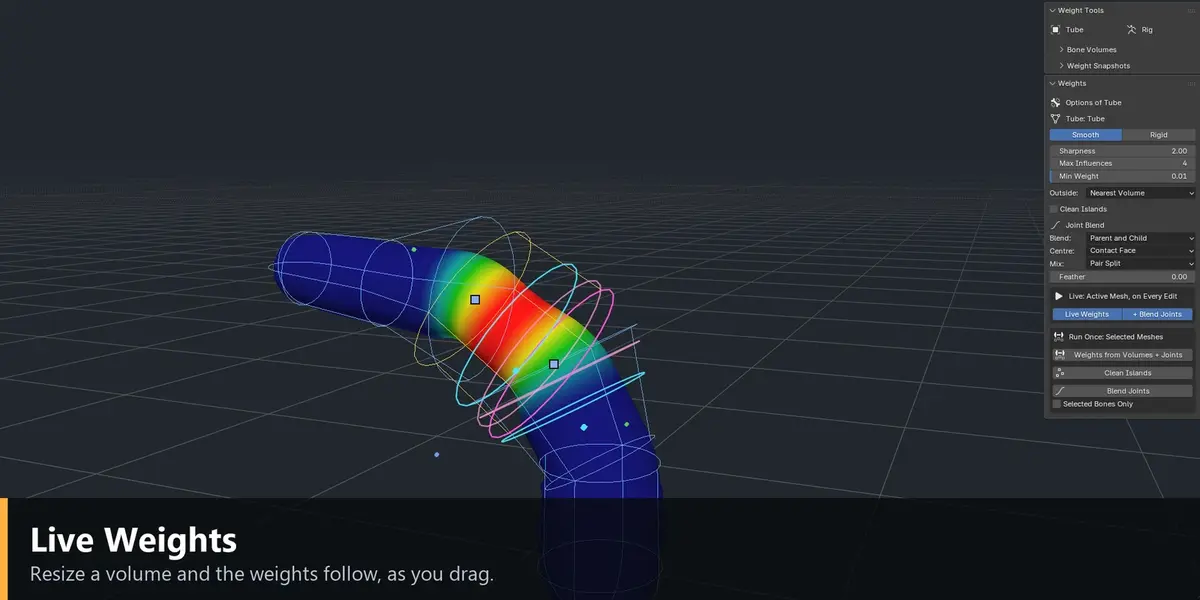
It recomputes only the vertices where the scores changed, so it stays fast on dense meshes. Because it writes into the vertex groups, save a snapshot before turning it on.
Can I undo?
Yes. Every operation is one undo step, and volume edits made with Live Weights undo together with the weights they wrote. Undo does not survive closing the file; snapshots do.
Do the pictures and videos show a real result?
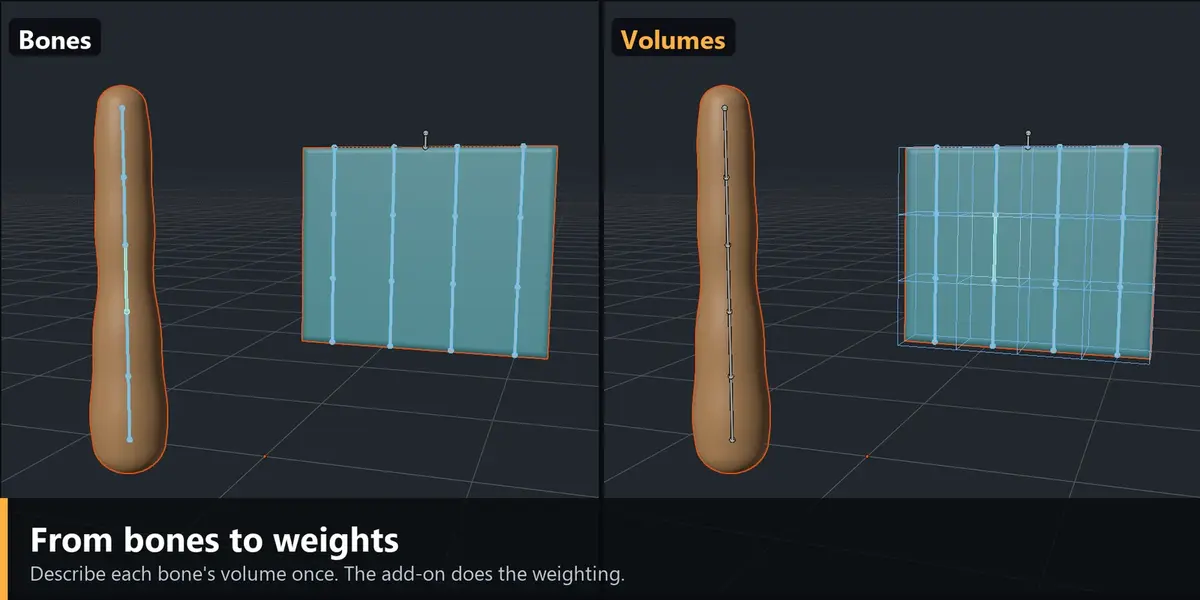
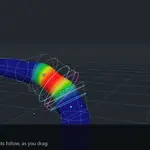
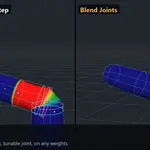
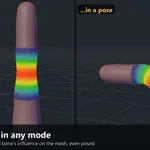
Yes. They were recorded from the add-on running in Blender, on two simple demo meshes (a tube and a flat cloth) made for this page.
Are there any dependencies or external services?
No. It is a self-contained Blender extension with no external libraries and no network access needed.
Where do I find it after installing?
Have questions about this product?
Login to message
| Blender Extension Compatible | Yes |
| Published | 2 days ago |
| Blender Version | 4.5 - 5.2 |
| Extension Type | Add-on |
| Render Engine Used | Arnold, Blender-Internal, Blender-Game-Engine, Cycles, Eevee, Freestyle, Luxrender, Mental-Ray, Octane, Vray, Yafaray |
| License | GPL |
Discover more products like this
skinning skirt rigging cloth rigging vertex weights Character rigging armature weight snapshots bone volumes weight painting joint blending auto weights