 MendWorks

Automatic skin weights that don't fail
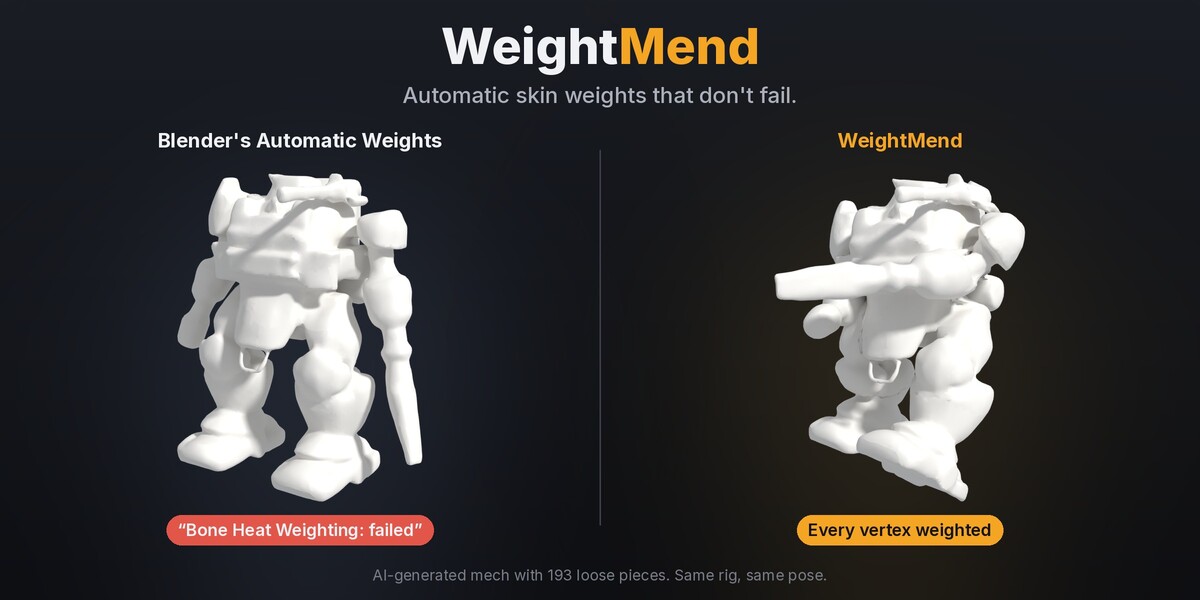
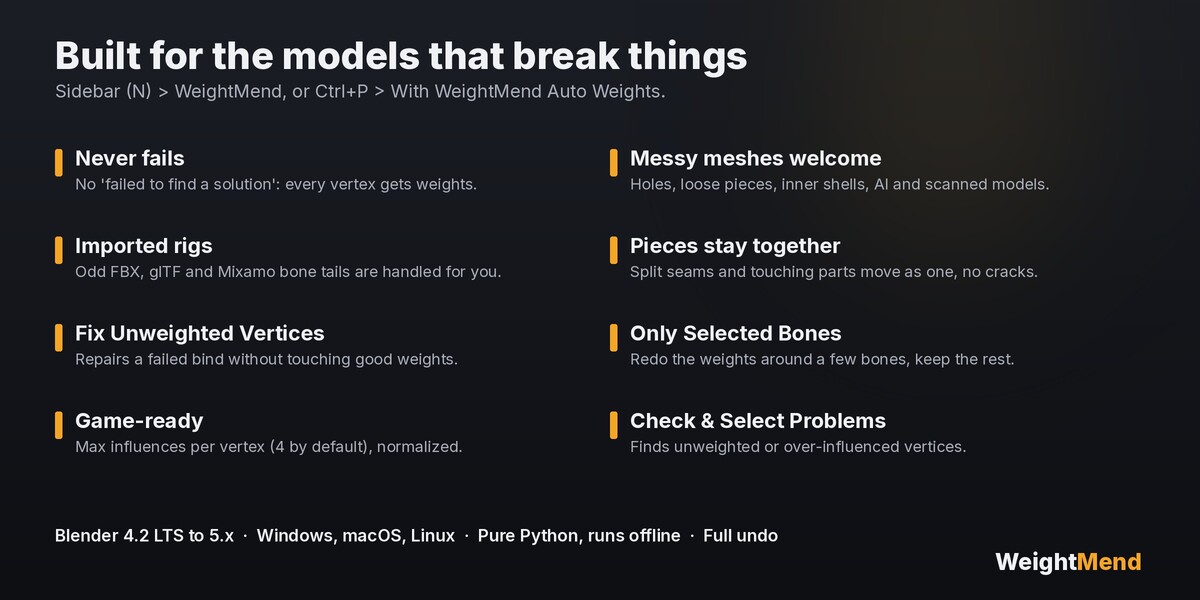
You press Ctrl+P › With Automatic Weights and get "Bone Heat Weighting: failed to find solution for one or more bones". Half the mesh stays behind when you pose it. It happens all the time with AI-generated models, scans, kitbashed characters, anything with loose pieces or holes, and with rigs imported from FBX, glTF or Mixamo.
WeightMend binds them anyway. Select your meshes, then the armature, and click Auto Weights.
Why it doesn't fail
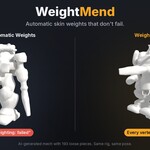
- It looks at the whole model as a solid. Bone visibility is tested against a voxel version of all selected meshes together, so holes, loose pieces, inner shells and overlapping parts don't confuse it.
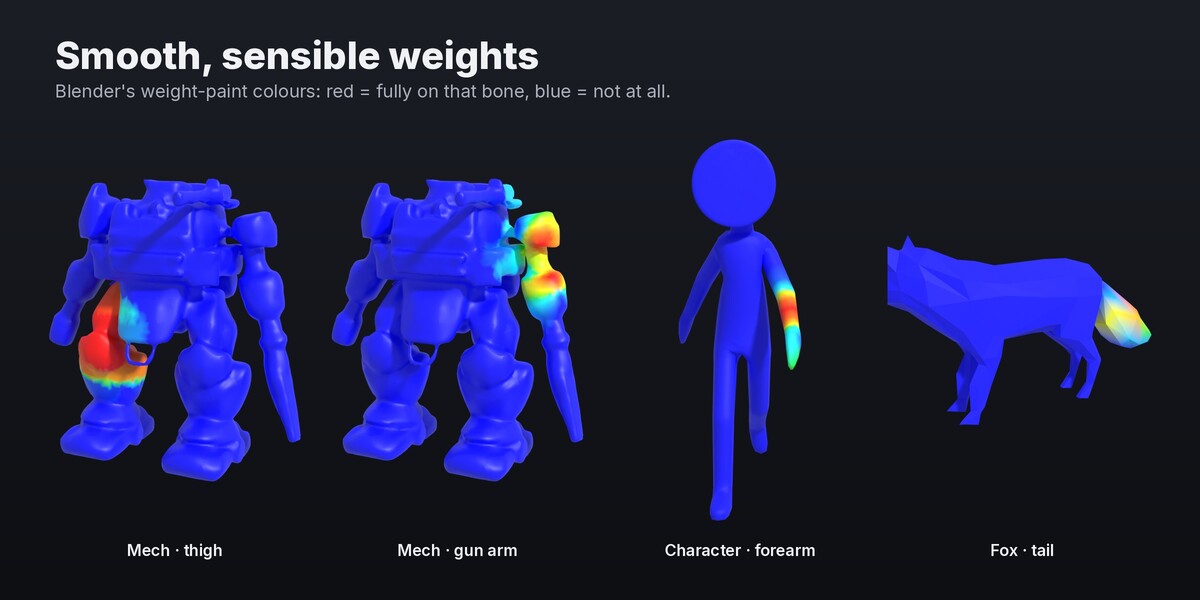
- It never gives up on the maths. The heat diffusion is solved in a way that tolerates broken, non-manifold geometry. There's no "failed to find a solution": every vertex gets weights.
- It understands imported rigs. Bones from FBX, glTF and Mixamo often have arbitrary tails. WeightMend runs each bone joint to joint, so they're weighted properly.
- Pieces stay together. Split seams and parts that touch get matching weights, so nothing cracks open when you pose.
Tested on real characters
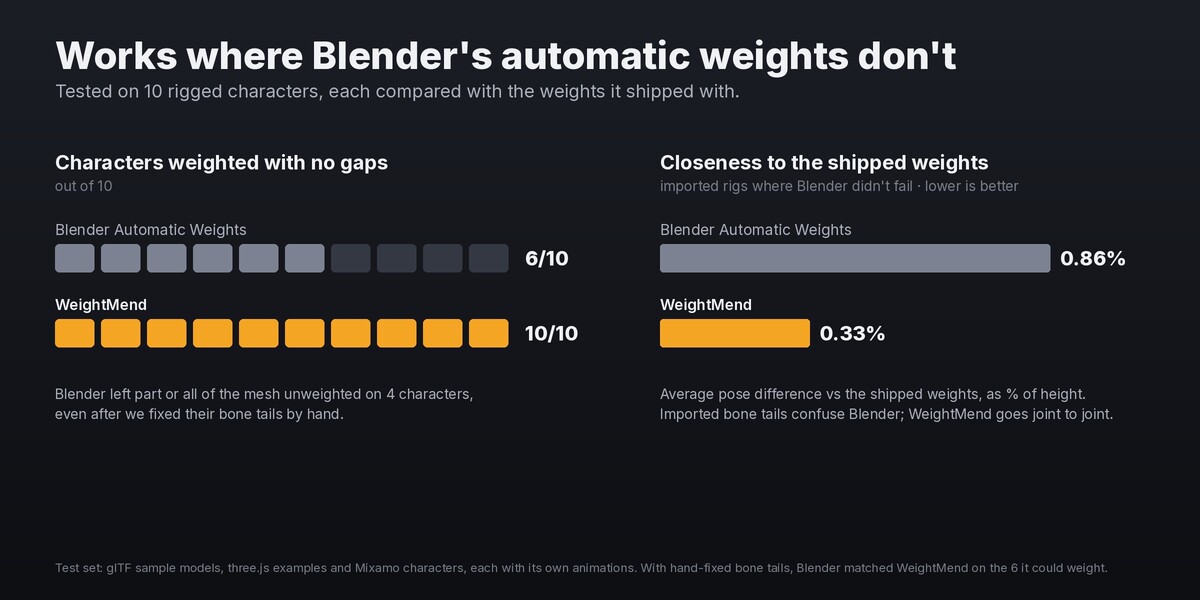
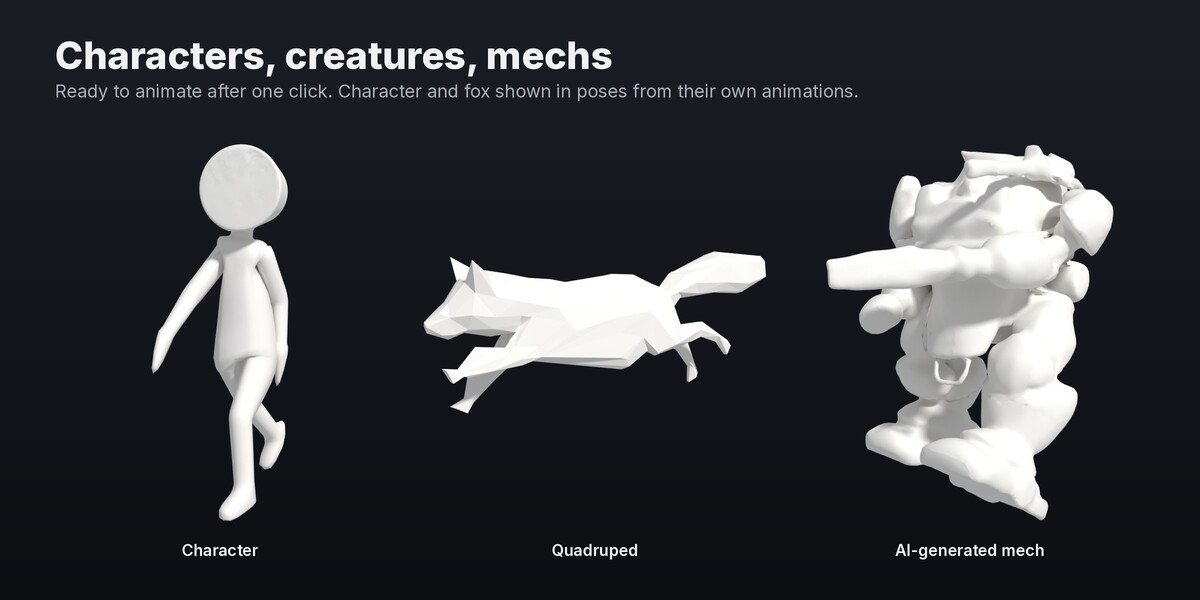
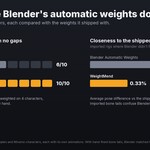
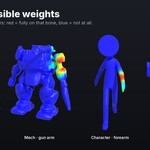
I tested it on 10 rigged characters (glTF sample models, three.js examples and Mixamo characters) and compared every result with the weights the character shipped with, in poses from its own animations:
- Blender's Automatic Weights left part or all of the mesh unweighted on 4 of the 10, even after I fixed their bone tails by hand. WeightMend weighted all 10.
- On the 6 imported rigs where Blender didn't fail, WeightMend's weights were 2.6× closer to the shipped weights on average, because the imported bone tails throw Blender off.
- With hand-fixed bone tails, Blender and WeightMend were equally close on those 6. WeightMend isn't magic on clean meshes, it's Blender-quality weights that work every time.
Features
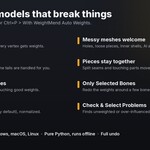
- Auto Weights for one or many meshes at once, also from Ctrl+P › With WeightMend Auto Weights
- Falloff: Soft, Balanced or Sharp blends at the joints
- Max Influences per vertex (4 by default, ready for game engines), always normalized
- Fix Unweighted Vertices: repairs a failed bind by giving weights only to vertices that have none, leaving your good weights alone
- Only Selected Bones: redo the weights around a few bones and keep everything else
- Check / Select Problems: finds unweighted or over-influenced vertices
- Parents the meshes and adds the Armature modifier for you. Full undo.
Honest limits
- It gives you a solid starting point, not hand-painted perfection. Faces, fingers and tricky shoulders may still want a touch-up in Weight Paint mode.
- Bones that don't deform (controls, IK targets) are ignored, as they should be.
- Speed: a typical game character takes a second or two. A 30,000-vertex character with 65 bones takes around 5–10 seconds.
Requirements
- Blender 4.2 LTS or newer (tested on 4.2 and 5.0)
- Windows, macOS and Linux. Pure Python, nothing to compile.
- Runs fully offline. No account and no GPU needed.
Install
- Download weightmend-1.0.0.zip. Don't unzip it.
- In Blender: Edit → Preferences → Get Extensions → ⌄ menu (top right) → Install from Disk…, then pick the zip. (Or drag the zip into Blender.)
- Press N in the 3D View and open the WeightMend tab.
Got a model it doesn't handle well? Message me through Superhive. Problem models are how WeightMend gets better.
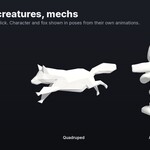
From MendWorks, the maker of QuadMend and SeamMend. Gallery models: Cesium Man © Cesium (CC-BY 4.0); Fox by PixelMannen (CC0), rigged by tomkranis (CC-BY 4.0); the mech was generated by AI.