 GPolygon Design


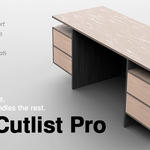
Design your furniture. WoodCutlist Pro handles the rest.
WoodCutlist Pro is a specialized Blender add-on engineered to streamline your joinery and furniture design process. By eliminating tedious technical modeling, it provides a highly customizable, production-ready workflow directly from a clean and intuitive interface.

Core Customization Tools
Control every detail of your furniture with precise, easy-to-use tools:
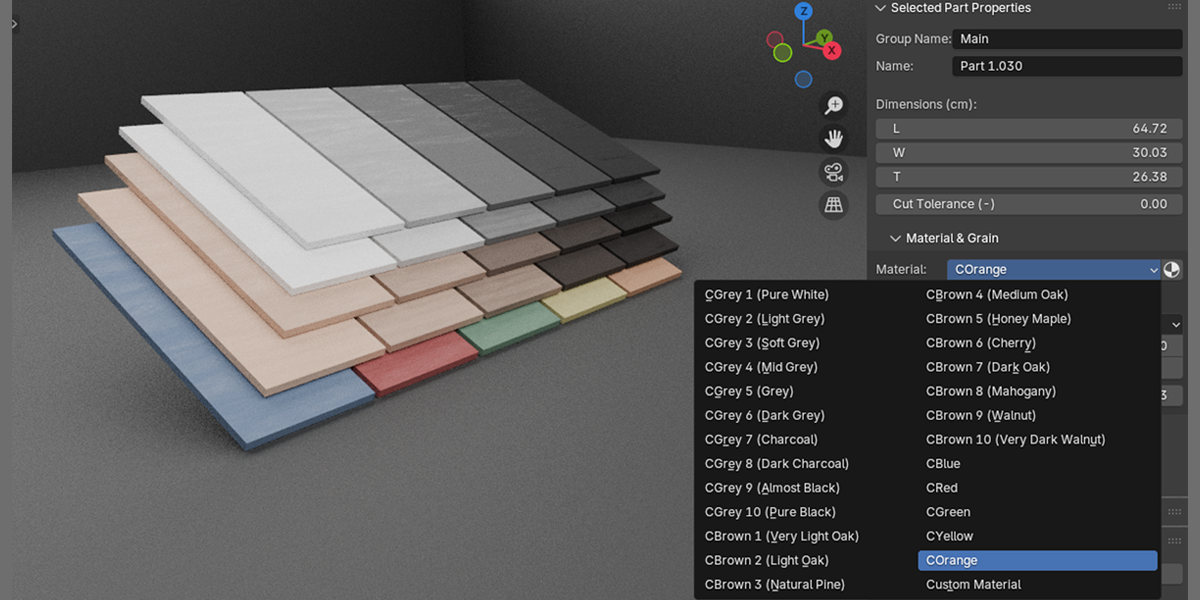
Material: Instantly assign and manage procedural or custom materials across your geometry.
Bevel: One-click control to apply realistic, uniform edge bevels.
Edge Banding: Automatically define and apply edge banding with accurate real-world thicknesses.
-
Cut Tolerance: Set precise gap tolerances for manufacturing, ensuring physical assembly works flawlessly.

Joinery & Collision Management
The heart of professional furniture design is how the parts come together. WoodCutlist Pro removes the guesswork from production with its powerful Joint and Check Collisions mechanisms.
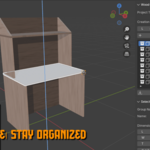
To get the most out of these tools, it is crucial that your surfaces are delivered perfectly flush and you strictly avoid intersecting objects. We highly recommend working with Blender’s native Snap tool (Shift+Tab) enabled to ensure edges and surfaces are perfectly aligned to zero before applying joint calculations.
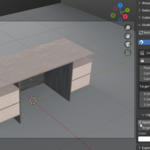
Precise Joint Creation: Parametrically generate complex wood joints and connection details.
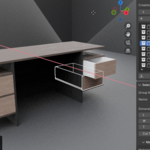
Check Collisions: Automatically analyze your scene for hidden intersections and overlapping geometries.
Snap-Ready Workflow: Fully compatible with Blender's snapping tools for flush, error-free surface alignment.
-
Assembly-Ready Precision: Real-world joint gaps and offsets are calculated to prevent physical clashes.

Scene, Lighting & Presentation
Designing your model is only half the job; presenting it under the right light and with realistic colors reveals the true quality of your project. WoodCutlist Pro drastically speeds up your presentation process with its built-in environment setups.
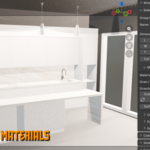
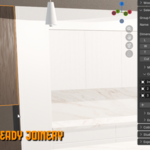
Pre-made Studio Scenes: Drop your designs into optimized, ready-to-render studio environments.
Professional Lighting Setups: Pre-configured lighting designed specifically to highlight wood textures, bevels, and joinery details.
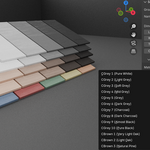
Built-in Material Library: High-quality, instant-apply materials for wood finishes and edge banding.
-
Rapid Color Variations: Change colors and textures on the fly to present multiple design variations to clients in seconds.

The Ultimate Export Workflow
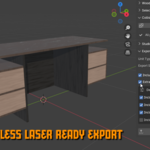
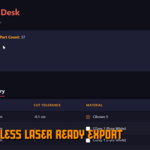
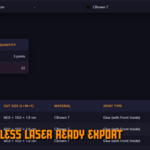
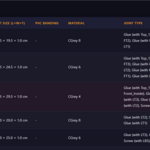
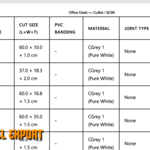
Most importantly, what happens when the design is finished? WoodCutlist Pro doesn't just create models that look good on screen; it is heavily focused on generating Export-ready data that can be seamlessly transferred to other software or sent to manufacturing.
Production-Ready Geometry: Exports clean topology with all cut tolerances and edge banding thicknesses permanently applied.
Engine-Agnostic Transfer: Optimized data output for seamless transition into Unreal Engine, Substance Painter, or other external rendering software.
Hierarchy & Naming Preservation: Automatically maintains your object naming, material slots, and component hierarchies during export.
-
True-to-Scale Accuracy: 100% 1:1 real-world scale translation, providing a flawless foundation for CNC machines and cut-list software.


Need Help or Found a Bug? I actively develop and maintain Wood Cutlist Pro. If you encounter any errors, have feature requests, or need help integrating the CSV files into your specific CNC software, please don't hesitate to reach out.
Email Support: [email protected]
Please include your Blender version and a screenshot of the WCP N-Panel or system console when reporting a bug. I aim to respond within 24-48 hours.