Zbrush Bridge
 Tachyon Studio
What does the ZBrush bridge do?
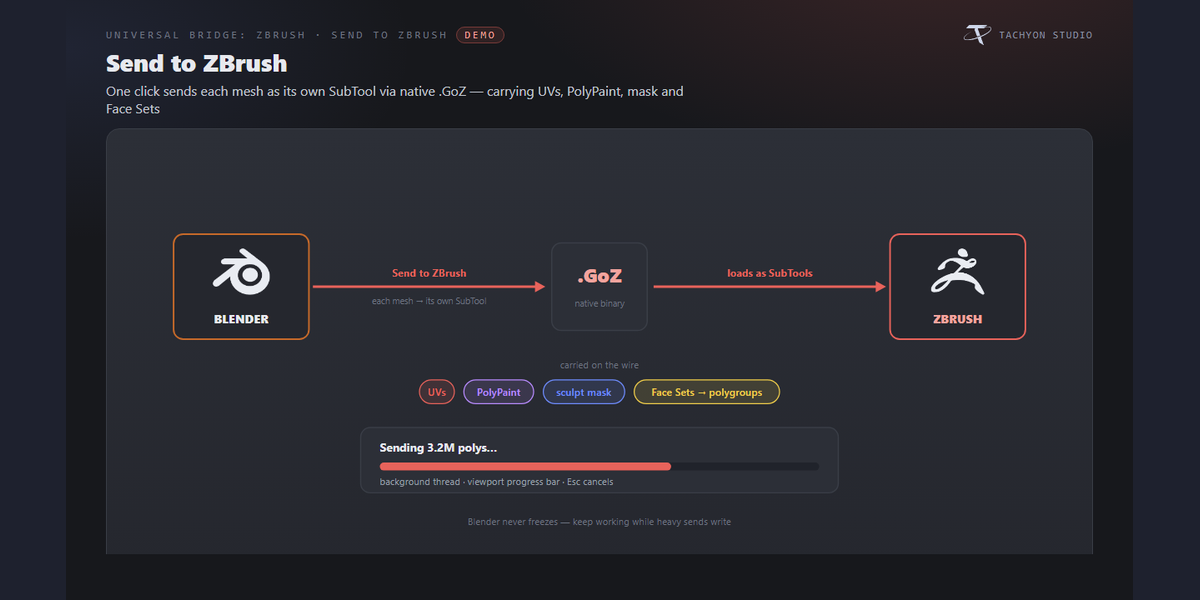
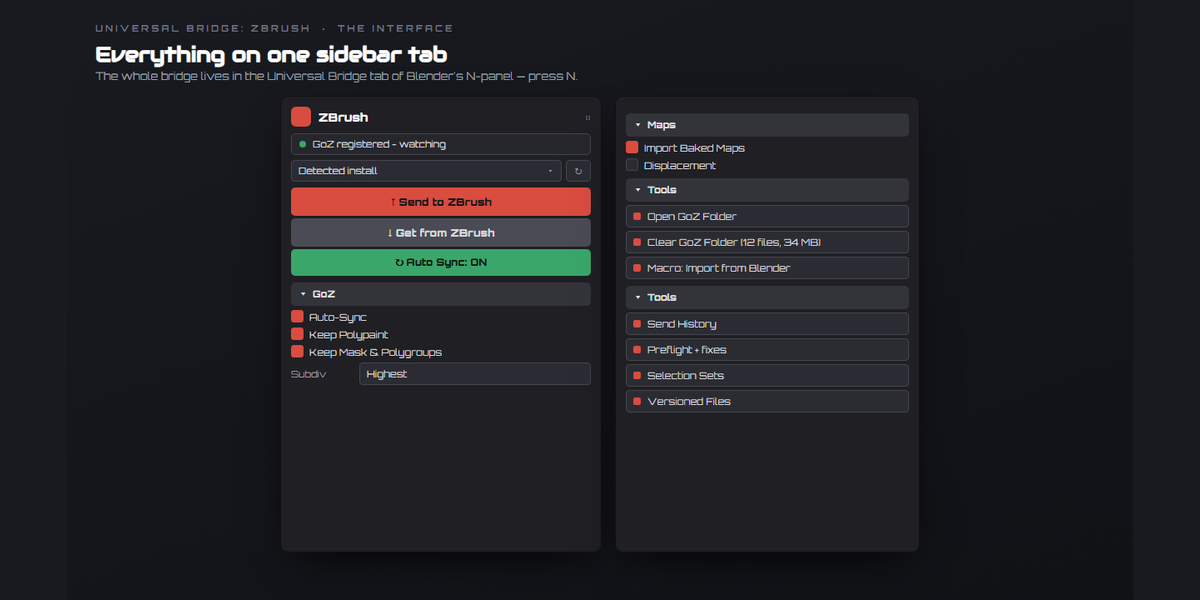
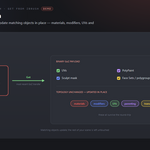
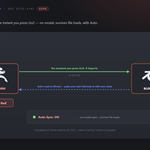
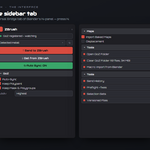
Send your meshes to ZBrush as GoZ SubTools, sculpt, and get the result back onto your Blender meshes — with UVs, PolyPaint, the sculpt mask and Face Sets carried both ways. It reuses a running ZBrush (or launches the version you pick), imports the moment you press GoZ, and can push your Blender edits back hands-free.
Is this GoZ, or does it replace GoZ?
It uses ZBrush's own GoZ transfer. The bridge registers Blender as a GoZ target, then reads and writes ZBrush's native binary `.GoZ` files directly — so you get the real GoZ round-trip (UVs, PolyPaint, mask, polygroups), driven from a Blender panel with auto-sync and a live push on top.
What data comes across?
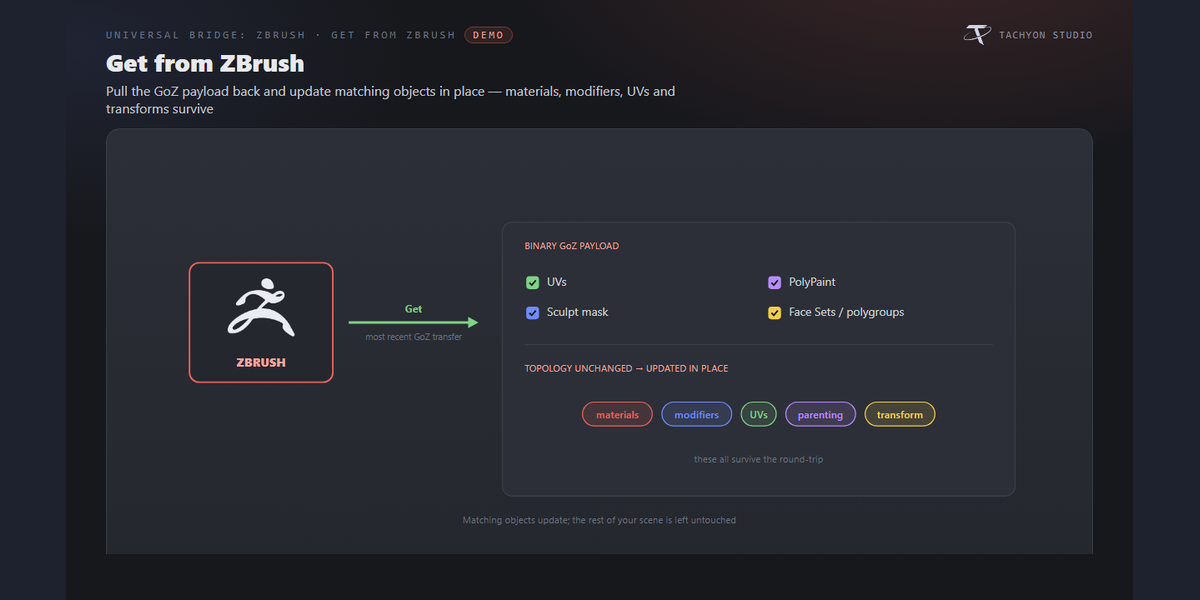
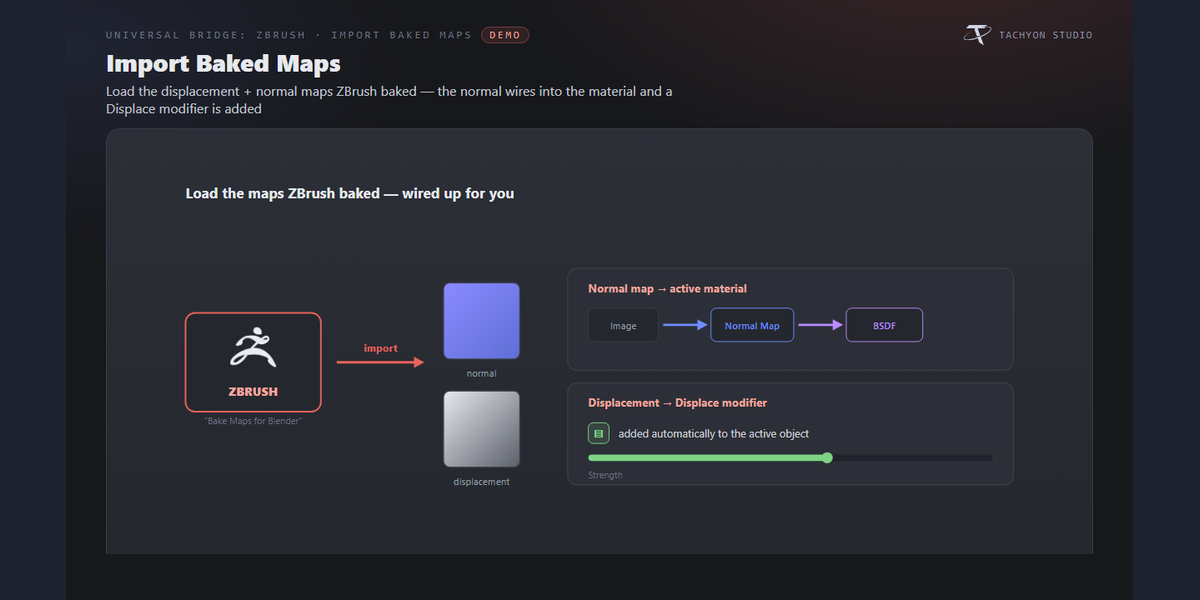
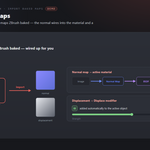
Both ways: geometry, UVs, PolyPaint (as a vertex-colour attribute), the sculpt mask, and Face Sets (as polygroups). On the way back, the displacement and normal maps you bake in ZBrush can be imported too, wired into your material with a Displace modifier added automatically.
Do I need to set anything up in ZBrush?
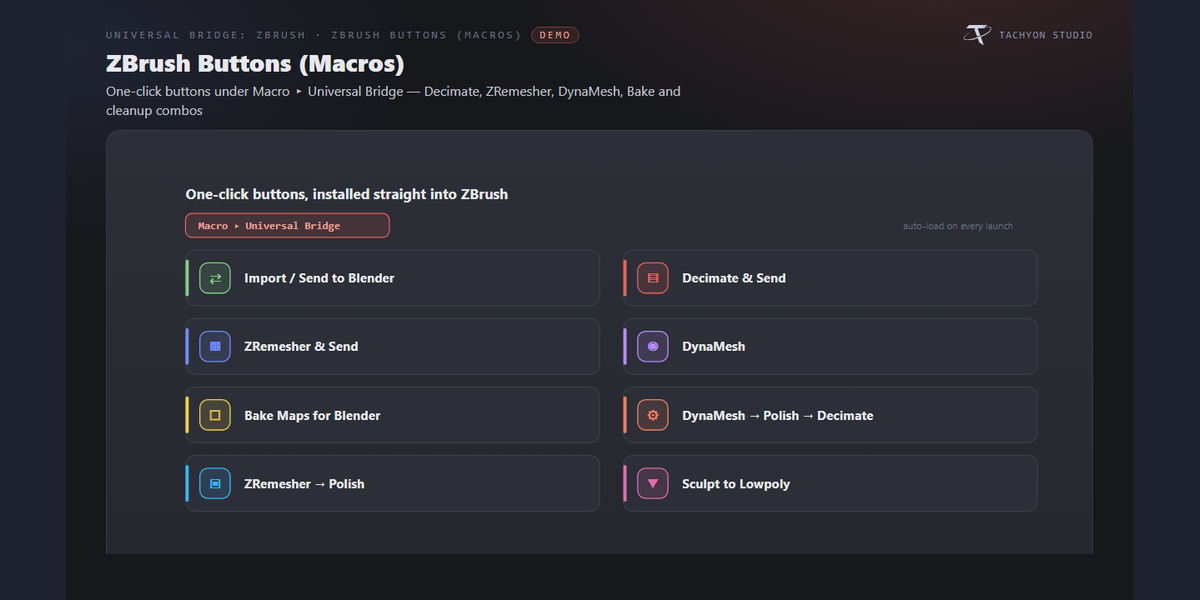
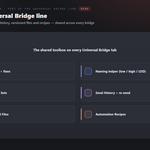
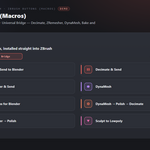
Once: run GoZ in ZBrush so it creates its folders, then click Register Blender with GoZ in the panel. To get the extra one-click buttons (Decimate & Send, ZRemesher & Send, DynaMesh, Bake Maps…), use Install ZBrush Buttons and restart ZBrush — they load automatically under Macro ▸ Universal Bridge from then on.
Does it import automatically when I press GoZ?
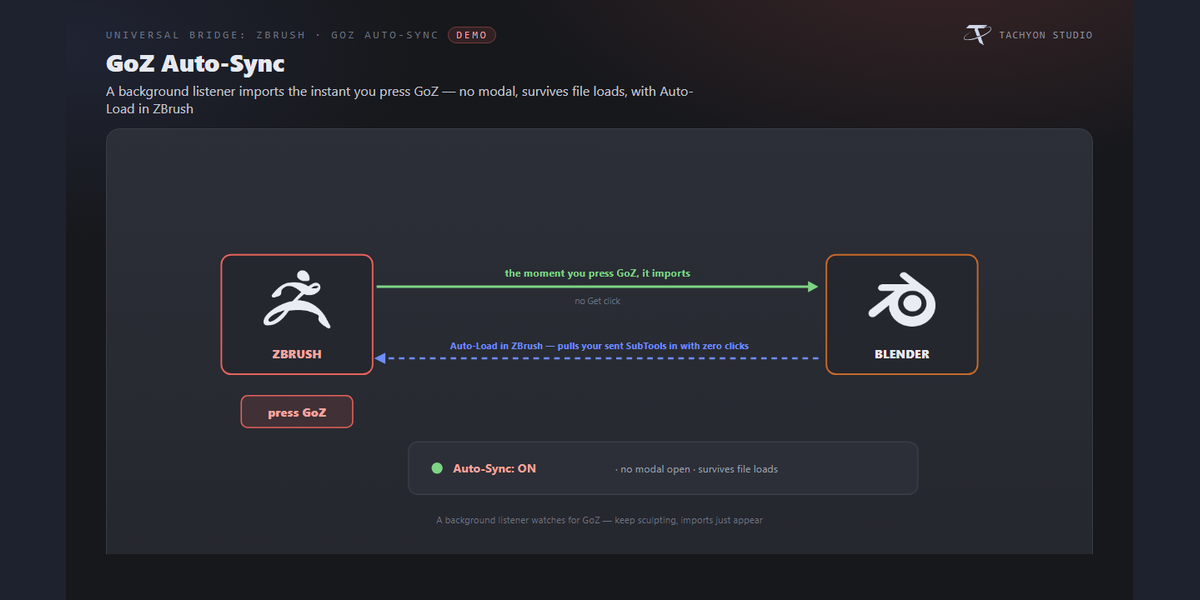
Yes. Turn on GoZ Auto-Sync and the bridge imports whatever you send from ZBrush the instant you press GoZ — no clicking Get. It runs in the background and survives loading a different .blend.
Can edits in Blender push back to ZBrush automatically?
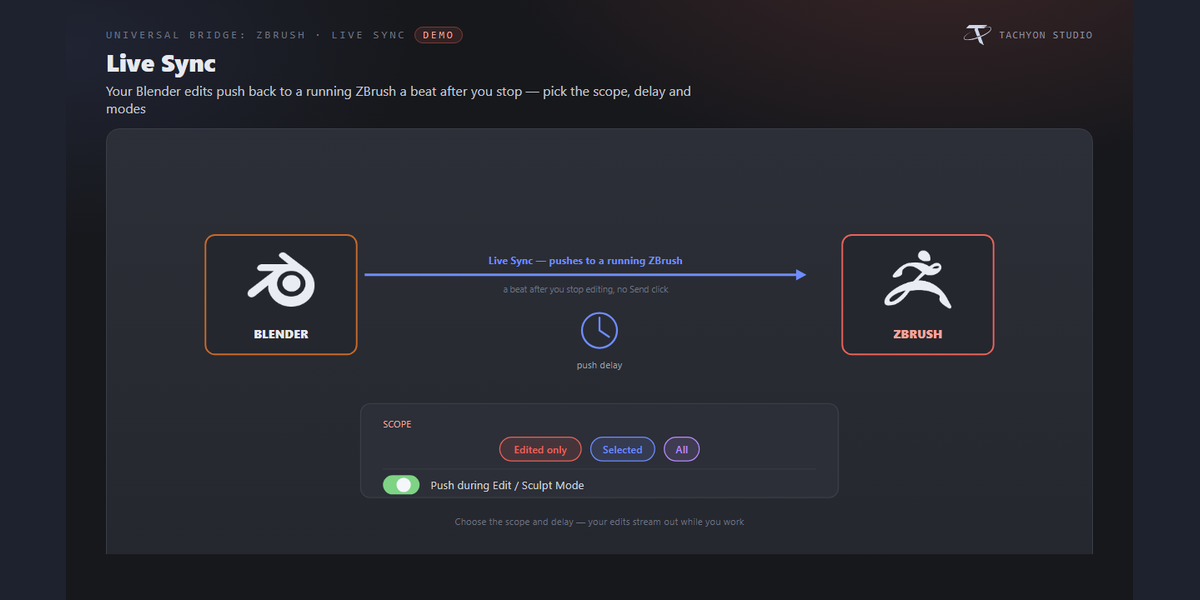
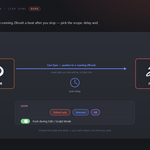
Yes. With a sync running, Live Sync auto-sends a mesh to ZBrush a beat after you finish editing it. You choose the scope (edited only, selected, or all meshes), the delay, and whether it fires while you're still in Edit/Sculpt Mode. It's off by default.
Will a Get overwrite my materials and modifiers?
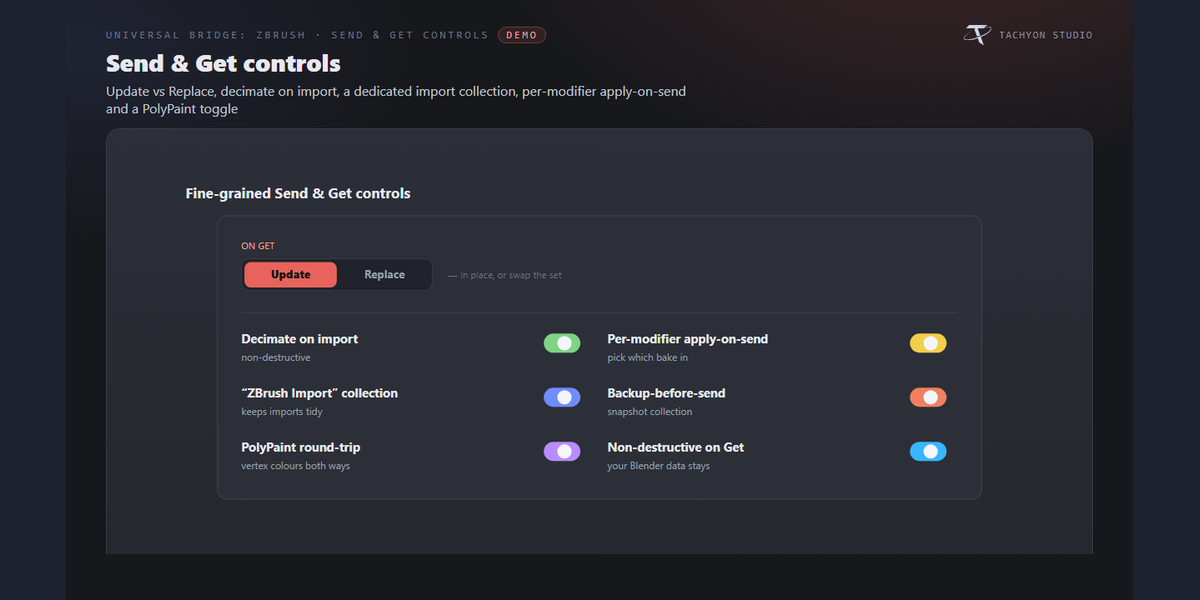
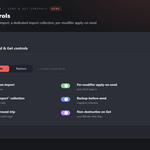
No — when a mesh returns with unchanged topology, Update In Place refreshes just the vertices and attributes, so materials, modifiers, UVs, parenting and transform all survive. Only when topology changes is the object rebuilt (its transform is kept). You can also choose Update-vs-Replace per Get.
Won't a huge multi-million-poly sculpt freeze Blender?
Heavy sends run on a background thread with a viewport progress bar, so Blender stays responsive (press Esc to cancel); light sends stay instant. On import you can add a non-destructive Decimate modifier to keep dense sculpts fast in the viewport while the full-resolution data is kept.
What are the ZBrush "and Send" buttons?
Optional one-click macros the bridge installs into ZBrush: Decimate & Send, ZRemesher & Send, DynaMesh, Bake Maps for Blender, plus cleanup combos like DynaMesh → Polish → Decimate and Sculpt to Lowpoly. Each one runs the ZBrush operation and exports straight back to Blender. Their target values come from the panel.
Which Blender versions are supported?
Blender 3.3 through 5.2. On 4.2+ it installs as a modern Extension; on 3.3–4.1 as a classic add-on. Windows.
Which ZBrush versions work?
ZBrush with GoZ — Pixologic ZBrush 2021+ and Maxon ZBrush 2025+. It auto-detects installs under Program Files (both the Maxon and Pixologic folder layouts) and lets you pick which one to use, or point it at a Custom executable. ZBrush is ZBrush is required and sold separately. You need your own licensed copy from Maxon. No ZBrush licence is included with this product - it is the Blender-side bridge only, and is not affiliated with, endorsed by, or a reseller of Maxon.
Can I use it for commercial work?
Yes. Like all Blender add-ons it's licensed under the GPL, so you can use it in any commercial project. ZBrush is ZBrush is required and sold separately. You need your own licensed copy from Maxon. No ZBrush licence is included with this product - it is the Blender-side bridge only, and is not affiliated with, endorsed by, or a reseller of Maxon.
Does it work on macOS or Linux?
Currently Windows only.
Do I need ZBrush, and is a licence included?
You need your own ZBrush - it is sold separately by Maxon and is not included with this product. This add-on is the Blender side of the bridge only, and is not affiliated with, endorsed by, or a reseller of the vendor. It is also Windows only: macOS and Linux are not supported.
Can I change the icons, or turn them off?
Yes. Preferences ▸ Button Icons offers Brand Colours (the default, each bridge in its own colour), Mono with a colour swatch you pick, and Blender Built-ins if you would rather have no custom icons at all. Colour-code Status decides whether link and modifier icons keep their green / amber / red. The icons are drawn from masks and tinted as they load, so any colour stays crisp.
-
$5.99 $7.99
One-person license for hobby and professional work.
-
$11.99 $15.99
The complete add-on with a business license for up to five members of one studio or production team.
Have questions about this product?
Login to message