 Tachyon Studio


ZBrush Bridge
Send your meshes to ZBrush as SubTools, sculpt, and get the result back — with UVs, PolyPaint, the sculpt mask, Face Sets and your creases carried both ways. A true two-way bridge that reads and writes ZBrush's own binary GoZ format, and ships its own ZPlugin route for when GoZ is missing or bound to the wrong ZBrush. It reuses (or launches) the version you pick, imports the instant you press GoZ, and pushes your edits back hands-free while you work. Heavy sends run on a background thread, so Blender never freezes.
| Two-Way Bridge | Live Auto Sync | ZBrush Ready |
| ⚠ | Before you buy — ZBrush is not included with this product. This add-on is the Blender side of the bridge only. It drives ZBrush; it is not ZBrush, and it does not come with any software or licence from Maxon. You must buy your own ZBrush licence separately, directly from Maxon (maxon.net). If you do not already own ZBrush, this add-on has nothing to talk to. Tachyon Studio is not affiliated with, endorsed by, or a reseller of Maxon. Windows only — macOS and Linux are not supported. |
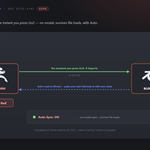
A true bridge that reuses your running ZBrush, launches it if it is closed, and keeps your Blender scene the source of truth.
|
BLENDER
1 · Send
Selected meshes open in ZBrush.
|
ZBRUSH
2 · Work
Do your thing — auto or by hand.
|
BLENDER
3 · Get
The result lands back in Blender.
|
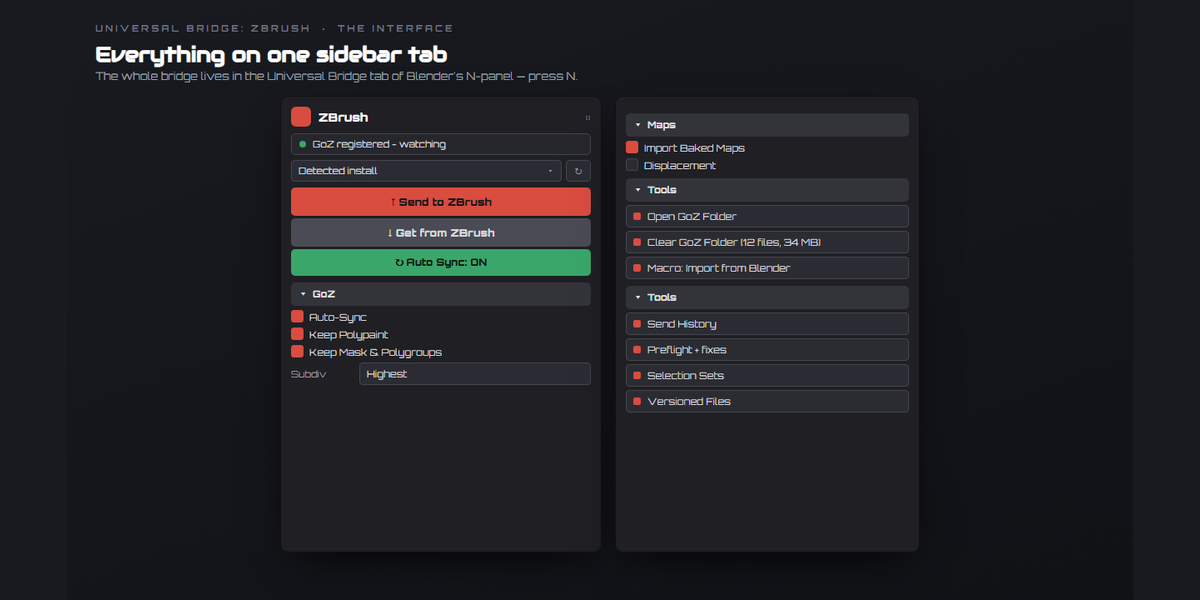
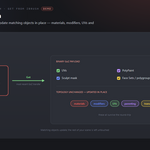
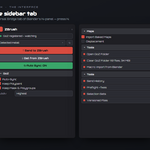
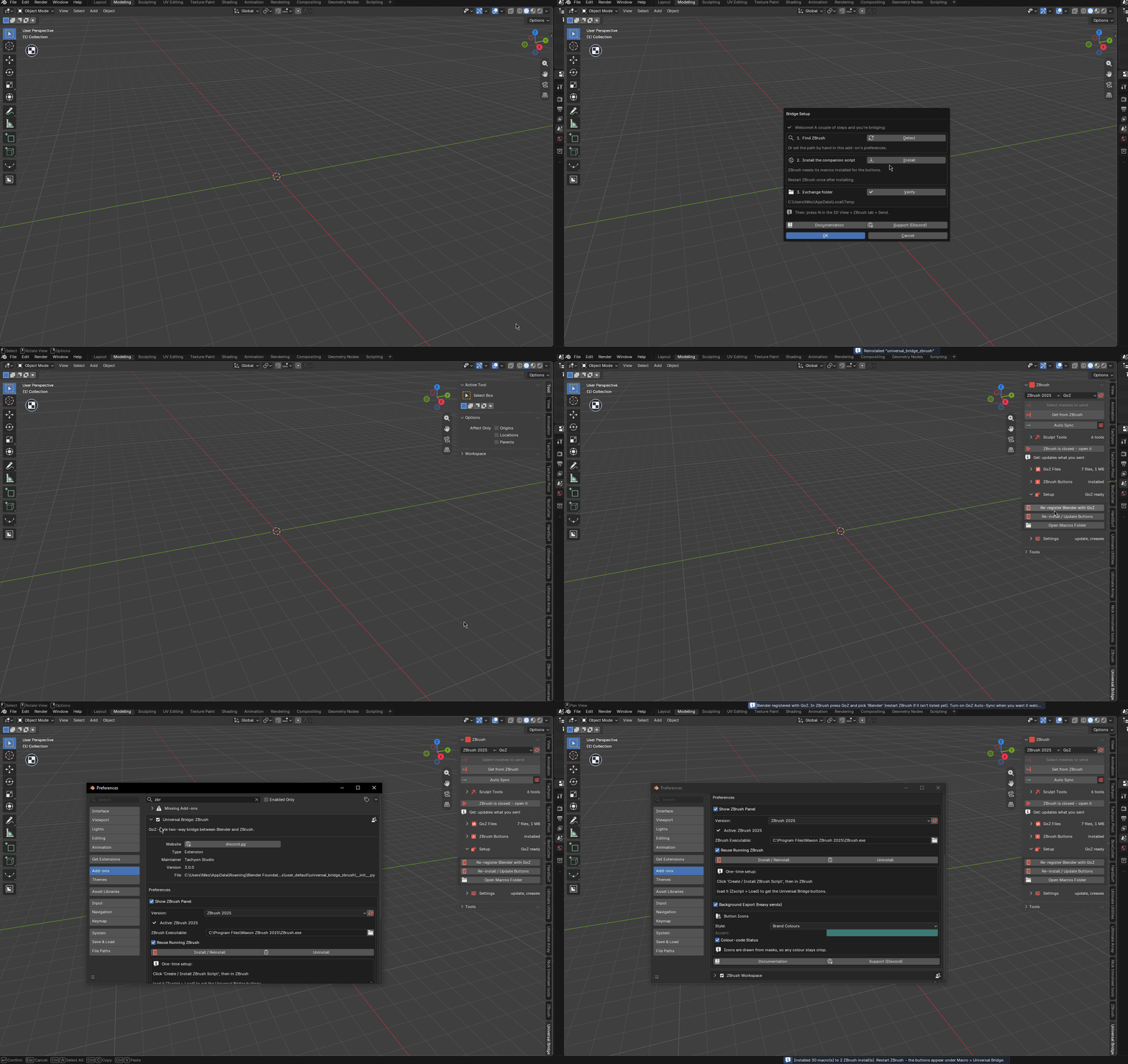
Everything lives on one Universal Bridge tab in the sidebar — press N.

Everything in one sidebar tab
|
Send to ZBrush
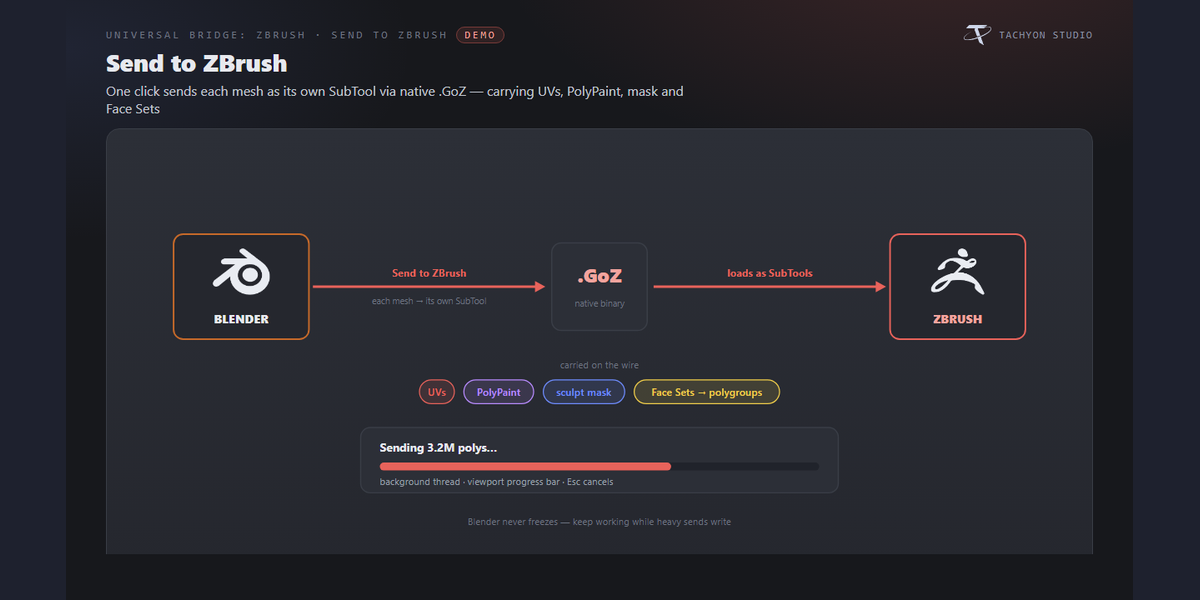
One click sends each selected mesh as its own SubTool via native .GoZ files, carrying UVs, vertex colours (as PolyPaint), the sculpt mask and Face Sets (as polygroups). Multi-million-poly sends write on a background thread with a viewport progress bar (Esc cancels), so the UI stays responsive.
|
Get from ZBrush
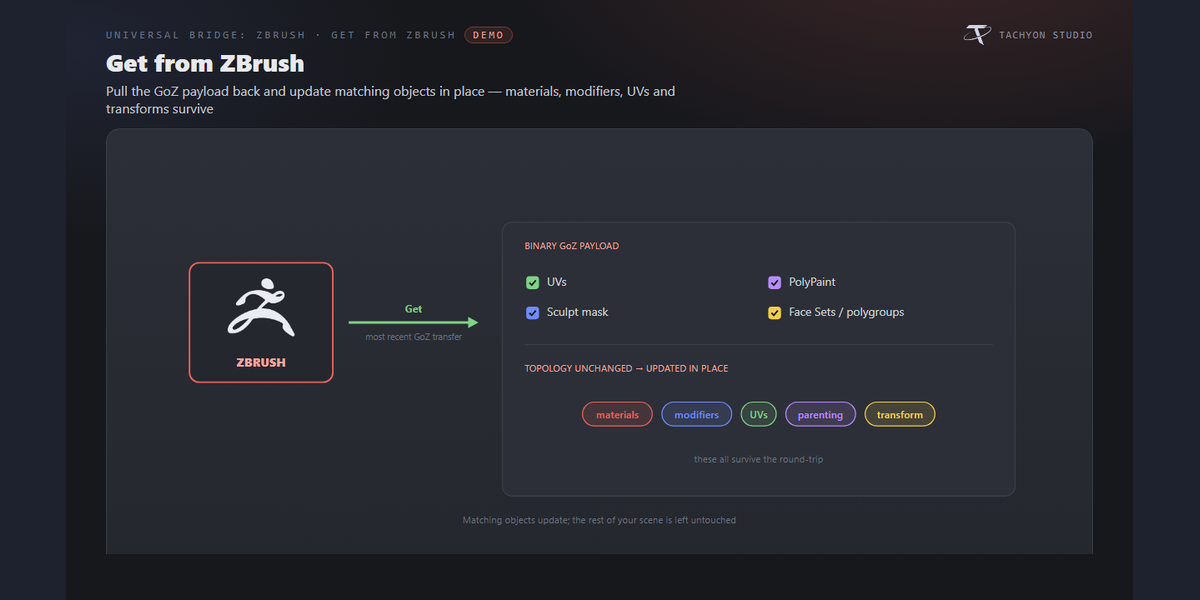
Pull the most recent GoZ transfer back with the full binary payload (UVs, PolyPaint, mask, polygroups). When topology is unchanged, matching objects are updated in place — materials, modifiers, UVs, parenting and transform all survive.
|
|
Two ways across, and the panel knows the difference
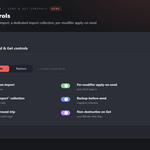
Send by GoZ, or by the add-on's own ZPlugin when GoZ is missing, broken or pointed at another ZBrush. Both send the same mesh. What changes is what can come back: PolyPaint, the mask and polygroups return only over GoZ, so every control that depends on them greys itself out and says "Comes back only over GoZ." instead of quietly doing nothing. If GoZ opens a different ZBrush, the panel names it and Fix points GoZ at the one you picked.
|
Creases, both directions
GoZ has no crease channel, which is why a sculpt normally comes back from ZBrush with every crease gone. So the bridge uses the channel GoZ does have: creased edges are sent as polygroup borders, and ZBrush creases them itself with its own Crease PG — automatic on Import from Blender, or one macro button any time. Your creases are kept on the Blender side too and put back when the mesh returns, same edges, same weights. After a remesh they go back by position within a tolerance you set, or are honestly left off.
|
|
Subdivision levels
Send From Level picks the level ZBrush exports — current, base or highest — and puts yours back afterwards. Rebuild Levels On Import has ZBrush reconstruct its levels on the way in, so a mesh you subdivided in Blender arrives with those levels instead of as one dense cage.
|
ZBrush layers as shape keys
Press Send Layer as Shape Key in ZBrush, then Layer to Shape Key in Blender, and the sculpt layer lands as a shape key on your mesh — blend it, mix it, or throw it away. Your layer strength in ZBrush is left as you had it. It needs the topology unchanged, and says so when a DynaMesh or ZRemesher broke the match.
|
|
Topology rescue
When ZBrush changes the topology (DynaMesh, ZRemesher, a subdivided export), Rescue UVs and Weights re-projects your UV maps and vertex-group weights onto the new mesh instead of losing them with the old one. On by default.
|
GoZ Auto-Sync
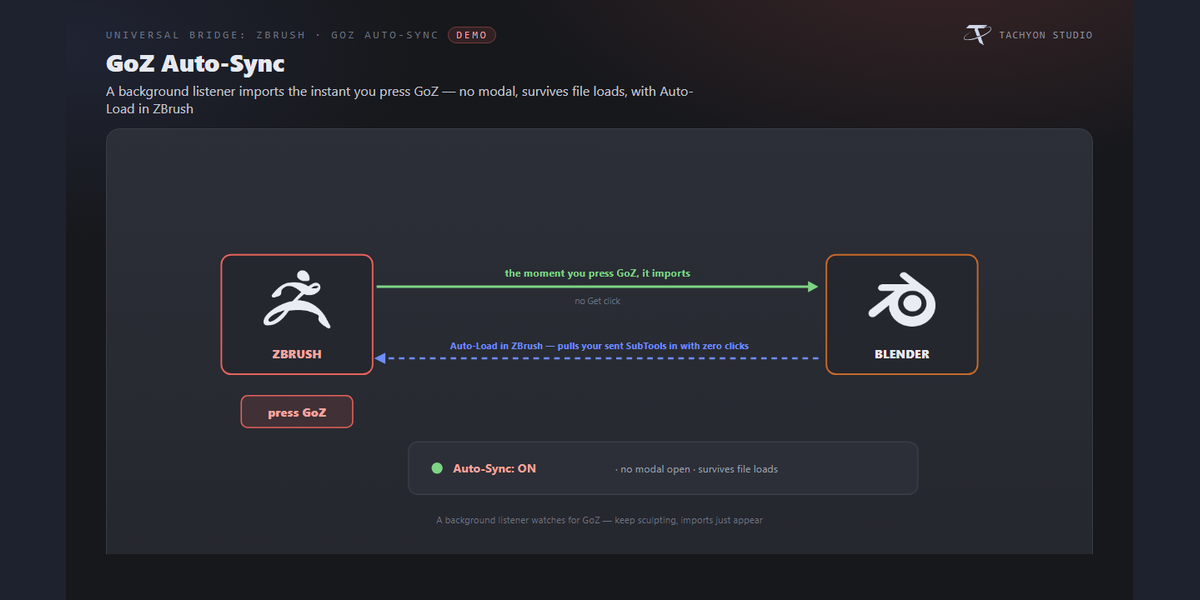
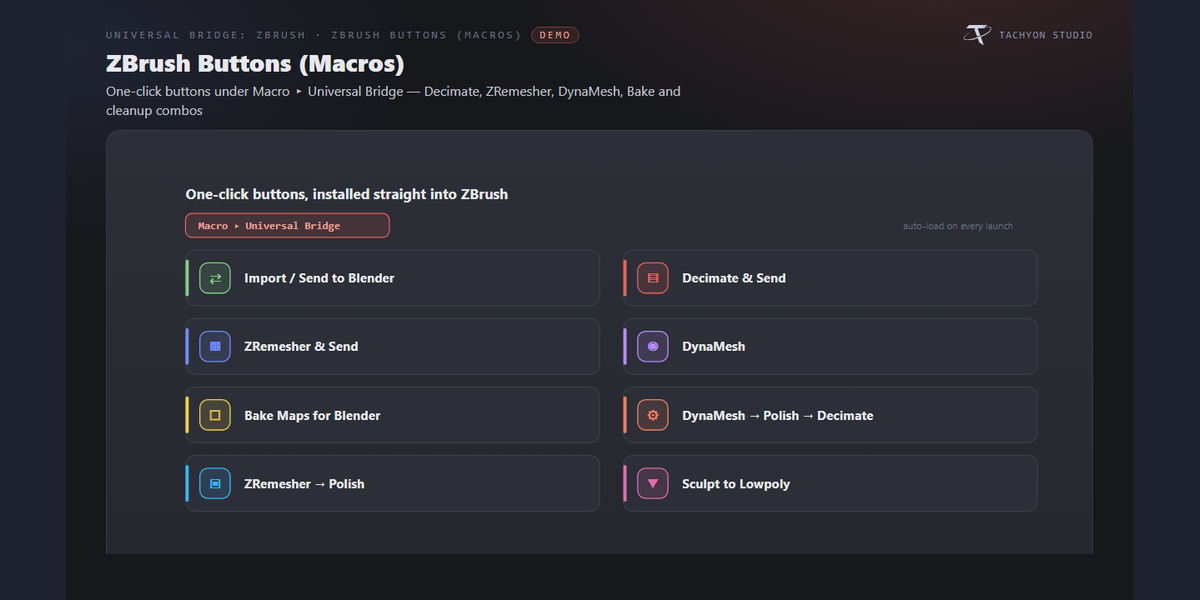
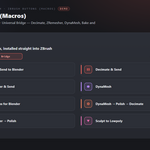
A background listener imports automatically the moment you press GoZ in ZBrush. It runs without keeping a modal open and survives file loads. Coming the other way, your send is written instantly and lands in ZBrush from Macro ▸ Universal Bridge ▸ Import from Blender — one keypress if you bind it to a hotkey.
|
|
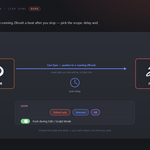
Live Sync
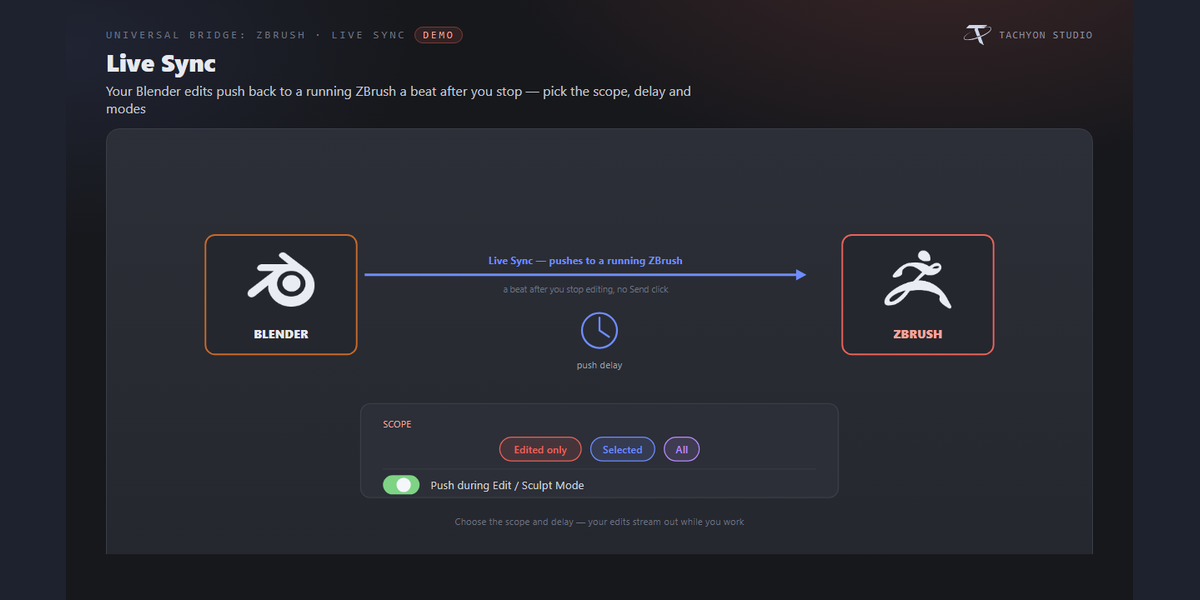
While a sync is on, edits in Blender push back to a running ZBrush a beat after you stop editing — no Send click. Choose the scope (Edited only / Selected / All), the push delay, and whether to push mid-Edit/Sculpt Mode, all behind the gear beside Auto Sync.
|
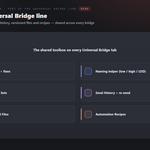
Sculpt tools that need no ZBrush
Six of them, in their own Sculpt Tools folder: Preflight, Bake Sculpt, To Multires, LODs Here, Tex to Paint and Sculpt Check. LODs Here builds
_LOD50, _LOD25… copies with Blender's own Decimate. Tex to Paint samples your Base Color image into vertex colours ZBrush can paint on. Preflight and Sculpt Check catch what bites later: unapplied scale, a missing UV map, non-manifold edges, a mesh that is not actually symmetric (with a one-click symmetrize), wildly uneven polygon density. |
What's new in 3.0.0
Everything below arrived after 2.0 and is gathered here, because if you bought this at 2.0 it is what you have been missing. Nothing was removed, and no file you made with 2.x needs converting.
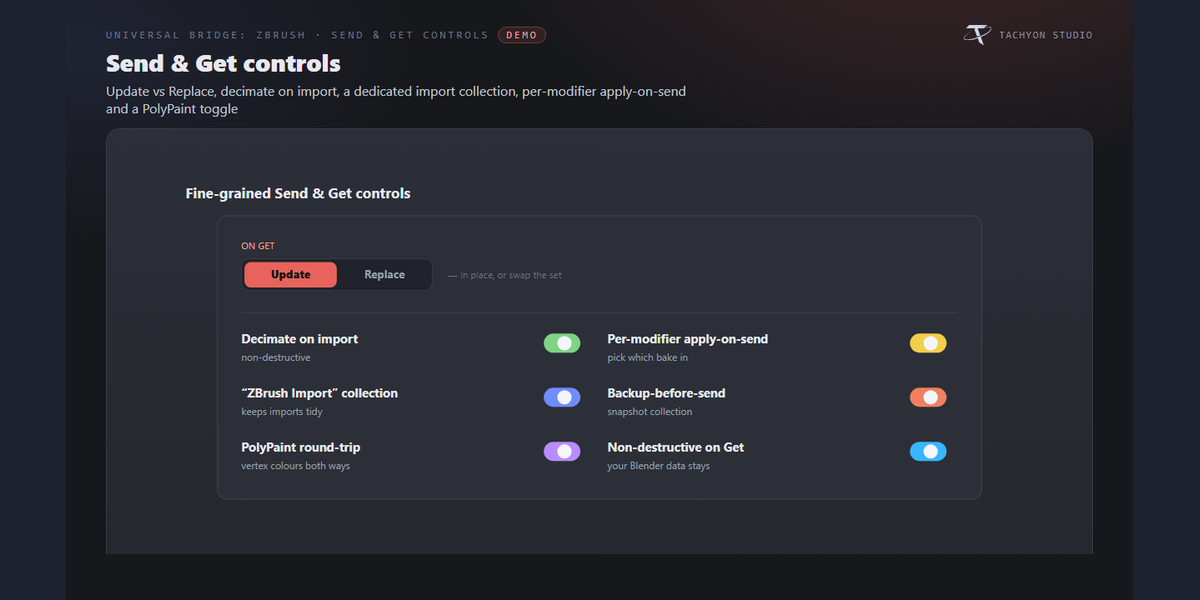
- Send Via: GoZ or our own ZPlugin
- The panel knows what each route can carry
- GoZ pointed at the wrong ZBrush is visible, and fixable
- GoZ not set up yet?
- Subdivision levels
- ZBrush layers as Blender shape keys
- Topology rescue
- Sculpt to Multires
- Send Selected Faces
- Creases, both directions
- Mask as Vertex Group
- Bake Sculpt
- LODs Here
- Tex to Paint
- Sculpt Check
- Preflight, on this panel
- Normalise Scale for Sculpting
- Report What Changed
- Vertex Budget
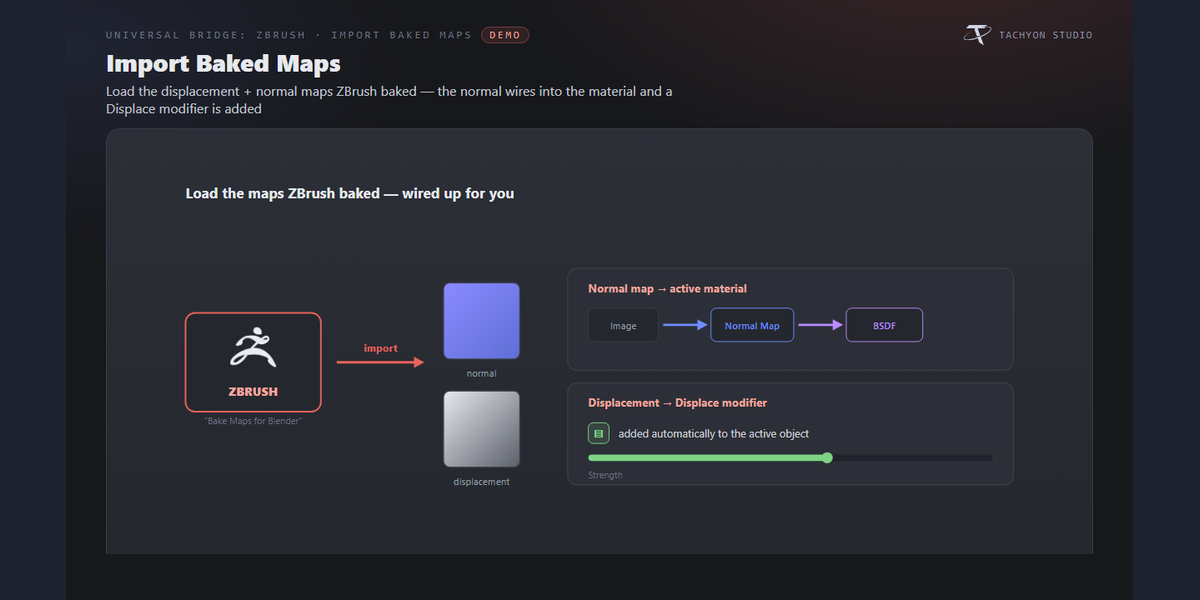
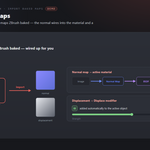
- PolyPaint arrives as a real texture
- A ZPlugin panel inside ZBrush
- Send, Get and Auto Sync are the top of the panel
- The six sculpt tools are legible
- The settings are folders, not a list of twenty-one switches
- Every folder header reports
- Taller folder headers
- Ten new icons
- Meshes arrived in ZBrush lying on their back
- Creases were never restored on the GoZ path
- Linked copies keep up
- Auto Sync notices the Send to Blender macro
- The GoZ folder can be cleared from the panel, with the size it will free.
- Updating the add-on while it is enabled no longer fails on Windows with "Access is denied", and an update that already failed that way can be finished from the Manager.
Installation
Set up once - a few minutes, start to finish.


_LOD50, _LOD25… copies with Blender's own Decimate. Tex to Paint samples your Base Color image into vertex colours ZBrush can paint on. Preflight and Sculpt Check catch what bites later: unapplied scale, a missing UV map, non-manifold edges, a mesh that is not actually symmetric (with a one-click symmetrize), wildly uneven polygon density.


_Part object in the same place, so your original is never cut apart; join the part back when you are done.


Requirements & Setup
|
PLATFORM
Windows only. The add-on detects and launches ZBrush through Windows paths and processes. macOS and Linux are not supported.
|
BLENDER
Blender 3.3 - 5.2 - Extension on 4.2+, classic add-on on 3.3-4.1.
|
LICENCE
ZBrush is required and sold separately. You need your own licensed copy from Maxon. No ZBrush licence is included with this product - it is the Blender-side bridge only, and is not affiliated with, endorsed by, or a reseller of Maxon.
|
|
ZBRUSH
ZBrush 2021 or newer — Pixologic or Maxon, auto-detected under
Program Files; pick the install in the dropdown or set the executable by hand. The ZPlugin route works without GoZ. |
NETWORK
Network: none. Blender and ZBrush exchange files on your own machine - the add-on opens no network connection.
|

| Join the Discord — Questions, Support & 10% Coupon | More by Tachyon Studio |
THE TACHYON STUDIO COLLECTION
Go beyond
ZBrush Bridge.
Bake the sculpt, prepare UVs and continue into Maya.
FROM MESH TO BAKE
Marmoset Toolbag Bridge
Bake in Toolbag and bring the finished maps into Blender.
Build out your workflow.
Optional tools for your workflow.
MAKE ROOM FOR DETAIL
RizomUV Bridge
Unwrap in RizomUV and return UVs to Blender.
CONNECT YOUR MAYA WORKFLOW
Maya Bridge
Send to Maya and return all data, mesh changes or UVs.
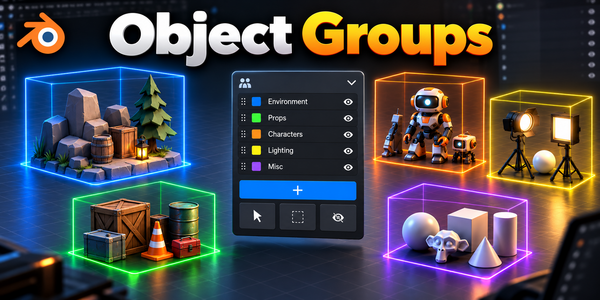
ORGANIZE THE ASSEMBLY
Object Groups
Organize assemblies with nested groups and selection sets.
There is more in the studio.
See the full collection ↗Optional products, sold separately. Check requirements; external applications are not included.