 Shahzaib A.

Zone Select
Select mesh elements across multiple objects using a movable 3D zone—with live preview.
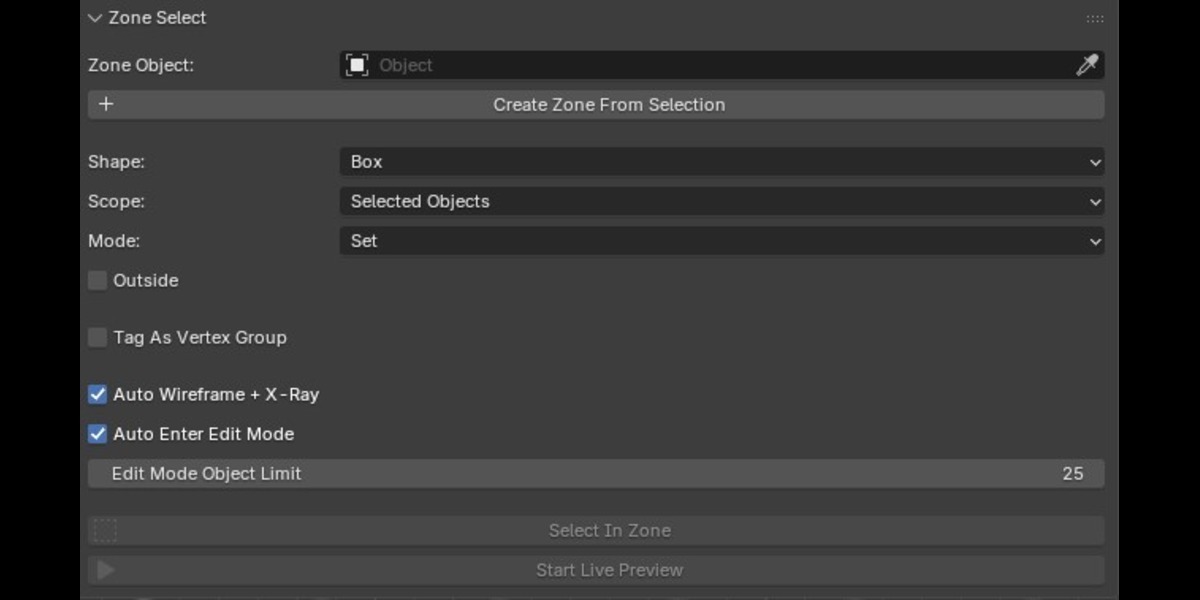
Zone Select is a Blender addon designed to make spatial mesh selection faster and more intuitive. Instead of manually selecting vertices across complex geometry, create or assign a 3D zone and use it as a selection volume.
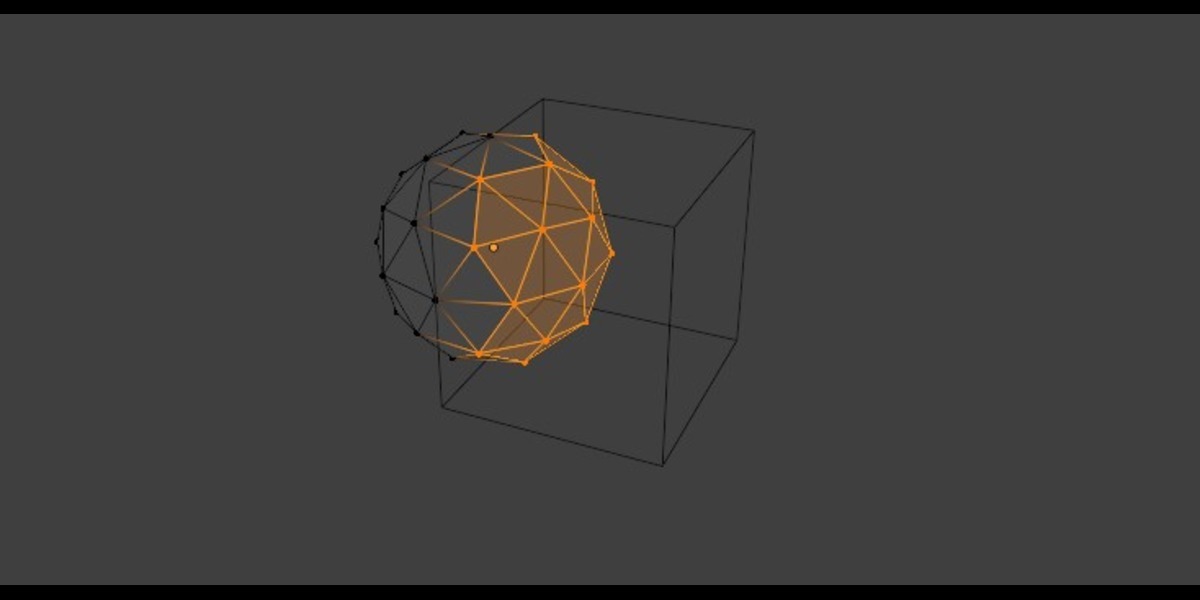
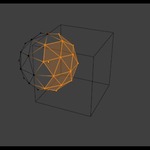
Move, rotate, or scale the zone directly in the viewport and use Live Preview to see which vertices fall inside the region before committing the selection. The same spatial calculation is used for the preview and the final selection, keeping the result consistent.
Key Features
Live Selection Preview
See the vertices affected by your zone in real time while transforming it. Nothing is written to the target meshes until you commit the operation.
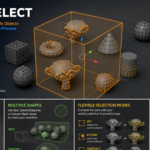
Multiple Selection Shapes
Choose from three zone types:
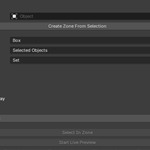
- Box — uses the zone object's bounding box.
- Sphere / Ellipsoid — uses an ellipsoid fitted inside the zone's bounding box.
- Convex Mesh — uses the actual faces of a convex zone mesh for more flexible selection volumes.
Flexible Selection Modes
Control how the zone affects your existing selection:
- Set — replace the current selection.
- Extend — add the zone's contents to the selection.
- Subtract — remove the zone's contents.
- Intersect — keep only elements already selected and inside the zone.
Select Inside or Outside
Enable Outside to invert the selection and target elements outside the zone instead.
Work Across Multiple Objects
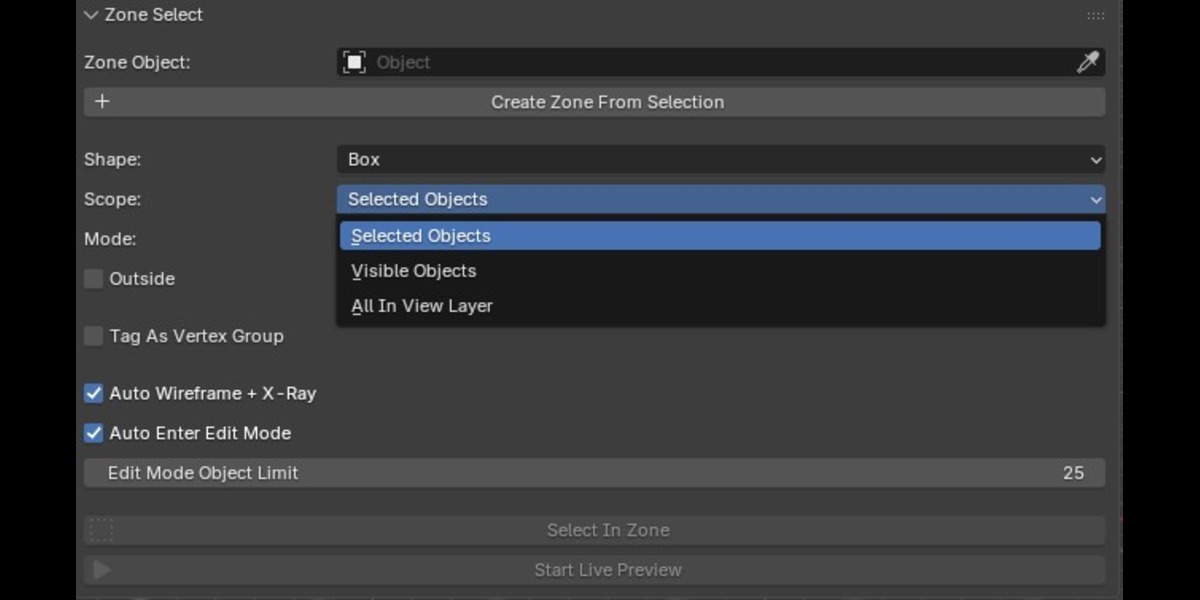
Choose the scope that fits your workflow:
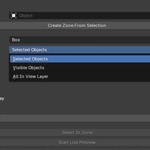
- Selected Objects
- Visible Objects
- All Mesh Objects in the View Layer
Create a Zone Automatically
Select your mesh objects and let Zone Select create a wireframe zone sized around their world-space bounds.
Vertex Group Tagging
Optionally sync the selected region into a named vertex group. This makes the result reusable for workflows such as modifier masks, weight painting, particle emission, and other vertex-group-based operations.
Viewport-Friendly Workflow
Zone Select can automatically enable Wireframe + X-Ray and enter Edit Mode after selection, making the result easier to see through your geometry.
Typical Uses
Zone Select is useful for:
- Quickly selecting geometry within a 3D region
- Selecting parts of multiple objects at once
- Blocking out or isolating areas of complex scenes
- Creating reusable vertex-group masks
- Cleaning up geometry in specific spatial regions
- Building faster modeling and scene-editing workflows
Requirements
- Blender 5.0 or newer
- Mesh-based workflows
The addon appears in View3D → Sidebar (N-panel) → Zone Select after installation.
What Makes Zone Select Different?
Traditional selection tools are often tied to the screen or individual objects. Zone Select instead lets you define a 3D spatial region and use that region to drive selection across your scene.
With Live Preview, you can position the zone visually, inspect the affected vertices, and commit the selection when you're satisfied.
Define the zone. See the result. Commit the selection.