Zone Select - Select Meshes Across Multiple Objects
 Shahzaib A.

Why did Blender switch to Wireframe/X-Ray?
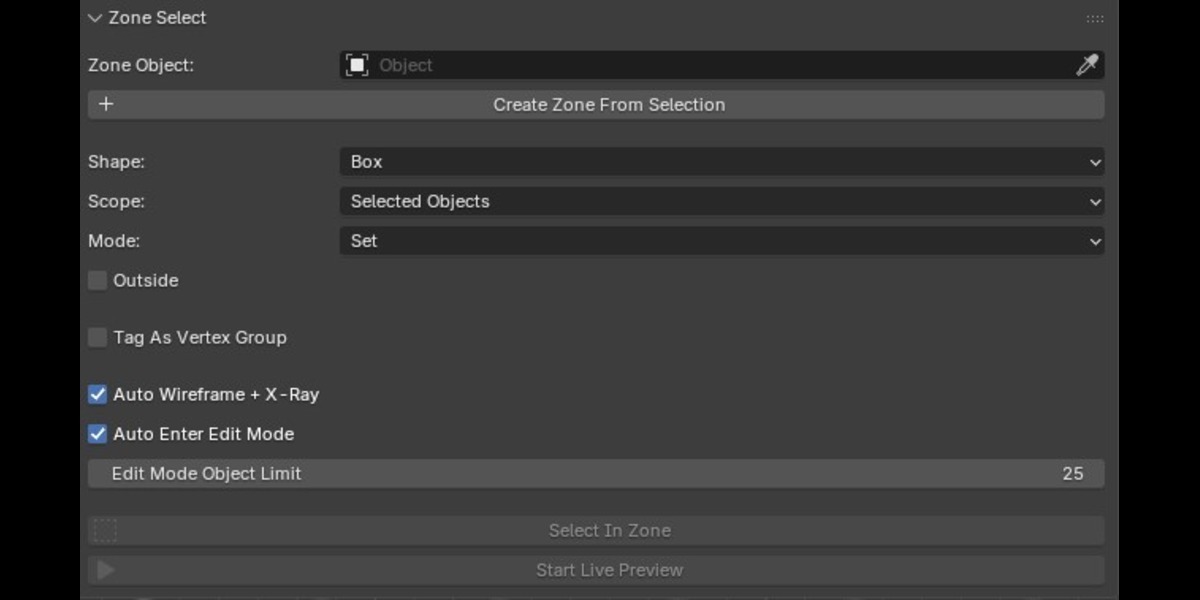
That behavior is controlled by Auto Wireframe + X-Ray. Disable the option if you do not want Zone Select to change the viewport shading after a selection operation.
Why isn't my Convex Mesh zone working correctly?
Make sure the zone is actually convex, closed, and has outward-facing normals. The addon explicitly expects a convex mesh for this mode. Running Convex Hull and recalculating normals can resolve common setup issues.
Can I turn the selection into a vertex group?
Yes. Enable Tag As Vertex Group and provide a group name. Zone Select will create or synchronize the vertex group to the resulting selection.
Does Live Preview change my mesh?
No. The preview only displays the potential result. The actual selection is committed when the preview is stopped/finished.
What is Live Preview?
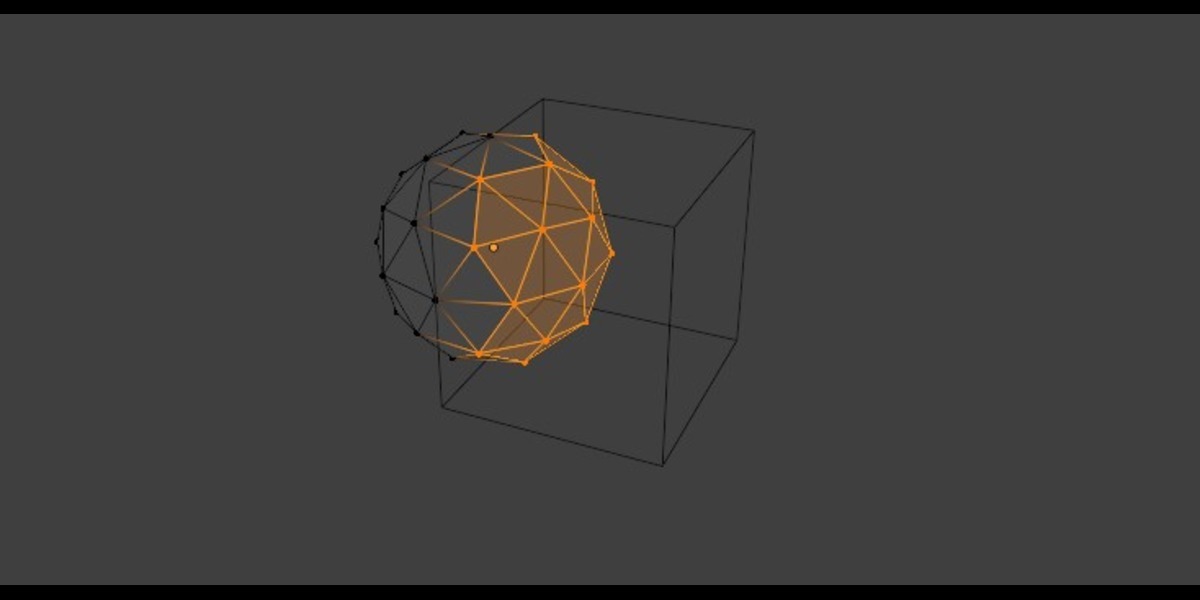
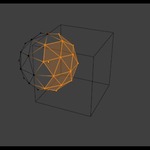
Live Preview displays the vertices that would be affected by the current zone while you move, rotate, or scale it. The mesh is not updated until the preview is committed.
Can I use my own mesh as the selection zone?
Yes. Any mesh object can be assigned as the Zone Object. For Convex Mesh mode, the zone needs to be a closed convex shape with outward-facing normals.
Does the zone have to be a cube?
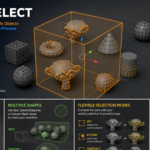
No. You can use a Box, Sphere / Ellipsoid, or Convex Mesh zone.
Can I select vertices across multiple objects?
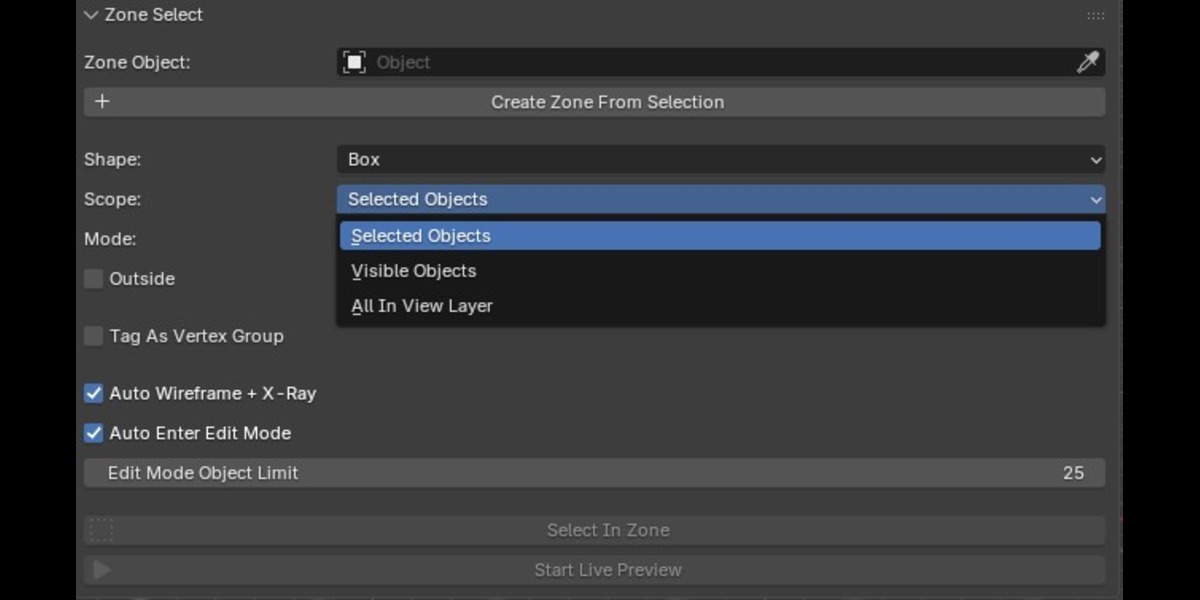
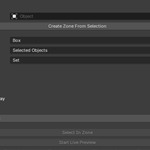
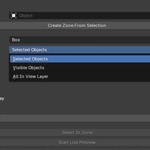
Yes. Zone Select can operate on selected objects, visible objects, or all mesh objects in the current view layer.
Have questions about this product?
Login to message
| Blender Extension Compatible | Yes |
| Published | about 2 months ago |
| Blender Version | 5.0 - 5.2 |
| Extension Type | Add-on |
| Render Engine Used | Cycles, Eevee |
| License | GPL |
Discover more products like this
Selection Tool hard surface Modeling tools mesh editing mesh selection Vertex Selection productivity Object Selection Selection Live Preview vertex groups Workflow