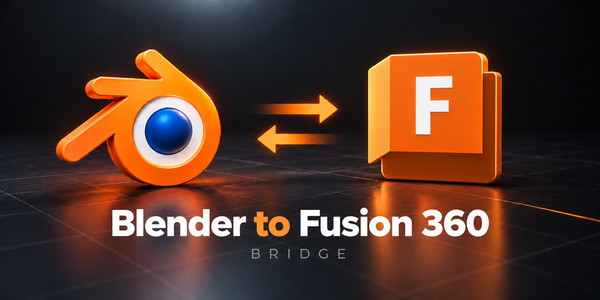
Autodesk Bridges Bundle

  • Products: 9
  • Sales: 0

TACHYON STUDIO / BRIDGE COLLECTION

Autodesk Bridges

Your Autodesk workflow, connected to Blender.

Move meshes and UVs between DCC tools, or bring CAD mesh exports into your Blender projects.

3 separate bridge add-ons. Install only the ones you use.

Included in your bundle

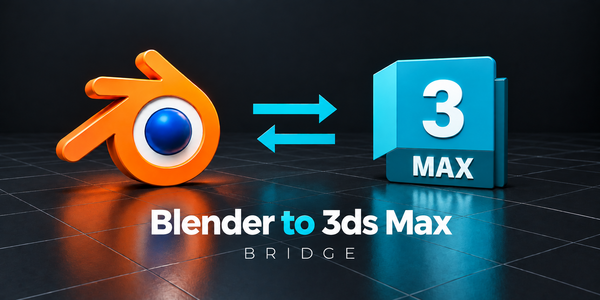
3ds Max Bridge — included in Autodesk Bridges

3ds Max Bridge

Send meshes to Max. Bring geometry or UVs back.

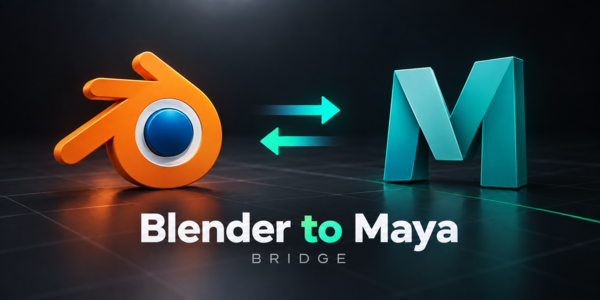
Maya Bridge — included in Autodesk Bridges

Maya Bridge

Round-trip meshes and UVs with save-based sync.

Fusion 360 Bridge — included in Autodesk Bridges

Fusion 360 Bridge

Bring CAD mesh exports into Blender with cleanup tools.

Same tools. Two license options.

Individual: one person, including professional work.
Business / Studio: up to five members of one studio or production team.

Check your setup

Windows only · Blender 3.3–5.2.
macOS / Linux unsupported. External apps and their licenses are not included. Features and transfer directions vary by bridge.

THE TACHYON STUDIO COLLECTION

Go beyond
the Autodesk Bridges.

Max, Maya and Fusion are connected. Add the specialist tools, and model the hard surface in Blender.

SCULPT · UNWRAP · BAKE · PAINT

Modeling Essentials Bridges Bundle

The ZBrush, RizomUV, Marmoset Toolbag and Substance Painter bridges, as one bundle.
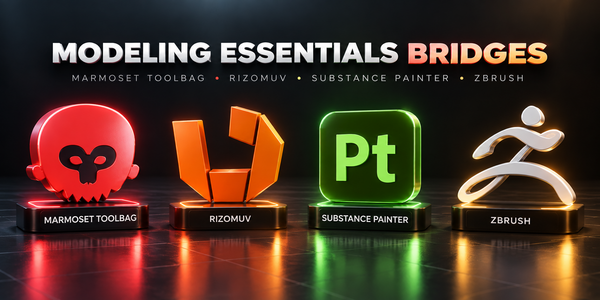
Modeling Essentials Bridges Bundle product thumbnail

Build out your workflow.

A few more tools, chosen for the work you do here.
There is more in the studio.

See the full collection ↗

Optional products, sold separately. Check requirements; external applications are not included.

Setup, compatibility and more: tachyonstudio.net/tools/autodesk-bridges-bundle

  • 3 products

    $22.99 $29.97
  • 3 products

    $88.99 $115.97
  • 3 products

    $220.99 $285.97
$22.99

Have questions before purchasing?
Contact Support

Which bridges are included?
3ds Max Bridge, Maya Bridge, Fusion 360 Bridge.
Are the external applications included?
No. This purchase contains Blender bridge add-ons. Install the compatible external applications separately and obtain any required licenses from their vendors.
Does the bundle support macOS or Linux?
No. These bridge add-ons are Windows-only. The documented Blender range is 3.3–5.2; companion requirements vary by bridge.
Is this one add-on, and must I install everything?
It is a collection of separate bridge add-ons. Install only the bridges you need, using the matching classic or Extension package for your Blender version.
What is the difference between the two license options?
Individual is for one person, including professional work. Business / Studio covers up to five members of one studio or production team. Both contain the same tools.
Does this grant separate purchases of the individual products?
This is a standalone bundle listing with its own downloads, not a native linked-product bundle. Do not assume separate purchases or automatic credits for bridges you already own.
Where can I get help?

Read the Documentation tab and the linked bridge-specific manuals, or contact Tachyon Studio at https://discord.gg/SuSqbZMDk5. Include your versions, exact error and reproduction steps.