BLENDER ADDON · DCC BRIDGE
3ds Max Bridge
Send meshes to 3ds Max and bring them back with automatic cleanup and optional live sync. Choose complete returns, mesh changes or UVs only.
| Two-Way Bridge |
Non-Destructive |
3ds Max Ready |
| ⚠ |
Before you buy: requires a separate Autodesk 3ds Max license. No 3ds Max software or license is included. Windows only; macOS/Linux unsupported. Tachyon Studio is independent of Autodesk. |
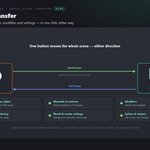
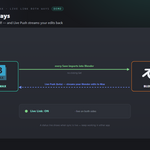
THE ROUND-TRIP — ONE CLICK EACH WAY
Reuse or launch 3ds Max, exchange assets and choose what returns.
|
BLENDER
1 · Send
Selected meshes open in 3ds Max.
|
3DS MAX
2 · Work
Do your thing — auto or by hand.
|
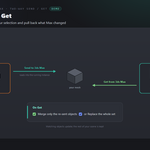
BLENDER
3 · Get
The result lands back in Blender.
|
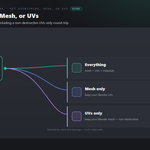
UV-only returns preserve Blender mesh geometry.
THE INTERFACE
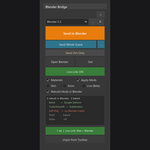
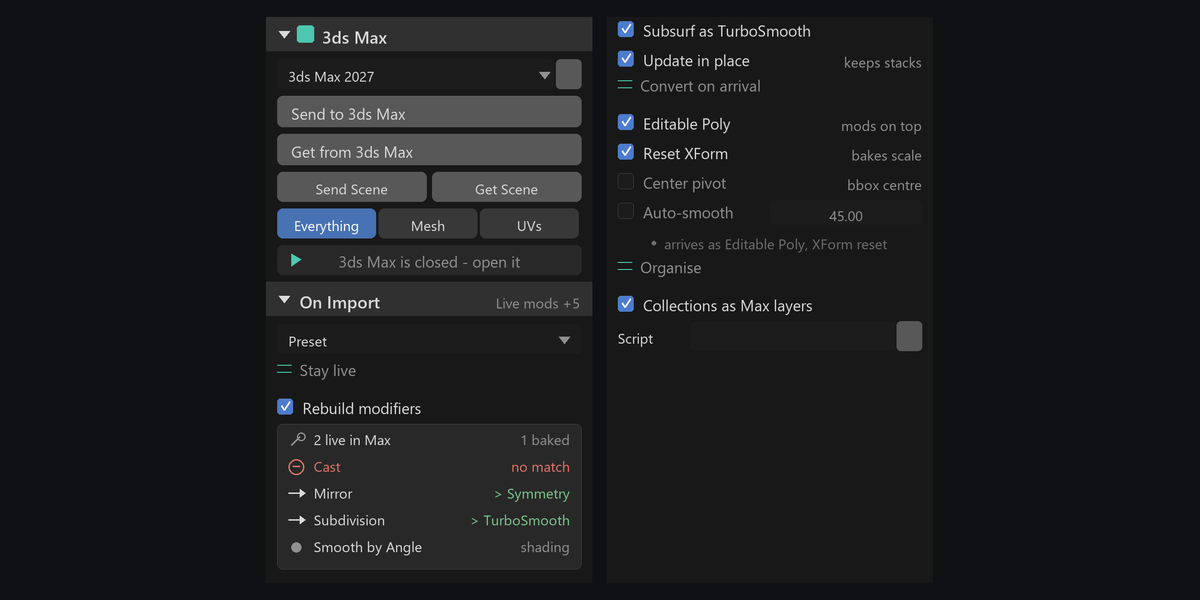
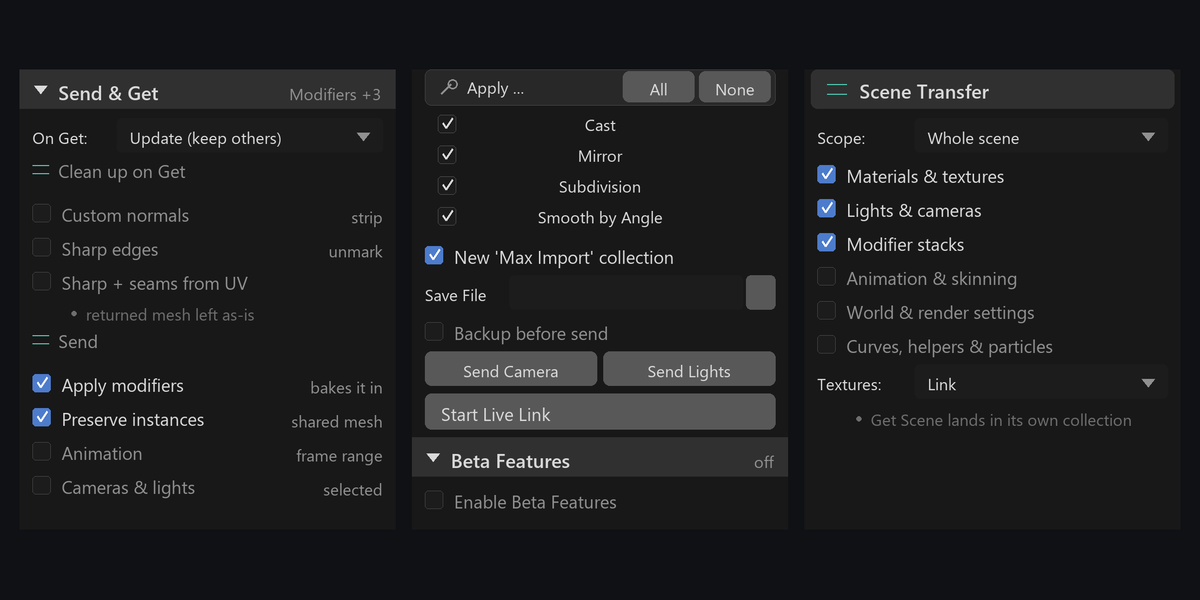
Everything lives on one Universal Bridge tab in the sidebar — press N.
IN BLENDER — TOP
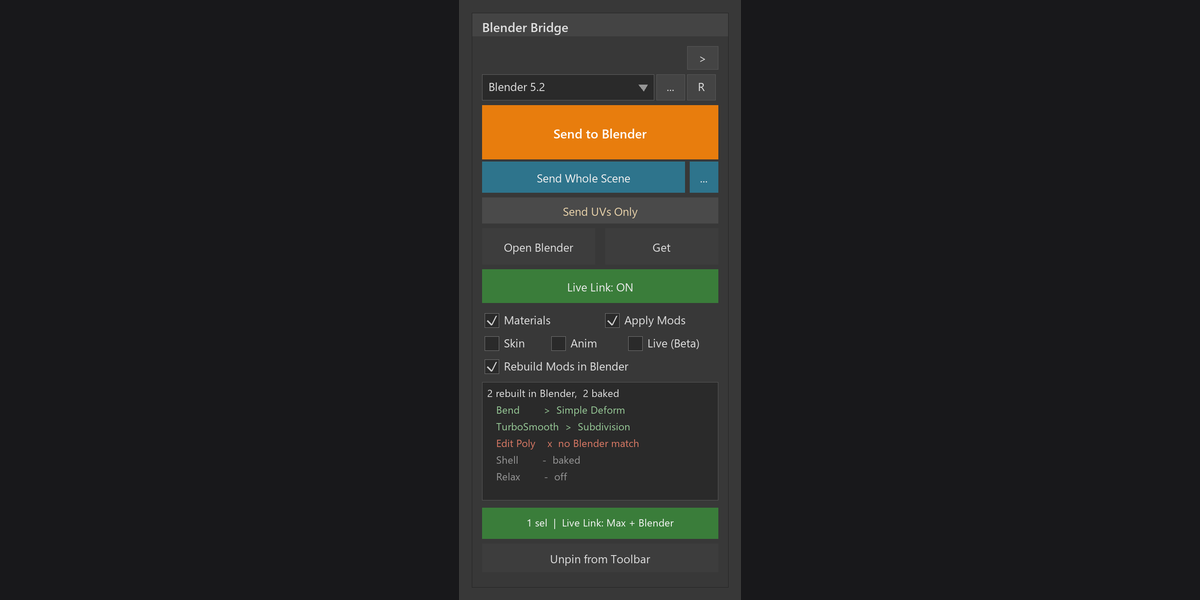
Send/Get controls, scene transfer and modifier handling.
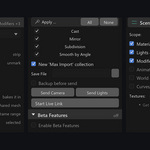
IN BLENDER — BOTTOM
Return cleanup, send options and Live Link.
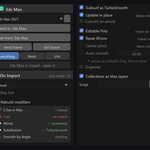
IN THE APPLICATION
Companion controls for transfers and settings inside Max.
EVERYTHING IT DOES
Everything in one sidebar tab
|
Whole Scene Transfer
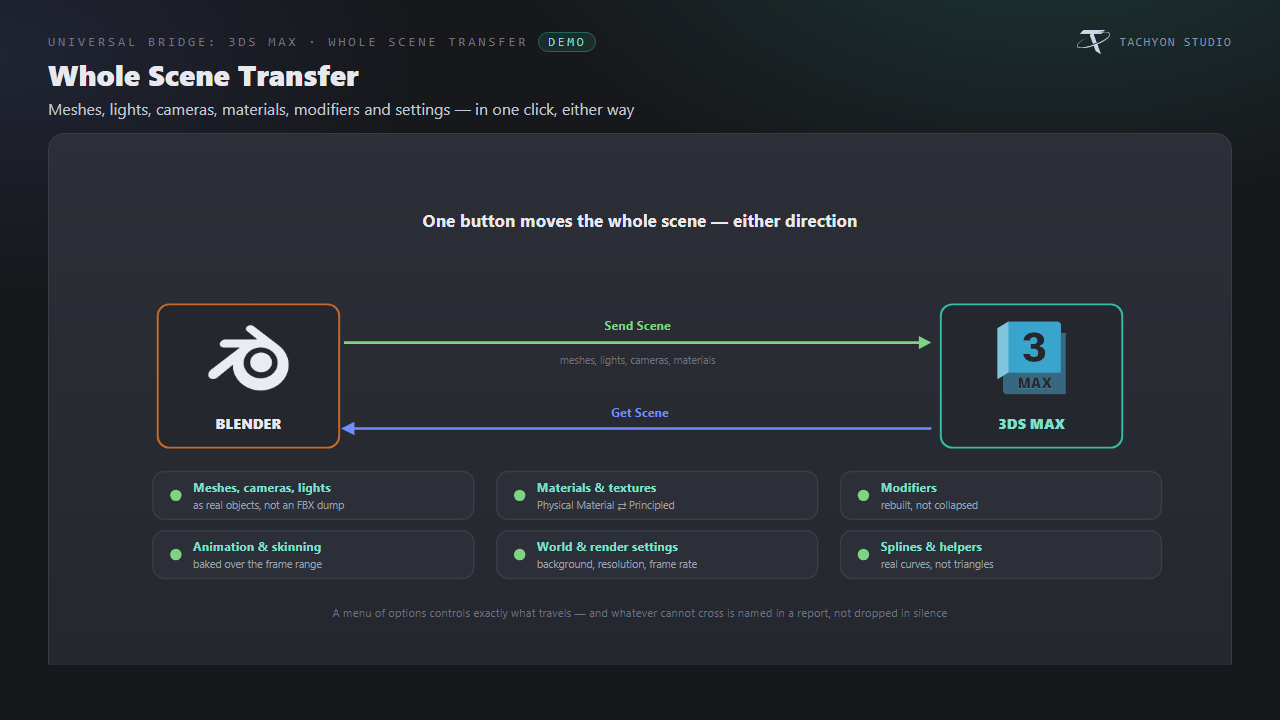
Transfer scenes with meshes, materials, cameras, lights, modifiers and animation. Choose what travels; unsupported conversions appear in a report.
|
Two-way Send / Get
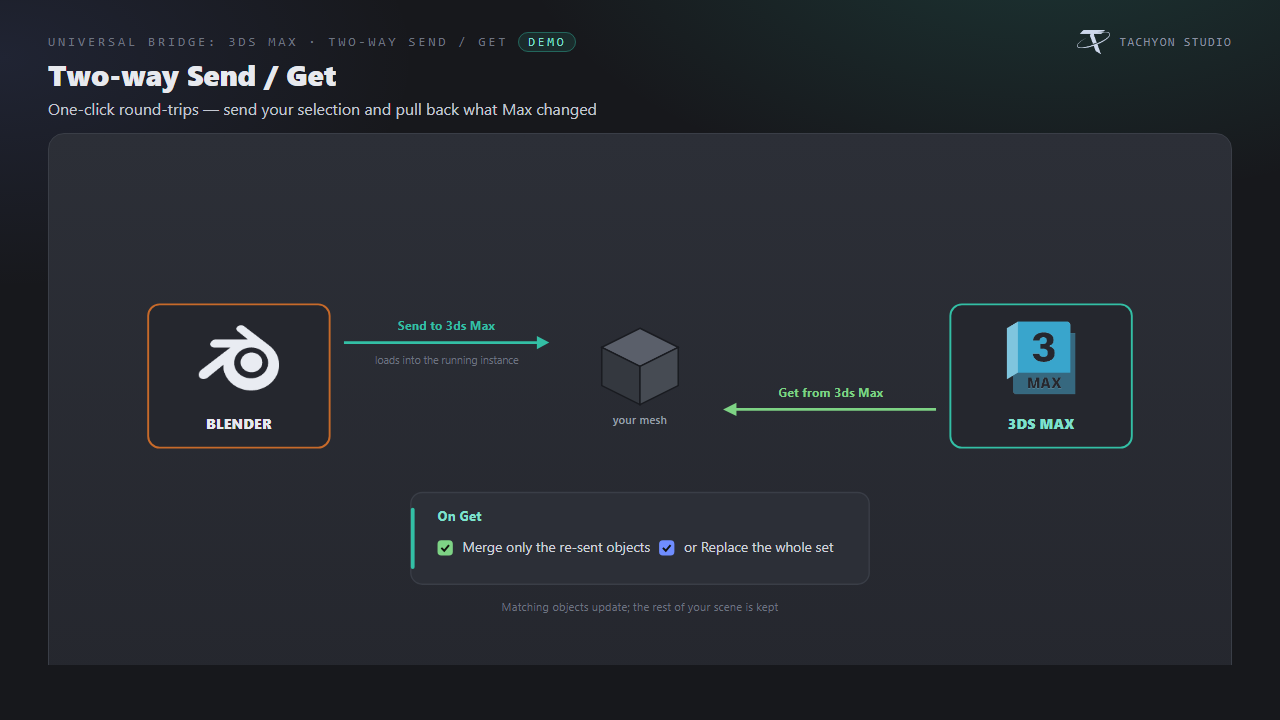
Send into the chosen Max instance; merge matching returns or replace the imported set.
|
|
Get Everything, Mesh, or UVs
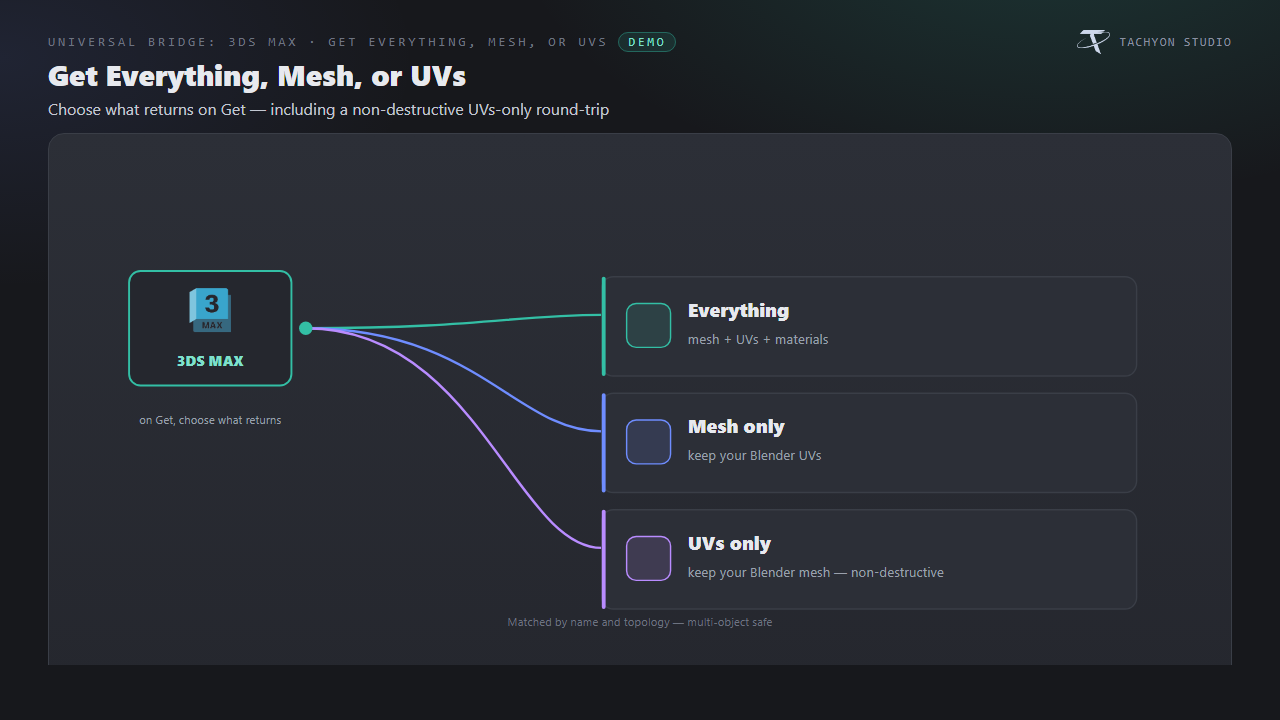
Return everything, meshes or UVs. UV-only transfers preserve geometry and match names and topology.
|
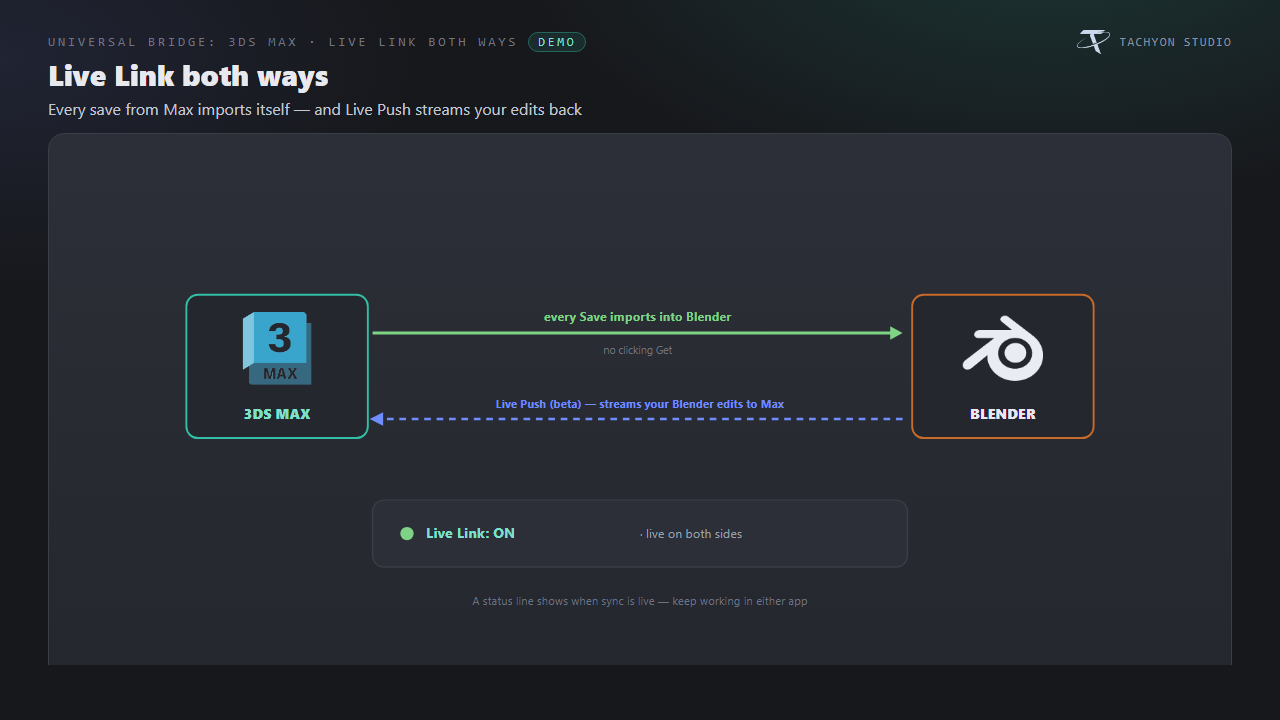
Live Link both ways
Import Max saves automatically. Optional experimental Live Push sends Blender edits back after a delay.
|
|
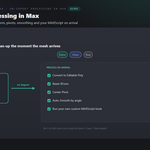
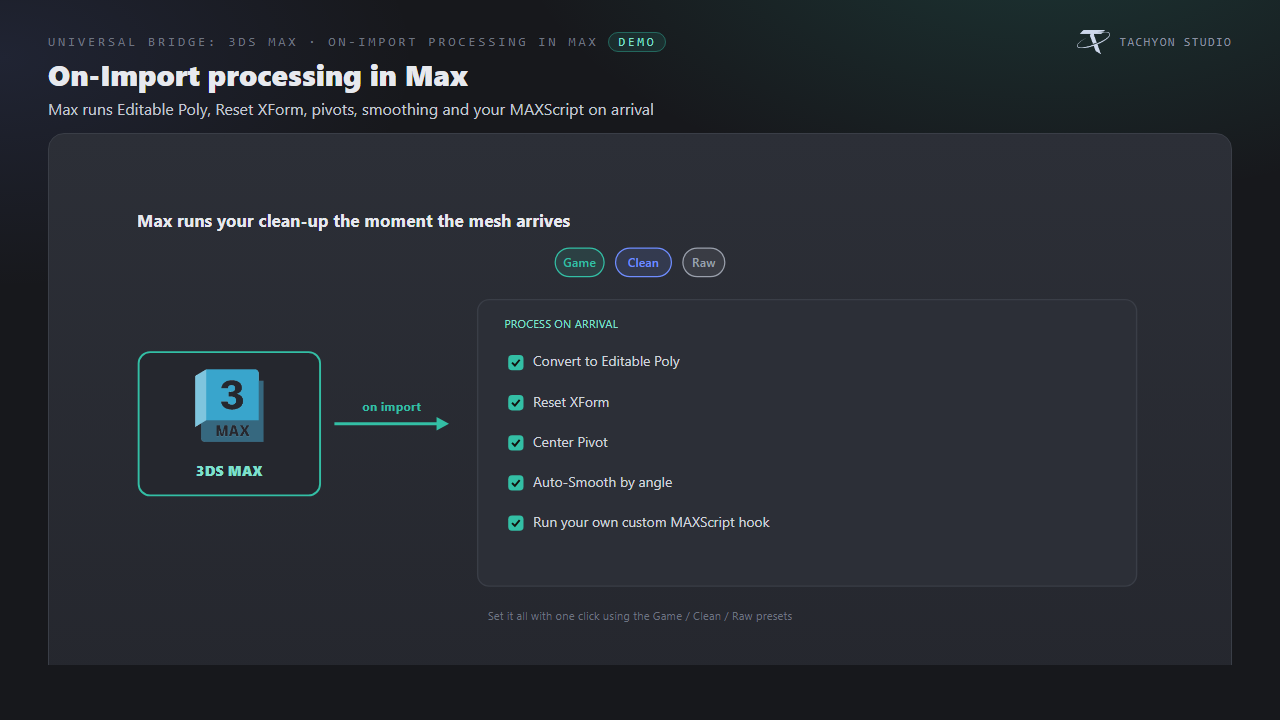
On-Import processing in Max
Apply Editable Poly, Reset XForm, pivot and smoothing options, with presets and custom MAXScript hooks.
|
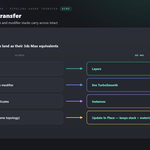
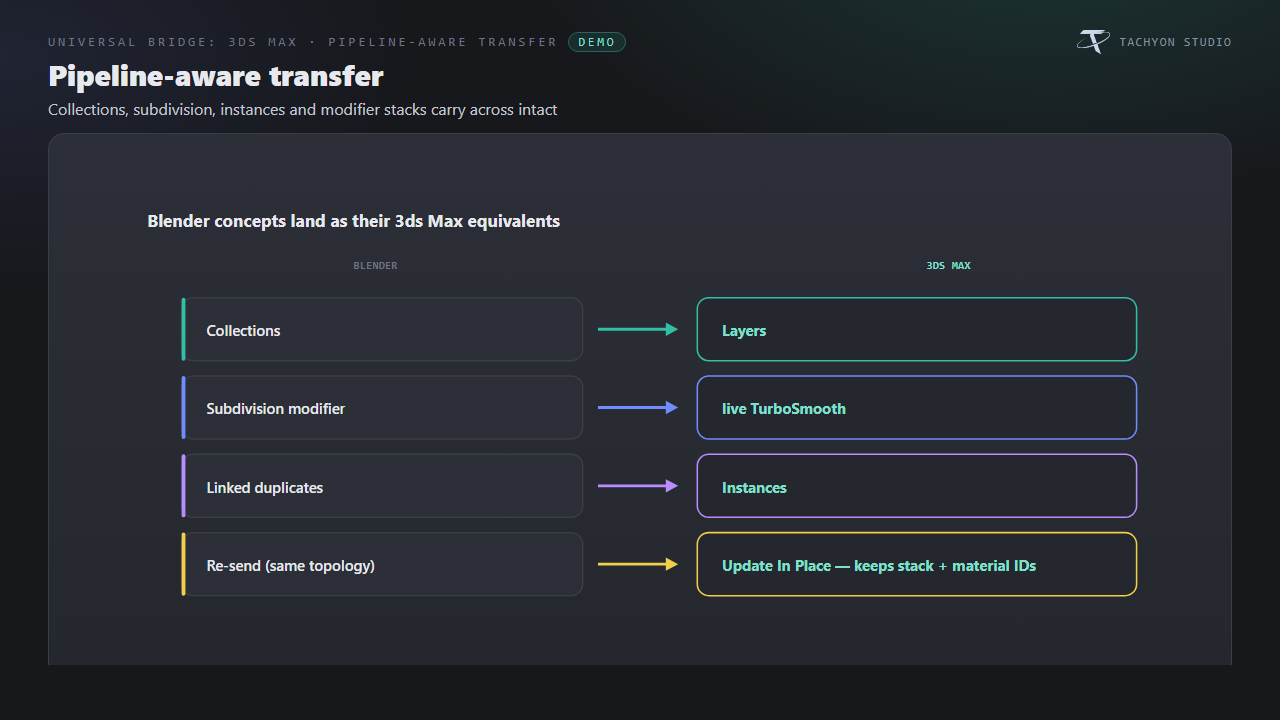
Pipeline-aware transfer
Transfer collections as layers, Subdivision as TurboSmooth and linked duplicates as instances. Update unchanged-topology meshes in place.
|
|
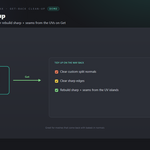
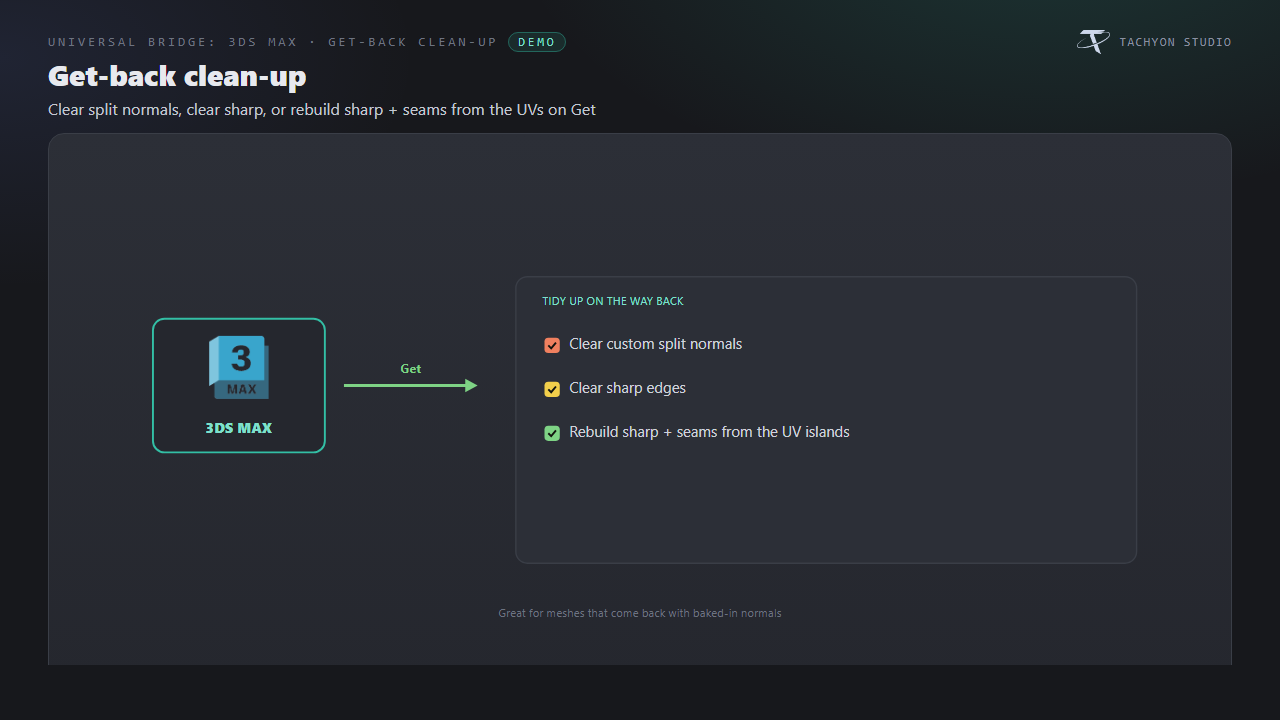
Get-back clean-up
Clear custom normals or sharp edges, or rebuild sharp edges and seams from UV islands.
|
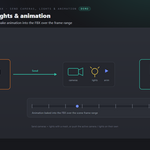
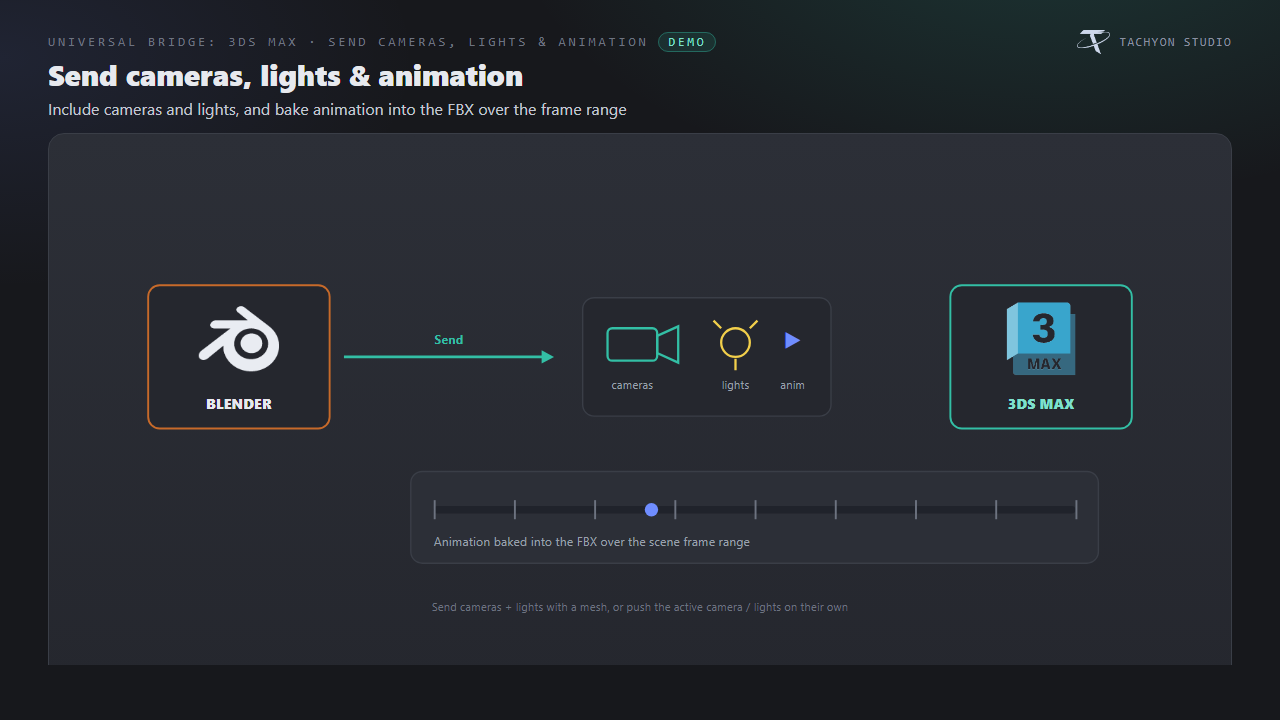
Send cameras, lights & animation
Send cameras and lights; bake object or armature animation across the scene frame range.
|
|
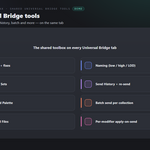
Shared Universal Bridge tools
Shared preflight, naming, selection sets, history, command palette, collection batching and versioned files.
|
Icons You Can Recolour
Choose branded, monochrome or native icons. Link and modifier status colors remain meaningful.
|
FEATURE BY FEATURE
Whole Scene Transfer
Transfer scenes with meshes, materials, cameras, lights, modifiers and animation. Choose what travels; unsupported conversions appear in a report.
Two-way Send / Get
Send into the chosen Max instance; merge matching returns or replace the imported set.
Get Everything, Mesh, or UVs
Return everything, meshes or UVs. UV-only transfers preserve geometry and match names and topology.
Live Link both ways
Import Max saves automatically. Optional experimental Live Push sends Blender edits back after a delay.
On-Import processing in Max
Apply Editable Poly, Reset XForm, pivot and smoothing options, with presets and custom MAXScript hooks.
Pipeline-aware transfer
Transfer collections as layers, Subdivision as TurboSmooth and linked duplicates as instances. Update unchanged-topology meshes in place.
Get-back clean-up
Clear custom normals or sharp edges, or rebuild sharp edges and seams from UV islands.
Send cameras, lights & animation
Send cameras and lights; bake object or armature animation across the scene frame range.
Requirements & Setup
|
PLATFORM
Windows only; macOS and Linux unsupported.
|
BLENDER
Blender 3.3 - 5.2 - Extension on 4.2+, classic add-on on 3.3-4.1.
|
LICENCE
Separate Autodesk 3ds Max license required; no Autodesk software included.
|
|
3DS MAX
3ds Max 2020+, with automatic detection and an included companion MAXScript.
|
NETWORK
Local exchange; no external internet service required.
|
|

Tachyon Studio
Works independently. Universal Bridge Manager hub included.
 Tachyon Studio