3MF Magic Solver - Import, Paint & Export Multicolor 3MF for 3D Printing
 TastyVoxels




Install
Blender 4.2 or newer: drag rego_3mf-1.2.0.zip into the Blender window, or Edit > Preferences > Get Extensions > Install from Disk. The panel lives in the 3D viewport sidebar (press N), 3Mffer tab.
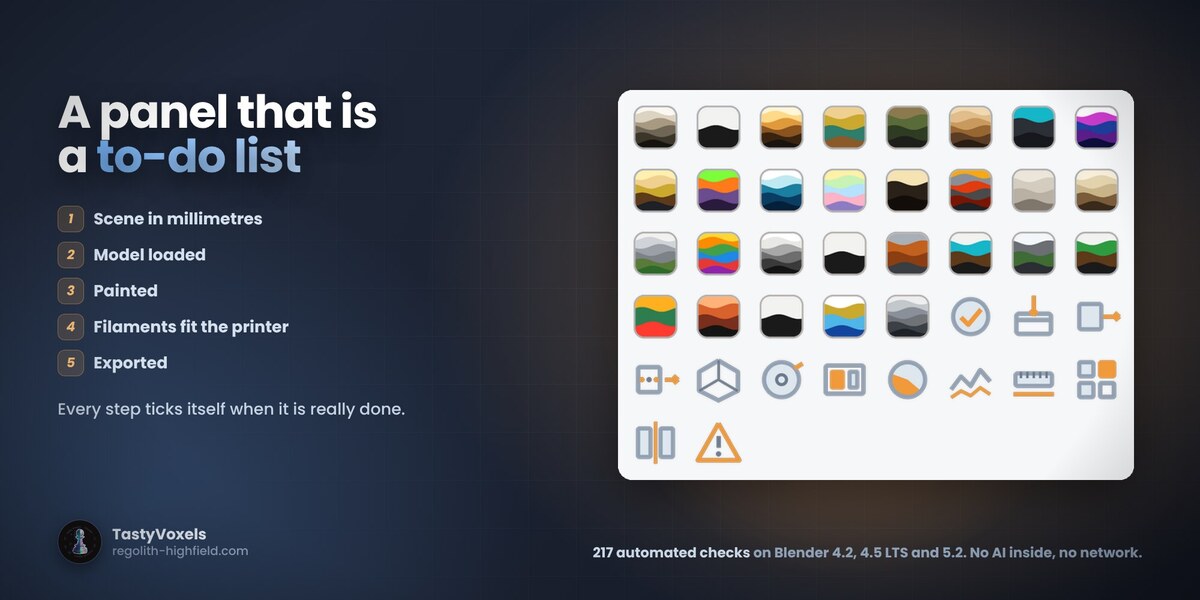
Work in millimetres. The button at the top of the panel sets the scene to 1 Blender unit = 1 mm and never touches your geometry. The panel is a five-step to-do list and each step ticks itself when it is really done.
1. Load
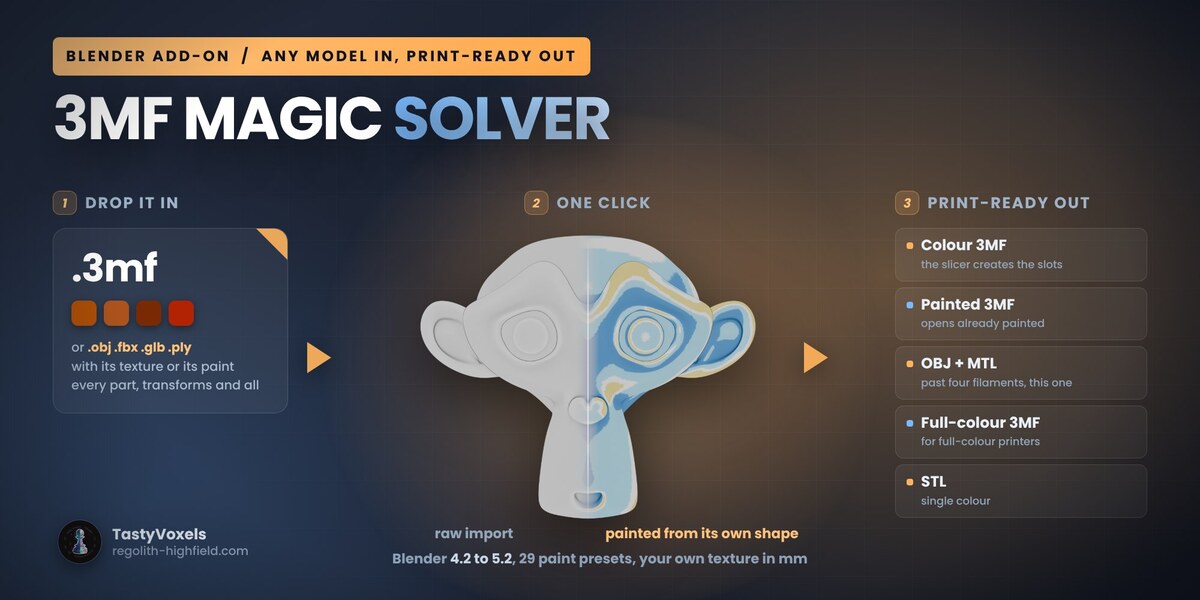
A 3MF. Drag it anywhere in the viewport, or File > Import > 3MF for 3D print. Base materials, colour groups and the Bambu and Prusa paint_color painting are all read; component objects are flattened with their transforms; a Bambu, Orca or Creality project that keeps its geometry in 3D/Objects is followed there, with its filament colours.
Anything else, in colour. Import OBJ, FBX, GLB, STL, PLY... hands the file to Blender's own importer, puts it in millimetres and captures the colour out of its materials: a UV texture per triangle corner, a colour attribute as it is, a plain material colour as that colour. Capture Colour from Materials does the same for a mesh already in the scene.
Print size. Scale to Print Size sets the longest side (or the height, width or depth) to the millimetres you type, for all selected parts together. Put on the Plate sits them on Z = 0, centred.
2. Colour to filaments (new in 1.2)
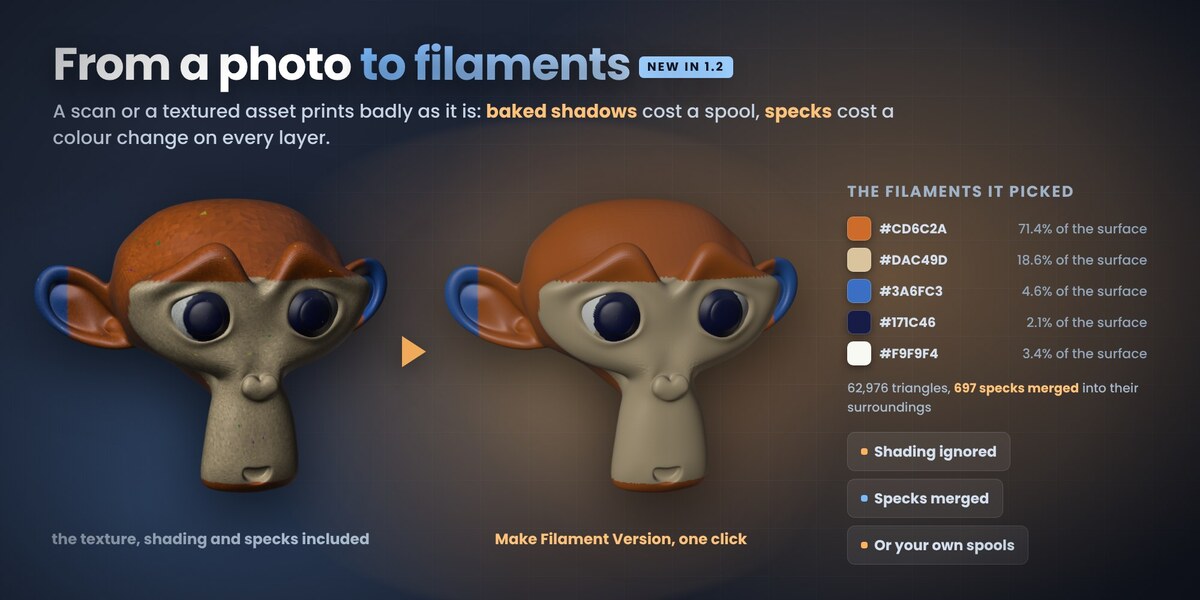
For a model whose colour is a photo: a scan, a textured game asset, a GLB. Set How many filaments, then click Make Filament Version.
- Ignore baked shading (0 to 1, default 0.5): how hard the shadows baked into the texture are taken out, so the lit and the shaded side of one colour become one filament.
- Keep small accents (0 to 1, default 0.5): higher gives a small but different colour, like an eye, its own spool.
- Smallest patch (sq mm, default 1.5): smaller patches join the colour around them.
- Smooth borders: passes that straighten the stair-steps a texture leaves along a boundary.
- Use my spools: add the colours you have loaded by hand, read them From slicer 3MF (a Bambu Studio, Orca, Creality Print or PrusaSlicer project) or From model. With more spools than slots, the best ones for this model are picked.
The panel then lists each filament with the share of the surface it covers. Every run starts again from the original colour, so try again freely; Back to Full Colour puts the original back.
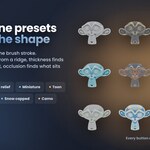
3. Paint from the shape
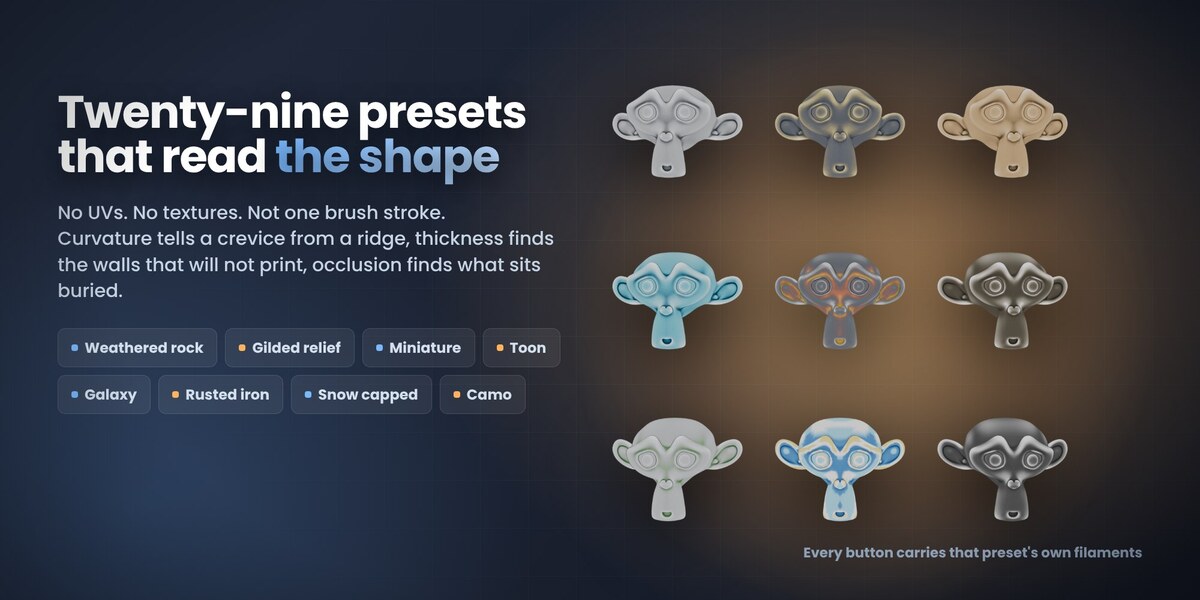
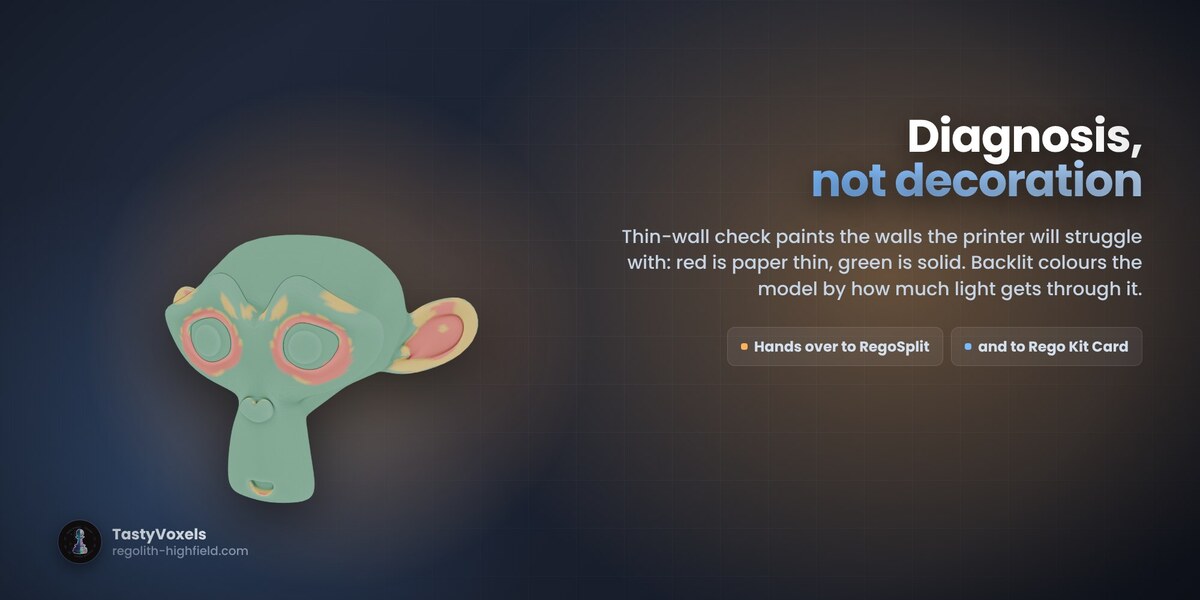
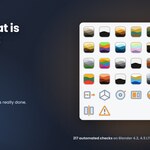
Click any of the 29 presets, grouped as materials and finishes; figures, minis and fun; terrain, tiles and parts; light and checks. The chip on the button is that preset's own palette. Filament slots folds a richer preset down to the spools you have. Presets that cast rays (AO, thickness) say so in their tooltip: they are the slow ones on a heavy import.
4. Printable relief, and your own texture
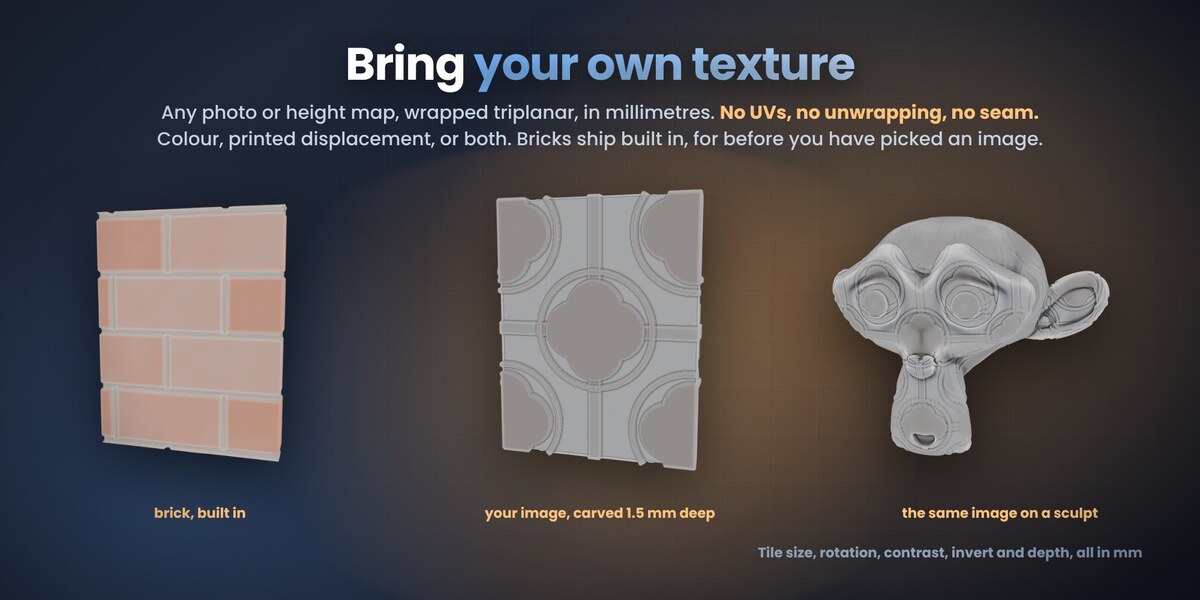
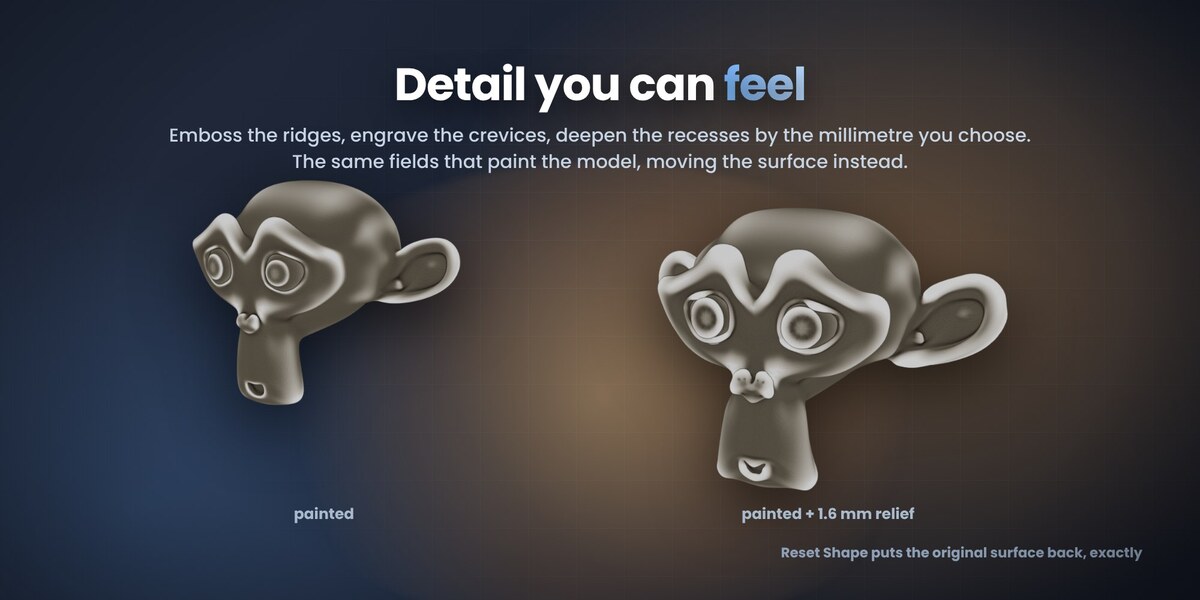
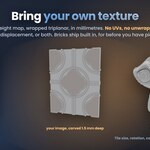
Relief moves the surface with the same fields: emboss ridges, engrave crevices, by the millimetre you choose. Texture and displacement wraps a built-in pattern or your own image triplanar, in millimetres, with no UVs. Reset Shape always puts the original surface back.
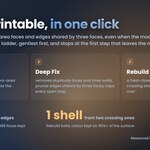
5. Make it printable
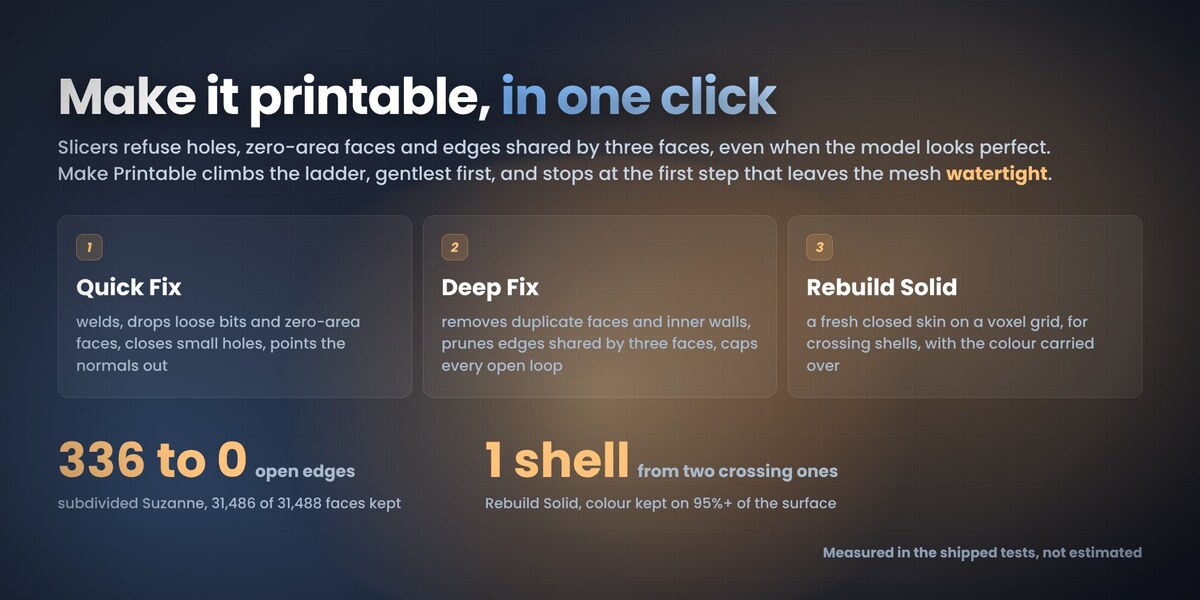
Make Printable runs Quick Fix, then Deep Fix, then Rebuild Solid if Allow Rebuild Solid is on, and stops at the first step that leaves the mesh watertight. Step by step: Check Mesh counts holes, zero-area faces and edges shared by three faces and changes nothing; Quick Fix welds, drops loose bits, closes small holes and points the normals out; Deep Fix removes duplicate faces and inner walls and caps every open loop; Rebuild Solid makes a fresh closed skin on a voxel grid and carries the colour over. Detail finer than a voxel is lost; a hidden backup is kept when that option is on.
6. Export for 3D print
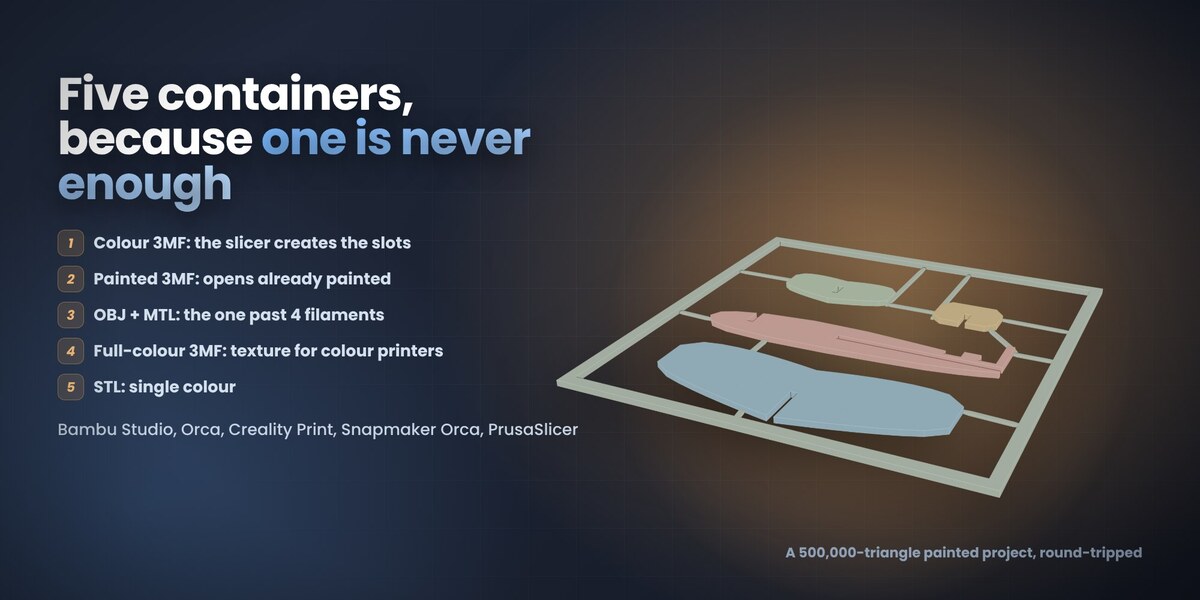
- Colour 3MF: the universal one, the slicer creates a filament slot per colour.
- Painted 3MF: opens already painted, ready to slice.
- OBJ + MTL: the one that works past four filaments.
- Full-colour 3MF: a captured texture for full-colour printers.
- STL: one filament.
7. With the other Rego add-ons
With RegoSplit or Rego Kit Card installed, two extra buttons hand the painted model straight over, with no re-export.
Tutorials
Seven short videos show the 1.1 panels click by click. Message me here on Superhive and I will send them to you. The panels new in 1.2 are the ones described above under 1 (Print size), 2 and 5.
Tested
Every release zip is built and validated with Blender's own extension tool, installed from disk and tested headless on Blender 4.2, 4.5 LTS and 5.2: 217 automated checks per version for 1.2.0.
Beta, support and feedback
This is a beta. It can still have problems, above all with files I have never seen. Please tell me through Superhive messages: what you put in, what came out, what you expected. Your reports decide what I fix and build next. Updates and support are included for good.
Have questions about this product?
Login to message
| Blender Extension Compatible | Yes |
| Dev Fund Contributor | |
| Published | about 2 months ago |
| Blender Version | 4.2 - 5.2 |
| Extension Type | Add-on |
| License | GPL |
Discover more products like this
multicolor Print Preparation creality print multi-material bambu studio Export vertex colors orca slicer 3MF import 3d printing prusaslicer