Does it open a 3MF that was already painted in Bambu Studio or PrusaSlicer?
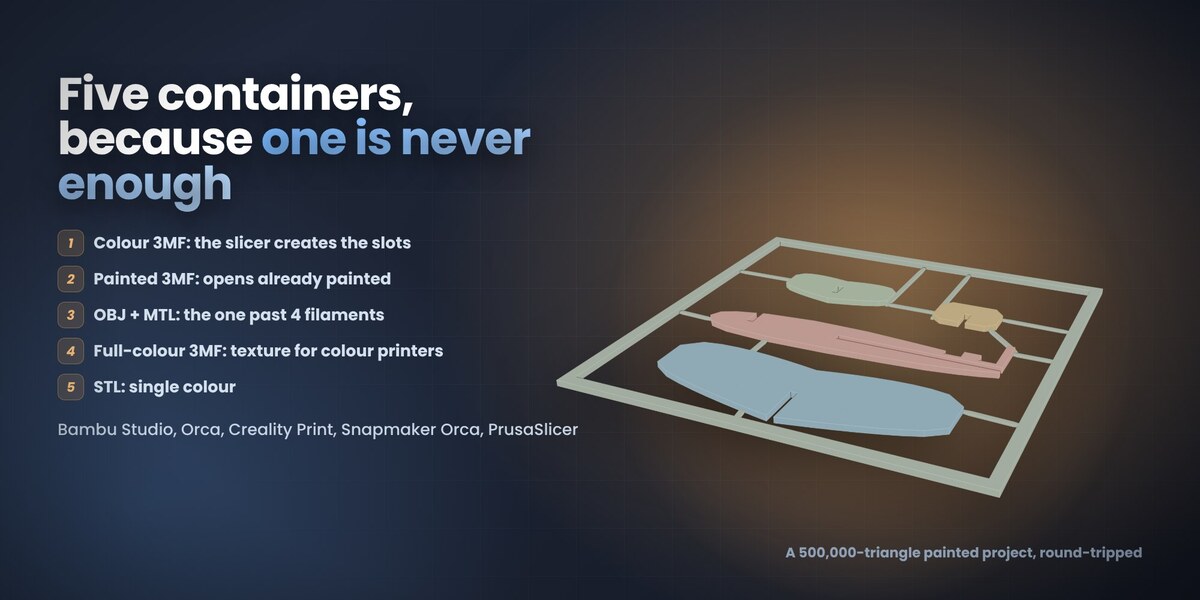
Yes, and it comes back out intact. Blender colours vertices; a slicer paints per triangle and subdivides a triangle to cut a clean edge, so the viewport shows you a per-vertex approximation of the painting - and that approximation is exactly what makes the one-click presets and the relief possible. The file's own painting is kept alongside the mesh and written back untouched when you export a Painted 3MF without repainting. Measured on a real Bambu Studio project: 916,350 triangles, 2,988 distinct painted states, not one changed on the way out. Colour groups and base materials come across too, and when the project declares its spools the real filament colours come with them. That project imports in about 25 seconds.
Which export should I pick?
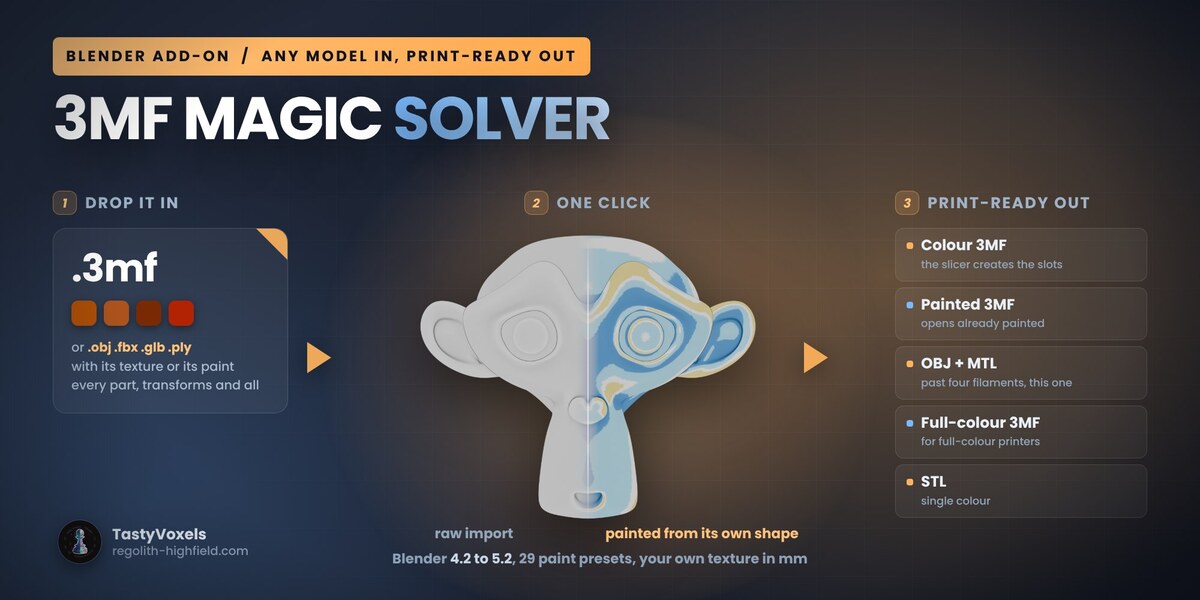
Colour 3MF for the everyday case: the slicer creates a filament slot per colour it finds. Painted 3MF when you want the model to open already painted, ready to slice. OBJ + MTL when the model needs more than four filaments, because there the slicers read the colours from the vertices and their colour dialog opens fully populated. STL when you are printing in a single colour.
Why does my slicer show different colours than Blender?
A project 3MF opens with the spools your slicer already has loaded, so it shows you its palette rather than the file's. Colour 3MF and OBJ + MTL are the two routes that make the slicer create or match slots from the file itself. Whichever you use, check the filament mapping before a long print.
My slicer says the mesh is broken. What do I do?
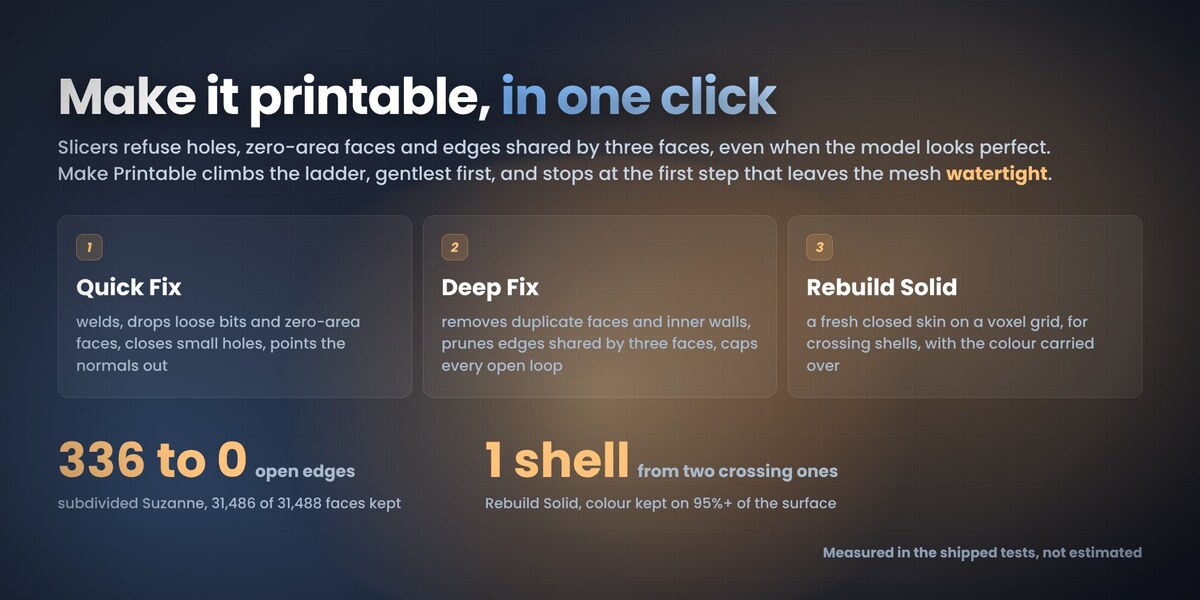
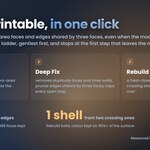
Press Make Printable in panel 5. It runs Quick Fix, then Deep Fix, then Rebuild Solid if you allow it, and stops at the first step that leaves the mesh watertight, telling you which one it was. Check Mesh counts what a slicer refuses (holes, zero-area faces, edges shared by three faces) and changes nothing. Quick Fix welds, drops loose bits, closes small holes and points the normals out; Deep Fix removes duplicate faces and inner walls and caps every open loop; Rebuild Solid makes a fresh closed skin on a voxel grid and carries the colour over, which fixes crossing shells. Each step is kept only where it measurably helps, so a clean mesh is left alone. Blender's own Suzanne is the usual culprit: a Subdivision Surface at level 3 turns her 42 open edges into 336, and Quick Fix closes all of them. For diagnosis, self-intersection counts and splitting parts, RegoSplit is the specific tool.
Do I need UVs or textures? Can I still paint by hand?
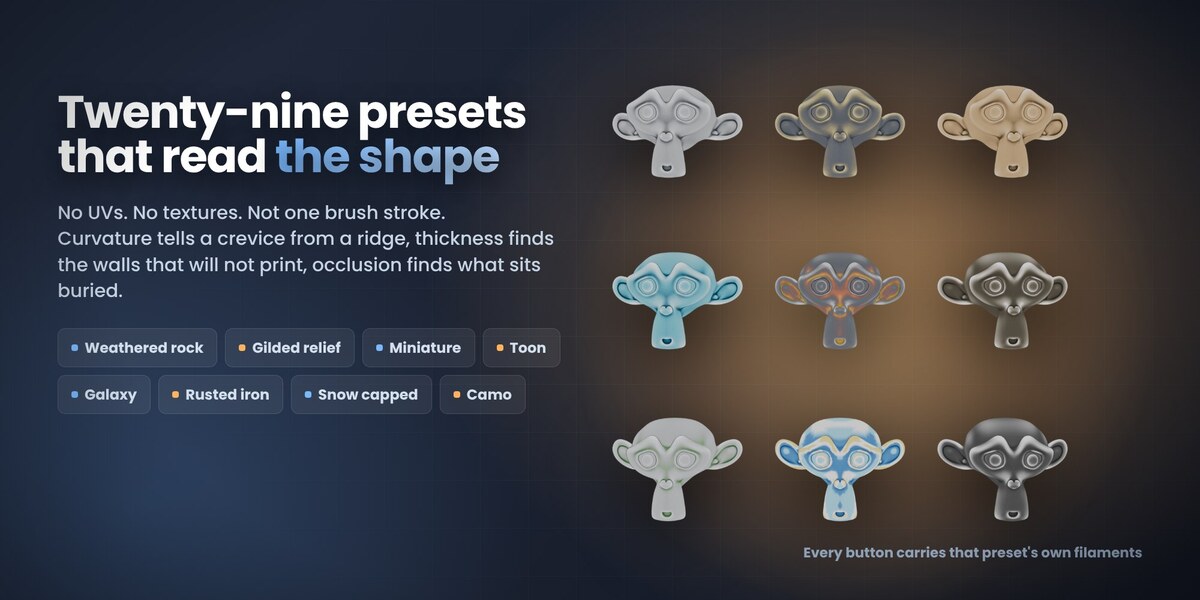
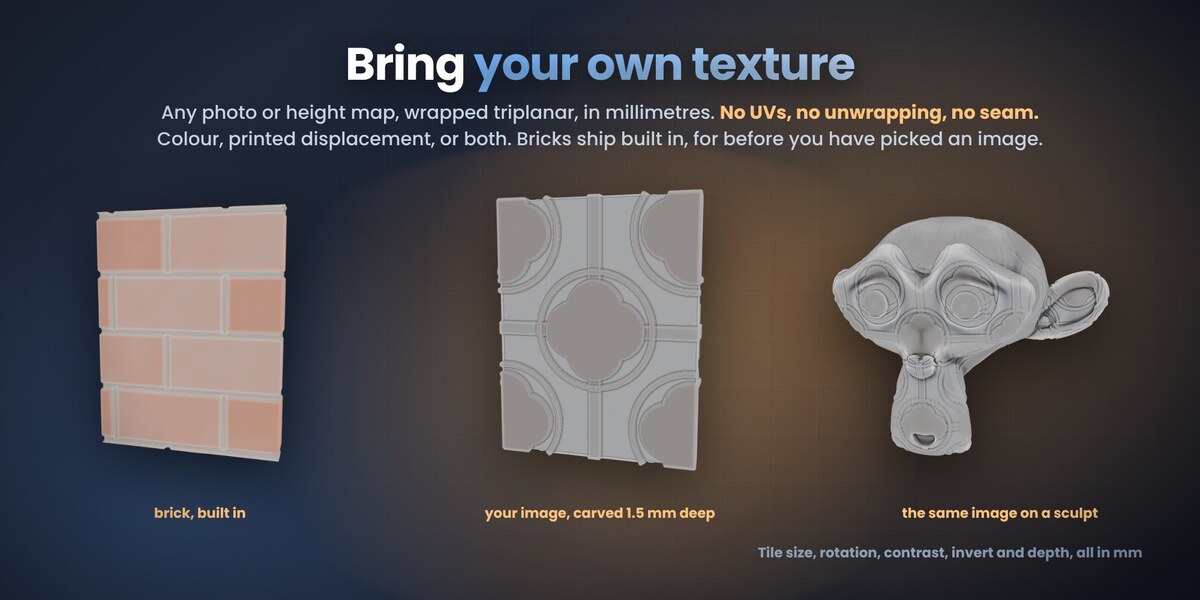
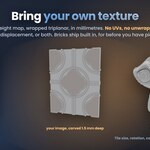
No UVs, no textures, no unwrapping. The presets read the geometry itself, and your own image is wrapped triplanar in millimetres. And yes, you can still paint by hand: the add-on writes an ordinary Blender colour attribute, so vertex paint works on top of it and the export picks that up.
Which Blender versions, platforms and slicers has it been tested with?
Blender 4.2 LTS and newer, on Windows, macOS and Linux; the automated tests run on 4.2, 4.5 LTS and 5.2. The formats are read and written to spec and checked against files produced by Bambu Studio, Orca, Creality Print and PrusaSlicer. I have not print-tested every one of those slicers myself yet. The day I do, I will say so here.
What if a preset comes out too flat, or too strong?
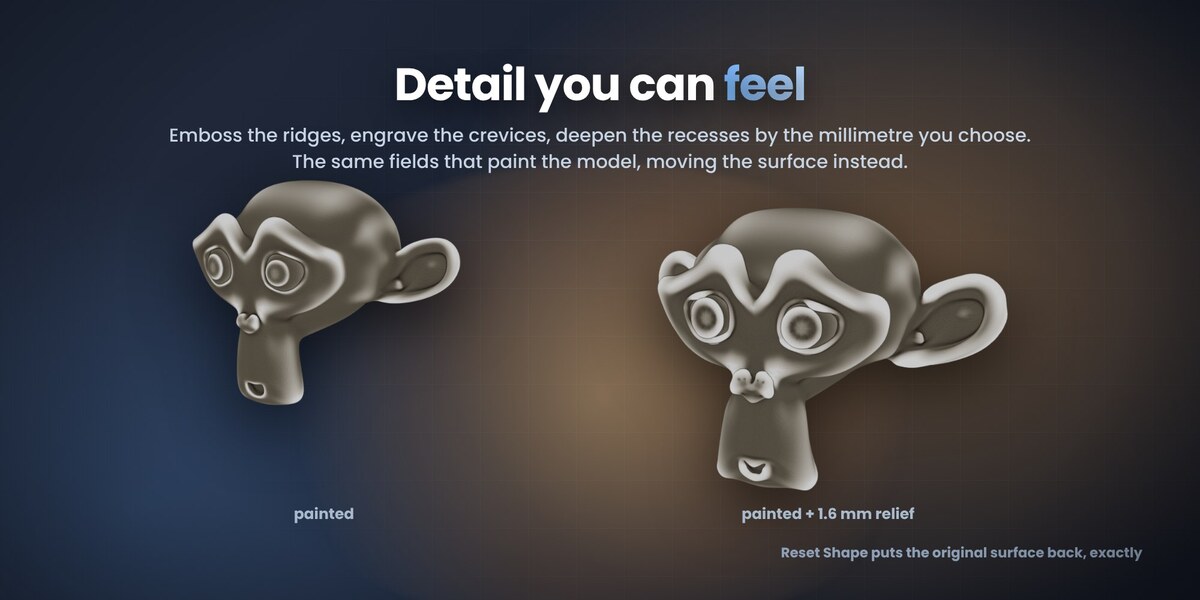
Every preset has a filament-slot count and a spread control, and the relief has its own millimetre value: turn them down and the effect calms, turn them up and it bites. Nothing is destructive. Reset Shape puts the surface back and Clear Paint restores the colours the file arrived with, not a flat grey. If a preset misreads your model, write to me here with the file and I will look at it.
Can I use it commercially, and what about updates and support?
Yes: print, sell and distribute what you make with it. The add-on itself is GPL-3.0-or-later. Updates and support are included for good, with no support period and no renewal fee. Buy once and every future version is yours.
Does the add-on use AI or need an internet connection, and was AI used to make it?
The add-on contains no artificial intelligence and no machine learning, and it has no network code at all: no telemetry, no analytics, nothing leaves your machine. It works fully offline. On the development side I use AI tools the way I use every other tool in my kit, for coding assistance and for translating my documentation into English, which is not my first language. I have been writing code since long before generative tools were mainstream. I read every line that ships and I take responsibility for how it behaves, and the numbers are there to back that up: 89 automated checks run headless on Blender 4.2, 4.5 LTS and 5.2, and a separate acceptance run installs the released zip into a clean Blender, drives the whole flow on real slicer projects and reopens every export to confirm each part is closed, manifold and has real volume.
This says BETA. What does that mean for me?
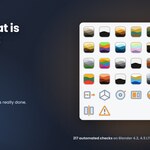
It means the add-on is still growing and I am asking for your files. Everything on this page works today and every release is tested before it goes up: the zip is built and validated with Blender's own extension tool, installed from disk and checked headless on Blender 4.2, 4.5 LTS and 5.2 (217 automated checks per version for 1.2.0). What no test suite has is the variety of files real people own, so a beta can still have problems. If something opens wrong or comes out odd, tell me here on Superhive and, if you can, send me the file. I want to design this tool together with the people who use it: your reports go into the next update and decide what I build next. Every future version is included, buy once, updated for good. Nothing is time-limited or crippled.
 TastyVoxels