3MF Magic Solver - Import, Paint & Export Multicolor 3MF for 3D Printing
 TastyVoxels




1.2.0 beta: a coloured model in, a clean filament print out.
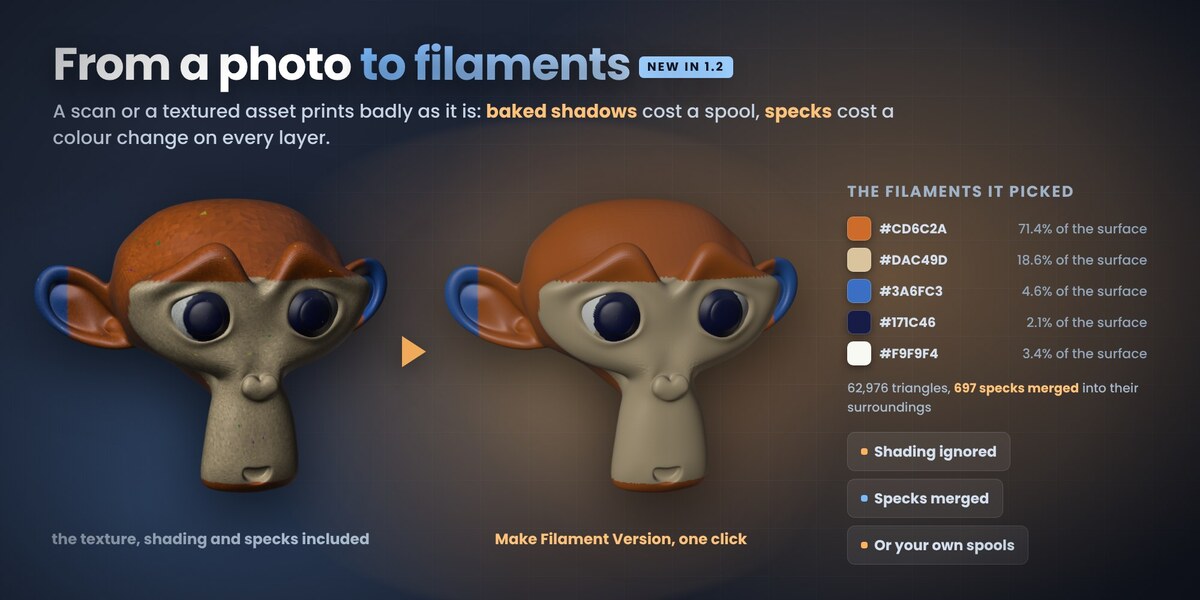
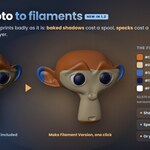
Colour to filaments (new panel 2). Make Filament Version turns a scan, a textured asset or a GLB into a filament print: baked shading is taken out first, so the lit and the shaded side of a colour become one filament; filaments are picked by coverage and difference, so a small accent still gets its own spool; or use your own spools, typed in, read from a Bambu Studio, Orca, Creality Print or PrusaSlicer project, or taken from the model. Patches smaller than 1.5 sq mm (adjustable) join the colour around them and the borders are smoothed. Back to Full Colour puts the original back.
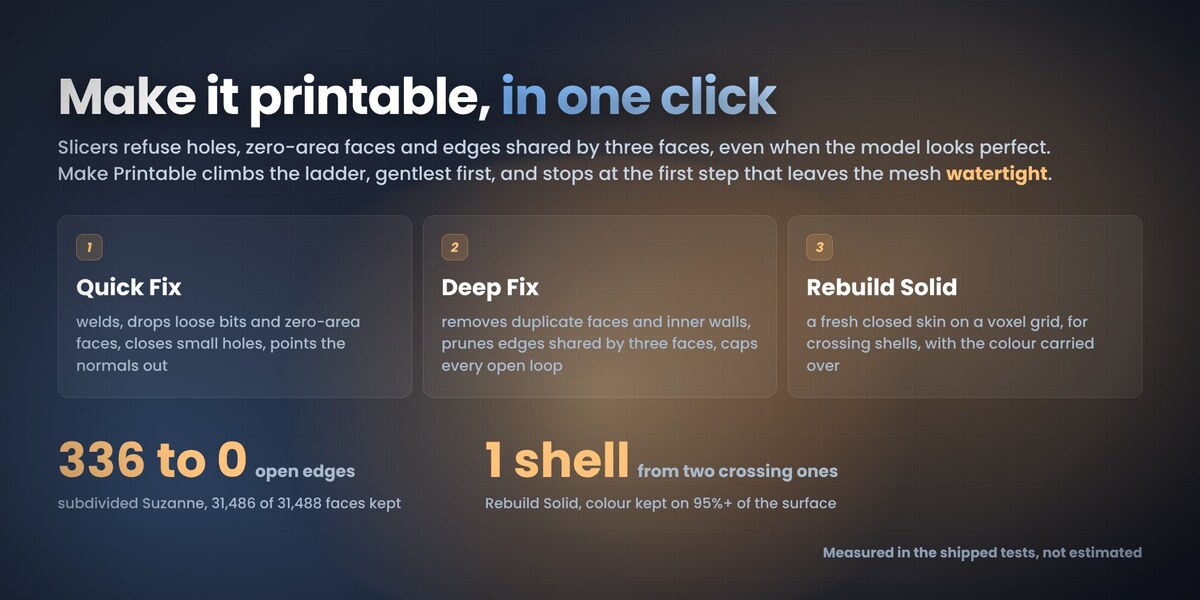
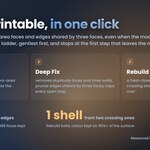
Make Printable (panel 5) runs Quick Fix, Deep Fix and, if you allow it, Rebuild Solid in one click and stops at the first step that leaves the mesh watertight. Rebuild Solid now carries the colour per corner.
Print size: Scale to Print Size and Put on the Plate.
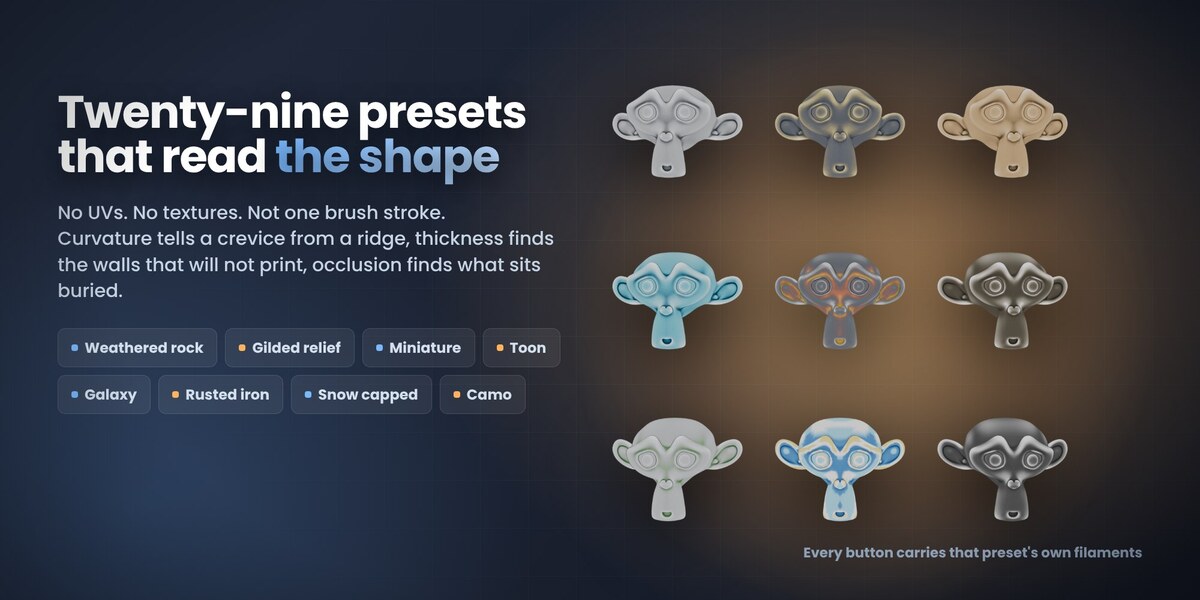
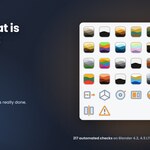
10 new presets, 29 in all: Miniature, Toon, Rainbow Layers, Kawaii Pastel, Galaxy, Haunted Glow, Rusted Iron, Marble Statue, Snow Capped, Camo, in four groups.
Fixed: colours from ordinary 8-bit textures were read lighter than they are; the viewport showed painted colours lighter than the print. Scenes painted with 1.1 still open with the right colours.
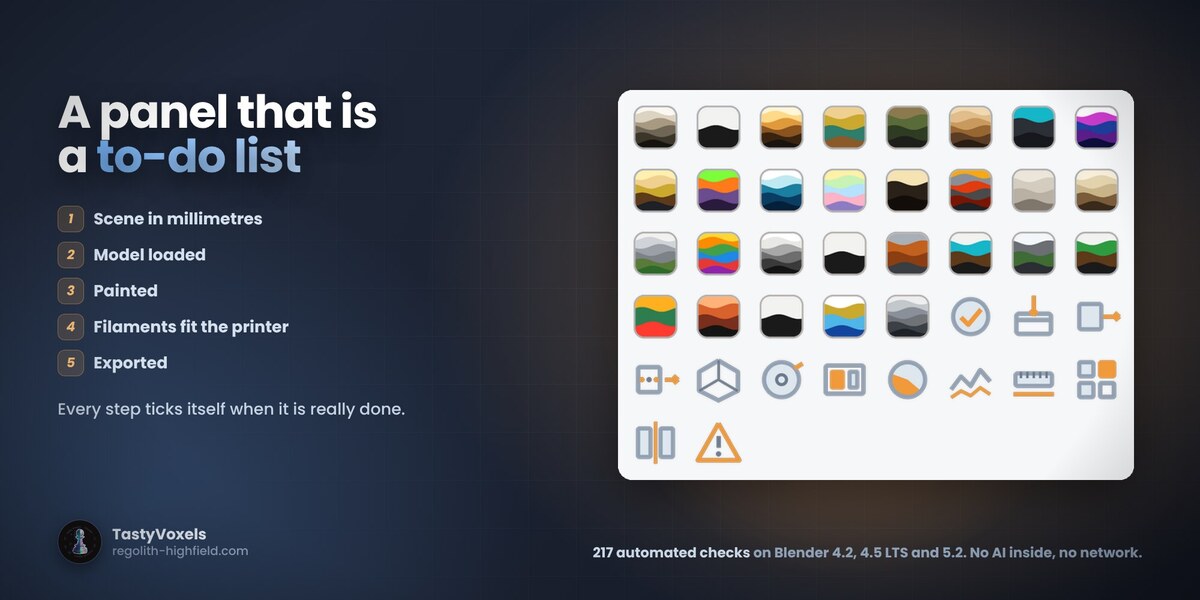
Built and validated with Blender's own extension tool, installed from this zip and tested on Blender 4.2, 4.5 LTS and 5.2 (217 automated checks per version).
It is a beta: it can still have problems, above all with files I have never seen. If something goes wrong, tell me here on Superhive. Your reports decide what I fix and build next.
Hotfix. In the 1.1.0 zip two texts in the extension manifest were longer than 64 characters, so Blender's extension validation check failed; the zip still installed and worked with Install from Disk. 1.1.1 is the same add-on with the manifest fixed. It was built and validated with Blender's own extension tool and tested installed on Blender 4.2 and 5.2. (Corrected: an earlier wording of these notes said 1.1.0 could not be installed, which was wrong.)
Nothing else changes in your workflow.
Any coloured model in. Full-colour 3MF out. A repair ladder that stands on its own.
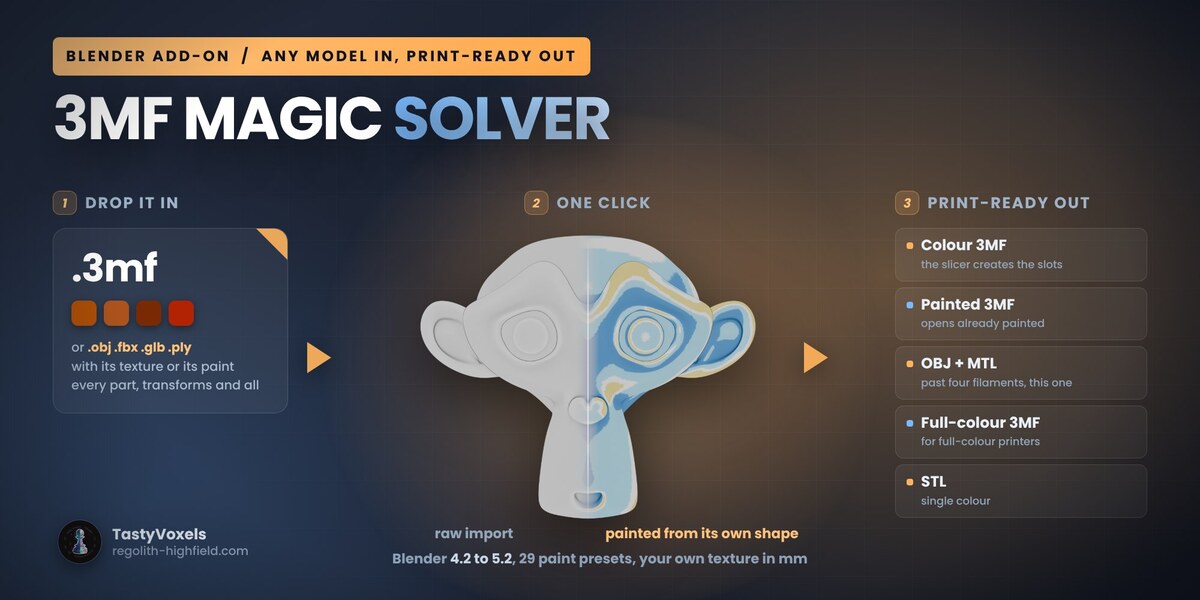
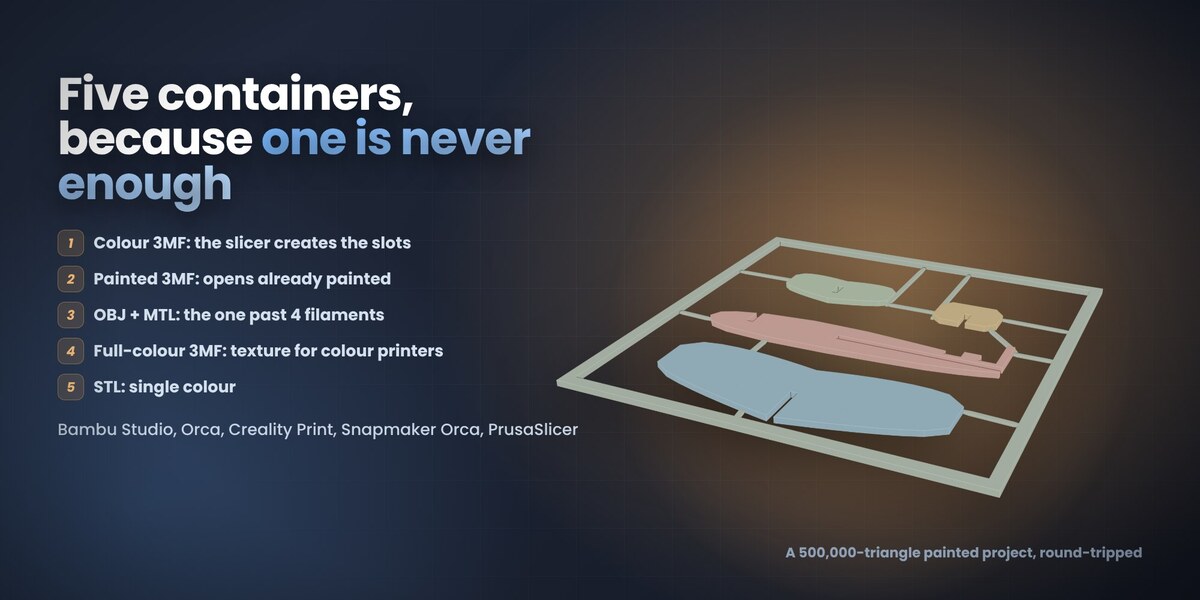
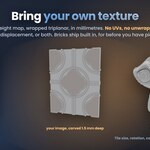
Import any model and keep its colour: Import OBJ, FBX, GLB, STL, PLY (also USD, Collada, Alembic, and by drag and drop) hands the file to Blender's own importer, flattens the hierarchy, puts the model in millimetres and captures the colour out of its materials: a UV texture is sampled per triangle corner, a colour attribute is read as it is, a plain material colour becomes that colour. Capture Colour from Materials does the same for any mesh already in the scene. Units are handled per format, and a captured texture's palette is picked by coverage and folded to your filament slots.
Full-colour 3MF: a fifth container, for the printers that print a photograph (UV inkjet, binder jet, PolyJet). Written to the 3MF Materials and Properties specification and read back in lib3mf with zero warnings. The FDM containers got sharper too: paint per triangle corner picks the filament per triangle from its own three corners, and an OBJ of a captured texture carries the true vertex colours.
Repair, gentlest first: Quick Fix as before; Deep Fix repeats it until nothing changes, removes duplicate faces and inner walls, prunes every edge shared by three or more faces and caps every open loop; Rebuild Solid is the last resort, a fresh closed skin on a voxel grid with colours carried over and the old mesh kept as a hidden backup.
Also: every long dash in the package is a plain hyphen now. Two suites, both green on Blender 5.2 headless: 101 checks for the 1.0 behaviour and 53 for the new features.
Still a beta. The full-colour 3MF has not yet been opened on a full-colour printer's own software: check it in yours before a long print.
Have questions about this product?
Login to message
| Blender Extension Compatible | Yes |
| Dev Fund Contributor | |
| Published | about 2 months ago |
| Blender Version | 4.2 - 5.2 |
| Extension Type | Add-on |
| License | GPL |
Discover more products like this
Print Preparation 3MF creality print 3d printing multicolor prusaslicer import vertex colors orca slicer bambu studio Export multi-material