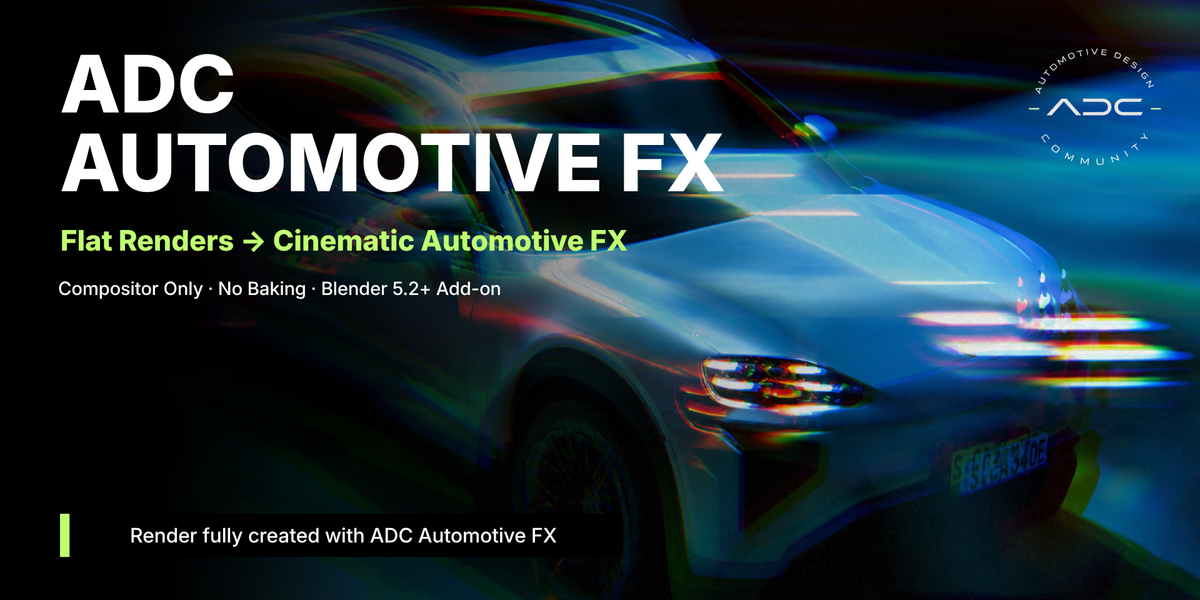
| ADC · Automotive Design Community ADC Automotive FX One-click procedural automotive compositing effects
| 24 effects · 3 categories · 0 baking |
Blender 5.2+ | Compositor only, no add-on dependencies | GPL-3.0-or-later |
| Post-production for automotive stills, done entirely inside Blender's Compositor. No baked textures, no tracked geometry, no extra render passes to set up. Every effect is a node group with sliders you already know how to use, and every distance/size value scales itself against the actual render resolution, so what you see in the viewport preview is what you get at full res. |
|
| Motion Speed, movement, and long-exposure looks for cars in motion |
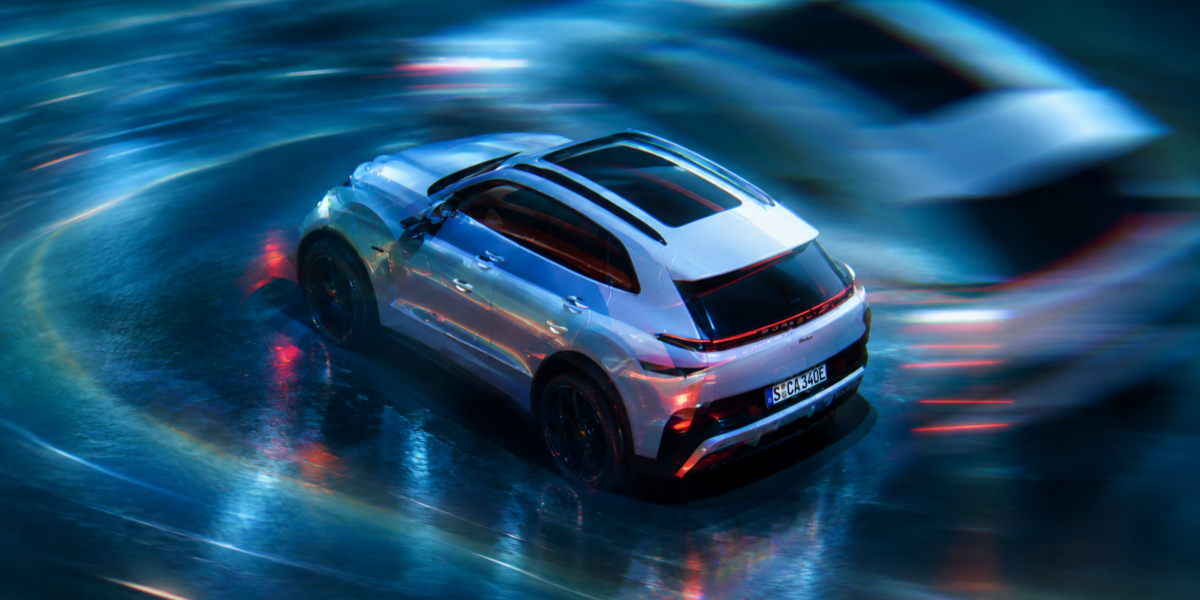
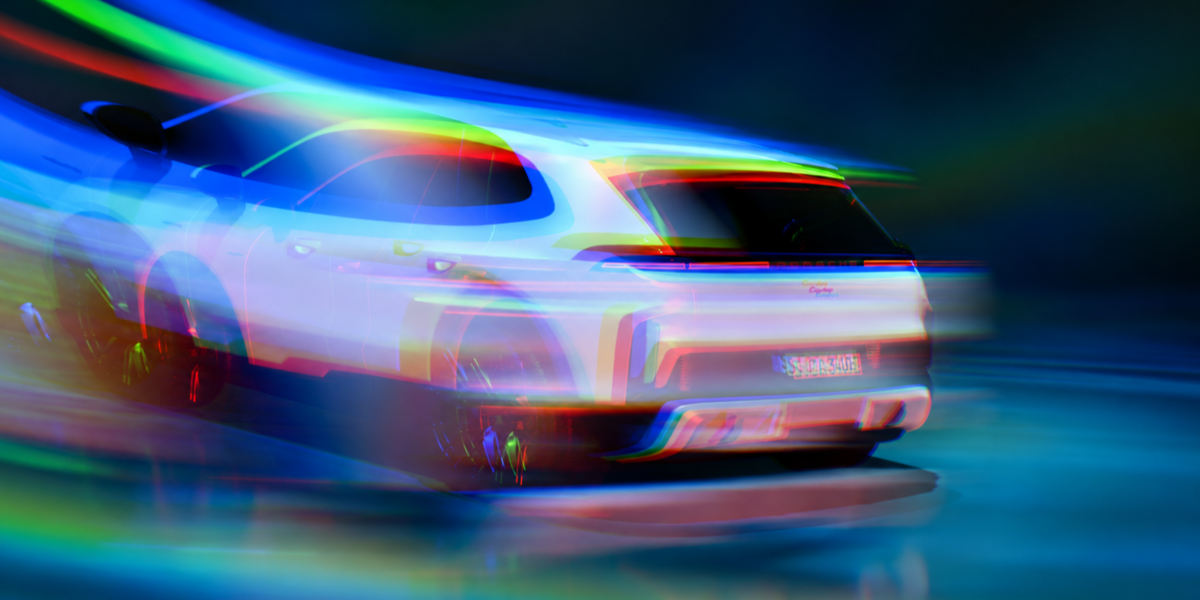
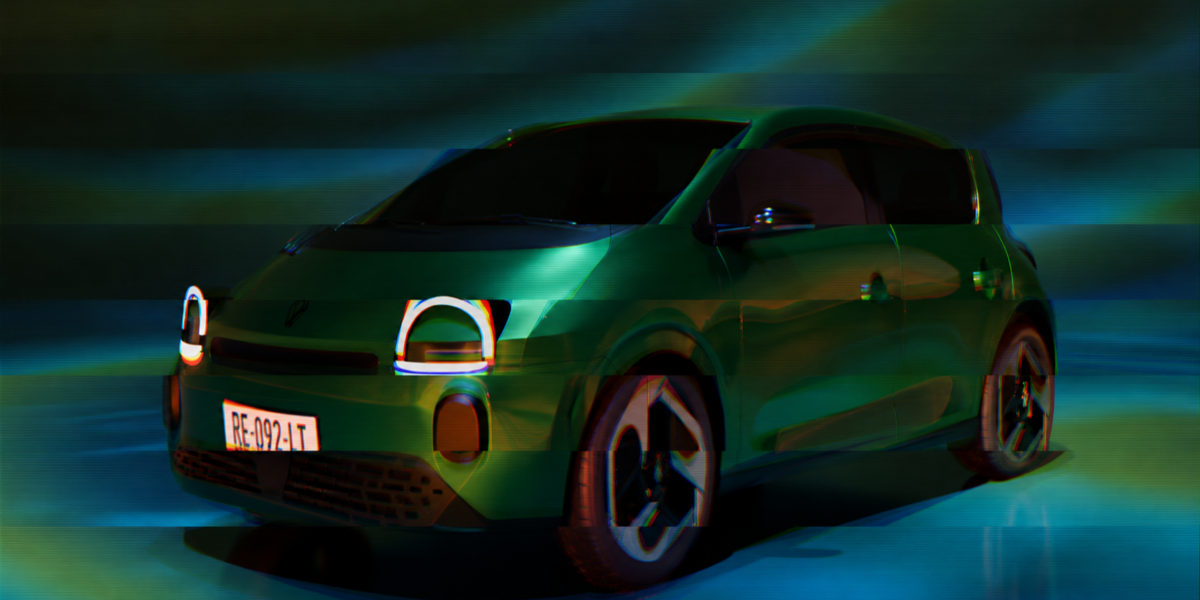
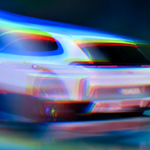
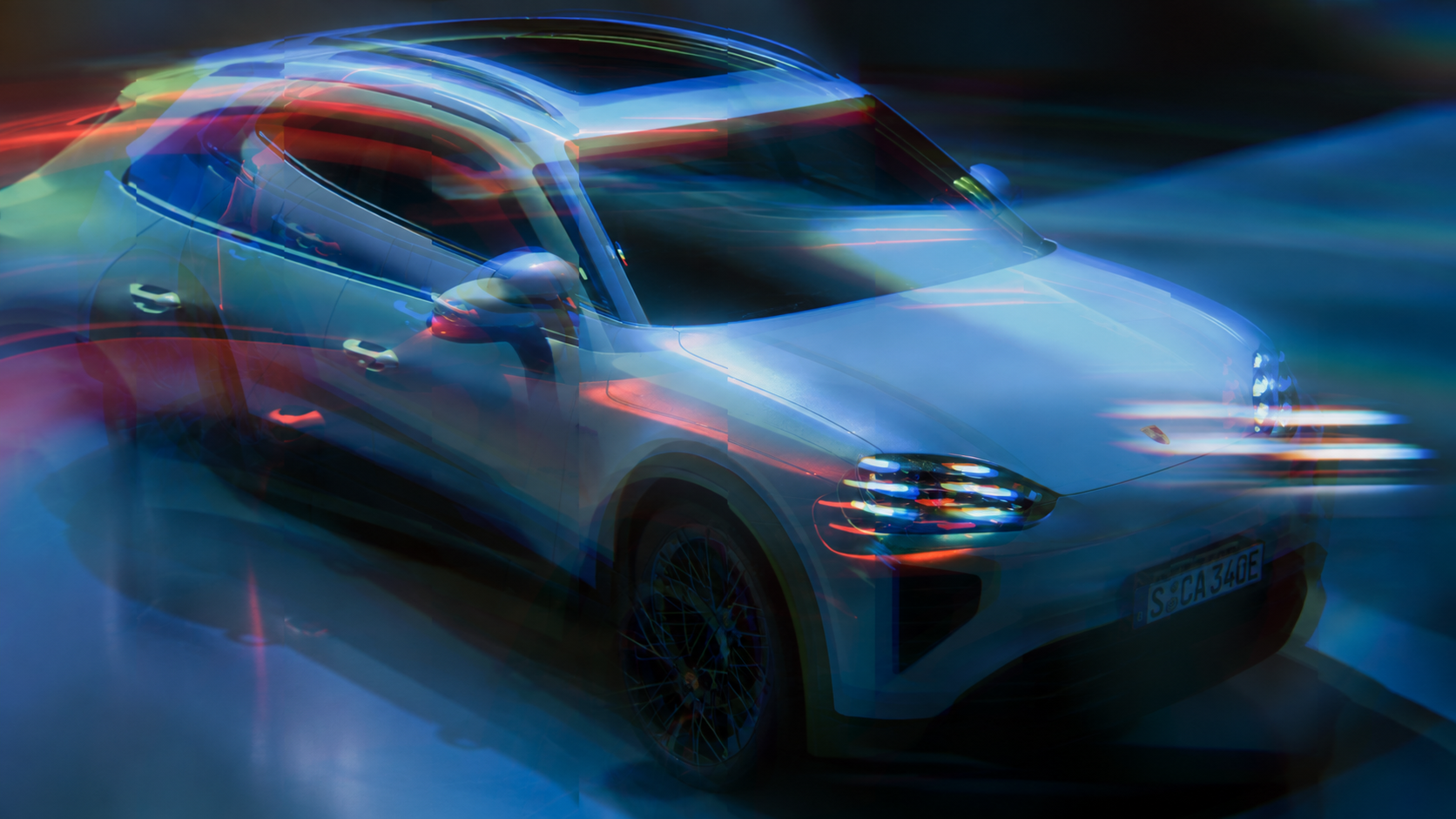
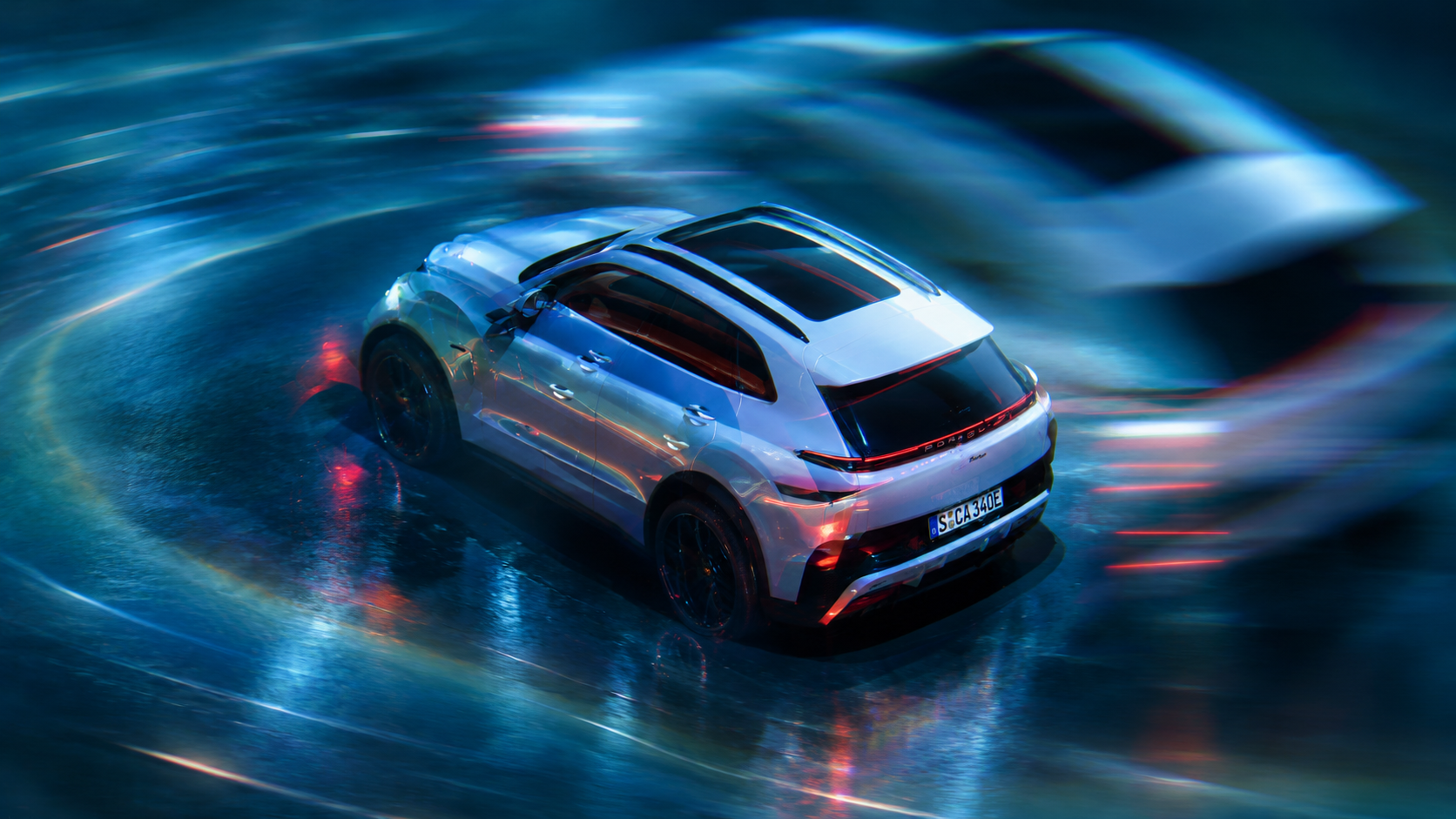
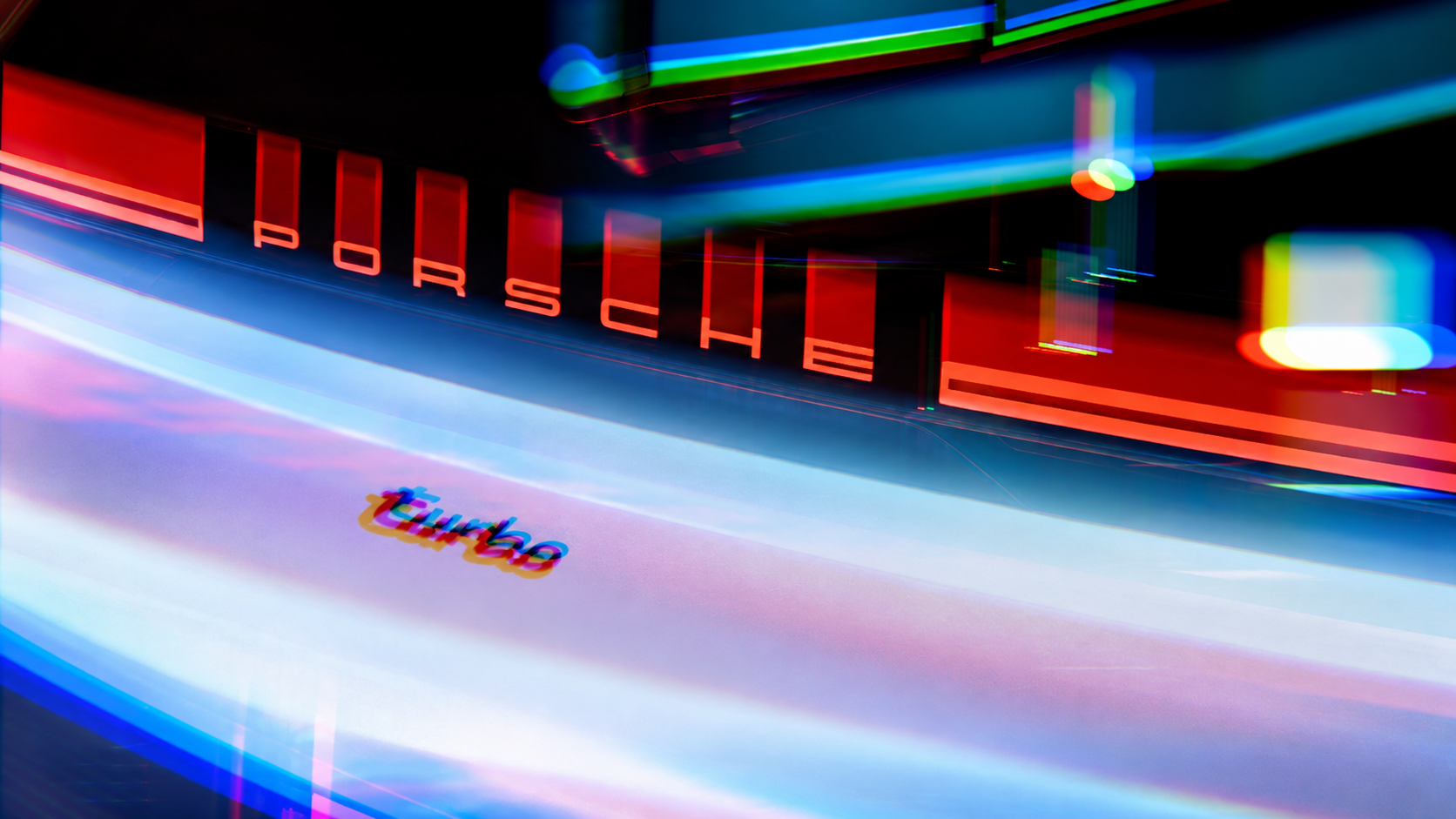
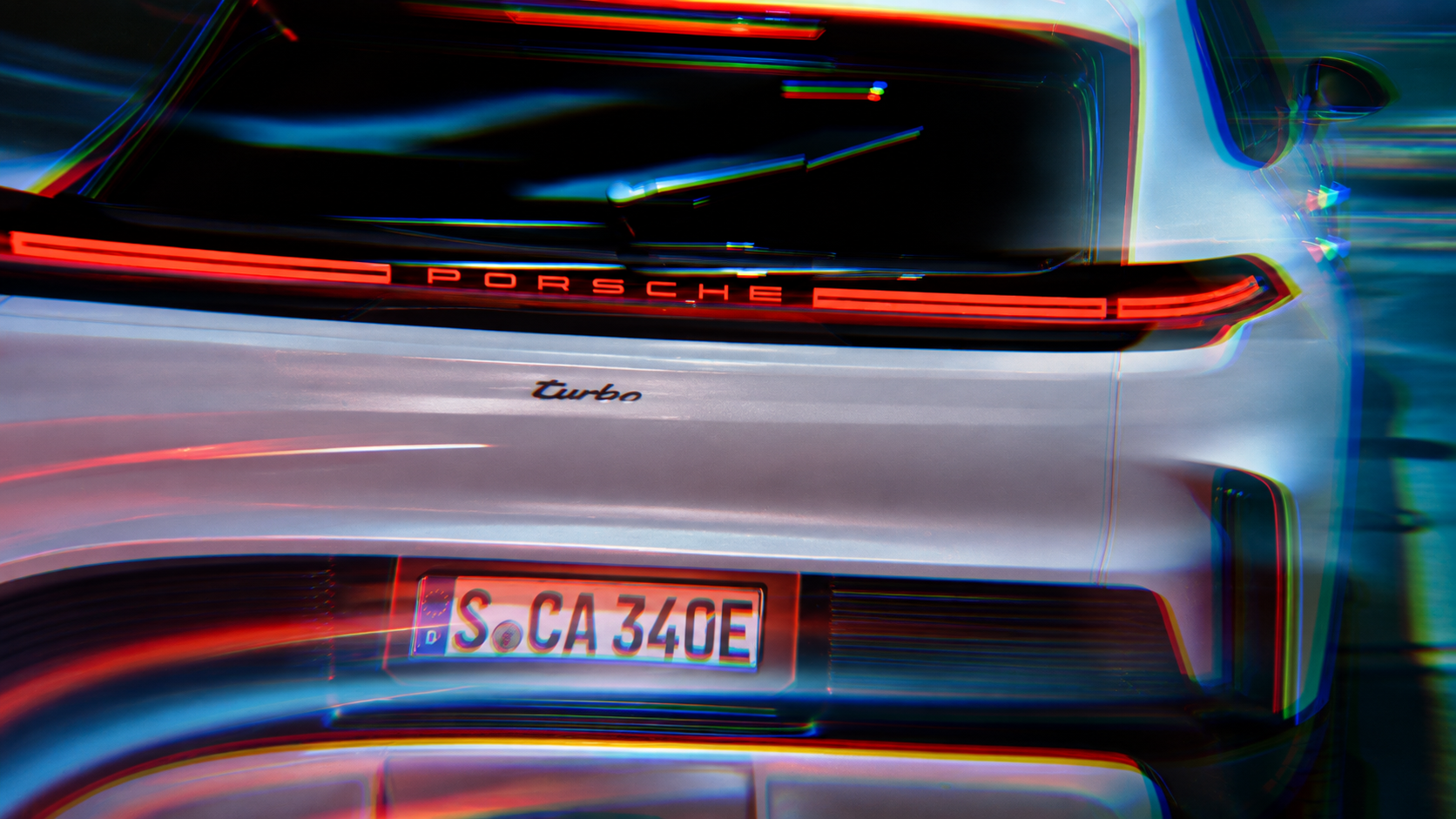
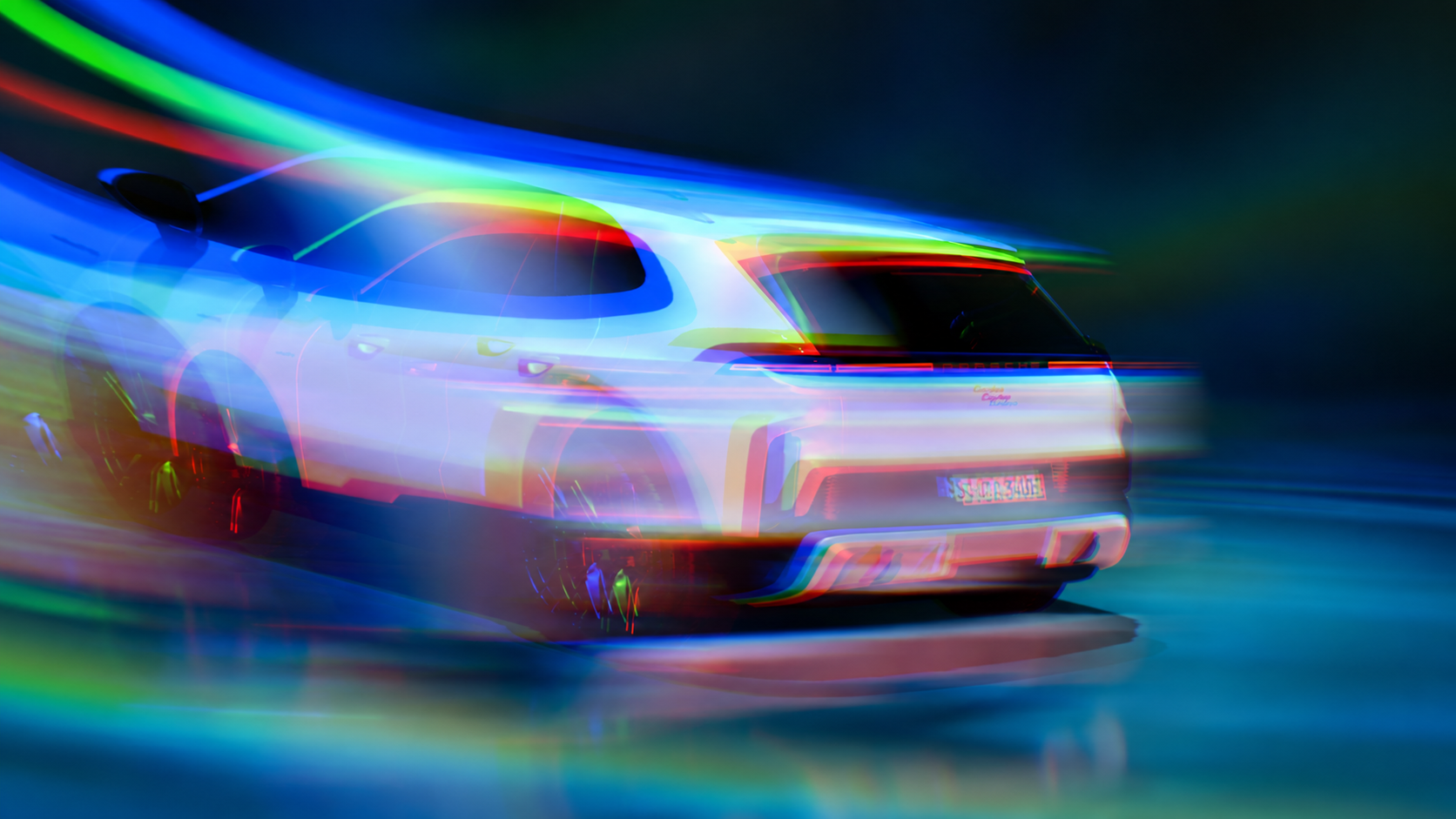
| MOTION Ghosting A soft, motion-blurred duplicate offset behind the car, like a long-exposure afterimage. Directional Blur, Scale and Translate driven by the render's live resolution, so the offset never drifts between a preview and a final-quality render. Scale Amount · Offset X/Y · Blend Factor |
|
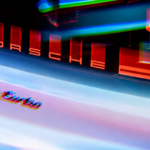
| MOTION Pixel Stretch Directional pixel-stretch speed effect along X or Y. Two modes: Full Frame, or Behind Object using Blender's native Cryptomatte picker, so the stretch is occluded by the car instead of smearing across it. Direction · Amount · Full Frame / Behind Object |
|
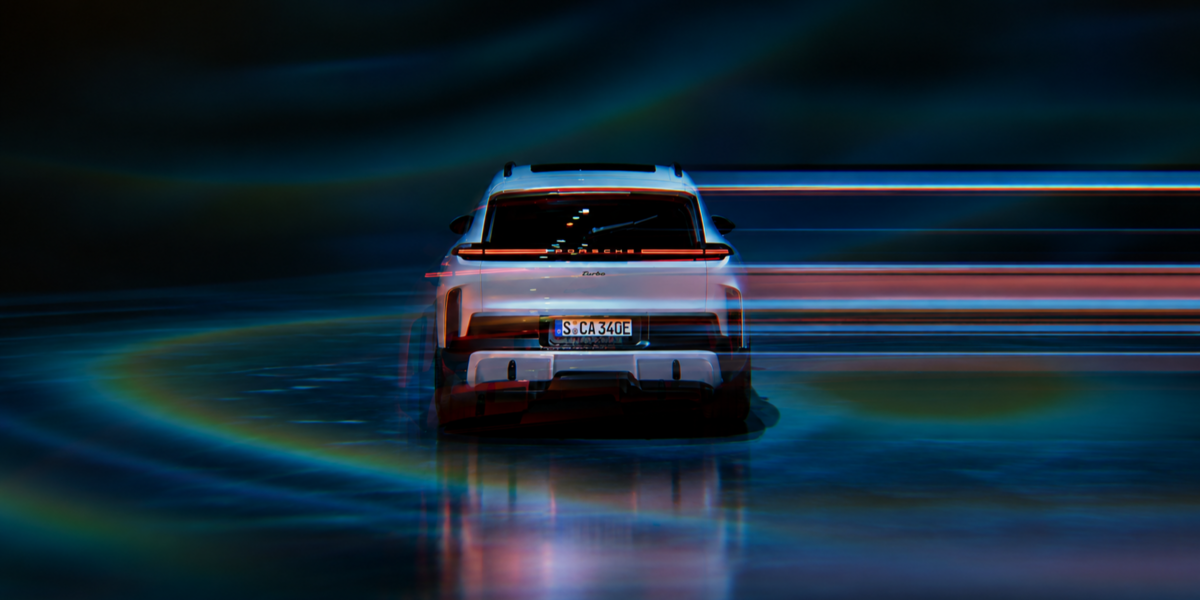
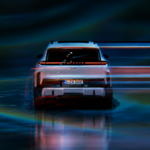
| MOTION Speed Streaks Directional streak lines that sell velocity without a single extra render pass. Built for background and foreground blur, tuned for a hero car sitting still while the world rushes past. Density · Length · Direction · Intensity |
|
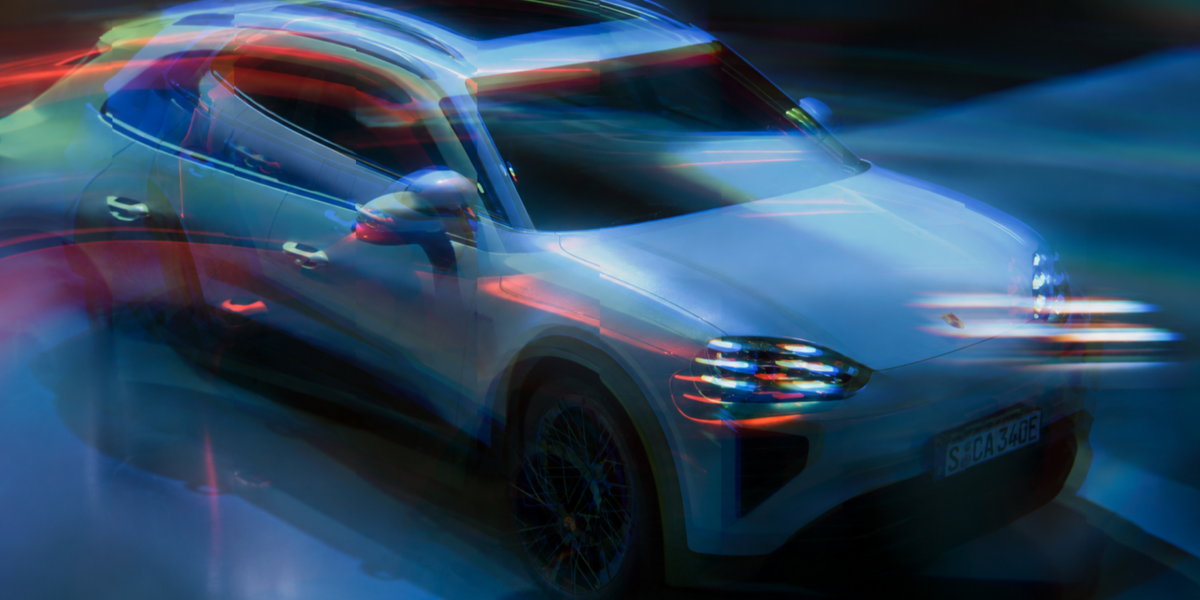
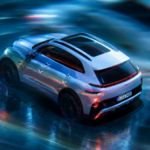
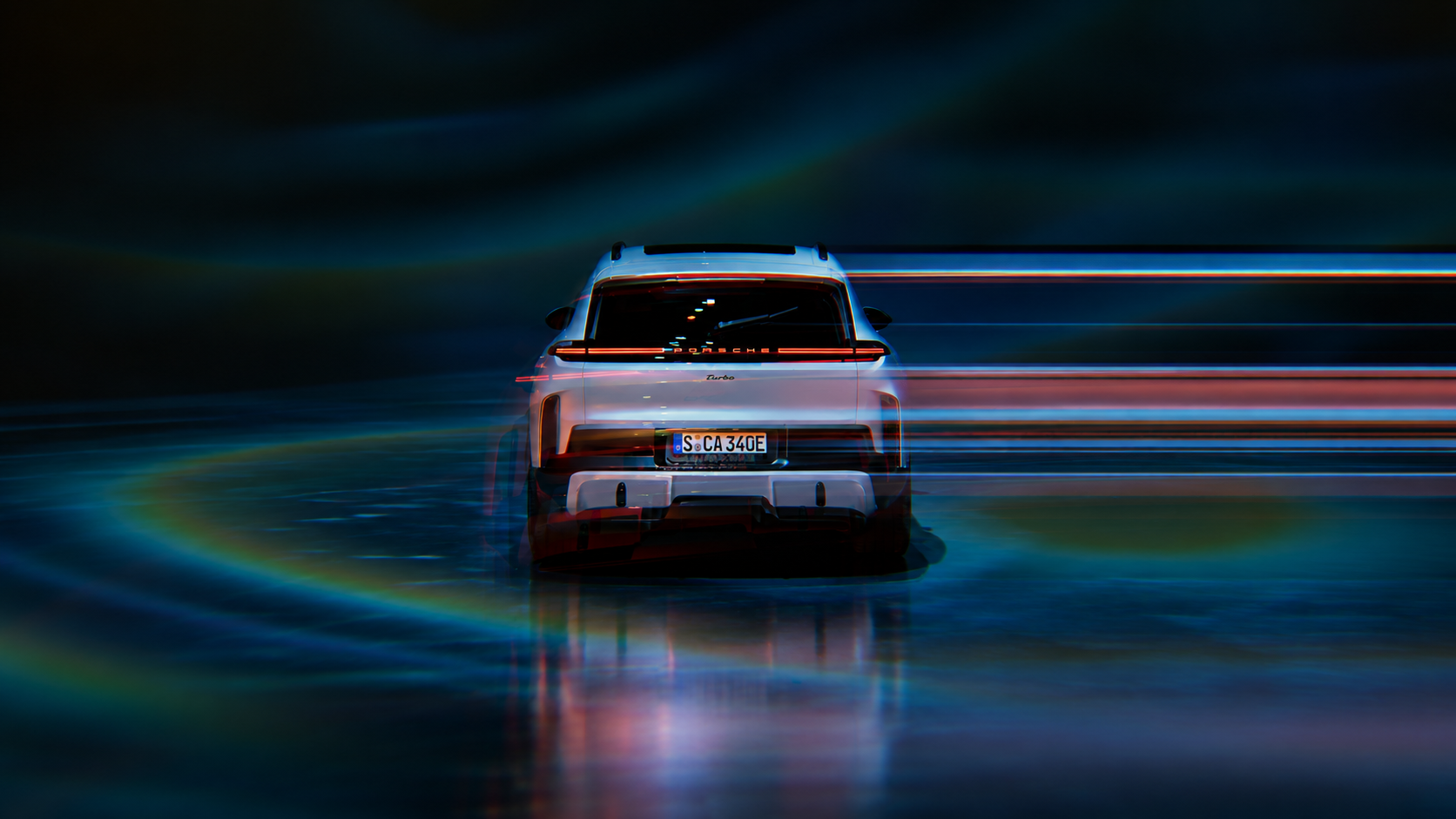
| MOTION Light Tunnel A fan of light trails that converges toward a vanishing point, like a real long-exposure speed-tunnel shot. Every streak gets its own colour, length and thickness instead of one flat noise field, with a warm/cool colour split so it never reads as a single dull tone. Vanishing Point · Spread · Density · 3 Colours · Glow |
|
| Lens Camera and optical effects for a more photographic finish |
| Lens Distortion Barrel and pincushion distortion for a wider, more physical-lens feel. |
|
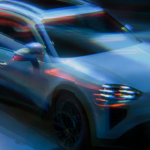
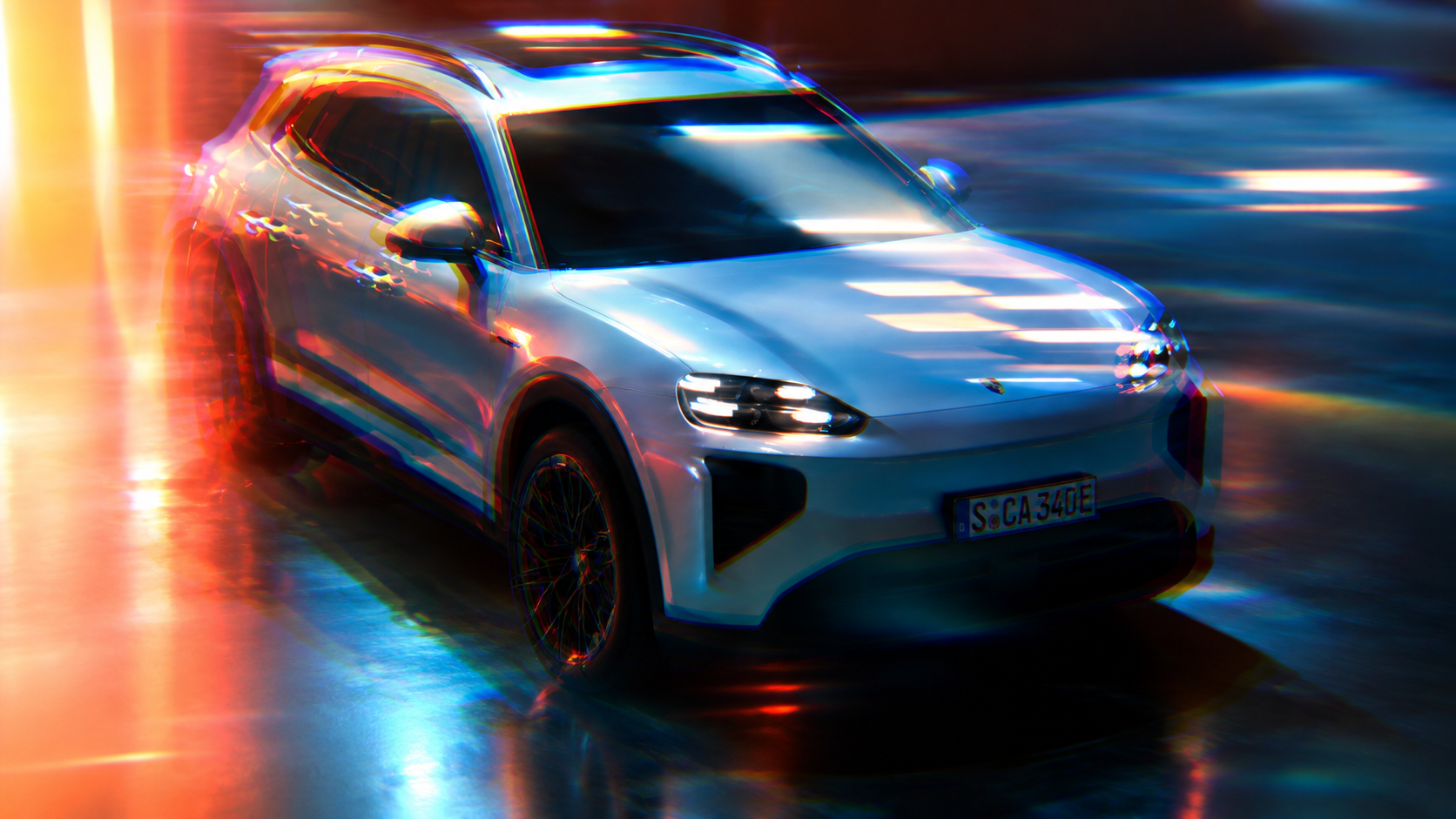
| Lens Distortion Pro A physically-modelled Brown-Conrady distortion: set a Focal Length and the barrel/pincushion curve derives itself, with Chromatic Fringing coupled to the same radial field like real lens dispersion. |
|
| Dispersion
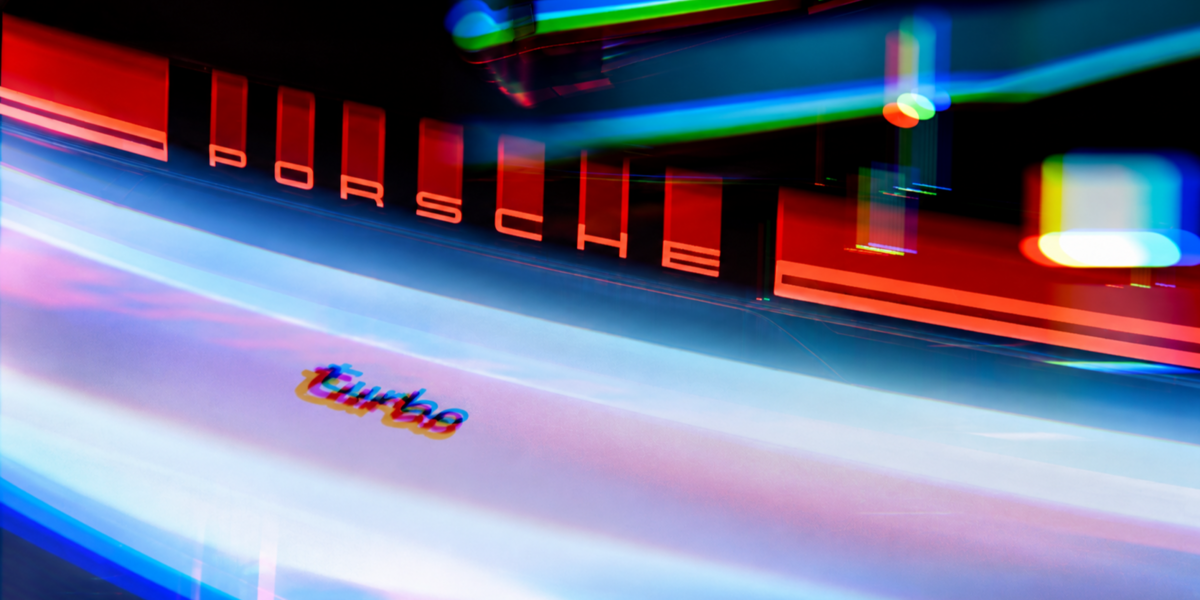
Standalone prism fringing: red and blue channels pull radially apart from a chosen centre, concentrated at the edges like light splitting through real glass. |
|
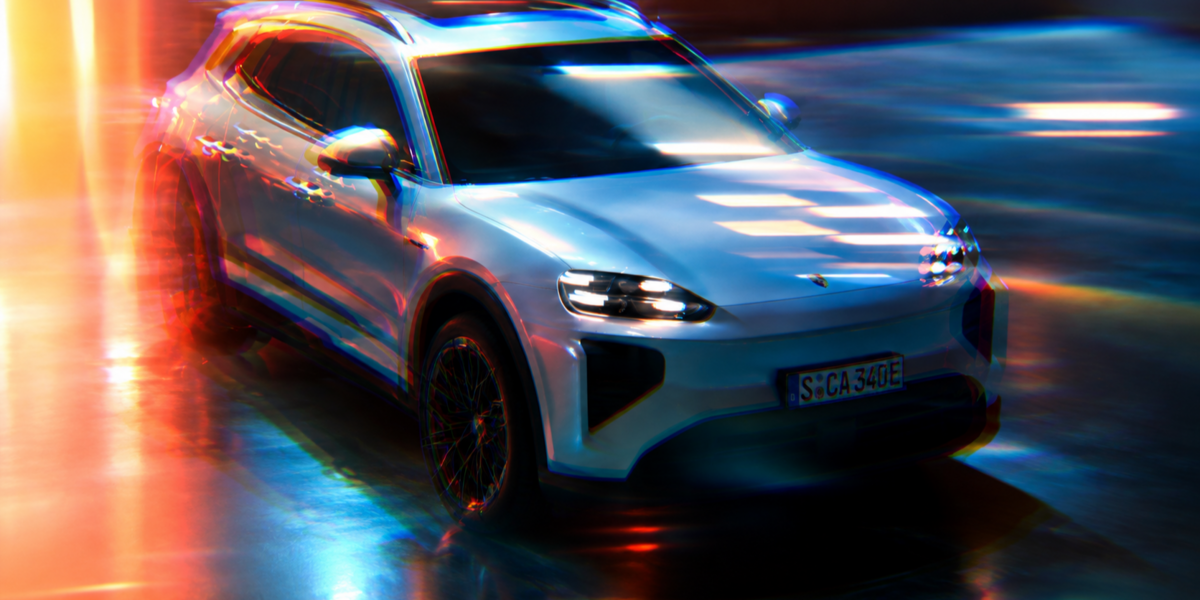
| Chromatic Aberration Subtle colour fringing toward the frame edges, dialled from barely-there to full lomo. |
|
| Bloom Soft highlight glow around headlights, chrome and hot reflections. |
|
| Anamorphic Streaks Horizontal blue streaks off hot highlights, cinema-lens style. |
|
| Vignette Natural edge falloff to pull the eye back to the car. |
|
| Vignette Pro
Size and Softness as separate controls, Roundness to go from a frame-matching ellipse to a true circle (or beyond), and an Exponent for a real cos⁴-style falloff curve. |
|
| Film Grain Organic grain to break up perfectly clean CG surfaces. |
|
| Sensor Noise Fine, camera-sensor-style noise for a less synthetic image. |
|
| Patterned Glass Real refraction through glass, positioned and sized entirely with sliders, no tracked Empty and no mask geometry to set up in the scene. Five pattern types picked from a proper dropdown (Vertical, Horizontal, Square, Dot, Circular Wave), a mask Roundness control that goes from frame-matching to a true circle, plus edge-boosted displacement and true per-channel Dispersion for colour fringing at the glass edges, like a real prism. |
|
|
| Stylize Full looks for social content, thumbnails, and stylized reveals |
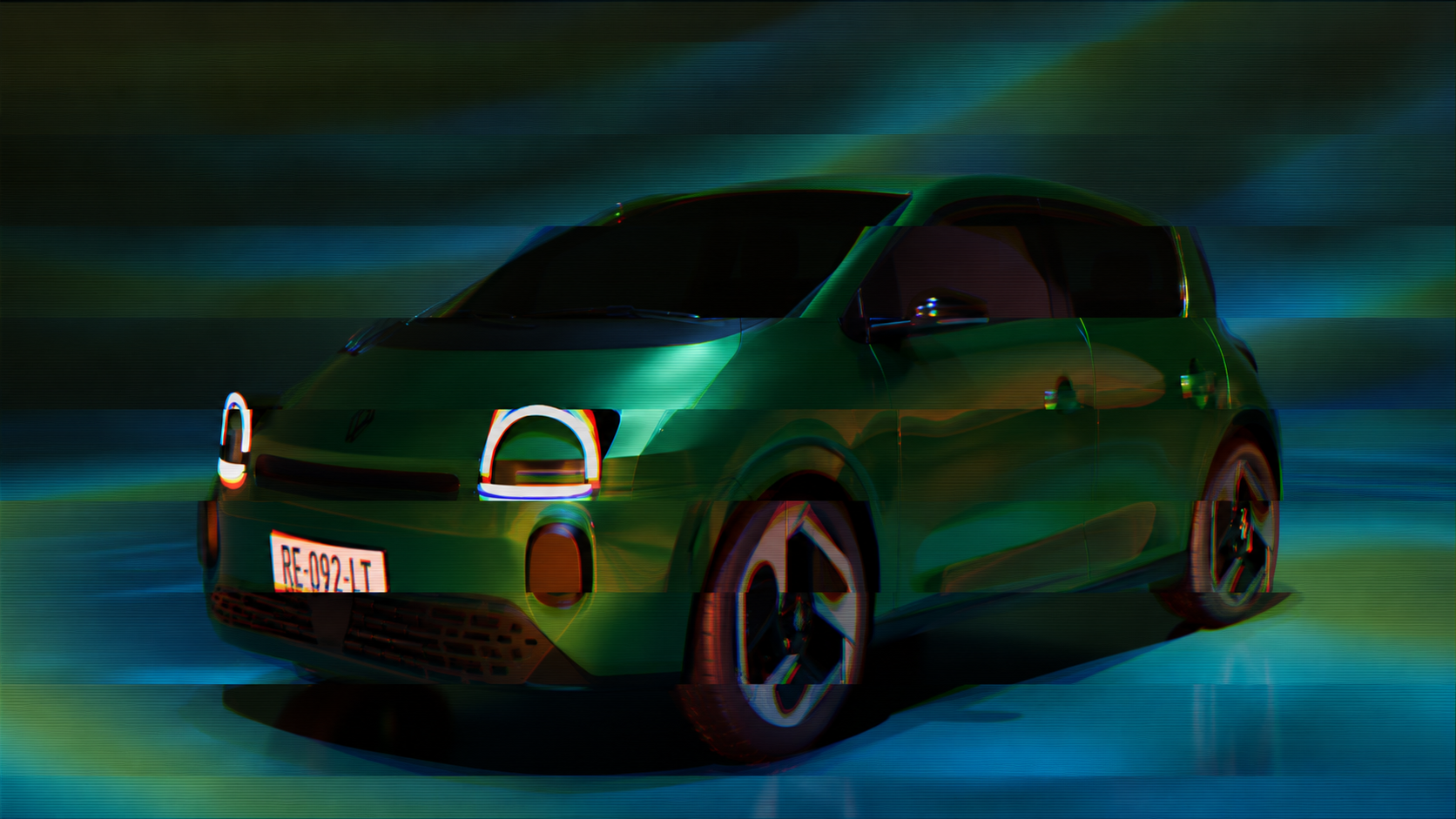
| STYLIZE CRT Phosphor dot-matrix screen look. Luminance drives a colourised round-dot grid, dark areas in one colour and highlights in another, with the bright dots blooming into glowing streaks like an old radar or thermal display. Dot pitch scales with the actual render resolution. Scale · Exposure · Shadow/Highlight Colour · Glow · Amount |
|
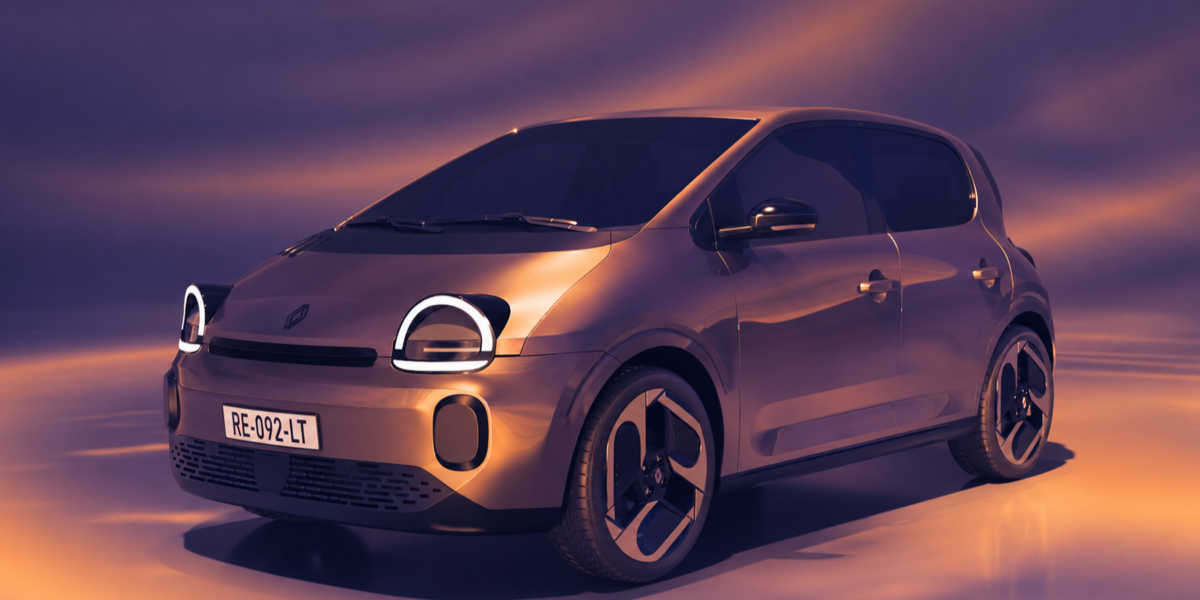
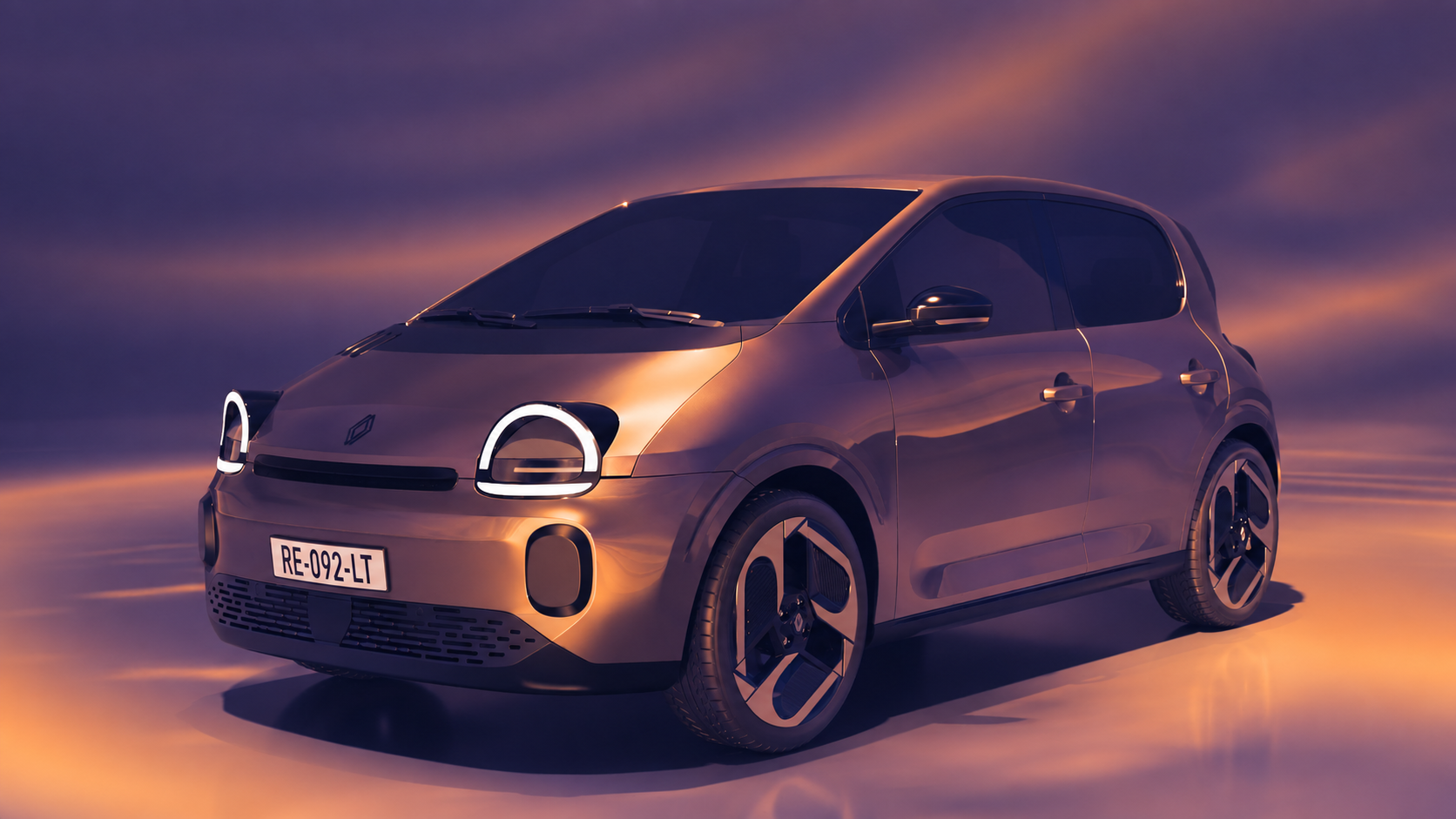
| STYLIZE Duotone Classic two-colour split-tone remap. Shadow and Highlight Points shape the tonal range, an Amount slider blends between full duotone and the untouched original, so it works as a subtle grade or a full poster-style look. Exposure · Shadow/Highlight Point · Two Colours · Amount |
|
| STYLIZE Gradient Map
The classic grading tool, distinct from Duotone: the image's own luminance drives a fully editable, multi-stop colour ramp, so any number of colours can flow continuously across shadows, midtones and highlights instead of a fixed two-colour split. Multi-stop Gradient · Amount |
|
| STYLIZE VHS Analog tape distortion: RGB channel split, a horizontal sine wobble, and scanlines. Colour grading is left out on purpose, stack Duotone or Gradient Map on top for a tint, so VHS stays a pure signal distortion you control independently. Scanlines · Chroma Shift · Wobble · Amount |
|
| STYLIZE Synthwave 80s retrowave grid and sun, converging toward a vanishing point with real perspective spacing. Two modes: Full Frame, or Behind Object with Blender's native Cryptomatte picker so the grid and sun sit behind the car instead of drawing over it. Horizon Y · Grid Density · Sun · Full Frame / Behind Object |
|
| STYLIZE Posterize Quantizes every colour channel into a fixed number of discrete steps, flattening smooth gradients into clean bands, like toon-shaded or screen-printed art. Levels · Amount |
|
| STYLIZE Blueprint Technical-drawing look: edge-detected outlines glow in cyan over a flat navy field, with an optional CAD-style crosshatch grid. Reads the car's own creases too, not just its silhouette. Edge Width/Threshold/Intensity · Grid · Glow |
|
| STYLIZE X-Ray Dims the car toward a translucent scan and outlines its edges in a glowing colour, using Blender's native Cryptomatte picker to keep the effect on the car and off the background. Base Opacity · Line Colour · Whole Image / Object Only |
|
| STYLIZE Wire Color Colourises the car's own edges without touching its base colour, on the whole frame or just the picked object. A clean accent pass for reveals and thumbnails. Line Colour · Glow · Whole Image / Object Only |
|
| Built for a real production pipeline
| 01 Resolution-independent Every pixel-based value reads the render's live resolution. Preview at 50% or render at full quality, the effect looks the same. | 02 One click, no setup Add an effect, it drops into your compositor stack and reconnects automatically. Remove it, the stack heals itself. No manual rewiring. | 03 Sliders, not geometry No Empties to track, no mask objects to place in the scene. Position, size and shape are plain numeric inputs you can keyframe. | 04 Stack anything Every effect is an independent node group. Run Light Tunnel under Duotone under Vignette, in any order, without fighting the graph. |
|
| Blender version | 5.2.0 and newer | | Where it runs | Compositor only | | Render engine | Engine-agnostic (Cycles, EEVEE) | | Dependencies | None | | Effects included | 24, across Motion / Lens / Stylize | | License | GPL-3.0-or-later |
|
| More from ADC Other tools in the automotive visualization toolset
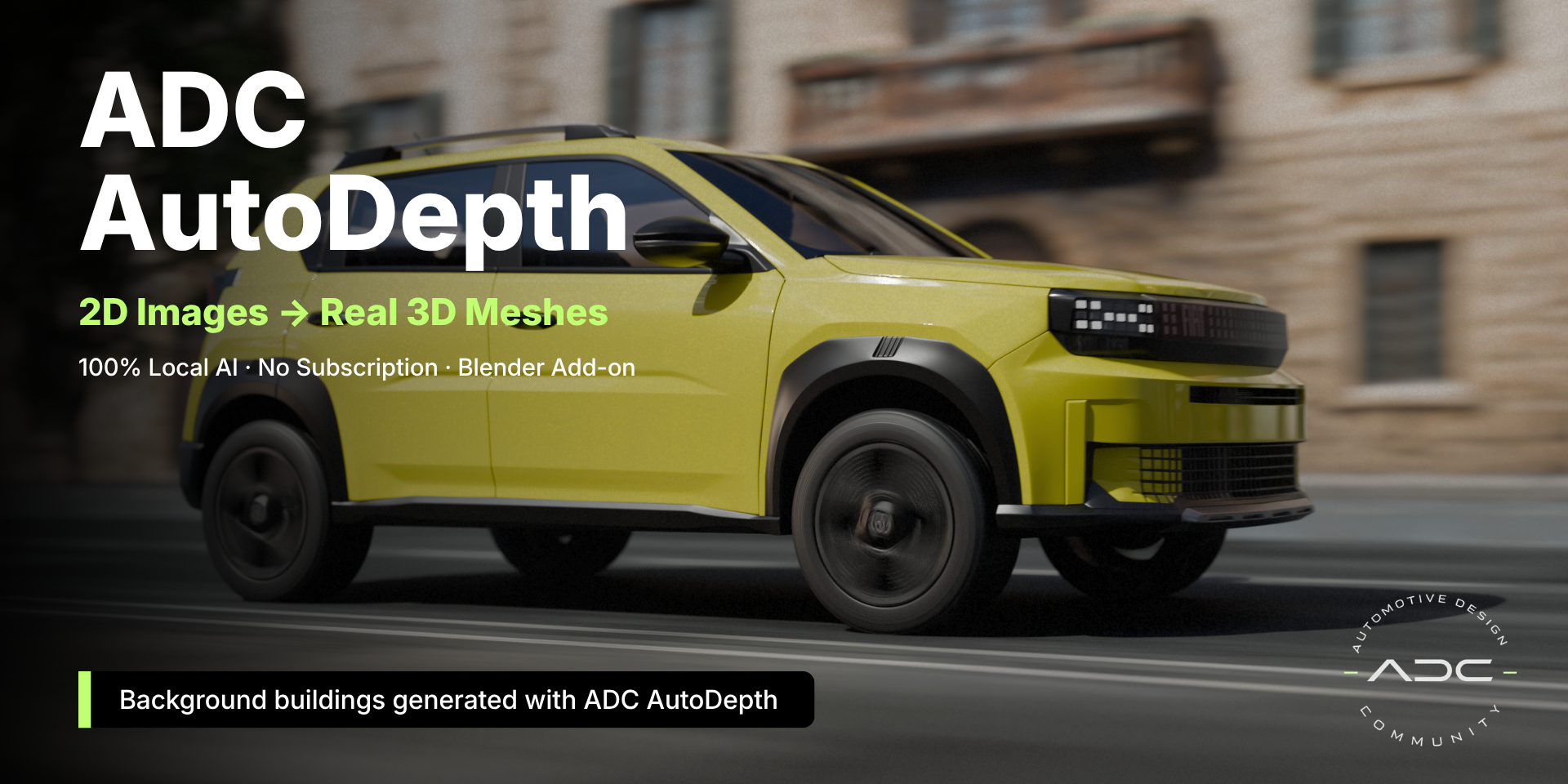
| ADC AUTODEPTH AutoDepth Generates depth maps and displaced meshes from any image, fully local, no cloud AI and no per-image cost. Turns a flat render or photo into real 3D geometry to relight, project onto, or composite around.
|
|
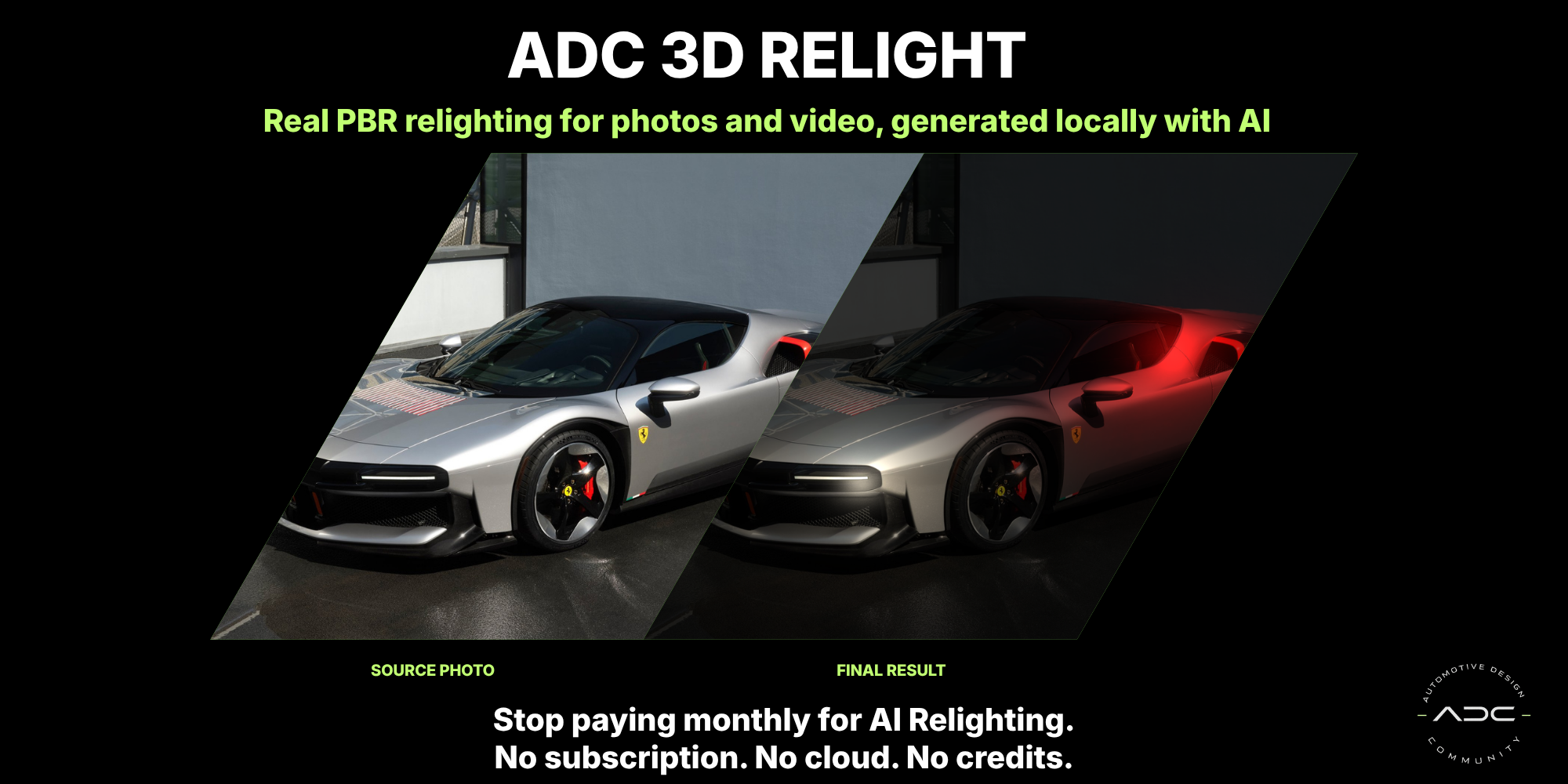
| ADC RELIGHT Relight AI-powered relighting with local depth and normal generation, matte/mask tools, and stabilized video alpha. Change the lighting on a photo or clip without re-rendering a single frame.
|
|
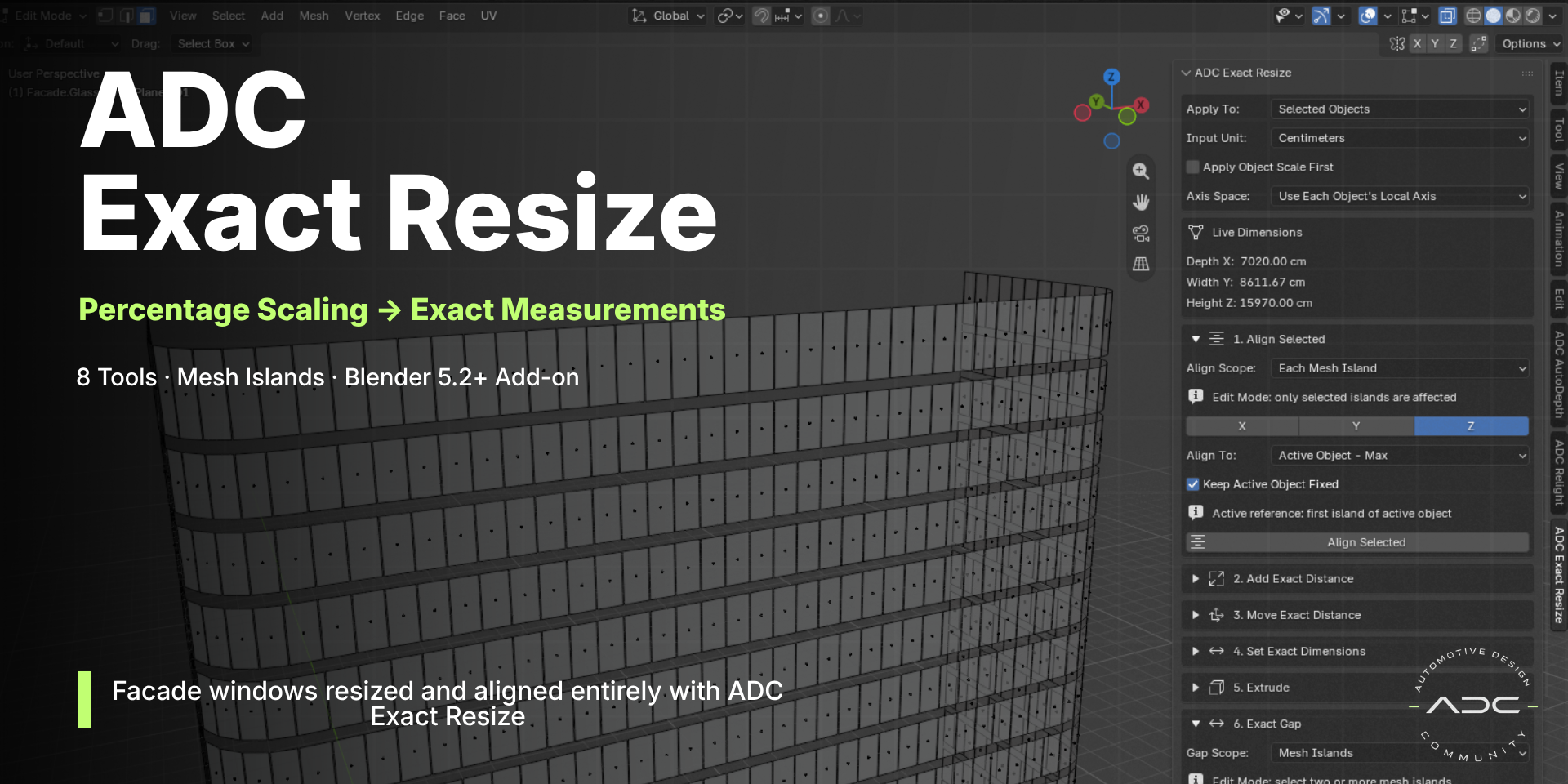
| ADC EXACT RESIZE Exact Resize Precision distance-based resizing, alignment and extrusion with exact dimensions instead of percentages, plus full Mesh Islands support. Built for hard-surface, architecture and CAD-like modelling.
|
|
|
| ADC Automotive FX Part of the ADC toolset for automotive visualization in Blender. |
|
 ADC - Automotive Design Community