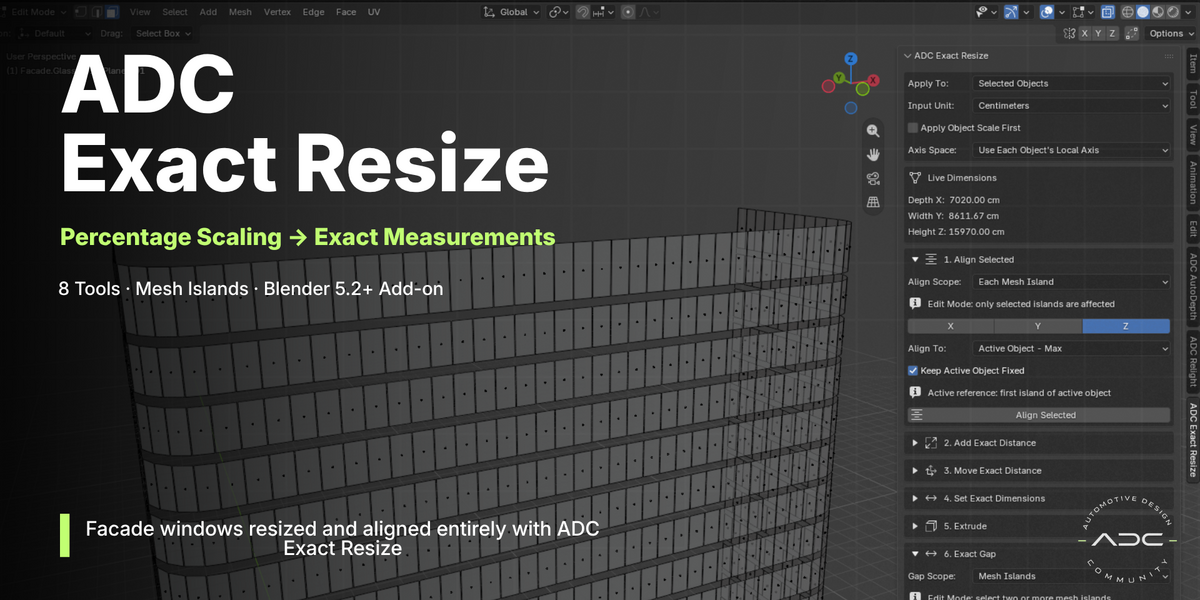
| ADC · Automotive Design Community ADC Exact Resize Stop scaling by percentages. Start modeling with exact distances.
| 8 tools · Mesh Islands · real-world units |
Blender 5.2+ | No external dependencies | GPL-3.0-or-later |
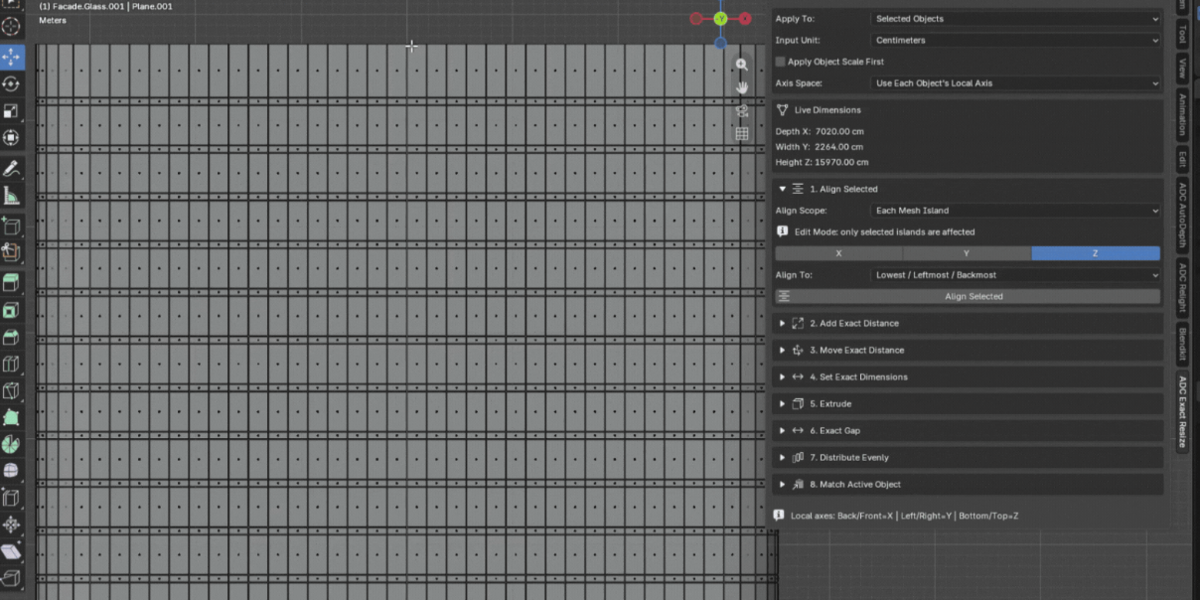
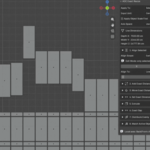
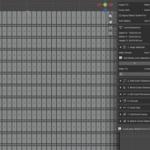
| You have 50 windows on a facade and every one needs to be 12 cm wider. Instead of calculating a scale factor per object, you type Right = 12 cm and apply. The change goes straight into the geometry, with real measurements, on every piece at once. |
|
| The Mesh Islands difference |
|
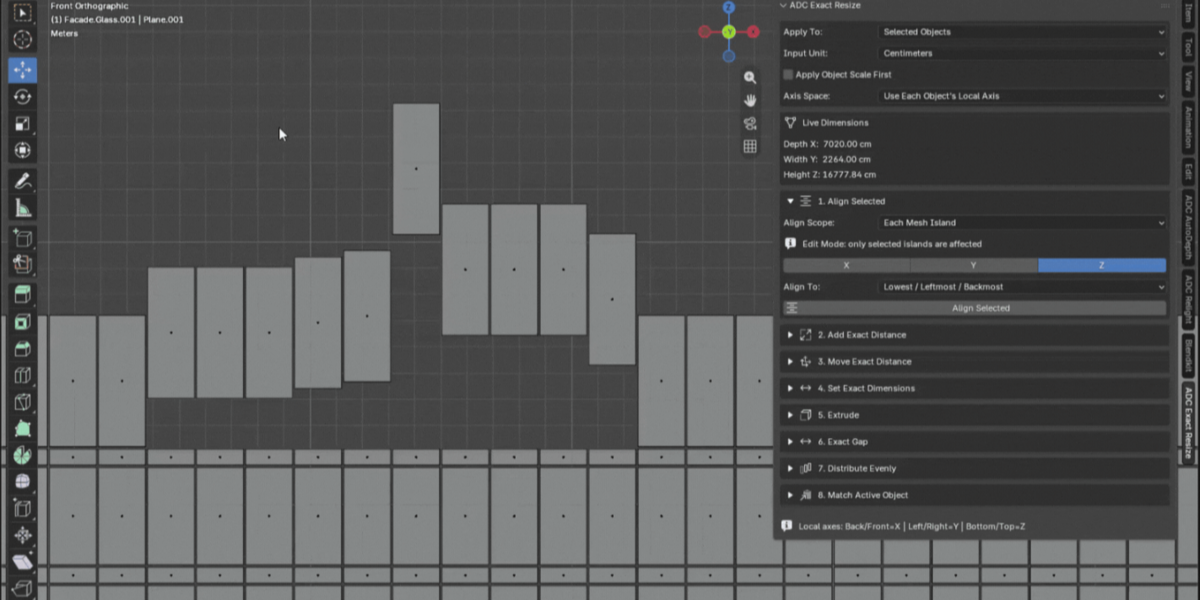
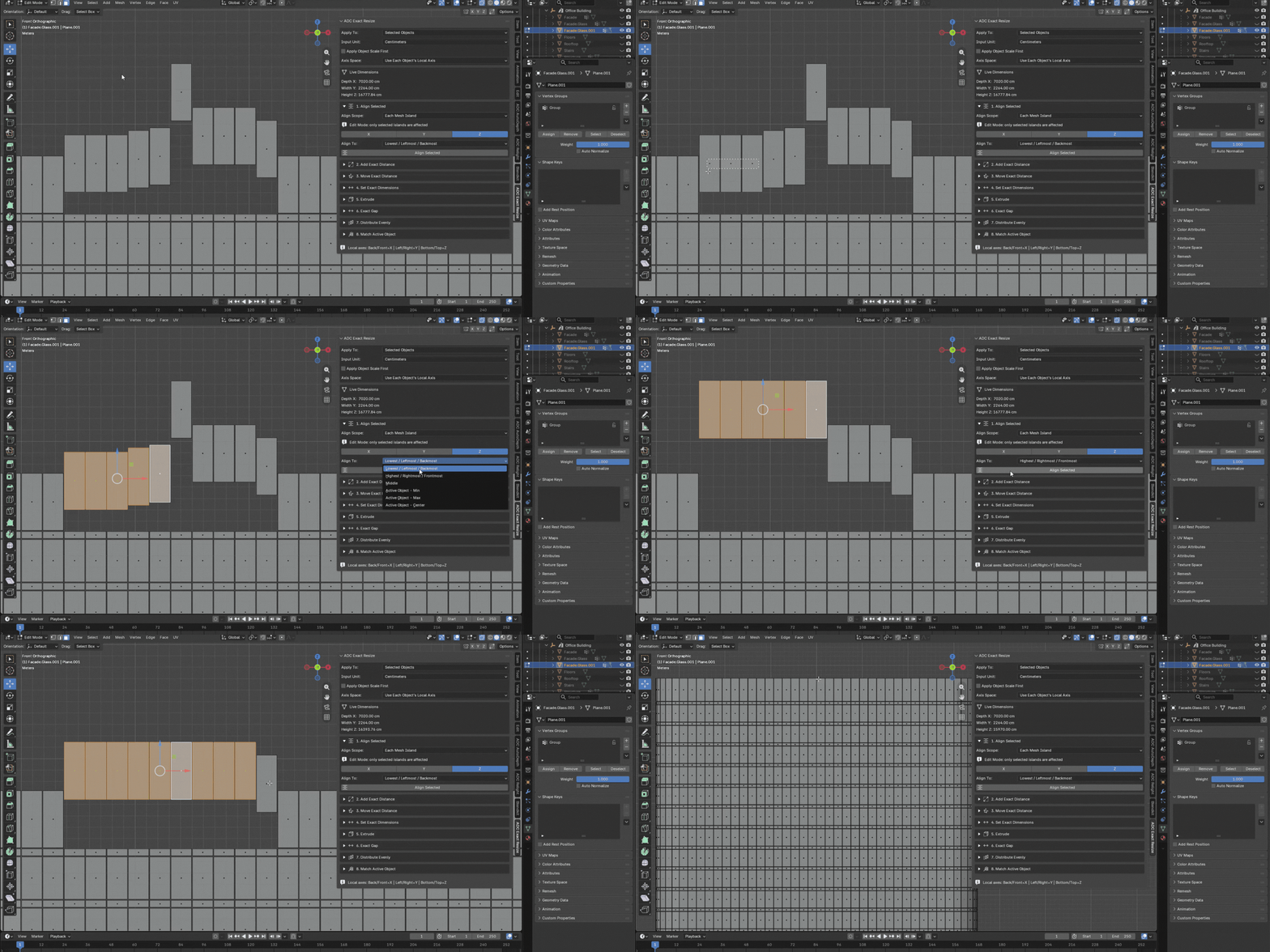
| A single mesh can hold Window 01, Window 02, Window 03, Window 04 and Window 05 as disconnected geometry. Every tool in this addon can treat each of those parts individually — and while in Edit Mode, only the islands you have selected are affected, so a mesh with ten islands can be edited two at a time. ▸ Architecture and facades ▸ Automotive ▸ Hard surface
▸ Product design ▸ CAD-like modeling ▸ Imported models |
|
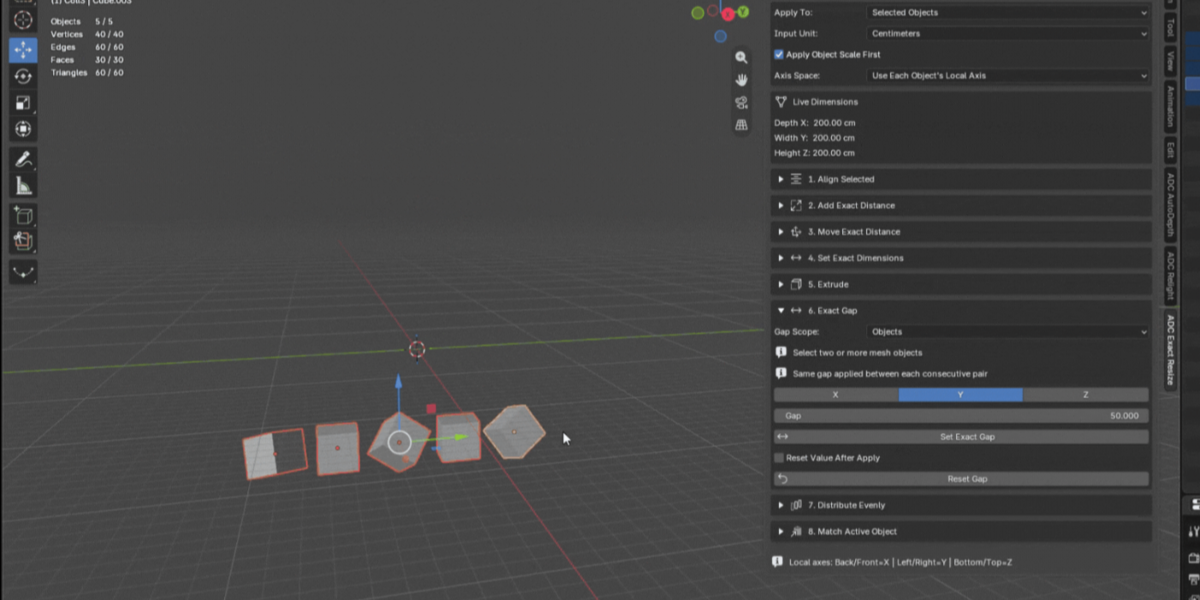
| Eight tools, one panel | | Every tool works on the Whole Object or on Each Mesh Island independently. |
|
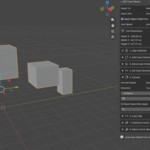
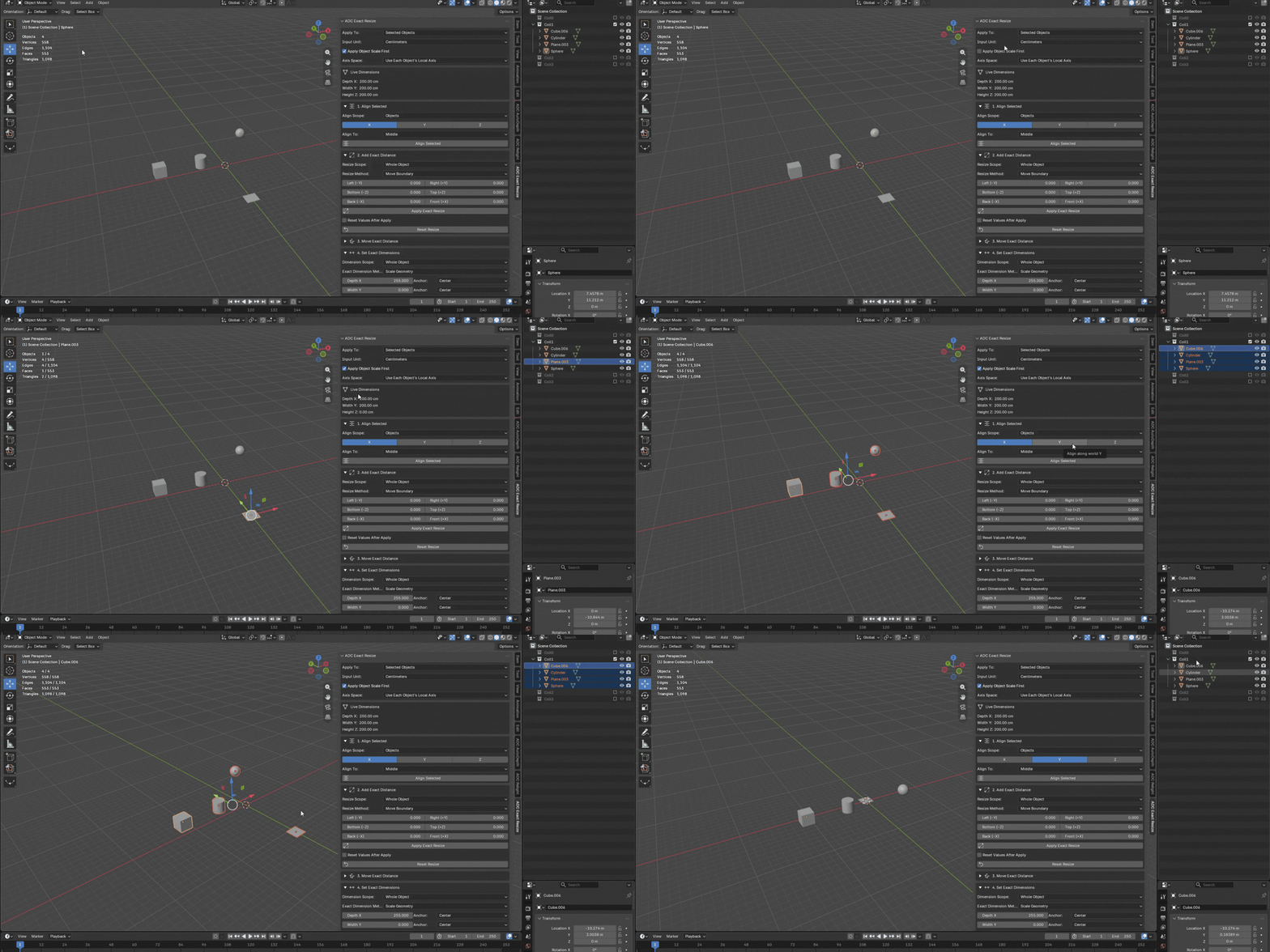
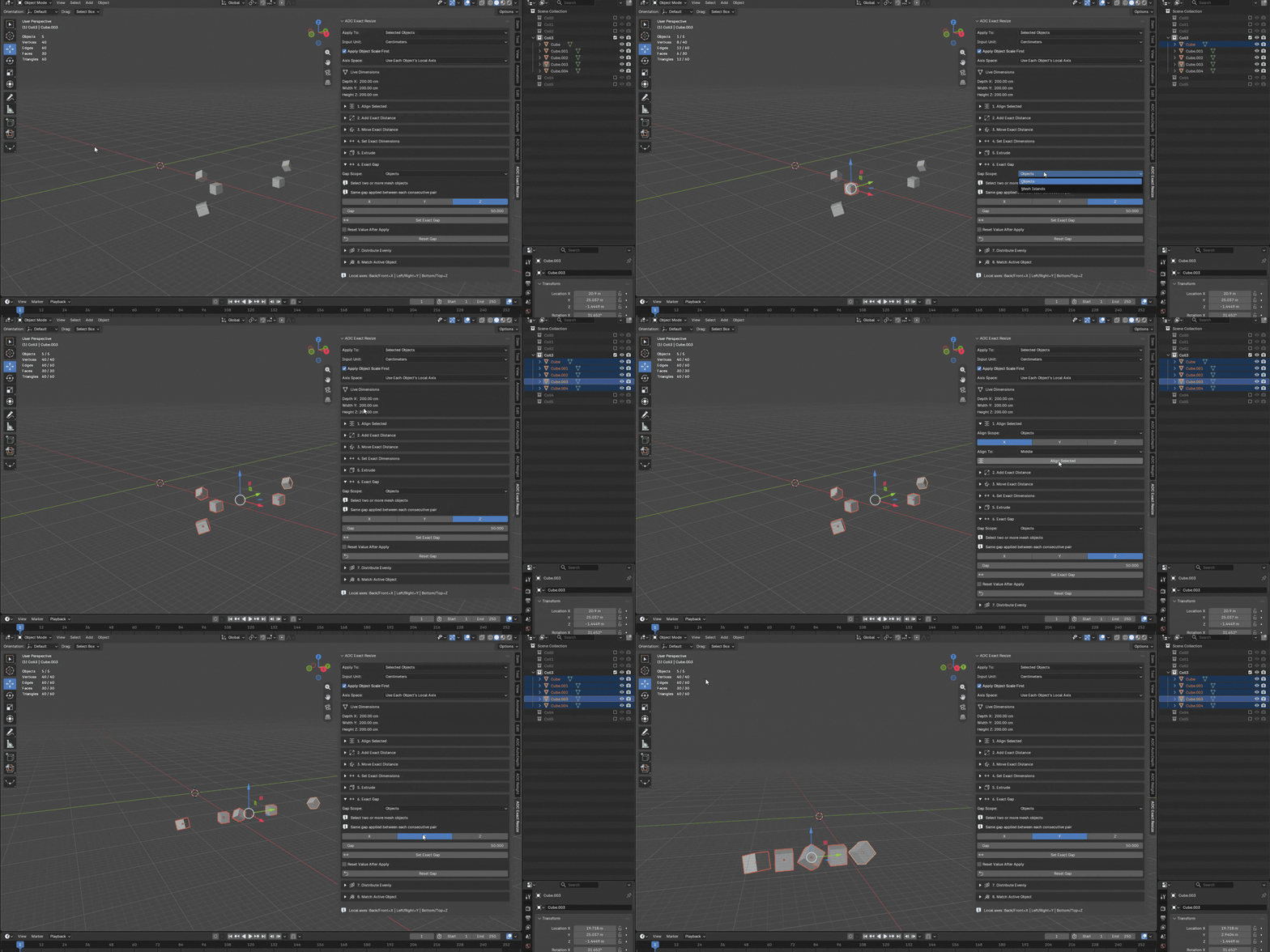
| 01 Align Selected Align objects or disconnected islands along X, Y or Z — Lowest, Highest, Middle, or against the Min, Max or Center of the active object. Calculated in world space, so rotation and offset from the origin do not matter.
|
|
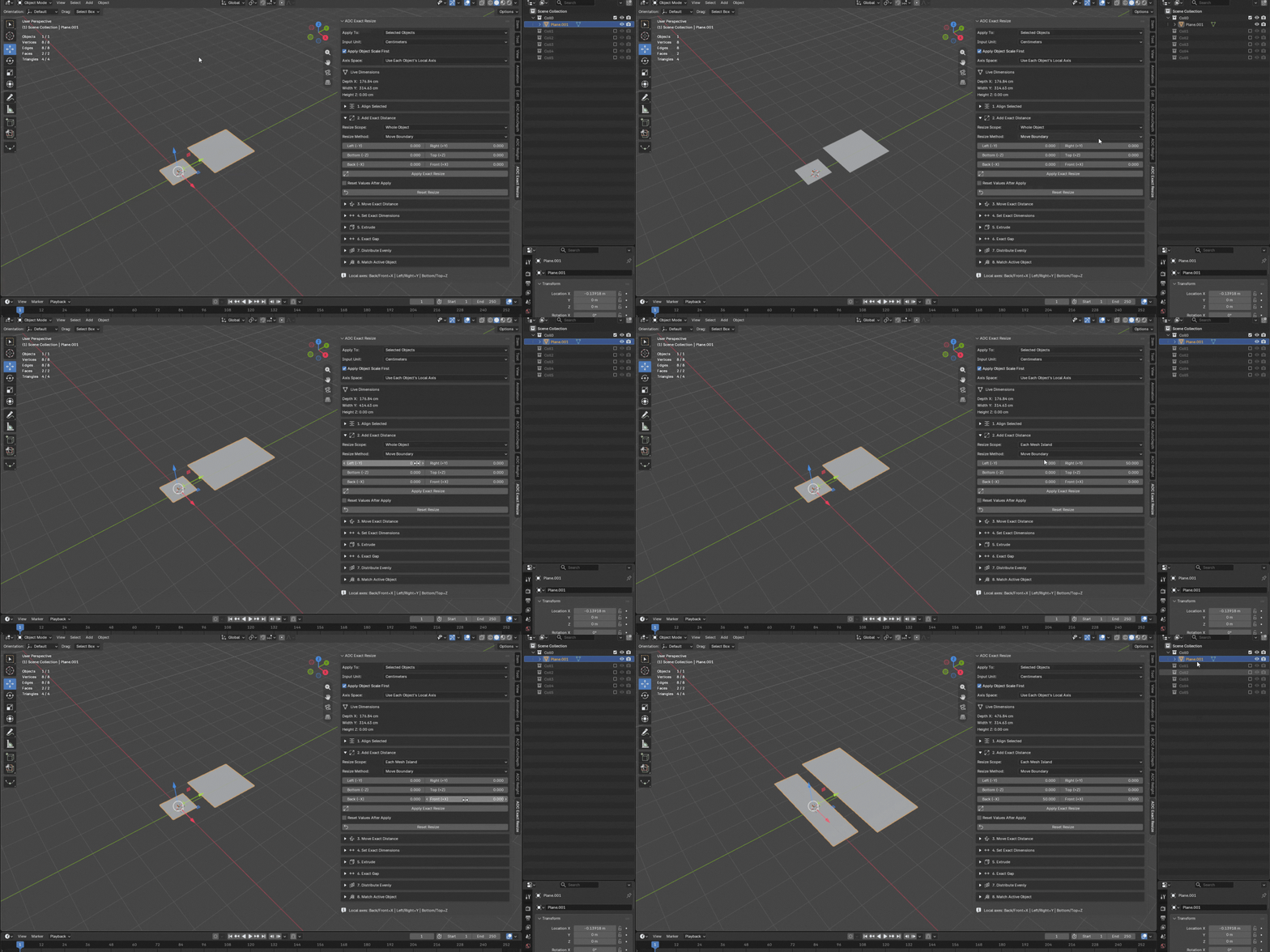
| 02 Add Exact Distance The core of the addon. Add or remove a real distance in each direction independently: Left, Right, Bottom, Top, Back, Front. Two methods — move only the boundary vertices, or scale the inner geometry proportionally.
|
|
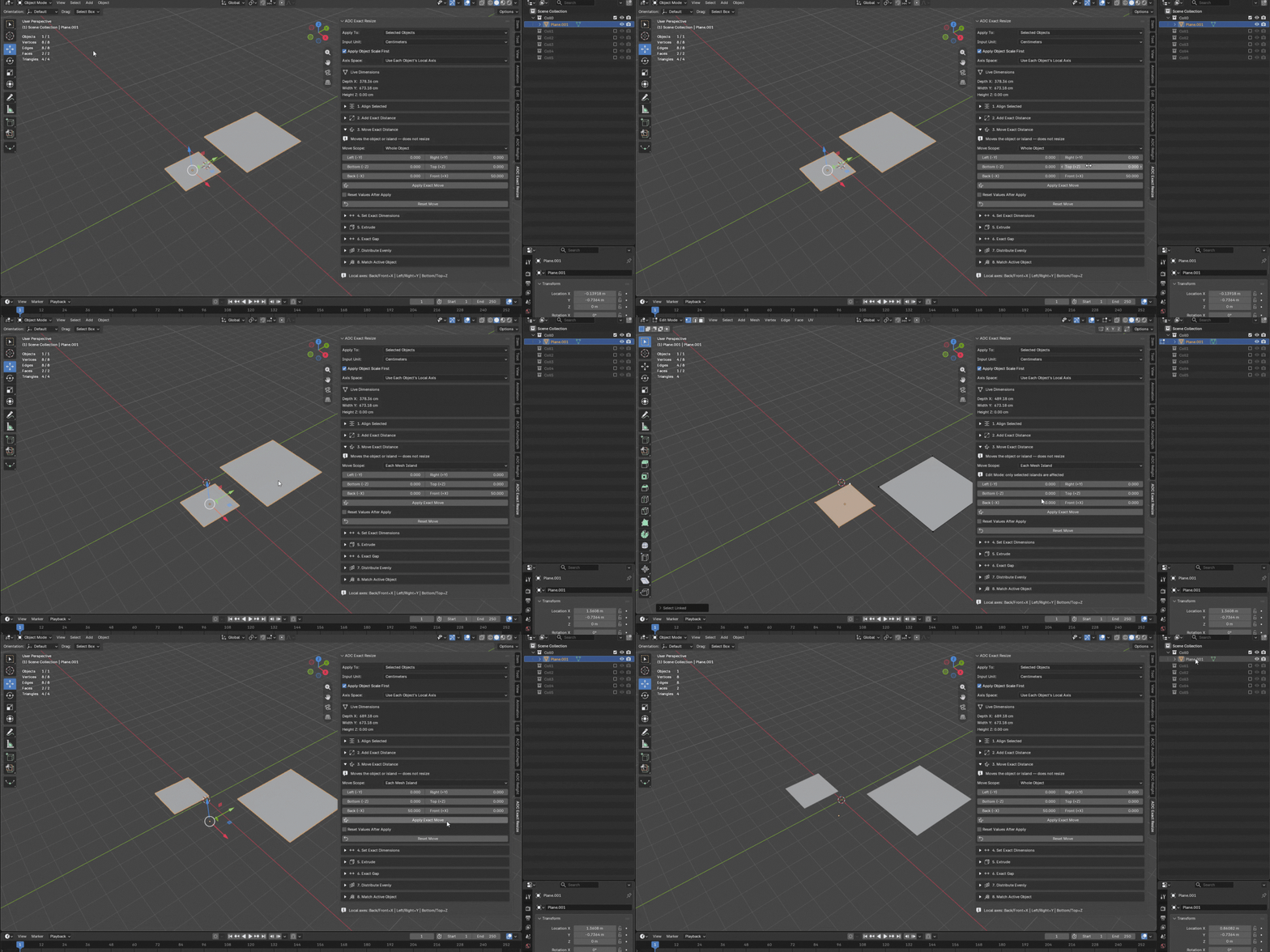
| 03 Move Exact Distance Moves the object or island an exact distance in a direction, without resizing anything. Same Left/Right/Bottom/Top/Back/Front fields as Add Exact Distance, applied to position instead of size — and it respects each object's own rotation.
|
|
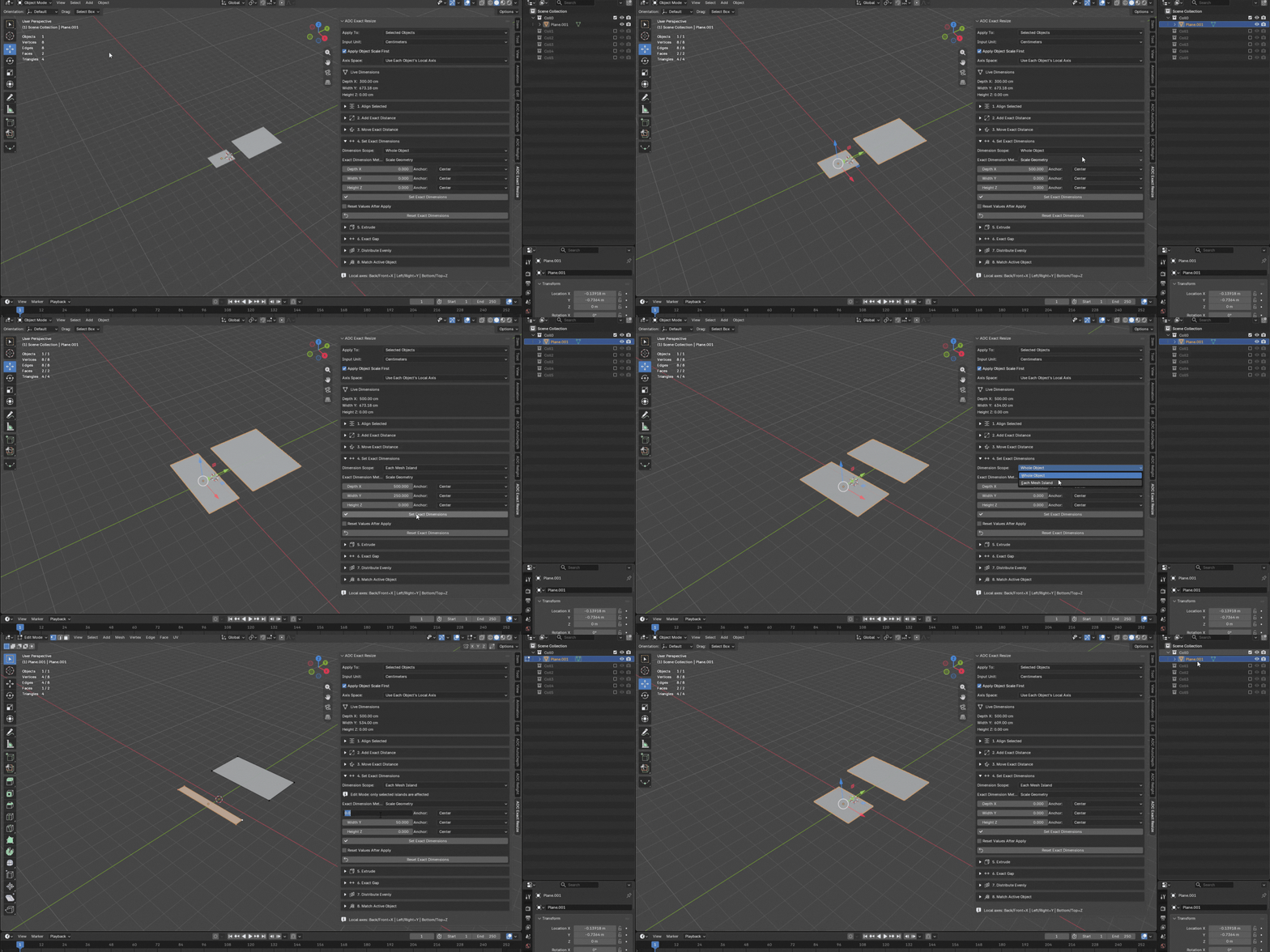
| 04 Set Exact Dimensions When you need a final size rather than an added distance. Set Depth X, Width Y and Height Z, and pick the anchor that decides where the geometry grows from: Min, Center or Max.
|
|
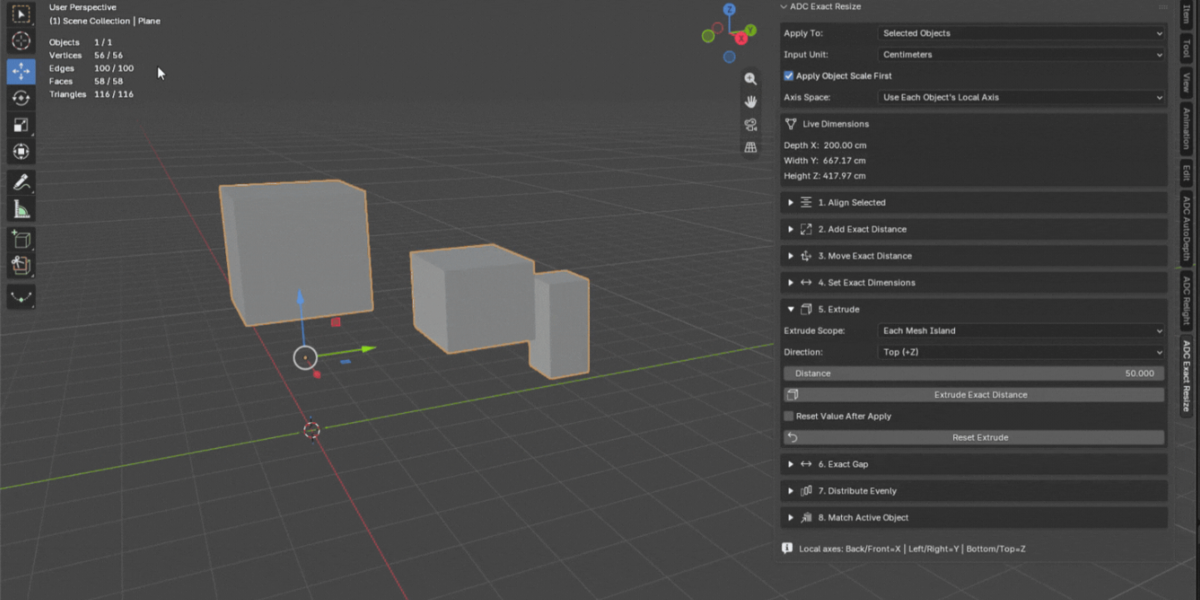
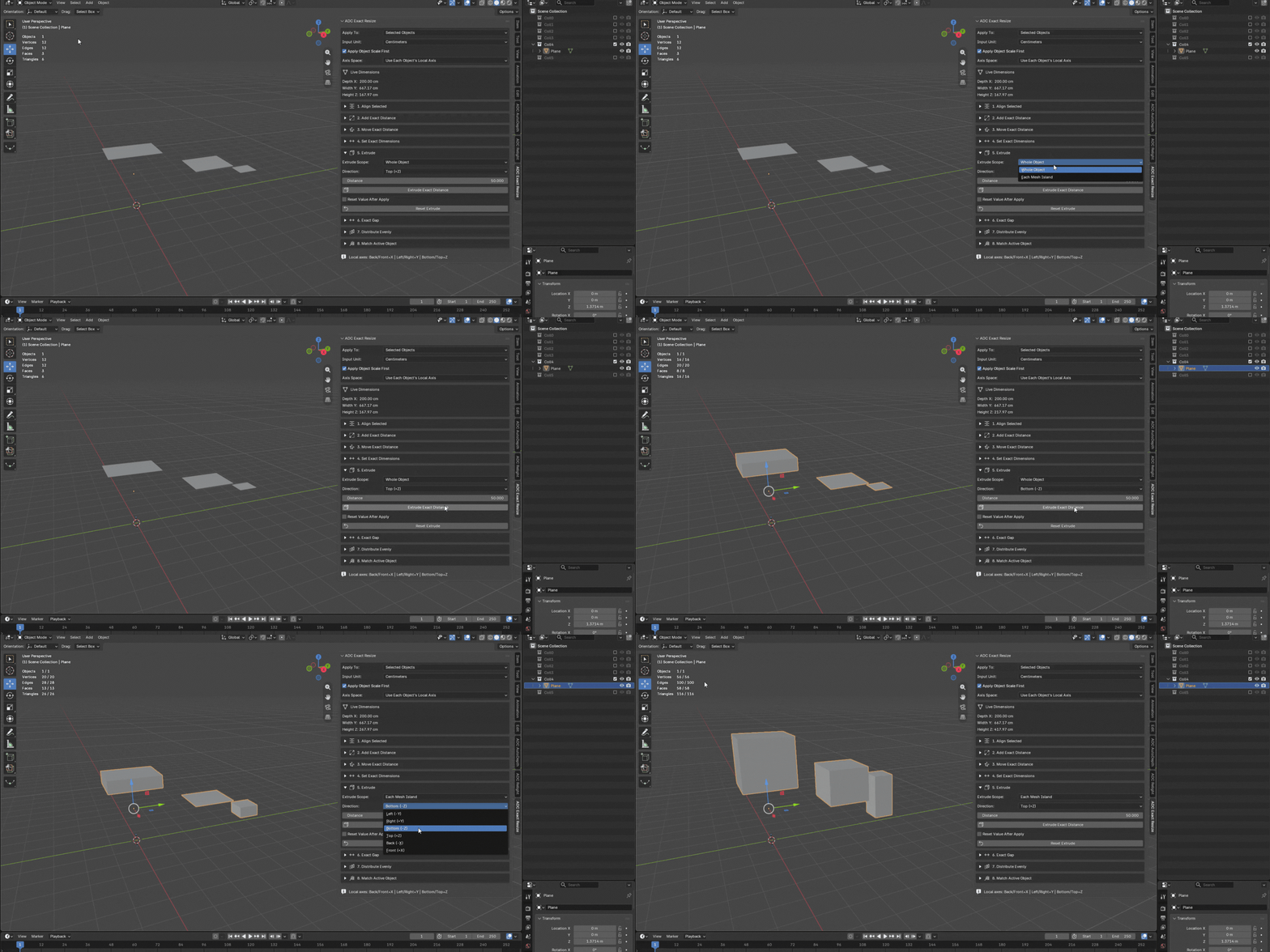
| 05 Extrude Extrude boundary faces by an exact distance instead of dragging with the mouse. Pick a direction, type the distance, apply. In island mode every disconnected piece is extruded on its own boundary.
|
|
| 06 Exact Gap Between Objects Select two mesh objects and type the exact gap you want between them along an axis. The addon works out which object comes first and moves the other one — no manual measuring required.
|
|
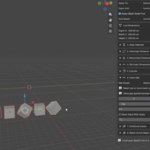
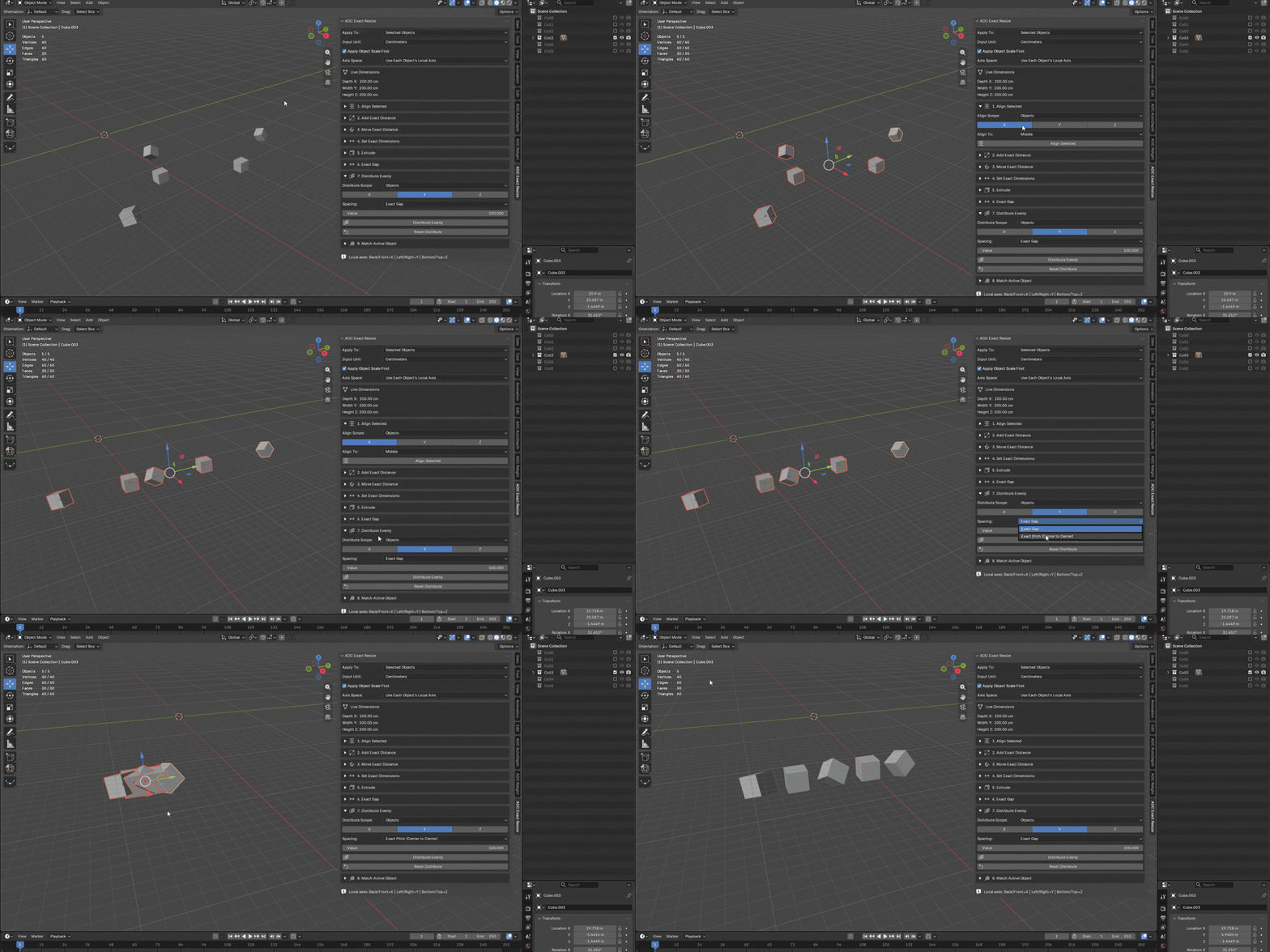
| 07 Distribute Evenly Distribute three or more objects, or the mesh islands of one object, along an axis with an exact gap or an exact center-to-center pitch between each piece. The first item stays fixed as the reference.
|
|
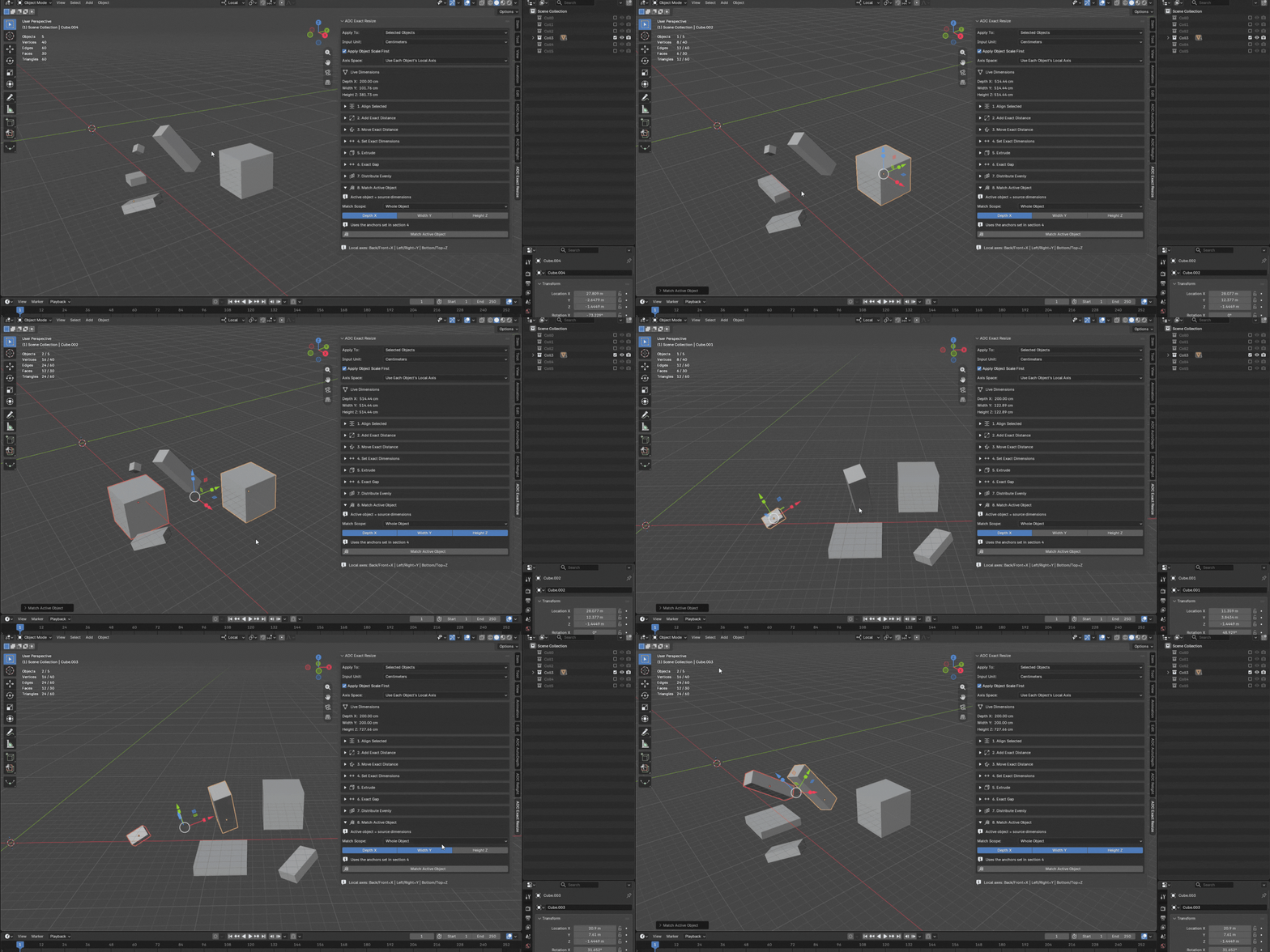
| 08 Match Active Object Pick a reference object and make the others take its dimensions, per axis. Ideal for standardizing windows, panels and repeated components.
|
|
|
| Live Dimensions Always visible at the top of the panel: the active object's current Depth X / Width Y / Height Z, in the unit you have selected. No need to open Blender's own Item tab to check a size before deciding how much to add. |
|
| |
| Architecture All these windows need to be 10 cm wider. Select them, switch to Each Mesh Island, apply. |
|
| Automotive This panel needs to grow 8 mm forward without touching the rear. Control that single direction only. |
|
| Product Design These three components must be exactly 450 mm tall. Set Height Z and apply to all of them. |
|
| Hard Surface Align every plate by the top, even when they all live inside one mesh object. |
|
|
| |
| Local Axis — operations respect each object's own orientation, so Left and Right keep meaning something on rotated windows and angled panels.
Edit Mode selection — with Each Mesh Island scope, only the islands you have selected in Edit Mode are affected. Everything else is left untouched.
Apply Object Scale First — keeps real measurements consistent when objects carry different scales.
Reset Values After Apply — type, apply, field clears, next piece. Fast repeated operations without cleaning fields by hand.
Units — work in centimeters, millimeters or meters, following your scene unit scale. |
|
| |
| ▸ Blender 5.2.0 or newer
▸ Windows, macOS or Linux
▸ No external dependencies, no internet connection required
▸ Installs as a Blender Extension — drag the zip into Blender |
|
| |
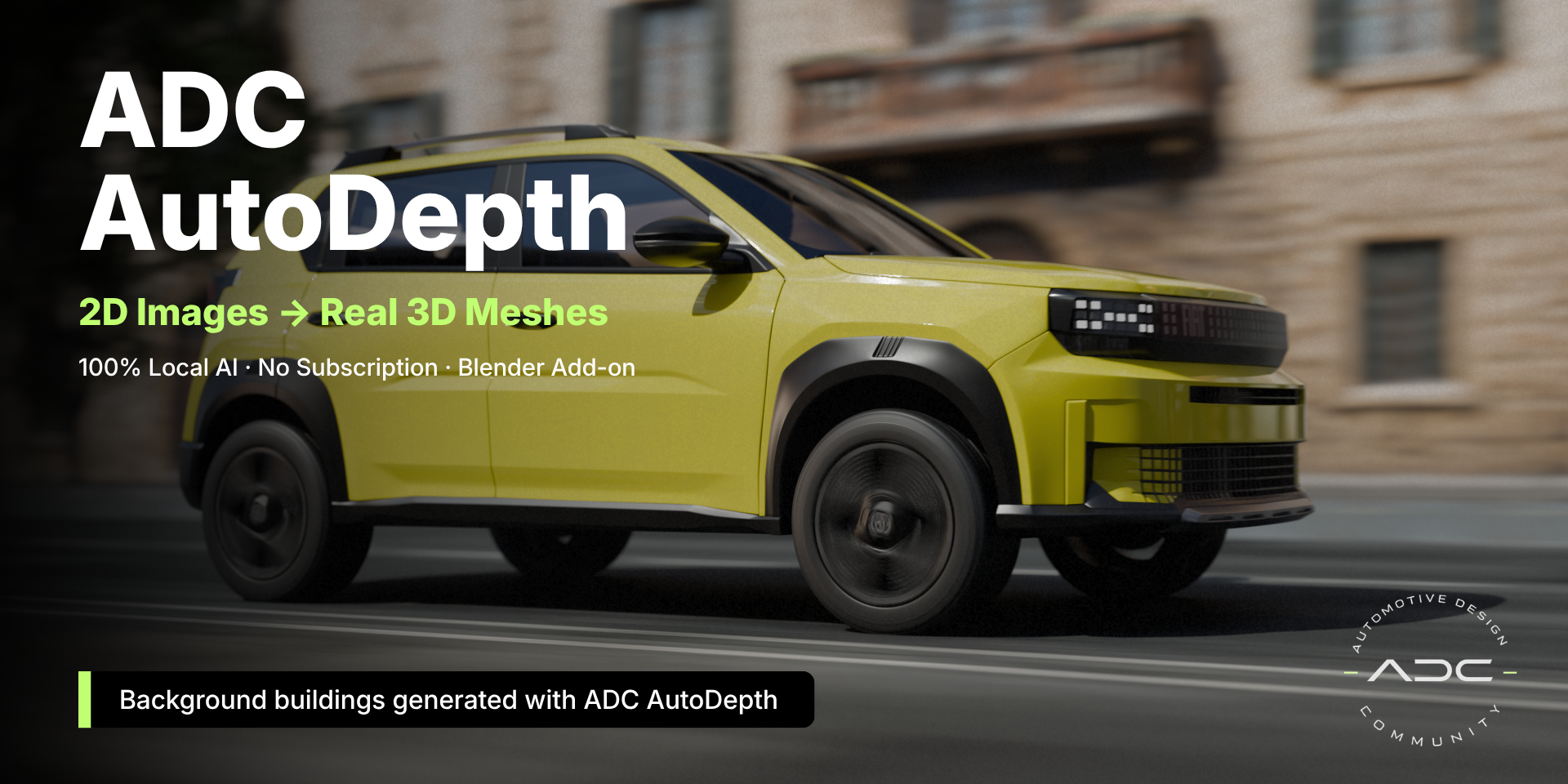
| ADC AutoDepth Local AI depth maps and displaced meshes from a single 2D image.
View on Superhive |
|
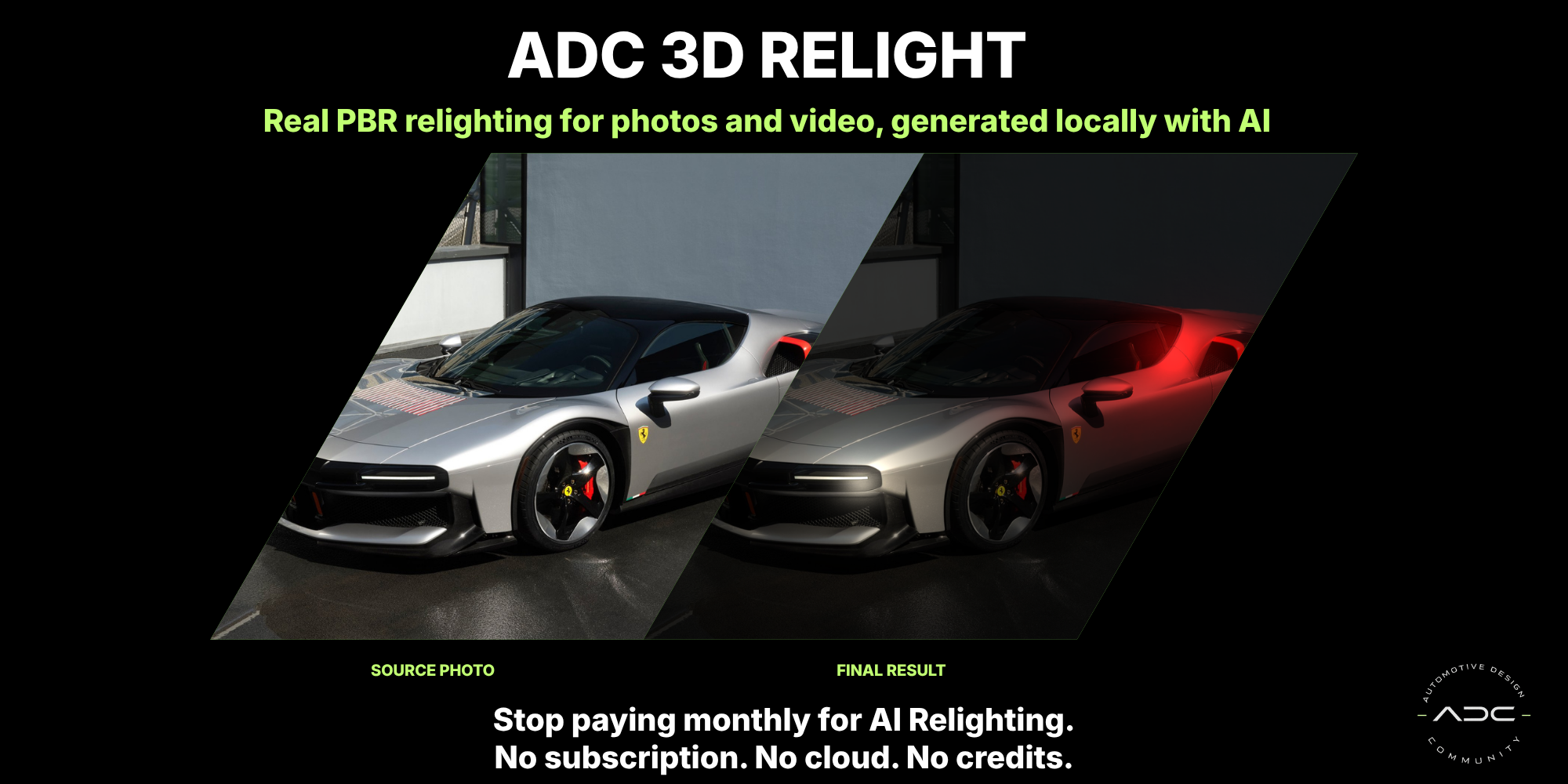
| ADC Relight AI-assisted relighting from normal, depth and roughness maps, in real time.
View on Superhive |
|
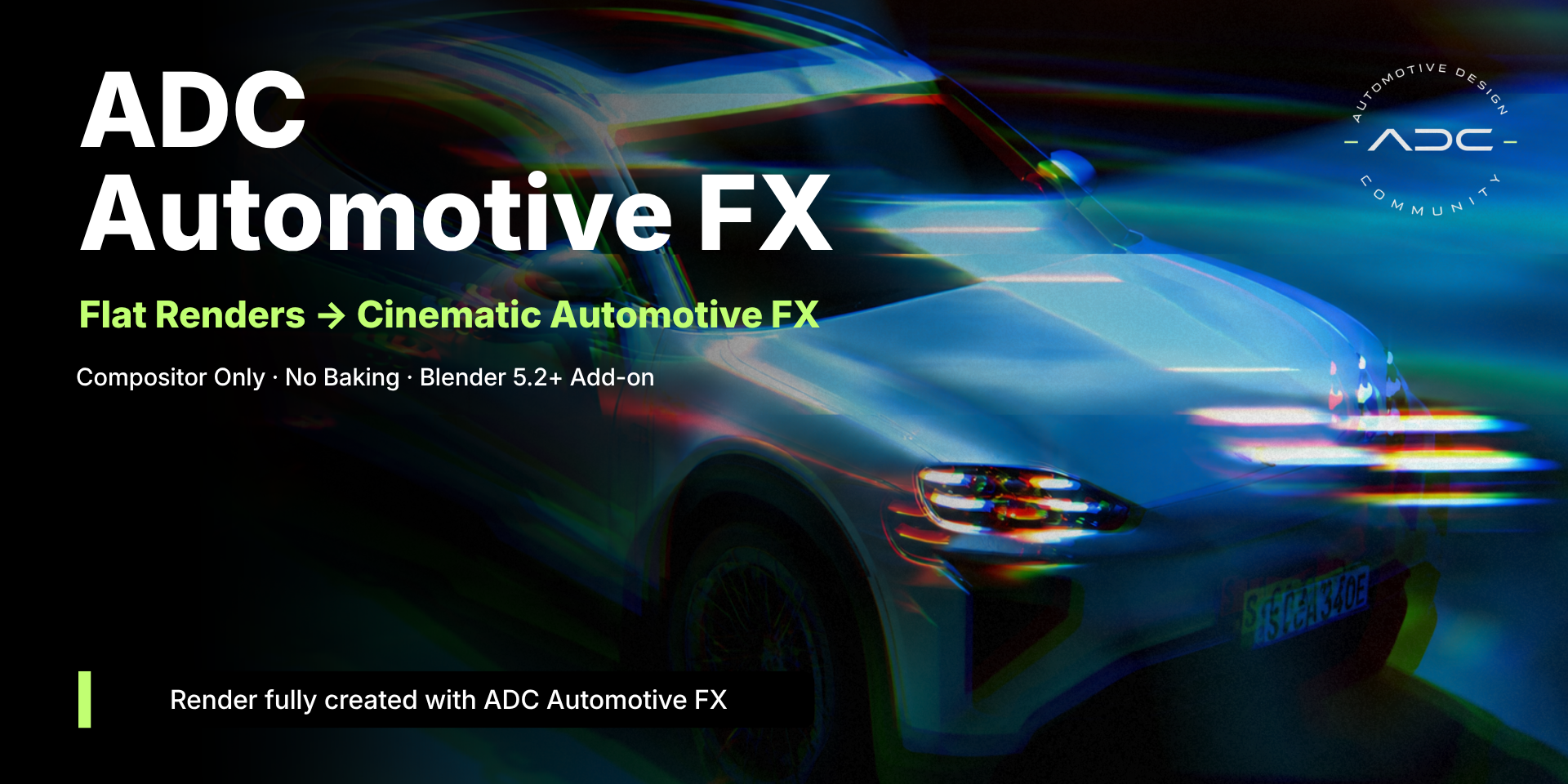
| ADC Automotive FX Procedural compositor effects for automotive stills — Motion, Lens and Stylize.
View on Superhive |
|
|
| ADC · Automotive Design Community
Precision tools for automotive and architectural visualization |
|
 ADC - Automotive Design Community