BLENDER ADDON · TEXTURING
Affinity Photo Bridge
Edit images, renders, paintovers and material textures in Affinity Photo. Save or export to the watched file and Blender reloads it; no Affinity plugin is needed.
| One-Click Send |
Non-Destructive |
Pipeline Ready |
| ⚠ |
Before you buy: requires a compatible, separately licensed Affinity Photo installation. No Affinity software or license is included. Windows only; macOS/Linux unsupported. Tachyon Studio is independent of Serif. |
THE ROUND-TRIP — ONE CLICK EACH WAY
Send images to Affinity and reload saved or exported edits in Blender.
|
BLENDER
1 · Select
Pick the meshes you want to send.
|
BLENDER
2 · Send
One click pushes them across.
|
AFFINITY PHOTO
3 · Ready
Assets arrive set up in Affinity Photo.
|
THE INTERFACE
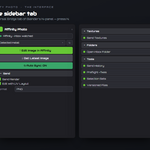
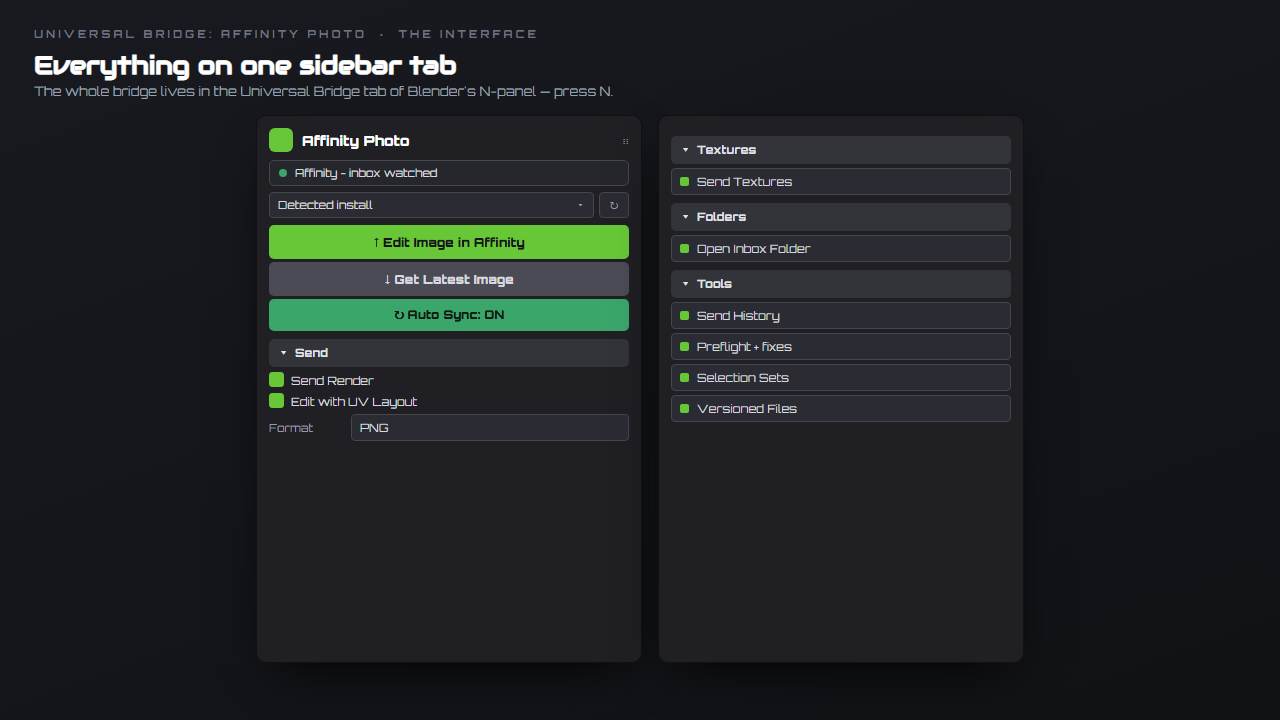
Everything lives on one Universal Bridge tab in the sidebar — press N.
EVERYTHING IT DOES
Everything in one sidebar tab
|
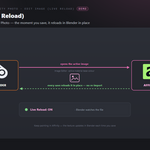
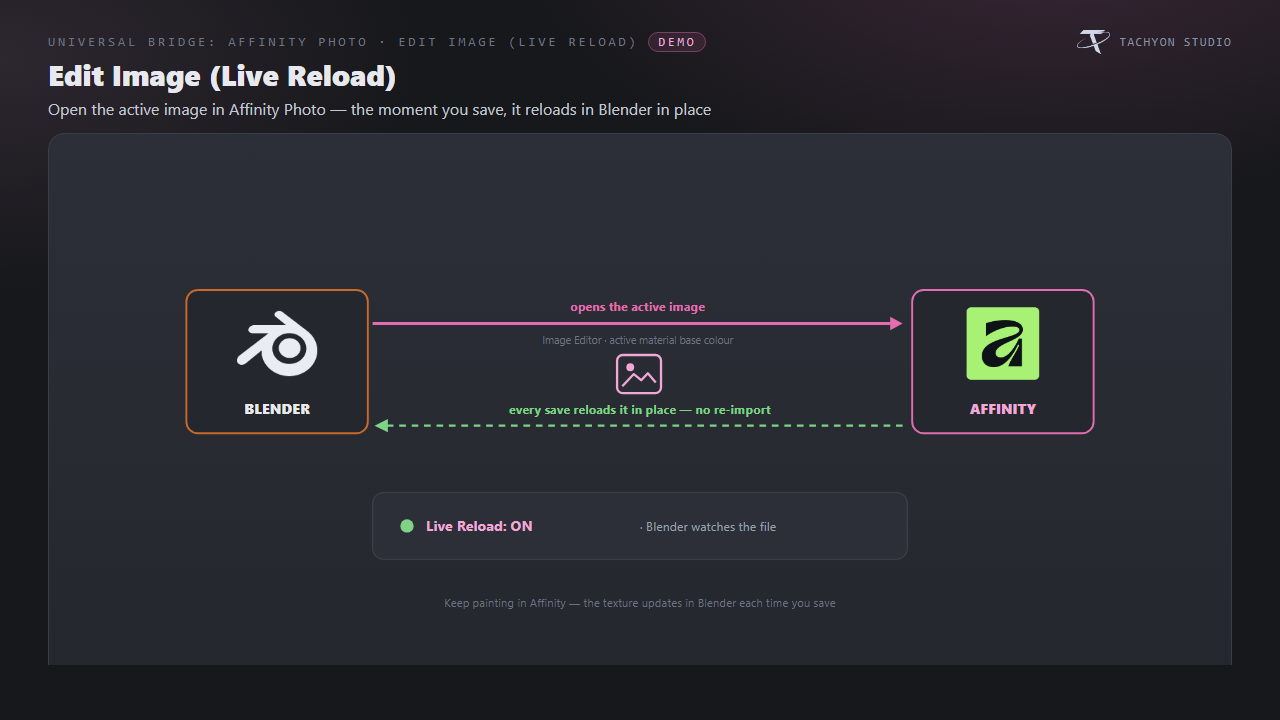
Edit Image (Live Reload)
Open the active image or base-color texture and reload saved edits in place.
|
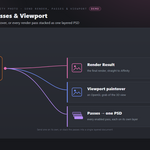
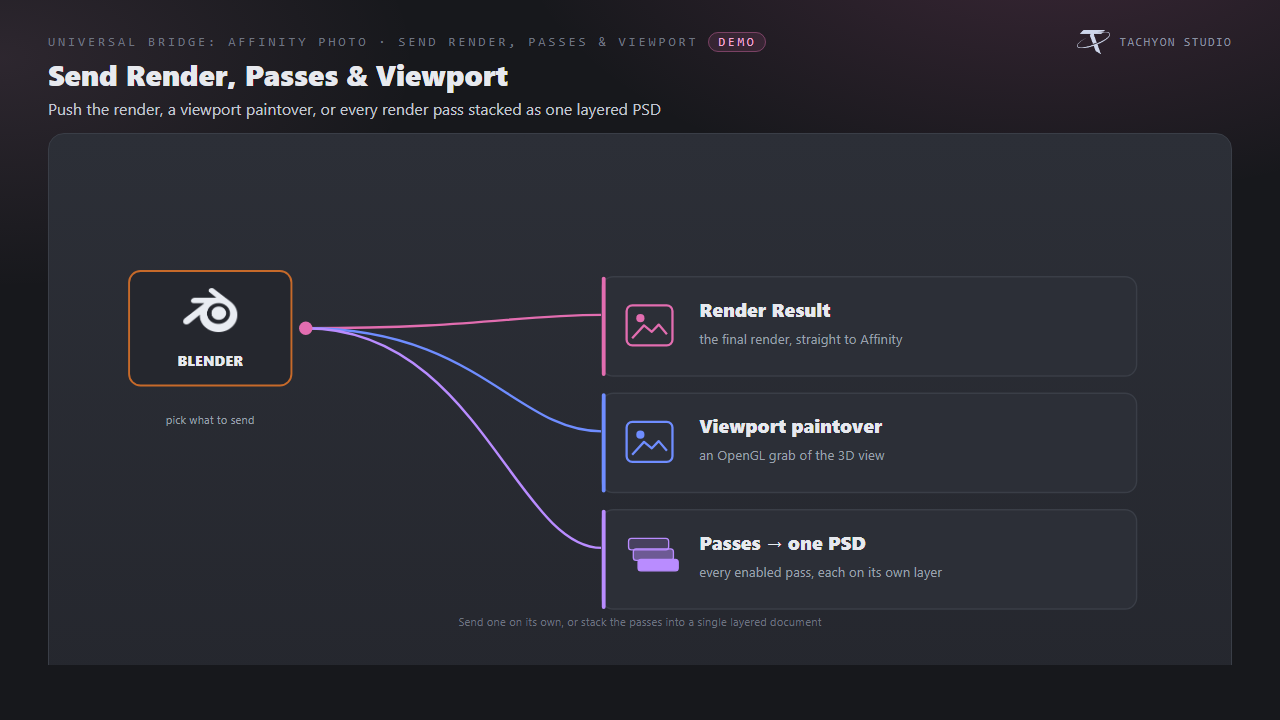
Send Render, Passes & Viewport
Send renders, viewport paintovers or enabled passes as a layered PSD.
|
|
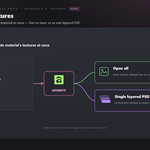
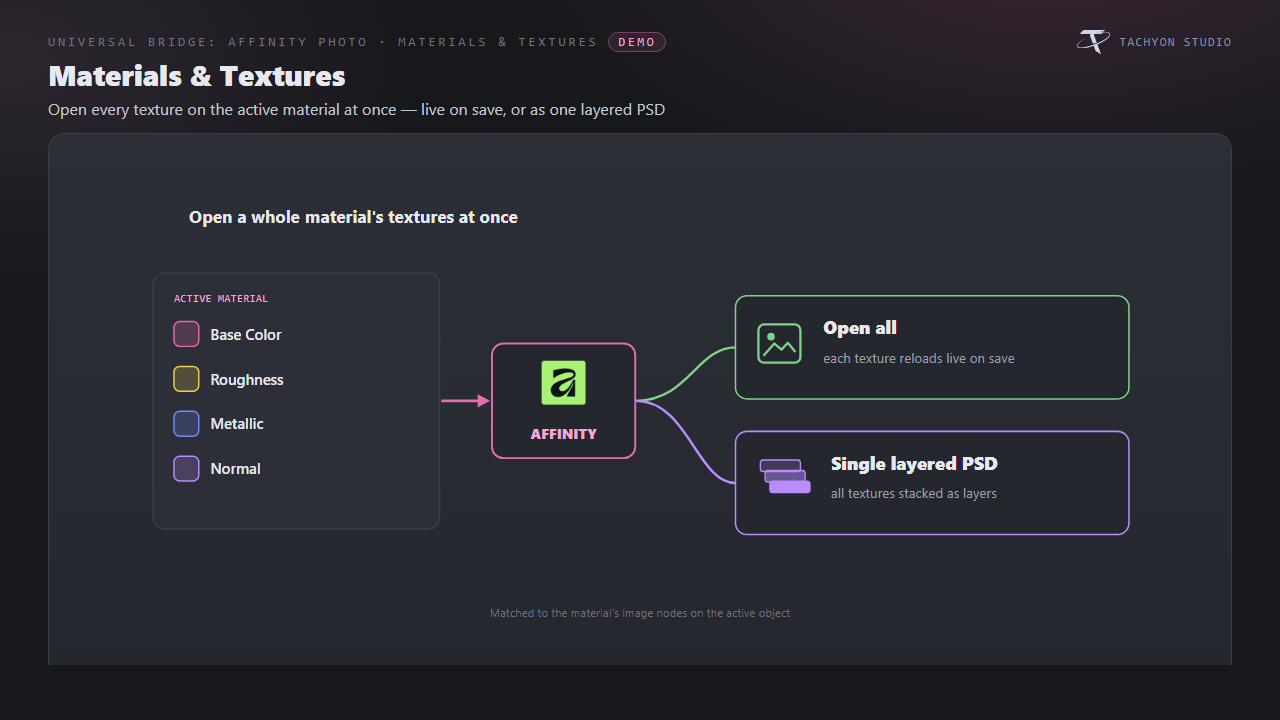
Materials & Textures
Edit material textures individually or stack them into a layered PSD.
|
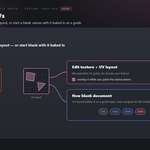
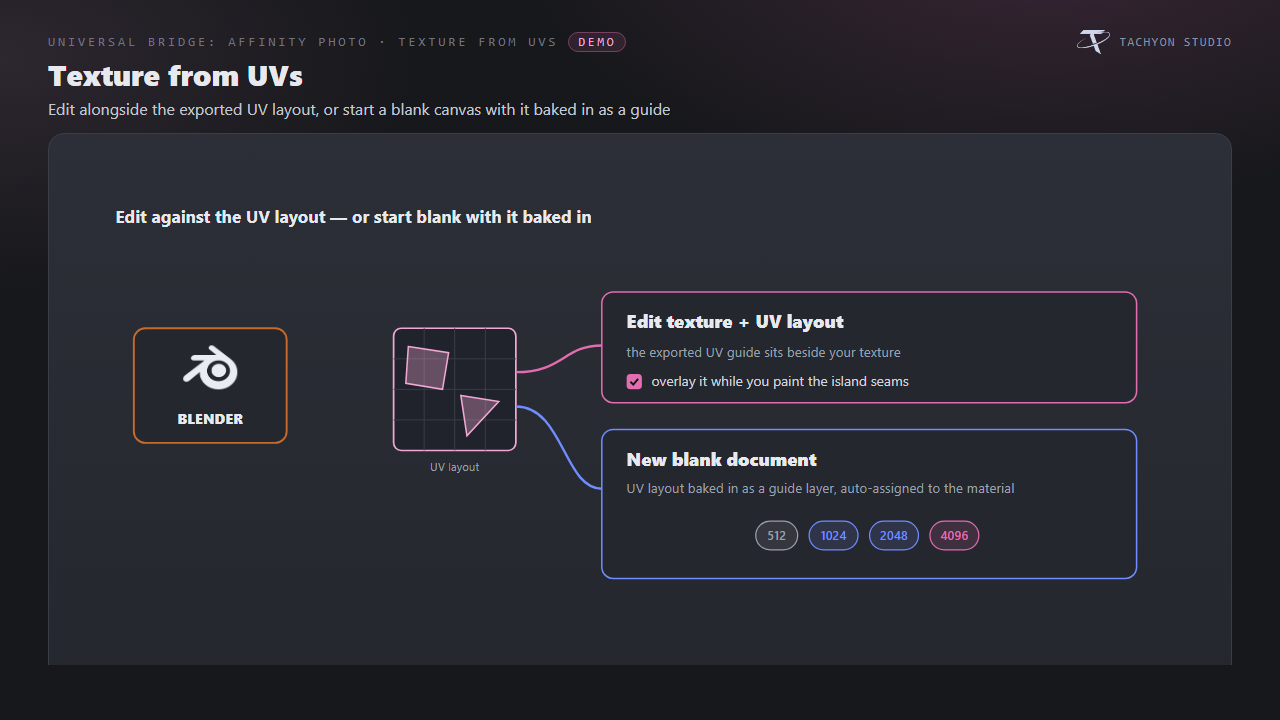
Texture from UVs
Edit with UV guides or create a blank texture document for the material.
|
|
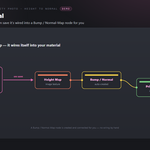
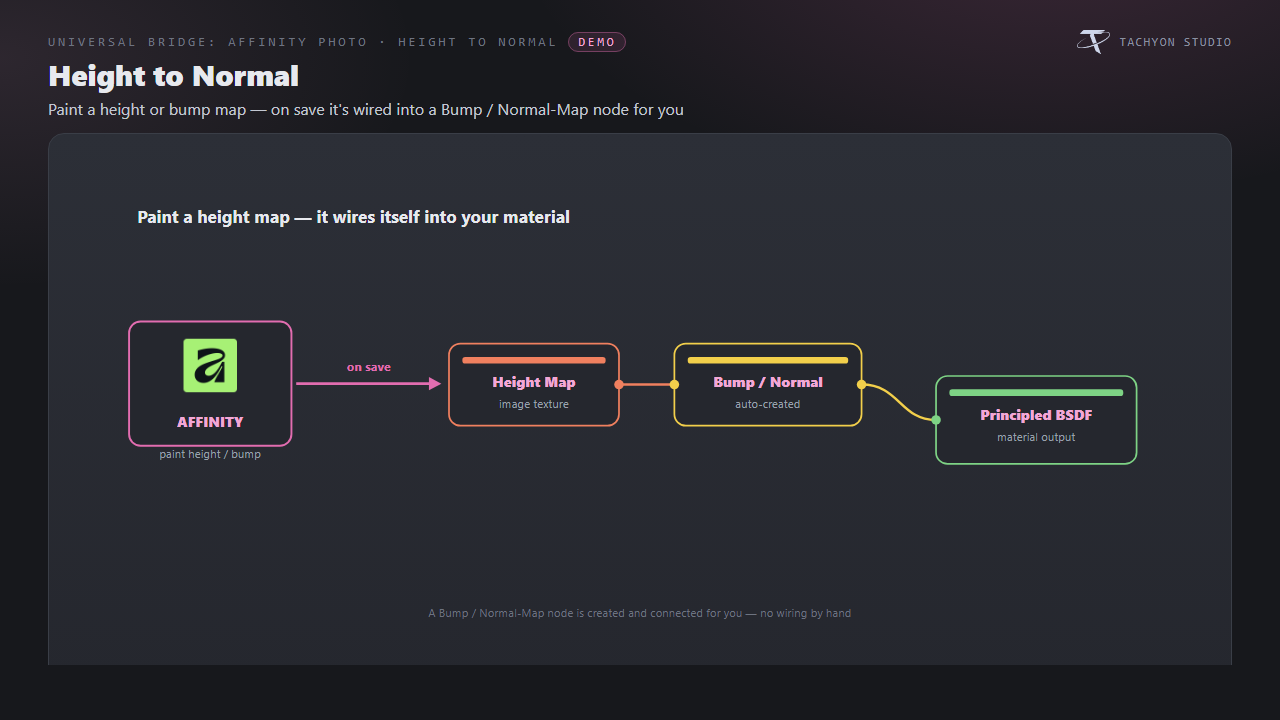
Height to Normal
Paint height maps and connect saved results through Bump/Normal-Map nodes.
|
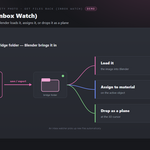
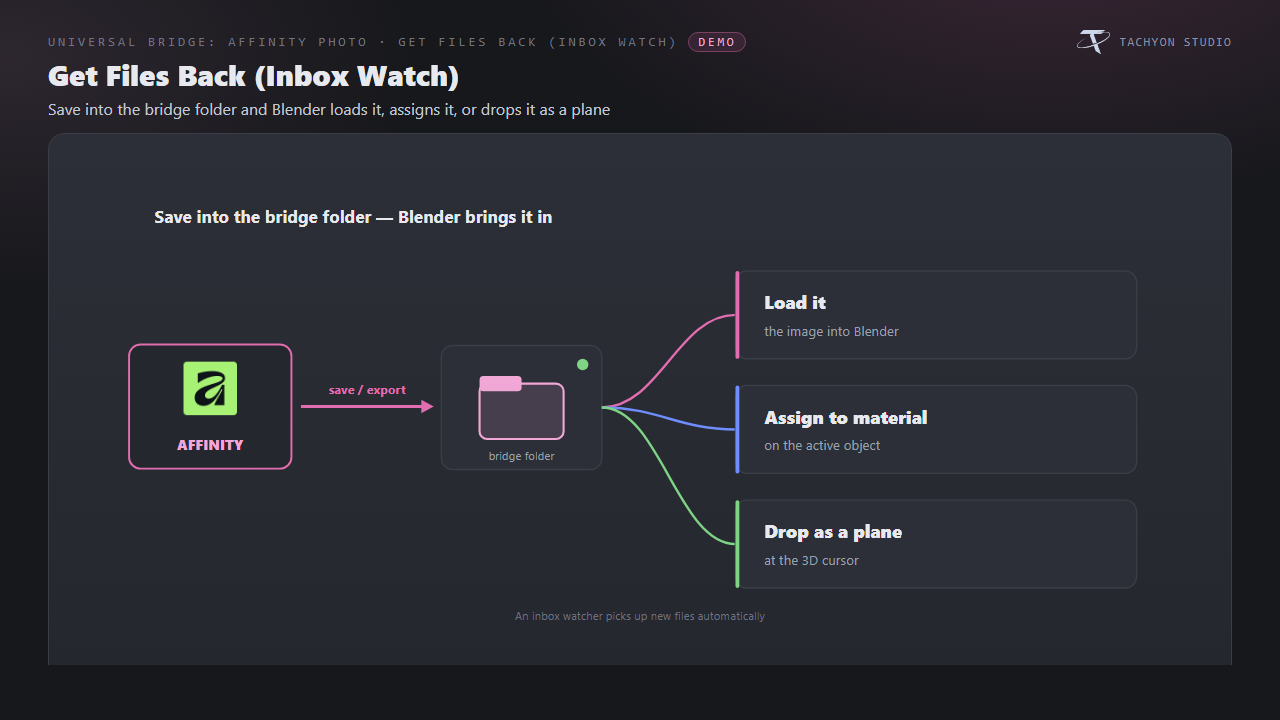
Get Files Back (Inbox Watch)
Import inbox images, assign them to materials or place them as planes.
|
|
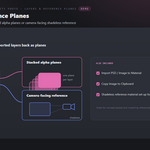
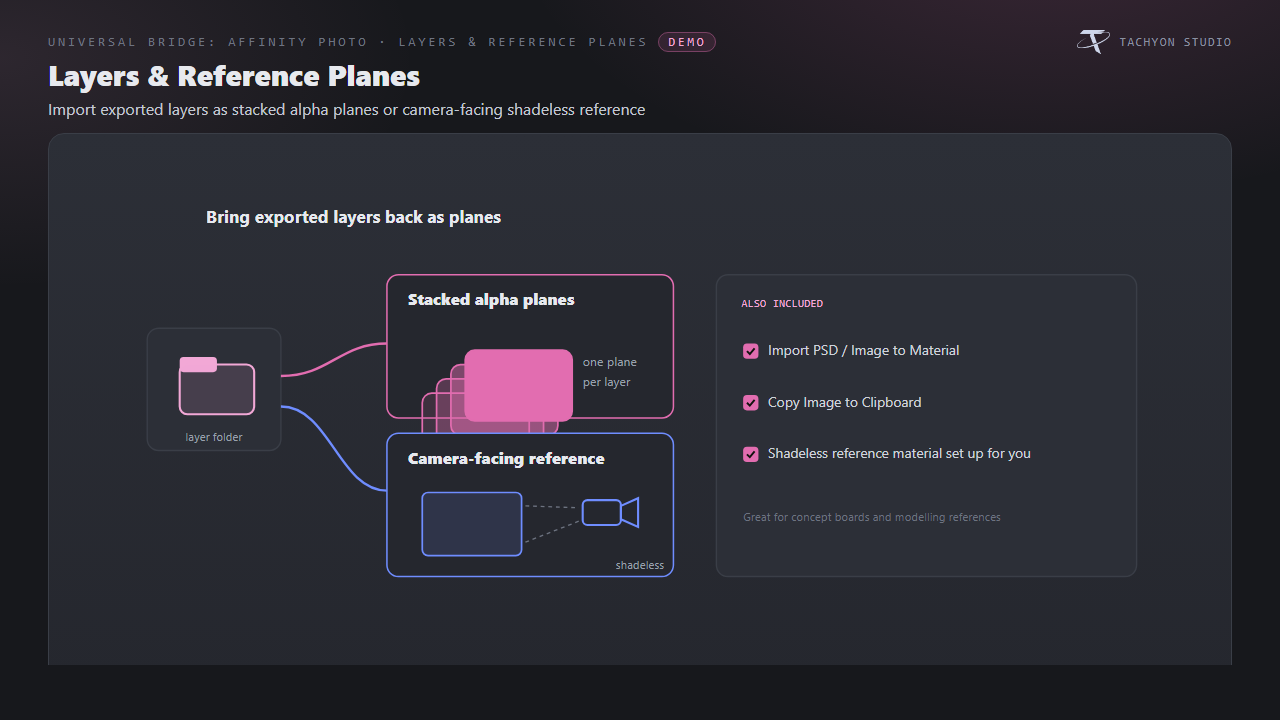
Layers & Reference Planes
Import alpha layers or camera-facing references; load PSD/images onto materials or copy images.
|
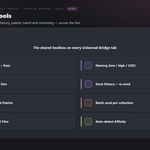
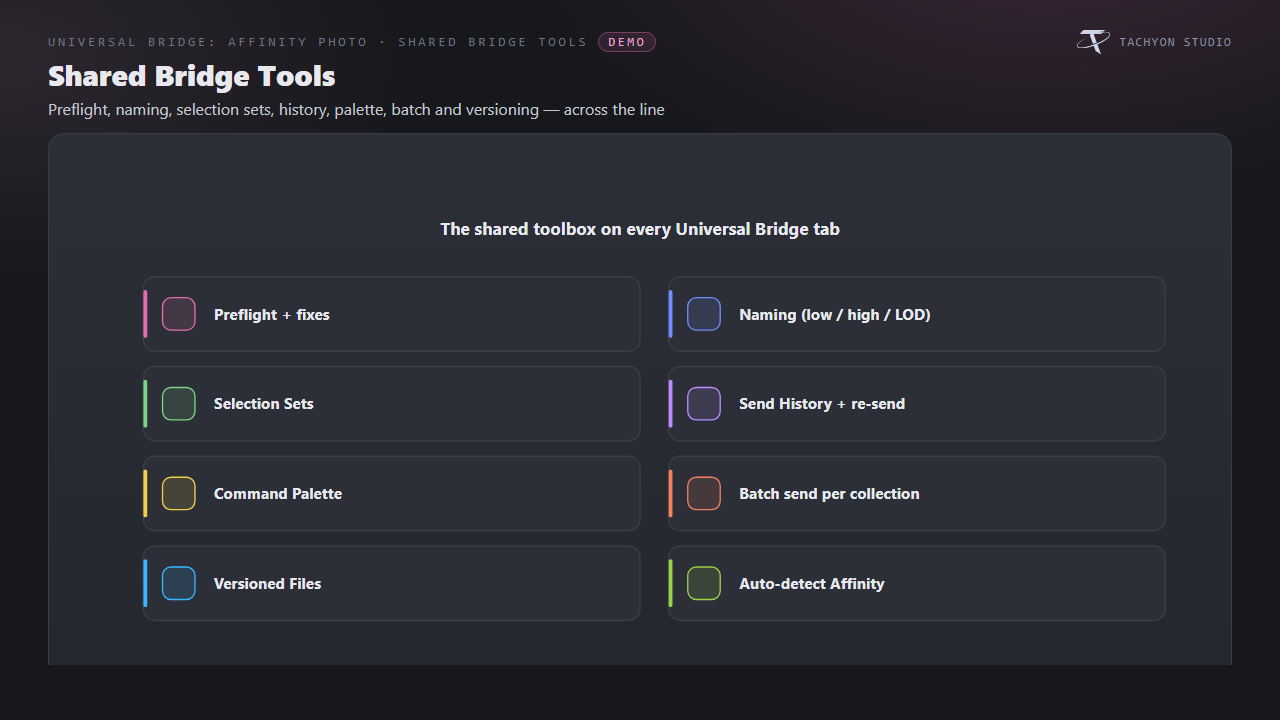
Shared Bridge Tools
Shared preflight, naming, selection sets, history, command palette, batch sending and versioned files.
|
|
Icons You Can Recolour
Choose branded, monochrome or native icons. Link and modifier status colors remain meaningful.
|
|
FEATURE BY FEATURE
Edit Image (Live Reload)
Open the active image or base-color texture and reload saved edits in place.
Send Render, Passes & Viewport
Send renders, viewport paintovers or enabled passes as a layered PSD.
Materials & Textures
Edit material textures individually or stack them into a layered PSD.
Texture from UVs
Edit with UV guides or create a blank texture document for the material.
Height to Normal
Paint height maps and connect saved results through Bump/Normal-Map nodes.
Get Files Back (Inbox Watch)
Import inbox images, assign them to materials or place them as planes.
Layers & Reference Planes
Import alpha layers or camera-facing references; load PSD/images onto materials or copy images.
Shared Bridge Tools
Shared preflight, naming, selection sets, history, command palette, batch sending and versioned files.
Requirements & Setup
|
PLATFORM
Windows only; macOS and Linux unsupported.
|
BLENDER
Blender 3.3 - 5.2 - Extension on 4.2+, classic add-on on 3.3-4.1.
|
LICENCE
Compatible Affinity Photo installation required and not included.
|
|
AFFINITY PHOTO
Affinity Photo v1/v2 or unified Affinity (2025); auto-detect or choose its executable.
|
NETWORK
Local file exchange; no network connection.
|
|

Tachyon Studio
Works independently. Universal Bridge Manager hub included.
 Tachyon Studio