 Tachyon Studio







Godot Bridge
Send selected meshes into a Godot project and let Godot import them the instant the editor gets focus — no File ▸ Import, no exporting by hand. Then go further: pull the open scene into Blender as light proxies, lay the level out with Blender's own tools, and push it back as one undo step. Two-way for assets too.
| Two-Way Bridge | Live Auto Sync | Godot Ready |
| ⚠ | Before you buy — Godot 4 is not included. This is the Blender side of the bridge only: it drives Godot, it is not Godot. You need your own copy, a free download from godotengine.org that you install yourself. Tachyon Studio is not affiliated with or endorsed by the Godot Foundation. Windows only — macOS and Linux are not supported. |
A true bridge that reuses your running Godot, launches it if it is closed, and keeps your Blender scene the source of truth.
|
BLENDER
1 · Send
Selected meshes open in Godot.
|
GODOT
2 · Work
Do your thing — auto or by hand.
|
BLENDER
3 · Get
The result lands back in Blender.
|
Everything lives on one Universal Bridge tab in the sidebar — press N.
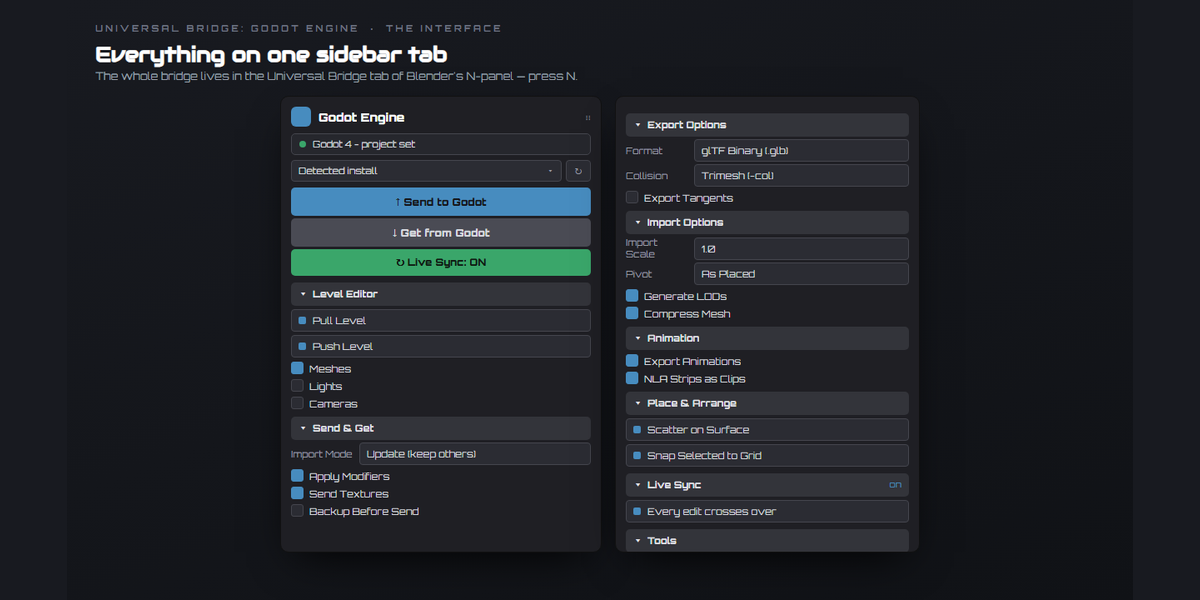
Everything in one sidebar tab
|
Send to Godot
The selected meshes as glTF (.glb) straight into your project folder. Godot imports it natively the moment the editor gets focus — nothing to click on its side — and the bridge launches Godot for you if it is not already open.
|
Get from Godot
Pulls a glTF that Godot exported back into Blender, into its own Godot Import collection. Update refreshes only the re-sent objects; Replace all starts clean.
|
|
Lay out the level in Blender, push it to Godot
Pull Level brings the open Godot scene in as light proxies, so a big level stays workable. Arrange them with the Blender tools you already know and Push Level sends them back — as one undo step, not fifty. Select Changed shows what you moved; Revert to Godot undoes a proxy.
|
Place, paint, scatter, array — level design at Blender speed
Place Asset drops any model in the project at the 3D cursor. Paint Proxies scatters copies under the mouse, Scatter on Surface covers a mesh in them, and Array to Point runs a row out to where you drag. Plus Drop to Floor, Randomize Transform, Snap to Grid and named Layout Snapshots.
|
|
Live Sync
Switch it on and every edit crosses to Godot by itself — no Push, no button. Select in Godot picks the same nodes in the editor, and View from Godot aims your viewport where its camera is looking.
|
Folders — each asset lands where it belongs
The bridge reads your project's folder tree and routes sends into it: Mark Folder for now, Send Here as a per-object override, or a folder on the collection. Props, characters and terrain land where they belong without picking a path each time.
|
|
Import options, written before Godot ever sees the file
Import Scale, LODs, Shadow Meshes, Compress Mesh, Light Baking, Animation FPS and the Root Node name, written into the asset's
.import file so Godot gets it right the first time. Merged, not replaced, so the uid:// other scenes reference survives. Keep combinations as presets. |
Textures, including straight from Substance Painter
Materials and their texture files travel with the send, and Update Textures Only re-sends the maps without the mesh. Pull Painter Textures wires a Substance Painter export into the Blender material and copies it into the Godot project in one action.
|
|
Every way you need to send
One mesh, a Batch, Each Collection as its own file, several as One, the whole Scene, or Send All Assets — every top-level empty becomes its own glTF. Send Scene Layout sends one asset per unique mesh and places every user as a node at its Blender transform.
|
Sockets, pivots and orientation that arrive right
Add Socket drops a
SOCKET_ empty that Godot keeps as a transform — weapons, hinges, particle anchors. Pivot: Base Center sits props on the floor. Correct Y-up, .glb or .gltf + .bin, and an export subfolder. |
Installation
Set up once - a few minutes, start to finish.




.import file so Godot gets it right the first time. Merged, not replaced, so the uid:// other scenes reference survives. Keep combinations as presets.
SOCKET_ empty that Godot keeps as a transform — weapons, hinges, particle anchors. Pivot: Base Center sits props on the floor. Correct Y-up, .glb or .gltf + .bin, and an export subfolder.

.exe. It prefers a Godot you already have open.
.ub_history/strays, never deleted. Plus the shared toolset: Preflight, Naming, Selection Sets, Send History and Versioned Files.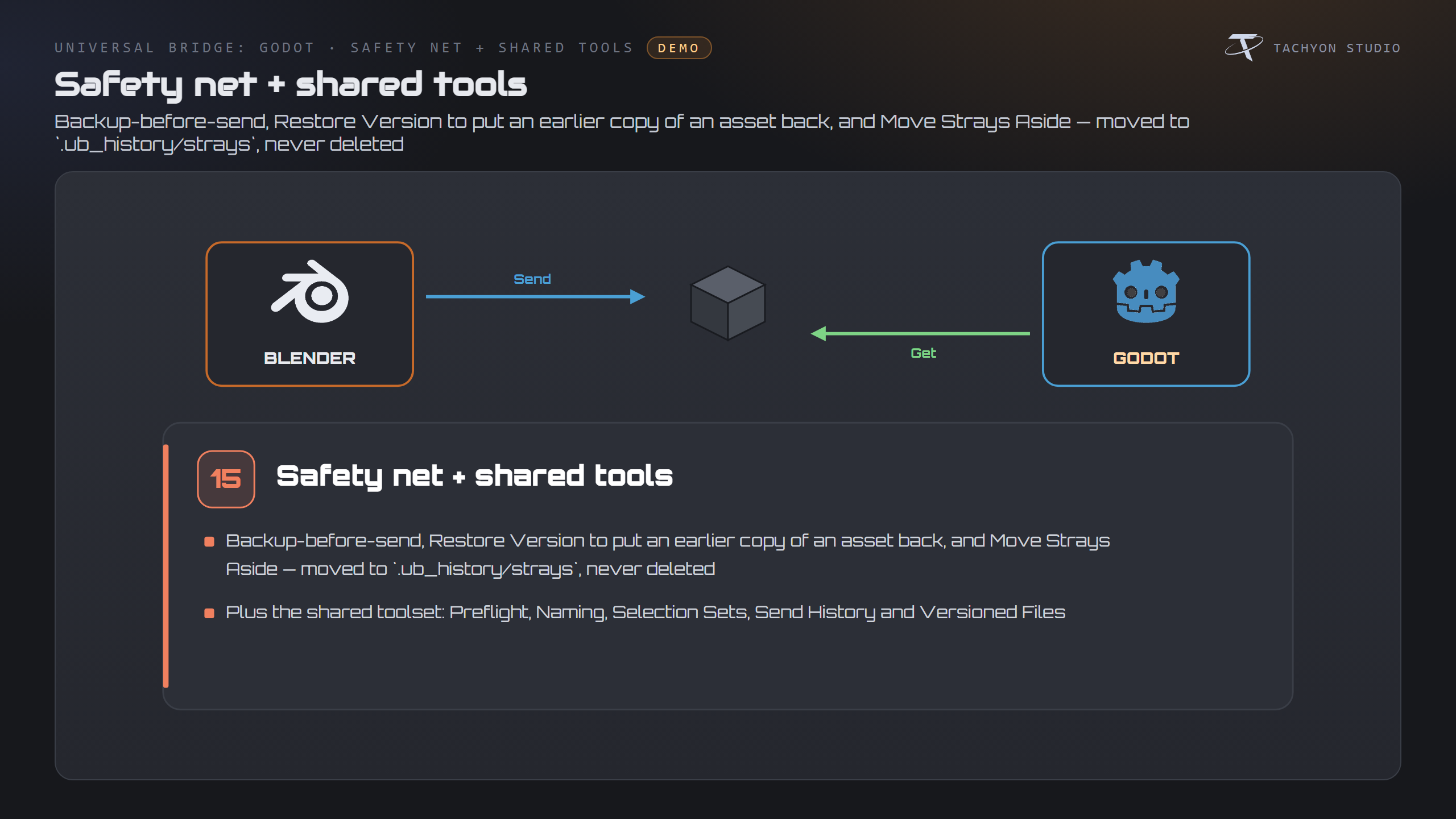
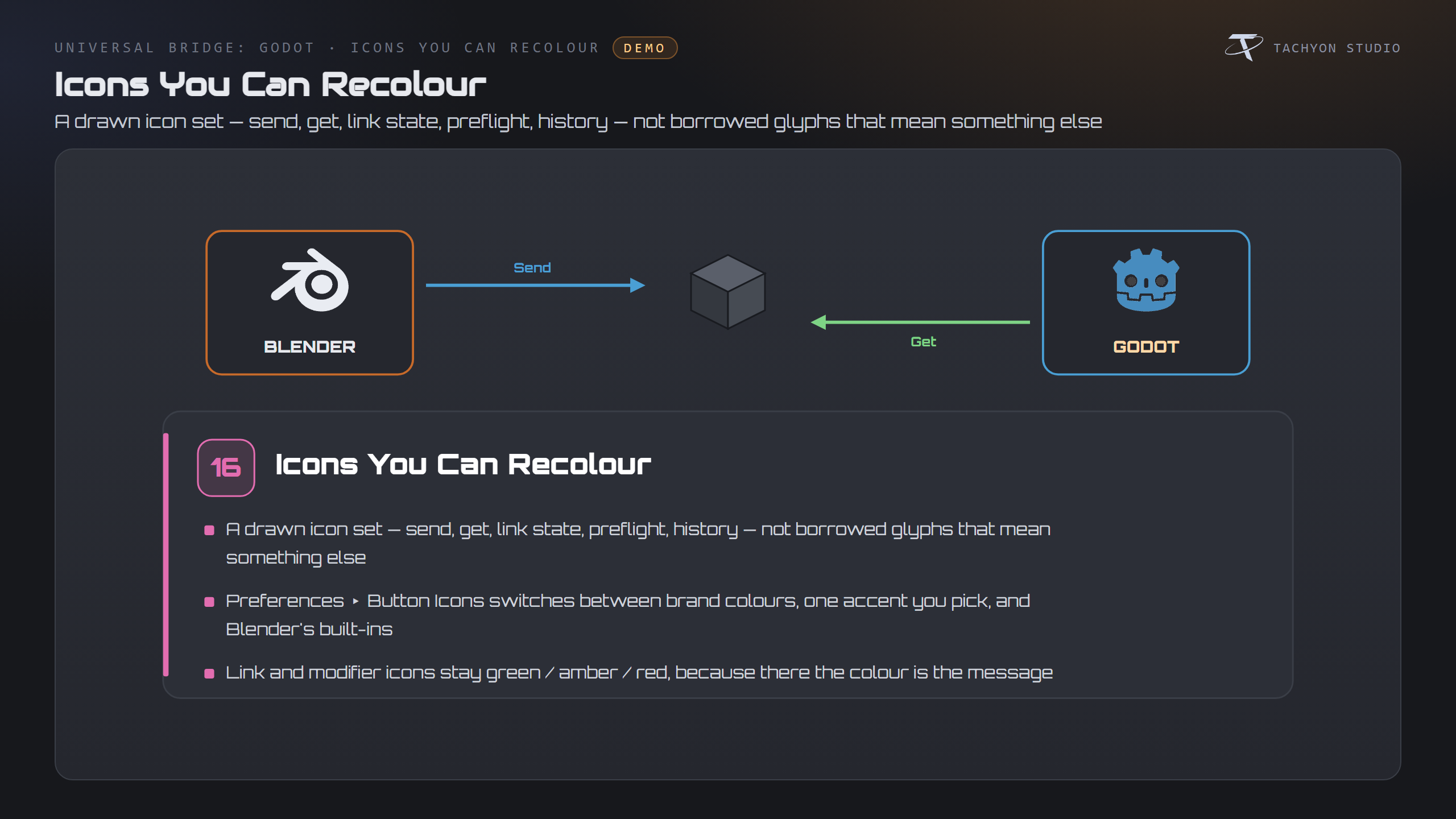

Requirements & Setup
|
PLATFORM
Windows only. macOS and Linux are not supported.
|
BLENDER
Blender 3.3 - 5.2 — extension on 4.2+, classic add-on on 3.3-4.1.
|
LICENCE
Godot 4 is required and not included — any 4.x build, a free download you install yourself. It imports glTF natively, so Send and Get need nothing on the Godot side. Auto-detected, or set by hand.
|
|
GODOT
The level and live features need the bundled editor plugin — one click from the panel — and Godot open on the scene. Sending and getting assets do not.
|
NETWORK
Network: none. The add-on opens no network connection.
|

| Join the Discord — Questions, Support & 10% Coupon | More by Tachyon Studio |
THE TACHYON STUDIO COLLECTION
Go beyond
Godot Bridge.
Assets and levels travel to Godot. Dress the level, pack the textures and check the asset first.
DRESS THE LEVEL
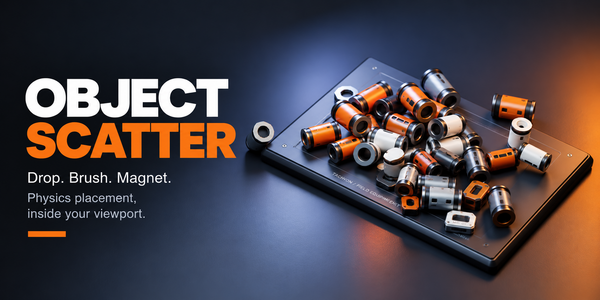
Object Scatter
Drop, brush and magnet-place props with physics while you lay the level out in Blender.
Build out your workflow.
A few more tools, chosen for the work you do here.

PACK ORM MAPS · FREE
Tachyon Texture Tools
Free. Pack and unpack ORM maps; rename, resize and convert whole texture folders.
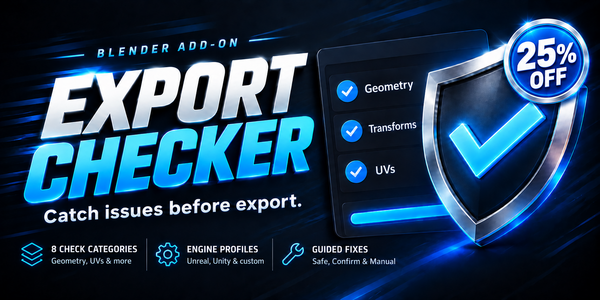
CHECK BEFORE DELIVERY
Export Checker
Check geometry, UVs and asset readiness before export.
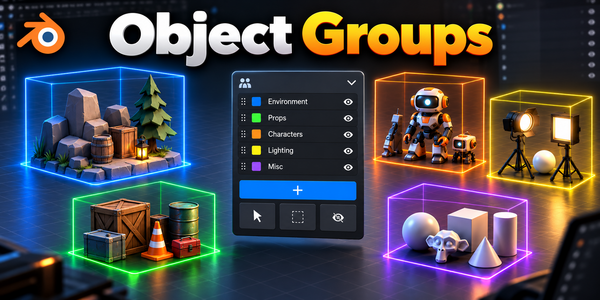
ORGANIZE THE ASSEMBLY
Object Groups
Organize assemblies with nested groups and selection sets.
There is more in the studio.
See the full collection ↗Optional products, sold separately. Check requirements; external applications are not included.