Ap | Material Manager
 Andrey Petrov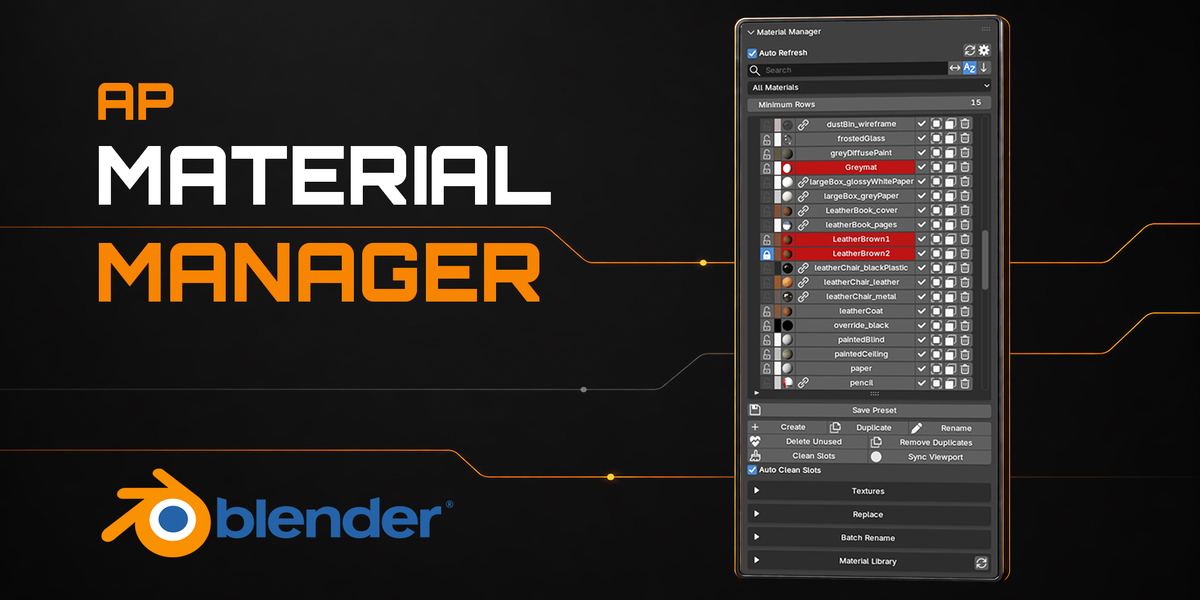
v1.1.1
- Improved performance in large scenes
- Better Blender 5 support
- Minor bug fixes and stability improvements
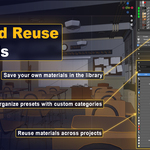
- Added the Material Asset Browser for browsing, appending and linking materials from your native Blender Asset Libraries. It is disabled by default and can be enabled with Show Material Asset Browser in Addon Preferences.
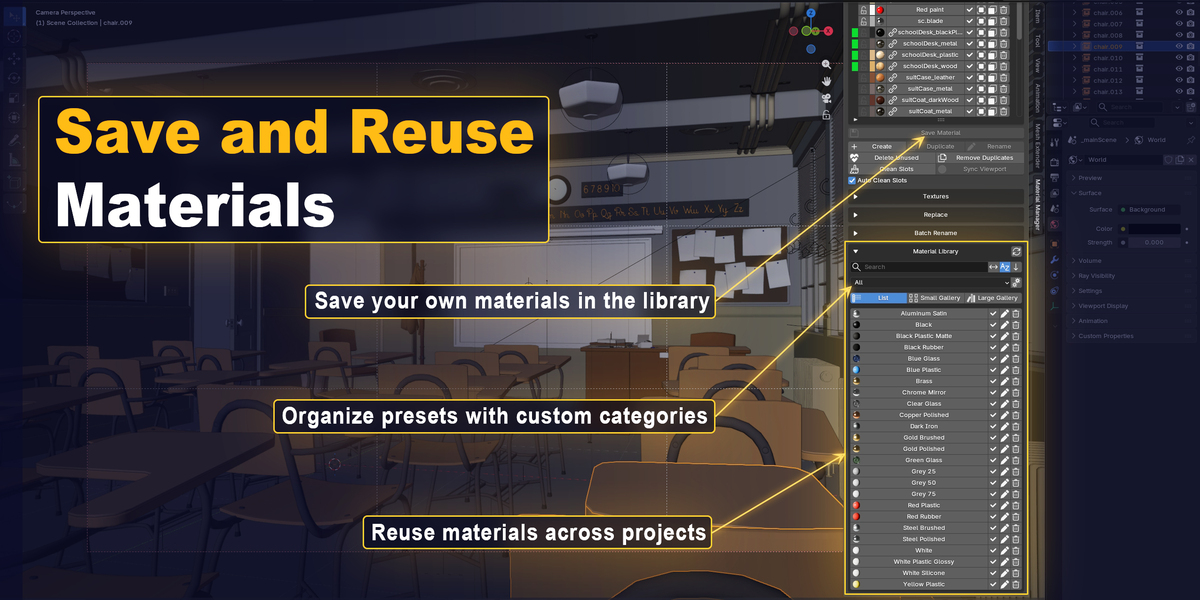
- Added Show Material Library to Addon Preferences, allowing you to show or hide the Material Library and the Save Material button in the UI.
- Improved Save Material with an option to preserve external texture links instead of packing textures, and added a confirmation prompt when a material with the same name already exists in the library.
- Other fixes and UI improvements.
- Added a Material Picker eyedropper. Click a surface in the 3D Viewport to select its material in Material Manager. Alt-click to choose from multiple materials under the cursor.
- Fixed texture list updates when returning to the Material Manager tab and included other UI improvements.
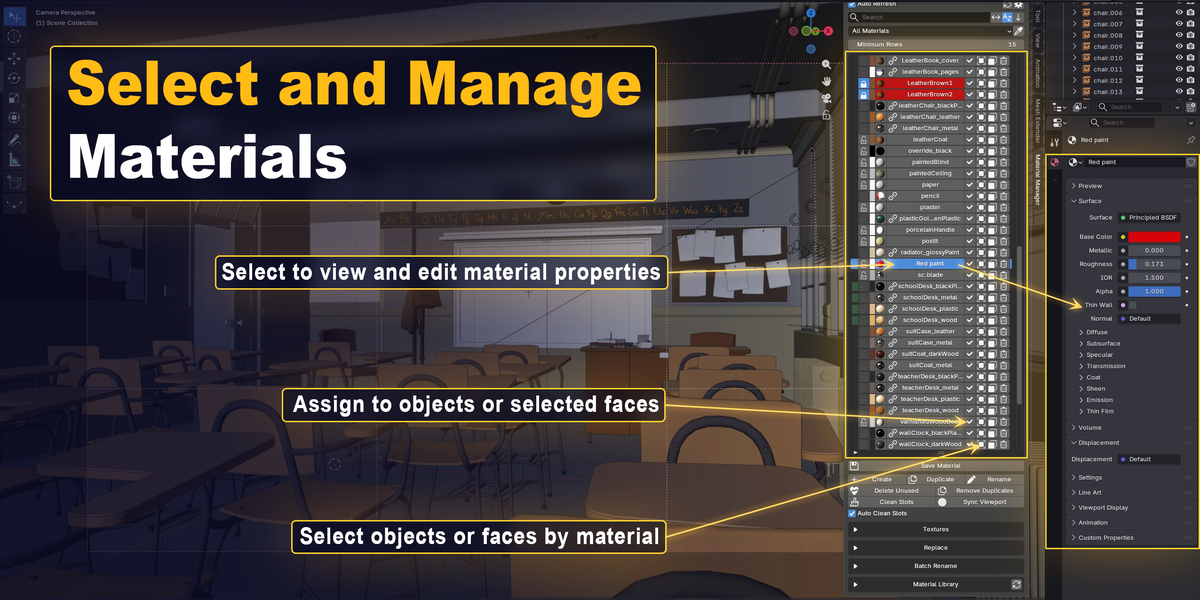
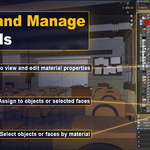
- Added an optional Combine Selection Buttons setting that combines the object and face selection buttons into one. Click to select objects using the material; Ctrl-click to select faces to which the material is assigned.
- Other fixes and UI improvements.
- Added a customizable Material Manager hotkey in Add-on Preferences.
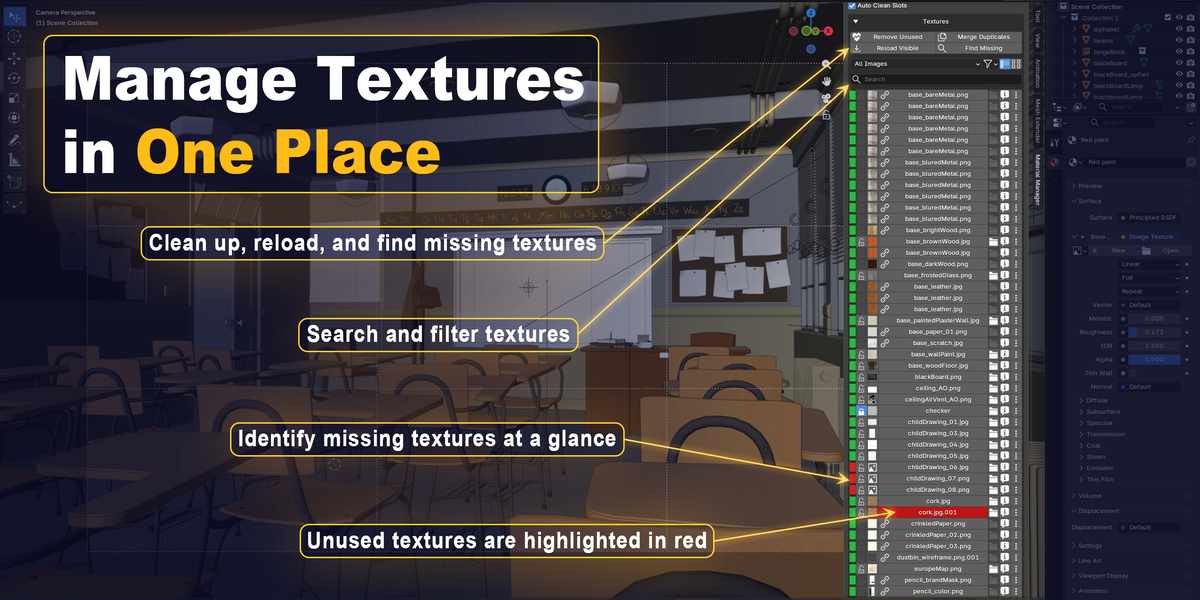
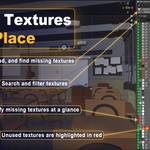
- Added a new Textures section with list and gallery views, search, filters, previews, and texture status.
- Added tools to relink, reload, pack, unpack, and inspect texture usage.
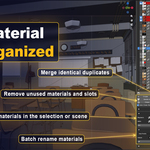
- Added batch tools to find missing textures, merge duplicates, reload visible textures, and remove unused images.
- Added texture to material selection and node reveal.
- Improved performance, UI, undo/redo support, and overall stability.
- Fixed crashes during Undo/Redo and when working with library materials.
- Improved automatic material list refreshing.
- Improved compatibility with wrapper panels.
- Made panel toggling and preset assignment more reliable.
- Improved material assignment logic and performance.
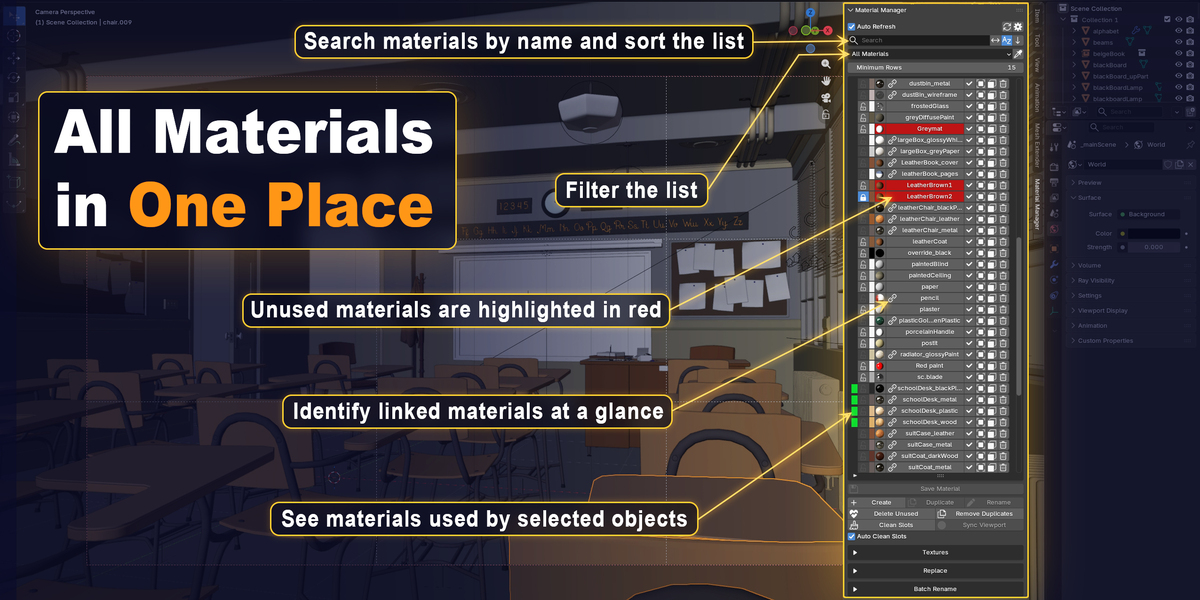
Added dimmed markers that keep an object’s assigned materials visible after selecting a material.
Click a dimmed marker to restore the related object selection.
Added Smart Toggle for quick, temporary access to Material Manager: press the hotkey to open it, then press it again to return to your previous Sidebar tab or close the Sidebar if it was previously hidden.
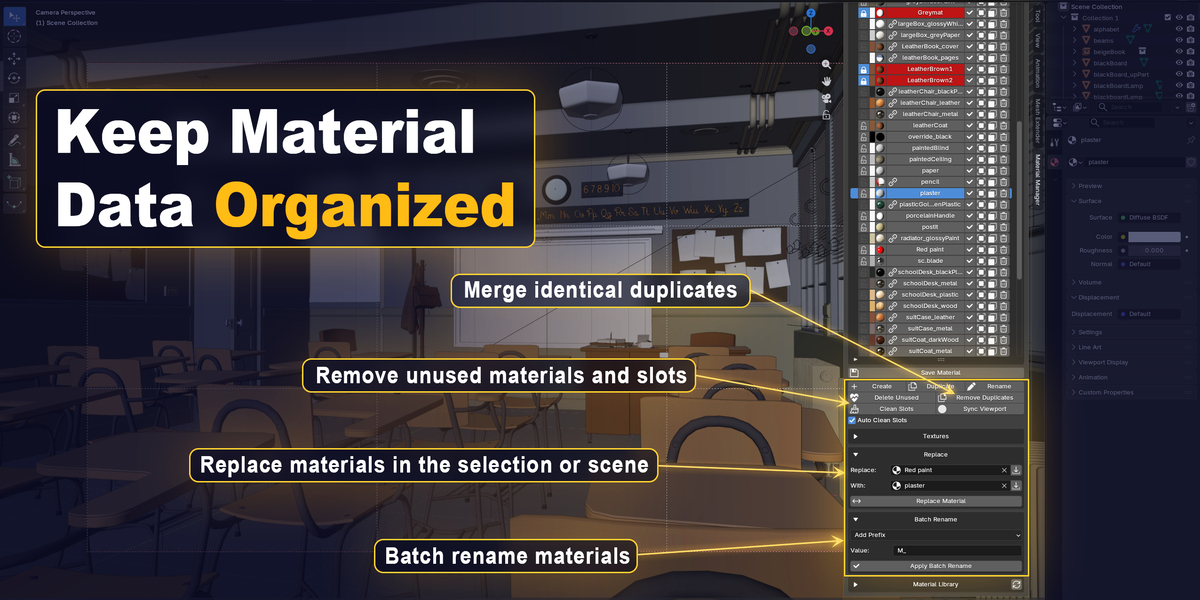
Added clearer notifications for material creation, assignment, and selection.
Fixed compatibility issues with third-party addon and improved refresh reliability.
Fixed material marker hitboxes and tooltips, and widened the material list layout.
Fixed Undo/Redo issues, improved material assignment in Edit Mode, and resolved leftover library links when loading presets.
v1.1.1
- Improved performance in large scenes
- Better Blender 5 support
- Minor bug fixes and stability improvements
- Added the Material Asset Browser for browsing, appending and linking materials from your native Blender Asset Libraries. It is disabled by default and can be enabled with Show Material Asset Browser in Addon Preferences.
- Added Show Material Library to Addon Preferences, allowing you to show or hide the Material Library and the Save Material button in the UI.
- Improved Save Material with an option to preserve external texture links instead of packing textures, and added a confirmation prompt when a material with the same name already exists in the library.
- Other fixes and UI improvements.
- Added a Material Picker eyedropper. Click a surface in the 3D Viewport to select its material in Material Manager. Alt-click to choose from multiple materials under the cursor.
- Fixed texture list updates when returning to the Material Manager tab and included other UI improvements.
- Added an optional Combine Selection Buttons setting that combines the object and face selection buttons into one. Click to select objects using the material; Ctrl-click to select faces to which the material is assigned.
- Other fixes and UI improvements.
- Added a customizable Material Manager hotkey in Add-on Preferences.
- Added a new Textures section with list and gallery views, search, filters, previews, and texture status.
- Added tools to relink, reload, pack, unpack, and inspect texture usage.
- Added batch tools to find missing textures, merge duplicates, reload visible textures, and remove unused images.
- Added texture to material selection and node reveal.
- Improved performance, UI, undo/redo support, and overall stability.
- Fixed crashes during Undo/Redo and when working with library materials.
- Improved automatic material list refreshing.
- Improved compatibility with wrapper panels.
- Made panel toggling and preset assignment more reliable.
- Improved material assignment logic and performance.
Added dimmed markers that keep an object’s assigned materials visible after selecting a material.
Click a dimmed marker to restore the related object selection.
Added Smart Toggle for quick, temporary access to Material Manager: press the hotkey to open it, then press it again to return to your previous Sidebar tab or close the Sidebar if it was previously hidden.
Added clearer notifications for material creation, assignment, and selection.
Fixed compatibility issues with third-party addon and improved refresh reliability.
Fixed material marker hitboxes and tooltips, and widened the material list layout.
Fixed Undo/Redo issues, improved material assignment in Edit Mode, and resolved leftover library links when loading presets.
