 Milad_Kambari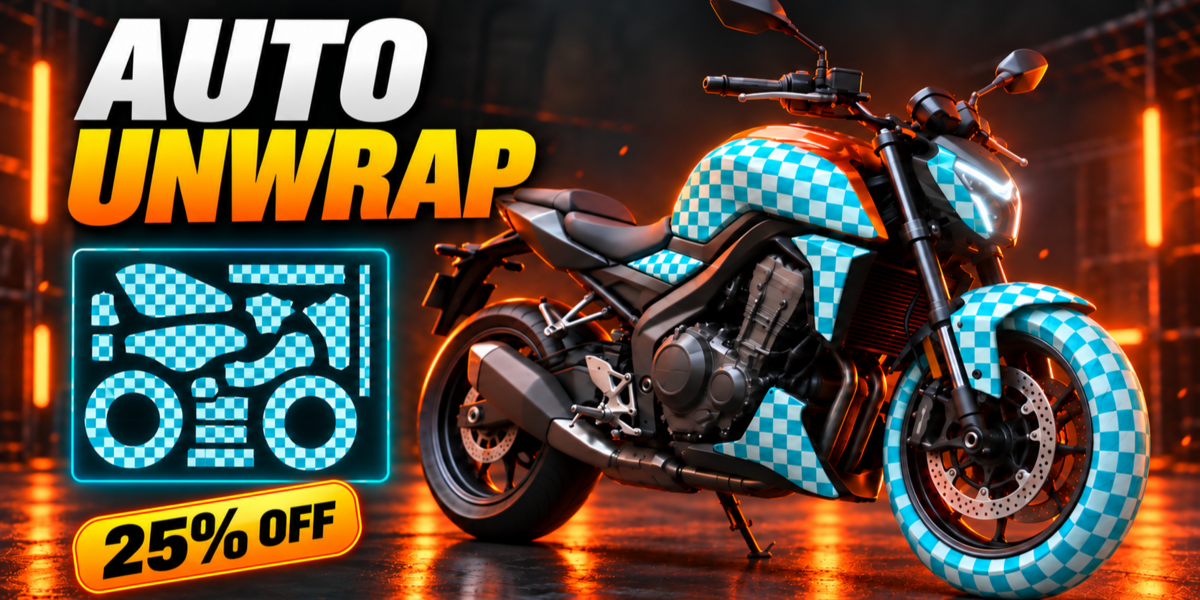

Auto Unwrap
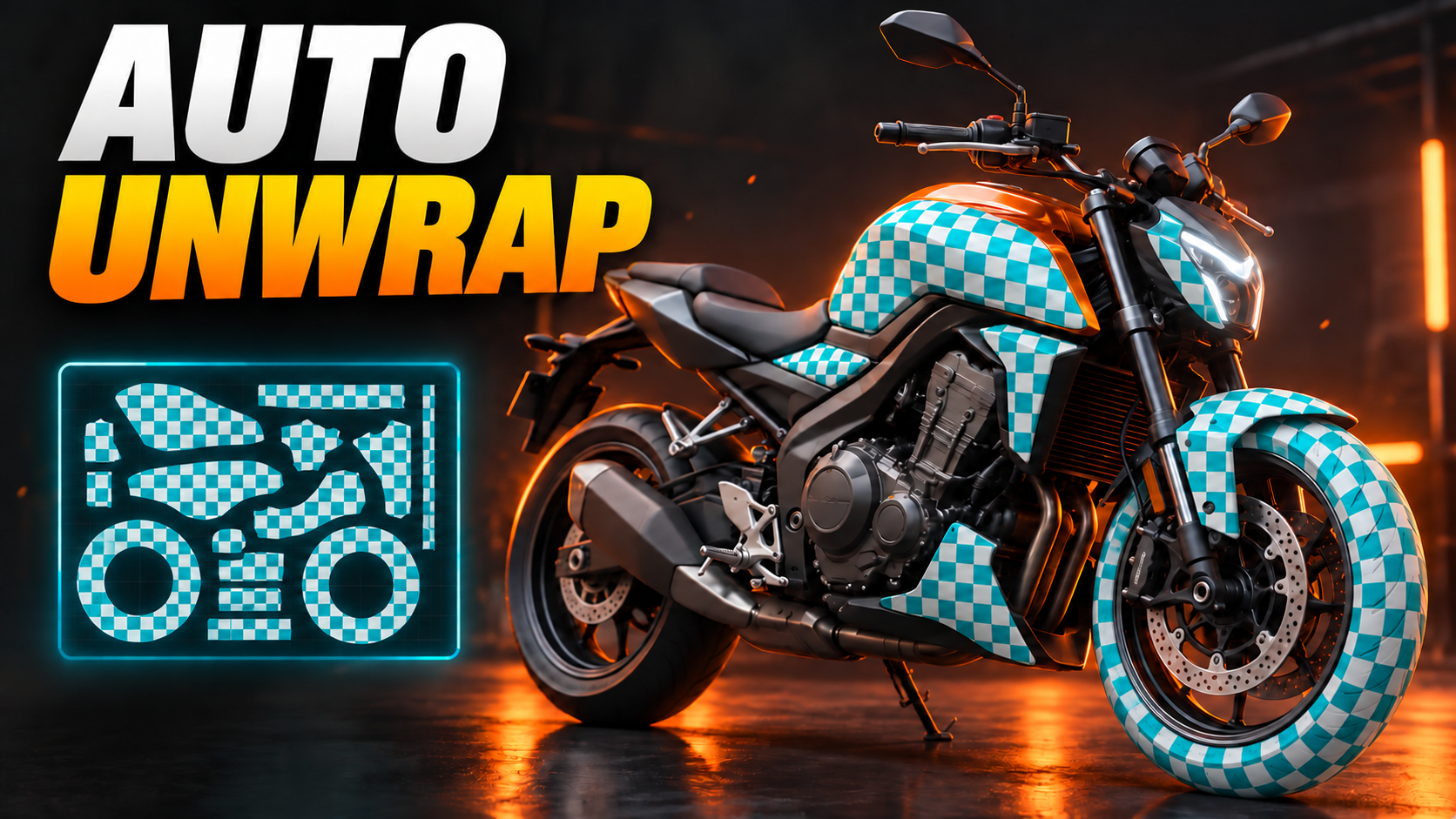
One-click UV unwrapping that actually thinks — organic models, hard-surface parts and even garments, each cut the way an artist would cut them. Select, press Unwrap, done.
| Organic Unwrap | Hardsurface Smart UV | Garment Seams |


01 |
ORGANIC UNWRAPPING |
Parts First, Then a Perfect Unwrap


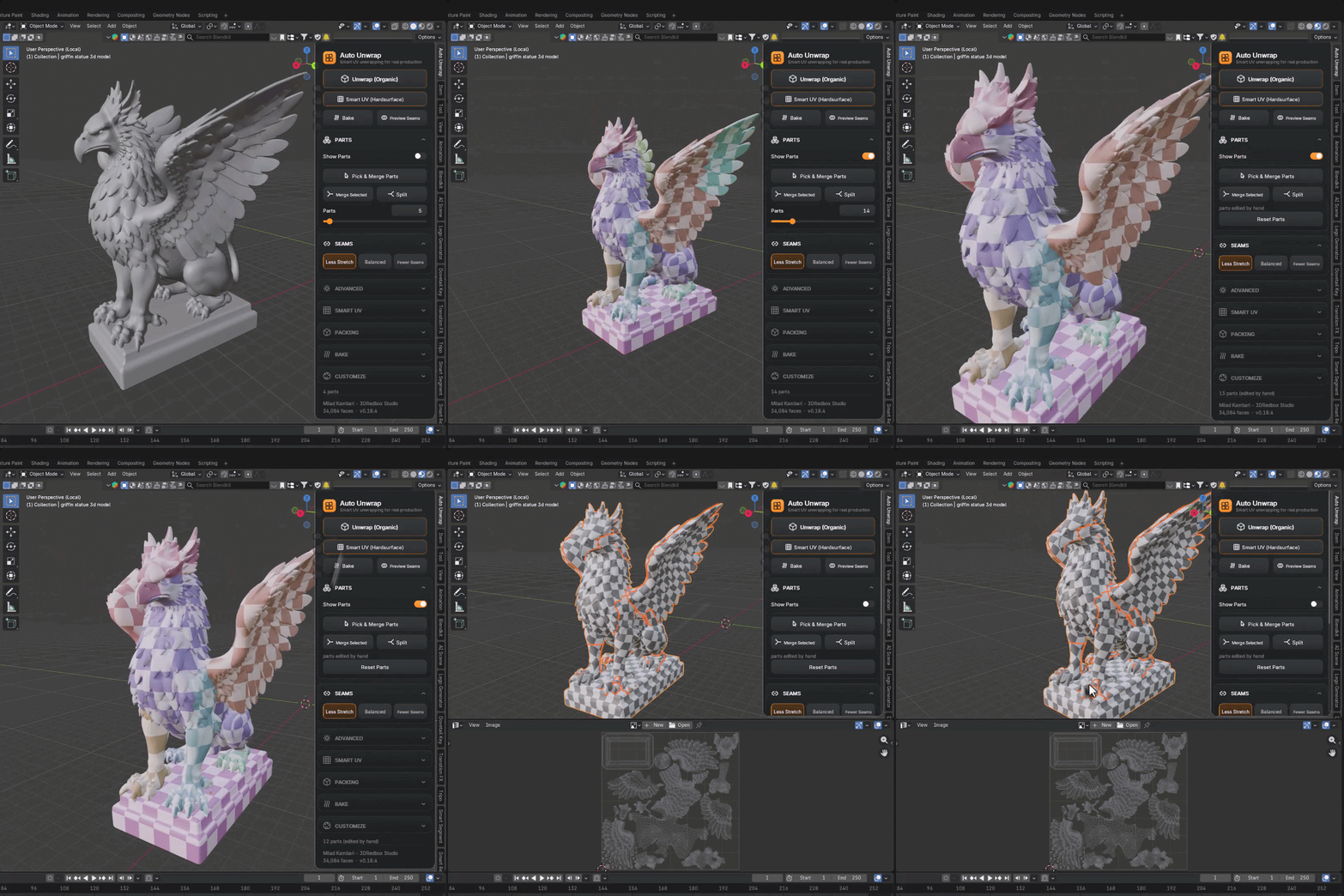
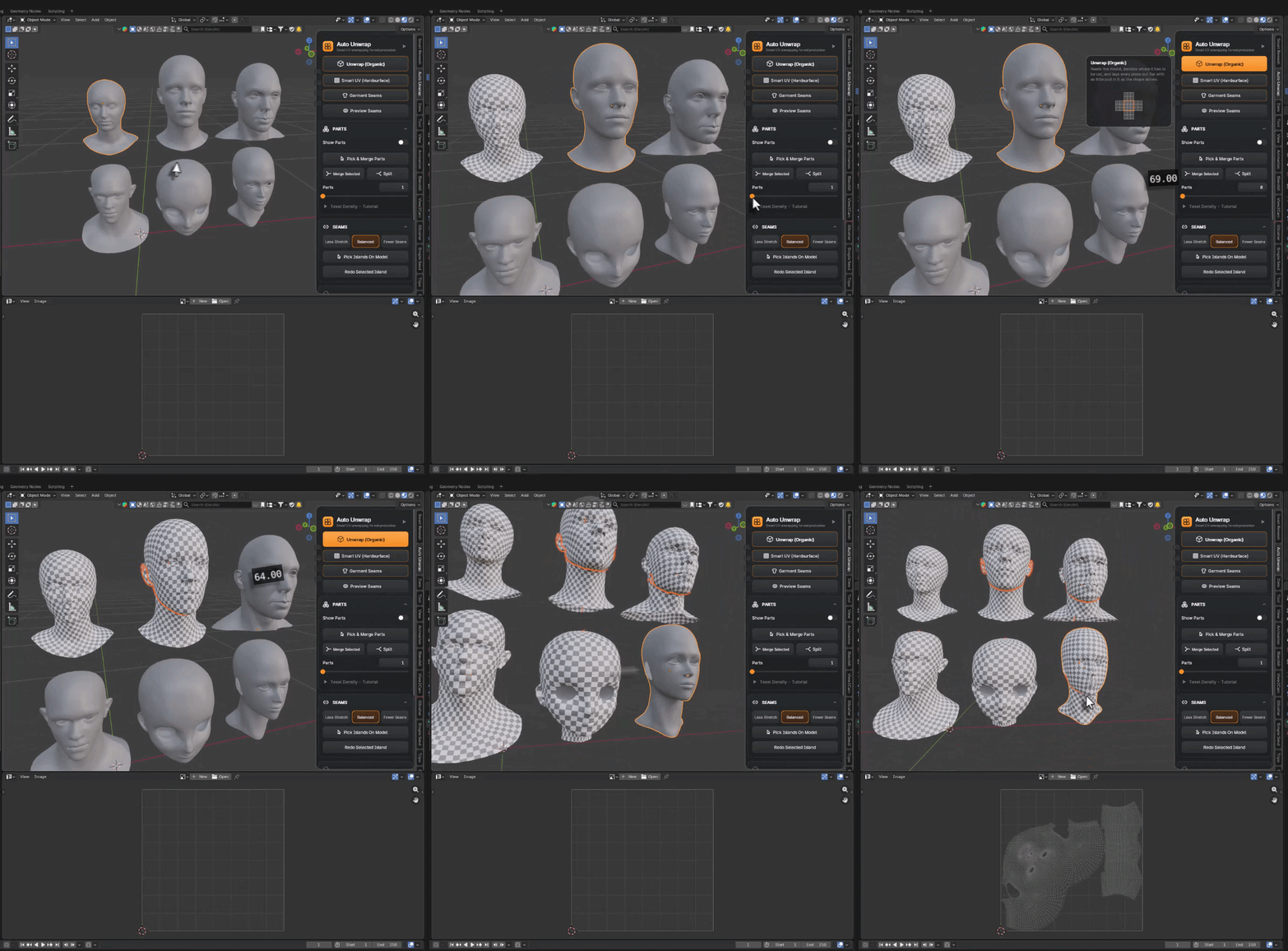
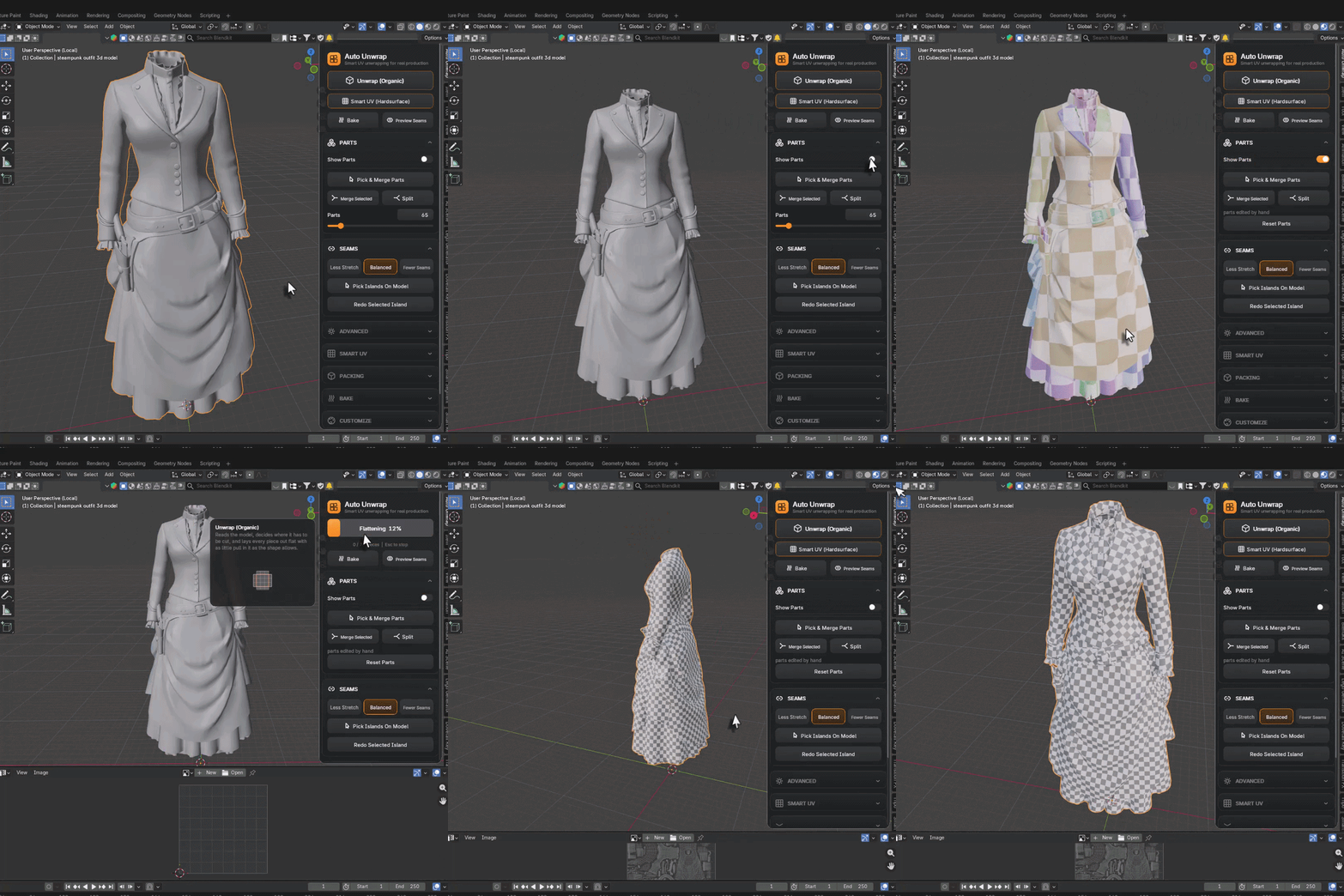
The Organic engine reads your model, decides where to cut, and lays every piece flat with minimal stretching — built on the OptCuts engine, made for characters, creatures, sculpts and AI-generated (image-to-3D) models. Before unwrapping, the model is automatically split into parts: see them in color with Show Parts, pick and merge the ones that belong together, and only then unwrap — up to 5,000 parts.
02 |
HARDSURFACE UNWRAPPING |
Clean Projections, Far Fewer Islands

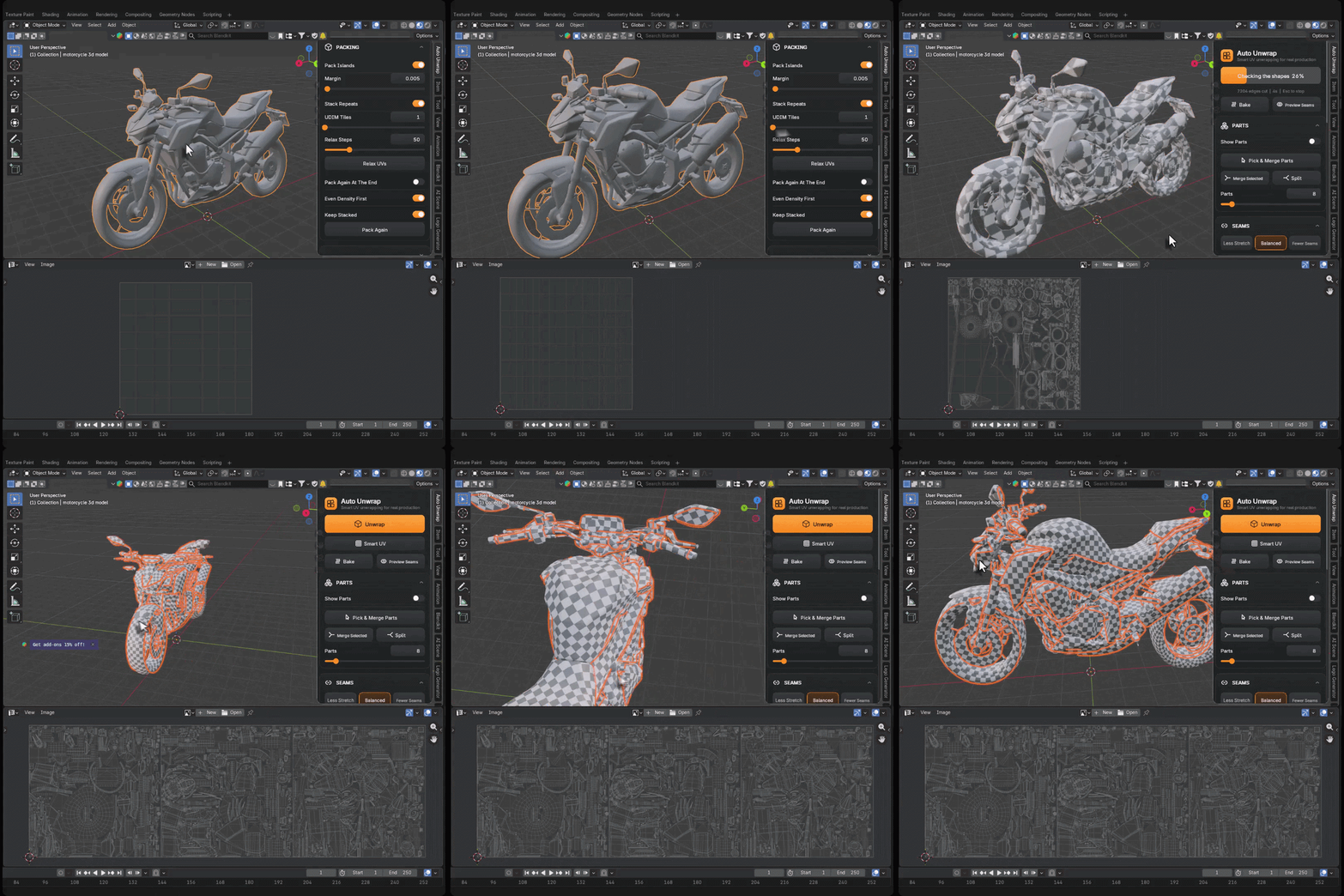
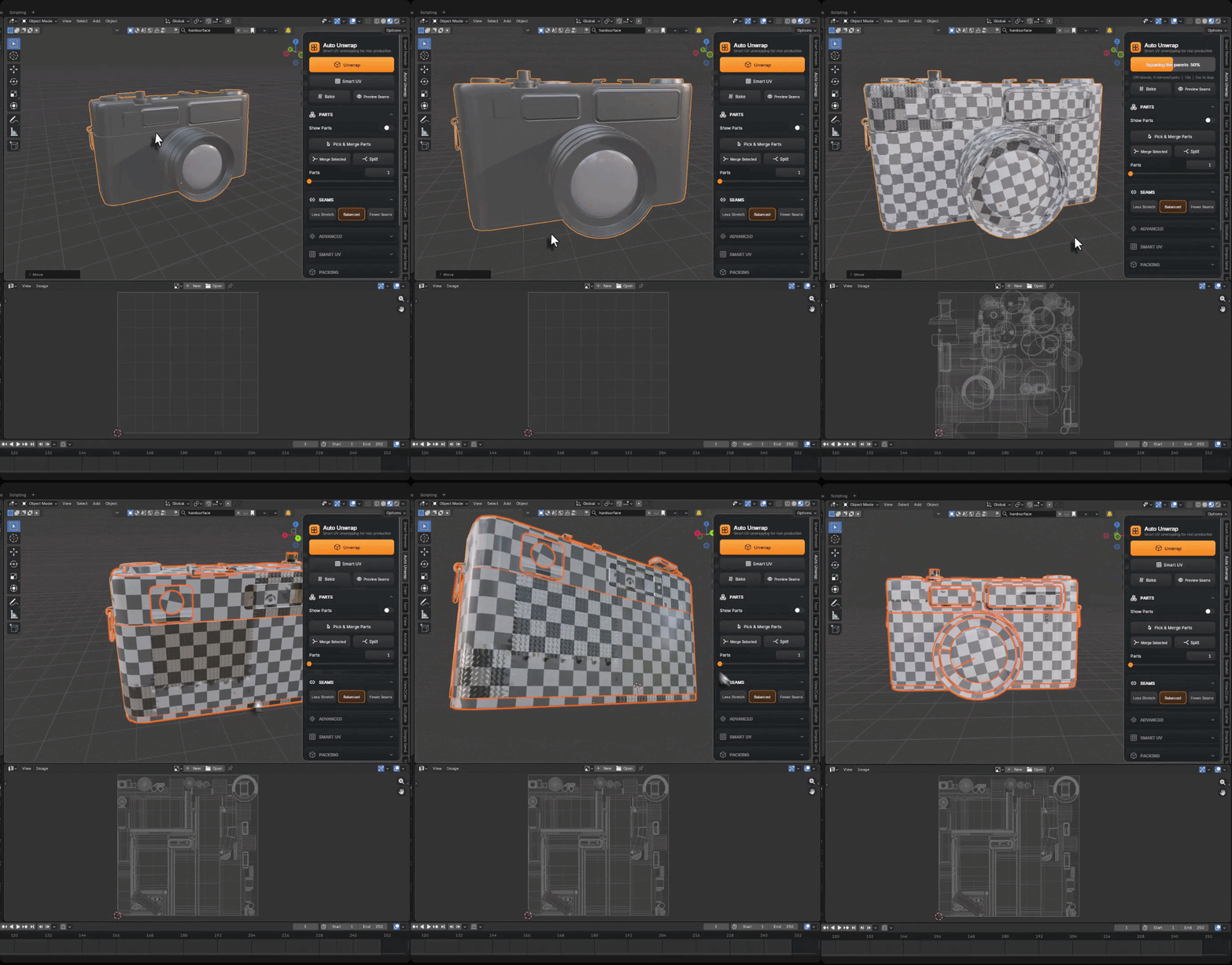
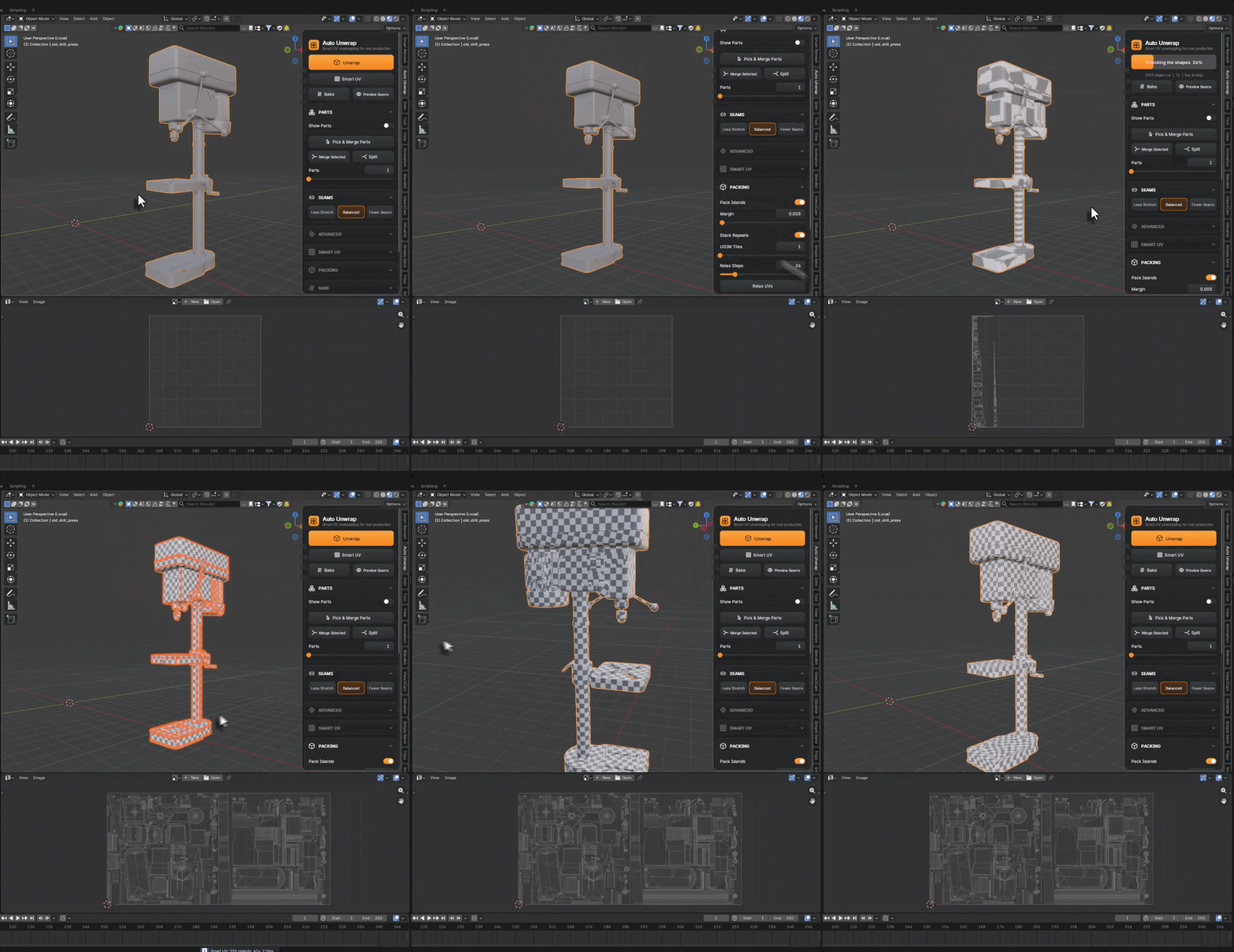
Smart UV mode is a fast, piece-by-piece projector for hard-surface models that puts the fewest possible cuts on the model’s own lines. On a test car it produced 178 islands — Blender’s built-in Smart UV gave 563 for the same model. Choose the Auto Unwrap or Blender engine, tune Piece Size and Fewer / Balanced / Smoother, and keep full access to Blender’s own Smart UV settings.
Everything on One Clean Card
All controls live on a dedicated card right inside the viewport — plus a classic sidebar panel if you prefer. Every button has an animated explainer on hover, play buttons open the YouTube lessons, a progress bar shows every job (Esc stops it), status messages never fail silently, and you can customize the card’s color and corner rounding.
03 |
UDIM & PACKING |
UDIM Tiles Without the Pain
Spread all parts across UDIM tiles in Object or Balanced mode — no island is ever split between two tiles. Pack Islands arranges everything automatically, Stack Repeats puts identical pieces on the same spot so texture resolution is spent once, and Pack Again re-packs tile by tile whenever you need it.
04 |
CHARACTERS · BODY & HEAD |
Made for Organic Models
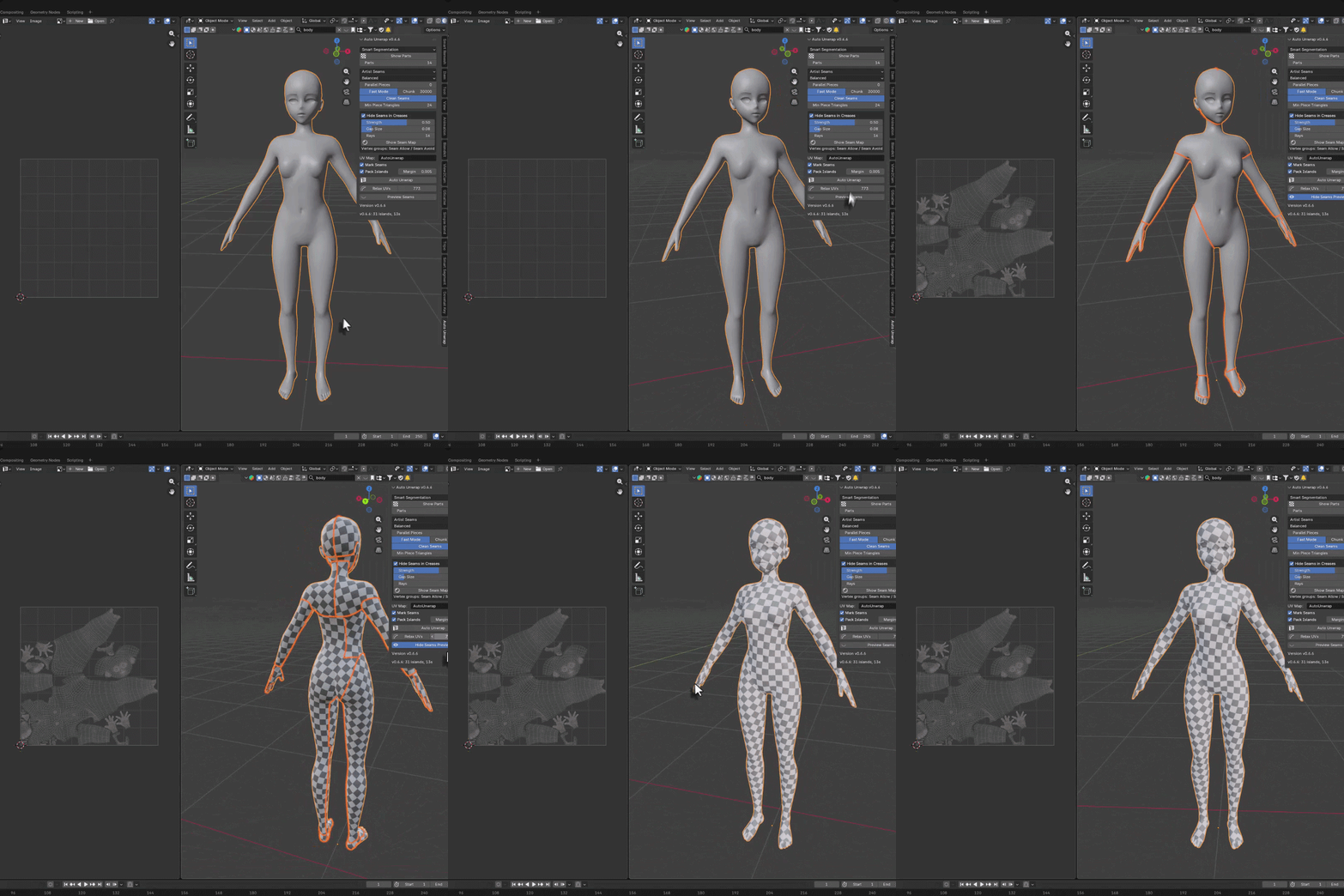
Full bodies and heads are cut where a character artist would cut them, with islands laid out flat and even. Perfect for sculpts, scans and AI-generated characters that arrive with no UVs at all.
 |
 |
05 |
CLOTH & OUTFITS |
Garment Seams, Like a Clothing Designer

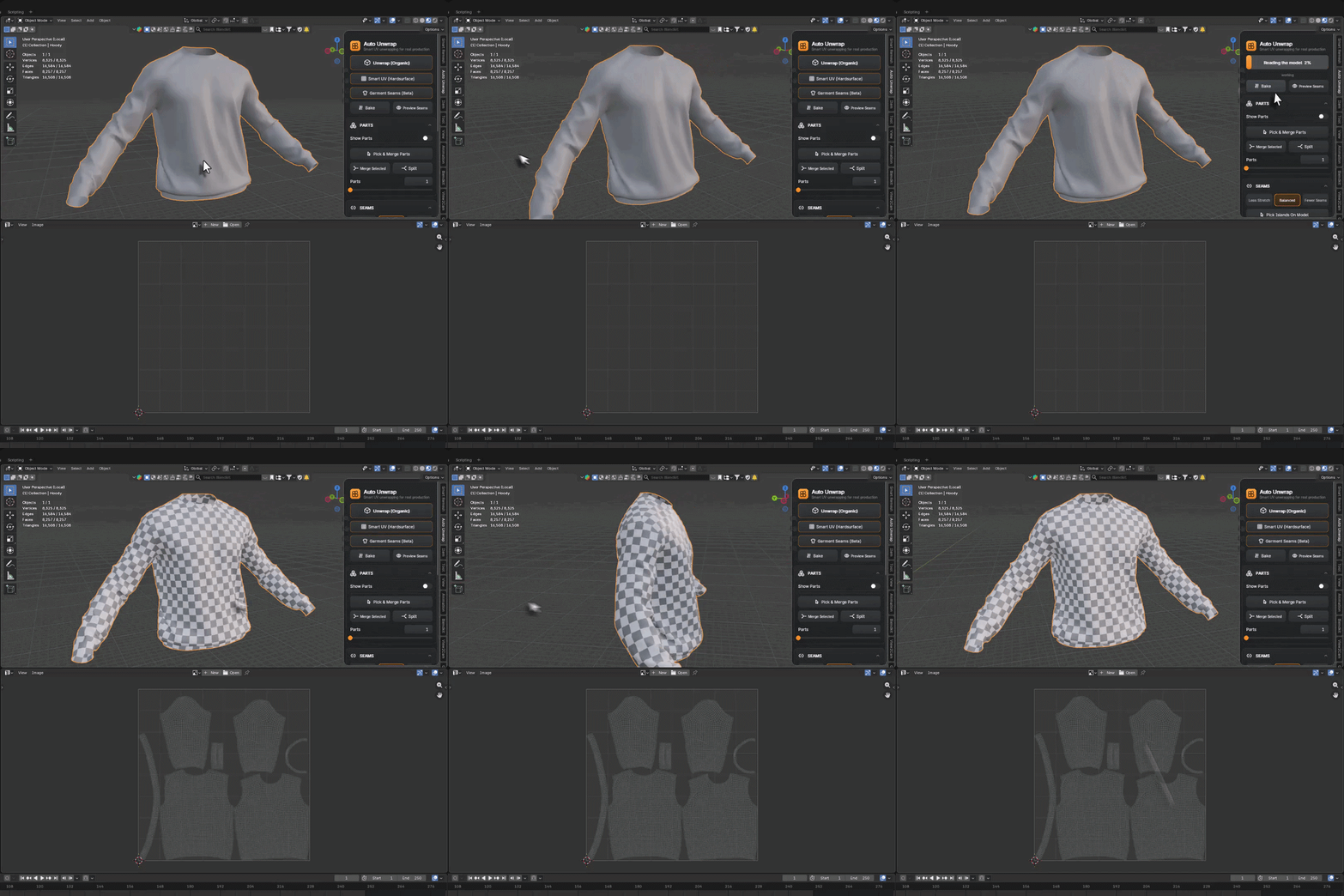
Clean quad garments (Marvelous Designer or CLO exports) get seams the way a real clothing designer would place them: cuff and armhole loops, collars and bands, a straight line from the armpit down the body; center front-to-back lines, outer and inner leg seams and the waistband on pants; waist and side seams on dresses and skirts. These rules were learned from around 40 garments seamed by artists.
 |
 |
Full Control When You Want It
Automatic by default — surgical when you need it.
|
Seam Balance
Less Stretch, Balanced or Fewer Seams — you decide the trade-off between distortion and seam count.
|
Pick Islands on the Model
Click islands directly on the mesh, Join Into One to merge several, and Redo Selected Island re-unwraps just that piece while everything else stays put.
|
Preview Seams
See exactly where the cuts will land before you commit to the unwrap.
|
|
Symmetry
Mirrored models are cut identically on both sides — the islands come out as perfect mirror pairs.
|
Parts Up to 5,000
Automatic part detection powered by Smart Segmentation — Show Parts, Pick & Merge, Split, all before unwrapping.
|
Built-in Lessons
Texel Density and UDIM tutorials one click away, right inside the panel.
|
|
4.2+
BLENDER
|
WIN · LINUX
OPERATING SYSTEM
|
Full video tutorials are available in six languages — fully dubbed:
| English | 한국어 | 日本語 | Português | Deutsch | Español |
Perfect For
| Character artists — bodies, heads and outfits unwrapped in one click |
| Hard-surface modelers — clean projections with a fraction of the islands |
| AI & scan workflows — image-to-3D models get artist-grade UVs instantly |
More from Milad Kambari
 |
 |
 |
 |
 |
 |
 |
 |
 |