 antoine bagattini









FREE OPEN BETA
BagaCAD is free during the Beta. Download it, try it and tell us what you think!
Every report helps us improve it !
You can also use the Feedback button in the BagaCAD panel (N > BagaCAD).
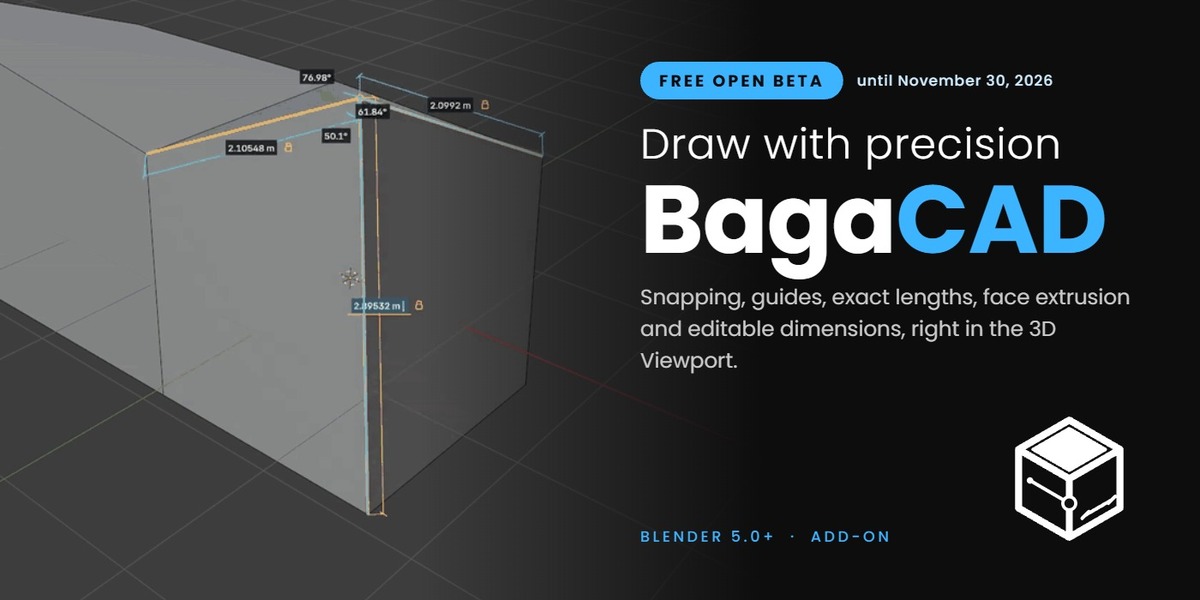
BagaCAD is a direct drawing tool for Blender. Click points to draw on your mesh, type exact lengths and angles, close a contour to create a face, then pull that face into a volume. Snapping, construction guides and a grid keep everything aligned, and every length and angle can be edited afterwards.
DRAW
LINES, LENGTHS & ANGLES
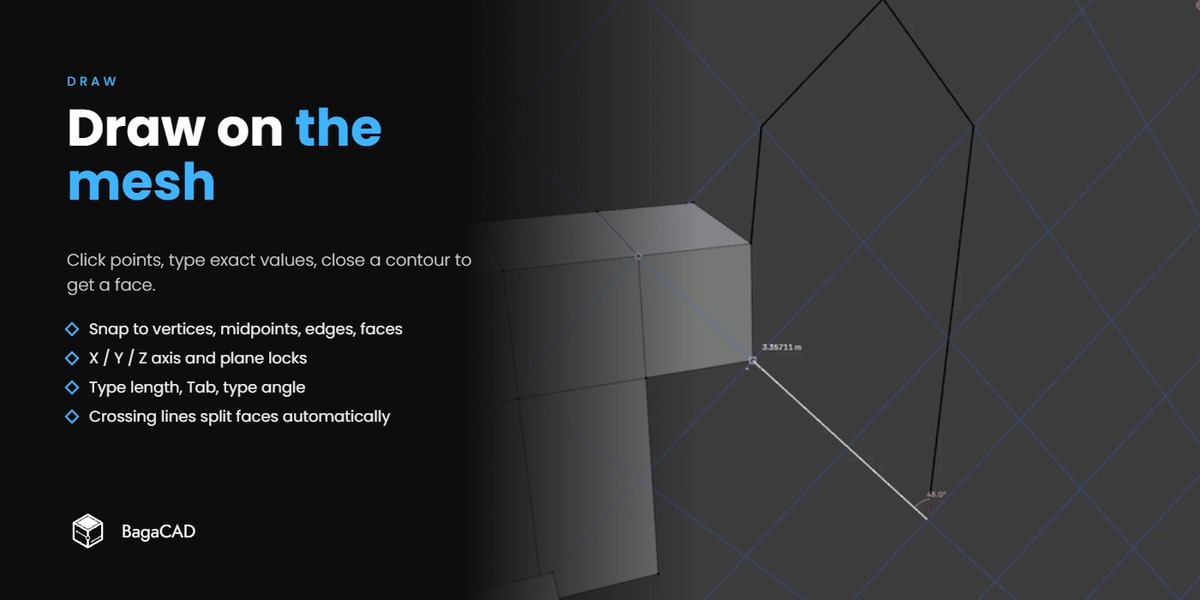
Click to place points. Each new segment snaps to vertices, midpoints, edges, faces, guides and grid. Type a length, press Tab, type an angle: the segment locks to your values while the mouse picks the rest.
- Axis and plane locks: X / Y / Z, or Shift + X / Y / Z for YZ / XZ / XY.
- Faces on the fly: close a flat contour to fill it, draw across a face to cut it. Crossings split edges, overlapping segments merge.
- Erase and extend: Shift + right mouse sweeps edges away, Alt extends an edge to the next real target.
- Units: displayed measurements follow your scene units.
SHAPES & OFFSETS
CIRCLES, ARCS & RECTANGLES
- Circles and arcs (C): center and radius, or three points. (Change the segment count with the mouse wheel while drawing.)
- Rectangles (B): corner to corner, centred with Alt, square with Shift. Type width and height.
- Offsets (O): offset one edge or several chains at a typed distance, with mitred corners.
- Filled or not: closed shapes create faces by default; hold F to draw lines only.
Shapes pick up the plane of the face under the cursor, or the active grid, before the first click.
EXTRUDE
FACES INTO VOLUMES
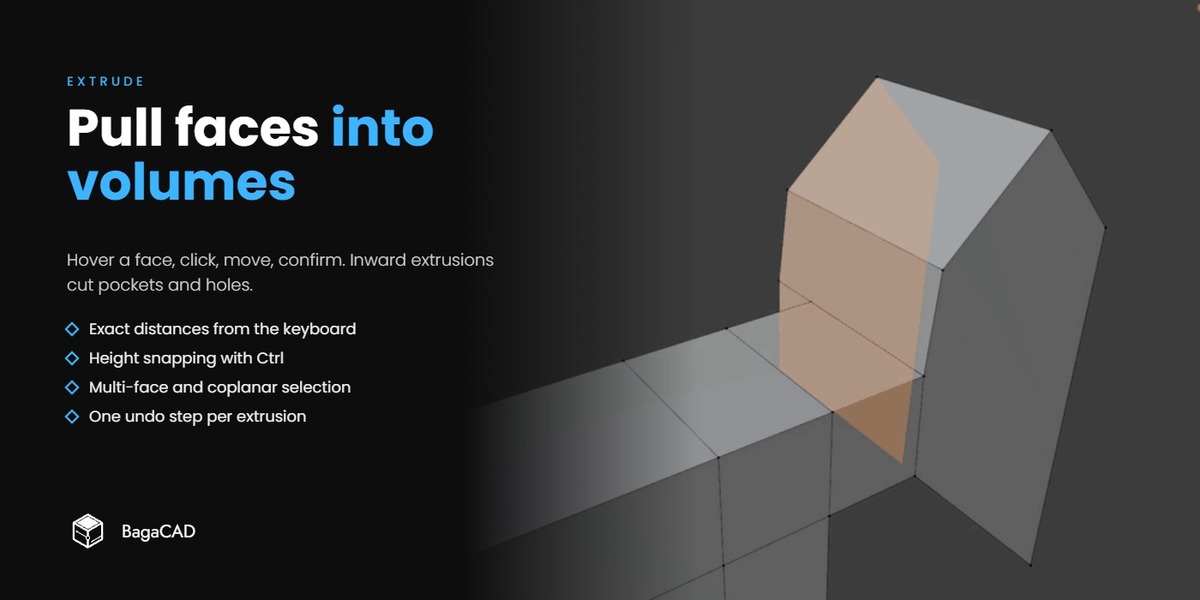
Hover a face, click, move, click again. The face moves along its normal. Type a distance for an exact value, hold Ctrl to snap the height to existing geometry.
- Booleans included: outward extrusions fuse with volumes of the same mesh, inward extrusions cut pockets and through-holes.
- Several faces: Shift + click to build a selection, Alt + click to take all connected coplanar faces.
- One undo step per extrusion.
DIMENSIONS
EDIT LENGTHS & ANGLES
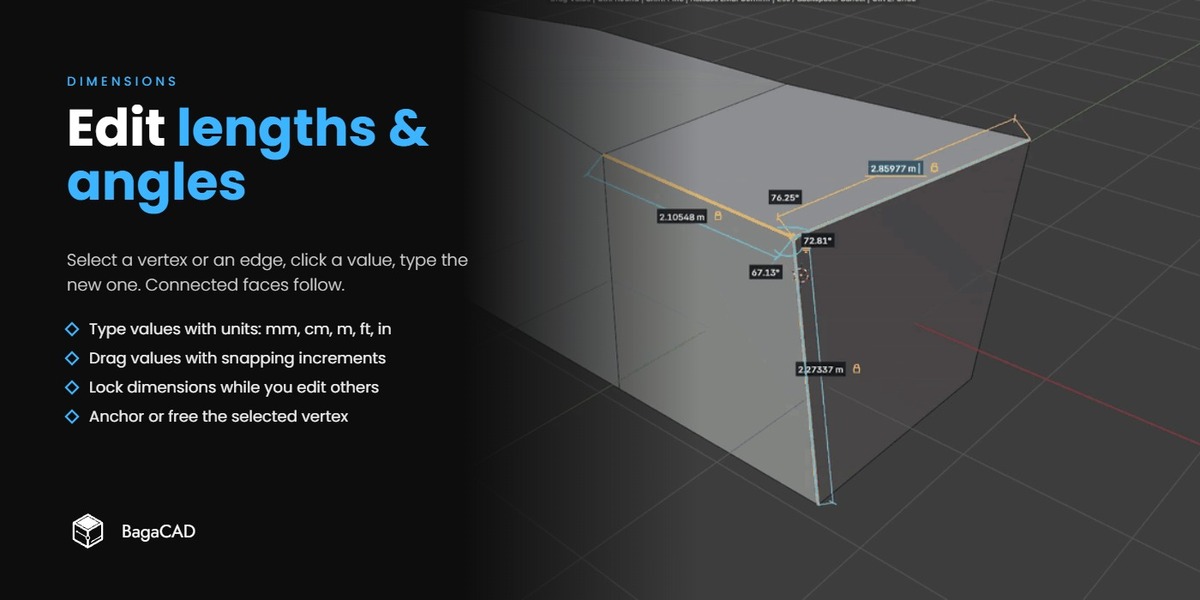
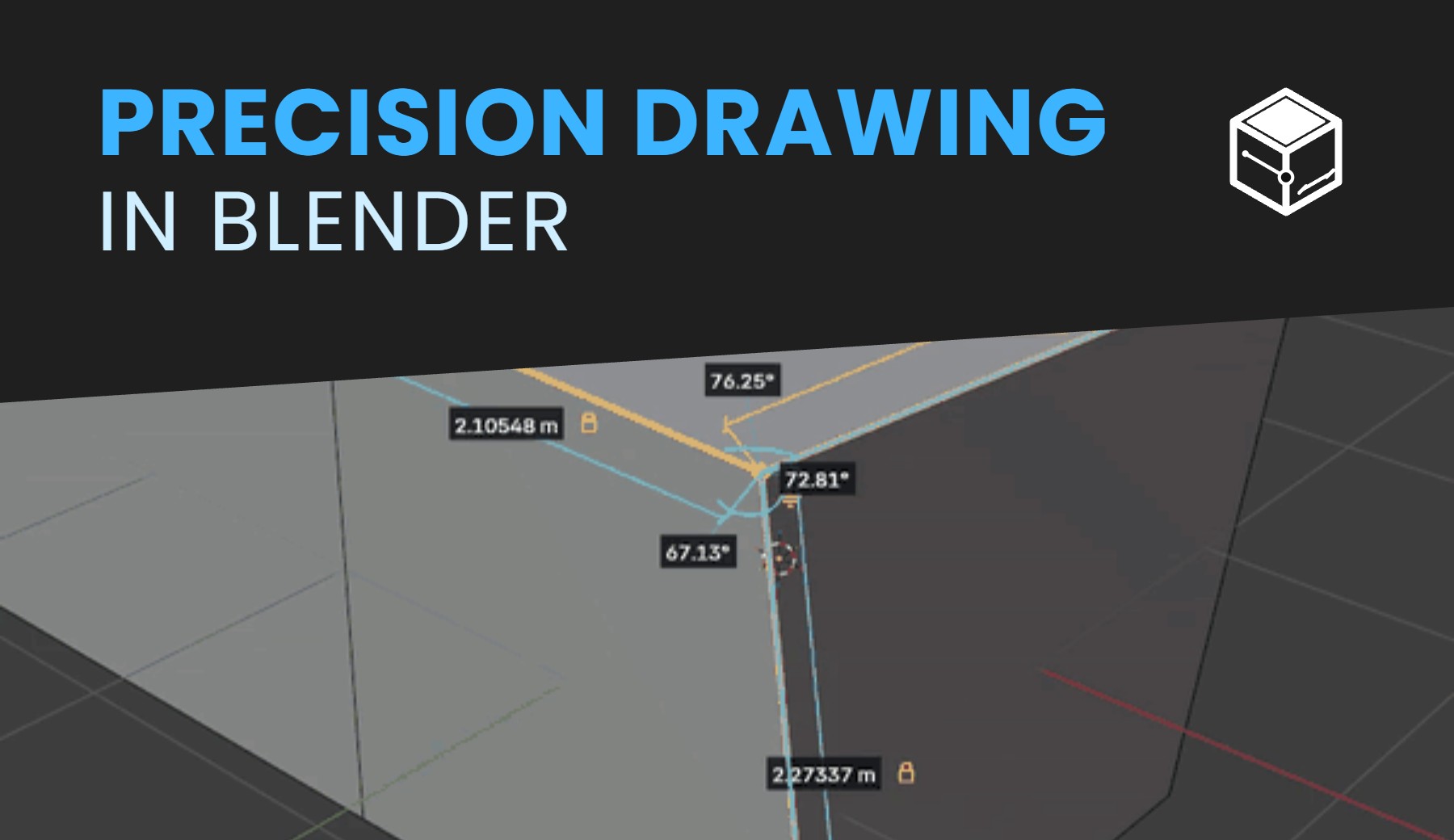
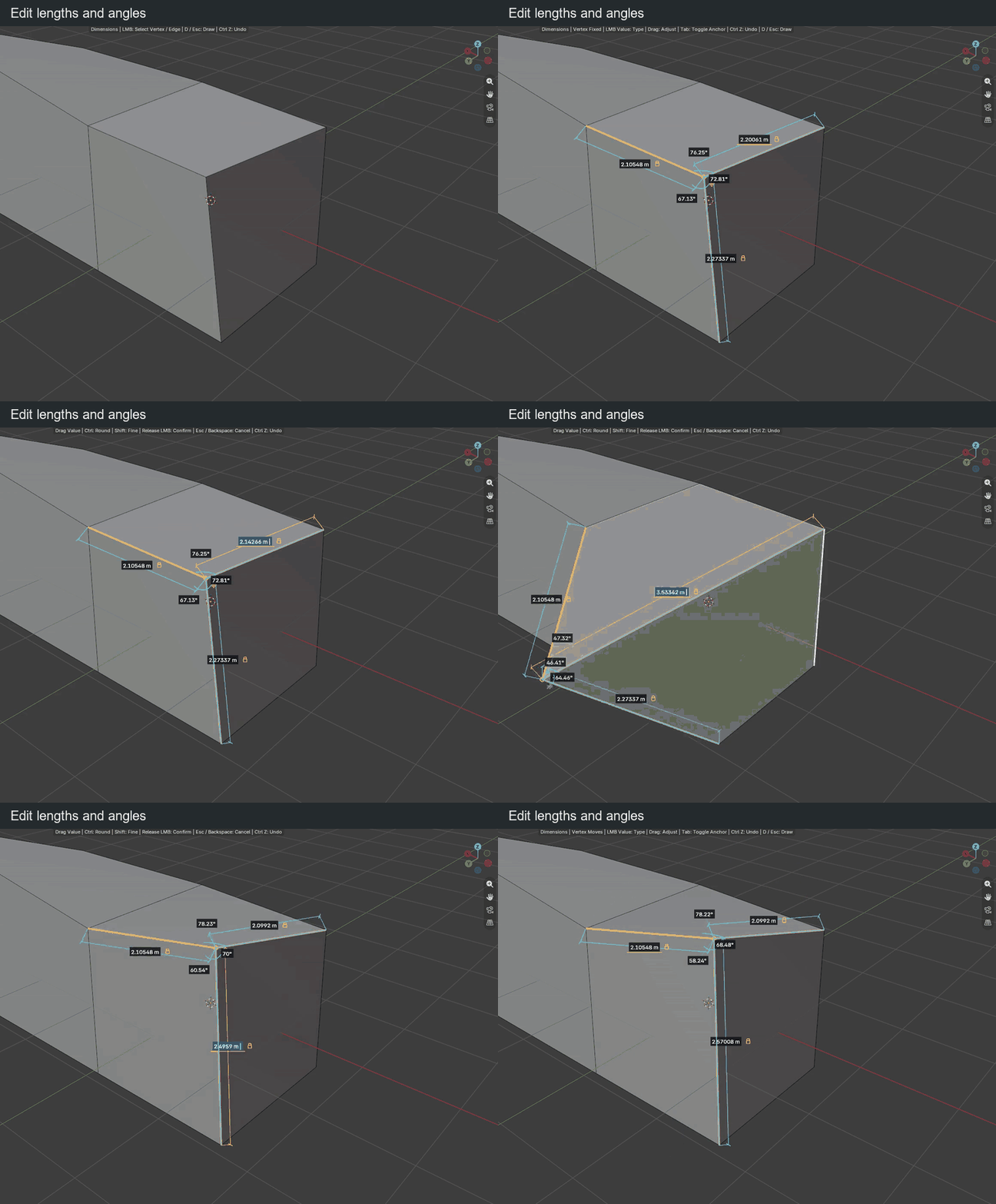
Press D or click Dimensions, then pick a vertex or an edge. BagaCAD shows the lengths, parallel distances and angles around it. Click a value and type a new one, or drag it left and right. Connected faces follow.
- Locks: lock a length or an angle and edit the others around it.
- Anchored or free vertex: choose whether the neighbours adapt or only the selected vertex moves.
- Drag increments: Ctrl for rounded steps, Shift for fine adjustment.
GUIDES & GRID
BUILD WITH REFERENCES
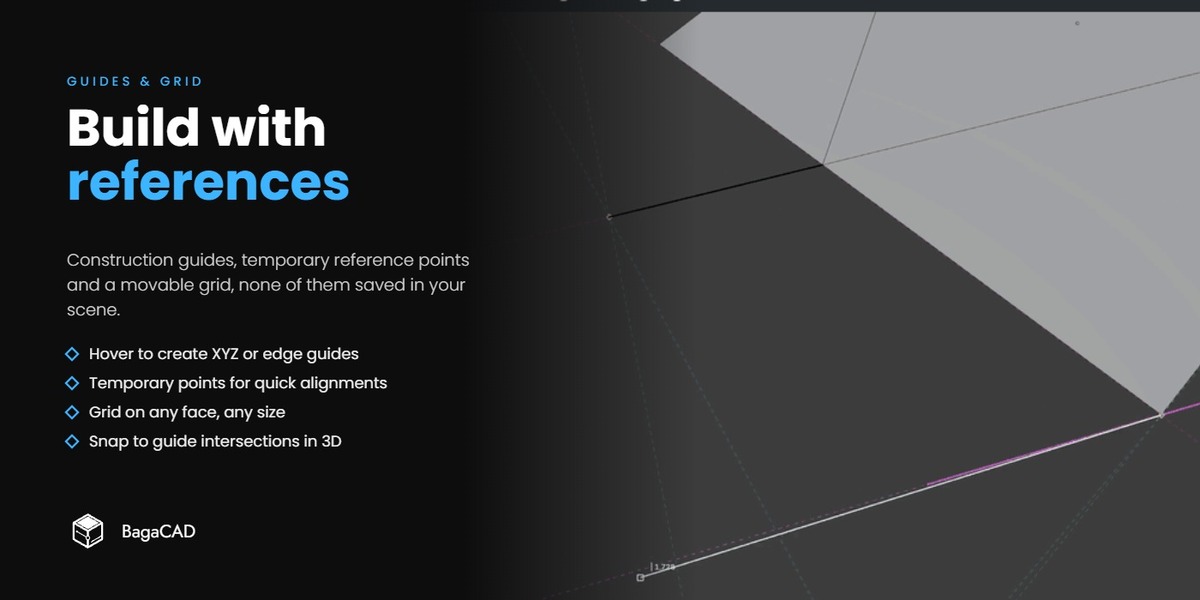
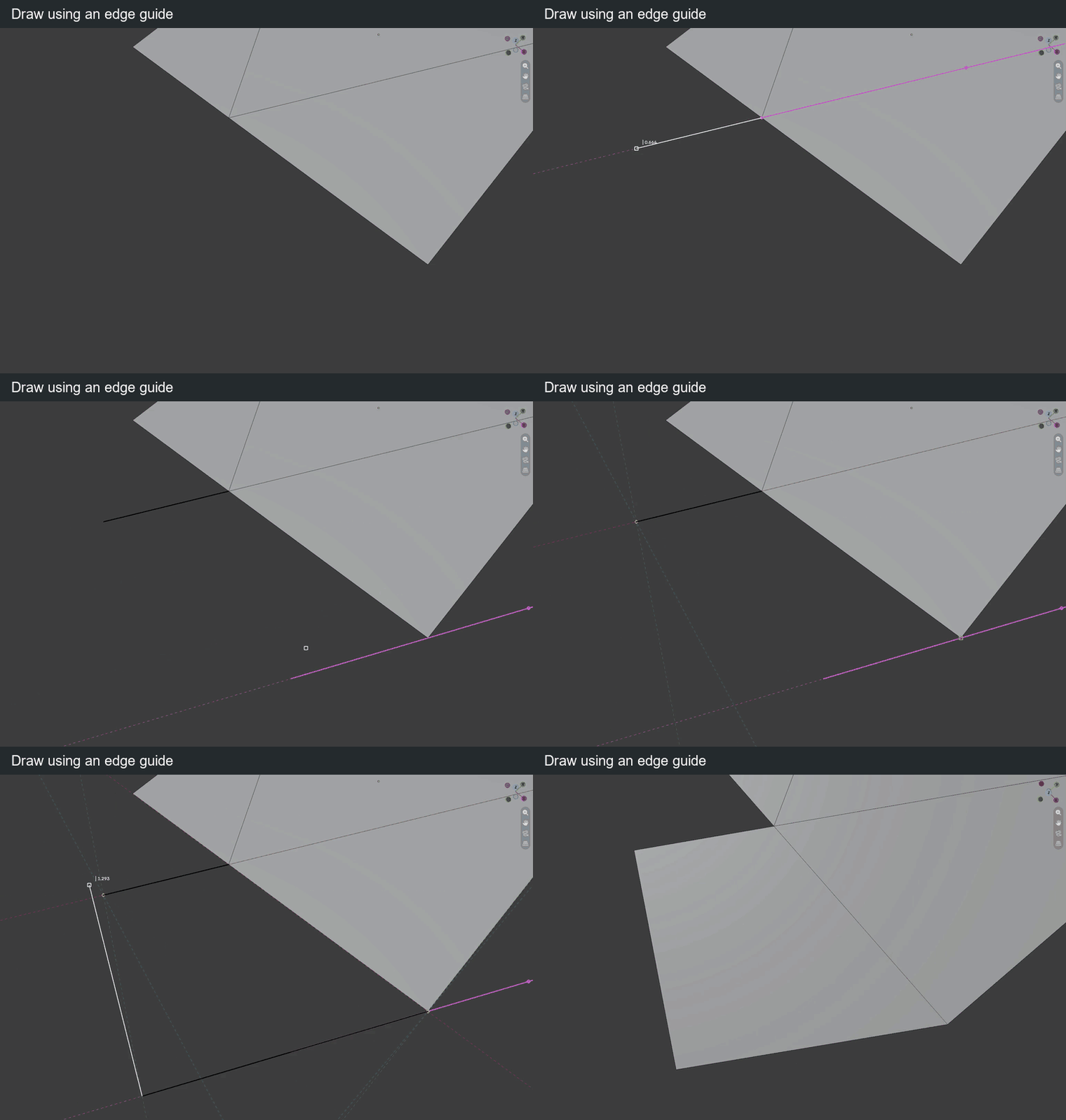
- Construction guides: hover a vertex or an edge to create an XYZ frame or an infinite edge line. Move and rotate them.
- Temporary reference points: a short hover remembers a point and offers its projections for the segment in progress.
- Construction grid: place it anywhere, align it to a face, set its cell size by measuring or typing.
Guides, reference points and grid are drawing aids only: they are not mesh geometry, not rendered and not saved in the scene.
NOTES
LIMITATION
- Requires Blender 5.0 or newer. Installs as a Blender extension: drag the ZIP into Blender.
- BagaCAD is in open beta and free until it's final release. It is under active development and some behaviours will change.
- BagaCAD edits only meshes.
- Dimensions and their locks are temporary editing tools, not a persistent parametric constraint system.
- Some demo clips were recorded with earlier development builds, the documentation lists the current shortcuts.
- License: GPL-3.0-or-later.
Support
Read the documentation, join the Discord, send us feedback, or use "Contact the creator" on this page.
By Kiara Bagattini