real-time collaboration for blender 4.5+
Blender,
but together.
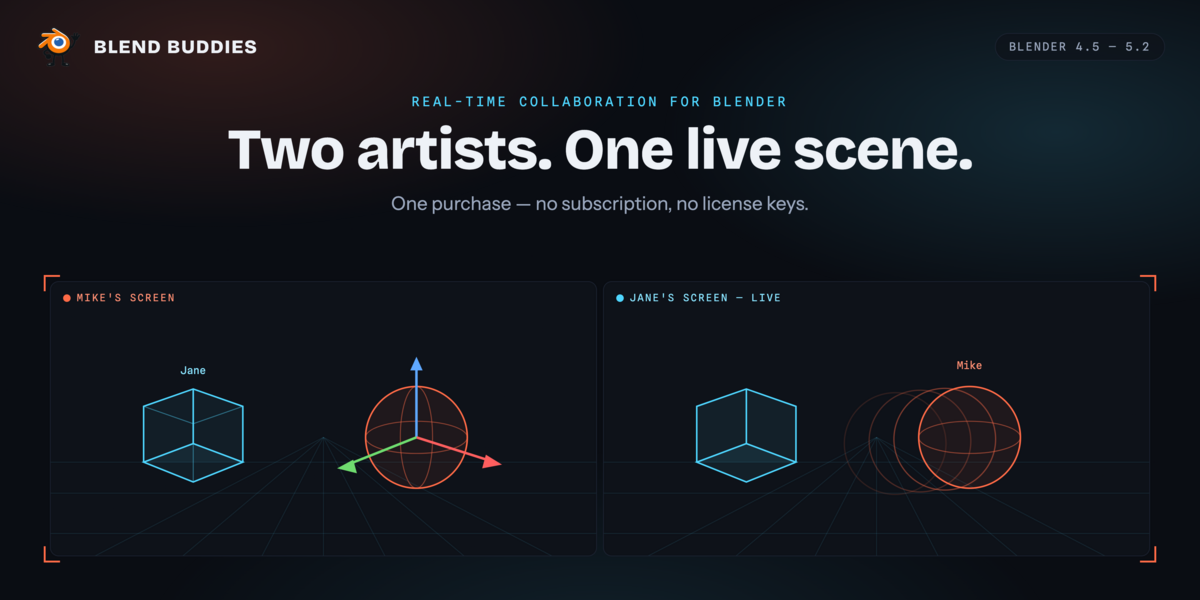
Two artists, one scene, live. Blend Buddies streams transforms, mesh edits, materials and animation between Blender users in real time — everyone in their own Blender, everyone looking at the same scene.
No emailing .blend files. No merge conflicts. No wondering whose copy is current.
runs on blender 4.5 – 5.2 · licence gpl-3.0 · transport wss / tls 1.3 · server hosted, included
§01 · capabilities
Everything you’d expect to sync, actually does.
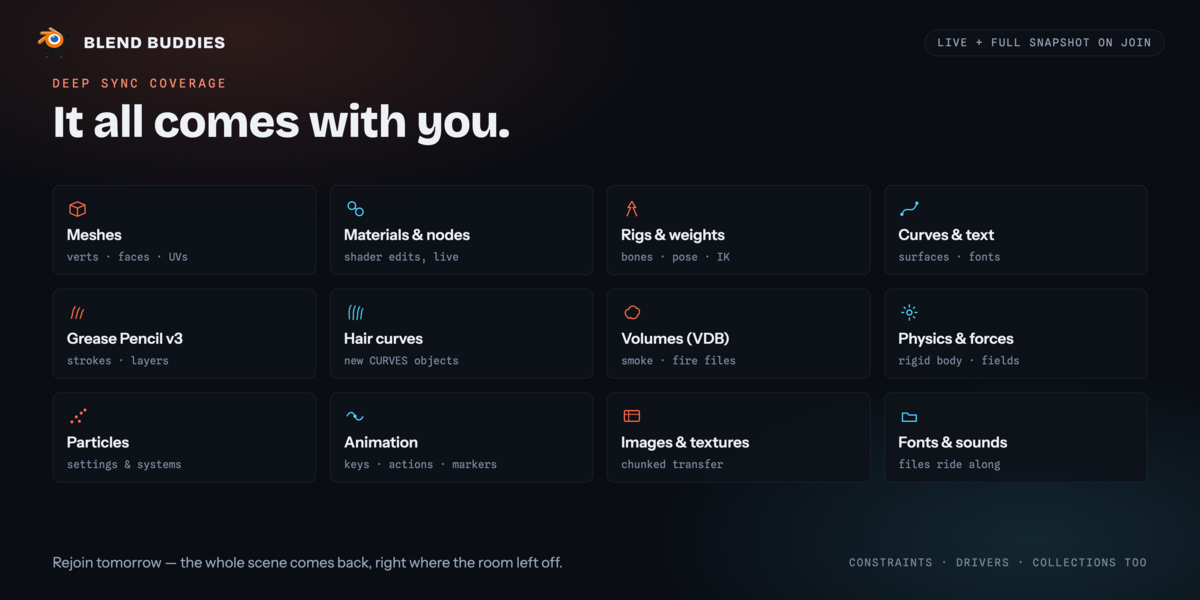
A complete pipeline built for Blender’s depsgraph — not a one-size-fits-all generic plugin. Every datatype below round-trips through both the live connection and the snapshot you get when you join.
meshescurvessurfacesarmaturesvertex weightsmaterialsnode graphstextureskeyframesf-curvesactionsconstraintsdriversmetaballspoint cloudshair curvesgrease pencilvolumesparticlesrigid bodiesforce fieldscollectionstimeline markers
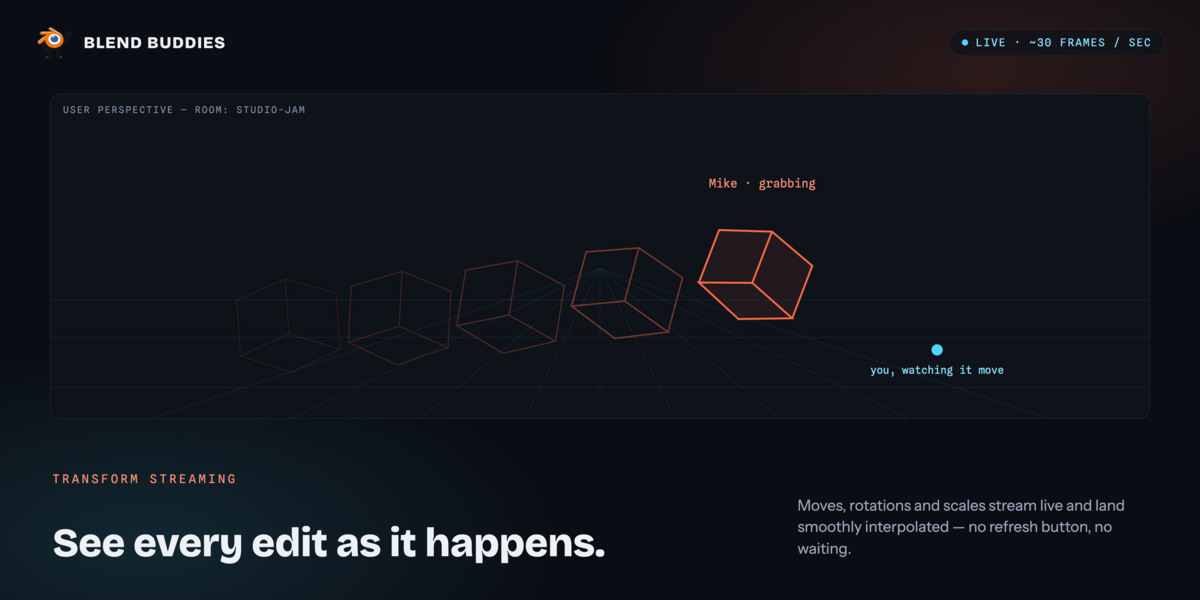
Transform streaming
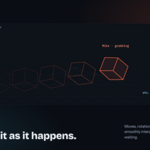
Grab, rotate, scale — watched live at roughly 30 frames a second and smoothed on the other end. Echo suppression keeps both sides from fighting over the same object.
30 hz
Mesh editing
Work in edit mode on vertices, edges and faces. Tab back to object mode and your geometry rebuilds on every connected machine — that is the moment Blender makes an edited mesh readable to an add-on.
geometry
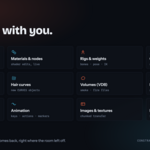
Materials & nodes
Full shader-graph serialization. Shaders, textures and procedural setups arrive intact, including per-face material assignments on multi-material objects.
shading
Rigs & posing
Bones, hierarchy, roll, IK and B-bones rebuild on the far side, with vertex groups and per-vertex weights remapped by name. Pose-mode dragging streams live, just like object transforms.
armature
Animation
Keyframes, F-curves, actions and timeline markers stay in step. Frame changes and play / pause broadcast to the room, so everyone is reviewing the same moment.
timeline
Joining is instant
Arrive mid-session and the whole scene loads progressively in the background instead of freezing Blender. Reconnect after a drop and only what changed is sent.
snapshot
§02 · workflow
From install to collaborating, in three.
01 · install
Drop the zip into Blender.
Preferences → Get Extensions → Install from Disk. A setup wizard handles your name and colour on first launch. Updates install in place from the panel afterwards.
02 · room
Create or join a room.
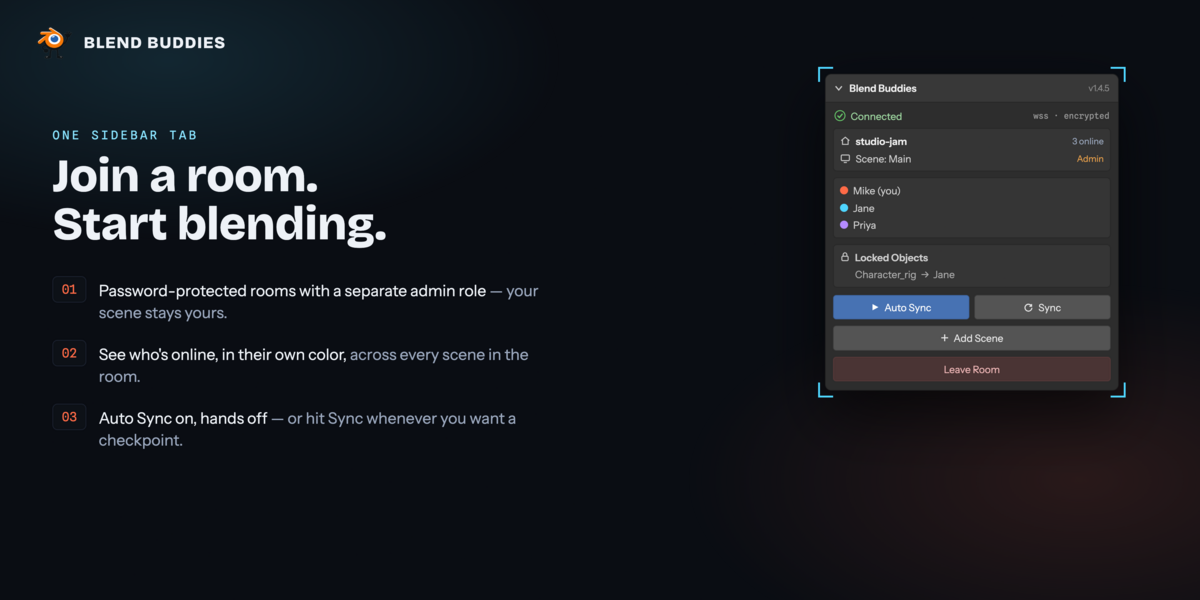
Pick a room name and a password, then share them. There is no server to run and no port to forward — rooms live on the hosted server. Saved credentials make rejoining one click.
03 · work
Just use Blender.
Syncing runs by itself — there is nothing to switch on. Move objects, edit meshes, tweak shaders, scrub the timeline. Everyone sees everything, live.
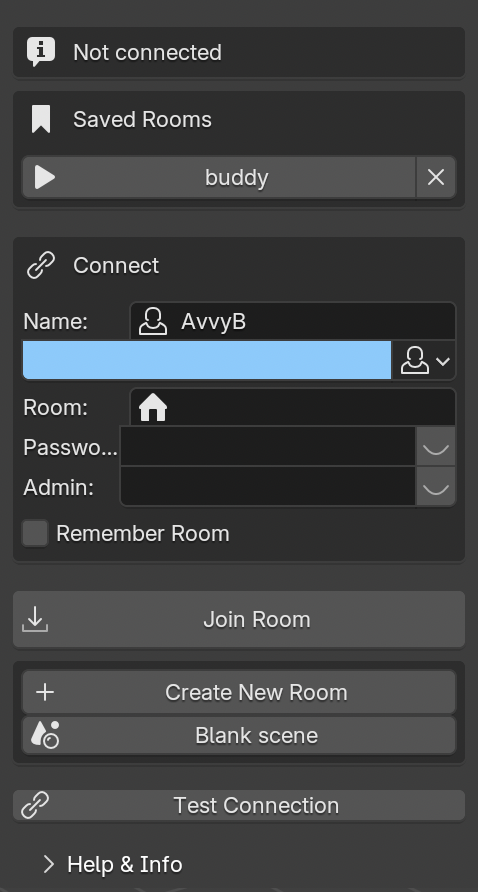
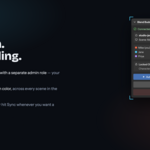
◆ Before you connect
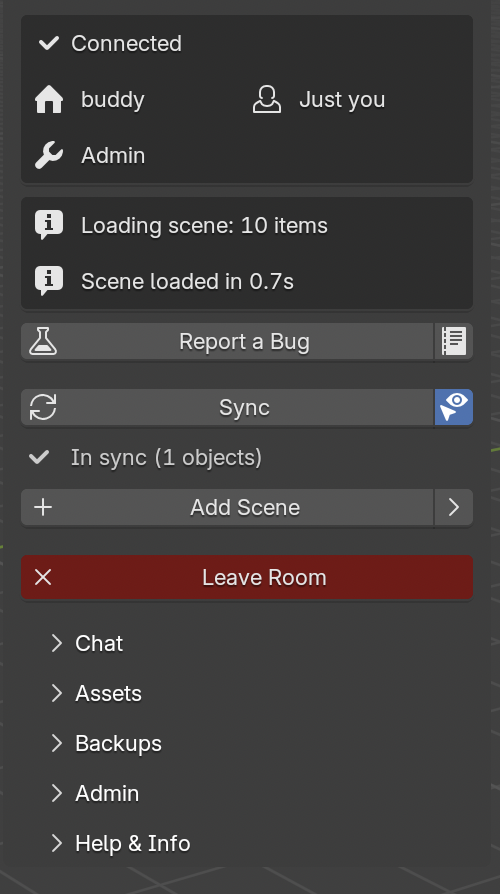
◆ Connected to a room
§03 · presence & coordination
Know who’s doing what, before you collide.
Object locking
Claim an object and nobody else can touch it. Hand it over with “give to user”, or ask for it with “request access” — sharing is explicit, from the viewport right-click menu.
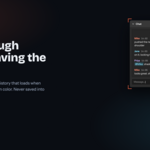
Presence cues
Every person gets a persistent colour, and their current selection is drawn in it. See who is looking at what, in 3D, at a glance.
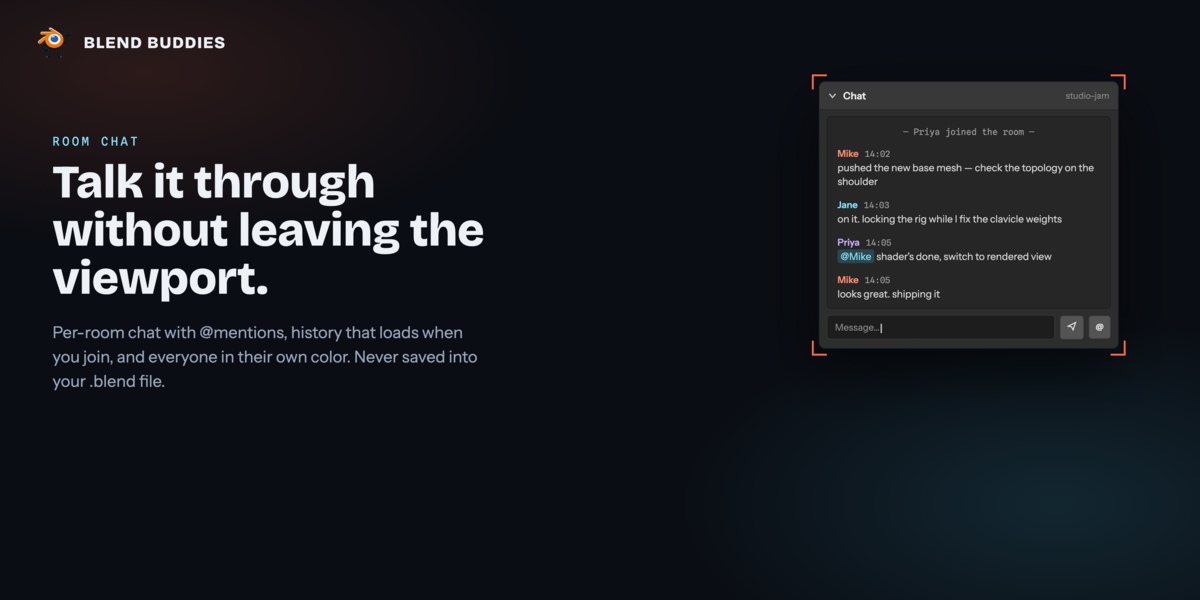
Room chat
Per-room chat with @mentions, history on join, and join / leave notices, colour-coded per person. Never written into your .blend file.
Undo, handled
Ctrl+Z is checked before any of it is shared, so an undo can’t reach back past the moment you joined and delete work that was never yours to undo.
§04 · running the room
A shared workspace, not just a shared viewport.
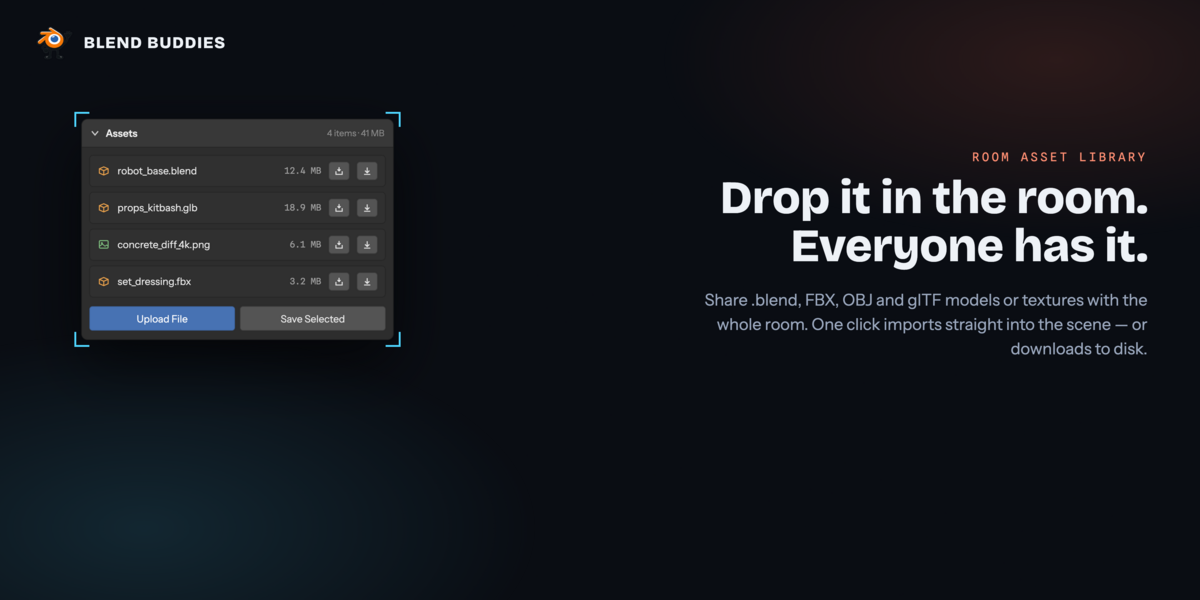
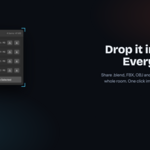
Asset library
Upload models and textures to the room — .blend, .fbx, .obj, .glb, .gltf. Everyone sees them in a thumbnail grid and imports straight into the scene or saves them to disk.
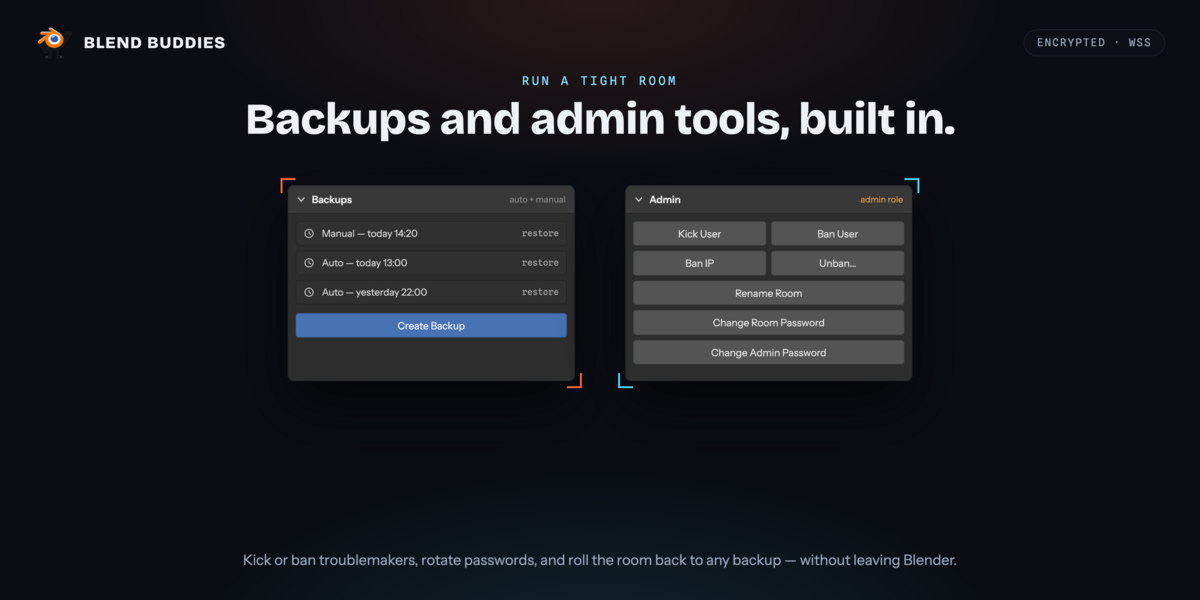
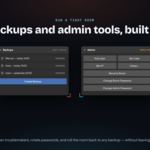
Backups
Automatic snapshots plus manual saves on demand, with per-type retention. Roll the room back to an earlier version when an experiment goes sideways.
Multiple scenes
Any member can add a named scene to the room and switch between them. Data is fully isolated per scene, and objects can be imported from one into another.
Admin controls
A separate admin password unlocks kick, ban by user or IP, an unban list, and room settings — rename the room or rotate either password.
Crash recovery
If Blender goes down mid-session, the add-on notices on next launch and offers to put you straight back into the room you were in.
Built-in bug reporting
Export a diagnostics file, or send a description plus diagnostics to support without leaving Blender.
§05 · specifications
Under the hood.
Built for Blender’s architecture.
A dedicated change detector hooks into the depsgraph, debounces and batches events, then pushes deltas onto a WebSocket queue — without ever blocking Blender’s main thread. Transforms take a separate high-rate path so a drag arrives smoothly instead of stepping.
The room’s scene state is authoritative on the server and written back continuously, so a crash, a dropped connection or a closed laptop doesn’t take the room with it.
requiresBlender 4.5.0 +
supports4.5 · 5.0 · 5.1 · 5.2
platformsmacOS · Windows · Linux
render enginesCycles · EEVEE
networkoutbound WSS · 8765, falls back to 443
serverhosted — nothing to run
updatesin-place via extensions API
licenceGPL-3.0-or-later
§06 · trust & safety
Your scenes, your rules.
TLS 1.3 in flight
Every packet on the wire travels over TLS. No plaintext scene data leaves your machine.
AES-GCM at rest
Scene data is encrypted at the field level on the server before it ever touches disk.
Per-session keys
Each session carries its own message-authentication key, so replayed or tampered frames are dropped.
One-click wipe
Delete every credential, salt and acceptance record stored locally with a single button.
§07 · scope
What it doesn’t do.
Worth knowing before you buy, not after. Everything below is a deliberate boundary rather than a bug.
→ Simulation caches don’t transfer. Cloth, fluid, smoke and particle settings sync; the bakes themselves are re-baked locally on each machine.
→ Render settings sync for Cycles and EEVEE. Third-party engines aren’t integrated — you can still collaborate with one installed, its settings just won’t mirror between you.
→ Very large scenes take a moment to join. The snapshot loads progressively so Blender stays responsive, but a heavy scene is a heavy scene.
→ Legacy grease pencil isn’t supported. Grease Pencil v3 (Blender 4.3+) syncs; pre-4.3 datablocks arrive as a placeholder.
→ Everyone needs the add-on and an internet connection. There is no offline or LAN-only mode.
one purchase
Stop emailing .blend files.
No subscription, no licence keys, no seat counting. Buy it once, install it on your machines, and get your collaborators into a room in about a minute.
GPL-3.0-or-later · Blender 4.5 – 5.2 · [email protected]
 AvvyB
AvvyB