 AvvyB
AvvyB


How do I get help?
Go to the Help & Info tab → Report a Bug sends a description plus a diagnostic bundle to support without leaving Blender. Or email [email protected]. Full documentation is bundled with the add-on under Help & Info → Open Documentation
What happens if Blender crashes or my connection drops?
Your work was streaming to the server as you made it. If the connection drops, the add-on reconnects on its own and resumes where it left off instead of re-downloading the scene. If Blender closes uncleanly, it detects that on restart and offers to take you straight back into the room you were in.
How do I start a session?
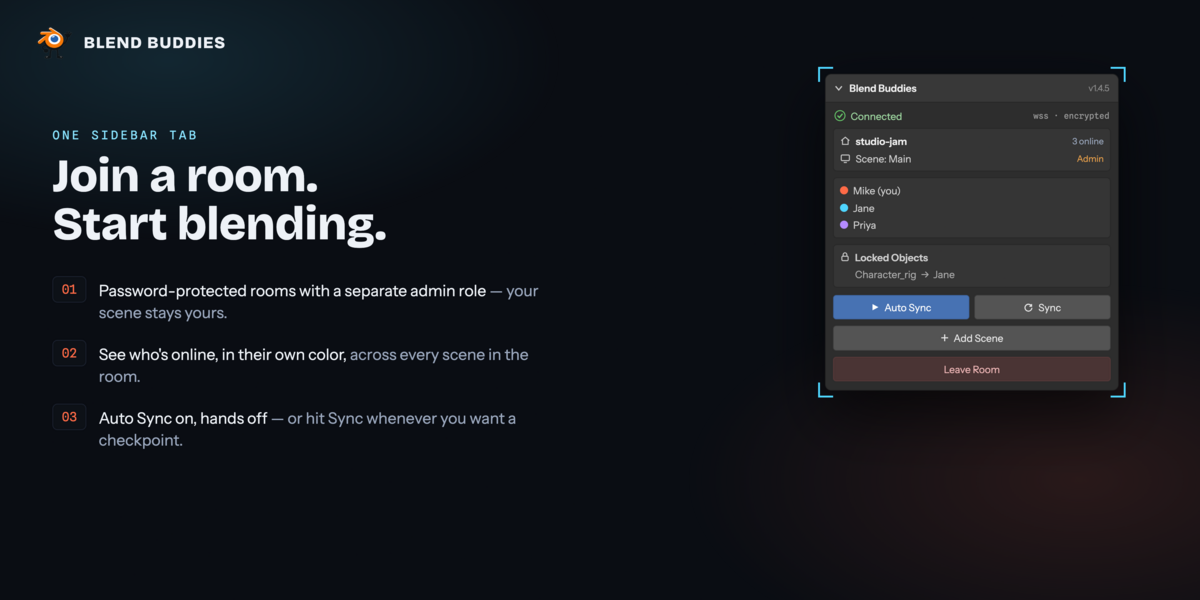
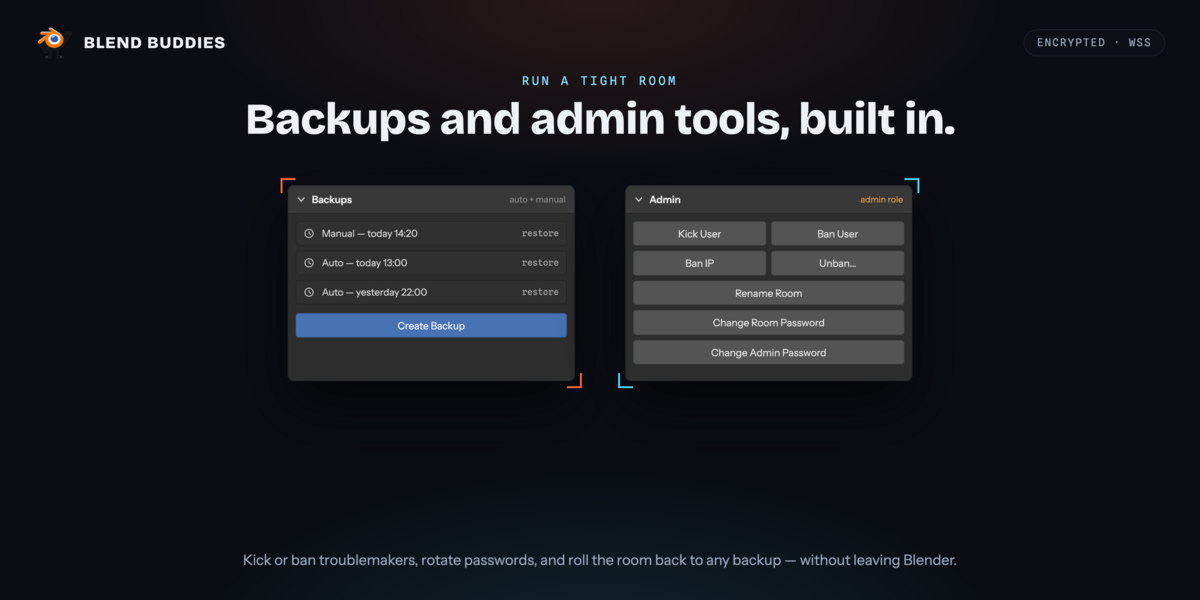
Open the sidebar in the 3D Viewport (`N`) → **Blend Buddies** tab. Enter your display name, a room name, a room password and an admin password, then press "Create New Room". Send the room name and room password to your collaborators — they enter the same two and press "Join Room"
Is there a subscription?
No. One purchase, no subscription, nothing to renew. Updates are free.
What does Blend Buddies actually do?
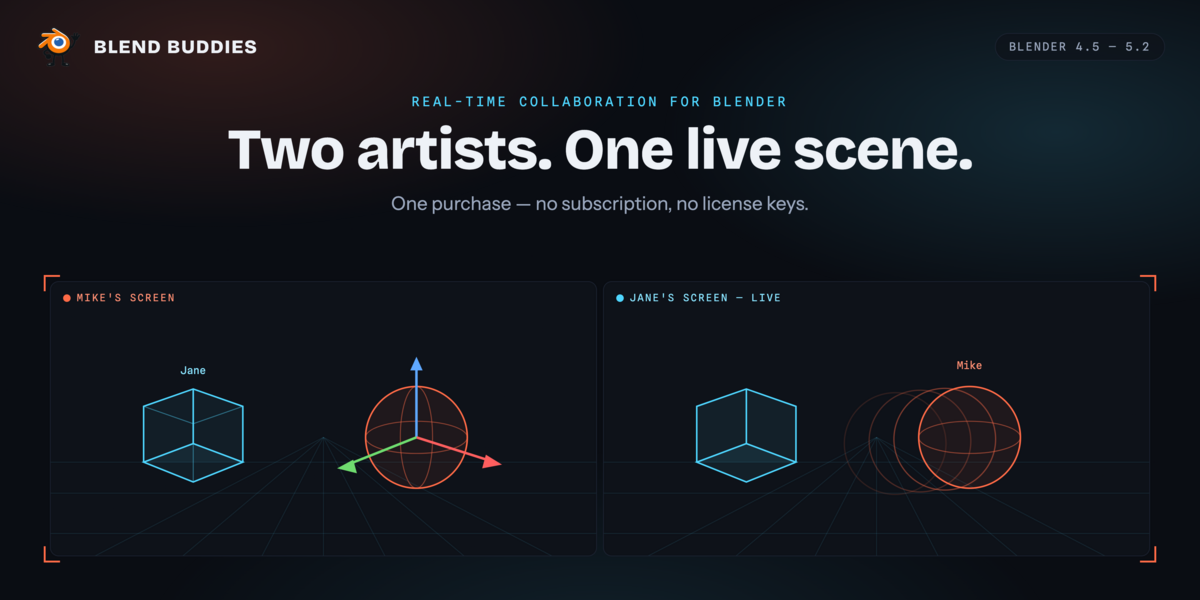
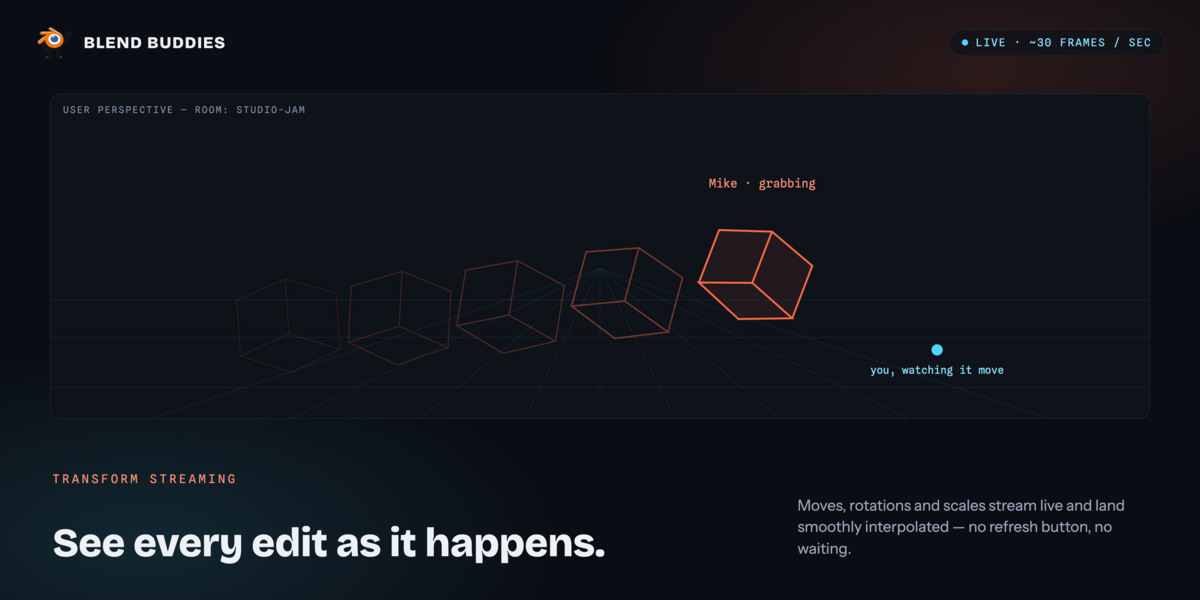
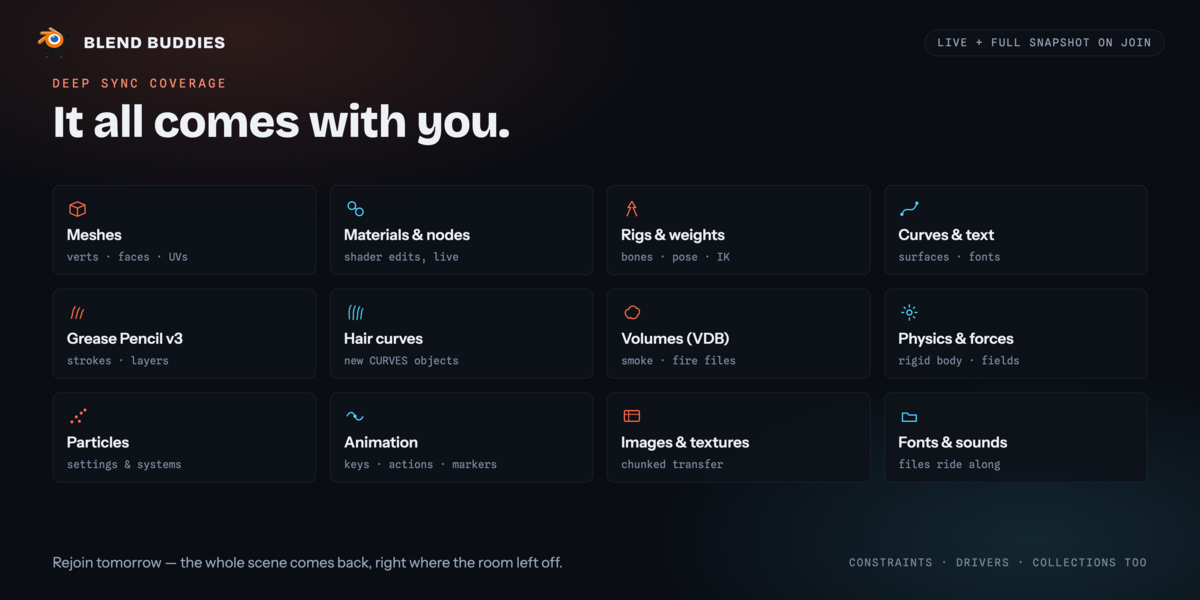
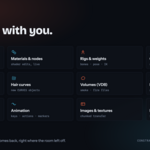
It puts two or more Blender users inside the same scene at the same time. Grabs, rotates and scales stream live; adding, deleting, re-materialling and re-modifying objects propagates as you do it; and anyone who joins later receives the whole scene automatically.
Have questions about this product?
Login to message
| Blender Extension Compatible | Yes |
| Dev Fund Contributor | |
| Published | about 2 months ago |
| Blender Version | 4.5 - 5.2 |
| Extension Type | Add-on |
| Render Engine Used | Cycles, Eevee |
| License | GPL |
