 AvvyB
AvvyB






Security update
- Blend Buddies now checks that it is talking to the official Blend Buddies server before it sends anything, including your room password.
- Updates install only if they are signed by Blend Buddies. Update notices and surveys are checked the same way.
Your rooms, saved credentials and scenes carry over unchanged. Earlier versions still connect, but updating is recommended.
Improved security and reliability
Changelog
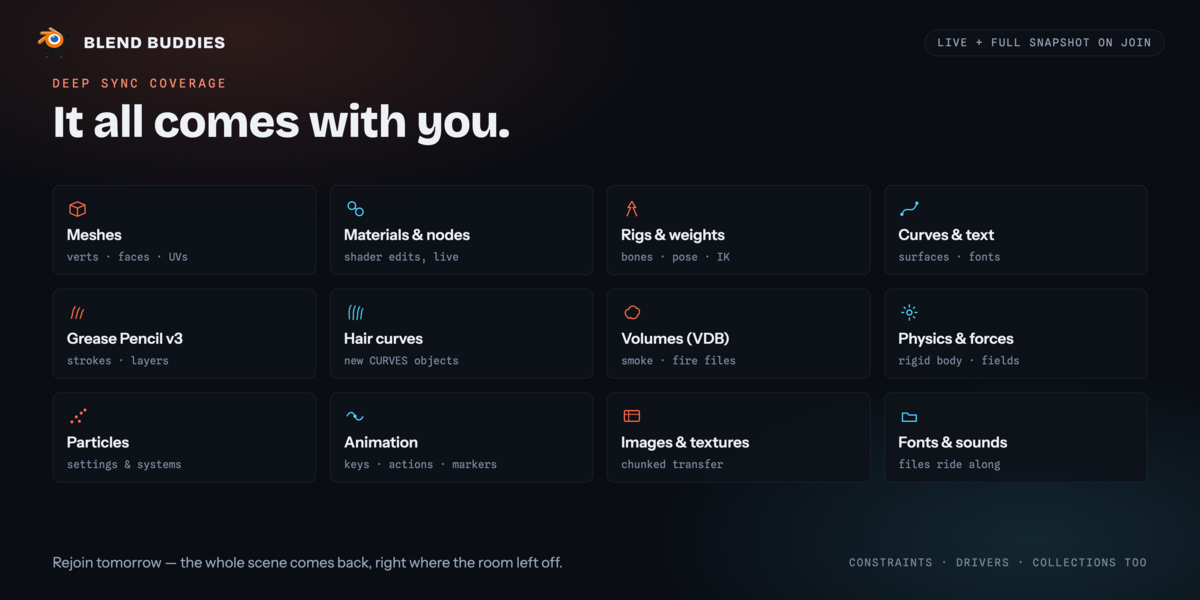
Fixed: parenting is kept when you leave and rejoin a room. Objects parented while in the room used to come back unparented for anyone who rejoined or joined late.
Fixed: render settings changed in a room are kept on rejoin, instead of reverting to how they were when the room was made.
Fixed: frame range, frame rate, units and gravity now sync to everyone in the room and are kept on rejoin.
Fixed: scrubbing or playing the timeline no longer sends your render settings to the room on every frame.
Fixed: vertex parenting keeps the vertices you picked, and changing only the parent type, bone or parent inverse now reaches everyone.
Fixed: a curve's taper and bevel objects are kept on rejoin.
Fixed: keyframe edits are no longer undone on rejoin by an older copy of the animation.
Fixed: after a rejoin, anything that failed to load on your side is no longer erased for the whole room by your next edit.
Version 1.1.0 — September 2026
This update is required, but can be downloaded inside blender for free if you own any older copy of the addon. Rooms now use a new sync format, and version 1.0.0 can no longer join. Your rooms, scenes and passwords are unchanged — open Blender and the Update Available panel installs 1.1.0 in one click. Blender 4.5 – 5.2 LTS, Windows, macOS and Linux, as before.
Two people, one scene, no fighting. Every object now carries a permanent identity that survives renames and duplicates. Rename a Cube to Crate and your collaborator's copy renames in place; Shift-D a Crate and they get a new object, not a confused one; two people adding a "Sphere" at the same moment end up with Sphere and Sphere.001 on both screens, and the person whose name was taken is told.
Edits merge instead of overwriting. Change a material while someone else adds a modifier to the same object and both changes land. If a collaborator changes a property you edited moments ago, the panel tells you which one.
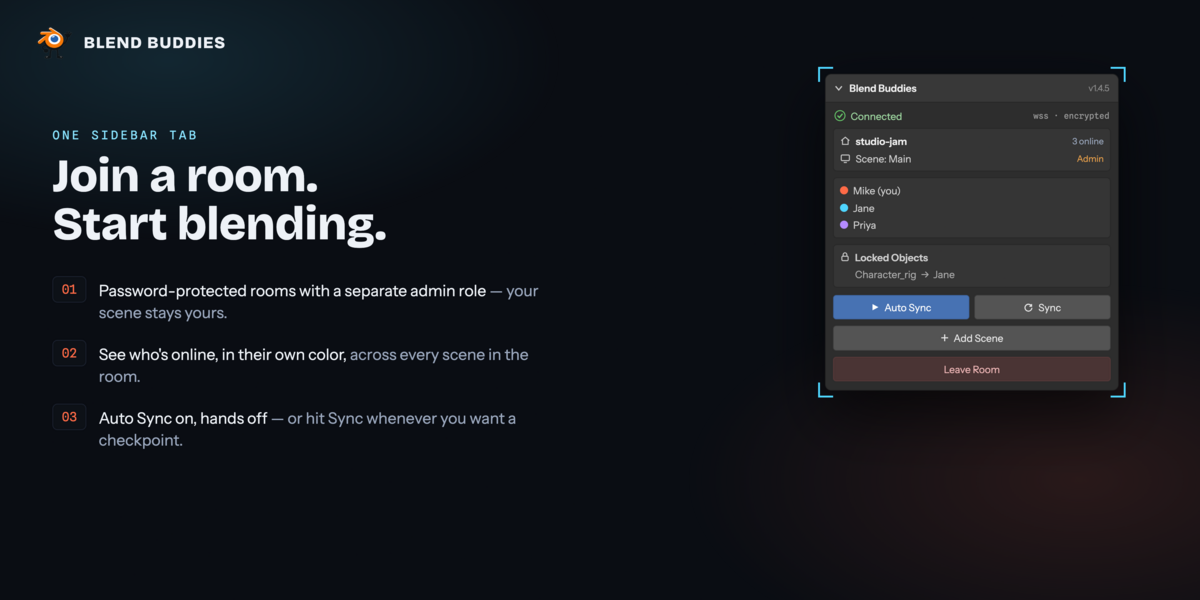
The room repairs itself. If anything ever drifts — a missed add, a delete that didn't arrive, an edit made while you were offline — it is pulled, shared or removed automatically within about ten seconds. The panel shows Repairing sync… and then In sync. There is no Resync button any more, and nobody else's scene gets rebuilt to fix yours; the Sync button now simply asks for a check right away.
Fixes
- Objects deleted right before leaving no longer come back when you rejoin.
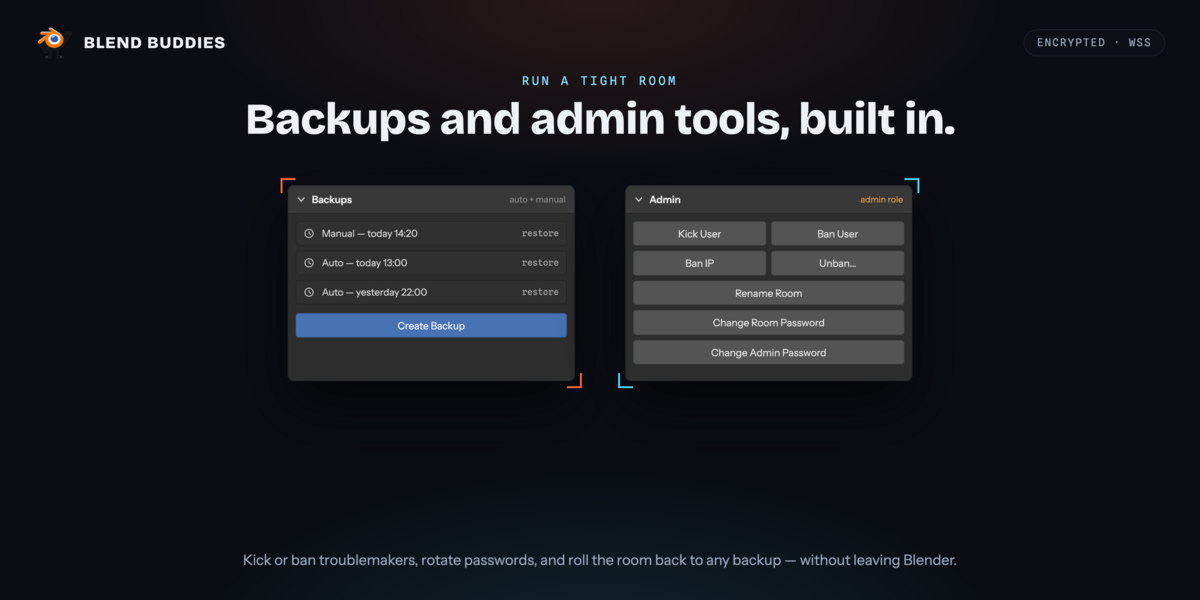
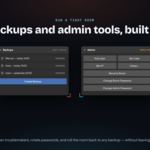
- Restoring a backup now restores the room for everyone.
- Circles, edge loops and other faceless meshes sync.
- Moving an object no longer snaps back when someone else edits its properties.
- An object whose mesh had a different name no longer piles up stale mesh copies in the room.
- Leaving a room at the same moment it emptied could leave a ghost user behind — fixed.
- Opening the same room from two Blender windows on one computer silently stopped one window receiving updates; the older window is now told it was replaced.
Have questions about this product?
Login to message
| Blender Extension Compatible | Yes |
| Dev Fund Contributor | |
| Published | about 2 months ago |
| Blender Version | 4.5 - 5.2 |
| Extension Type | Add-on |
| Render Engine Used | Cycles, Eevee |
| License | GPL |
