 Voyde Procedural

BlendBuddy
Your Pixel Companion for Blender
A tiny pixel pet that lives in your viewport, helps you with Blender, and tells you when your render is done, on your desktop and on your phone.
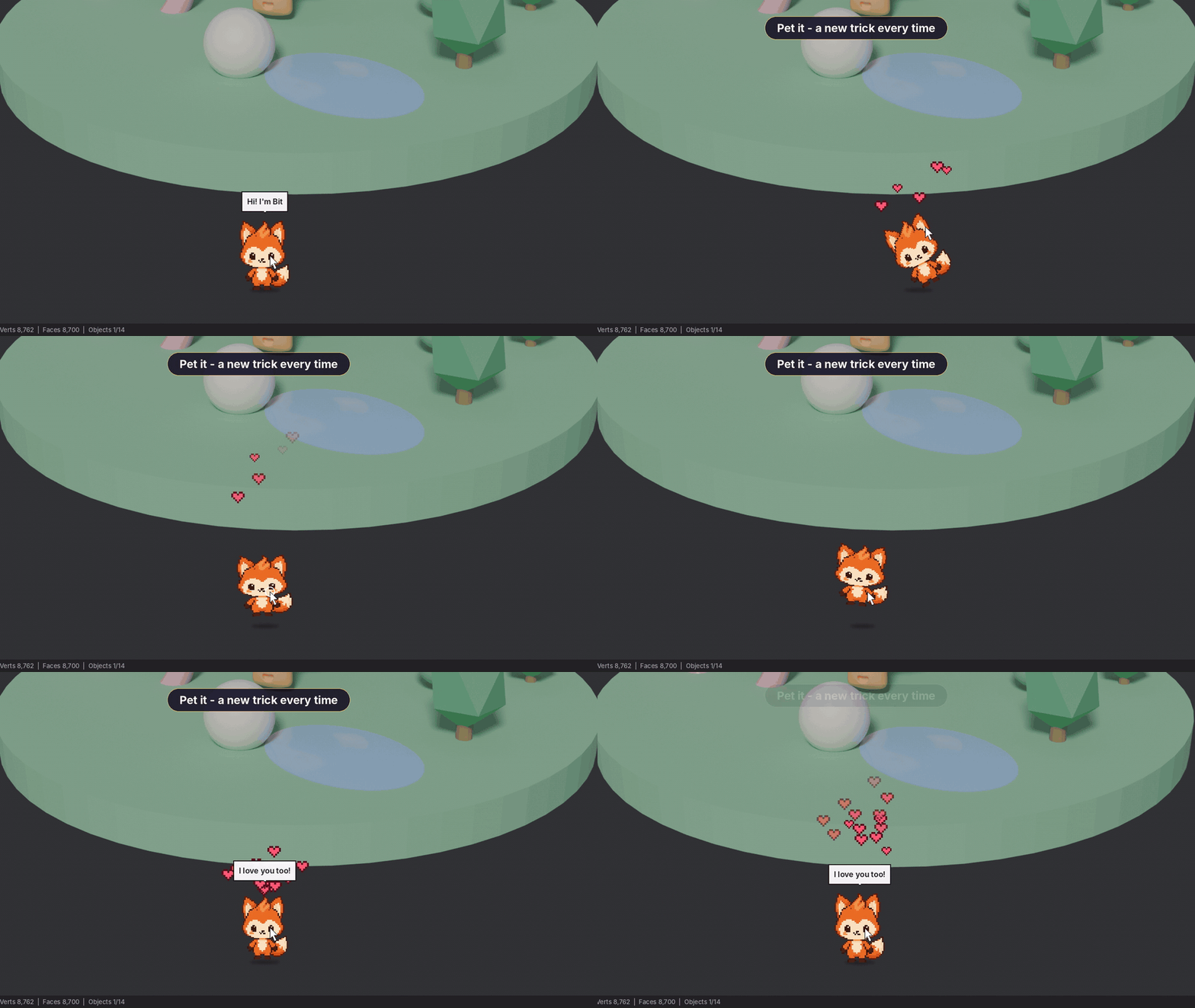
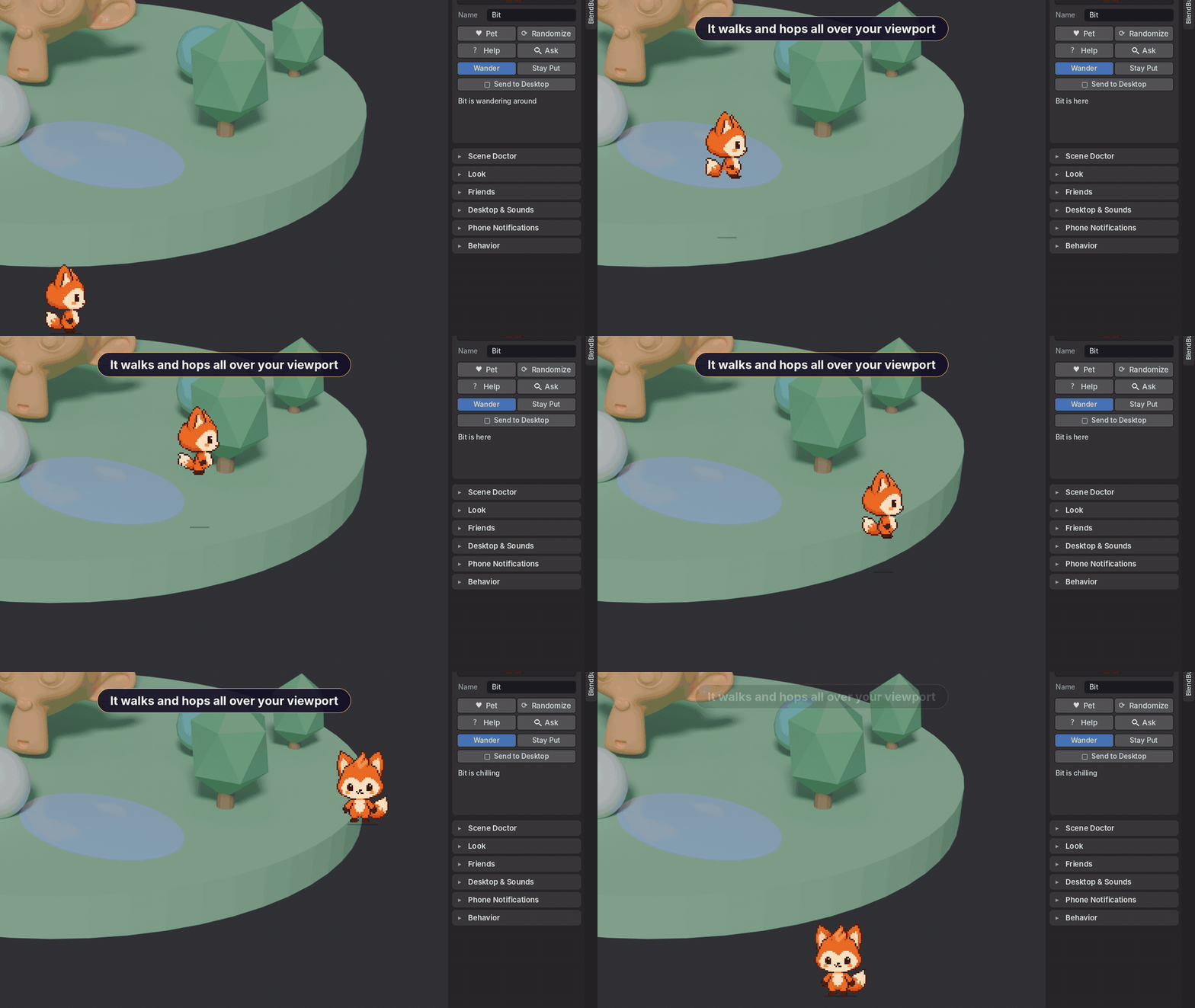
Blender sessions can be long and lonely. BlendBuddy gives you a little friend who walks and hops all over your viewport, plays with its buddies, reacts when you pet it, fixes common scene problems in one click, and pops out on your desktop the moment a long render finishes.
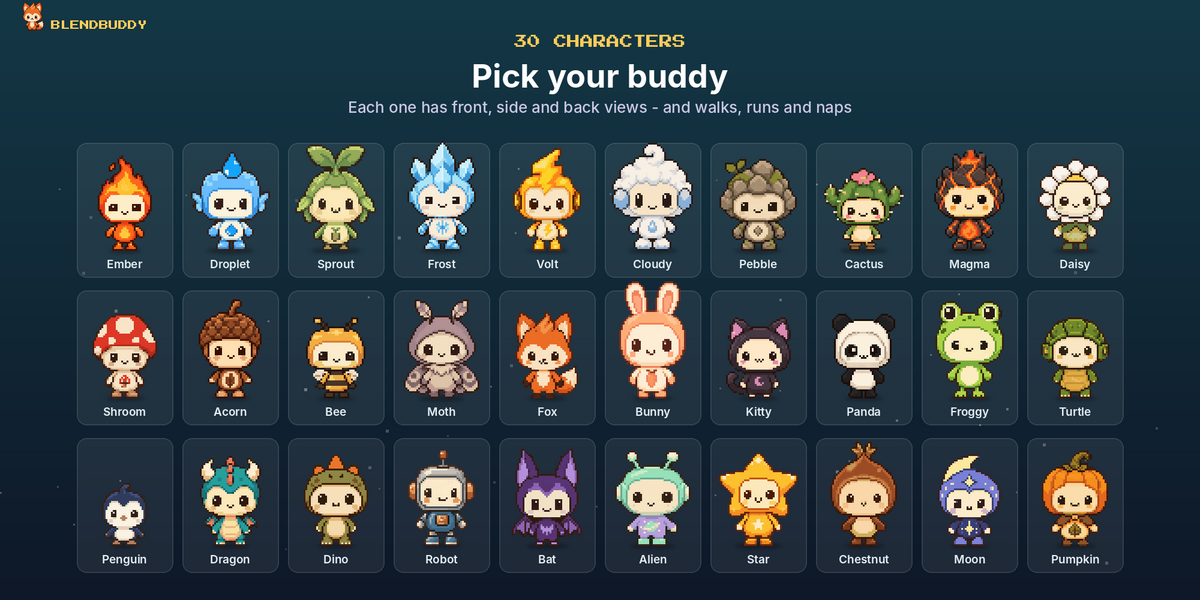
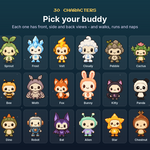
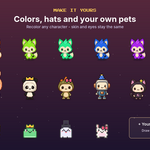
🐾 30 Hand-Made Pixel Characters
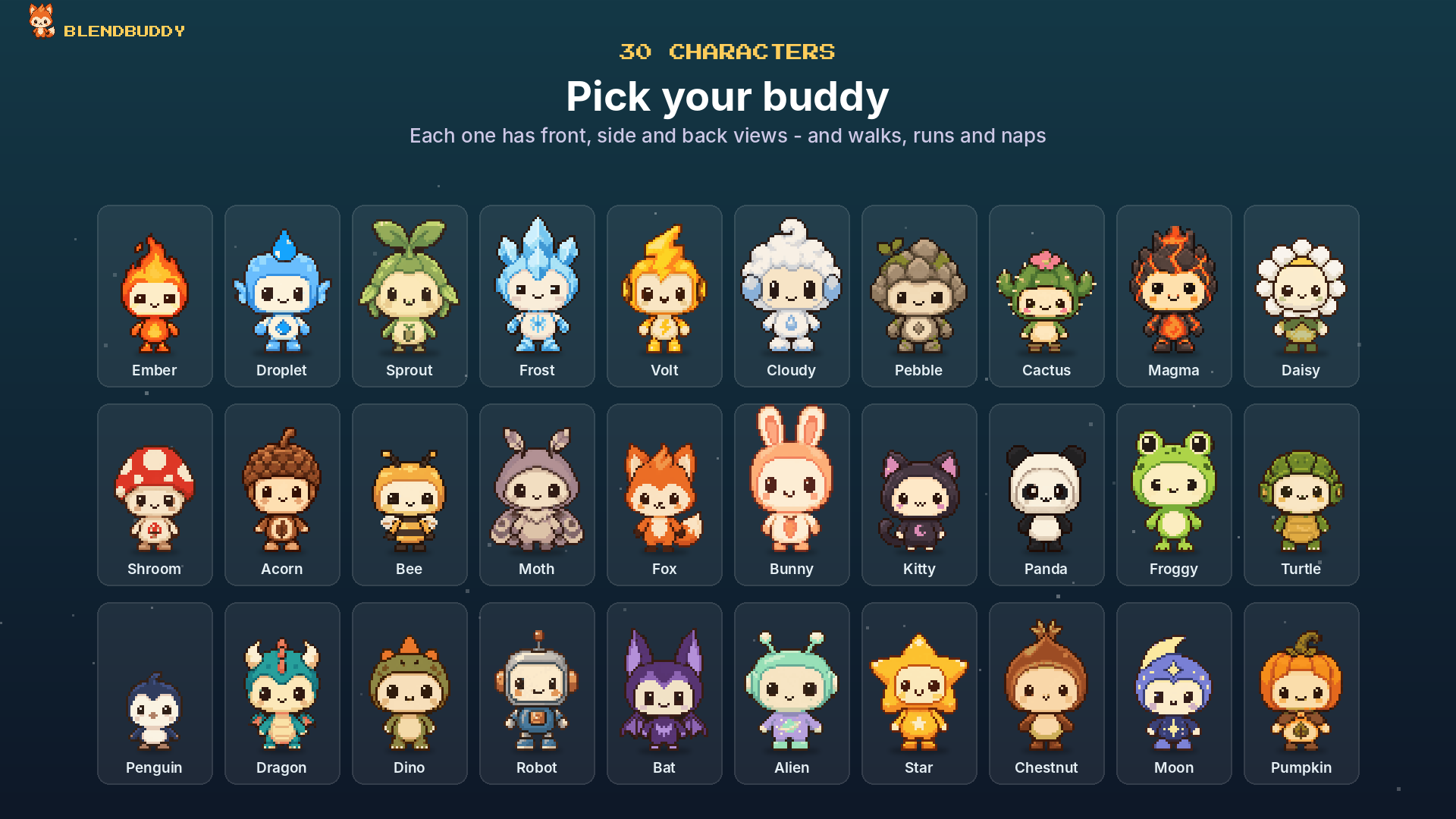
Fox, Dragon, Panda, Frog, Ember, Robot, Bunny, Moon, Pumpkin and many more. Every character has front, side and back views, so it walks, runs, turns around and naps.
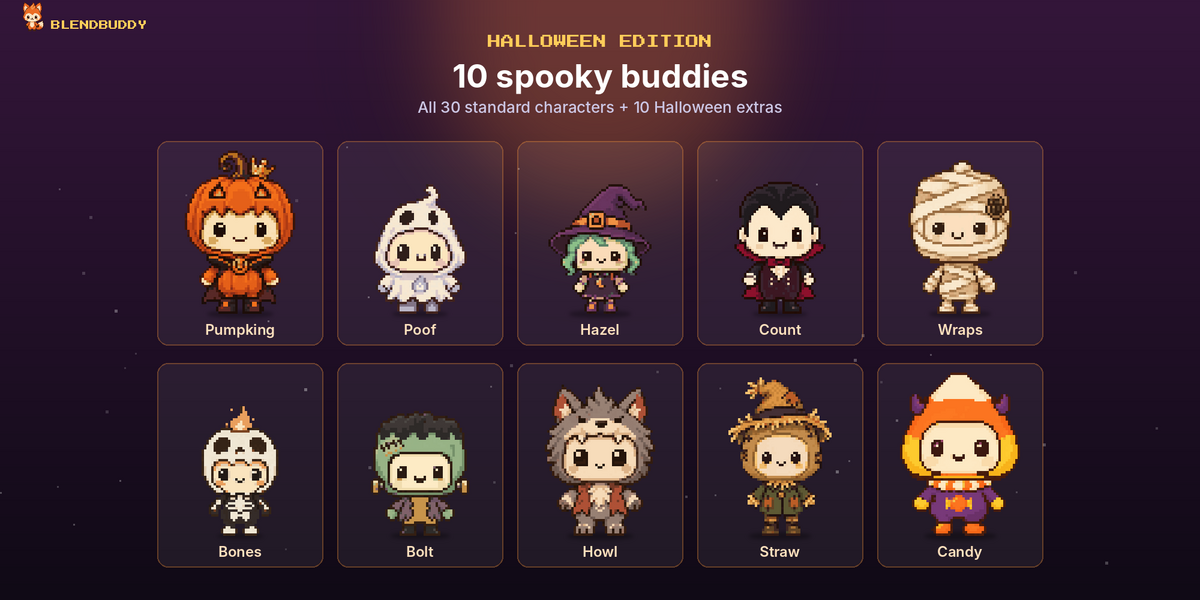
The Halloween Edition adds 10 spooky extras, for 40 characters in total.
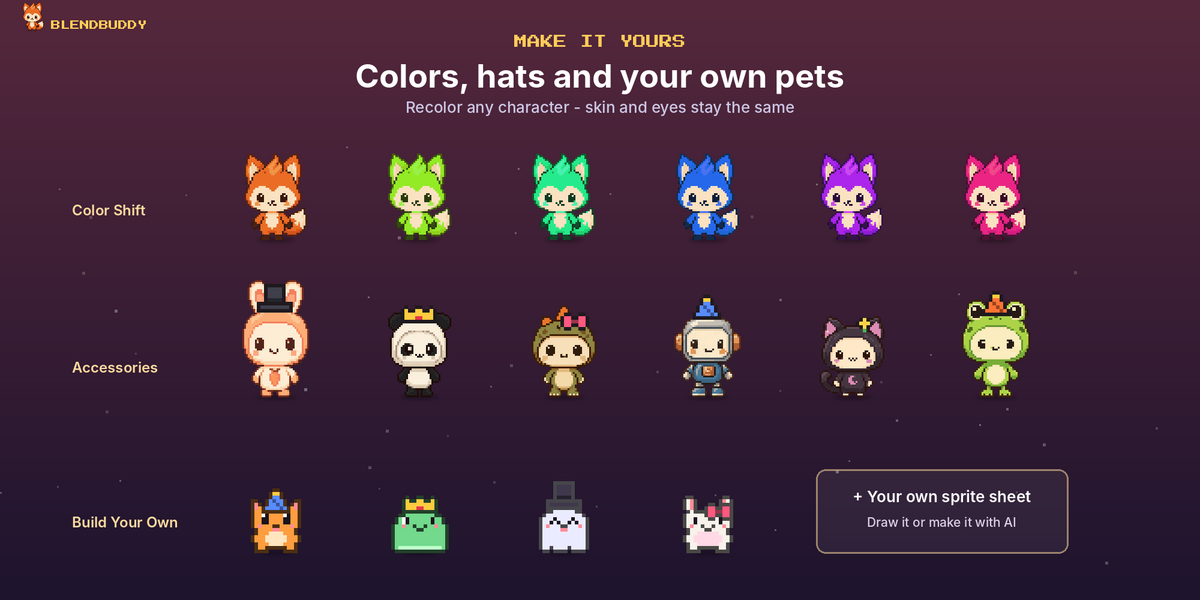
🎨 Make It Yours
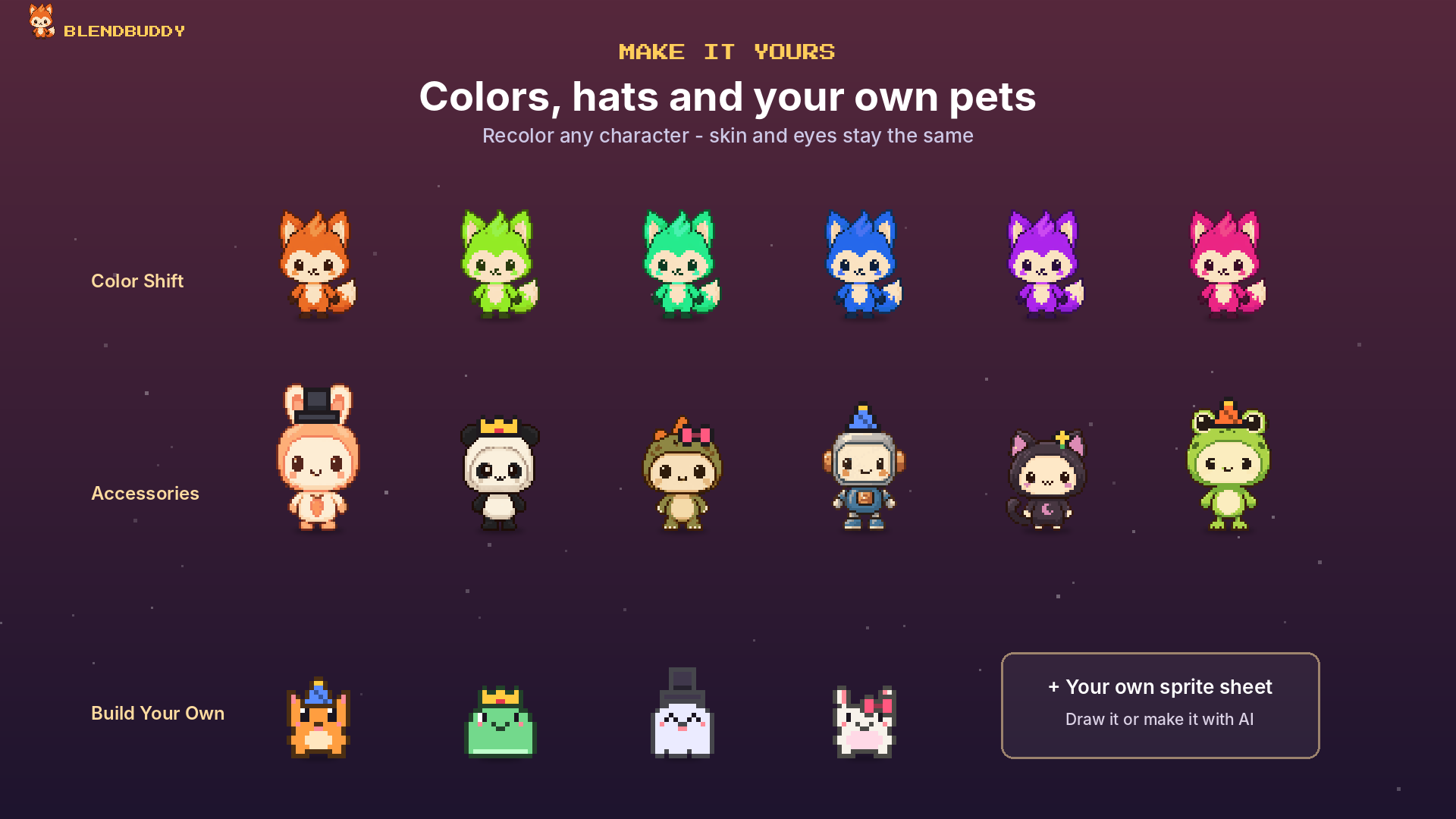
- Color Shift: recolor any character while its skin and eyes stay the same
- Accessories: party hat, top hat, crown, bow, headphones or flower, in any color
- Build Your Own: make a pet from simple parts, or load your own sprite sheet
- Four sizes, from Small to Huge
- Give your pet a name, and it uses it everywhere
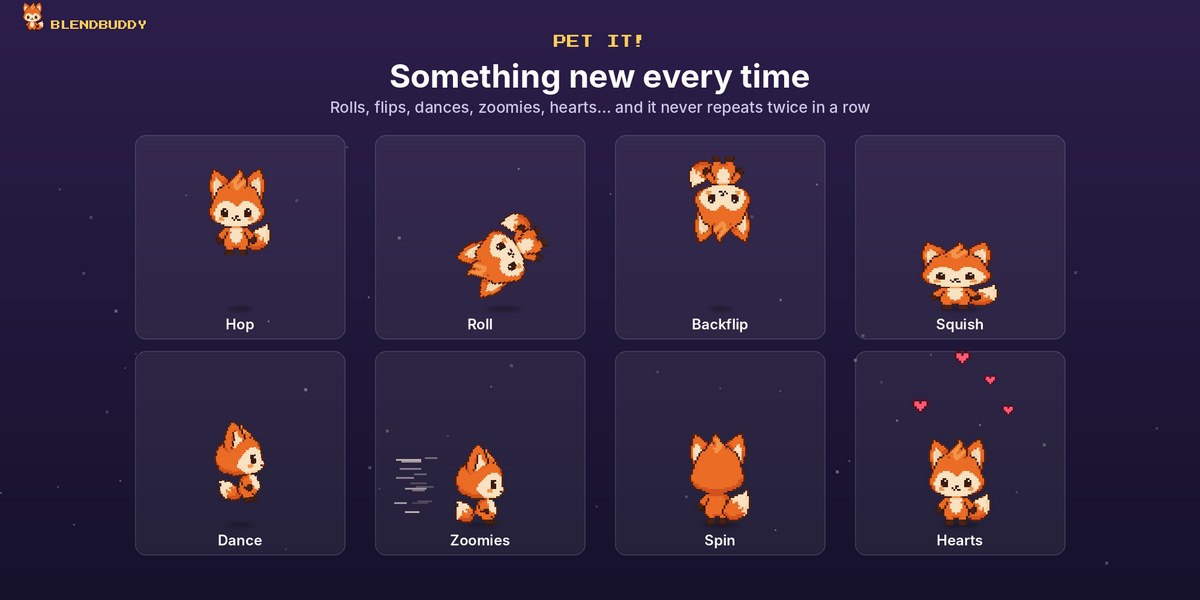
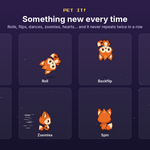
💖 Pet It: A Different Reaction Every Time
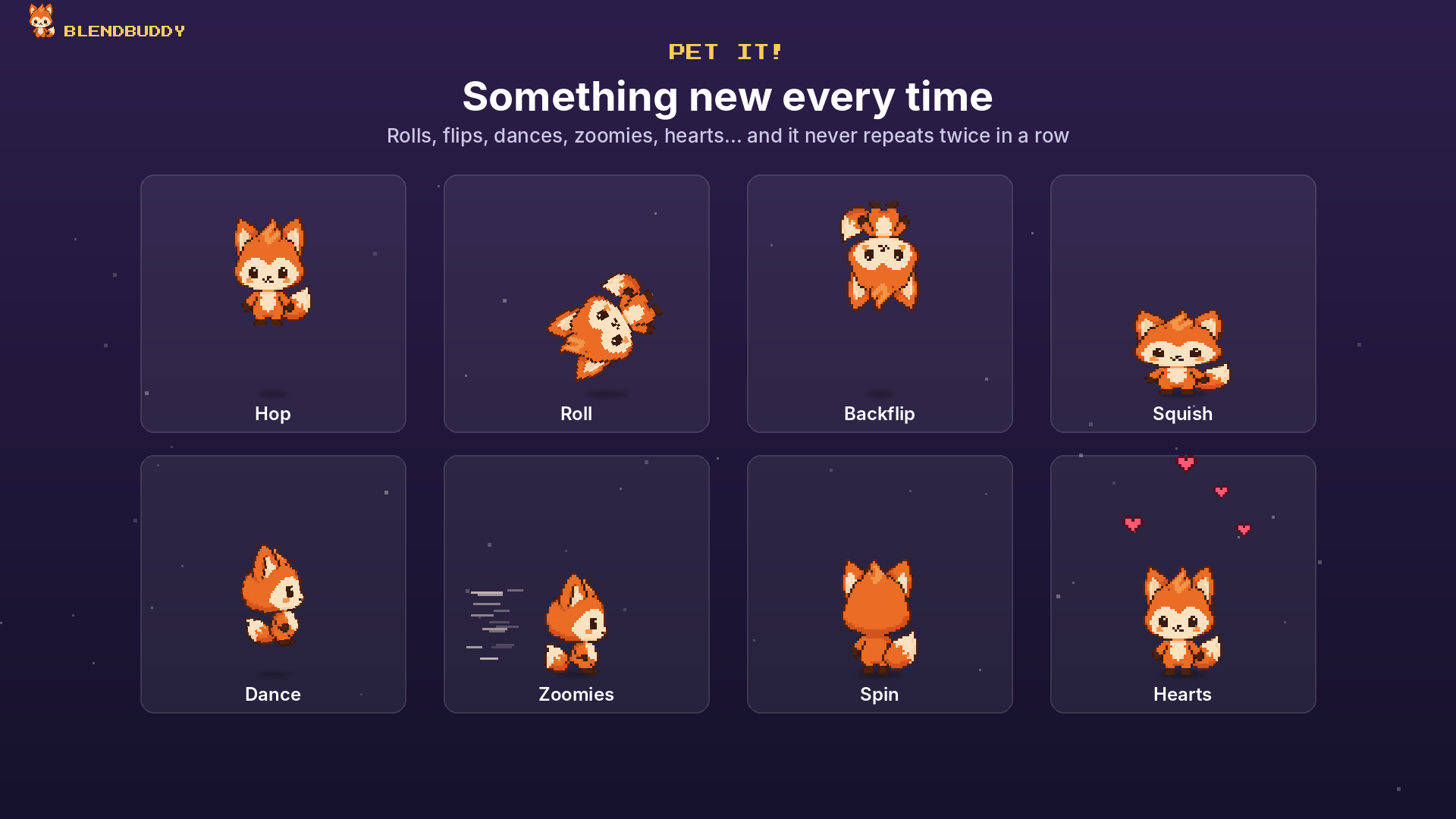
Click your pet (or the ♥ button) and it does a random trick: hop, roll, backflip, wiggle, spin, dance, zoomies, squish, or a shower of hearts. It never does the same one twice in a row.
🏃 Drag It Anywhere
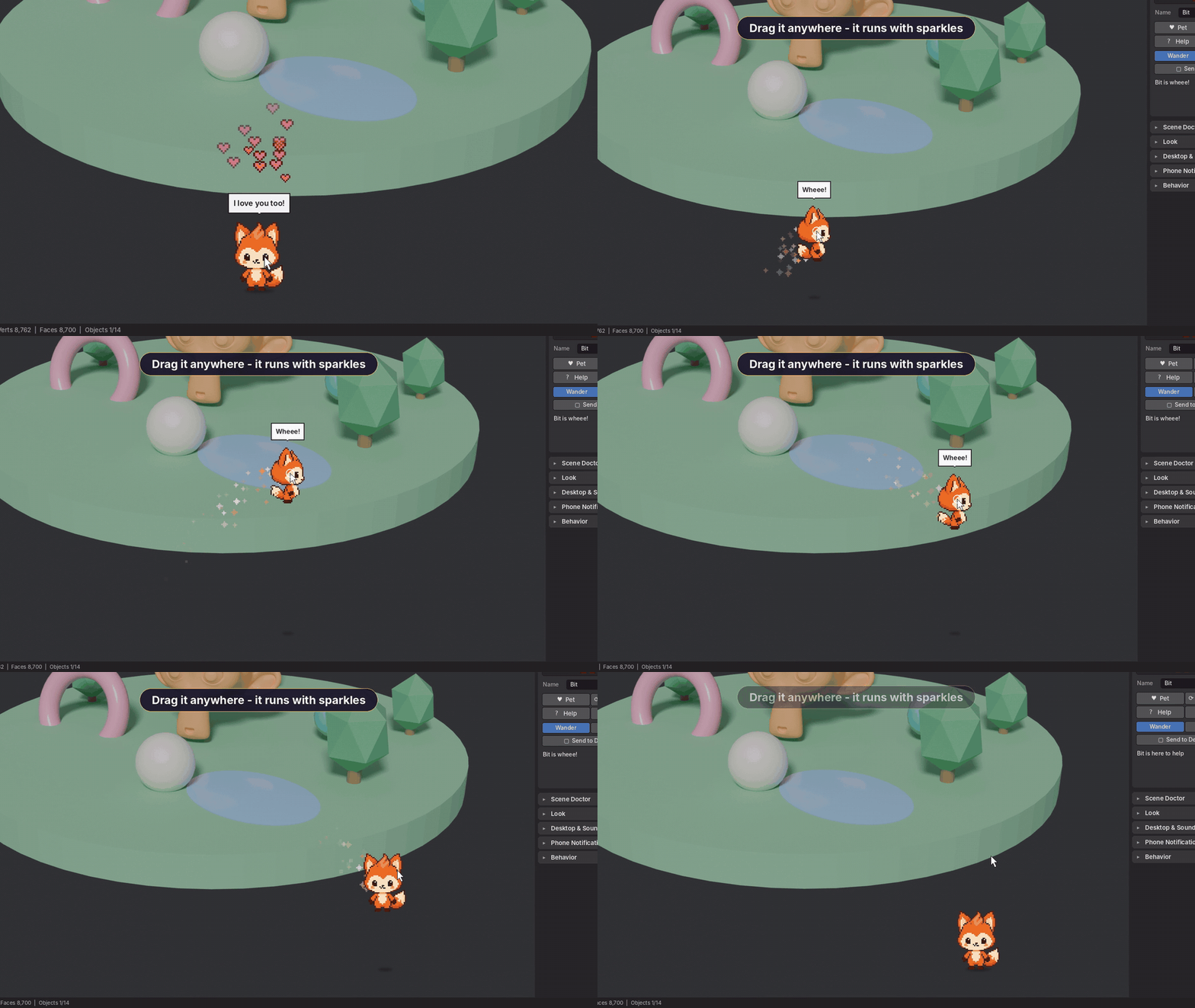
Your pet walks and hops all over the viewport. Hold and drag it anywhere: its legs run while you carry it, and it leaves a sparkle or wind trail in its own color. Prefer a calm viewport? Keep it on the bottom edge, or choose Stay Put and it stays where you drop it.
👯 Bring Friends NEW
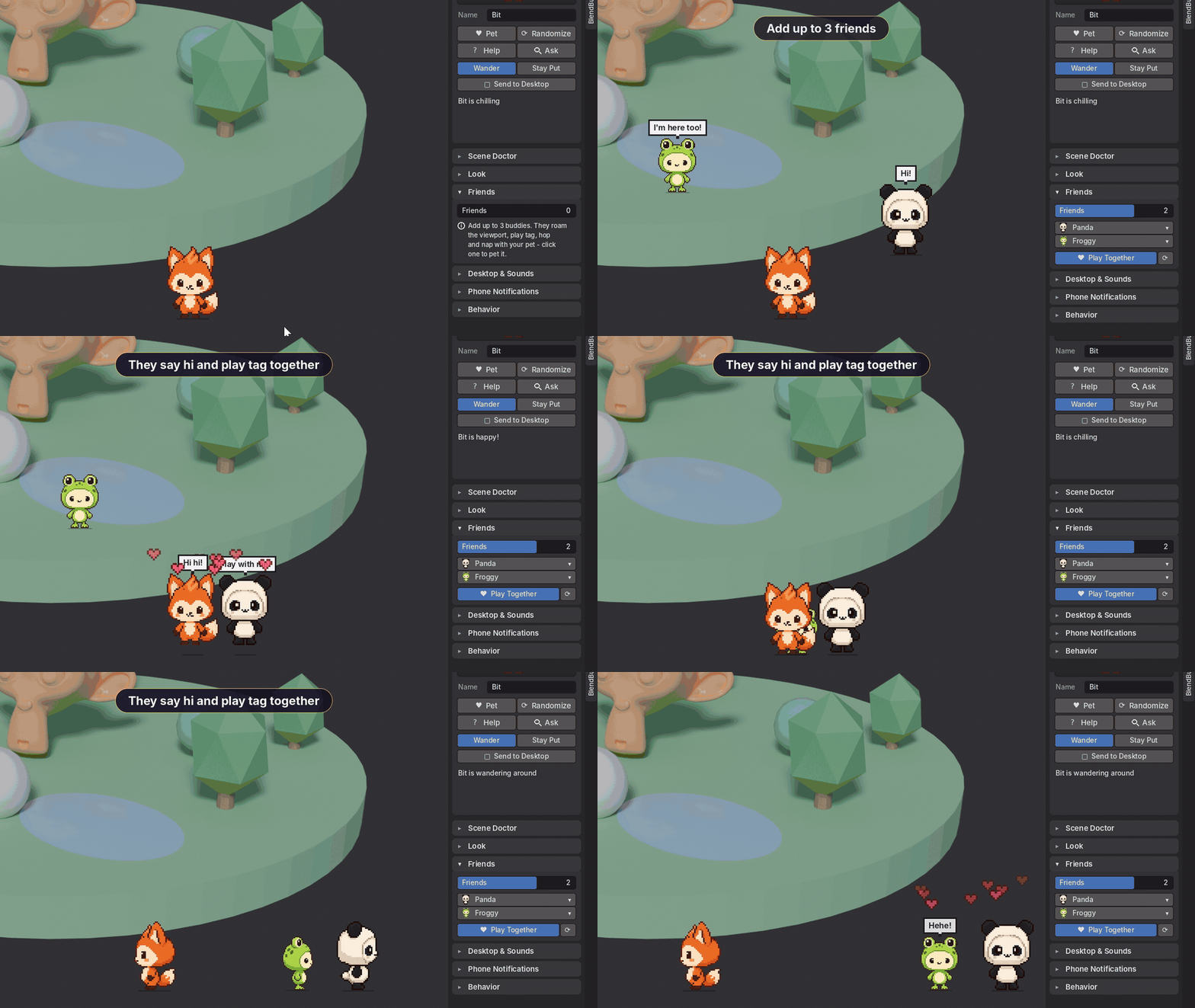
Add up to 3 extra buddies, picked by you or at random. They say hi, play tag, do tricks together, play follow-the-leader, leapfrog over each other, throw little dance parties and nap together when you take a break. Click any of them to pet it, or drag it around.
🎵 Sounds & Music NEW
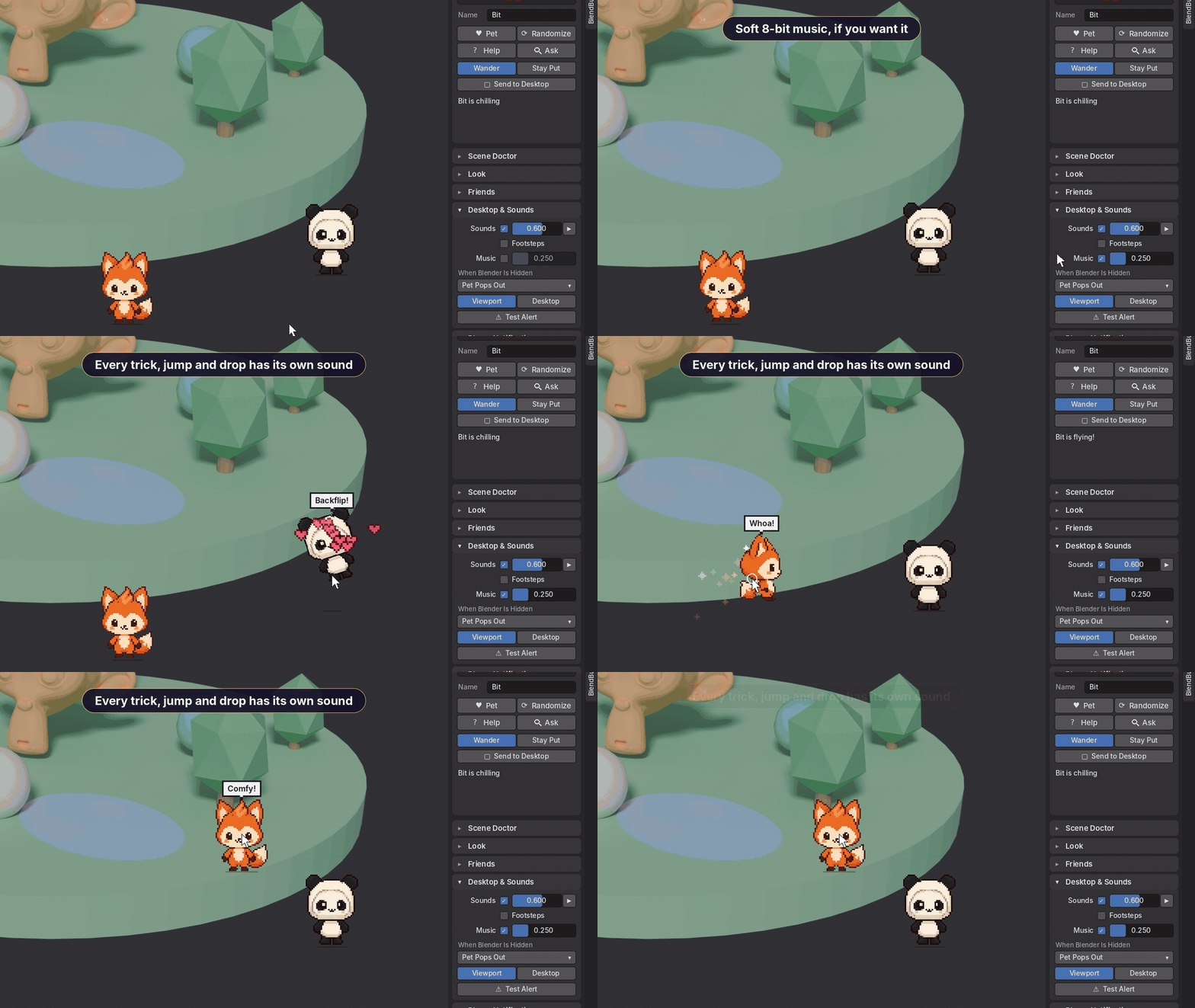
Every trick, jump, landing, pick-up and drop has its own little sound. Turn on soft footsteps, or the looping 8-bit song from the video with its own volume.
Footsteps and music are off by default. All sounds can be turned down or off.
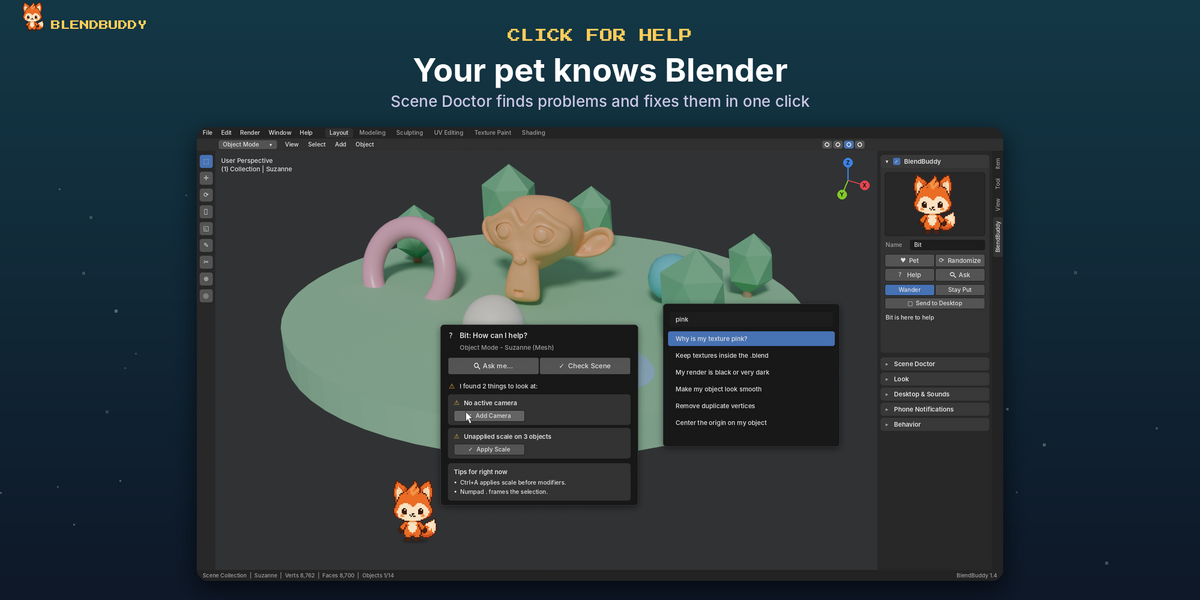
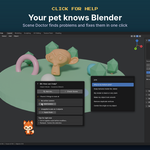
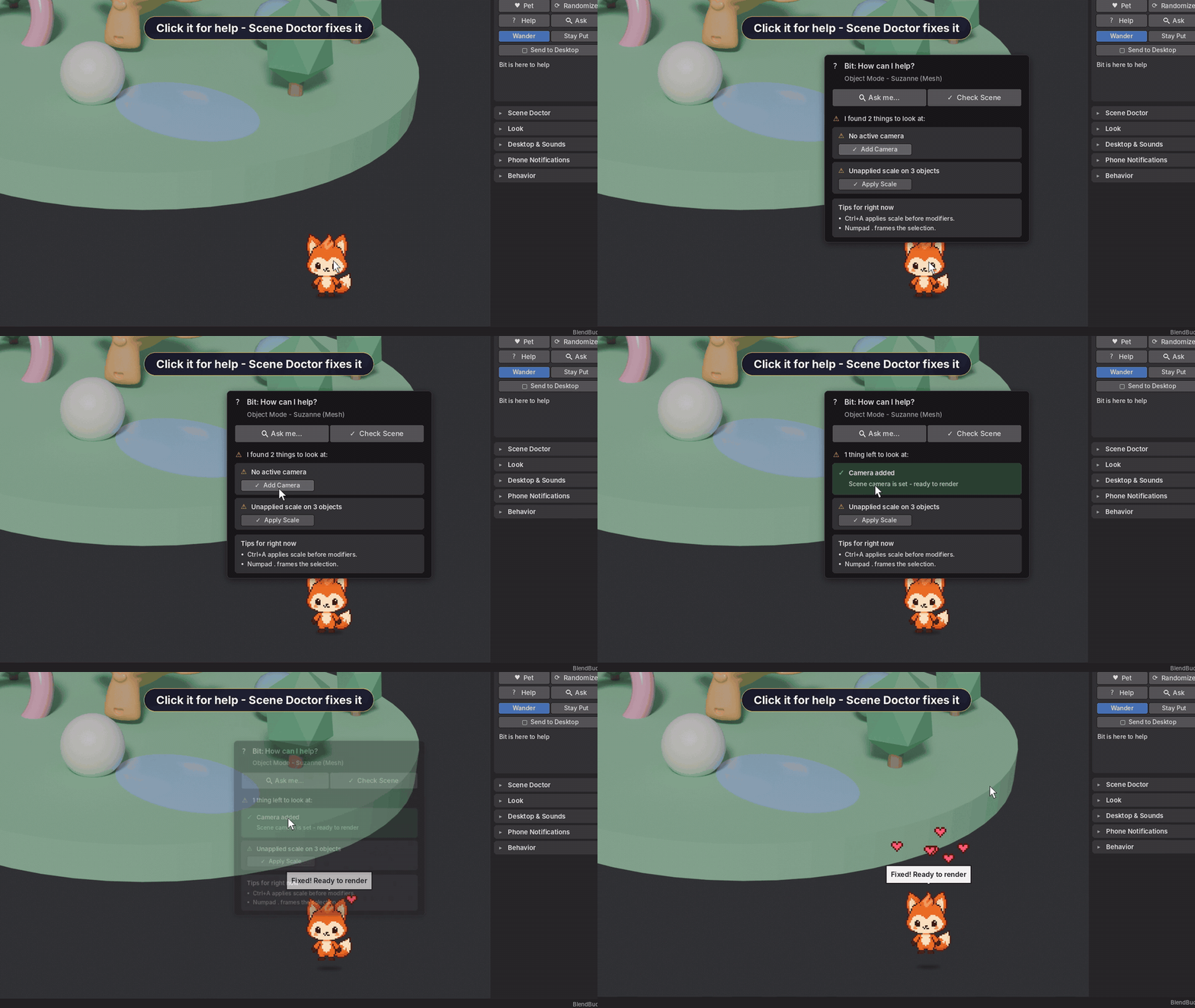
🩺 Click for Help: Scene Doctor
Stuck? Click your pet. It checks your scene for common problems and fixes many of them with one click:
- No active camera
- Unapplied scale
- Missing (pink) textures
- No lights and a dark world, which gives a black render
Use Ask me… to search quick answers to everyday Blender questions.
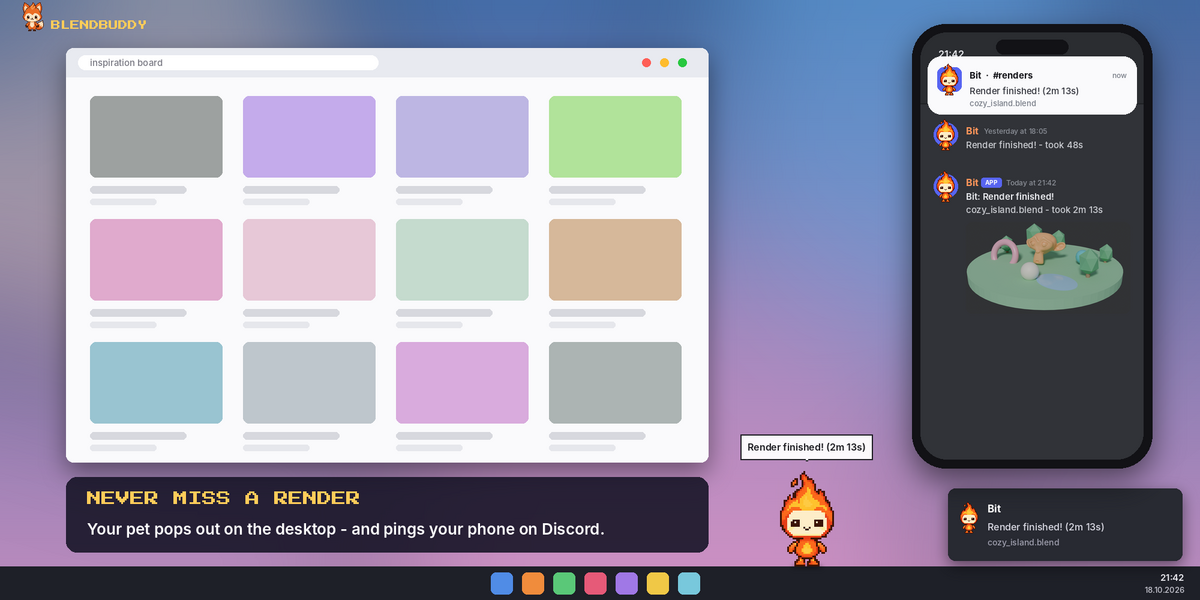
🔔 Never Miss a Render
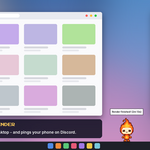
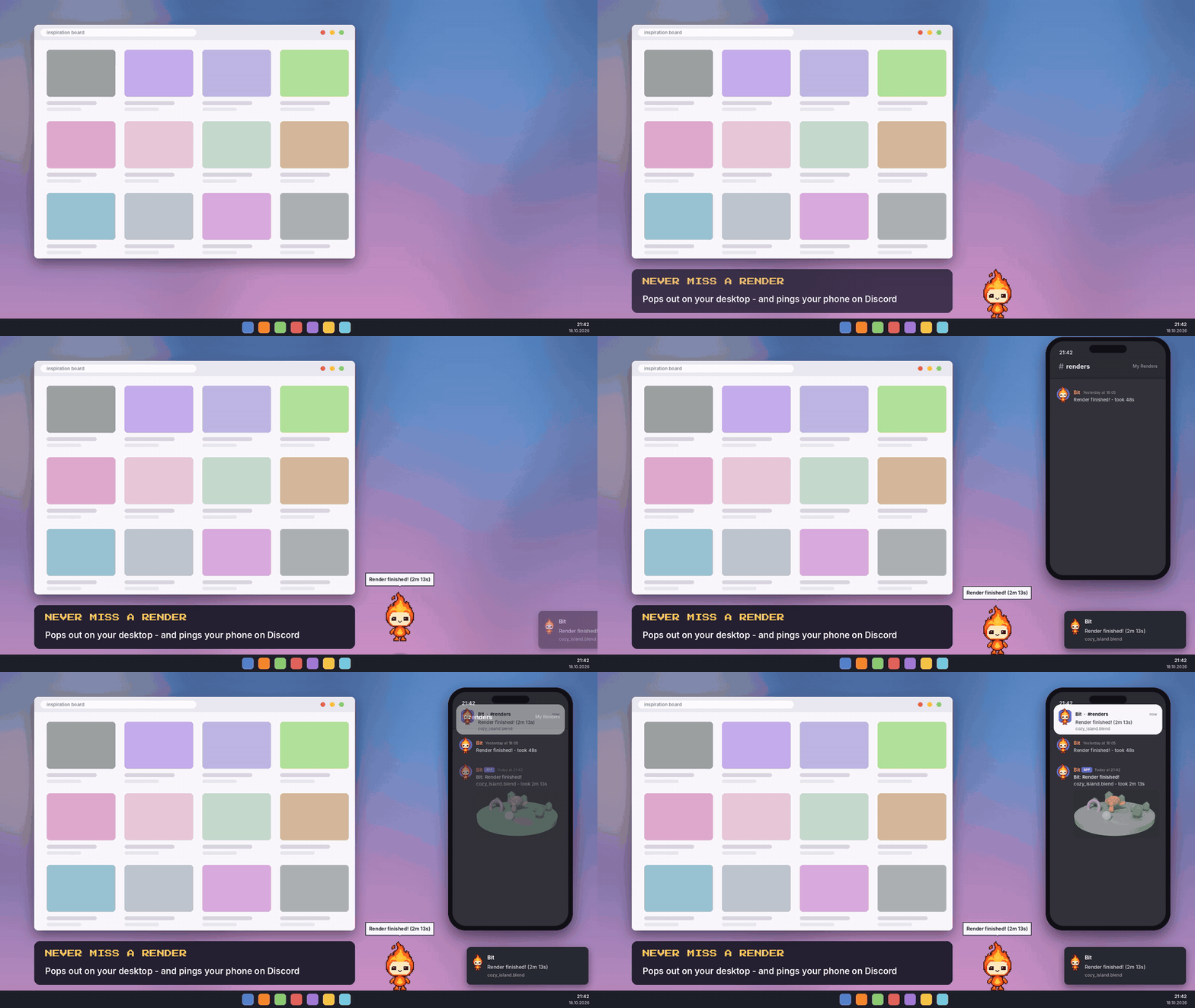
Desktop pet (Windows): send your pet out of Blender and onto your desktop. It stays wherever you drop it. Double-click it to make it fly up or fall down. If Blender is in the background when a render finishes, your pet pops up above the taskbar to tell you.
- Desktop notification and a cute sound when a render or bake finishes
- Phone notifications through Discord: every finished render arrives on your phone with a picture, the file name and how long it took
- Get notified only for renders longer than a set time, and choose whether bakes count too
📱 Discord Setup (about 1 minute)
| 1 | In Discord, create a private server just for you (free). |
| 2 | Open a channel's settings → Integrations → Webhooks → New Webhook → Copy Webhook URL. |
| 3 | In Blender: N panel → BlendBuddy → Phone Notifications, then press the paste button. |
| 4 | Press Send Test Message. That's it! |
A step-by-step guide is also built into the add-on: How do I get the link?
📋 Requirements
| Blender | 4.2 or newer (installs as a Blender extension) |
| Desktop pet | Windows. Everything else works on Windows, macOS and Linux. |
| Phone notifications | A free Discord account, with Preferences → System → Network → Allow Online Access turned on |
📝 Good to Know
- Your webhook link is saved only in Blender's preferences on your computer. It's never sent anywhere except your own Discord channel.
- Phone notifications use Discord, a third-party service. If you're active in Discord on your PC, Discord may hold the phone alert until you're away. The built-in guide shows how to change that.
- BlendBuddy never blocks Blender. If the internet or Discord is down, your render isn't affected, and the panel tells you what went wrong.
📦 How to Install
- Download blendbuddy-1.6.1.zip (or blendbuddy-1.6.1-halloween.zip for the Halloween Edition).
- In Blender: Edit → Preferences → Get Extensions → ▾ → Install from Disk… and pick the zip.
- Open the 3D Viewport sidebar (N) → BlendBuddy tab. Say hi to your new buddy!
Made with 💜 by Voyde Procedural