BlendBuddy — Your Pixel Companion for Blender
 Voyde Procedural


Which Blender versions does BlendBuddy work with?
Blender 4.2 and newer. It installs as a Blender extension: Edit > Preferences > Get Extensions > ▾ > Install from Disk, then pick the zip.
Does it work on macOS and Linux?
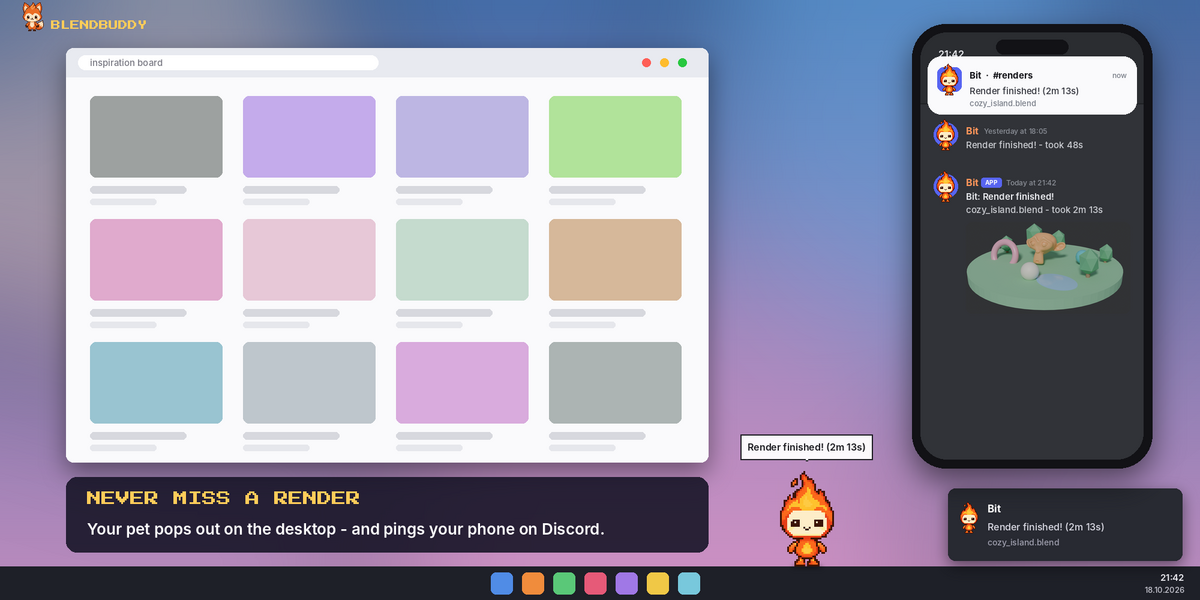
Yes. Everything works on Windows, macOS and Linux except the desktop pet (the pet walking on your desktop outside Blender), which is Windows only. On macOS and Linux you get a system notification when a render finishes instead.
Will it slow down Blender or my renders?
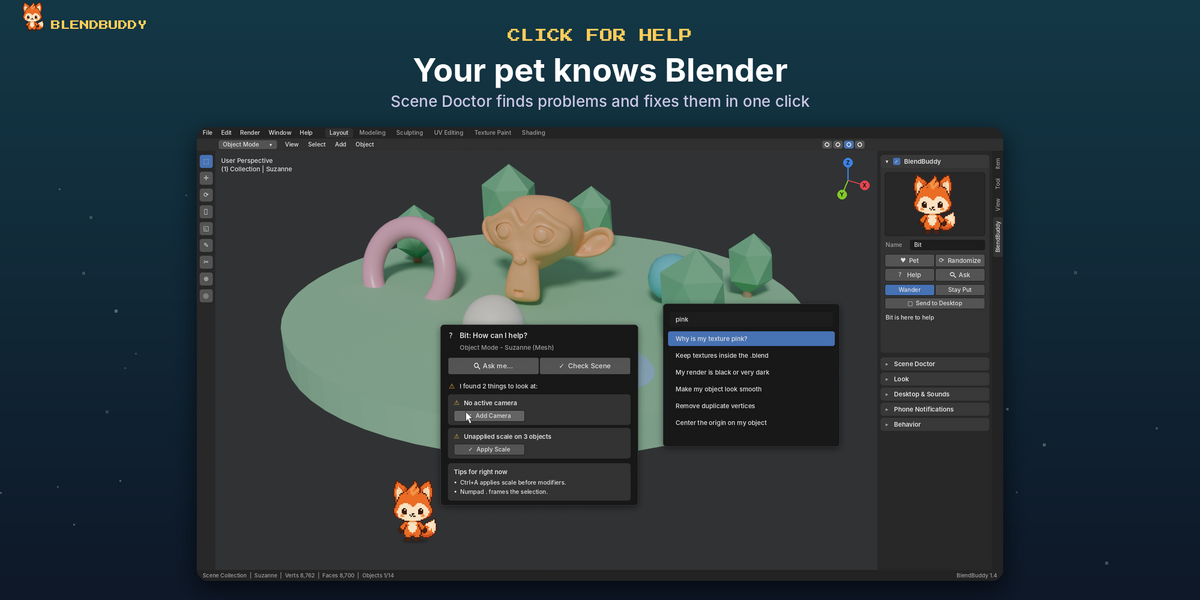
No. The pet is a small sprite drawn in the viewport, and phone messages are sent in the background, so Blender never waits for them. You can lower Animation FPS in Behavior, or hide the pet anytime with the checkbox in the panel header.
Do I need an internet connection?
Only for phone notifications through Discord. Everything else works offline. For Discord, turn on Preferences > System > Network > Allow Online Access.
How do phone notifications work?
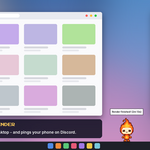
BlendBuddy posts a message in your own Discord channel through a webhook link, and the Discord app pings your phone. The message includes the render picture, the file name and how long it took. Setup takes about a minute and is explained step by step in the add-on (Phone Notifications > How do I get the link?) and in the Documentation.
Can I get notifications on WhatsApp, Telegram or e-mail?
Right now phone notifications use Discord only. It's free, needs no phone number or API key, and can send the render picture. On your computer you also get a desktop notification and sound, and on Windows the pet pops out on your desktop.
My phone doesn't ring when a render finishes. Why?
First press Send Test Message in Phone Notifications and read the result under the button. If the test works but your phone stays quiet, Discord is probably open on your PC: Discord only pings your phone when you're away from the PC app. Close Discord on the PC, or set Discord Settings > Notifications > Push Notification Inactive Timeout to the shortest time. Also note that renders shorter than "Only If Longer Than" are skipped on purpose.
Is my Discord webhook link safe?
The link is saved only in Blender's preferences on your computer and is only ever sent to Discord. Keep it private: anyone who has it can post in that channel (but can't read it). If it ever leaks, delete the webhook in Discord and create a new one.
Can I use my own character?
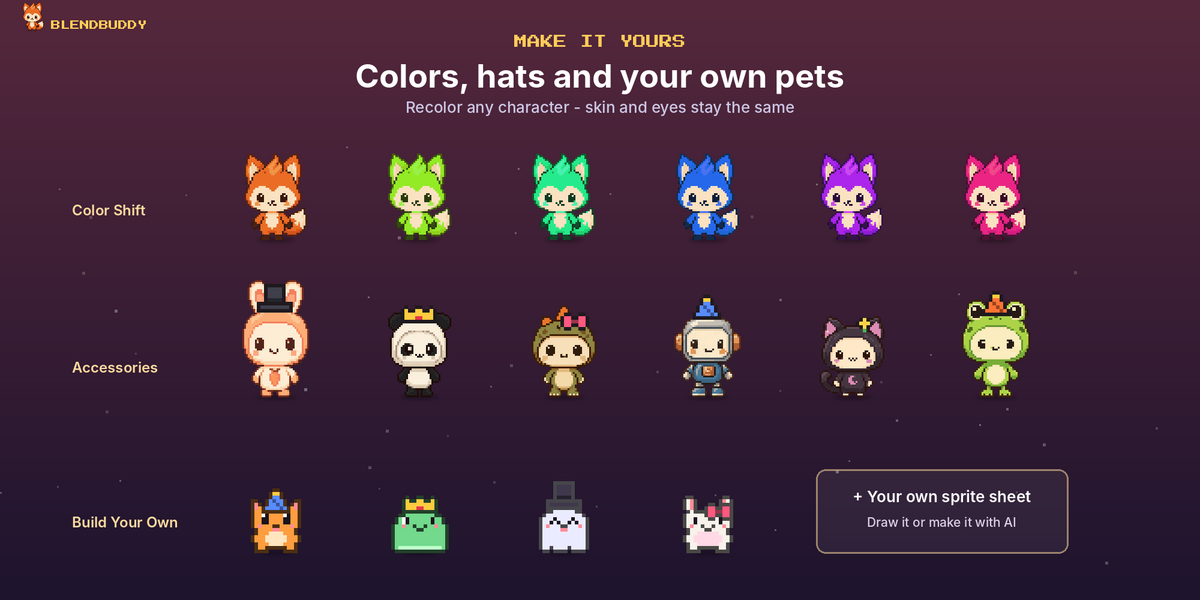
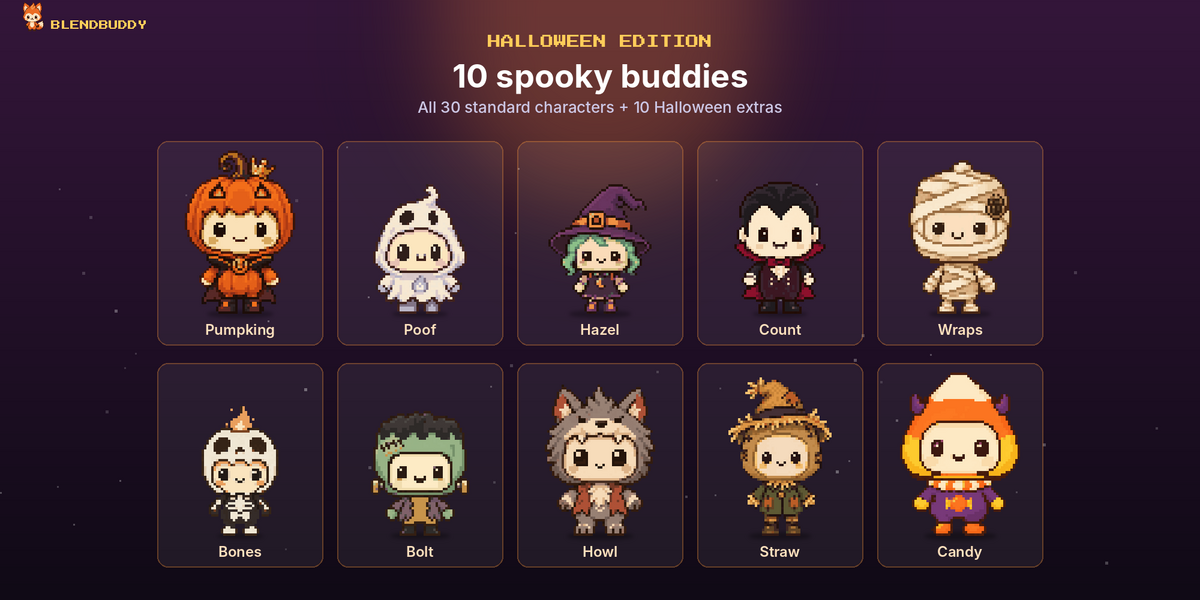
Yes, in two ways. In Look > Build Your Own you can mix a body, eyes, mouth, colors and an accessory. In Look > Custom Sprite you can load your own transparent PNG sprite sheet (frames side by side; row 1 idle, 2 walk, 3 sleep, 4 happy).
Can I stop the pet from walking around or making sounds?
Yes. Choose Stay Put in the main panel and the pet stays where you drop it. Sounds can be turned off or made quieter in Desktop & Sounds. Reminders (save, break, daily tip) can be turned off in Behavior.
I can't click or drag the pet. What should I do?
Turn on Gizmos in the 3D Viewport header, and check that Behavior > Click & Drag is on.
The pet stopped moving. What should I do?
The BlendBuddy panel shows a message with a Restart Pet button. Press it, and the pet comes back.
Is my pet saved in my .blend files?
No. Your pet and all its settings are saved in Blender's preferences, so it's the same in every file and your .blend files stay clean.
Have questions about this product?
Login to message
| Blender Extension Compatible | Yes |
| Published | 2 days ago |
| Blender Version | 4.2 - 5.2 |
| Extension Type | Add-on |
| Render Engine Used | Cycles, Eevee |
| License | GPL |
Discover more products like this
render notifications save reminder customization desktop pet pixel art pixel pet viewport scene diagnostics blender helper productivity virtual pet companion